ARC Raiders: Best PC Settings and Controls After Update 2.2.0
ARC Raiders' Update 2.2.0 quietly changed Grappling Hook aim, Wall Run and Inspect camera controls. Here's what to rebind and tune today.
Embark Studios pushed Update 2.2.0 for ARC Raiders today, and it changes more about how the game feels in your hands than the patch notes headline suggests. Alongside the usual stability work, this build quietly rewrites three control behaviors players have been using since the Grappling Hook and Wall Run systems arrived with the Frozen Trail 2.0 update on October 8. If your aim has felt a little off at the Frigate or your Inspect screen suddenly stopped cooperating, this is why. Here's what actually changed, and how to set your PC up around it.
None of this is listed as a headline feature, which is exactly why it's worth a dedicated settings pass rather than assuming your existing config still matches the game underneath it. ARC Raiders ships control and performance tweaks inside routine store updates rather than saving them for numbered seasons, so the players who read the actual patch notes instead of just the trailer end up with a cleaner first raid back.
01What Changed in ARC Raiders Update 2.2.0
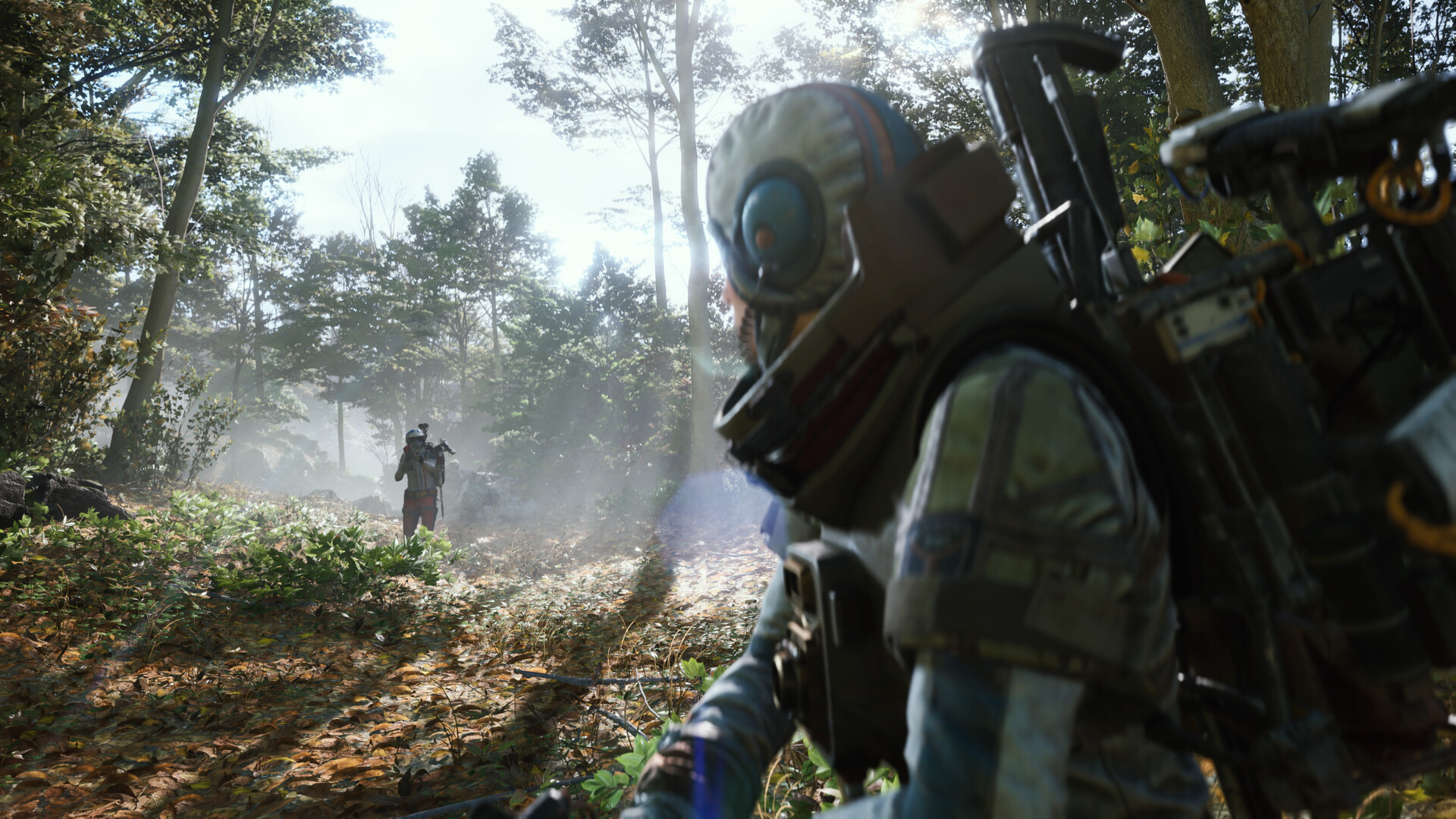
The official 2.2.0 patch notes cover three buckets worth paying attention to before your next raid. On the visual side, Embark improved lighting and reflections across Pendola Pass in multiple weather states and Stella Montis across different times of day, polished the Main Menu's own lighting, and bumped explosion impact marks to a higher-resolution texture so craters read more clearly at range. On the performance side, the team reduced memory use from loot spawning, optimized the Frigate entry sequence, and cut memory consumption inside Frigate interiors specifically to stop a class of rare crashes. And on controls, three defaults changed outright. None of this is cosmetic busywork — it's the kind of patch that resets muscle memory, so it's worth walking through each piece before you queue into a raid expecting last week's feel.
02The Grappling Hook's New Aim-Follow Throw
The Grappling Hook itself is still a Frozen Trail 2.0 addition — it didn't exist before October 8 — and Embark has been tuning it in small steps ever since. Update 2.2.0's change is specific: throw animations for the hook now follow your up and down aim instead of playing a fixed arc. In practice, that means the animation you see lines up with where you're actually pointing the reticle, which matters most when you're trying to grapple a ledge above you or a Frigate catwalk below. It's a small fix, but it's the kind of thing that makes the tool feel unreliable until you know it changed. If you were compensating by over-aiming or double-tapping the throw to "fix" a bad angle, stop — the new behavior means your first read on the aim should be the correct one.
Worth remembering while you're relearning the hook: Frozen Trail 2.0 also shortened the separate Snap Hook's range from 20 meters to 18 and raised its durability and power cost per use, so if your grapple attempts feel shorter-ranged than you remember from launch, that's an intentional nerf from two patches ago, not something 2.2.0 touched again.
03Wall Run and Inspect Camera: Two Habits You Need to Break
These are the two changes most likely to get you killed if you don't know about them. First, jumping off a Wall Run now requires holding the backward direction — a tap no longer disengages you cleanly, so if your old timing was a quick flick off the wall, you'll want to rebuild that into a deliberate hold. Second, in the Inspect and Decorate views, camera rotation now requires holding the left mouse button, and right-click drags no longer change camera pitch at all. If you're used to free-looking your loadout or Outpost furniture with a right-click drag, that input simply does nothing now — hold left-click instead. Embark also fixed a gamepad focus bug in the quest tracker, so controller players navigating objectives should see that menu behave more consistently.
04Best PC Settings for Pendola Pass and Stella Montis Right Now
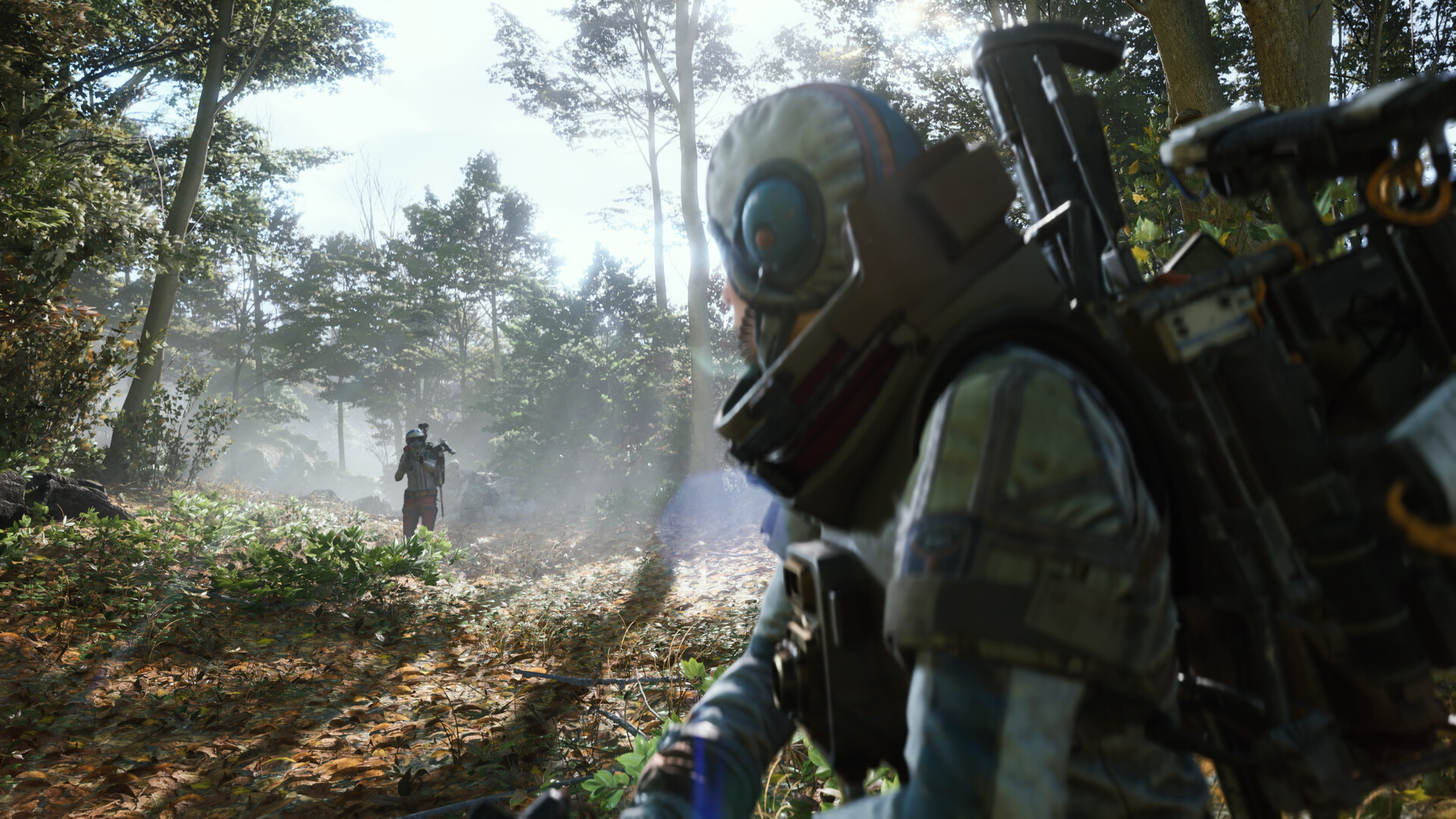
Since the lighting and reflection work in this patch specifically targets Pendola Pass and Stella Montis, those are the two maps where a settings pass pays off most immediately after updating. Start from ARC Raiders' official system requirements on Steam rather than guessing: Embark lists an Intel Core i5-6600K or AMD Ryzen 5 1600, 12 GB of RAM, and a GTX 1050 Ti, RX 580, or Intel Arc A380 as the floor, with an i5-9600K or Ryzen 5 3600, 16 GB of RAM, and an RTX 2070, RX 5700 XT, or Arc B570 as the recommended target, all running DirectX 12 on 64-bit Windows 10 or later.
If your hardware sits closer to the minimum spec, the newly reworked reflections in both maps are the first thing to turn down after a patch like this, since reflective and lighting-heavy passes tend to cost the most frame time for the least competitive benefit in a PvPvE extraction shooter. If you're closer to the recommended spec or above, this is a reasonable patch to turn reflection and lighting quality back up and actually look at what Embark changed, since the improvements were built around those two specific maps rather than applied everywhere. Either way, match your in-game resolution to your monitor's native resolution and lean on your GPU vendor's upscaler to manage performance rather than rendering at a lower native resolution — a soft, upscaled 1440p image reads clearer at a glance than a native image rendered under your display's actual resolution.
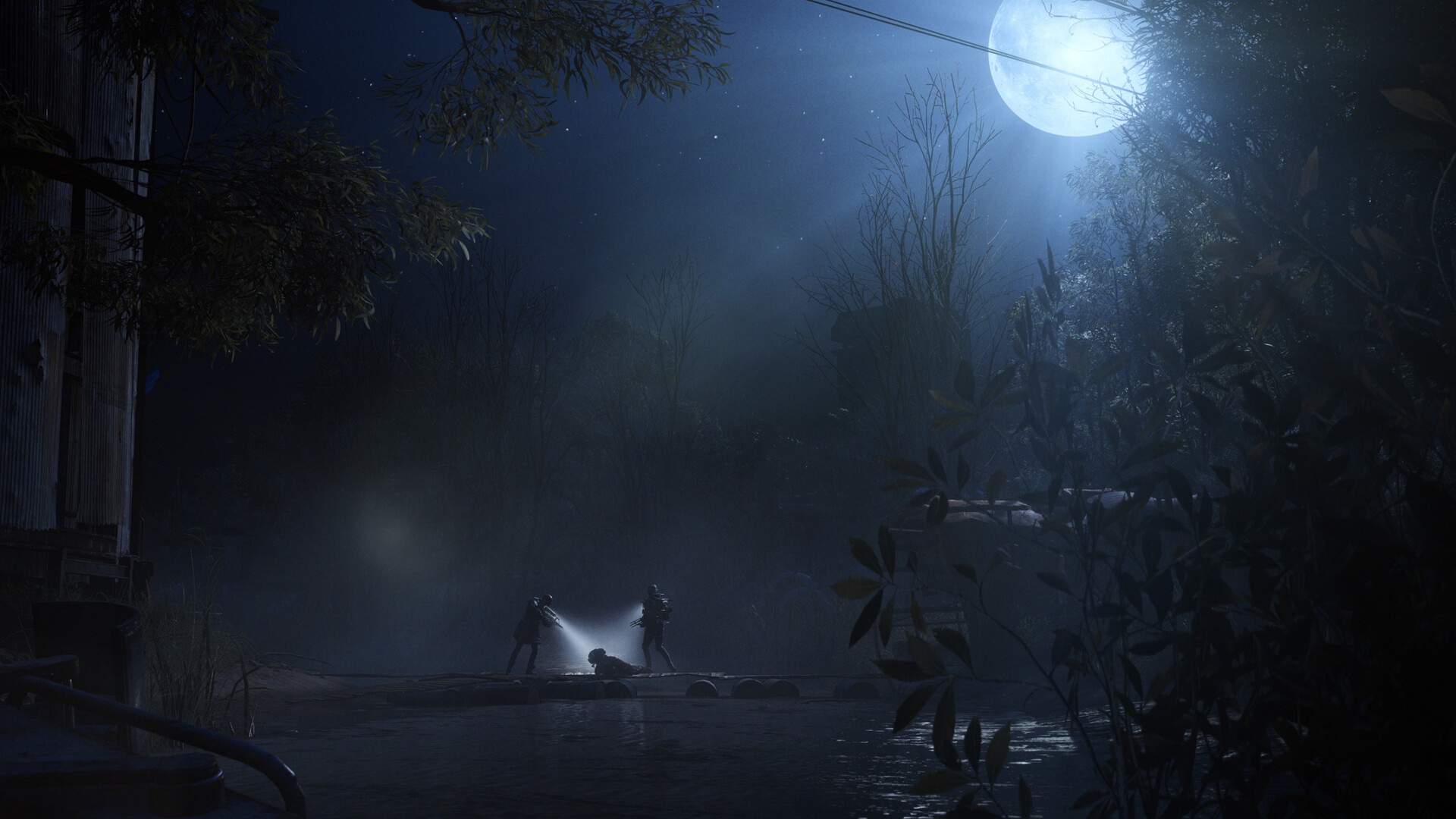
Pendola Pass is the map Frozen Trail 2.0 added on October 8, with its own Dynamic Loot Zone system being tested there first, and Stella Montis is one of the game's existing daylight maps — so a lighting pass that touches "multiple weather scenarios" on one and "time-of-day scenarios" on the other means visibility against both ARC machines and other raiders can shift depending on when you drop in, not just what hardware you're running. If you raid both maps regularly, it's worth spending one raid on each after this patch just to see how the new lighting reads in the conditions you actually play in most, rather than assuming your pre-patch settings still give you the same sightlines.
05Rebinding and Keybinds After the Control Changes
None of the 2.2.0 changes require new keybinds — they change how your existing inputs behave, not which keys do what — but that's exactly why they're easy to miss until you're mid-raid. Run through the quick checklist below once before your next session so the new behavior is intentional instead of a surprise.
How to Set Up ARC Raiders After Update 2.2.0
- 1The patch downloads automatically through Steam, PlayStation or Xbox, but the control and performance changes don't take effect until you fully restart ARC Raiders.1 min
- 2Spend a few throws in the Outpost or an early raid getting used to the aim-follow animation before relying on it for a vertical escape.2 min
- 3Switch from a quick tap to a deliberate hold of the backward key when you want to drop off a wall run — a tap alone no longer disengages you.1 min
- 4Hold left-click to rotate the camera in Inspect and Decorate views. Right-click drags no longer change pitch at all, so stop reaching for that input.1 min
- 5Set in-game resolution to your monitor's native resolution, then use your GPU vendor's upscaler to manage performance instead of rendering natively below your display's resolution.2 min
- 6If you'd turned down texture or asset quality to avoid Frigate stutter and crashes, try raising those settings again now that Embark has specifically optimized Frigate memory use.3 min
06Fixing Frigate Stutter and Rare Crashes
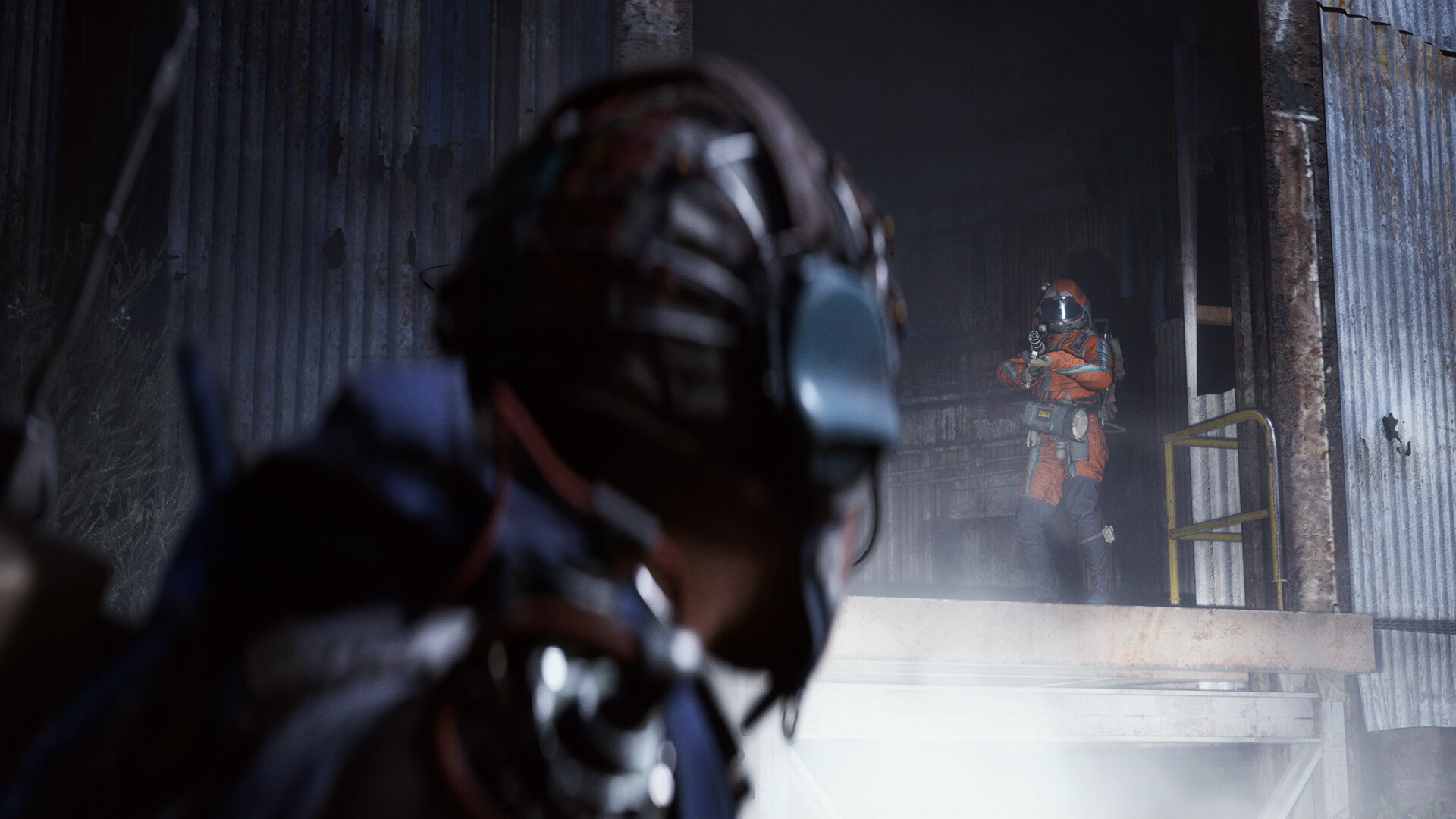
If the Frigate location has been a rough spot for your frame times or stability, Update 2.2.0 is squarely aimed at that. Embark's notes list a Frigate entry sequence optimization plus a specific fix for a memory issue tied to Frigate interiors that was causing rare crashes there. Loot spawning in general also got a memory reduction pass. None of this is a setting you toggle — it's baked into the client — but if you'd previously turned down texture streaming or background asset quality specifically to survive Frigate runs, it's worth testing your old settings back up after installing this patch, since the underlying memory pressure that forced those compromises should be lighter now.
07What Happened to the PvE Toggle Beta
If you were building your settings around the PvE matchmaking toggle that Update 2.1.0 introduced on October 13, that test has already ended. Embark's wrap-up post says the beta ran for a full week and drew more than 30 million PvE rounds, calling the early read on the results "polarizing." The toggle is off in the live client as of today, and the team says it's still analyzing data and community feedback before deciding what comes next, with more information expected in November and a survey going out to a representative sample of players starting October 22. As the ARC Raiders team put it in that post, "our decision on how to proceed will prioritize the overall health and enjoyability of the game." For now, there's no PvE option to configure — every raid you queue into runs standard PvPvE rules, so don't waste time hunting for a toggle that isn't there anymore.
FAQ
Is the PvE matchmaking toggle still available in ARC Raiders?
No. The PvE Toggle Beta that Update 2.1.0 introduced on October 13 ended on October 20, the same day as Update 2.2.0. Embark says it's still reviewing data and community feedback, with more information expected in November, but there's currently no PvE option in the live client.
Do I need to change my keybinds after Update 2.2.0?
No new binds are required. The patch changes how existing inputs behave — Wall Run now needs a held backward input to exit, and Inspect/Decorate camera rotation now needs a held left-click instead of a right-click drag — rather than adding new keys to assign.
What are the minimum and recommended PC specs for ARC Raiders?
Per Steam, minimum is an Intel Core i5-6600K or AMD Ryzen 5 1600, 12 GB RAM and a GTX 1050 Ti, RX 580 or Arc A380 on DirectX 12. Recommended is an i5-9600K or Ryzen 5 3600, 16 GB RAM and an RTX 2070, RX 5700 XT or Arc B570.
Which maps got graphics improvements in Update 2.2.0?
Pendola Pass and Stella Montis both received lighting and reflection improvements — Pendola Pass across multiple weather scenarios, and Stella Montis across different times of day.
When did the Grappling Hook get added to ARC Raiders?
The Grappling Hook arrived with the Frozen Trail 2.0 update on October 8, 2026, alongside the Pendola Pass map. Update 2.2.0 only adjusted its throw animation to follow aim up and down; it didn't change the item itself.
Official resources

Ana writes the step-by-step tutorials: settings, controls, configs and the systems games never explain properly. Every tutorial is tested on the version named at the top of the page, with the official patch notes linked so you can check what changed.