ARC Raiders PC Settings, Controls and System Requirements
ARC Raiders' PC settings menu isn't fully documented by Embark. Here's what's actually confirmed: requirements, controls, and accessibility.
ARC Raiders has been one of the biggest PC extraction shooters of the last year, and on October 8 it gets its biggest content drop since launch with the Frozen Trail update. If you're setting the game up for the first time, or tuning it before that update lands, the honest starting point is this: Embark Studios has not published a full, official breakdown of every graphics option in the settings menu. A lot of the "best settings" advice circulating for this game is unverified community testing, not developer documentation. This guide sticks to what Embark has actually confirmed, through the Steam store page and Embark's own support site, and tells you plainly where the official record stops.
That matters more than usual right now. Frozen Trail's launch weekend is also a free-to-play trial, which means a lot of people checking ARC Raiders' settings for the first time this week aren't existing players at all, they're new ones deciding whether to buy in. Getting the confirmed basics, requirements, controls, and accessibility right before launch day saves you from troubleshooting mid-raid once the servers fill up.
01What Embark Has Actually Confirmed About PC Settings
Search for ARC Raiders settings advice and you'll find plenty of guides naming specific upscaler technology, FOV ranges, and texture presets. None of that comes from an Embark-published settings list. The Steam store page and Embark's own support FAQ cover system requirements, controls, and accessibility in detail, but neither one names a specific upscaling technology, a ray tracing toggle, a frame rate cap, or a texture quality tier. If you see an exact setting name attributed to ARC Raiders that doesn't come from Embark directly, treat it as unconfirmed rather than official guidance.
What that means practically: open the settings menu yourself and adjust what's there to match your hardware, rather than chasing a specific named toggle you read about elsewhere. The sections below cover everything that is documented, starting with the specs that decide whether you can run the game at all.
02Official System Requirements for ARC Raiders on PC
These numbers come straight from the Steam store page, not a third-party estimate.
| Minimum | Recommended | |
|---|---|---|
| OS | Windows 10 64-bit (latest update) | Windows 10 64-bit (latest update) |
| Processor | Intel Core i5-6600K / AMD Ryzen 5 1600 | Intel Core i5-9600K / AMD Ryzen 5 3600 |
| Memory | 12 GB RAM | 16 GB RAM |
| Graphics | GeForce GTX 1050 Ti / Radeon RX 580 / Intel Arc A380 | GeForce RTX 2070 / Radeon RX 5700 XT / Intel Arc B570 |
| DirectX | Version 12 | Version 12 |
Only two tiers are published, minimum and recommended. Any "ultra" or "4K" requirement tier you see for ARC Raiders online is not something Embark or Steam list, so it's not an official benchmark to plan around. If your GPU sits between those two tiers, expect to land somewhere between the two performance profiles rather than guessing from a spec you can't verify.
A couple of details worth noting from that table. First, both tiers call for DirectX 12 specifically, not an older fallback, so a very old GPU driver stack can cause launch issues even if your hardware technically clears the minimum bar. Second, Embark lists Intel's Arc A380 and B570 alongside the usual NVIDIA and AMD options for minimum and recommended respectively, which is a newer addition to how shooters typically publish their spec sheets and suggests the engine was tested on Arc hardware rather than just nominally supporting it.
03How to Remap Controls and Turn On Accessibility Settings
Embark's own accessibility and button remapping FAQ is the clearest documentation the studio has published about PC settings, and it's genuinely useful if you're used to a different layout from other shooters. Every control and accessibility option lives behind the same gear icon, but Controls and Accessibility are two separate tabs, which trips people up the first time.
How to Remap Controls and Turn On Accessibility Settings
- 1From any in-game or menu screen, click the gear icon in the bottom-right corner of your screen. This is the single entry point for every PC settings category.10 sec
- 2Select Settings, then the Controls tab, to see every bindable action for keyboard and mouse.15 sec
- 3Click the key or button next to any action, then press the new key you want to use. Embark's own support page confirms this is designed to accommodate permanent, temporary, or situational motor impairments, not just preference.1-2 min
- 4Back out to the gear icon and choose Accessibility (not Controls) for options like subtitle size, colorblind filters, and other non-binding adjustments.1 min
- 5Back out to the main menu or a non-combat area of the Speranza hub and fire a weapon or open your inventory to confirm the new binding stuck before heading out on a raid.1 min
Embark frames the remapping system around accessibility first: the FAQ specifically describes it as built to support players dealing with permanent, temporary, or situational motor impairments, not just preference. That's worth knowing if you're remapping around an injury or a non-standard input device, since it means the binding system is built to be flexible rather than locked to a handful of presets.
It's also worth separating the two menus mentally before you go looking for something. Controls is where you change what a key or button does. Accessibility is where you change how the game presents information back to you, things like subtitle sizing and colorblind filters rather than input mapping. Players coming from games that bundle both under one "Controls" tab sometimes spend a few minutes hunting for a colorblind filter inside Controls when it's actually one tab over.

04Controller Support on PC
If you'd rather skip keyboard and mouse entirely, ARC Raiders is listed under Steam's Full Controller Support category, alongside DualShock and DualSense compatibility tags. That means a PlayStation or Xbox pad should work out of the box through Steam Input without extra configuration on your end.
Where the documentation gets thinner is controller-specific remapping. Embark's FAQ walks through keyboard and mouse binding in detail but doesn't lay out a separate controller remapping flow, and no official source currently confirms stick sensitivity curves, aim-assist strength, or a toggle-versus-hold option for actions like sprint and crouch. If you've seen a guide claiming specific numbers for any of those, it's running on community testing, not an Embark-published value.
05A Pre-Launch Checklist Before Frozen Trail Arrives
With no official graphics settings list to lean on, the highest-value PC prep you can actually control is the boring stuff: keep your system current and let Steam catch problems before they cost you a raid.
- Update your GPU driver to the current stable release from NVIDIA, AMD, or Intel before a major content update like Frozen Trail, since day-one patches are when driver mismatches tend to surface.
- In Steam, right-click ARC Raiders, go to Properties, Local Files, and run "Verify integrity of game files" if you haven't launched the game in a while.
- Confirm you're still meeting the minimum spec table above, especially the 12GB RAM floor; that's the requirement players most often overlook on an otherwise capable PC.
- Close background overlays and recording software you don't need for your session. It won't fix anything ARC Raiders-specific, but extraction runs are unforgiving of a mid-raid stutter from an unrelated app.
- If you're returning after a break, re-check your keybinds before your first raid back. Verifying files or reinstalling after a long gap can occasionally reset custom bindings to default, and relearning your loadout controls mid-extraction is a bad time to discover that.
06What Store Update 1.48.0 Already Changed
Before Frozen Trail's bigger overhaul, Embark shipped Store Update 1.48.0 on September 29, which its own patch post frames mainly as a stability pass to clear the runway for the new content. The same post explicitly tells players not to expect a follow-up patch the next Tuesday, since Embark is holding changes back for Frozen Trail itself rather than splitting them across two updates. If your game looks unusually quiet on the patch-notes front this week, that's the reason, not a missed update on your end.
07What Changes When Frozen Trail Launches October 8
None of the above is theoretical timing. Embark's own news and patch notes page confirms Frozen Trail, described as the game's biggest update since launch, goes live October 8 with a new frozen map at the edge of the Rust Belt and a tougher ARC Operation built for experienced Raiders. Embark is also running a free-to-play weekend from October 8 through 12 on PC via Steam and the Epic Games Store, plus PlayStation 5, Xbox Series X|S, and GeForce Now, so expect a surge of new and returning players checking their settings and specs at the same time you are.
That's exactly the window where getting your drivers, verified files, and control bindings sorted ahead of time pays off, since server load and matchmaking queues both tend to spike on an update's first weekend.
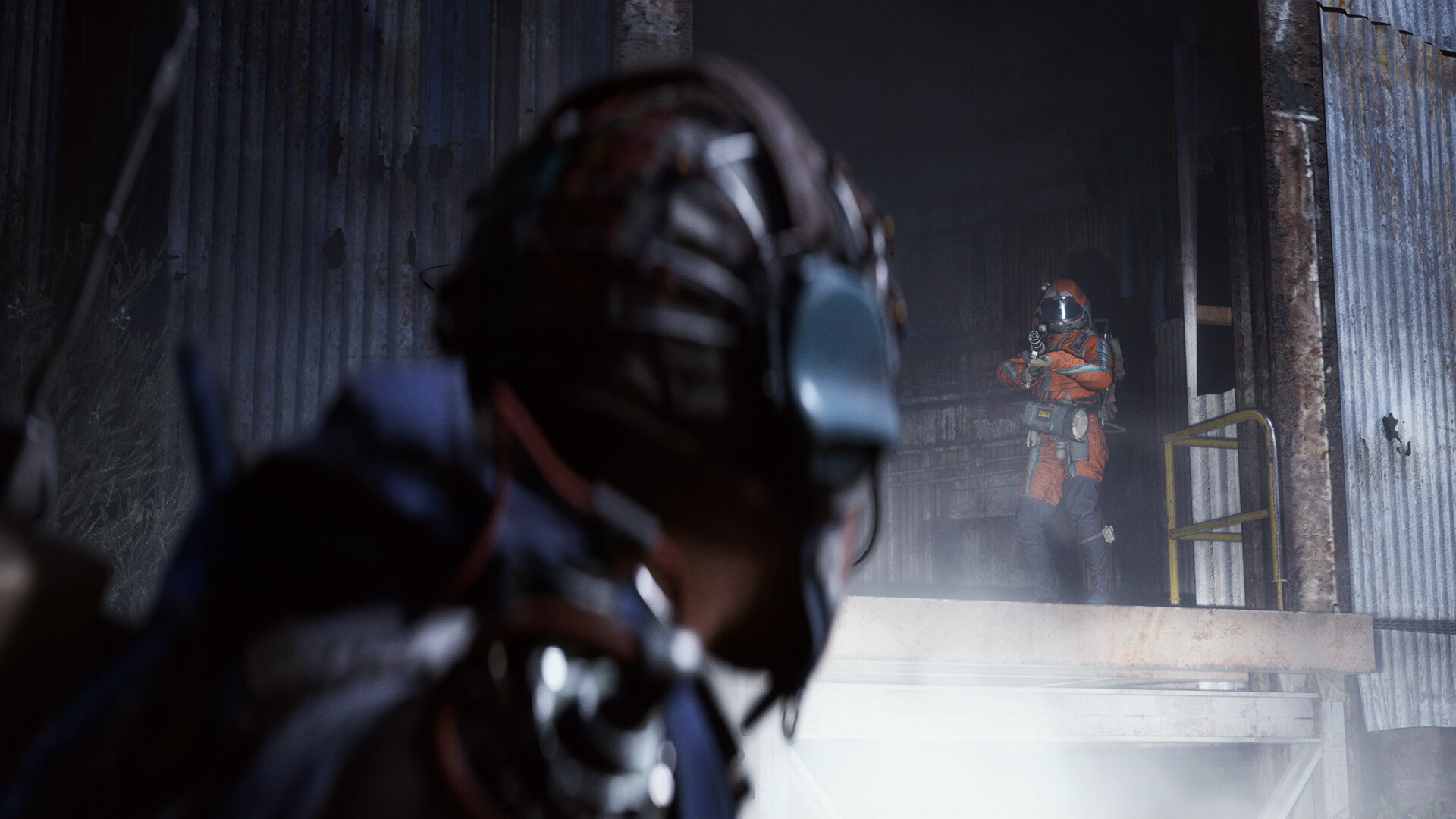
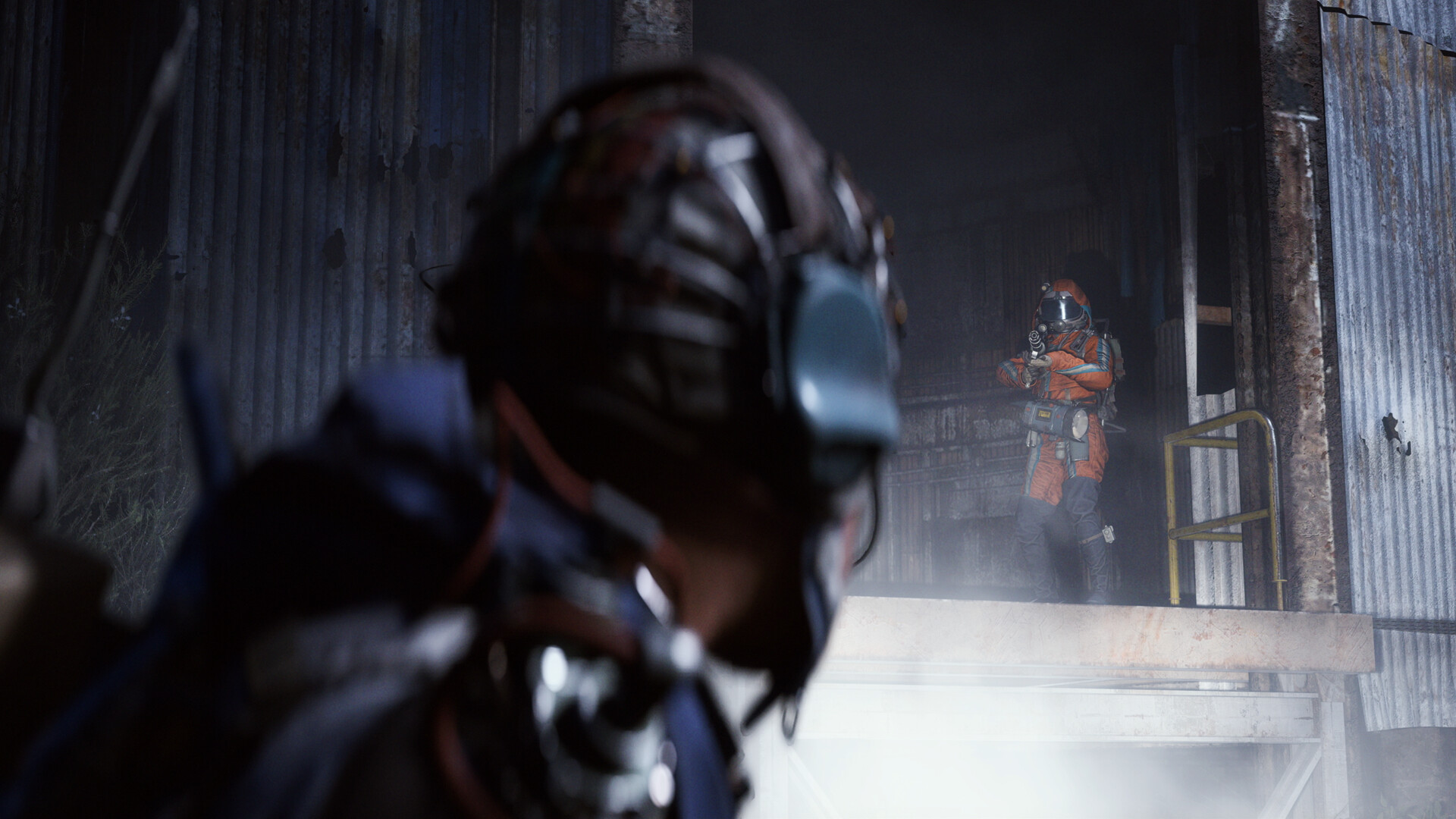
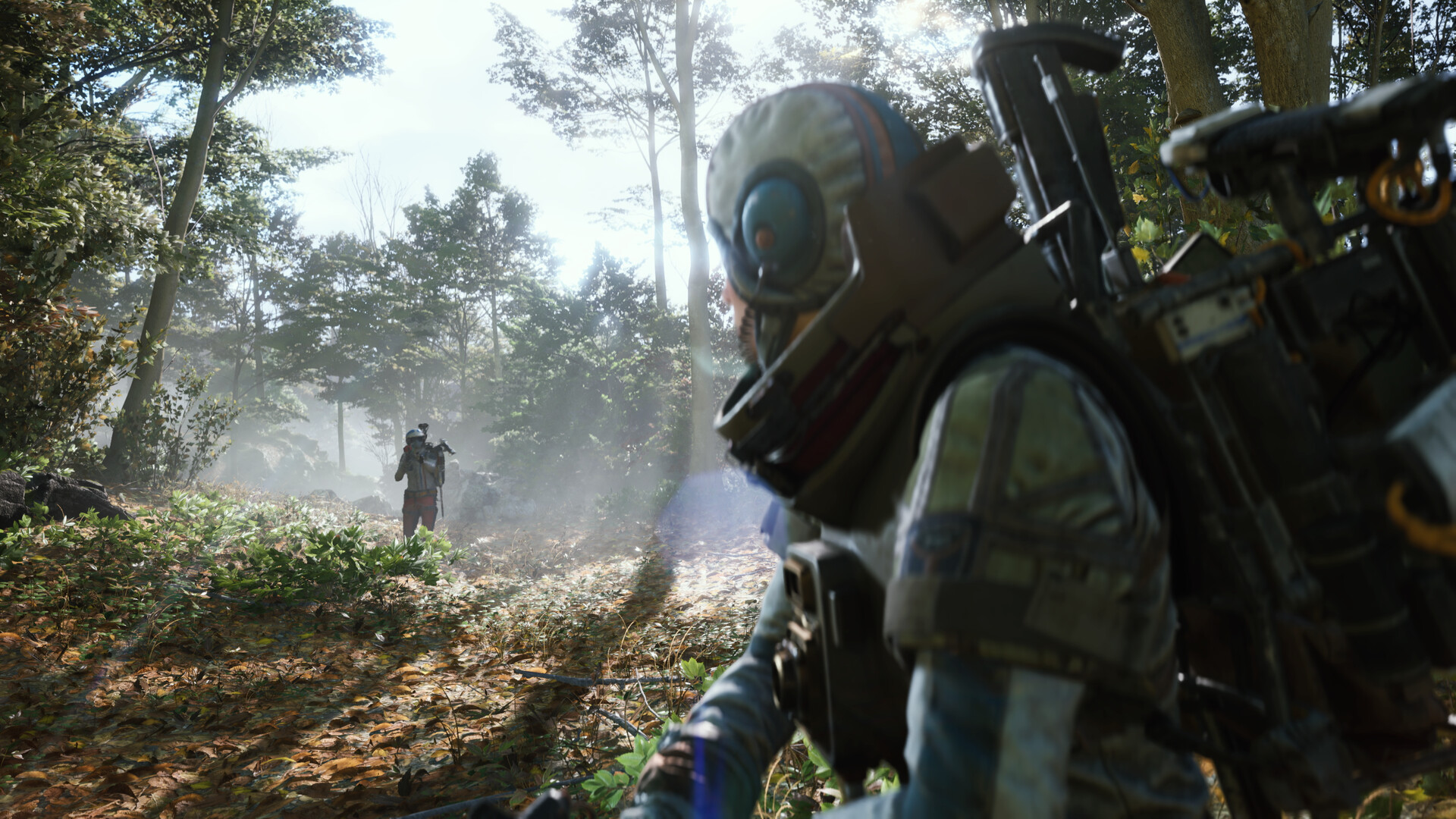
Embark hasn't released a dedicated settings or performance walkthrough video, so the clip above is the original release-date reveal trailer, which still gives a clean look at how the game actually runs on the engine these settings apply to.
FAQ
Does ARC Raiders support DLSS, FSR, or ray tracing on PC?
Embark hasn't published an official list of in-game graphics options, and neither the Steam store page nor Embark's own FAQ names any specific upscaler or ray tracing toggle. Treat any specific claim about DLSS, FSR, or ray tracing support as unconfirmed until Embark documents it directly.
What are the official minimum and recommended specs?
Per the Steam store page: minimum is a Core i5-6600K or Ryzen 5 1600, 12GB RAM, and a GTX 1050 Ti, RX 580, or Arc A380 on DirectX 12. Recommended steps up to a Core i5-9600K or Ryzen 5 3600, 16GB RAM, and an RTX 2070, RX 5700 XT, or Arc B570.
Can I use a controller on PC?
Yes. Steam lists ARC Raiders under Full Controller Support with DualSense and DualShock compatibility. Embark's control-remapping FAQ focuses on keyboard bindings, so controller button mapping specifically is not documented the same way; test your pad's defaults before a raid.
Is there a toggle for sprint or crouch?
Not officially documented. Embark's accessibility and controls FAQ covers keybinding and motor-accessibility remapping but does not list individual toggle-vs-hold options, so this is unconfirmed until Embark states it directly.
When does the Frozen Trail update change anything for PC players?
Frozen Trail arrives October 8, with a free-to-play weekend running October 8 through 12 on PC via Steam and the Epic Games Store, plus PS5, Xbox Series X|S, and GeForce Now, according to Embark's own store update post.
Official resources

Ana writes the step-by-step tutorials: settings, controls, configs and the systems games never explain properly. Every tutorial is tested on the version named at the top of the page, with the official patch notes linked so you can check what changed.