Grounded 2: Best PC Settings and Controls After Patch 0.5.0.5
Grounded 2's Patch 0.5.0.5 calms its mosquito swarms and OGRR boss fight — here's how to tune display, controls and accessibility settings to match.
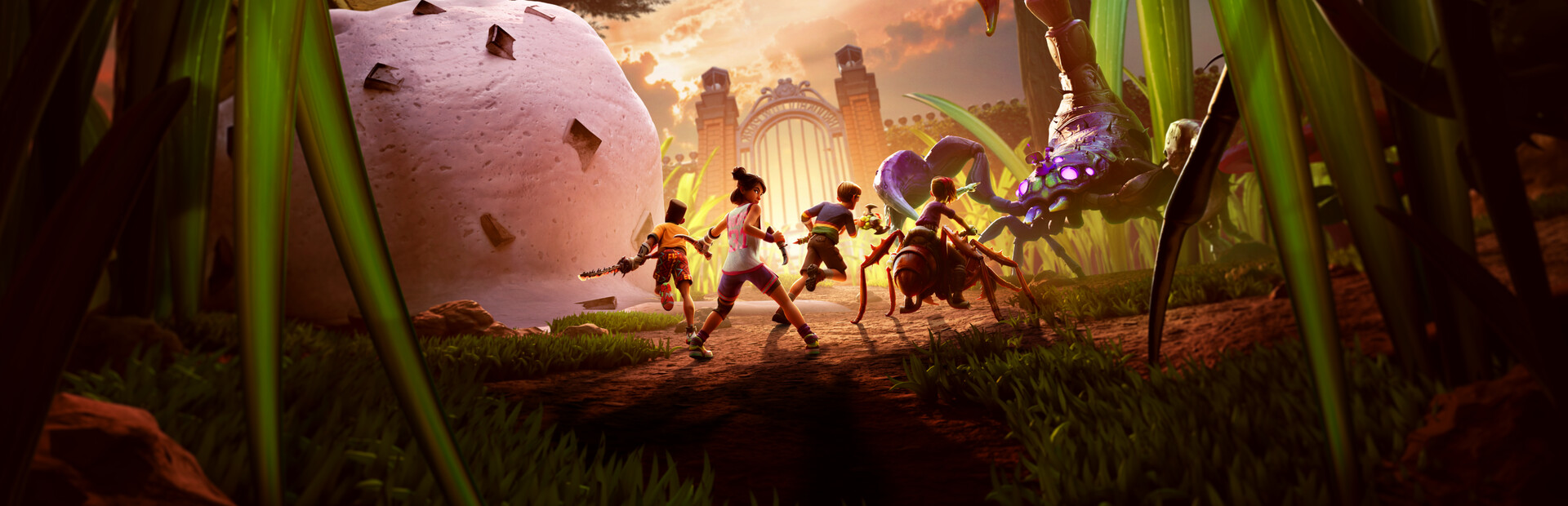
Grounded 2 just got calmer, and your settings menu can make it calmer still. Obsidian's Patch 0.5.0.5, released September 2, 2026, is a direct answer to the backlash over the Into the Abyss update's Mosquito swarms and its brutal O.G.R.R. Toe Biter Leviathan fight. But a patch only fixes half the problem. The other half is the Display, Accessibility and Controls tabs most players never open, and they're where you actually decide how bright the pond biome looks, how far a Wasp can chase you before losing interest visually, and whether your co-op squad can even see each other's icons underwater.
01What Patch 0.5.0.5 Actually Changed
Obsidian's official patch notes open by thanking players for reporting two specific problems with Into the Abyss: creature encounters spiraling into endless chases, and the Toe Biter Leviathan fight being too punishing. The fix cuts Mosquito and Tiger Mosquito spawns by roughly half and shortens vision and pursuit range for Mosquitoes and Wasps, so fights end instead of following you across the map. The Leviathan encounter loses its Woozy Attack entirely and gets reduced nymph spawns, damage and health.
The rest of the patch is cleanup work, but it's the kind that matters if you've been avoiding certain playstyles because of it:
- Crashes resolved across all platforms, including PS5 out-of-memory errors that were ending long co-op sessions without warning
- A blocked "BURG.L's Head" objective on certain saves, plus missing Ominent employee remains that were preventing Optical Disc collection
- Backpack floating and retrieval issues, including inventory incorrectly transferring when a backpack was picked up while riding the Buggy
- Several map teleport exploits closed, and player icon visibility desync between squadmates corrected
None of that shows up automatically if your settings are still fighting you. A dim Gamma value hides an approaching Mosquito just as effectively as the old aggro range did, and a cluttered keybind layout will still get you killed underwater in the new pond biome regardless of how gentle the creatures are now.
02Display Settings: Field of View, Gamma and Render Scale
Grounded 2's Display menu caps Field of View at 90, and that's roughly where the game is balanced to be played in third person, whether you're on foot or driving the new Toe Biter Buggy through the pond. Going lower tightens your view for detail work like base building, but it also shrinks your peripheral awareness of Wasps and post-patch Mosquitoes, which is the opposite of what you want after a patch specifically meant to make those fights readable. If you're playing on an ultrawide monitor, the extra horizontal space makes the difference even more noticeable, since you'll spot flanking insects at the edge of the frame well before they close in.
Gamma matters more in Grounded 2 than in most survival games because so much of Brookhollow Park is undergrowth, and the new underwater sections in Into the Abyss add murky water on top of that. If foliage or pond silt is swallowing detail, raise Gamma a few notches before you touch anything else — it costs nothing in frame rate and immediately makes ambush predators easier to spot. Render Scale is the setting to leave alone unless you actually need the frame rate back — it has a bigger performance impact than most of the individual Graphics Quality toggles, so treat it as a last resort rather than a first move. Even a small drop below 100 tends to recover more frame rate than lowering Quality a full tier, so nudge it down gradually rather than jumping straight to a low value.
03Motion Blur, Chromatic Aberration and Comfort Options
Motion Blur ships turned on by default, and it's the first setting worth revisiting if fast Buggy driving or the new diving movement in the pond biome leaves you queasy. Chromatic Aberration is purely stylistic — it adds a soft color-fringing effect at the edges of the screen and costs nothing to disable if you'd rather have a cleaner image. Neither setting affects your frame rate, so there's no performance trade-off either way, only personal comfort.
04Controls: Rebinding Keyboard, Mouse and Controller
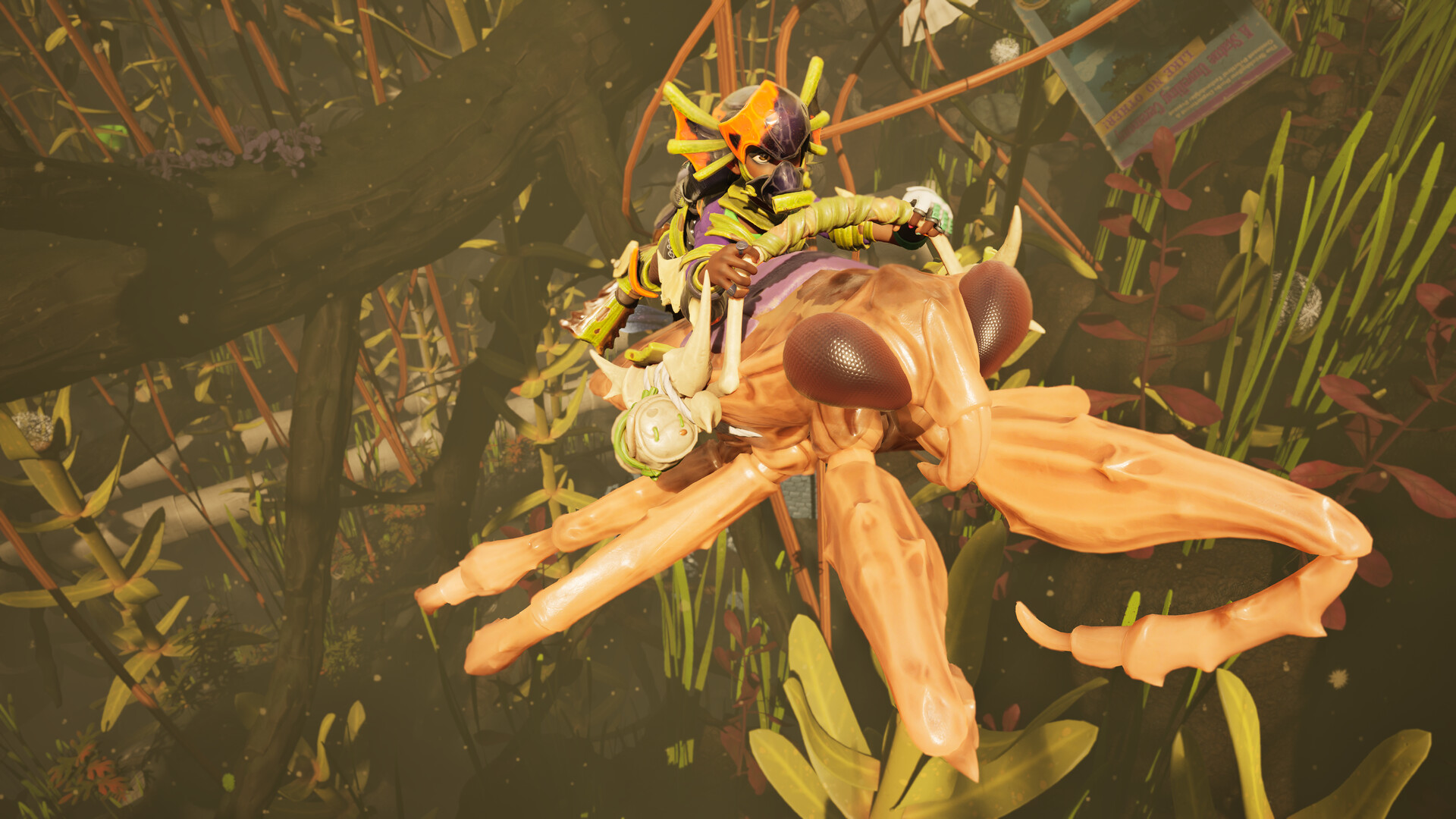
The Controls menu splits into separate Keyboard & Mouse and Controller tabs, and every action in both can be reassigned individually. That's worth doing even if you're happy with the defaults, because Into the Abyss added new diving and amphibious Buggy controls that don't map cleanly onto muscle memory from the original Grounded or from other survival games. Spend a few minutes in a safe area of the pond checking how diving and surfacing feel on your current bindings before you're relying on them mid-fight with a Leviathan nearby.
If your group plays on mixed inputs — some on controller, some on keyboard and mouse — remember bindings are stored per input type, so a controller player's remaps won't touch what a keyboard player sees. It's worth having everyone in your squad open their own Controls tab before your first Into the Abyss session together rather than assuming the defaults are fine for a new biome with new movement options.
How to Set Up Grounded 2 for Smooth Co-op on PC
- 1Let Steam or the Xbox app finish downloading Patch 0.5.0.5 before you touch settings. It changes creature aggression and the O.G.R.R. fight, so tuning your options on the old build means redoing some of this anyway.2 min
- 2In Settings > Display, push Field of View toward the 90 cap for the widest view of incoming Mosquitoes and Wasps, then leave Render Scale at 100 unless your frame rate is actually struggling. Dropping Render Scale is a bigger FPS lever than most of the Graphics Quality options below it.2 min
- 3Grounded 2's undergrowth and the new pond biome get dark fast, so raise Gamma until shadowed foliage stops swallowing detail. Motion Blur ships on by default and is the first thing worth switching off if fast buggy driving or diving gives you eye strain; Chromatic Aberration is a pure style choice with no performance cost.2 min
- 4The single Quality slider controls textures, shadows and effects together. High looks noticeably better than Low but only costs a modest slice of your frame rate, so start on High and drop to Medium only if the Into the Abyss underwater effects are the thing tanking your FPS.2 min
- 5Open the Controls tab that matches your input and remap anything that clashes with your muscle memory from other survival games, especially the buggy throttle and the new diving controls added with Into the Abyss. Keyboard/mouse and controller bindings are stored separately, so do this on whichever device you actually play on.3 min
- 6Under Accessibility, set the Arachnophobia slider to taste and enable Highlight Objects if your group struggles to spot pickups in the Garden or pond biomes. Under Game, turn on Player Distance so squadmates show up on name tags when you split up, which matters more since Into the Abyss added a second layer of verticality underwater.2 min
- 7Grounded 2 keeps five auto-save slots and defaults to fairly frequent saves; stretching the interval to 15-20 minutes cuts down on mid-fight save stutter without leaving you exposed for too long if a Mosquito swarm catches you off guard.1 min
- 8Load into an area with Mosquitoes or Wasps and confirm the new aggression nerfs from Patch 0.5.0.5 actually feel calmer at your settings, then adjust Gamma or Field of View again if the post-patch encounters still feel visually chaotic.3 min
05Accessibility Settings for Arachnophobia and More
Grounded 2's Accessibility tab includes an Arachnophobia setting built as a slider rather than a simple on/off switch, letting you dial down spider models and sound cues incrementally instead of removing them outright. That granularity is worth using rather than ignoring — even players who aren't bothered by spiders in most games sometimes find Grounded's shrunk-down scale makes them unexpectedly imposing, and a partial reduction is often enough without losing the tension the game is going for.
Highlight Objects toggles a visual outline on interactable items, which helps in the visually busy Garden and pond biomes where a resource can blend into the background. The tab also covers Chat options that convert incoming voice chat to on-screen text and incoming text to speech, useful for co-op groups that mix communication styles, and a background HUD display option for when you'd rather keep chat text visible without a voice call running.
06Best Graphics Quality and Performance Settings
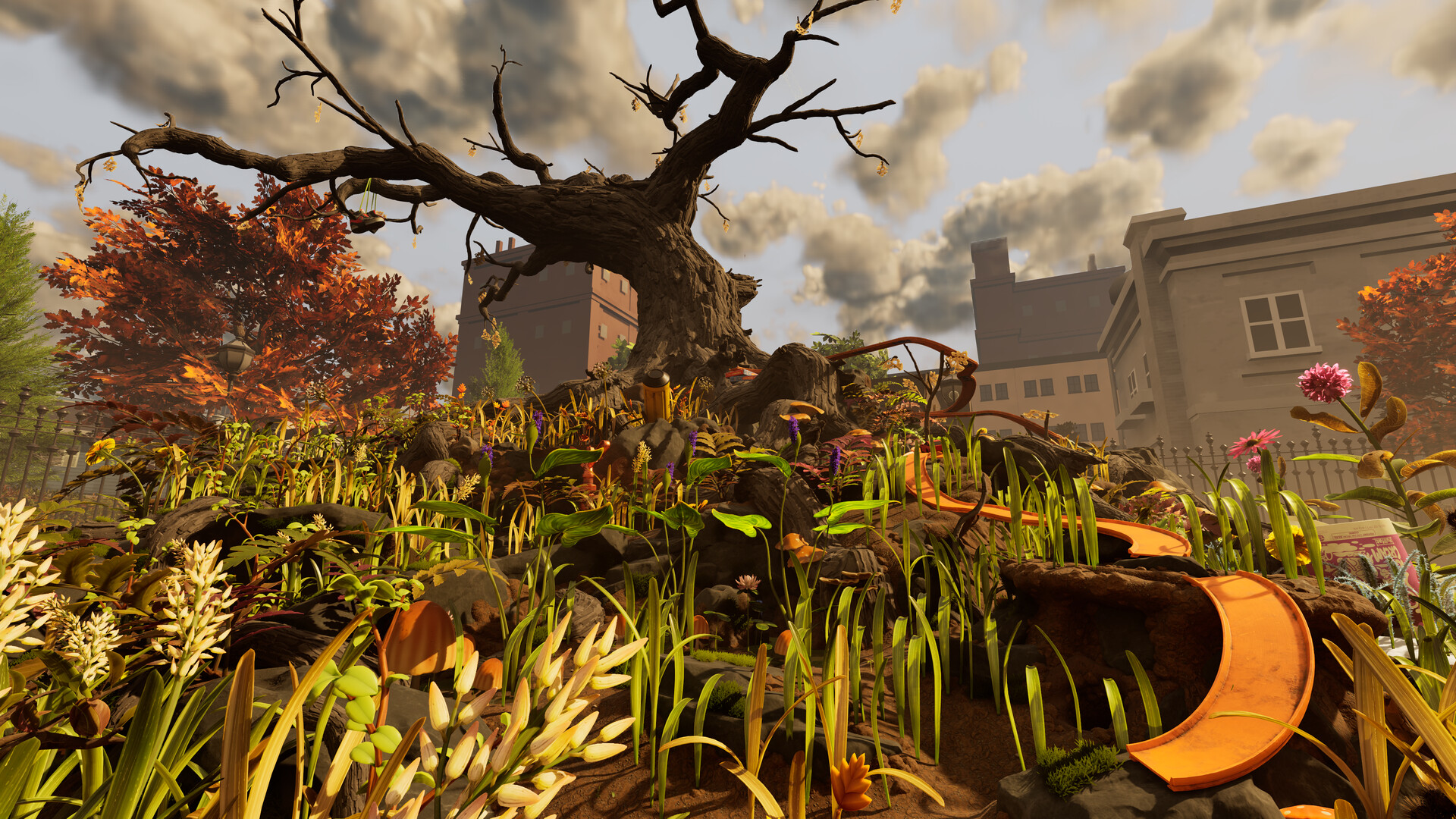
Quality is a single slider that controls textures, shadow resolution and effects together rather than exposing them separately. The jump from Low to High buys a real visual upgrade, especially underwater where the pond biome's lighting is doing more work than the surface areas of the park, and it costs a comparatively modest slice of frame rate. If you're still short on FPS after that, Render Scale below 100 will claw back more performance than any other single setting, though it comes at the cost of a softer image.
“For the team, Into the Abyss has been an opportunity to build on what players loved about underwater exploration in the original Grounded while applying everything we've learned since then.”Shyla Schofield, Senior Communications Manager, Obsidian Entertainment
07Getting the Most Out of Into the Abyss
Into the Abyss is built around a genuinely new layer of the park — Obsidian's own update page describes it as the biggest expansion the game has had, adding underwater base building, a new amphibious mount and dangers that don't exist anywhere else in Brookhollow Park. Under Game settings, turn on Player Distance so your squad's name tags show relative proximity — it's a small toggle, but it matters more now that the pond adds a vertical dimension the original park never had.
Obsidian's own trailer for the update is worth a full watch before your next session, since several of the environmental hazards it shows — collapsed caverns, submerged webs — are easy to miss if you're only skimming patch notes text.
Take the plunge into Grounded 2's largest update yet! The Into the Abyss Update for Grounded 2 is available now on XBOX, Steam, and PlayStation. Dive beneath the surface of Skunk Pond and tame a new amphibious mount built for land and water: the Toe Biter Buggy.
— Grounded (@GroundedTheGame), August 11, 2026 on X
08Should You Play Now or Wait for the Next Patch?
Obsidian has explicitly called Patch 0.5.0.5 a "first step" rather than a finished balance pass, so expect more Mosquito and Leviathan tuning in the weeks ahead. That's not a reason to hold off — the settings changes above apply regardless of what future patches adjust, and the current build is meaningfully calmer than Into the Abyss was at launch. Grounded 2 remains in Early Access with no announced date for version 1.0, so treat this configuration as the one to run until Obsidian ships the next patch notes post, not as a permanent setup.
FAQ
What does Grounded 2 Patch 0.5.0.5 actually fix?
Patch 0.5.0.5, released September 2, 2026, is Obsidian's direct response to Into the Abyss feedback: it cuts Mosquito and Tiger Mosquito spawns roughly in half, shortens Mosquito and Wasp vision and pursuit ranges, and nerfs the O.G.R.R. Toe Biter Leviathan by removing its Woozy Attack and lowering its nymph spawn rate, health and damage. It also fixes several crashes, including PS5 out-of-memory errors, and a handful of quest and backpack bugs.
What is the best Field of View for Grounded 2?
The Display menu caps Field of View at 90, and that ceiling is where most players land it for third-person combat and buggy driving, since pushing it higher isn't possible and pulling it lower just tightens your view of incoming bugs. Treat this as a starting point and nudge it down only if you get motion sick at full width.
Can you fully remap controls in Grounded 2 on PC?
Yes. The Controls menu has separate Keyboard & Mouse and Controller tabs, and every binding in both can be reassigned individually, which matters if you're running a mixed-input co-op squad.
Does Grounded 2 have an arachnophobia mode?
Yes, under Accessibility. It's a slider rather than an on/off toggle, so you can dial down spider models and sound cues in steps instead of removing them outright.
When does Grounded 2 leave Early Access?
Obsidian has not announced a 1.0 date. The studio has said the game will stay in Early Access on Steam and Xbox Game Preview through 2026 as it works through its roadmap, so treat any specific 1.0 date you see elsewhere as unconfirmed.
Official resources

Ana writes the step-by-step tutorials: settings, controls, configs and the systems games never explain properly. Every tutorial is tested on the version named at the top of the page, with the official patch notes linked so you can check what changed.