Mycopunk 1.0 Guide: Best Builds for the Weapon Upgrade Grid
Mycopunk leaves Early Access on October 20 with new guns, a fourth robot, and a bigger upgrade grid — here is how to build strong loadouts from day one.
Mycopunk leaves Steam Early Access on October 20 and launches in full on PC and PS5, carrying over fifteen months of player feedback into a finished 1.0 build. The headline change isn't a new map or a new boss — it's the weapon upgrade grid, the system that turns every gun, grenade, and gadget into a puzzle board you fill with modules. New mods, a new playable robot, and reworked enemy drops all feed into that same grid, so the way you build matters more at launch than it ever did in Early Access.
This guide walks through how the grid actually works, what roles you can build into with the mods available at launch, and a step-by-step process for putting together a loadout that survives your first few missions on New Atlas instead of falling apart the moment enemies start swarming.
01Why the 1.0 Launch Changes How You Build
According to Mycopunk's own Steam page, version 1.0 adds new guns, new grenades, new maps, new modes, and a fourth playable robot to the New Atlas Hazard Crew roster, on top of the grid-based upgrade system the game has used since Early Access. Developer Pigeons at Play and publisher Devolver Digital spent the Early Access period rebuilding the weapon systems and expanding the enemy roster, which means more mods are competing for space in your grid than at any point before launch.
That matters because Mycopunk doesn't lock you into a class. Per the game's own description, you can "spec into being a healing support, put a deflector shield on a chainsaw, or turn yourself into a bomb" — the identity of your loadout comes entirely from which mods you socket, not from a character sheet. With more mods in the pool at 1.0, the first few hours are the easiest time to end up with a grid full of upgrades that don't talk to each other.
02How the Weapon Upgrade Grid Actually Works
Every weapon, grenade, and piece of gear in Mycopunk has its own grid of sockets. Mission rewards hand you mods shaped like Tetris-style pieces, and you drop them into open sockets on whichever item you want to upgrade. The part players miss early on is that placement matters as much as the mod itself — mods that sit next to each other on the grid can interact, so a damage mod socketed beside a status-effect mod behaves differently than the same two mods placed on opposite corners of the board.
Because every weapon has a separate grid, you're not just picking one build for your robot — you're building two or three small, overlapping builds at once: one for your primary weapon, one for your secondary or support tool, and one for your grenade or gear slot. Early on, resist the urge to spread a handful of good mods thin across every item you own. A fully socketed primary weapon that does one job well will carry you further than three half-built weapons that each do a little of everything.
03Meet the New Atlas Hazard Crew's Robots
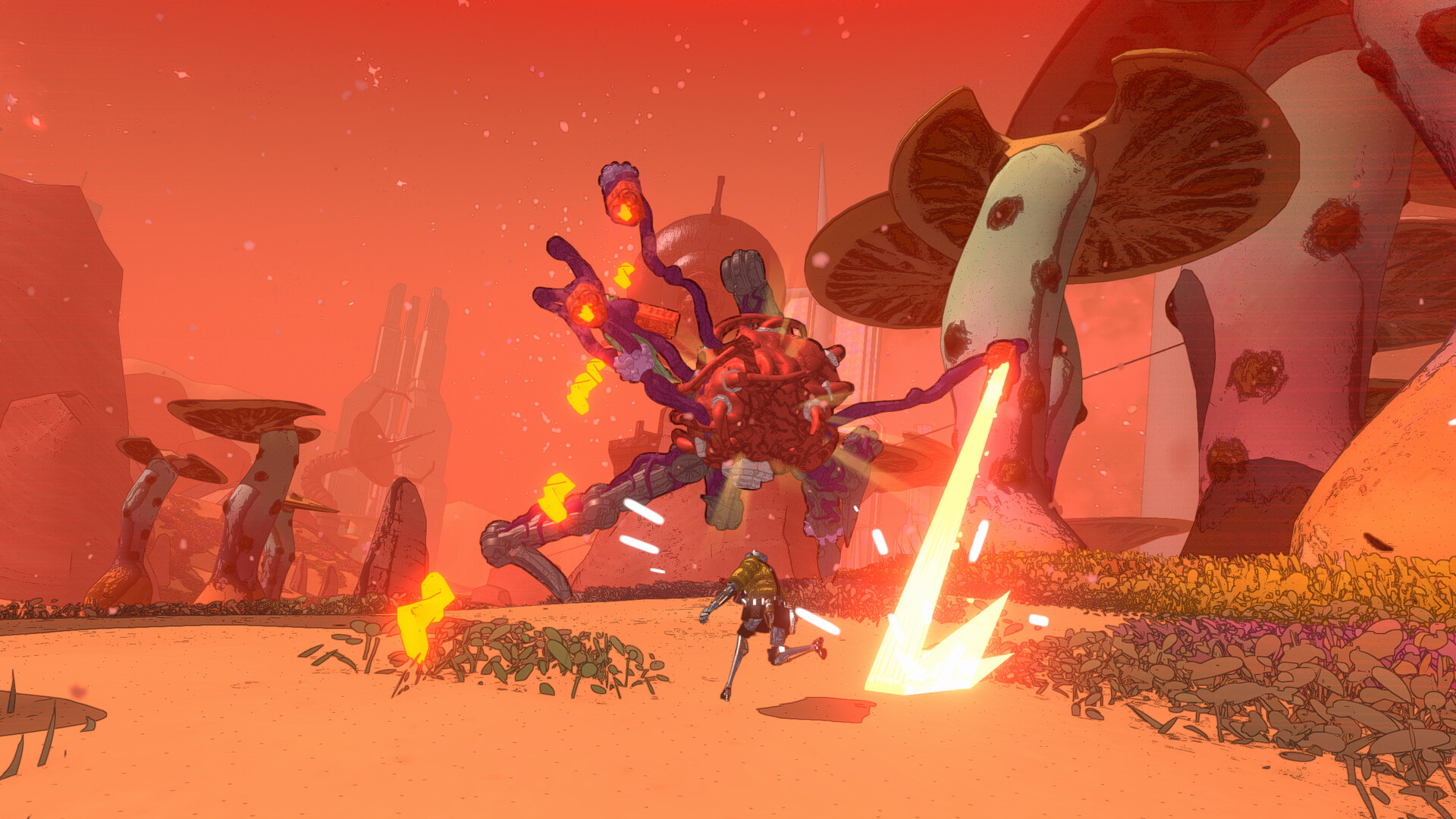
You play as a member of the New Atlas Hazard Crew, a squad of "robot rejects" hired by the SAXON corporation to clean up a planet-wide fungal infestation, according to the game's own Steam description. Mycopunk launched into Early Access with three playable robots, and the 1.0 update adds a fourth; Devolver and Pigeons at Play haven't published the new robot's name or kit details in their launch materials as of this writing, so treat its specific role as unconfirmed until you've unlocked it yourself.
What is confirmed is that none of the robots are locked into a fixed class the way a typical looter shooter assigns "healer" or "tank" to a specific character. Any robot can run any weapon and any mod set, so the build decisions below are about what you socket, not which robot you pick first. If you're brand new, pick whichever robot's base kit feels most comfortable to move with, then let your weapon grid decide whether you end up playing support, crowd control, or raw damage.
04Best Early Builds to Try First
With a limited mod pool in your first few hours, these three loadout directions are the most reliable starting points, all pulled straight from the kinds of builds Mycopunk's own marketing describes as intended playstyles rather than exploits:
- Healing support: Socket your secondary weapon or gear slot with whatever healing or shield mods you've picked up, and keep your primary weapon focused on straightforward damage mods. This build is forgiving for new squads because it doesn't ask you to understand adjacency interactions right away — you're mostly stacking one effect in one spot.
- Tank or deflector build: Mycopunk's own description specifically calls out putting a deflector shield on a melee weapon like a chainsaw. Pairing a shield or damage-reduction mod with a melee or close-range weapon lets you absorb hits that would otherwise scatter a squad, which is especially useful while you're still learning enemy attack patterns.
- Glass cannon: Once you understand adjacency bonuses, a grid built entirely around one damage type — explosive, elemental, or raw kinetic — and reinforced on all sides by mods that boost that exact type will out-damage a mixed build. This is the least forgiving of the three and works best once you've got a second player covering support duty.
Whichever direction you pick, finish one weapon's grid before you start filling a second. A half-built grid on every item in your loadout is strictly worse than one weapon that's fully specced for a single job.
05Specializing Your Grenades and Gear
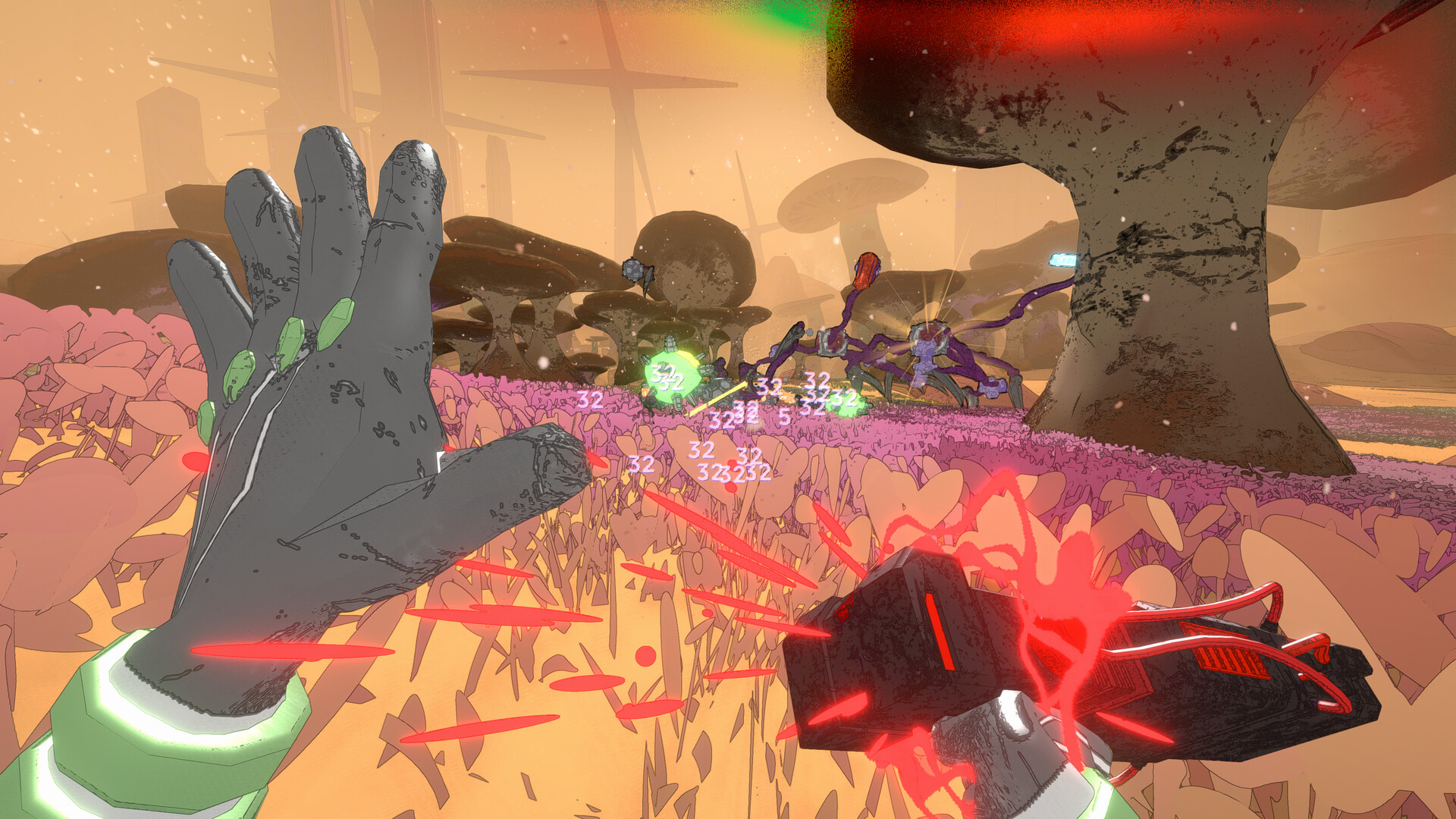
Grenades and gear items get their own upgrade grids too, and they're the easiest place to patch a hole in your main build. If your primary weapon build is all offense, use your grenade slot for crowd control or a defensive gadget instead of doubling up on damage. If you're running the support build above, a grenade that deals burst damage gives your squad something you otherwise lack.
Enemies in Mycopunk can pick up severed mechanical parts from fallen allies and use them to reinforce themselves mid-fight, per the game's own Steam page — so crowd-control grenades that interrupt groups before they can loot their own dead are worth more at launch than they look on paper. Treat your gear slot as the place you cover whatever your weapon build can't.
06Step-by-Step: Assembling Your First Loadout
If you're starting fresh at 1.0, work through your build in this order rather than socketing mods as they drop:
Building Your First 1.0 Loadout
- 1Choose whichever robot moves and feels best to you first — none of the four lock you into a class, so your first pick is about comfort, not build strategy.1 min
- 2Decide whether your primary weapon will be your damage source or your support tool before you socket a single mod. Trying to make one weapon do everything is the fastest way to end up with a grid of mods that fight each other.2 min
- 3Check which sockets sit next to each other on your weapon's grid layout. Adjacency affects how mods interact, so plan which slots you want to fill before you commit your first mod drop.3 min
- 4Socket mods that all push the same direction — healing and shields for support, damage reduction for tank, or a single damage type stacked for glass cannon. Mixing roles on one weapon early on dilutes all of them.5 min
- 5If your weapon build is pure offense, use your grenade or gear slot for crowd control or defense instead of doubling up on damage mods.2 min
- 6Take the build into a real mission before refining it further. You'll feel immediately whether your role is working or whether enemies are closing the gap your build left open.10 min
- 7Mycopunk hands out new mods on nearly every mission. Swap in anything that clearly improves your chosen role rather than saving mods for a theoretical perfect grid — nothing about socketing is permanent.3 min
07Testing and Adjusting as You Go
Mycopunk hands out new mods on almost every mission, which means your "finished" build at hour one won't look anything like your build at hour ten. Rather than hoarding mods for a theoretical perfect grid, swap in anything that clearly improves your chosen role and keep playing — you'll see the results in your next mission immediately, and nothing about socketing mods in Mycopunk is permanent or costly to undo.
Once you've got a role you're comfortable with, start experimenting with adjacency: move two mods next to each other instead of leaving gaps, and pay attention to whether their combined effect changes. That's the difference between a build that works and a build that's actually optimized for New Atlas's fungal hordes.
08Playing Co-op Without Stepping on Each Other's Build
Mycopunk also joins the PlayStation Plus Game Catalog on day one, so expect a wave of new PS5 squads on launch day. The grid system means two squadmates can run the exact same weapon with completely different results depending on how they've socketed it. Before a mission, it's worth a quick check-in with your squad rather than assuming someone else has support covered — unlike a game with fixed classes, nothing stops all four players from independently building glass-cannon loadouts and discovering mid-fight that nobody can keep the group upright.
A simple rule that works well for new squads: have at least one player commit to a defensive or support-leaning grid before everyone else chases damage. Because mods aren't locked to a specific robot, you can also split roles between weapons rather than between characters — one player might run a tanky primary weapon alongside a pure damage secondary, covering both jobs solo while a second player goes all-in on crowd control grenades. Talk through it once, and the rest of the mission runs a lot smoother than four players independently reinventing the same glass-cannon build.
FAQ
Does Mycopunk have fixed character classes?
No. Any of the New Atlas Hazard Crew robots can run any weapon and any mod combination. Your build comes entirely from how you socket your weapon grids, not from a predetermined class.
What is the best beginner build in Mycopunk 1.0?
A support build — socketing healing or shield mods onto a secondary weapon or gear slot while keeping your primary simple — is the most forgiving starting point because it does not require mastering adjacency bonuses right away.
How many playable robots does Mycopunk have at launch?
Four. Mycopunk launched into Early Access with three playable robots, and the 1.0 update adds a fourth as part of the new content Devolver Digital and Pigeons at Play confirmed for the October 20 release.
Can you change your build in the middle of a mission?
You can adjust mods between missions, but Mycopunk is built around committing to a loadout for a run rather than respeccing mid-mission. Plan your grid before you drop in.
Is Mycopunk 1.0 a sequel or the same game as Early Access?
It is the same game. Version 1.0 is the full release of the title that launched into Steam Early Access on July 10, 2025, now with new weapons, maps, modes, a fourth robot, and a PS5 version.
Official resources

Jonas runs the guides desk at Tutorial.Games. He replays every route, build and boss strategy on the current patch before it goes up, and re-checks it when the developer ships a balance update. Soulslikes, co-op action games and anything with a build planner.