Blood of Dawnwalker PC Settings, Controls and Performance Guide
The Blood of Dawnwalker still stutters for some PC players. Here is how to pick the right upscaler, tame the heaviest sliders, and fix controller bugs.
The Blood of Dawnwalker shipped with a reputation for stutter and an options menu that buries some of its most useful toggles under generic names. Update 1.2, which went live on November 17, 2026 and added New Game+, didn't touch the graphics pipeline, so the settings advice below still applies to whatever version you're playing right now. Here's how to get Coen's story running smoothly on PC, whatever hardware you're on, and which menu toggles are worth hunting down.
01Check your version before you touch anything
Rebel Wolves pushed several performance-focused patches in the weeks after PC launch. Hotfix 1.0.3 arrived in launch week, then Hotfix 1.0.4 followed on September 9, 2026, fixing FPS drops tied to outdated GameInput controller drivers, a bug that stopped Quality preset mods from applying correctly, and a VSync issue specific to FSR Frame Generation. Hotfix 1.0.5 landed the very next day and specifically reworked the shader compilation pipeline to cut down on stuttering for a large chunk of players. If your copy hasn't force-updated, do that manually through Steam's Downloads tab before changing a single slider — most of the advice below assumes you're already past 1.0.5, and some of it won't help if you're not.
02Pick the right upscaler for your GPU
The options menu offers DLSS, FSR, and XeSS side by side, plus a separate Frame Generation toggle that isn't tied to any one of them by default. DLSS Frame Generation only runs on Nvidia RTX 40- and 50-series cards; everyone else — older Nvidia cards, AMD, and Intel GPUs — should pick FSR Frame Generation instead, since it's the only Frame Generation path those cards support. Switching between the two technologies requires a full game restart rather than applying live, so pick one at the start of a session instead of flipping back and forth looking for the best feel.
If you're on an ultrawide monitor, be careful with FSR Frame Generation specifically: Rebel Wolves has warned it can crash the game at any aspect ratio other than 16:9. On an ultrawide AMD or Intel setup, that leaves two safe options — turn Frame Generation off entirely, or stick to plain FSR upscaling without the generation layer. Base upscaling on its own (DLSS, FSR, or XeSS without Frame Gen) doesn't share that aspect-ratio restriction and is the safer default while you're still tuning everything else.
03The sliders that actually move your frame rate
Dawnwalker's graphics menu has a long list of individual quality sliders — shadows, reflections, light, post-processing, textures, effects, shading, foliage, detail, and volumetrics — and they don't all cost the same. Reflections Quality, Shadow Quality, and Light Quality are the three that account for most of the visible gap between the High and Ultra presets, so drop those first if you're chasing frame rate rather than lowering everything uniformly. Texture Quality, by contrast, has almost no performance cost on a card with 8GB of VRAM or more, so there's rarely a reason to turn it down even when you're otherwise running a lower preset.
A practical approach: start from the High preset rather than Ultra, confirm your frame rate is stable in a demanding outdoor area, then selectively raise whichever single slider matters most to you — usually Textures or Foliage Quality, since neither is a major frame-rate cost — rather than jumping straight to Ultra and hoping it holds. Testing one slider at a time also avoids the common trap of changing a whole preset and losing track of which specific setting actually caused a frame-rate drop.
04Fixing stutter that settings alone won't solve
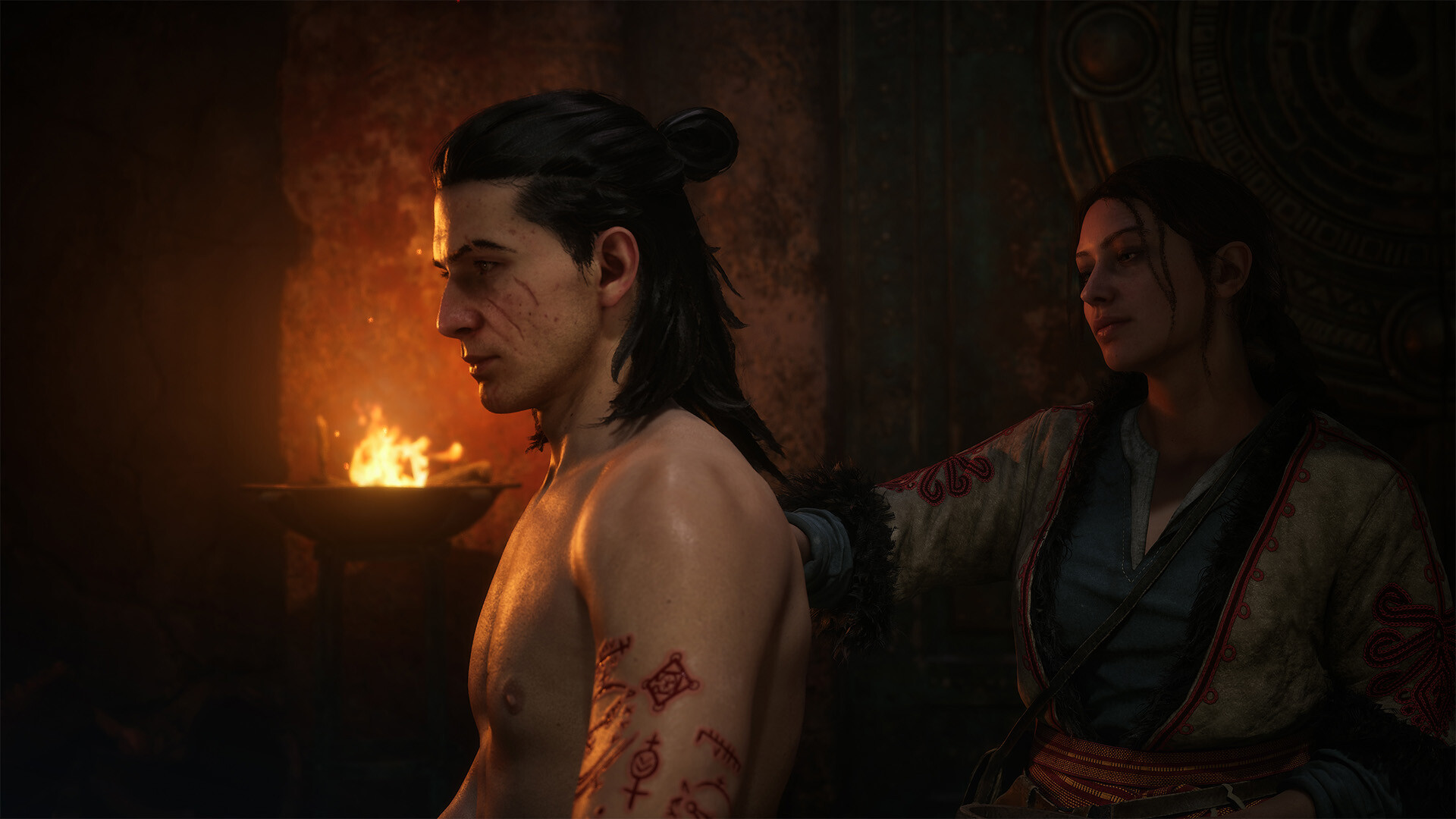
If you're still seeing hitching after Hotfix 1.0.5's shader pipeline rework, the most common remaining causes are a cold shader cache after a GPU driver update and background shader compilation while streaming a new area into memory. A one-time "warm-up" run through a busy, detail-heavy area like a town square after any driver update lets the game finish compiling shaders for your specific hardware before you hit combat, which is when dropped frames are most noticeable and most punishing.
Also double-check your controller setup even if you mainly play on mouse and keyboard: Hotfix 1.0.4 fixed FPS drops caused specifically by outdated GameInput software whenever a controller was connected, whether or not you were actively using it. If you haven't updated your controller drivers or Windows' GameInput runtime since before mid-September 2026, it's worth doing even for a keyboard-first playthrough, since simply having a pad plugged in was enough to trigger the bug before the fix.
One more VSync-specific note: the same hotfix round fixed a bug that caused screen tearing or frame pacing issues specifically when VSync was combined with FSR Frame Generation. If you were running that combination before September 9, 2026 and gave up on Frame Generation because of it, it's worth turning back on now and judging it fresh.
05Controller deadzones and combat responsiveness
Update 1.1, which arrived on October 22, 2026, added dedicated controller deadzone settings to the Options menu — something the game launched without, which left stick drift and over-sensitive aiming as a fixed quantity for the first six weeks. That same update also specifically improved targeting, locking onto enemies, and surface-attaching responsiveness for Shadowstep and Planeshift, the two traversal abilities most affected by input lag. If combat ever felt like it was ignoring small stick movements, or your camera drifted slightly even with the stick centered, head into Options > Controls and nudge the new deadzone sliders down in small increments until the drift stops without making light touches feel unresponsive.
Update 1.1 also quietly fixed several controller-specific bugs worth knowing about even if you've already adjusted deadzones: a bug that blocked selecting dialogue options or inventory items with a controller in certain menus, and one that disabled the right stick's map zoom after switching from the crafting menu. Both are the kind of thing that look like a dead stick but were actually menu-specific bugs, now resolved.
Quick-Start PC Settings Checklist
- 1Force-check for updates in Steam's Downloads tab and confirm you're past Hotfix 1.0.5 (September 10, 2026) before changing settings — it fixed most of the shader-compile stutter.2 min
- 2Nvidia RTX 40/50-series: use DLSS Frame Generation. AMD, Intel, or older Nvidia cards: use FSR Frame Generation instead. Restart the game after switching between them.1 min
- 3FSR Frame Generation can crash at anything other than 16:9. On an ultrawide non-Nvidia setup, leave Frame Generation off or stick to base upscaling.1 min
- 4Drop Reflections, Shadow, and Light Quality before anything else — they account for most of the frame-rate gap between High and Ultra. Leave Texture Quality high; it's nearly free on 8GB+ VRAM.3 min
- 5After any GPU driver update, walk through a busy town square before heading into combat so the game finishes compiling shaders for your hardware ahead of time.2 min
- 6In Options > Controls, use the deadzone sliders added in Update 1.1 to remove stick drift without dulling light inputs during Shadowstep and Planeshift.2 min
- 7Choose Forgiving for the old reduced-challenge balance, or the newer Story mode for added combat assist — they're separate options since Update 1.1.1 min
06Difficulty and accessibility options worth knowing about
Update 1.1 split the old "Story" difficulty into two separate tiers: Forgiving, which keeps the previous reduced-challenge balance for players who found Story mode too soft, and a new Story mode that layers additional combat assist on top for anyone who wants the narrative with as little friction as possible. Neither replaces the other — they now sit side by side in the difficulty menu, so it's worth re-checking which one you're actually on if you set your difficulty before October 22, 2026.
The same update added the option to increase subtitle font size and enable subtitles for every dialogue line, not just story-critical ones, both under the Accessibility tab. That's worth turning on even on a large 4K display if you tend to sit a few feet back from your monitor, since a surprising amount of Dawnwalker's incidental dialogue plays during exploration rather than cutscenes and was easy to miss at the smaller default size.
07Small quality-of-life settings that save you menu trips
A handful of non-graphics changes from recent patches are worth flagging because they change how you'll want to manage inventory and gear once you're deep into the settings above. Equipped items are now hidden when selling, so you're less likely to accidentally list your current weapon by mistake, and merchants added a Buyback option if you do sell something you meant to keep. You can also now equip different gear in your day and night presets simultaneously, instead of having to re-equip each one by hand every time the game shifts between them — useful once you've settled on your preferred graphics and input setup and just want combat itself to feel smoother.
None of this requires particularly high-end hardware to look good. On the official Steam listing's system requirements, the recommended PC tier targets native 1080p at 60fps on the High preset, and that's realistic on mainstream hardware once Frame Generation is matched to the right vendor, the three expensive sliders above are tuned to taste, and you're running a build past Hotfix 1.0.5.
FAQ
Do I need an RTX 40-series card to use Frame Generation?
No. DLSS Frame Generation is Nvidia RTX 40/50-series only, but AMD, Intel, and older Nvidia GPUs can use FSR Frame Generation instead for a similar effect.
Why does my game still stutter after updating?
Hotfix 1.0.5 improved the shader compilation pipeline but didn't eliminate stutter for everyone. A fresh shader cache after a GPU driver update is a common remaining cause — walk through a busy area once before relying on your frame rate.
Does Update 1.2 change any graphics settings?
No. Update 1.2 (November 17, 2026) added New Game+ and enemy balance changes; it didn't touch the rendering or options menu, so earlier settings advice still applies.
Is FSR Frame Generation safe to use on an ultrawide monitor?
Rebel Wolves has warned it can crash at aspect ratios other than 16:9. On ultrawide, either disable Frame Generation or use base FSR/DLSS/XeSS upscaling without it.
When were controller deadzone settings added?
Update 1.1 on October 22, 2026 added dedicated deadzone sliders under Options > Controls, along with targeting and traversal responsiveness fixes.
Official resources

Ana writes the step-by-step tutorials: settings, controls, configs and the systems games never explain properly. Every tutorial is tested on the version named at the top of the page, with the official patch notes linked so you can check what changed.