Crimson Desert: Charting the Unknown Best PC Settings Guide
Crimson Desert's Charting the Unknown DLC is live on PC. Here's the AMD driver fix, DualSense setup, HDR options and spec guide to run it right.
Pearl Abyss's first major expansion for Crimson Desert Enhanced, Charting the Unknown, launched on PC, PS5 and Xbox Series X|S on October 29, 2026, and AMD followed up on November 18 with an Adrenalin driver update that specifically targets it. If you're installing the DLC on a Radeon system, the order you do things in actually matters this time — update the wrong way and the base game won't even start.
01What Charting the Unknown Adds
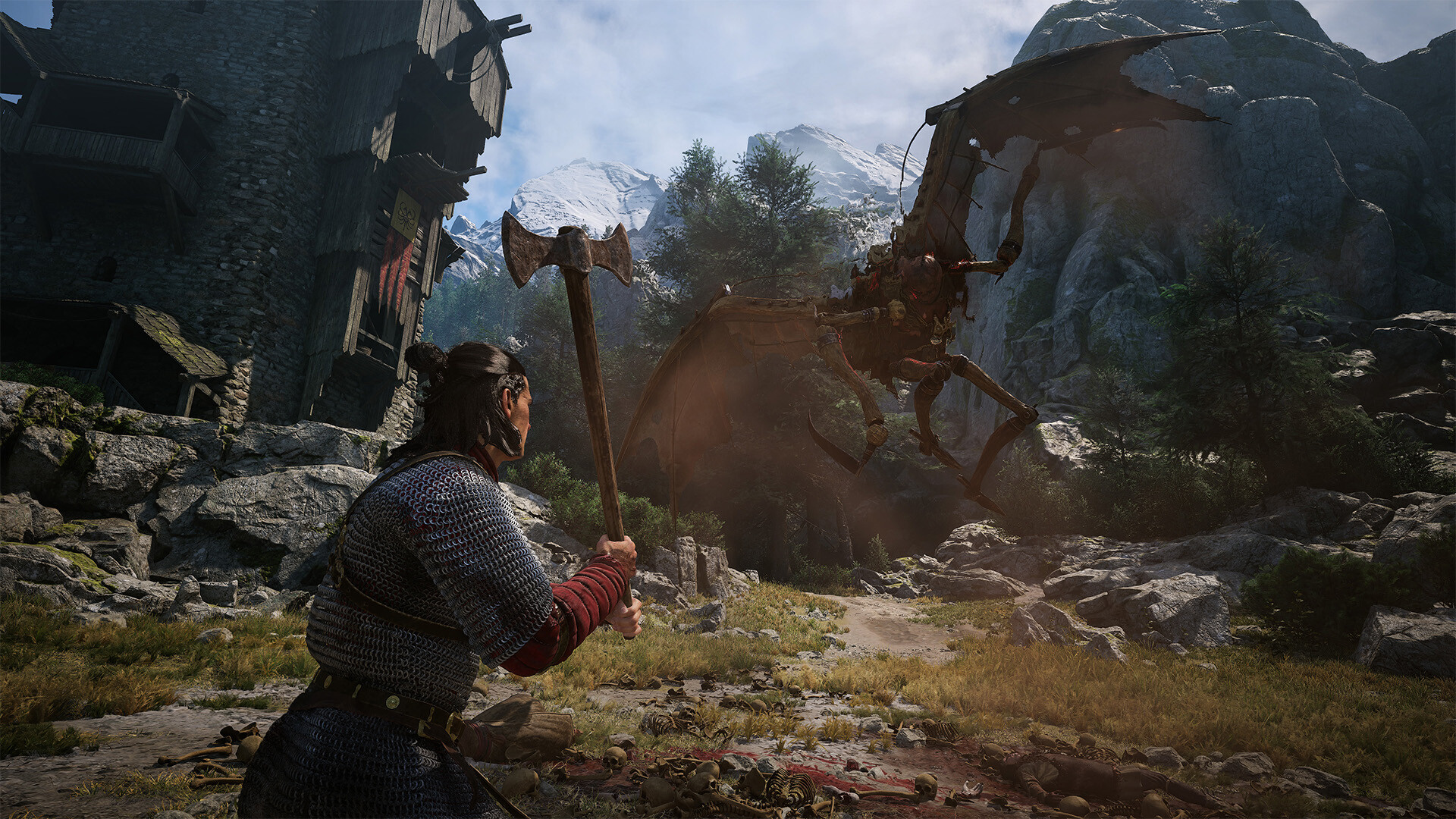
Charting the Unknown is a paid expansion built on top of Crimson Desert Enhanced rather than a free update, and Steam lists it as requiring the base game to install. Pearl Abyss's own store page describes it as continuing the story past Pywel with new land and sea exploration, additional stories for Kliff, Oongka and Damiane, ship travel, underwater ruins, and expanded housing and business management on top of the base game's existing systems.
It's a Single-player title with Steam Achievements, Steam Cloud saves, Full Controller Support, DualSense Controller Support, HDR, Custom Volume Controls and Subtitle Options all listed on its store page — worth checking before you dive into the settings menu, since several of those are off by default on a fresh install.
02Minimum and Recommended PC Specs
Charting the Unknown doesn't raise the bar over the base game's hardware targets, but it does add to the install size. Pearl Abyss's official Steam listing gives these requirements:
| Spec | Minimum | Recommended |
|---|---|---|
| OS | Windows 10 64-bit | Windows 10 64-bit |
| CPU | Ryzen 5 2600X / i5-8500 | Ryzen 5 5600 / i5-11600K |
| GPU | RX 5500 XT / GTX 1060 | RX 6700 XT / RTX 2080 |
| RAM | 16 GB | 16 GB |
| Storage | 50 GB for the DLC (SSD required) | 50 GB for the DLC (SSD required) |
That 50 GB is on top of the 180 GB the base game already needs, so budget roughly 230 GB of SSD space before you start the download. Both the minimum and recommended tiers call for an SSD specifically, not just "available space" — Pearl Abyss doesn't support running Charting the Unknown from a mechanical drive.

03Matching Settings to Your Hardware Tier
Pearl Abyss hasn't published a breakdown of individual graphics options for Charting the Unknown, so treat any specific slider name beyond what's listed here as unconfirmed until you've checked it in your own settings menu. What the official spec sheet does tell you is useful on its own: the minimum tier (Ryzen 5 2600X or i5-8500, RX 5500 XT or GTX 1060) and the recommended tier (Ryzen 5 5600 or i5-11600K, RX 6700 XT or RTX 2080) share the same 16 GB RAM requirement, which means your GPU and CPU generation — not system memory — are the limiting factors on this hardware.
If you're on minimum-spec hardware, plan around 1080p at a lower overall preset rather than chasing higher resolutions first; Pywel's new ocean region adds long sightlines over water, which tends to be one of the more demanding things for an older GPU to render consistently. If you're at or above the recommended tier, you have more headroom to raise resolution or detail before frame rate becomes the bottleneck, but there's no official word yet on upscaling support specific to this DLC, so don't assume an FSR or DLSS toggle exists for it until you've confirmed it in-game.
04Install AMD's November 18 Driver Before You Launch
AMD's own release notes for Adrenalin 26.11.2, published November 18, list "Crimson Desert Enhanced: Charting the Unknown DLC" directly under New Game Support, alongside Phantom Blade Zero. That's AMD's way of confirming it validated the DLC specifically with this driver build, so if you installed Charting the Unknown in October and haven't touched your driver since, updating is the first real optimization step — before you touch a single slider in the in-game menu.
The same release also fixes two issues worth knowing about if you've had stutter or stability complaints on Radeon hardware recently: AMD Smart Access Memory could become disabled after a driver install on Windows 10, and a memory leak on RX 5000-series cards and above that made applications take progressively longer to launch the longer your PC stayed on. Re-enabling Smart Access Memory alone can meaningfully help frame pacing on PCIe Resizable BAR-capable systems, so it's worth confirming it's back on after you update.
AMD's own release notes confirm the Smart Access Memory fix and the new Charting the Unknown support, and if you want every other change in that same release — including a Resident Evil Requiem crash fix and that long-standing memory leak patch — a full breakdown of that November update walks through each one.
05The RX 6000 Known Issue You Need to Plan Around
Here's the part AMD doesn't bury: its own Known Issues list for 26.11.2 states that a "failure to launch Crimson Desert may be observed on Radeon RX 6000 series graphics products," and AMD's recommended workaround is to install Adrenalin 26.11.1 instead. If you own an RX 6000-series card and the base game won't open after this update, that's a confirmed driver conflict, not a corrupted install — don't waste time reinstalling Crimson Desert or verifying Steam files first.
If you're on an RX 6000 card, the safer sequence is: update to 26.11.2 only if you're comfortable rolling back, or stay on 26.11.1 until AMD ships a fix specifically for that regression. Everyone on RX 7000 and RX 9000 series hardware can install 26.11.2 directly, since the known issue is scoped to RX 6000 only in AMD's own notes.
It's worth double-checking which card you actually have before you update, too — AMD's RX 6000, RX 7000 and RX 9000 series span several generations of naming that look similar at a glance. Open AMD Software: Adrenalin Edition and check the Performance tab, or look at Windows Device Manager under Display Adapters, rather than going by memory if you've owned the PC for a while or bought it pre-built.
How to Update and Fix AMD Driver Issues for Charting the Unknown
- 1Open AMD Software: Adrenalin Edition or Windows Device Manager and confirm whether you're on an RX 6000, RX 7000 or RX 9000 series card before you update — the known issue below only affects RX 6000.2 min
- 2Grab the November 18 driver from AMD's official support page. It's the build AMD validated specifically against Charting the Unknown.5 min
- 3Follow AMD's installer prompts; a clean install helps the Smart Access Memory and memory-leak fixes apply correctly.5 min
- 4After install, open AMD Software: Adrenalin Edition and check the Performance tab — this release fixes a bug that could leave Smart Access Memory disabled.2 min
- 5AMD's own notes list this as a known issue. Use Driver & Software History in AMD Software to reinstall 26.11.1 instead of troubleshooting the game itself.5 min
- 6Verify DualSense recognition and HDR before your first play session, since a driver reinstall can occasionally reset Steam Input profiles.3 min
06DualSense and Controller Settings on PC
Charting the Unknown carries over the base game's Full Controller Support and DualSense Controller Support listings, and Steam also tags it Gamepad Recommended. On a DualSense connected over USB or Bluetooth, that typically means adaptive trigger resistance and controller-specific prompts during combat and sailing sequences, though Pearl Abyss's store page doesn't itemize exactly which inputs get haptic feedback, so treat any specific trigger-effect claim beyond "DualSense Controller Support" as unconfirmed until you test it yourself.
If your pad isn't being recognized correctly after the AMD driver update, check Steam's own controller configuration first — a fresh GPU driver install can occasionally reset Steam Input profiles back to their defaults, which shows up as dead zones or remapped buttons that weren't there before.
Full Controller Support also means Charting the Unknown's new ship-sailing and underwater sections were built with a pad in mind from the start, rather than bolted on after the fact — Steam's "Gamepad Recommended" tag specifically calls that out, which is a stronger signal than the generic "Full Controller Support" label alone.

07HDR, Audio and Accessibility Options
Charting the Unknown's store listing confirms HDR Available, Stereo Sound, Surround Sound, Custom Volume Controls and Subtitle Options. If you're running an HDR-capable display, enable HDR at the Windows level first, then in the game's own display settings — doing it in the wrong order is a common reason HDR looks washed out or oversaturated in open-world titles built on this kind of engine.
Custom Volume Controls are worth a visit even if you don't normally touch audio settings: splitting dialogue, effects and ambient sound lets you raise voice lines during Kliff, Oongka and Damiane's new story content without turning the ocean and combat audio down to compensate.
Subtitle Options are also listed separately from dialogue volume on the store page, which usually means font size, background opacity or speaker-name display can be adjusted independently — handy if you're playing the sailing and underwater sections with sound off and relying on subtitles to follow the new storylines.
08Should You Update Right Now?
If you're not on Radeon RX 6000-series hardware, there's no real reason to wait: AMD built 26.11.2 around this exact DLC, it fixes a Smart Access Memory regression and a long-running memory leak, and none of its other listed known issues touch Crimson Desert outside the RX 6000 case. RX 6000 owners should hold on 26.11.1 until AMD's notes stop listing that launch failure, then jump straight to whatever build supersedes 26.11.2.
Either way, confirm your free storage before you queue the download. Between the base game's 180 GB and the DLC's additional 50 GB, a Crimson Desert Enhanced install with Charting the Unknown now needs roughly 230 GB of SSD space — easy to overlook if you cleared space for the base game months ago and forgot the expansion needed room of its own.
FAQ
Do I need Crimson Desert Enhanced to play Charting the Unknown?
Yes. Charting the Unknown is a paid DLC that Steam lists as requiring the Crimson Desert Enhanced base game to install and play.
How much extra storage does the DLC need?
Pearl Abyss's official system requirements list 50 GB for Charting the Unknown on top of the base game's roughly 180 GB, both requiring an SSD.
Why won't Crimson Desert launch after I updated my AMD driver?
AMD's own Adrenalin 26.11.2 release notes list a known issue where Crimson Desert fails to launch on Radeon RX 6000 series cards, and recommend installing 26.11.1 instead until it's fixed.
Does Charting the Unknown support DualSense features on PC?
Steam's store page lists DualSense Controller Support alongside Full Controller Support and a Gamepad Recommended tag, though Pearl Abyss hasn't detailed which specific inputs use adaptive triggers.
Does this DLC add ray tracing or upscaling support?
Unconfirmed. Pearl Abyss's official requirements don't mention ray tracing or a specific upscaler for Charting the Unknown, so don't assume one exists until you've checked the in-game settings menu yourself.
Official resources
- Crimson Desert Enhanced: Charting the Unknown on Steamstore.steampowered.com
- Crimson Desert Enhanced on Steamstore.steampowered.com
- Official Crimson Desert Sitecrimsondesert.pearlabyss.com
- AMD Adrenalin 26.11.2 Release Notesamd.com
- AMD Software: Adrenalin Edition Downloadamd.com
- Crimson Desert on Wikipediaen.wikipedia.org

Ana writes the step-by-step tutorials: settings, controls, configs and the systems games never explain properly. Every tutorial is tested on the version named at the top of the page, with the official patch notes linked so you can check what changed.