Crusader Kings III Silk & Silver: Merchant & Republic Controls
Crusader Kings III's Silk & Silver expansion adds landless Merchant and Republic governments with trade routes and assemblies. Here's how the new controls actually work.
Crusader Kings III's Silk & Silver expansion launched on November 17, 2026, and it does something the base game never really attempts: it lets you play without a crown. Instead of a king, duke, or count, you can run a landless Merchant family chasing trade routes across the map, or take the helm of a mercantile Republic like Venice or Genoa. Neither government type works anything like the feudal play you already know, and Paradox hasn't built a hand-holding tutorial for either one. Here's how the new interfaces, controls, and menus actually work.
01What Silk & Silver Changes
Silk & Silver is a Major Expansion for Crusader Kings III, priced at $29.99 / £25.99 / €29.99, and it's also bundled into the Chapter V expansion pass alongside a Core Expansion, a music pack, and a cosmetic clothing pack at a 20% discount over buying everything separately. It adds two new playable government types — Merchant and Republic — built around trade goods, specializations, and political assemblies that don't exist anywhere else in the game.
It ships with two new bookmark start dates built specifically to showcase the new systems: 1066, Channels of Commerce, which drops you into an already-active trade network reaching for spices, silk, and silver; and 1178, Guelphs & Ghibellines, which puts you in the middle of the real medieval rivalry between the Pope's and Emperor's factions in Northern Italy. If this is your first run with either government, start from one of those two bookmarks rather than converting an existing campaign — you'll have working trade infrastructure and nearby Republics to interact with from turn one.
It's worth being clear about what kind of release this is before you install it: Silk & Silver is an add-on, not a free update, so the Merchant and Republic government types above are locked to players who own the expansion (or the Chapter V pass it ships inside). If you only see the trade goods and Market screens referenced below without any way to actually found a company or take over a Republic, that's the signal your install doesn't have the add-on active — check your platform's DLC or add-on list before assuming something is broken.
02Setting Up Your First Merchant Company
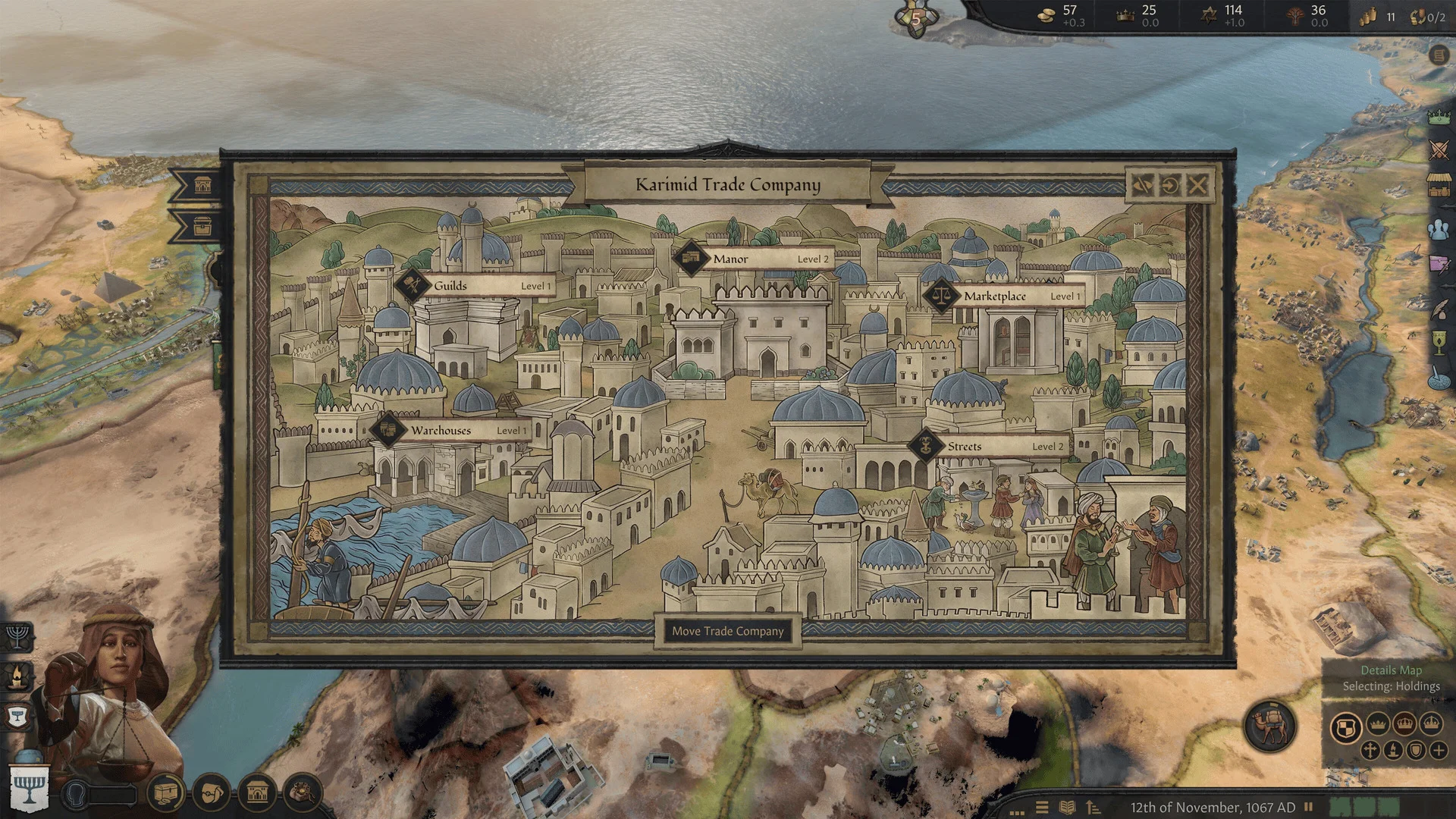
The Merchant government type puts you in charge of a landless trading family instead of a territory. You don't hold counties; you hold a trading company, a mansion, and a network of routes carrying goods between other people's land. The expansion lists more than 40 distinct trade goods you can move, and every one you specialize in builds toward company bonuses and reputation.
Before you touch the map, open your character's specialization screen and pick one of the three available paths: Caravaneer, which focuses on physically moving goods along trade routes; Creditor, which earns influence by loaning money to rulers who need it; and Artisan, which earns it by creating artifacts instead. Each one changes what your early buttons and menu options actually do, so decide this before you start placing routes — switching specializations later resets the progress you've built toward that path's bonuses.
Setting Up Your First Merchant Company
- 1Pick this bookmark instead of converting an old save. It drops you into a world with trade routes and Markets already active, which is the easiest way to learn the Merchant interface.2 min
- 2Select a landless Merchant family as your starting character rather than a landed ruler. Merchant play uses an entirely different set of screens from feudal play.2 min
- 3Open the specialization screen and commit to Caravaneer, Creditor, or Artisan before placing your first route. Each one changes what your early menu options do.3 min
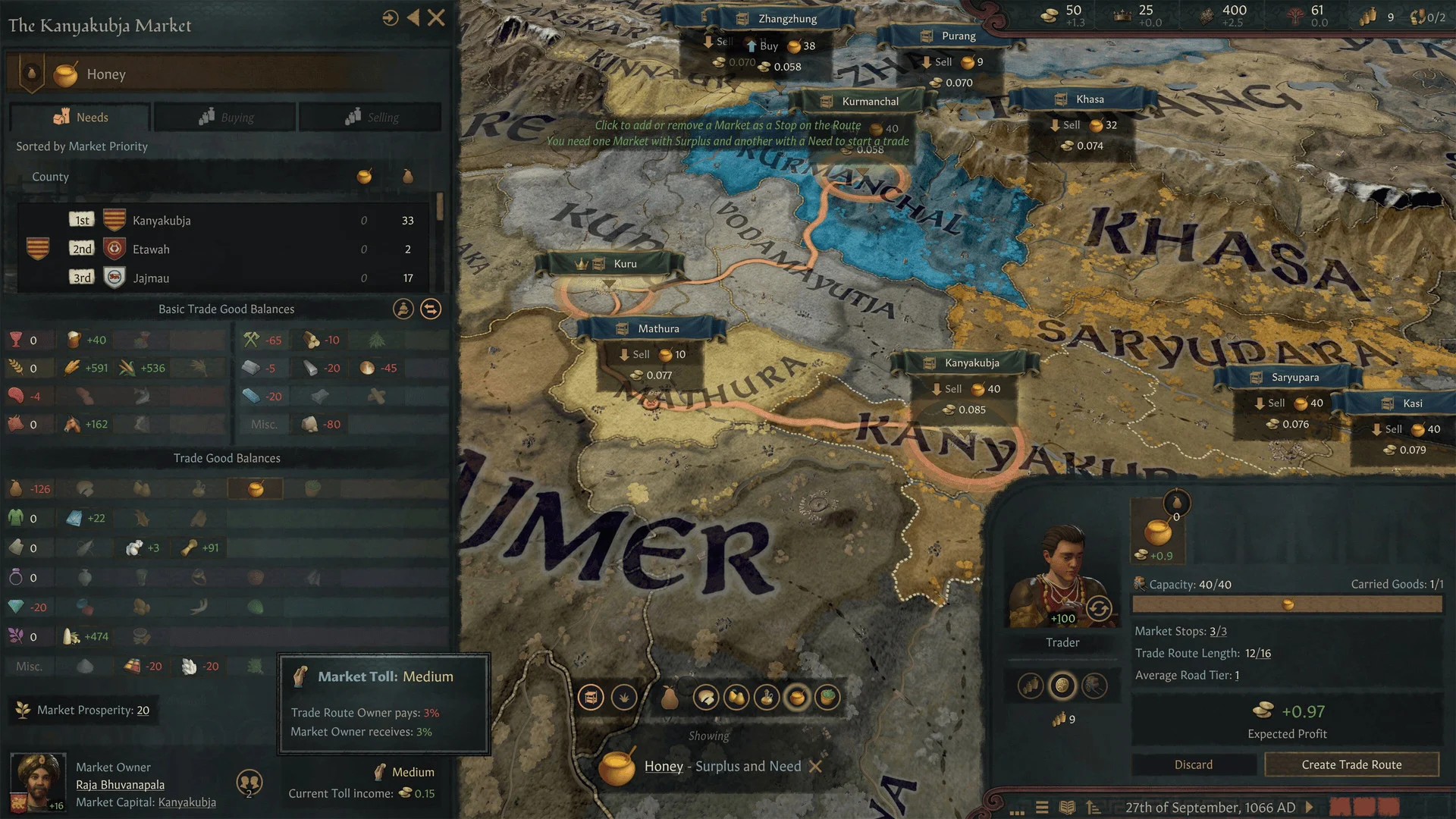
- 4Open the map mode selector and switch to Trade Routes to see which goods move where and which routes rivals already hold.2 min
- 5Check your relations screen for nobles or royalty willing to back your company, and spend money or intrigue to secure one. Merchant companies have no vassals of their own.5 min
- 6Spend gold and prestige on your mansion to unlock more simultaneous trade routes and give yourself an edge over rival companies.5 min
03Reading the Trade Routes Map Mode
Once you're in a Merchant game, the map itself behaves differently. A dedicated Trade Routes map mode shows which trade goods move where, which Markets are open, and which routes are already claimed by rival companies — this is the view you'll live in instead of the usual realm map. Use it to scout open routes before you commit caravans or capital to them, since contested routes are the ones most likely to trigger a rival's Market Lockdown against you.
Money and intrigue both matter here in ways they don't for a landed ruler: you'll spend both to win nobles and royalty over as patrons, since a Merchant company has no vassals of its own and needs outside backers to protect its interests. Check your character's relations screen periodically for patron offers rather than waiting for an event to surface one — the opportunities don't always announce themselves loudly.
Reputation is the other resource you're managing constantly as a Merchant. Gaining experience in the specific goods you trade unlocks bonuses tied to that good and raises your company's overall standing, which makes patrons more willing to work with you and rivals less willing to challenge your routes outright. Treat reputation as a long-term investment rather than something to chase for an immediate payoff — it compounds the longer you stick with the same handful of trade goods instead of spreading thin across all 40-plus on offer.
04Market Lockdowns and Monopolies
Two late-game Merchant tools are easy to confuse: a Market Lockdown and a full Monopoly. Paradox describes a Lockdown as gaining exclusive trading rights in a specific Market, while a Monopoly goes further and locks out competition entirely. The expansion's own materials don't break down every mechanical difference between the two beyond that, so treat the exact thresholds and upkeep costs as something to confirm against your current patch's tooltips rather than a fixed number — Paradox tends to adjust these in follow-up balance patches after a Major Expansion's launch week.
What is confirmed: your mansion is the upgrade path that makes either goal realistic. Spending gold and prestige to expand it unlocks more simultaneous trade routes and gives you an edge over rival companies fighting for the same Markets, so treat mansion upgrades as a priority alongside — not after — your first few trade routes.
05Running a Republic: Assembly, Laws, and Trade Leagues
The Republic government type is a different kind of learning curve. You're playing a patrician family inside an elected system — Venice and Genoa are the two headline examples — and the controls you need are split across a constitution screen and an Assembly, rather than the usual council and law menus a feudal ruler uses.
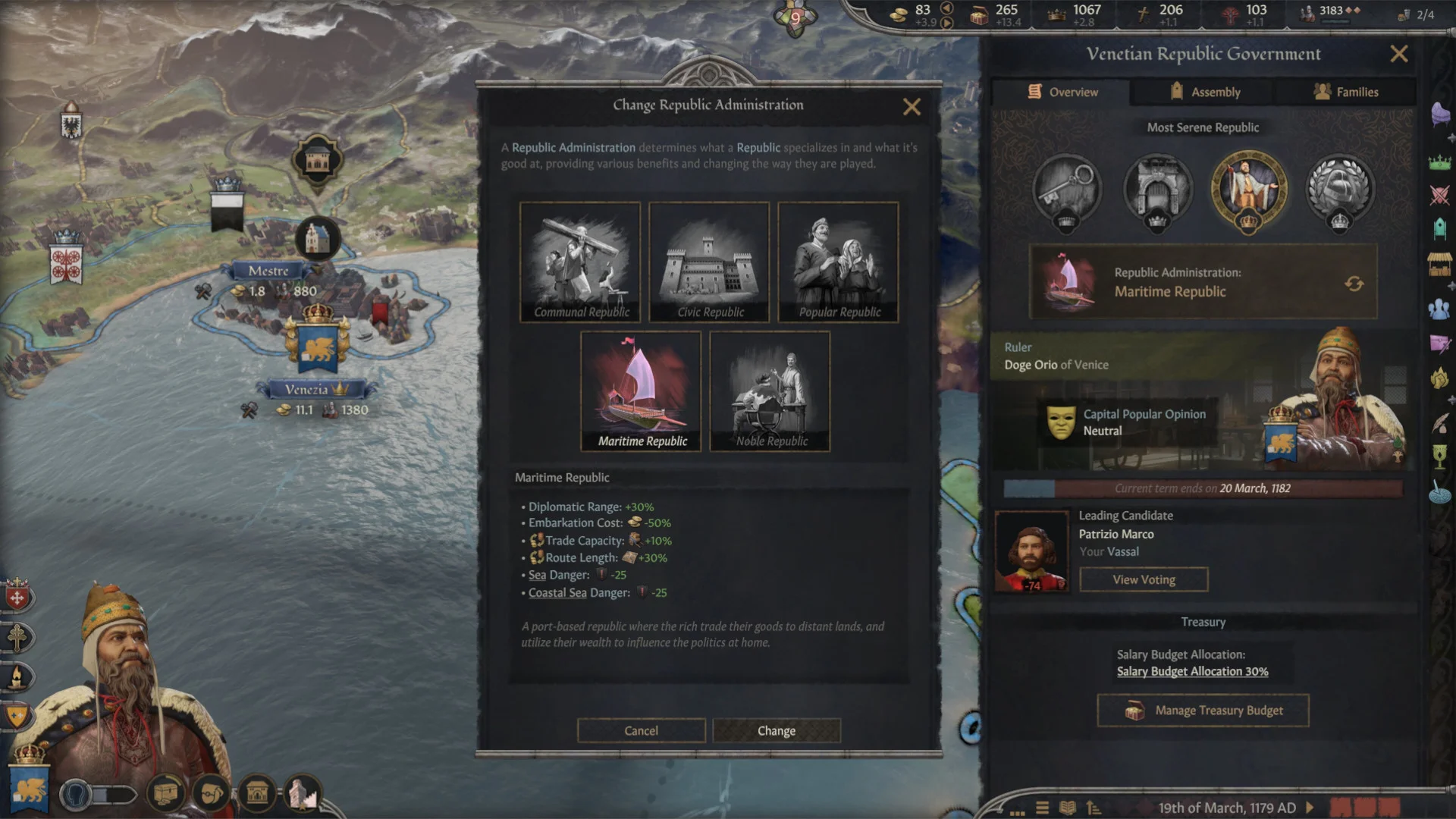
Start by setting your Republic's constitution: this is where you pass laws covering how leaders are chosen and how the state treasury can be spent, and it's done by building support in the Assembly rather than issuing a royal decree. From there, your family's influence comes from three places: securing trade routes the way a Merchant would, placing family members into influential offices inside the Republic, and establishing Trade Posts in foreign counties to extend your reach past your own borders. You can also pick an administration type, which shapes what your Republic is mechanically good at — don't skip this screen on your first session, since the default administration isn't necessarily the one that fits the trade routes available to your start location.
Once your own Republic is stable, look at Trade Leagues: joining one with other Republics brings both commercial and military benefits, which matters because a landless or lightly-landed Republic can't out-muscle a feudal kingdom alone. A League is the closest thing Republics have to the alliance web feudal rulers take for granted.
06Guelphs, Ghibellines, and Republic Flavor in Italy
If you start from the 1178 bookmark, you'll see Silk & Silver's Italian-flavored content directly: civic carnivals that celebrate your Republic, and the historical Guelph and Ghibelline factions, which can escalate from background politics into open warfare between the Pope's and the Emperor's sympathizers. These systems sit on top of the Republic government type rather than replacing any of its core screens, so the Assembly and constitution controls above still apply — the carnival and faction events just add extra decisions on top of them.
07Which Government Should You Start With?
If you're not sure which of the two new government types to try first, let the bookmark decide for you. The 1066 Channels of Commerce start is the more forgiving entry point into the Merchant government: it begins with trade infrastructure already running, so you spend less time figuring out blank menus and more time learning what each button does once goods are actually moving. The 1178 Guelphs & Ghibellines start is the better pick if you want the Republic government with its political flavor intact from the first session, since the faction conflict it's built around gives the Assembly and law-passing systems something concrete to push against right away rather than an abstract first few in-game years.
Either way, resist the urge to do everything at once in your first campaign. Both government types reward specializing — one trade good, one administration type, one path through the Assembly — before branching out once you understand how your opening choices actually play out on the map.
08FAQ
FAQ
Is Crusader Kings III: Silk & Silver a free update or paid DLC?
It's a paid Major Expansion priced at $29.99 / £25.99 / €29.99, also included in the discounted Chapter V expansion pass. The Merchant and Republic government types are locked behind owning it.
What are the three Merchant specializations in Silk & Silver?
Caravaneer, who physically moves trade goods along routes; Creditor, who earns influence by loaning money to rulers; and Artisan, who earns it by creating artifacts instead.
What's the difference between a Market Lockdown and a Monopoly?
Paradox describes a Lockdown as exclusive trading rights in a specific Market and a Monopoly as locking out competition entirely, but doesn't publish exact thresholds. Check your current patch's in-game tooltips for the live numbers.
Which bookmark should I use to try the new government types?
1066, Channels of Commerce, for an active trade network to learn the Merchant interface on, or 1178, Guelphs & Ghibellines, for a Republic start with its Italian political content already in motion.
Official resources

Ana writes the step-by-step tutorials: settings, controls, configs and the systems games never explain properly. Every tutorial is tested on the version named at the top of the page, with the official patch notes linked so you can check what changed.