Phantom Blade Zero: Best PC Settings and Controls Guide
Phantom Blade Zero's patch 1.0302256 reworks PC shader compiling, adds new audio sliders and key remapping, and fixes a Bluetooth controller stutter.
Phantom Blade Zero's first major patch landed on November 4 as version 1.0302256, and it touches more than the Hua, Deadly Betrothed difficulty tuning everyone's been talking about. On the PC side specifically, S-GAME quietly reworked how the game compiles its ray tracing shaders, added two new audio sliders, opened up key remapping for one of the game's most-used actions, and fixed a Bluetooth stutter that's been bothering controller players since launch. None of that is obvious unless you dig through the Steam patch notes, so here's what actually changed and how to set it up.
This guide covers the PC-specific settings worth touching after installing 1.0302256, plus a sensible starting point for graphics options if you're still dialing in performance on Steam. Everything below is sourced from S-GAME's own patch notes for this version; where a setting's behavior wasn't explicitly confirmed, it's flagged as such rather than guessed at.
It's worth updating promptly either way. Phantom Blade Zero crossed four million copies sold within 72 hours of its October 28 launch, and a title moving that fast tends to get its PC settings menu picked apart in forum threads faster than the patch notes themselves circulate. If you installed the game at launch and haven't touched settings since, 1.0302256 is the first update worth re-opening every menu for, not just the audio and controls tabs this guide focuses on.
01What Changed in Patch 1.0302256
S-GAME's official patch notes for version 1.0302256 split the PC-relevant changes into a handful of buckets. On the audio side, S-GAME added "Hit Sound Intensity" and "Hit Impact Sound Intensity" sliders, both living in the audio settings menu alongside the existing volume controls. On controls, PC players can now remap "Interact / Talk" for keyboard and for controller, which previously sat locked to its default binding.
The patch also changed how the game handles shader compilation. Ray tracing shaders are no longer compiled by default at startup, which is why boot times dropped noticeably for most players. If you had ray tracing switched off before updating, the game needs to recompile those shaders once the first time you launch after the patch — a one-time process the notes describe as quick. If ray tracing was already enabled before you updated, you won't see that extra step; the shaders compile in the background the next time you restart after toggling ray tracing on.
Rounding out the PC list: Bluetooth controller stuttering is reduced, NVIDIA Reflex now works correctly when set to "Auto" with V-Sync enabled (previously a point of friction for anyone trying to combine the two), and a bug that made character hair render incorrectly on certain AMD cards with specific driver versions is fixed. None of this is cosmetic — if you were fighting stutter, boot times, or Reflex behaving oddly before the update, this patch is why those complaints should ease up.
02Handling the New Shader Compile Behavior
This is the change most likely to catch people off guard, so it's worth walking through on its own. Before 1.0302256, every PC install compiled ray tracing shaders at startup whether or not you actually used ray tracing — part of why early boot times ran long. The patch removes that default behavior.
If ray tracing was off for you pre-patch, expect a one-time recompile the first time you boot the updated game. Let it finish; the notes describe it as short, and interrupting it is more likely to cause problems than waiting it out. After that first launch, boot times should be noticeably faster going forward. If you want ray tracing enabled going forward, flip it on in the graphics settings and the required shaders will compile separately the next time you restart — so budget for one more short wait after you make that change, not during normal play.
If ray tracing was already on before the patch, none of this applies to you; your shaders were already compiled and the update doesn't force a rebuild.
03Recommended Graphics Settings for Steady Performance
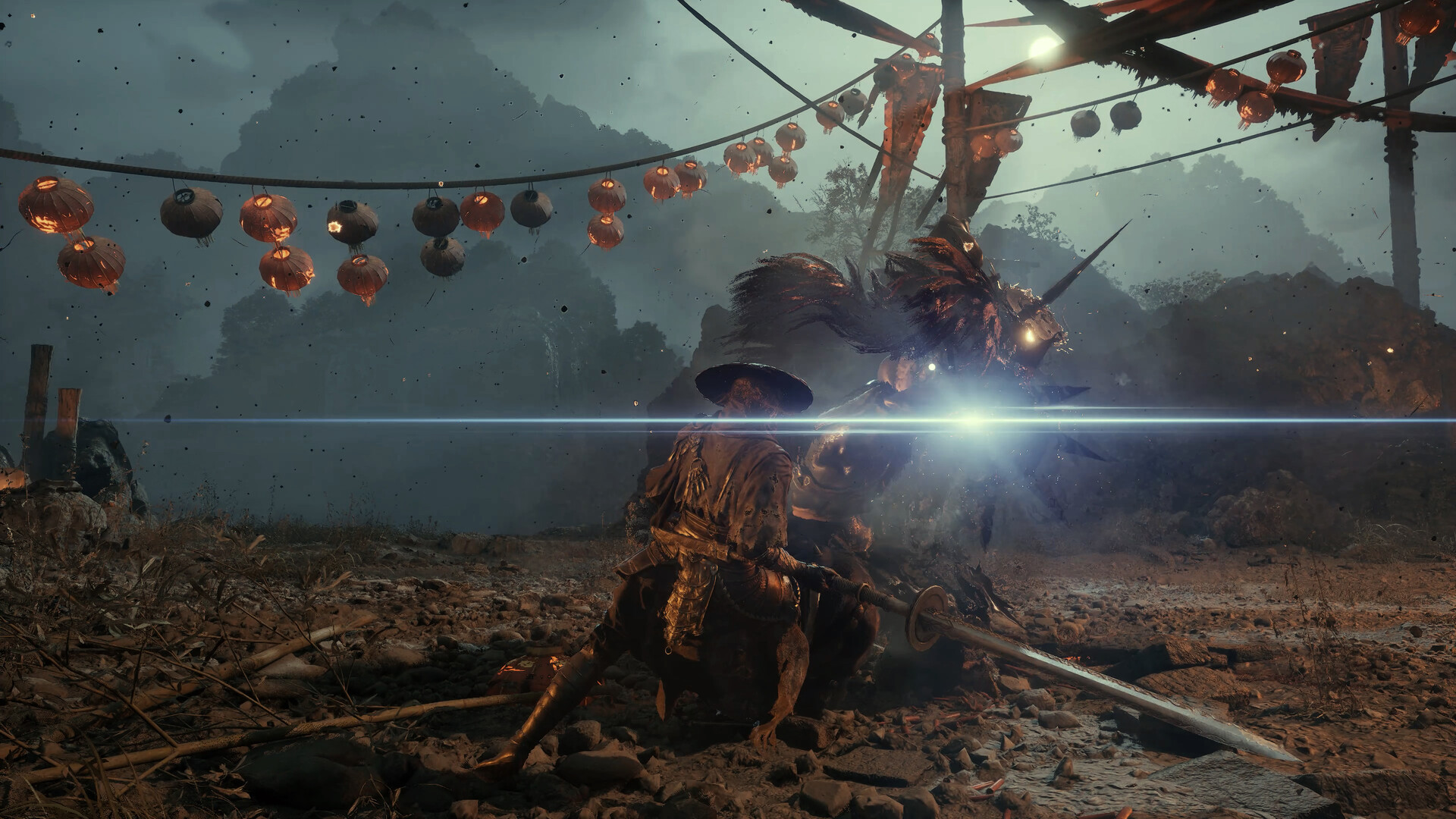
Phantom Blade Zero's PC build exposes separate upscaling and frame generation toggles, and getting the pairing wrong is the most common reason players report choppy combat despite a high displayed frame rate. Start with your upscaler of choice — DLSS, FSR, or XeSS depending on your GPU — set to Quality, and leave frame generation off until you've confirmed your base frame rate (before any generation) holds steady in combat-heavy areas like the Flesh Lily Fields. A game that already dips below your monitor's refresh rate before frame generation gets added will still feel uneven afterward, even if the counter reads higher.
Ray tracing and the heavier lighting and effects sliders are the first things worth turning down if you're still short of your performance target, especially on the GPUs around the recommended-tier RTX 3060 Ti or RX 6700 XT that S-GAME lists on the Steam store page for 1440p/60. Once you've settled on an upscaler and confirmed a stable base frame rate, frame generation is safe to layer on top for a smoother feel on a high-refresh display — just remember it doesn't reduce input latency, so judge responsiveness by the base number, not the inflated one.
If you're running an NVIDIA card and want Reflex alongside V-Sync, this patch is specifically why you can now leave Reflex on "Auto" instead of forcing it to "Enable" — the notes confirm that pairing no longer misbehaves.
04Remapping Interact/Talk and Other Controls
Before this patch, "Interact / Talk" was one of the only actions in Phantom Blade Zero's control scheme that PC players couldn't move off its default key or button. That's now open for remapping, on both keyboard and controller, through the game's own control bindings menu. If you've been running a non-standard layout or just want Interact off a key that's easy to fat-finger mid-combo, this is the patch to check that screen again even if you already set up your other bindings at launch.
If you remap other actions at the same time, keep an eye on overlaps with camera and lock-on controls — those sit on the same bindings screen and are the pair most likely to conflict with an action you've just moved. Test any new binding in a low-stakes area before relying on it against Hua or one of the game's other harder fights.
05Dialing In the New Hit Sound Options
"Hit Sound Intensity" and "Hit Impact Sound Intensity" are both new as of 1.0302256, and they sit in the audio settings next to your existing volume sliders. The patch notes don't specify a default value for either, so check where yours landed after updating rather than assuming the install picked the setting you'd want. If combat readability has felt muted to you — landed hits not registering with enough punch — these are the sliders to raise first, since they're built specifically to separate hit feedback from the game's broader sound effects and dialogue, which the same patch also rebalanced slightly.
06Fixing Bluetooth Controller Stutter
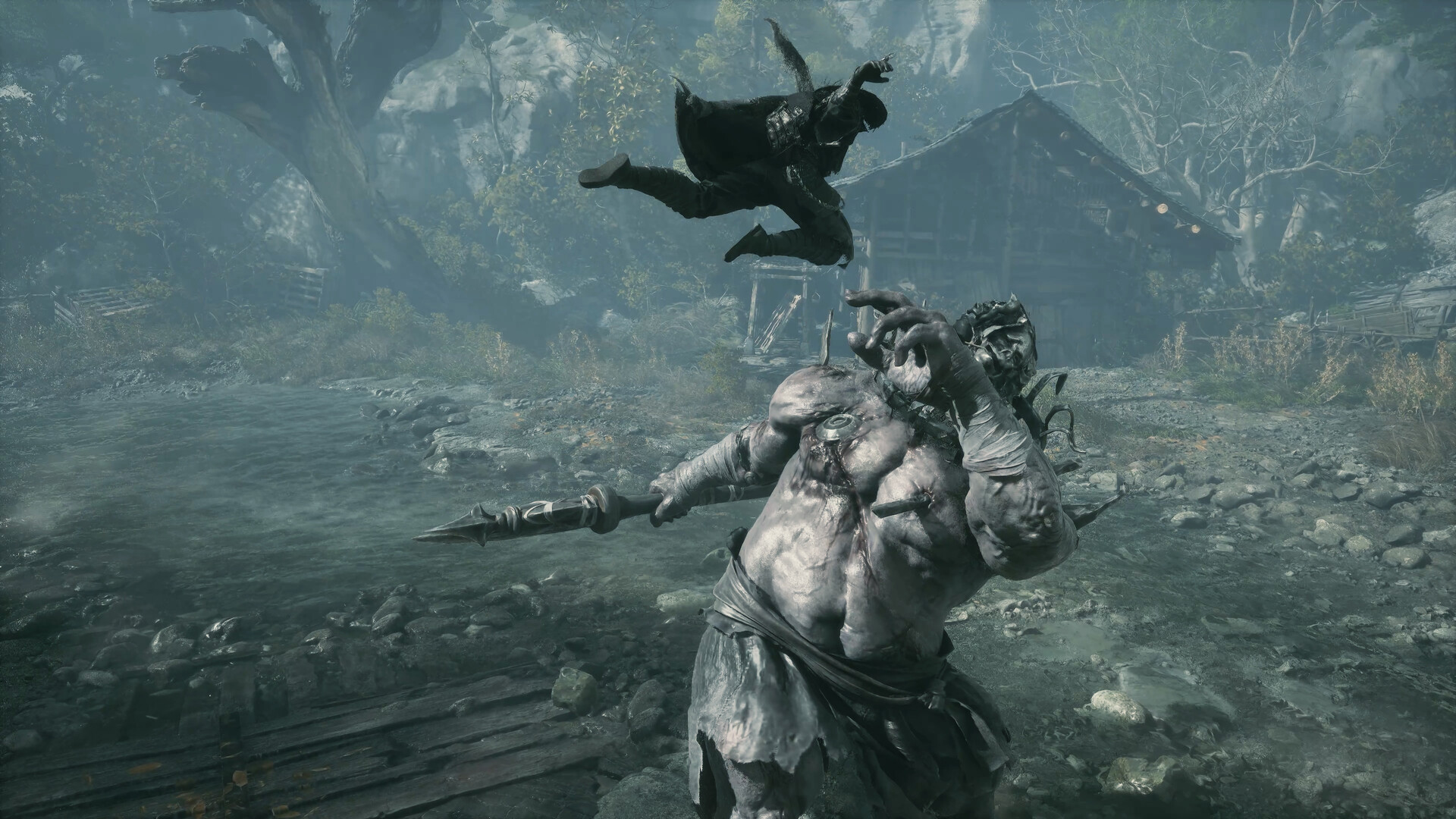
If you've been playing with a controller over Bluetooth and noticed brief hitches during combat, 1.0302256 specifically targets that. S-GAME's notes call out reduced stuttering for Bluetooth-connected controllers as a dedicated fix, separate from the general performance improvements elsewhere in the patch. If stutter persists after updating, a wired connection remains the more reliable fallback while you wait on any further tuning, but most Bluetooth users should notice a difference immediately after installing this version.
Players on AMD graphics cards should also confirm their driver version if they were seeing character hair render incorrectly in cutscenes or combat — that visual bug is tied to specific driver builds and is fixed in this same patch, so an update should resolve it without any settings changes on your end.
None of these fixes require you to touch anything outside the settings menus the game already exposes — there's no ini editing or launch-option trick involved, which is a nice change from some of the workarounds early PC adopters were trading around launch. Run through the checklist below once after updating and you shouldn't need to revisit most of it until the next patch changes something else.
How to Update Your Settings After Patch 1.0302256
- 1Let Steam finish downloading the patch before launching — the shader compile change only applies correctly on a clean install of this version.5 min
- 2If ray tracing was off before you updated, your first launch will recompile ray tracing shaders once. Let it finish instead of force-closing the game.2 min
- 3Find the new "Hit Sound Intensity" and "Hit Impact Sound Intensity" sliders and set them to taste; check where they landed by default first.1 min
- 4Remap "Interact / Talk" if you want it off its default key or button — this is the first patch where that binding can move.2 min
- 5Set DLSS, FSR, or XeSS to Quality first and confirm a steady base frame rate in a combat-heavy area before touching Frame Generation.3 min
- 6This patch fixed Reflex misbehaving on "Auto" with V-Sync enabled, so you no longer need to force it to "Enable."1 min
- 7Play a few minutes of combat to confirm the stutter fix took; switch to wired if you still notice hitching.2 min
With just 40 hours between launch and the close of voting, we placed second in the Golden Joystick Awards' Ultimate Game of the Year vote, far beyond our expectations. This is all thanks to our players! We've felt so much support from all of you, and we couldn't be prouder to
— Phantom Blade Zero (@pbzero_official), Nov 12 2026 on X
FAQ
Do I need to redo all my settings after updating to 1.0302256?
No. Your existing settings carry over. The only thing worth rechecking is the Controls tab, since "Interact / Talk" can now be remapped for the first time, and the Audio tab for the two new hit sound sliders.
Why did my boot time change after this patch?
S-GAME stopped compiling ray tracing shaders by default at startup. If ray tracing was off for you, expect one longer launch right after updating while those shaders compile a final time, then faster boots afterward.
Does Frame Generation reduce input lag in Phantom Blade Zero?
No. Frame Generation raises the displayed frame rate but doesn't reduce latency. Judge responsiveness by your base frame rate before Frame Generation is applied, not the number after it's turned on.
Is the Bluetooth controller stutter fix automatic?
Yes, it applies as soon as you update to version 1.0302256. No manual setting change is required, though a wired connection is still the more reliable fallback if any stutter remains.
Did this patch change anything about difficulty settings?
It reduced the grab-attack frequency used by the boss Hua, Deadly Betrothed on the Wayfarer and Pathbreaker difficulty settings specifically. Other difficulty settings are unaffected, and this patch doesn't touch any other difficulty options.
Official resources

Ana writes the step-by-step tutorials: settings, controls, configs and the systems games never explain properly. Every tutorial is tested on the version named at the top of the page, with the official patch notes linked so you can check what changed.


