World of Warcraft: Forever: Best PC Settings and Controls
World of Warcraft: Forever's GPU cutoff, visual presets, HD/SD models, and new gamepad support, explained with the PC settings to set before you log in.
World of Warcraft: Forever launched globally today, and its settings menu looks different from both Classic and modern Retail. Blizzard built the permanent vanilla-era pillar on a newer renderer, added official controller support, and gave every character a choice between old-school and overhauled visuals. None of that works right if you leave the defaults alone on day one.
This guide walks through the PC settings, graphics presets, and control options that actually matter for Forever: the GPU requirement Blizzard quietly raised, the Modern/Classic visual split, HD versus SD character models, and how to turn on gamepad support without fighting the menus. Everything below comes from Blizzard's own launch-week posts, not forum guesswork, and anything that hasn't been confirmed directly by Blizzard is flagged as such rather than stated as fact.
None of these settings are hidden behind a long unlock chain — you'll see most of the choices described below the first time you log in to create a character, with the rest sitting in the standard Options menu. Working through them once at the start, rather than mid-session, saves you from a second trip through menus you've already half-set-up.
01Check Your GPU Against Blizzard's New Cutoff
Before you touch a single slider, confirm your graphics card can actually run the new renderer. Blizzard confirmed in an official notice that World of Warcraft: Forever's updated visuals depend on RGBA16F UAV support in compute shaders, a feature that only started appearing in GPUs around 2012. In practice, that means cards built on AMD Graphics Core Next 1 (2012), Nvidia Maxwell (2014), or Intel Skylake (2015) and newer are supported, while anything older — Blizzard names the Radeon HD 6950, GeForce GTX 760/770/780, and GTX 8xxM mobile chips specifically — will no longer launch the game.
Blizzard's statement is explicit that even the oldest supported cards, like the Radeon HD 7850 or GeForce GTX 750 Ti, sit "well below the minimum requirements for the game" once you account for CPU and RAM. For the full minimum and recommended specs, Blizzard points players to the product listing on the Battle.net Shop rather than publishing a separate requirements page — check that listing against your own rig before you queue the install.
If you're not sure which GPU generation you have, you don't need Blizzard's launcher to find out. Run dxdiag from the Windows search bar and look at the "Display" tab for your card's model name, then compare it against your manufacturer's own architecture list — Nvidia, AMD, and Intel all publish which product lines map to Maxwell, GCN1, and Skylake-era silicon or newer. It's a five-minute check that avoids a failed launch on day one, especially if you're returning to the game on older hardware you haven't touched since an earlier WoW expansion.
02Modern vs. Classic Visual Presets
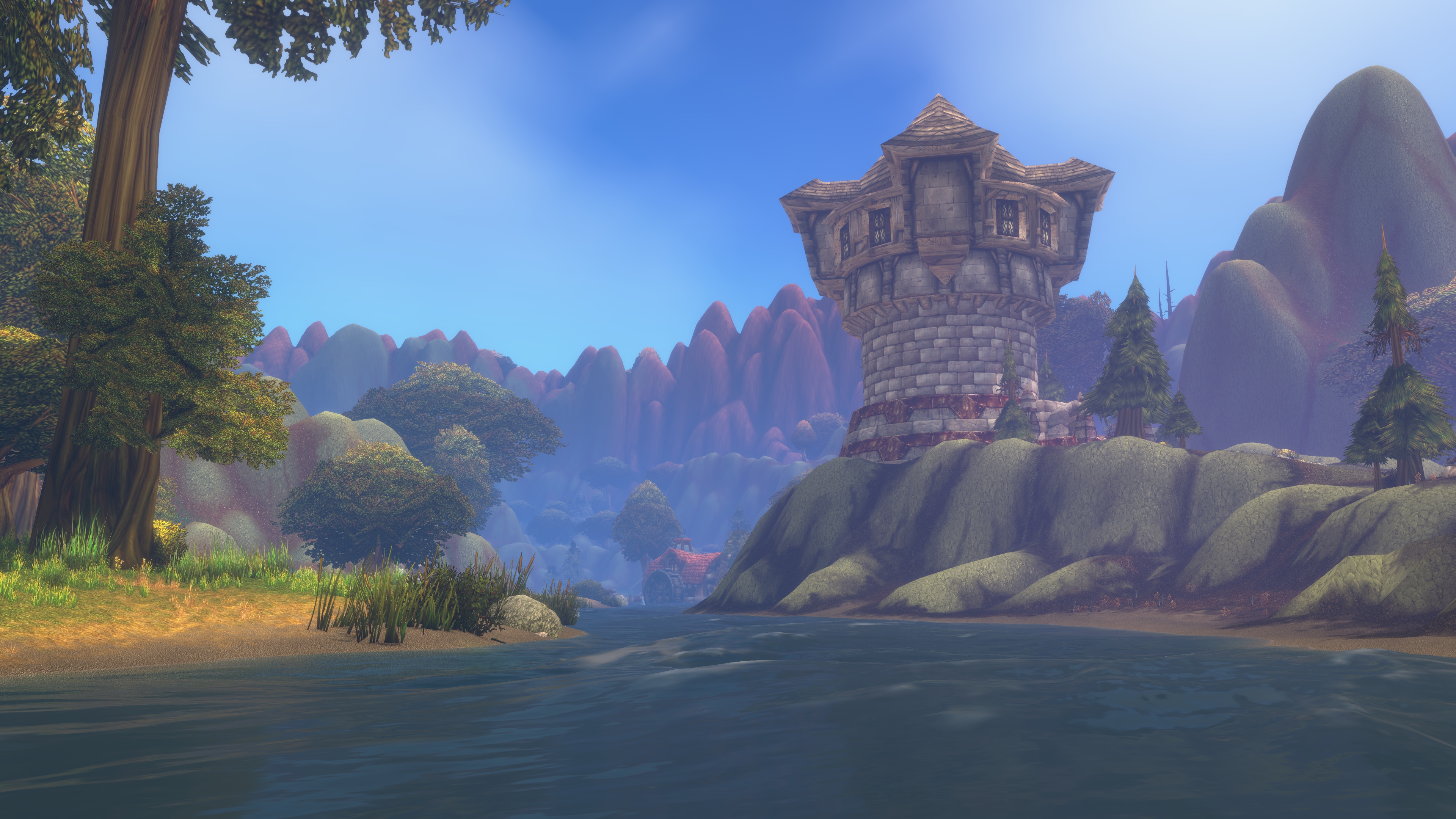
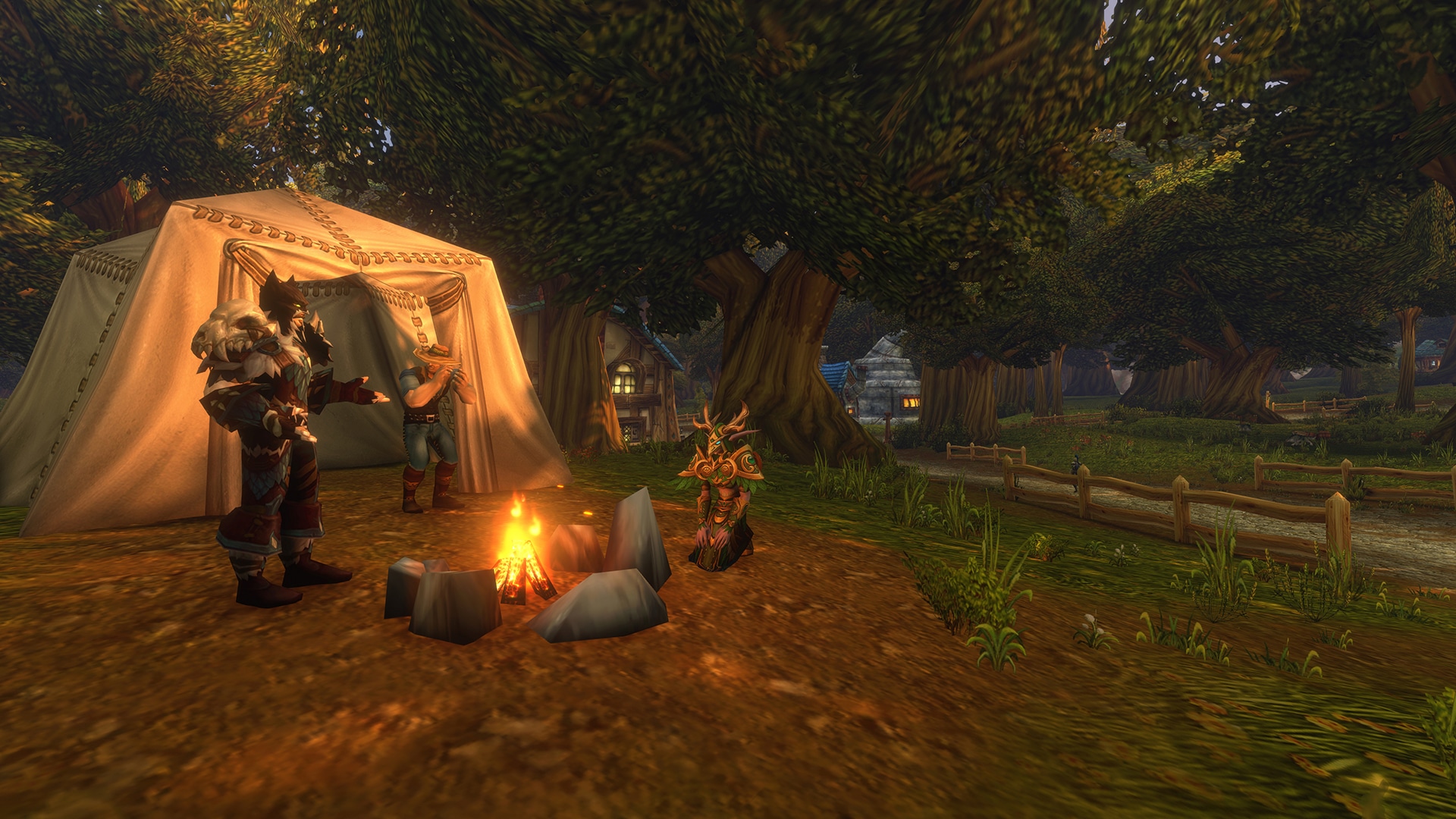
Forever ships with two visual presets you pick between at launch, and you're not locked in. According to Blizzard's own launch panel recap, players get a choice of "modern and Classic visual presets" alongside opt-in Transmog, and the studio frames all of it as player choice rather than a one-time setup step. The Modern preset carries over current-era lighting, water, and weather effects; the Classic preset dials the presentation back toward the original game's flatter look.
If you picked Classic Mode at character creation, Transmog is disabled automatically — appearance collection still runs in the background, so nothing is lost if you switch it back on later from a transmogrifier in a major city.
03HD vs. SD Character Models: Which to Pick
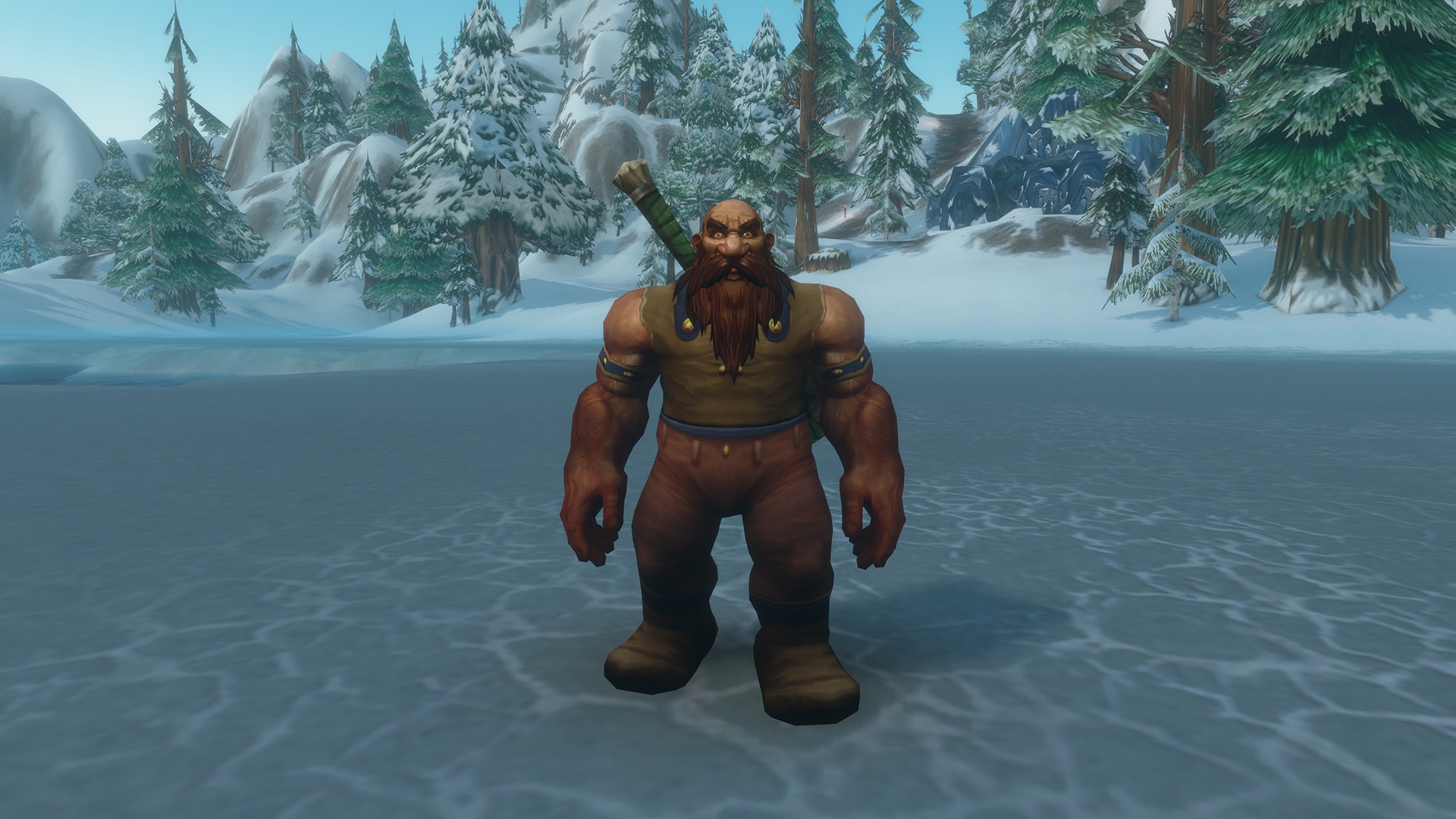
Separately from the visual preset, Forever lets you choose High-Definition (HD) or Standard-Definition (SD) character models, and Blizzard has restored Classic animations for the HD models so the two options move the same way even though they look different. SD is the leaner, original-era silhouette; HD is the overhauled model set most players already know from modern Retail.
This choice isn't fully settled for every race yet. Blizzard's October 7 follow-up post says the team is still working on an SD option for the new Skyborne race specifically, because the HD Skyborne model "can be jarring by contrast when placed in the same world as the SD models and world." SD Skyborne characters and Druid forms are in development, with Blizzard targeting early 2027 for that addition — so if you roll Skyborne today, HD is currently your only model option for that race.
04Setting Up Official Gamepad Support
Forever adds official gamepad support, which Blizzard describes as being there "for players who prefer to play with a controller" without needing a third-party add-on. The option lives under the game's Options menu alongside your other gameplay settings. Several players testing the feature ahead of launch have reported that the controller implementation is still rough around the edges — camera and strafe behavior in particular — so treat it as a genuine alternative control scheme rather than a finished one-to-one replacement for mouse and keyboard on day one, and keep an eye on patch notes for adjustments.
If you'd rather stick with a mouse and keyboard but still want the easier targeting Forever's gamepad mode popularized elsewhere in WoW, the click-to-cast options in the standard Key Bindings menu work independently of the controller setting and are worth enabling either way.
Turning the option on doesn't require exiting to the Battle.net launcher — it's a toggle inside the live game's Options panel, the same place you'd adjust graphics or audio. Once it's on, give the default stick-to-action-bar mapping a few minutes before you start rebinding individual buttons; several of the control conventions carry over from how modern WoW's existing gamepad layouts behave, so familiar inputs should feel close to what you'd expect even on a new character.
05Keybinds, Action Bars and Ruleset Options
Forever's base control layout — WASD or arrow-key movement, mouse-look, numbered action bars down the Interface — is the same foundation modern WoW players already know, so your muscle memory carries over. What's new is upstream of the keybinds: when you create a character, you choose a ruleset (Normal, PvP, Roleplaying, or Hardcore, which Blizzard has confirmed will arrive after launch) instead of picking a traditional realm, and you can set a language preference to group up with players who share it.
Open the Key Bindings menu before your first real play session and confirm your bar for spells, mounts, and interact keys — Quick Keybind mode lets you hover over any action-bar slot and press a key to bind it directly, without hunting through a long list of actions. It's faster than scrolling through the full key bindings list, especially once you've picked up a second or third action bar.
The ruleset choice is worth slowing down on, because unlike a realm pick in older WoW versions, it isn't something you can casually switch later without starting a new character. Normal plays like a standard server with open-world PvP off by default; PvP flags you for open-world combat everywhere; Roleplaying nudges the community toward in-character chat norms; and Hardcore — arriving after launch per Blizzard's confirmation — permanently retires a character on death. Pick based on how you actually intend to play for the long run, not just what sounds interesting on day one.
How to Set Up World of Warcraft: Forever on PC
- 1Run dxdiag or check your manufacturer's site to confirm your card is AMD GCN1, Nvidia Maxwell, Intel Skylake, or newer — anything older can no longer launch Forever's renderer.5 min
- 2On first login, choose Modern or Classic as your base visual preset. You can revisit this later from the Options menu without rerolling a character.1 min
- 3Set your character model to High-Definition for the overhauled look with restored Classic animations, or Standard-Definition for the leaner original-era silhouette.1 min
- 4If you want a controller, enable the official Gamepad option in the in-game Options panel, then test the default stick-to-action-bar mapping before rebinding anything.3 min
- 5Open Key Bindings and confirm your spell, mount, and interact keys, using Quick Keybind mode to hover an action-bar slot and press a key to bind it directly.5 min
- 6Choose Normal, PvP, Roleplaying, or Hardcore (post-launch) based on how you intend to play long-term — this isn't something you casually switch later.2 min
06Accessibility and Quality-of-Life Settings Worth Enabling
None of Blizzard's Forever-specific posts detail a dedicated colorblind mode or text-scaling option for this release, so treat those as unconfirmed until Blizzard documents them directly — if you rely on either, check the in-game Accessibility tab yourself before committing to a long session. What is confirmed is the broader set of quality-of-life choices Blizzard has built around player comfort: the Modern/Classic preset split, the HD/SD model toggle, opt-in Transmog, and official gamepad support are all framed in Blizzard's own panel recap as "options designed to welcome more players into Azeroth while letting you choose the visual style and play setup that feels right for you."
Camping and crafting also touch your settings indirectly. Sitting at a campfire to receive its buffs, as covered in Blizzard's systems deep dive, works the same whether you're on HD or SD models and either control scheme — it's worth remembering that convenience features like this one are tuned the same way regardless of which visual or input options you pick. A Basic Campfire holds up to three crafted objects from nearby players before the shared cooldown kicks in, and cooks can learn upgraded versions that hold five or ten; none of that depends on your graphics preset, so don't expect the SD visual style to change how the crafting UI around it behaves.
The same goes for the Legacy system running in the background of your account: Legacy Points earned through Legacy Challenges and spent in Legacy Trees for Professions, Adventure, and Resourcefulness are tracked per character but shared across your account's alts, and none of it is gated behind a particular control scheme or visual preset either. If you're choosing settings purely to chase a performance edge, this is one place where the answer is simple — there isn't one to chase; the systems work identically no matter which options you picked above.
07Frequently Asked Questions
The questions below cover the settings decisions new and returning players ask about most during launch week.
FAQ
Why won't World of Warcraft: Forever launch on my PC?
Blizzard raised the GPU requirement for Forever's new renderer. If your graphics card is older than AMD Graphics Core Next 1 (2012), Nvidia Maxwell (2014), or Intel Skylake (2015), it no longer meets the minimum and the game won't start.
What's the difference between the Modern and Classic visual presets?
The Modern preset keeps current-era lighting, water, and weather effects; the Classic preset dials the look back toward the original game's flatter presentation. Blizzard lets you pick either one and change it later from Options.
Should I pick HD or SD character models?
HD gives you the overhauled models with restored Classic animations; SD keeps the leaner, original-era silhouette. Both read your armor and transmog the same way, so it's purely a visual choice — except for the Skyborne race, where Blizzard has only shipped an HD model so far.
Does World of Warcraft: Forever support a controller?
Yes. Blizzard added official gamepad support that doesn't require a third-party add-on, accessible from the in-game Options panel. Early testing by players ahead of launch suggested some rough edges in camera handling, so treat it as a genuine but still-maturing control option.
Can I change my ruleset after creating a character?
No — Normal, PvP, Roleplaying, and the post-launch Hardcore ruleset are chosen per character at creation and replace the old realm selection, so decide based on how you actually plan to play rather than switching later.
Official resources
- World of Warcraft: Forever — Official Siteworldofwarcraft.blizzard.com
- Official Panel Recap: Gamepad, HD/SD Models and Visual Presetsworldofwarcraft.blizzard.com
- Official GPU and Graphics Requirements Noticenews.blizzard.com
- Battle.net Shop — Purchase and Full System Requirementsshop.battle.net
- ESRB Rating: World of Warcraft: Foreveresrb.org
- Wikipedia: World of Warcraft: Foreveren.wikipedia.org

Ana writes the step-by-step tutorials: settings, controls, configs and the systems games never explain properly. Every tutorial is tested on the version named at the top of the page, with the official patch notes linked so you can check what changed.