Control Resonant: Best PC Settings for DLSS 4.5 and Path Tracing
Control Resonant launched with native DLSS 4.5, path tracing and RTX Mega Geometry on PC. Here is how to configure every setting that actually matters.
Control Resonant launched on PC, PlayStation 5 and Xbox Series X|S on September 24, 2026, and Remedy built the PC version around a specific piece of hardware: GeForce RTX cards with full path tracing, DLSS 4.5 and RTX Mega Geometry baked in from day one. That makes the settings menu more consequential than usual — the wrong combination of toggles can swing you from a locked 60 FPS to a slideshow, or leave real performance on the table if you never touch the defaults. Here is how to actually configure it.
01What Changed for PC Players at Launch
Control Resonant is a direct sequel to 2019's Control, following Dylan Faden as he fights his way through a paranatural invasion of a gravity-warped Manhattan. Remedy's own launch announcement confirms the game shipped on PC through Steam and the Epic Games Store, with GeForce NOW streaming available the same day. Minimum requirements call for an Intel Core i5-8500 or Ryzen 5 3500, 16GB of RAM, a GeForce GTX 1070 / Radeon RX 5600 XT / Intel Arc A580, and 120GB of SSD space — an SSD isn't optional, it's listed as a hard requirement on both the minimum and recommended tiers.
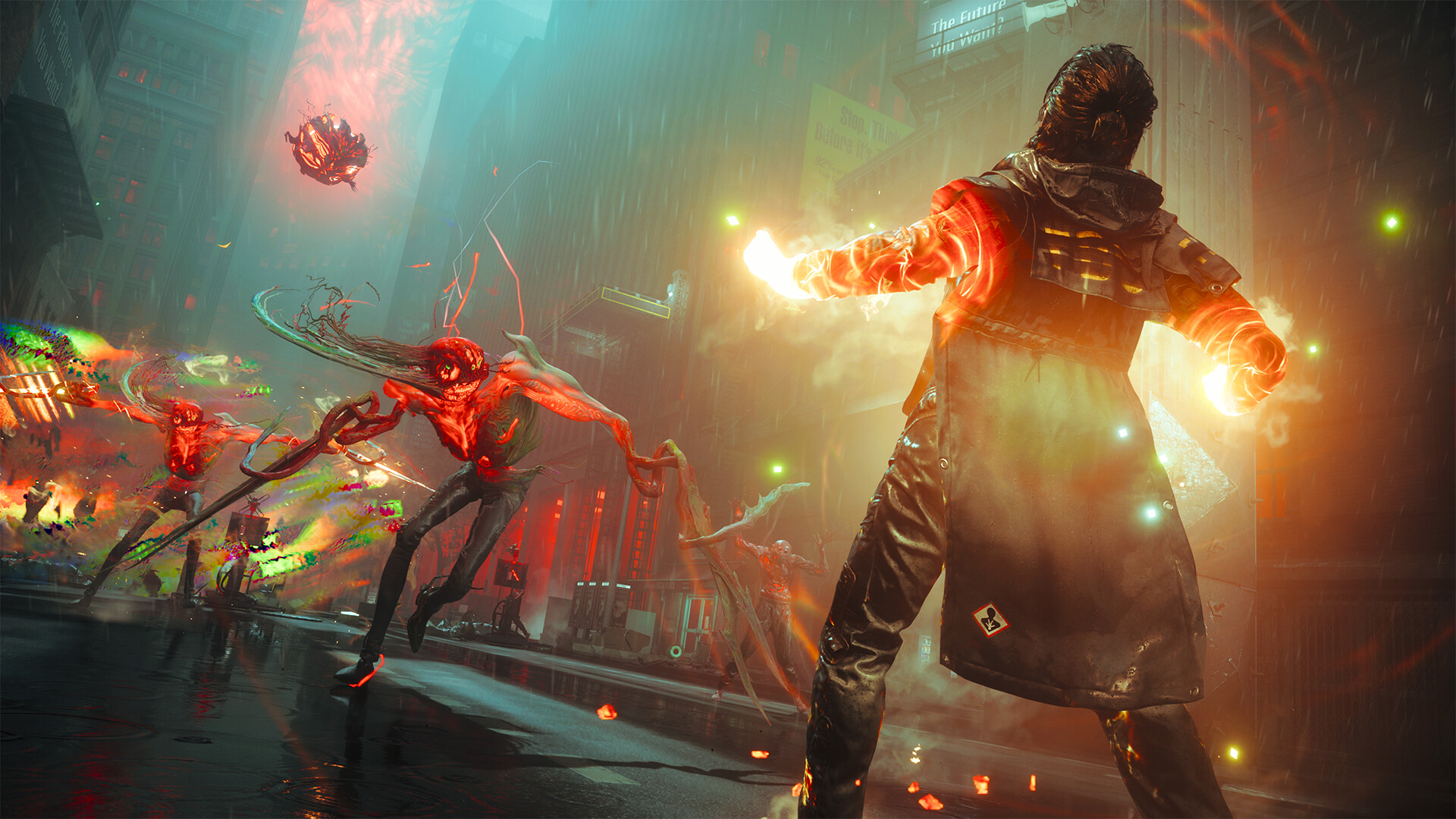
The headline PC feature is NVIDIA's path tracing implementation, which Remedy and NVIDIA detail jointly: full path-traced direct and indirect lighting, reflections and ambient occlusion, running alongside DLSS 4.5 Ray Reconstruction and RTX Mega Geometry. If you played Alan Wake 2 on PC after its own path tracing patch, the shape of these settings will feel familiar, but Control Resonant has them on by default at higher presets rather than bolted on after launch.
Worth knowing before you try it on a handheld: Steam's own compatibility check currently flags Control Resonant as unsupported on Steam Deck over graphics performance, which tracks with a game built around RTX-class path tracing and a minimum GPU tier above a Deck's integrated graphics. If you were hoping to carry Ultra-preset settings onto a handheld, don't — this is very much a desktop-GPU game first.
02Turn On Path Tracing the Right Way
Path tracing isn't a standalone toggle in Control Resonant — it's wired into the Ray Tracing Preset. Set Ray Tracing Preset to Ultra in the graphics menu and the game automatically switches on full path-traced lighting along with DLSS Ray Reconstruction on any GeForce RTX card. You don't need to hunt for a separate "path tracing" checkbox; Ultra is the switch.
That convenience comes with a real cost. NVIDIA's own GeForce Ultra-preset path tracing benchmarks (desktop, 1920x1080, with 6X Multi Frame Generation) show an RTX 5090 pushing up to 480 FPS, an RTX 5080 over 370 FPS, an RTX 5070 Ti around 335 FPS, an RTX 5070 at roughly 250 FPS, and an RTX 5060 Ti near 215 FPS — all with frame generation doing a lot of the lifting. Without a frame-generation-capable RTX 40 or 50 series card, treat Ultra as aspirational and drop down a preset or two before judging the game's performance.
03DLSS 4.5, Ray Reconstruction and Multi Frame Generation Explained
Three separate NVIDIA technologies stack on top of each other here, and it's worth knowing what each one actually does before you start flipping switches:
- DLSS 4.5 Super Resolution upscales from a lower internal resolution, the same role DLSS has always played. Pick Performance, Balanced or Quality based on how much of a frame-rate cushion you need.
- DLSS Ray Reconstruction replaces the game's hand-tuned denoiser with a neural model once path tracing is active. It turns on automatically the moment you set Ray Tracing Preset to Ultra — there's no separate menu entry to miss.
- DLSS 4.5 Dynamic Multi Frame Generation inserts AI-generated frames between rendered ones, supporting up to a 6X multiplier that can also be set to auto-adjust toward a target frame rate instead of staying fixed. This is exclusive to the RTX 50 series; RTX 20/30/40 cards get DLSS 4.5's other improvements but not dynamic multi-frame generation.
For most RTX 40-series owners, the practical setup is Ray Tracing Preset on High (not Ultra), DLSS Quality or Balanced, and single-frame generation left on if your base frame rate is already above roughly 45-50 FPS — pushing frame generation on top of a lower base rate is where input lag starts to become noticeable, since the generated frames can't reduce latency the way a genuinely rendered frame does.
04Matching Settings to Your Graphics Card
NVIDIA's published numbers give a reasonable starting point for any RTX 50-series owner trying to decide where to start. At 2560x1440 with the Ultra preset and 6X Multi Frame Generation, an RTX 5090 reaches up to 380 FPS, an RTX 5080 around 270 FPS, and an RTX 5070 Ti about 240 FPS. Step up to 4K with a fixed 6X multiplier and those numbers drop to roughly 320 FPS on the RTX 5090 and 220 FPS on the RTX 5080 — still well above most monitors' refresh ceilings, but a useful reminder of how much of that headroom is coming from generated frames rather than native rendering.
If you're on an older RTX 20 or 30 series card, or anything from AMD or Intel, start from the opposite end: leave Ray Tracing Preset on its lower rasterized settings, turn DLSS upscaling (not frame generation) on at Balanced, and only climb toward Ultra and path tracing if your frame rate has obvious headroom to spare. AMD cards aren't supported for Control Resonant's path tracing configuration at all, and while reports point to AMD FSR 4.1 being present as a non-path-traced upscaling option, that hasn't been confirmed through Remedy's own channels, so don't assume it will appear in your settings menu until you've checked for yourself.
05HDR, Camera Comfort and Accessibility Options
Control Resonant's Steam listing confirms HDR support, full controller support including DualSense-specific features, and a working accessibility menu that covers Camera Comfort, Color Alternatives, a contrast control, custom volume sliders, adjustable difficulty, a keyboard-only input option, subtitle sizing, and support for playing without timed inputs. If you found the original Control's levitation and dash sequences disorienting, Camera Comfort is worth checking before your first big traversal set piece rather than after you're already queasy.
HDR is worth enabling on a properly calibrated display regardless of your GPU tier — it's independent of the ray tracing preset and costs essentially nothing in frame rate, so there's no reason to leave it off if your monitor or TV supports it.
06Controller Support and Key Bindings
The PC version ships with full controller support and dedicated DualSense features, on top of the usual mouse-and-keyboard setup for Dylan's paranatural abilities and the shapeshifting Aberrant melee weapon. Because Dylan's kit leans on quick-swapping between ranged powers and the Aberrant's hammer and dual-blade forms, it's worth opening the key bindings menu before your first real fight and confirming your ability wheel and weapon-swap bindings don't overlap with movement or camera controls — the default layout is built around a controller first, and some PC players remap the power wheel to mouse-wheel scroll for faster swaps mid-combat.
Mouse-and-keyboard players should also pay attention to camera sensitivity separately from aim sensitivity if the options are split in your build; Dylan's gravity-defying traversal moves the camera in ways a standard shooter never does, and a sensitivity curve tuned for grounded combat can feel wrong the moment you're running up the side of a building. Dial sensitivity down during a traversal-heavy early area rather than a straight combat encounter, since that's where mismatched settings are easiest to notice.
07Quick Reference: Where Each Setting Lives
If you only remember one thing from this guide, remember this: Ray Tracing Preset is the single setting that controls whether path tracing and Ray Reconstruction are active at all, DLSS Super Resolution and Multi Frame Generation are separate sliders below it, and HDR and accessibility options live in their own independent menu that doesn't touch your frame rate. Check all three sections once when you first launch the game rather than assuming the defaults picked for your hardware are the ones you actually want.
Dial In Control Resonant's PC Settings
- 1Install the latest Studio or Game Ready driver before launch. DLSS 4.5 and the newer Ray Reconstruction model depend on current driver support to show up correctly in the settings menu.2 min
- 2Choose Ultra only on an RTX 40 or 50 series card at 1080p/1440p, or an RTX 5080/5090 at 4K. Everyone else should start on High or Medium and work upward.1 min
- 3Pick Quality for the sharpest image, Balanced for a middle ground, or Performance if you need the extra frame-rate cushion on an older card.1 min
- 4Set the multiplier or leave it on Auto to target a specific frame rate. Keep it off entirely if your base frame rate is under about 45 FPS.1 min
- 5If your display supports it, enable HDR in the graphics menu. It's independent of the ray tracing preset and doesn't cost any frame rate.1 min
- 6Open Camera Comfort, Color Alternatives, contrast and subtitle settings before your first major traversal sequence, not after.2 min
- 7Review the ability wheel and weapon-swap bindings, especially on mouse and keyboard — the default layout is built around a controller.2 min
FAQ
Does Control Resonant support AMD FSR?
Remedy has not confirmed FSR support through its own channels. The game's path tracing configuration explicitly does not support AMD graphics cards, and any FSR upscaling option should be treated as unconfirmed until you see it in your own settings menu.
What GPU do I need for 4K path tracing?
NVIDIA's own benchmarks use an RTX 5080 as the baseline for the Ultra preset with path tracing at 4K, reaching up to 220 FPS with a fixed 6X Multi Frame Generation multiplier. An RTX 5090 pushes that figure to roughly 320 FPS.
Is Control Resonant Steam Deck Verified?
No. Steam's own compatibility check currently flags it as unsupported on Steam Deck due to graphics performance, which fits a game built around RTX-class path tracing and a minimum GPU tier above the Deck's integrated graphics.
Do I need to play the original Control before this one?
Not strictly. Remedy's official "Previously on CONTROL" video on its YouTube channel recaps 2019's story for anyone jumping straight into Resonant, though knowing Jesse Faden's history adds context to Dylan's search for his sister.
Does DLSS 4.5 Multi Frame Generation work on every RTX card?
No. Dynamic Multi Frame Generation is exclusive to the RTX 50 series. RTX 20, 30 and 40 series cards still get DLSS 4.5's Super Resolution and Ray Reconstruction improvements, just without the higher frame-generation multiplier.
Official resources

Ana writes the step-by-step tutorials: settings, controls, configs and the systems games never explain properly. Every tutorial is tested on the version named at the top of the page, with the official patch notes linked so you can check what changed.


