Metro Redux Next-Gen Update: Best PC Settings and Controls
Metro Redux's Next-Gen Update adds DLSS, FSR and 4A TSR upscaling, 4K textures and controller trigger haptics on PC — here's how to turn on every new setting.
METRO 2033 Redux and METRO Last Light Redux just got their biggest overhaul since the original 2014 remaster, and almost none of it is automatic. The free Next-Gen Update landed on PC through Steam, the Epic Games Store and GOG on October 22, 2026, a week ahead of the PlayStation 5 and Xbox Series X|S versions, and it adds a stack of new graphics and input options that the games don't explain anywhere in their menus. If you already own either Redux title, the update installs the next time your client launches — there's nothing new to buy.
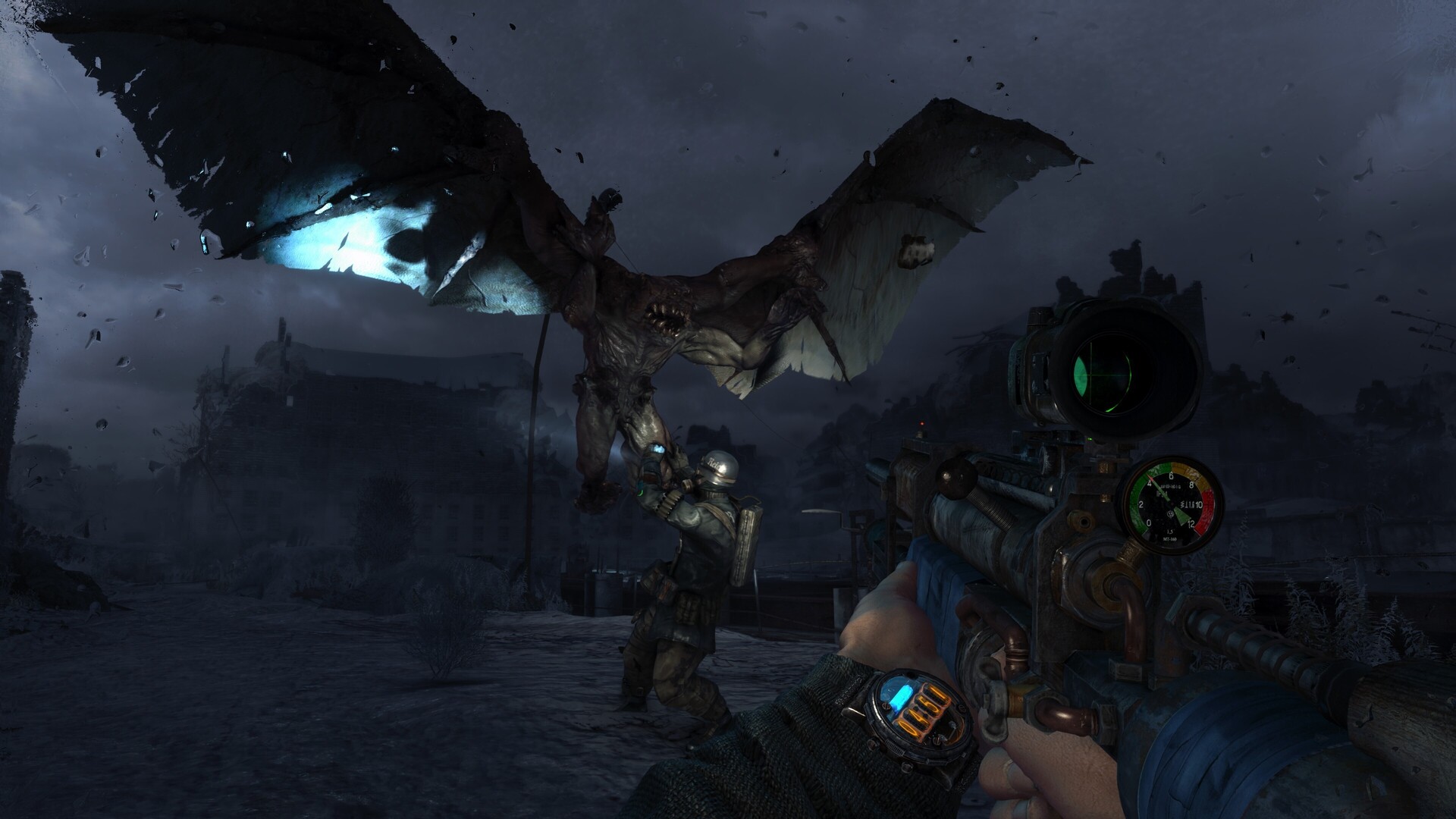
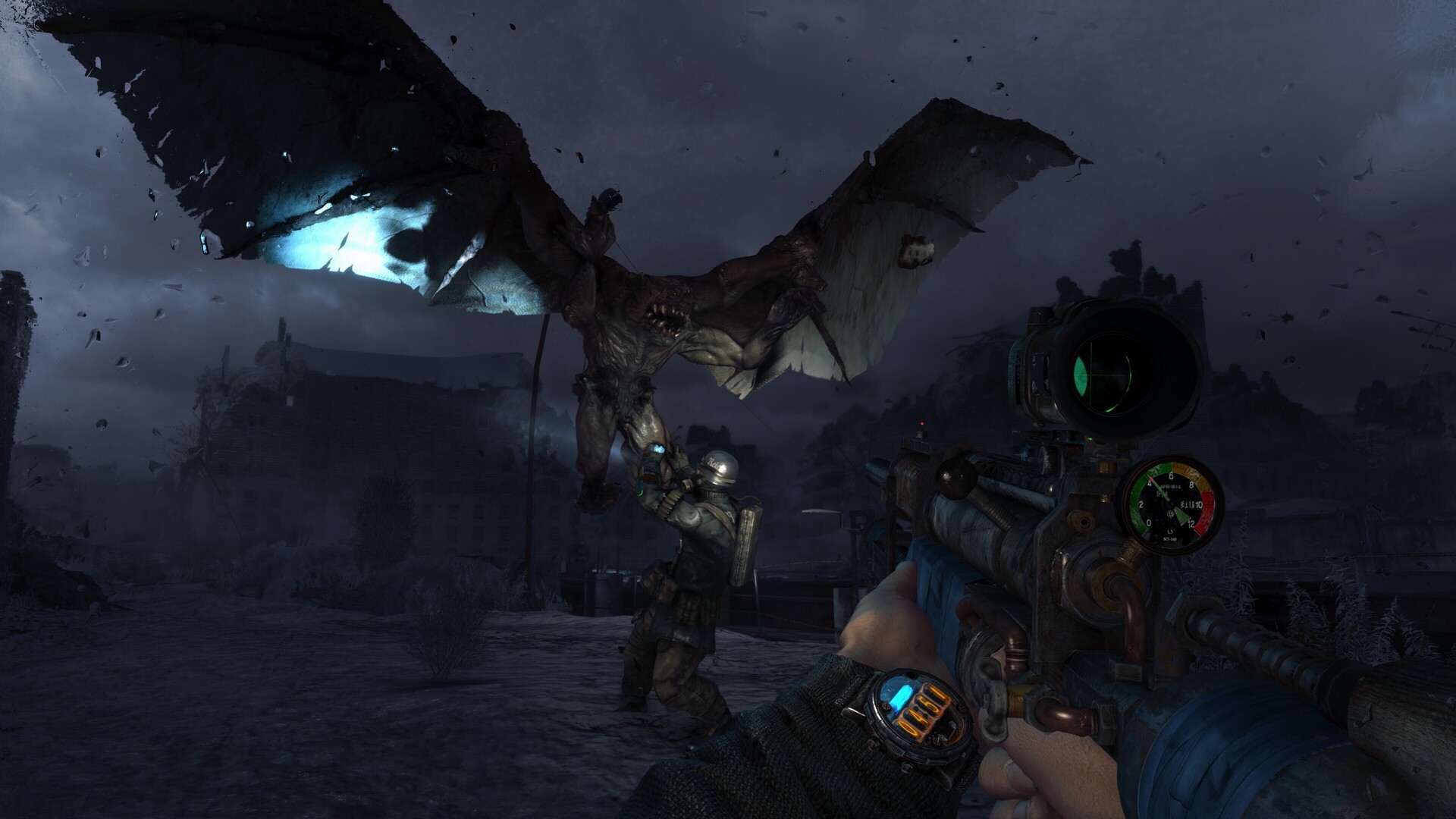
Here's what the update actually changed on Steam's own store pages for both games, confirmed word-for-word: "numerous visual and technical improvements, including 4K Textures; TSR, DLSS and FSR support; increased Geometry and Texture details; improved PBR materials; spatial audio support; improved Animations and sound quality, and more." Both games also gained support for Xbox Controller Impulse Triggers and DualSense Adaptive Triggers. None of that is enabled by a single toggle — you'll need to dig through a few different menus, and this guide walks through every one of them.
01What's Actually New in the Next-Gen Update
Before you touch a single slider, it's worth knowing what's confirmed and what's still rumor. The upscaler support, 4K texture pack, PBR material pass, spatial audio and controller haptics are all listed directly on the METRO Last Light Redux Steam page and the matching METRO 2033 Redux Steam page, so treat those as settled. A reported "DLSS 5" neural-rendering mode, spotted by some PC outlets inside the Video menu, has not been confirmed by 4A Games, Deep Silver or Nvidia directly — the official store listings only say "DLSS Support," so label anything claiming DLSS 5 as unconfirmed until 4A Games says otherwise. The update is a technical pass, not a remaster or remake; the campaigns, Ranger Mode and the Spartan/Survival playstyles are unchanged.
02Turning On DLSS, FSR and 4A TSR
Both Redux games now ship with three upscaling options instead of none: Nvidia DLSS, AMD FSR and 4A Games' own 4A TSR, which works on any GPU regardless of brand. Open the in-game Options menu and look in the Video settings for the new upscaler option. Pick DLSS if you're on an RTX card, FSR if you're on Radeon or an older Nvidia GPU, or 4A TSR if you want a vendor-neutral option that still sharpens the image over native rendering. Pair whichever upscaler you choose with a Quality-level resolution scale for the cleanest image, or drop to Balanced if you're chasing frame rate on a 1440p or 4K display.
The update also removes the old frame rate cap on PC. Once your upscaler is set, check the Video settings for the frame rate limit — leave it uncapped if you have a high-refresh monitor, or set a manual cap matching your panel to avoid the fan noise and heat of an unlimited benchmark-mode frame rate.
034K Textures, Geometry Detail and PBR Materials
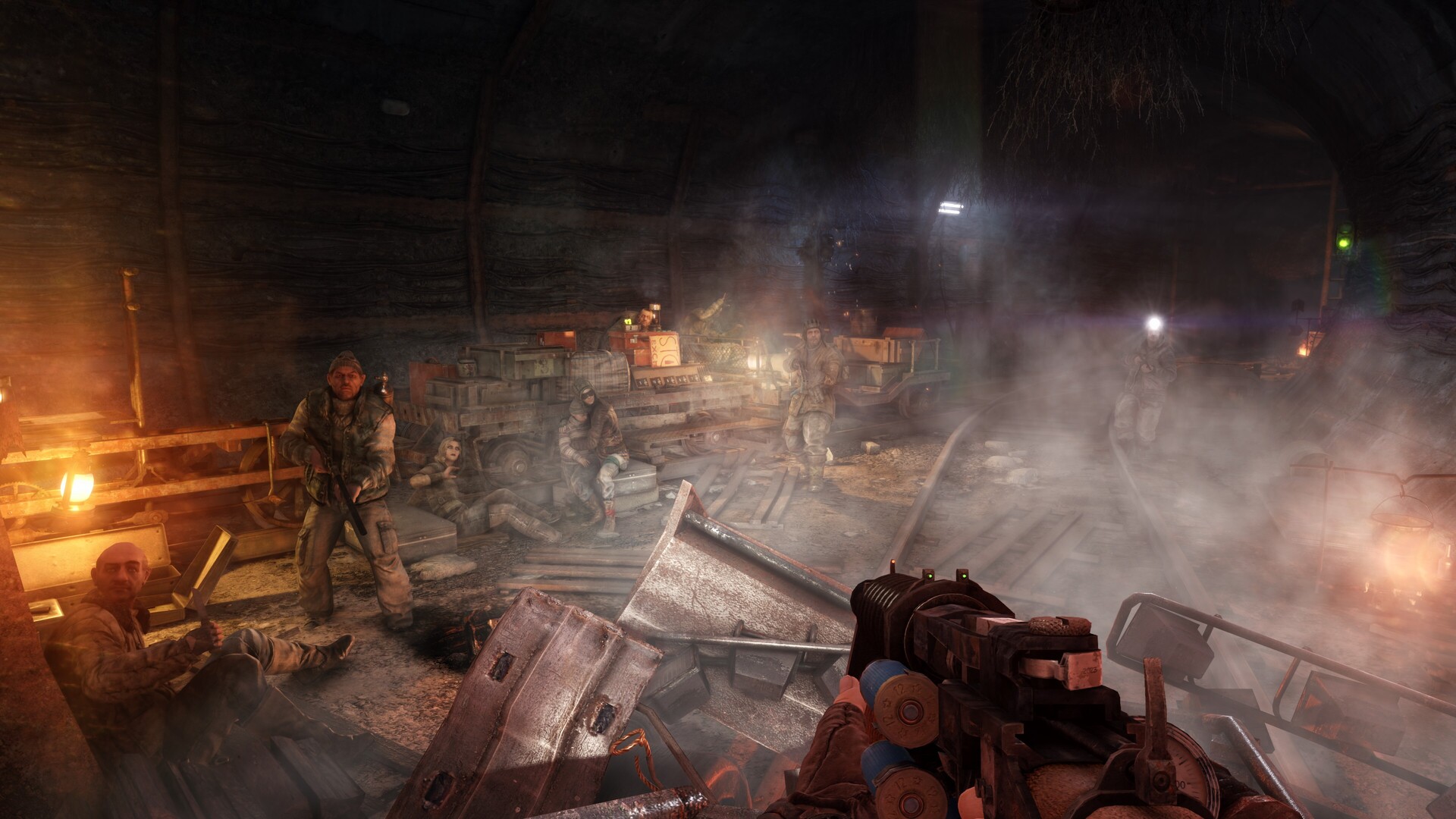
The Next-Gen Update's headline visual change is a full 4K texture pass across both campaigns, plus what Steam's own listing calls "increased Geometry and Texture details" and reworked PBR (physically based rendering) materials on weapons, gas masks and metro surfaces. The new texture and detail sliders in the Video settings are where you'll feel the VRAM cost first — push them to the top if you have 8GB of VRAM or more, since the 4K textures are most noticeable on gas mask glass, station signage and weapon models, which is exactly where the PBR pass shows up as well. Dial detail back a notch on anything older than a GTX 1660-class card, and the hit to image quality is minor compared to the frame rate you get back.
If you're running the minimum spec Steam lists for either game — a Core i5-4690 or Ryzen 3 1200 with a 2GB GTX 750 Ti or Radeon R7 260X — start one notch below maximum texture detail rather than at the top. VRAM runs out on texture settings before anything else tanks your frame rate in Metro's tunnel sequences.
04Spatial Audio and Sound Settings
Spatial audio support is one of the update's quieter additions, and it's easy to miss because it isn't in the Video settings at all — look for it under Sound. Turn it on if you're playing with a headset; Metro's tunnels and surface wind effects are built around directional cues (a mutant's growl from behind, dripping water down a side passage), and the remastered mix makes those far easier to place with spatial audio enabled than with it off. If you're on speakers instead of a headset, leave it off — the effect is tuned for headphone playback and can sound thinner over stereo speakers.
05Controller Haptics: Impulse Triggers and DualSense Adaptive Triggers
Both games now read Xbox Controller Impulse Triggers and PS5 DualSense Adaptive Trigger data on PC, not just on console. Plug in or pair your controller and check the Controller settings — the games should detect a supported pad and enable the new haptics automatically, but it's worth confirming after the update if you were already playing with a controller before October 22, since existing control bindings and settings carried over unchanged.
06Ranger Mode and HUD Options
None of the new graphics options change how Ranger Mode works, but it's worth revisiting now that you're already in the settings menu. Ranger Mode strips the HUD, compass and ammo counter entirely, forcing you to read your watch and ammo belt manually — it's selected from the main Options menu alongside the Spartan and Survival playstyles, separate from the new graphics and sound settings above. It remains a full difficulty and resource commitment rather than a cosmetic toggle, so it's worth trying a level or two before locking in a save on it.
It's also worth remembering this patch is scoped deliberately narrow: 4A Games has been clear this is a technical pass, not a remaster or a remake, so none of your existing Gameplay-tab accessibility options, difficulty settings or keybinds were touched by the update. If you had a custom control scheme set up before October 22, it should have carried over unchanged — the only new entries added to the menus are the ones covered above, not a wholesale redesign of the options screen.
07Recommended PC Settings by Hardware Tier
Steam lists official minimum and recommended specs for both Redux games, unchanged by the Next-Gen Update itself — the new settings just make better use of stronger hardware rather than raising the floor. Use this as a starting point, then adjust texture detail and your chosen upscaler's performance mode from there.
| Tier | CPU / GPU | Suggested settings |
|---|---|---|
| Minimum | Core i5-4690 / Ryzen 3 1200, GTX 750 Ti 2GB or RX R7 260X 2GB | 4A TSR, texture detail Medium, geometry detail Low |
| Recommended | Core i5-8600 / Ryzen 5 3600, GTX 1660 6GB or RX 590 8GB | DLSS/FSR Balanced, texture detail High, geometry detail Medium |
| Above recommended | RTX 3060 or better | DLSS Quality, texture and geometry detail maxed, frame rate uncapped |
How to Turn On the Next-Gen Update's New PC Settings
- 1Launch Steam, the Epic Games Store or GOG Galaxy and let METRO 2033 Redux and METRO Last Light Redux update automatically — the Next-Gen Update installs the next time either game launches, no opt-in required.2 min
- 2From the main menu, go to Options, then Video, where the new upscaler, texture and geometry options now appear alongside the existing graphics settings.1 min
- 3Choose Nvidia DLSS on an RTX card, AMD FSR on Radeon or older Nvidia hardware, or 4A TSR for a vendor-neutral option, then set the resolution scale to Quality or Balanced.2 min
- 4Push texture and geometry settings as high as your VRAM allows — 8GB or more handles the full 4K texture pack and PBR material pass comfortably.2 min
- 5In the Sound settings, enable spatial audio if you're playing on a headset, to make the new directional sound mix easier to read in combat.1 min
- 6Pair an Xbox or DualSense controller and check the Controller settings to confirm Impulse Trigger or Adaptive Trigger support is active.1 min
08Should You Turn All of This On?
If your rig clears the recommended spec, there's little reason not to run the full set — the upscalers exist specifically so the new texture and geometry settings don't cost you frame rate, and spatial audio and the trigger haptics add nothing to your system requirements either way. The only setting worth testing both ways is top-tier texture detail on anything below 6GB of VRAM, where it can start eating into frame times in the busier surface levels. Everything else in the Next-Gen Update is safe to leave maxed out the moment you confirm it's switched on.
None of this changes which version of either game you should own going in — the Next-Gen Update applies to existing Steam, Epic Games Store and GOG copies automatically, and it's free for anyone who already owns METRO 2033 Redux or METRO Last Light Redux, with no separate purchase or DLC required. If you're coming to the series fresh, grabbing both now means you start with every one of the settings covered above already available, rather than updating partway through a playthrough.
FAQ
Is the Metro Redux Next-Gen Update free?
Yes. It's a free update for anyone who already owns METRO 2033 Redux or METRO Last Light Redux on Steam, the Epic Games Store, GOG, PlayStation 5 or Xbox Series X|S — there's no separate purchase or DLC.
When did the Next-Gen Update release?
PC received it first, on October 22, 2026, through Steam, the Epic Games Store and GOG. The PlayStation 5 and Xbox Series X|S versions followed on October 29, 2026.
Does the update add ray tracing?
No. 4A Games has reserved ray tracing for Metro 2039, the next mainline entry in the series; the Next-Gen Update for the Redux games focuses on upscaling, texture, geometry, audio and controller support instead.
Does Metro Redux support DLSS 5?
That's unconfirmed. Some PC outlets have reported a DLSS 5 neural-rendering option appearing in the Video menu, but neither 4A Games, Deep Silver nor Nvidia has officially confirmed DLSS 5 support — Steam's own store listing for both games only credits "DLSS Support."
Did the update change Ranger Mode or difficulty settings?
No. The Next-Gen Update is a technical pass only — Ranger Mode, the Spartan and Survival playstyles, and existing keybinds and difficulty options are unchanged.
Official resources

Ana writes the step-by-step tutorials: settings, controls, configs and the systems games never explain properly. Every tutorial is tested on the version named at the top of the page, with the official patch notes linked so you can check what changed.