Warhammer 40,000: Boltgun 2: Best PC Settings and Controls
Official PC requirements, full controller support and launch-day settings for Warhammer 40,000: Boltgun 2, Auroch Digital's retro FPS sequel.
Warhammer 40,000: Boltgun 2 launched today, October 14, 2026, on PC, PlayStation 5 and Xbox Series X|S, and Auroch Digital's retro-FPS sequel is built to run at a steady 1080p/60 FPS on hardware that's years out of date — but only if you match the right quality tier to your GPU. Here's exactly what the Steam page confirms about requirements, controller support and the handful of comfort options you should flip on before your first run through the chapel.
01What's New in Boltgun 2
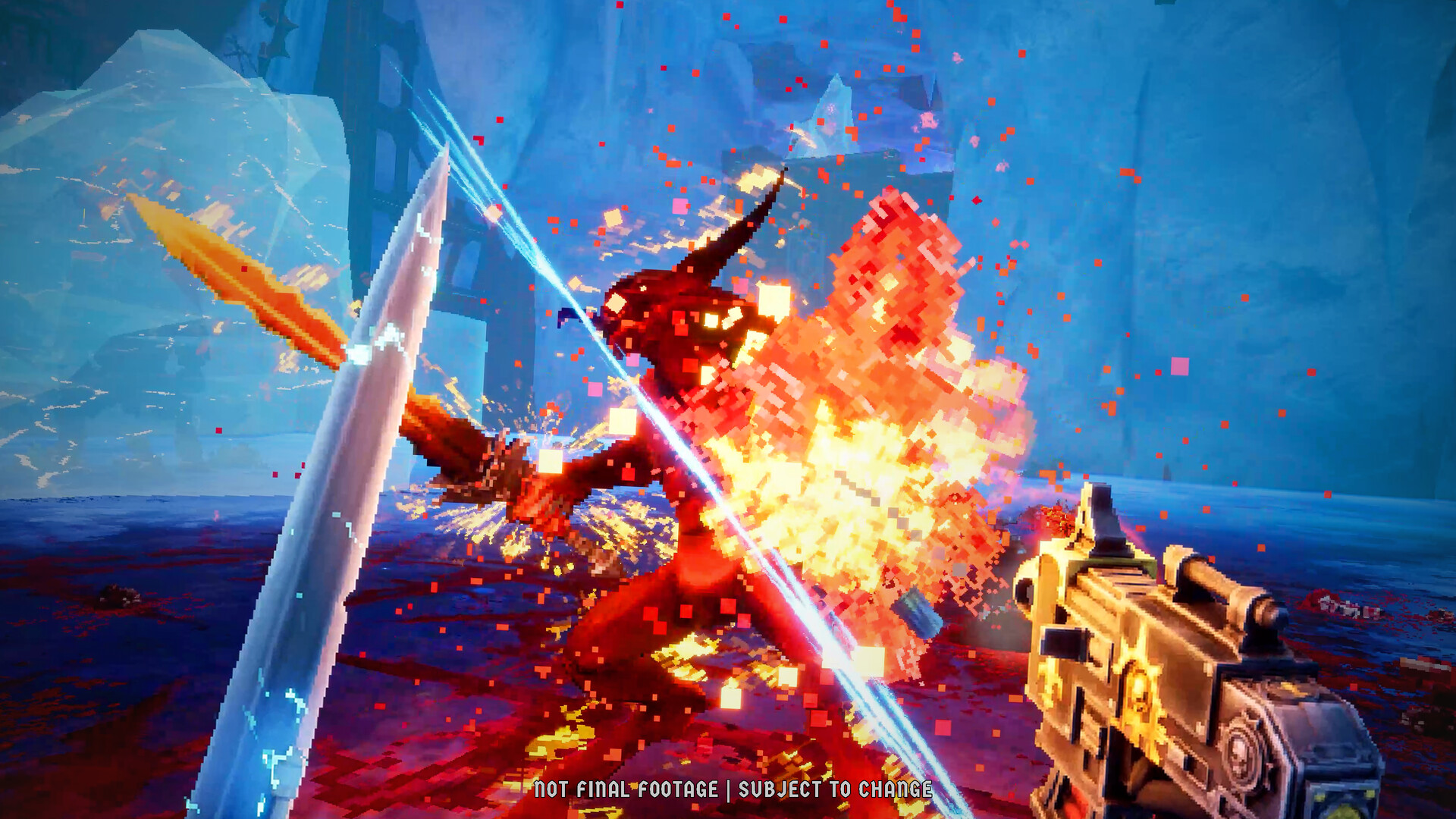
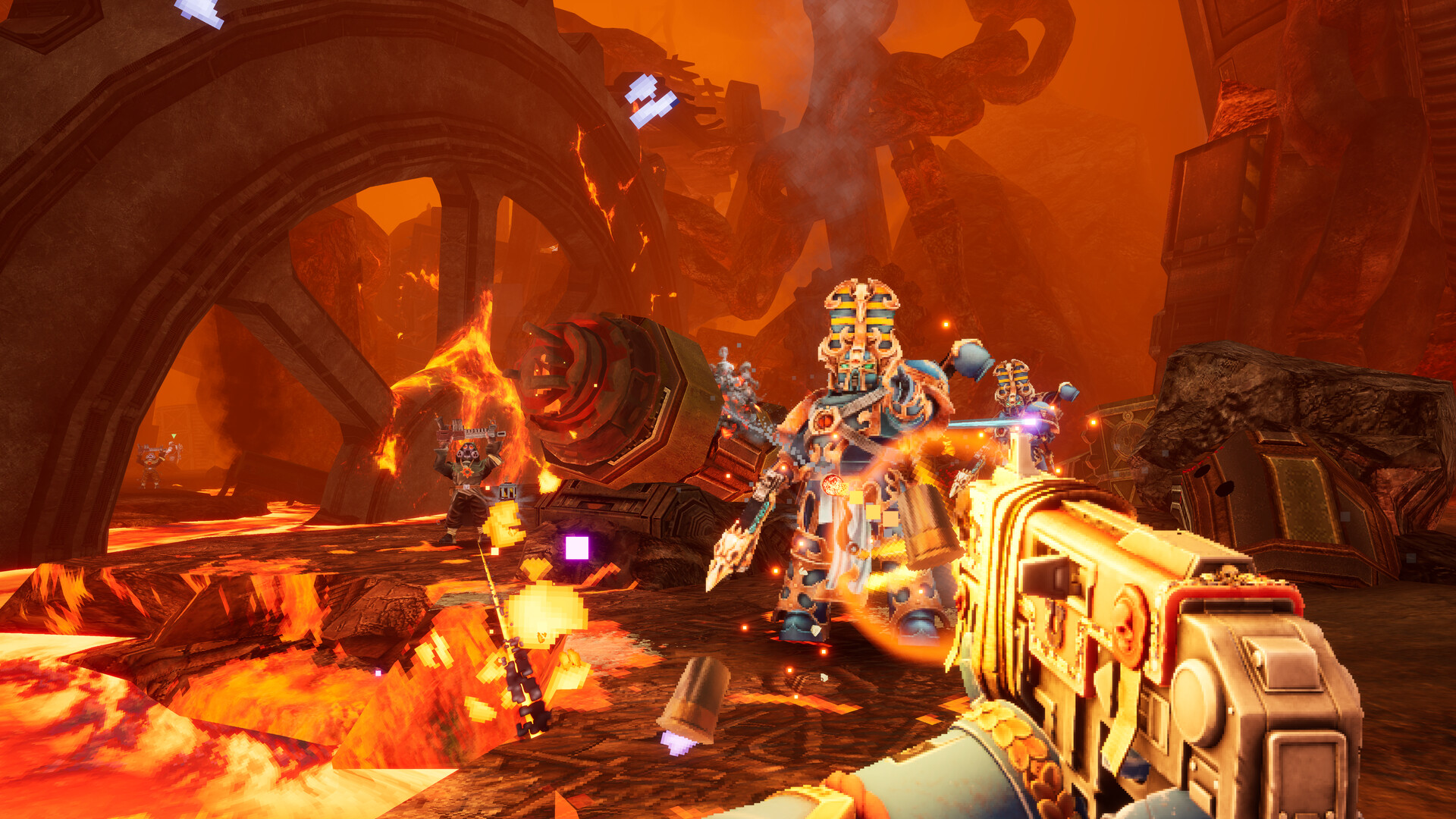
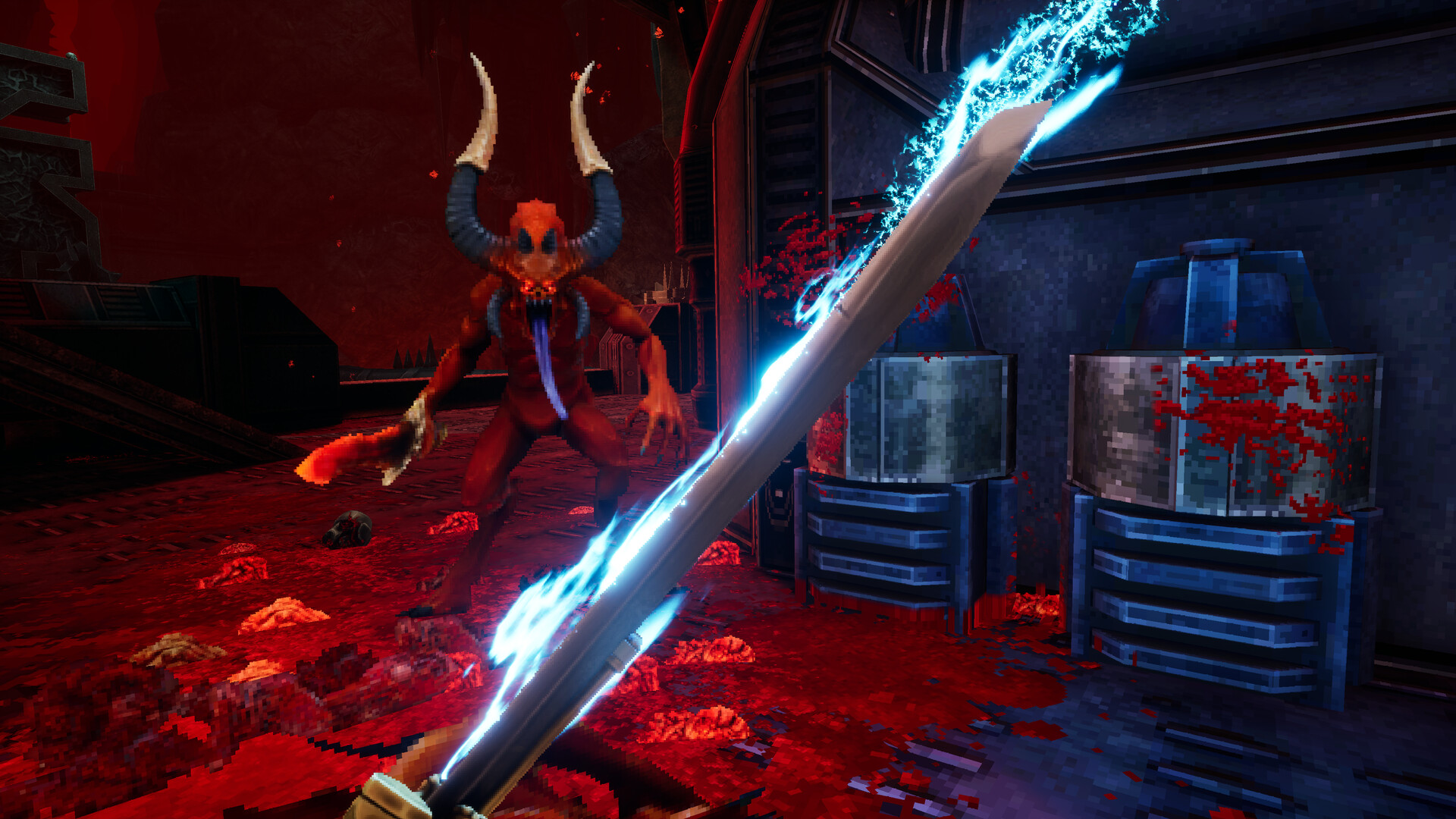
Boltgun 2 picks up from the 2023 original with two playable Space Marines instead of one: Ultramarine Malum Caedo and Sister of Battle Nyra Veyrath, fighting through missions against all four Chaos factions rather than a single faction's worth of heretics. Auroch Digital's own store description promises more enemies and more weapons than the first game, plus a boss encounter against Vashtorr the Arkifane with a score composed by Mick Gordon — the same composer behind recent DOOM soundtracks, which is a reasonable signal for the kind of audio mix you'll want to tune once you're in the options menu. None of that changes the settings surface much, but it's worth knowing before you jump into the checklist below: this is a bigger, two-character retro shooter running on the same lightweight low-poly engine as the original, which is exactly why the hardware bar below is so low for a 2026 release.
02Boltgun 2 PC System Requirements
Boltgun 2's Steam store page lists two official tiers, and both explicitly target the same 1080p resolution at 60 FPS:
| Spec | Minimum (Low Quality, 1080p/60) | Recommended (High Quality, 1080p/60) |
|---|---|---|
| OS | Windows 10 64-bit | Windows 11 64-bit |
| CPU | Intel Core i5-8600K / AMD Ryzen 5 2600 | Intel Core i7-7700K / AMD Ryzen 5 1500X |
| RAM | 8 GB | 8 GB |
| GPU | GTX 980 (4 GB) / Radeon R9 Fury (4 GB) / Arc A580 | GTX 1650 (4 GB) / Radeon RX 570 (4 GB) |
| Storage | 13 GB | 13 GB |
A few things worth flagging before you install. First, Boltgun 2 requires a 64-bit processor and operating system across the board — there's no 32-bit fallback, so if you're still running an old Windows 10 32-bit install this is a hard stop. Second, notice that the recommended CPU listed (an i7-7700K) is actually an older chip on paper than the minimum one (an i5-8600K); Auroch Digital is telling you, intentionally or not, that the GPU is what actually decides which quality tier you land on, not the processor. Third, RAM doesn't change between tiers at all — 8 GB covers both, so system memory isn't the bottleneck here. And at 13 GB install size either way, this is a small download by current standards; even a budget SSD or a half-full HDD partition has room for it. Steam hasn't published an official Steam Deck compatibility rating for Boltgun 2 as of launch, so if you're hoping to run it on a handheld, treat that as unconfirmed rather than assuming parity with the original game's Deck support.
03Minimum vs Recommended: What Actually Changes
Because both tiers target identical resolution and frame rate numbers, the real difference between Minimum and Recommended is the render quality preset Boltgun 2 selects for your hardware, not a frame rate ceiling you need to chase. A GTX 980 or Radeon R9 Fury-class card should comfortably hold 60 FPS on the Low Quality preset; step up to a GTX 1650 or RX 570 and the game opens up the High Quality preset at the same 1080p/60 target. Auroch Digital hasn't published a line-by-line breakdown of what each preset actually toggles — there's no confirmed public list of individual sliders like shadow resolution, texture filtering or draw distance — so for now, treat "Quality" as a single dial tied to your GPU tier rather than a menu you need to hand-tune setting by setting. If you do see performance dip below 60 FPS mid-mission, the straightforward fix is to step down one quality tier before touching anything else; there's nothing in the confirmed options list suggesting finer-grained levers exist yet.
04Full Controller Support and Default Controls
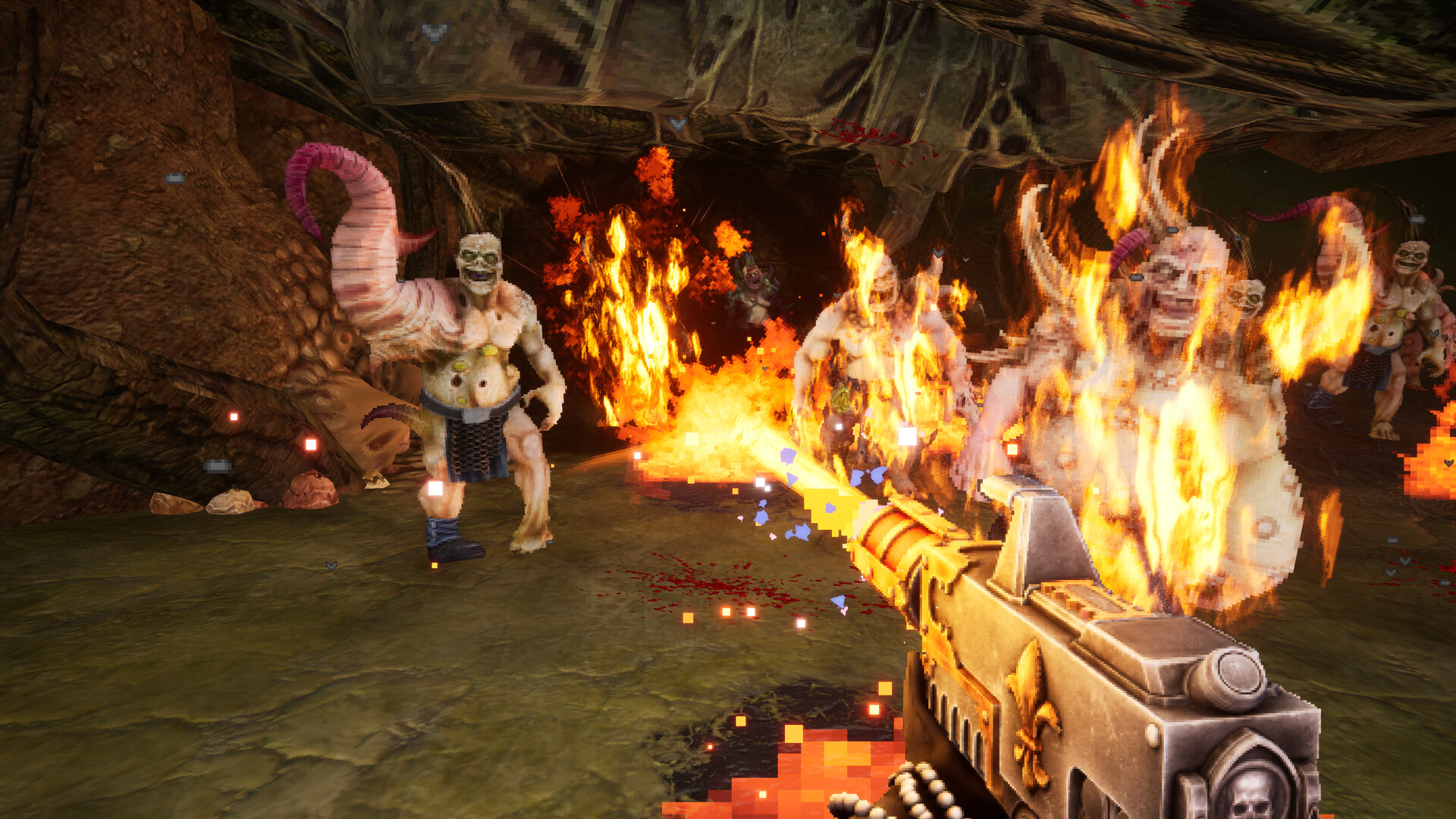
The Steam store page confirms Boltgun 2 ships with full controller support on PC, meaning a gamepad is plugged-in-and-play rather than a community remapping workaround you'd need for the original. Auroch Digital hasn't published a public keybind-rebinding menu list for either input method as of launch — treat specific remapping options (custom mouse sensitivity curves, per-action keybind swaps) as unconfirmed until the in-game menus or a day-one patch note says otherwise. What is confirmed is that both mouse-and-keyboard and controller are first-class inputs out of the box, continuing the original 2023 Boltgun's boomer-shooter control feel: fast strafing, a dash move, and the snap-turning you'd expect from a game built to look and move like a late-90s id Software shooter despite its 2026 release date. If you're switching between Malum Caedo and Nyra Veyrath across a playthrough, control schemes carry over character to character — there's no separate control profile per Marine.
05Camera Comfort, Difficulty and Volume Options
Three accessibility-adjacent features are explicitly confirmed on the store listing itself, which is useful because they're the kind of toggle easy to miss in a retro-styled menu: a Camera Comfort option (worth checking immediately if the original game's screen shake and recoil kick ever bothered you), Adjustable Difficulty so you can tune the four-faction gauntlet to your own skill level rather than fight the game's pacing on top of its enemies, and Custom Volume Controls for separating music, SFX and voice — handy given Mick Gordon's score is one of the things Auroch Digital is specifically calling out at launch. If you're coming off a game with dozens of granular sliders for everything from chromatic aberration to motion blur, Boltgun 2 is deliberately simpler: these three toggles, plus the quality preset above, make up the adjustable surface Auroch Digital has confirmed exists at launch. That's not unusual for a retro FPS built to evoke mid-90s shooters, where the options menu was traditionally short by design.
06First Launch Checklist
Run through this before your first mission so you're not stopping to fiddle with settings mid-level once the Chaos factions start swarming:
First Launch Checklist
- 1Confirm your card is at least a GTX 980, Radeon R9 Fury or Arc A580 (4 GB) before launching — anything below that isn't on Auroch Digital's supported list.2 min
- 2Install the latest driver from Nvidia, AMD or Intel. A stale driver is the most common cause of day-one crashes and stutter on a fresh launch.5 min
- 3On first launch, Boltgun 2 should default to Low or High Quality based on your GPU tier. If it doesn't, manually select the tier matching your card from the table above.1 min
- 4If you're playing with a gamepad, connect it before launching so full controller support is detected from the main menu rather than mid-session.1 min
- 5Check this option first if the original Boltgun's recoil and shake ever bothered you — it's confirmed on the store page as a dedicated toggle.1 min
- 6Use Custom Volume Controls to balance music, SFX and voice separately — especially worth doing given Mick Gordon's score is a launch highlight.2 min
07Troubleshooting Common Day-One Problems
Most launch-day issues on a game this size trace back to the basics rather than the game itself. Boltgun 2 needs 13 GB of free storage and a genuine 64-bit install of Windows 10 or 11 — a near-full drive or an outdated GPU driver is a far more common crash cause on release day than an actual bug. If frame rate sags below 60 even on the Low Quality preset, the GPU list above is a hard floor Auroch Digital has set: a GTX 980, R9 Fury or Arc A580 is the baseline for that tier, and anything older than that is running on unsupported hardware, full stop. Players coming from other recent Warhammer releases should also note that, despite the shared setting, Boltgun 2 runs on a completely different engine and team than Games Workshop's other current PC releases — don't assume a config-file trick from a different Warhammer game will carry over here.
“I want people to be surprised whenever they play a level.”Aaron Ashbrooke, Creative Director, Auroch Digital
08Where to Get Help or Learn More
Auroch Digital runs an official Boltgun 2 FAQ page for launch-week questions, and support requests are routed through [email protected] or the game's Discord rather than Steam forum threads — worth bookmarking if today's launch surfaces anything the store page doesn't already answer. Publisher Big Fan Games' site is the place to watch for day-one patch notes if a hotfix lands in the next 24 hours, which is typical for a launch this size. If you picked up Boltgun 2 on console instead, the same Minimum/Recommended quality logic above doesn't directly translate — PS5 and Xbox Series X|S both run a fixed, pre-tuned configuration rather than a PC-style settings menu, so the checklist and troubleshooting steps on this page are specific to the PC release.
Warhammer 40,000: Boltgun 2 launches OCTOBER 14th, 2026! Fight as Malum Caedo or Nyra Veyrath against all four Chaos factions in glorious boomer-shooter fashion! Face Vashtorr, the Arkifane, with a theme composed by Mick Gordon! Your Emperor commands: Watch the new trailer, https://t.co/qZRVCi539g
— Big Fan Games (@BigFanPresents), August 26, 2026 on X
FAQ
What are Warhammer 40,000: Boltgun 2's minimum PC requirements?
Windows 10 64-bit, an Intel Core i5-8600K or AMD Ryzen 5 2600, 8 GB RAM, and a GTX 980, Radeon R9 Fury or Arc A580 with 4 GB VRAM, per Boltgun 2's Steam store page. That tier targets 1080p at 60 FPS on the Low Quality preset.
What are the recommended specs for Boltgun 2?
Windows 11 64-bit, an Intel Core i7-7700K or AMD Ryzen 5 1500X, 8 GB RAM, and a GTX 1650 or Radeon RX 570 (4 GB), which unlocks the High Quality preset at the same 1080p/60 FPS target.
Does Boltgun 2 support a controller on PC?
Yes. Boltgun 2's Steam listing confirms full controller support on PC alongside mouse-and-keyboard.
Can you remap keybinds in Boltgun 2?
Auroch Digital hasn't published a specific keybind-remapping menu list as of launch, so treat detailed rebinding options as unconfirmed until the in-game menus or a patch note confirms them.
How much storage does Boltgun 2 need?
13 GB of free space on PC, the same for both the Minimum and Recommended hardware tiers.
Official resources

Ana writes the step-by-step tutorials: settings, controls, configs and the systems games never explain properly. Every tutorial is tested on the version named at the top of the page, with the official patch notes linked so you can check what changed.