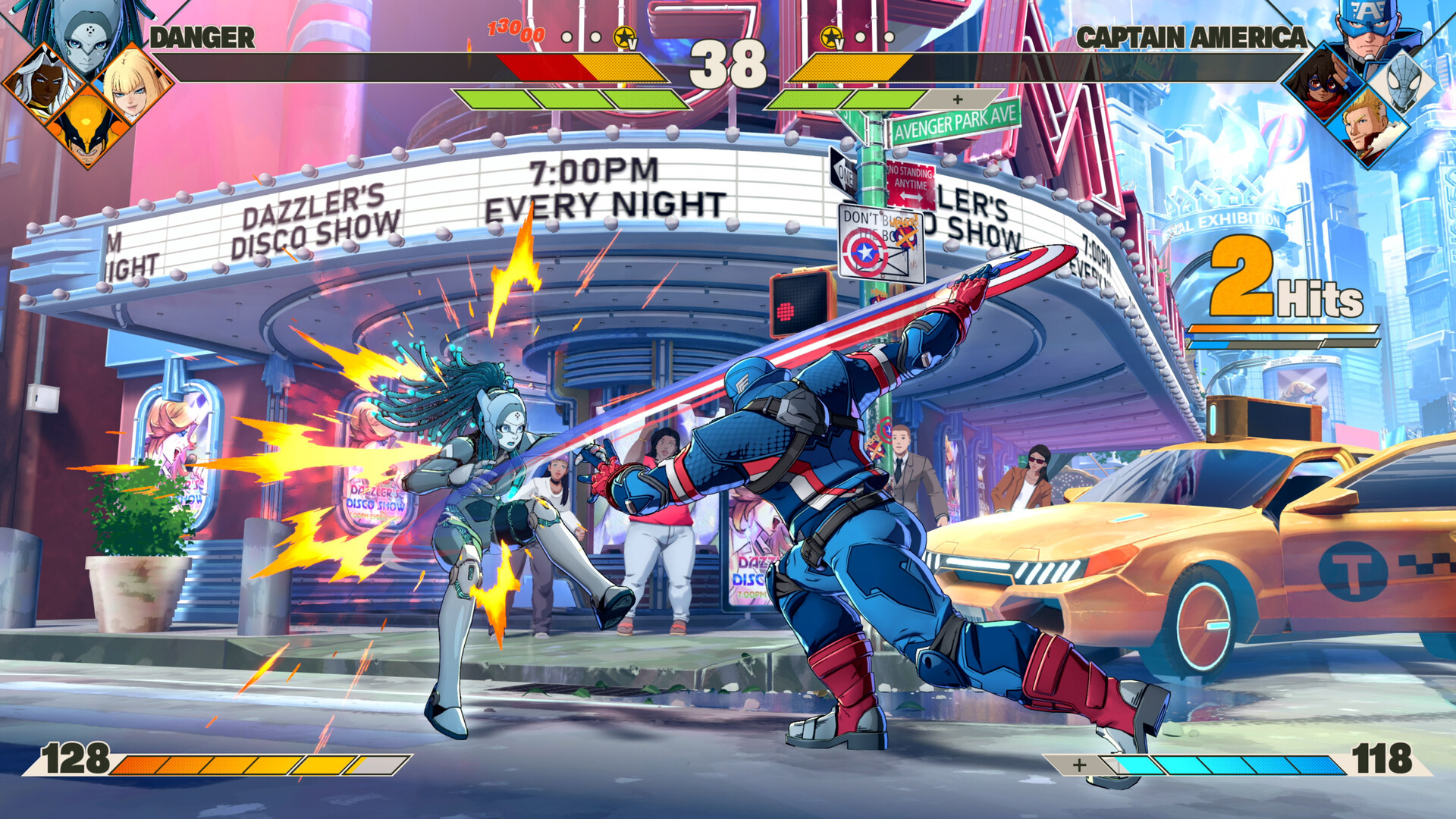
Marvel Tōkon: Fighting Souls: Best PC Settings and Controls
Official PC system requirements, controller remapping, and Training Mode settings for Marvel Tōkon: Fighting Souls before Phoenix Cyclops arrives.
Marvel Tōkon: Fighting Souls launched on PS5 and PC back in August, but the game's first real test of its PC foundations lands November 2, when Phoenix Cyclops joins the roster as the opening character of the Year 1 pass. Between now and then is the best window to actually configure the PC version properly instead of mashing through the default menus. Here's what's officially confirmed about requirements, controls, and the training tools worth turning on before a new fighter shows up.
01PC System Requirements for Marvel Tōkon: Fighting Souls
Arc System Works' own Steam listing sets the minimum spec at an Intel Core i5-8400 or AMD Ryzen 5 1600X, 16GB of RAM, and a GeForce RTX 2060 6GB or Radeon RX 6600 XT 8GB, with 27GB of storage. The recommended tier bumps the CPU to a Core i7-8700 or Ryzen 5 3600X and the GPU to an RTX 3070 8GB or RX 7600 XT 16GB, while RAM and storage stay the same. Unlike a lot of fighting games that barely touch a modern GPU, Tōkon's recommended card sits well above entry level — budget for the RTX 3070-class tier if you want headroom as the roster, and your VRAM usage, keeps growing with every DLC stage and costume.
Both tiers ask for 16GB of system RAM as a floor, not a recommendation — this is one of the few current fighting games that doesn't offer an 8GB minimum path, so check your system before buying if you're on older hardware.

02Best Controller Settings and Button Remapping
On Steam, Tōkon lists full DualShock and DualSense controller support alongside partial support for other pads, plus cross-platform multiplayer with PS5. If you're using a DualSense on PC, PlayStation's own support page notes that a wired connection is required to get all of the controller's features working — don't expect full functionality over Bluetooth.
Button remapping is available from three separate menus: the Character Select screen, the mid-match Pause Menu, and the main Options Menu. That flexibility matters because Tōkon's default inputs are built around Light, Medium, and Heavy attacks that chain into Skills, Super Skills, and Ultimate Skills the longer you hold a string — and a cramped default layout can make those chains awkward on a keyboard or an unconventional pad. The game also singles out the Quick Skill input specifically as remappable in the control settings, separate from the motion-input Command Skills, which deal slightly more damage and build more Skill Gauge if you'd rather learn the inputs than rely on the single-button shortcut.
Fighting game purists aren't locked into a standard pad, either. PlayStation's support page confirms that any PS5-compatible arcade stick or leverless controller works, which carries over to the PC version through the same cross-platform input support. If you're switching from a pad to a stick for the first time, remap your attack buttons before you touch Training Mode — relearning Light, Medium, and Heavy under your fingers while also trying to read frame data is a good way to waste a session.
Two inputs are worth remapping deliberately rather than leaving on default, according to the official beginner's guide: Assemble Assist, which calls in a teammate and defaults to a single button plus a direction (neutral or forward for your second teammate, down for the third, back for the fourth), and character switching, which defaults to a direction held with the right trigger. Both get used constantly once you're playing full teams instead of just Startup Battle's solo drills, so it's worth placing them somewhere your thumb can reach without letting go of your attack buttons.
03Startup Battle: The Tutorial Worth Running First
Before touching Training Mode, Tōkon's Startup Battle is the game's built-in onboarding tool, and it's worth running even if you've played fighting games for years. According to the official PlayStation Blog beginner's guide, it's split into two parts: Basics, which walks through a single character's individual attacks and combos using Captain America, and Assemble, which covers the game's team mechanics — Assemble Counter, Crossover, and calling in your other teammates for an assist. If you already know your way around a fighting game's fundamentals, the guide specifically calls out that you can skip Basics and jump straight to Assemble, since that's where Tōkon's tag-team systems actually differ from a one-on-one fighter.
04Training Mode Settings for Serious Practice
Once Startup Battle is done, Training Mode is where the PC-specific prep work happens. PlayStation's support page confirms it includes adjustable displays for command inputs, frame data, and damage, on top of a set of training scenario presets and configurable bot behavior — including the ability to record your own input pattern and have the bot play it back. Local two-player training is also available on the same machine, and online training runs through a dedicated training cabinet inside an online lobby, which both players need to interact with before the session starts.
How to Set Up Marvel Tōkon: Fighting Souls on PC
- 1Compare your CPU, GPU, and RAM against Arc System Works' official minimum (i5-8400/Ryzen 5 1600X, RTX 2060 6GB, 16GB RAM) and recommended (i7-8700/Ryzen 5 3600X, RTX 3070 8GB) tiers before installing the 27GB client.2 min
- 2Connect your DualSense, DualShock, or PS5-compatible arcade stick or leverless controller. On DualSense, use a wired connection so every feature works, then open the Options Menu to remap Quick Skill and your Assemble Assist and switch inputs.5 min
- 3Play through the Basics section with Captain America to lock in Light, Medium, and Heavy attack chains, even if you've played fighting games before — the control reminders are worth the few minutes.10 min
- 4Finish Startup Battle's Assemble half to practice Assemble Counter, Crossover, and calling in teammates — the inputs you just remapped — before trying them in a real match.10 min
- 5Enable the command input, frame data, and damage displays inside Training Mode so you can see exactly what's happening on every exchange.2 min
- 6Set CPU difficulty low, record a simple block string or punish scenario on the bot, and loop it to drill your own response until it's consistent.10 min
- 7Confirm local 2P training works on your setup, or join an online lobby and interact with the training cabinet with a friend.5 min
Why the display settings matter more on PC
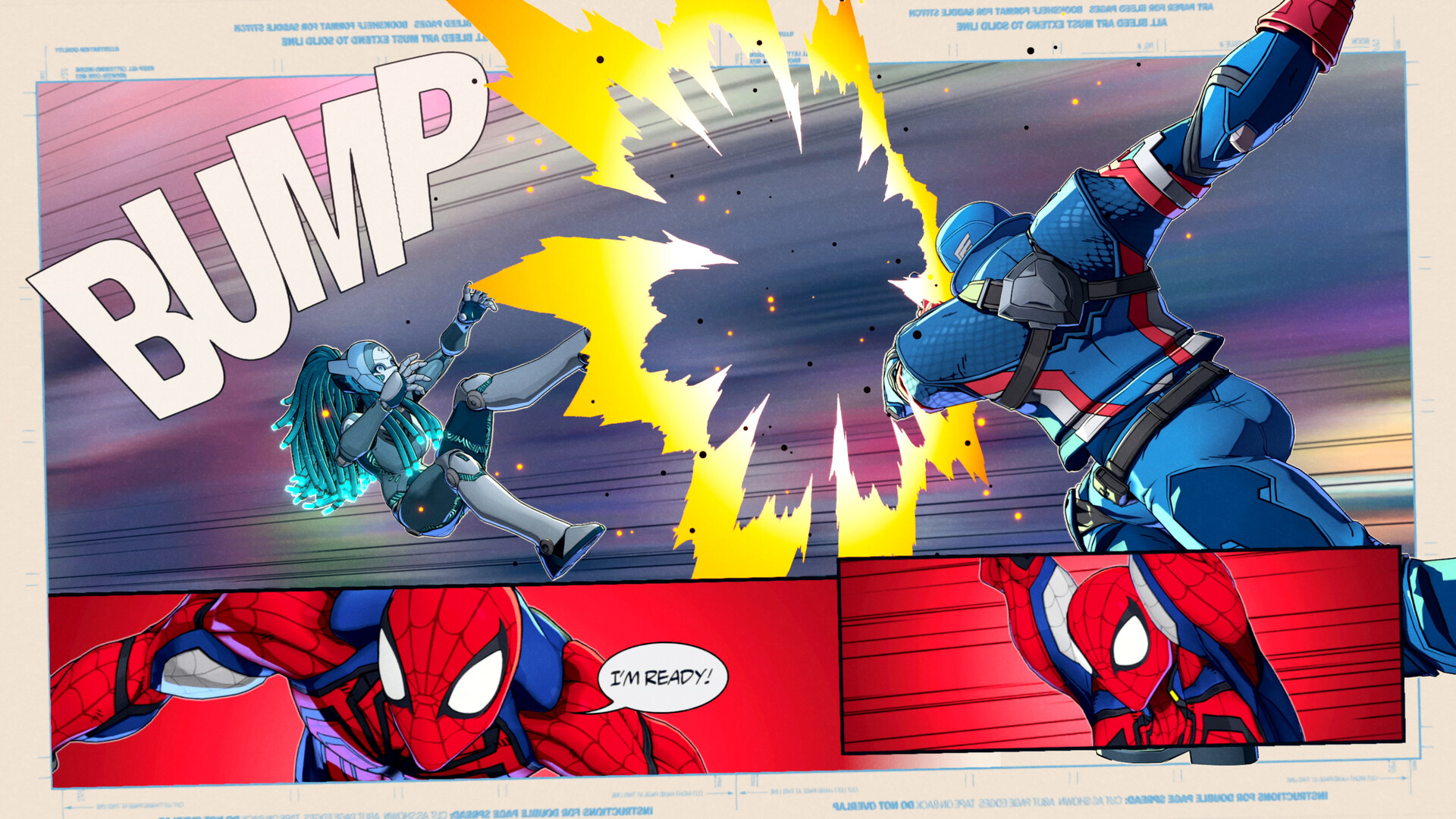
Turning on frame data and the input display isn't just FGC flavor — on PC, where your actual input lag depends on your monitor, cable, and whether you're using a controller or keyboard, having the numbers on screen is the only reliable way to confirm your setup is behaving the way you expect. Record a bot doing a specific block string, turn on frame data, and you'll know immediately whether a punish you're missing is a timing problem or a hardware one.
05Difficulty and Crossplay Settings to Know
CPU difficulty in Training Mode and offline matches runs across five levels, confirmed by PlayStation's support FAQ, which is enough range to start a new character on the lowest bot setting and ramp up as your execution improves without switching modes. Separately, Tōkon's Steam page lists Cross-Platform Multiplayer as a supported category, so PC and PS5 players share the same online pool — worth knowing before you assume a quiet matchmaking queue means the PC player base is small.
Steam's listing also confirms a handful of platform features that are easy to miss in the options menu: Steam Achievements and Stats tracking, Steam Cloud saves so your button remaps and training records follow you between machines, and Family Sharing. None of those need to be toggled on manually, but it's worth knowing your Training Mode bot recordings and control layout are cloud-backed if you reinstall or switch PCs before Phoenix Cyclops arrives.
06What's Still Unconfirmed on PC
To be clear about what hasn't been officially detailed: neither the Steam page nor PlayStation's support materials list individual graphics presets, resolution scaling, upscaling support, or a frame rate cap for the PC version. There's also no mention of colorblind modes or other accessibility-specific display options beyond the Training Mode displays covered above. If any of that matters to your setup, check the in-game Options Menu directly after installing rather than assuming it matches another Arc System Works PC port — unconfirmed is unconfirmed until you've seen it yourself.
07Getting Ready for Phoenix Cyclops on PC
Phoenix Cyclops arrives November 2 as the first fighter in the Year 1 Characters and Stage Pass, a bundle Steam lists at $34.99 that will eventually add more characters, a stage, and a set of result-screen poses on top of him. His kit is built around zoning: he uses Optic Blasts at range to build up to four Solar Shards, and once all four are filled he can transform into a temporary Dark Phoenix state — a significant power spike that also drains his health while it's active, so it's a commitment rather than a free win button. Arc System Works producer Takeshi Yamanaka has already confirmed the post-launch support plan doesn't stop with this one character.
“Following release, we're planning a variety of updates, including new characters, new stages, and more.”Takeshi Yamanaka, Producer, Arc System Works
That's the practical reason to get your settings sorted now rather than in November: once Cyclops lands, you'll want frame data and a recorded bot pattern ready to go so you can learn the matchup on day one instead of fumbling through menus while everyone else is already in training rooms working out the counterplay.
FAQ
Does Marvel Tōkon: Fighting Souls support crossplay between PC and PS5?
Yes. Steam lists Cross-Platform Multiplayer as a supported category, so PC and PS5 players share the same online matchmaking pool.
Can I remap controls on PC?
Yes. Button remapping is available from the Character Select screen, the mid-match Pause Menu, and the main Options Menu, including a specific remap option for the Quick Skill input.
What are the official PC system requirements?
Minimum is an Intel Core i5-8400 or AMD Ryzen 5 1600X, 16GB RAM, and a GeForce RTX 2060 6GB or Radeon RX 6600 XT 8GB. Recommended raises the CPU to a Core i7-8700 or Ryzen 5 3600X and the GPU to an RTX 3070 8GB or RX 7600 XT 16GB. Both need 27GB of storage.
Does Training Mode show frame data on PC?
Yes, according to PlayStation's official support page — Training Mode includes adjustable displays for command inputs, frame data, and damage, plus bot recording and training scenario presets.
When does Phoenix Cyclops arrive?
November 2, 2026, as the first fighter in the Year 1 Characters and Stage Pass.
Official resources

Ana writes the step-by-step tutorials: settings, controls, configs and the systems games never explain properly. Every tutorial is tested on the version named at the top of the page, with the official patch notes linked so you can check what changed.

