Street Fighter 6 Modern vs Classic Controls and Drive System
Street Fighter 6 Modern vs Classic controls explained with Capcom's official video: Assist combos, Drive Impact, Parry, Rush, Burnout and a practice routine.
Capcom's own nine-minute primer is still the fastest way to understand how Street Fighter 6 plays: which control type to use and how the five Drive System techniques share one gauge. Below is a timestamped breakdown of that video. After it you'll find what has changed since it was recorded, how to choose between Modern and Classic, and a Training Mode routine that turns the theory into muscle memory. Everything here was checked against Capcom's official Fighting Ground page, the online manual and the current update notes.
01What the Official Video Covers
The video is Open Beta Video 1: Characters & Battle System, hosted by commentator Jeremy "Vicious" Lopez and published on the official Street Fighter YouTube channel on May 15, 2023, ahead of the open beta. It shows only the eight beta characters, but the control and Drive System rules it teaches are the same ones Capcom lists on its site today.
- 0:35 The eight open beta fighters (Luke, Jamie, Chun-Li, Guile, Kimberly, Juri, Ryu and Ken).
- 1:03 Control types. The beta had two, Classic and Modern. The full game adds a third, Dynamic.
- 1:22 Classic: three punches and three kicks in light, medium and heavy.
- 1:54 Modern: Light, Medium, Heavy and a Special Move (SP) button, with specials done as one direction plus SP.
- 2:27 Super Arts on Modern: SP plus Heavy, with a direction choosing level 1, 2 or 3.
- 2:57 The Assist button and its three assisted combos.
- 3:27 Drive System intro, starting with Overdrive at 3:46.
- 4:17 Drive Impact. 5:05 Drive Parry and Perfect Parry.
- 6:06 Drive Rush, both methods. 6:52 Drive Reversal.
- 7:26 Burnout and why you should avoid it, especially in the corner.
02Classic vs Modern: The Button Layouts
Classic is the series' traditional six-button layout. Capcom's page calls it "effective at high level play where complete control over your character is a must." Each attack strength has its own punch and kick button, and special moves use motion inputs. Drive Impact is Heavy Punch + Heavy Kick and Drive Parry is Medium Punch + Medium Kick. The video notes (4:57) that you can also map either one to a single free button.
Modern gives you Light, Medium and Heavy attack buttons, a Special Move button, an Assist button, a Throw button, and dedicated Drive Impact and Drive Parry buttons. As the video shows at 2:12, you press SP alone or with left, down or right. On Ryu, Capcom's page shows Hadoken as a single button, while other specials such as Shoryuken and Tatsumaki Senpu-kyaku add one direction. Super Arts are SP + Heavy with a direction.
Dynamic is the AI auto-attack option. The manual says it is limited to certain Fighting Ground modes and can't be used online, so it's fine for a couch session but not for ranked.
03How Assist Inputs and Damage Work on Modern
Hold the Assist button and press Light, Medium or Heavy repeatedly to get the three Assisted Combos. Capcom's Ryu example on its official page shows pressing Light twice, Medium three times and Heavy four times. These are built-in strings, so you get a real combo without learning links first. The routes depend on the character, and the 08.03.2026 patch changed some of them (see below).
Modern does not stop you from using motion inputs. Capcom's own account explained how to see which specials still work that way:
FYI: In the Modern Control Command List, you can press R3 to switch to Manual Controls to see which special moves can still be performed with manual inputs in Modern. (For those curious about Shun Goku Satsu in Modern 👀)
— Street Fighter 6 (@StreetFighter), May 2024 on X
On damage, Capcom's official site and manual don't give a figure. Players widely report that specials and Super Arts done with the SP shortcut deal about 20% less damage than the same moves entered with full motions, and that motion inputs on Modern do full damage. Treat that number as unconfirmed by Capcom. You can check it yourself: hit the Training Mode dummy with a move done both ways and compare how much vitality it loses.
The latest balance patch changed Modern too. The 08.03.2026 Battle Change List reworked certain normals and SP moves for specific characters and updated some Assisted Combos. It also lets you choose the strength of any Down+SP special by holding down-back, down or down-forward. If your old muscle memory now does the wrong move, check your character's section of that list.
04Drive System Basics: Five Techniques, One Gauge
The Drive Gauge sits under your vitality bar and is full at the start of every round. Each technique spends stocks from it, and it refills over time.
| Technique | Drive cost | What it does | Classic input |
|---|---|---|---|
| Drive Impact | 1 stock | Armored strike that absorbs an attack; wall splats a cornered opponent even on block | Heavy Punch + Heavy Kick |
| Drive Parry | Drains while held | Stops high and low attacks and refills Drive; Perfect Parry just before impact | Medium Punch + Medium Kick |
| Overdrive | 2 stocks | Enhanced special move (the old EX moves) | Special with two buttons of the same type |
| Drive Rush | 1 from a parry, 3 from a normal | Fast forward rush that sets up offense | Tap forward twice from a parry or cancelable normal |
| Drive Reversal | 2 stocks | Low-damage counterattack while blocking | Forward + Heavy Punch + Heavy Kick while blocking |
On Modern, Drive Impact and Drive Parry have their own buttons. Drive Rush uses the same forward-forward input, and Drive Reversal is forward + Drive Impact after you block (7:15).
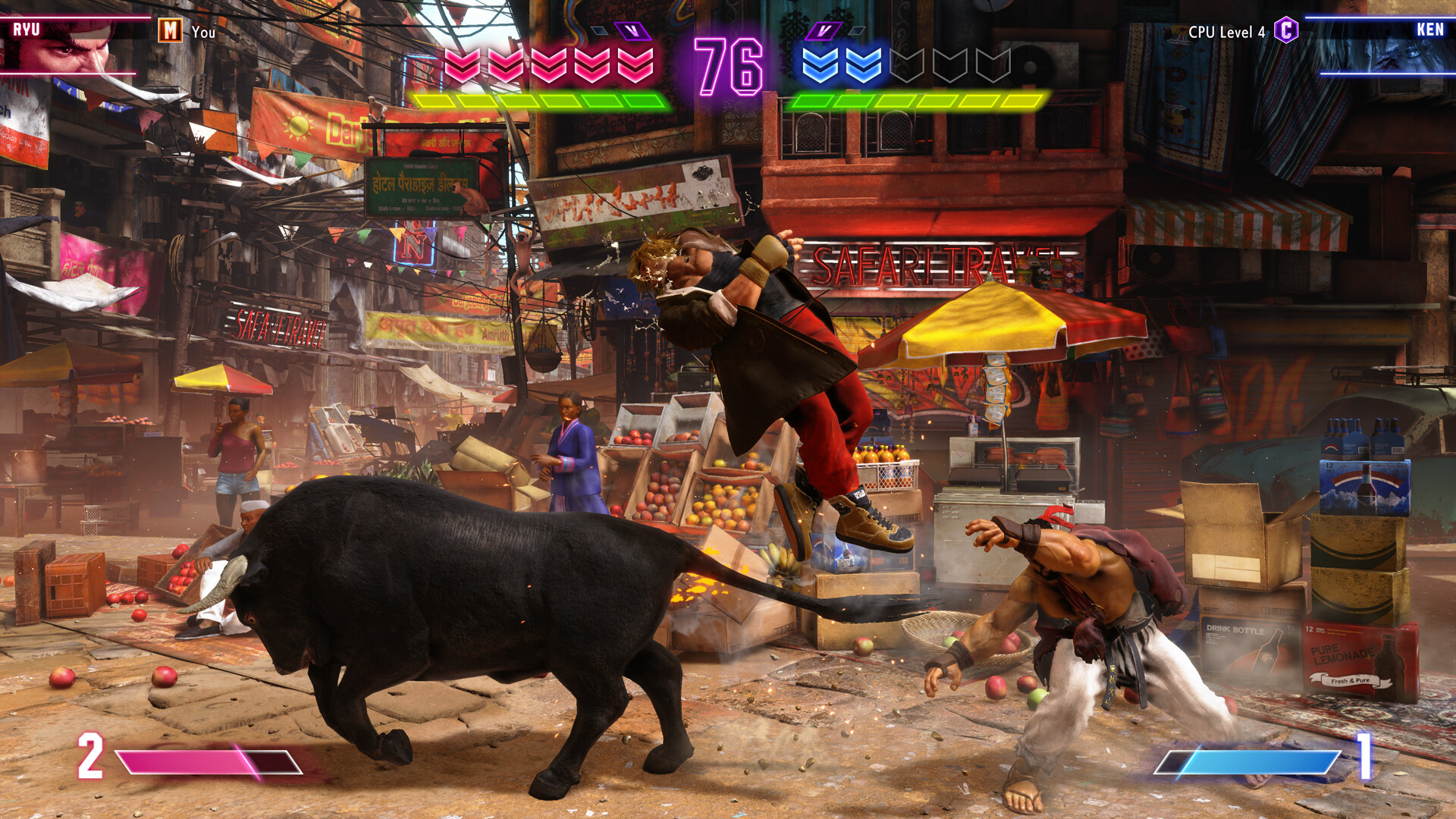
The video adds a few things the table can't. A predictable Drive Impact "can lead to your own demise" (4:40). Drive Parry beats highs and lows but loses to throws (5:36). A Perfect Parry slows the game down and gives you a bigger punish than a normal parry (5:57). Parry-cancel Drive Rush is the cheap way in, while a Drive Rush out of a normal costs three stocks.
“One gauge, five techniques, unlimited possibilities. Use your creativity to choose which technique to utilize and when.”Andy Wong, Sr. Manager, Social Media and Community, Capcom (PlayStation Blog, June 2022)
05Burnout: Managing the Gauge
Burnout happens when your gauge hits zero. The video lists three ways to get there: spending too much, blocking too many attacks, or getting hit by certain attacks. The manual is clear about what follows: you can't use any Drive technique until the gauge fully recovers. Capcom's page calls it a state "with big disadvantages." The video's advice is to avoid it at all costs, especially near the corner, where a Drive Impact against you is most dangerous.
06Which Control Type Should You Pick?
Pick Modern if you're new, coming back after years away, or want special moves on a single button press. Capcom designed it for players who want to fight "without memorizing and practicing special move button combinations first." You can still do motion inputs whenever you want to.
Pick Classic if you've played earlier Street Fighter games, or want the full six-button layout with motion inputs for everything. More buttons means more options, which is why Capcom recommends it where complete control matters.

You don't have to commit forever. In Battle Settings (Character tab) you can set a control type for each character, so you can play Modern on a new main while keeping Classic on your old one.
07Training Mode Practice Routine
This routine takes about 40 minutes and uses only tools the official manual documents: Tutorials, Character Guides, Combo Trials and Recording Settings, which let you record up to eight action sequences for the dummy. Repeat it for a few sessions before you queue ranked.
Your 40-minute Training Mode routine
- 1Open Battle Settings, go to the Character tab and choose Modern or Classic for the character you're learning.2 min
- 2Clear the Tutorials, then play through your character's guide to learn their key special moves.10 min
- 3Record the dummy doing a high attack and then a low one, and parry both, aiming for Perfect Parry timing.5 min
- 4Record a blockstring, block it, and answer with Drive Reversal (Forward + Heavy Punch + Heavy Kick, or Forward + Drive Impact on Modern).5 min
- 5Tap forward twice out of a Drive Parry (1 stock), then out of a cancelable normal (3 stocks), and compare how much gauge each one costs.5 min
- 6Watch each combo trial demonstration at 50% speed, then land it yourself; on Modern, try the three Assisted Combos too.10 min
- 7Spend Drive until you Burn Out, notice which techniques stop working, and time how long it takes to recover.3 min
For Combo Trials, the August 3, 2026 update added an option to watch each demonstration at regular or 50% speed. Use the slow version to learn when Drive Rush cancels happen before you try them.
08Current Version and Season
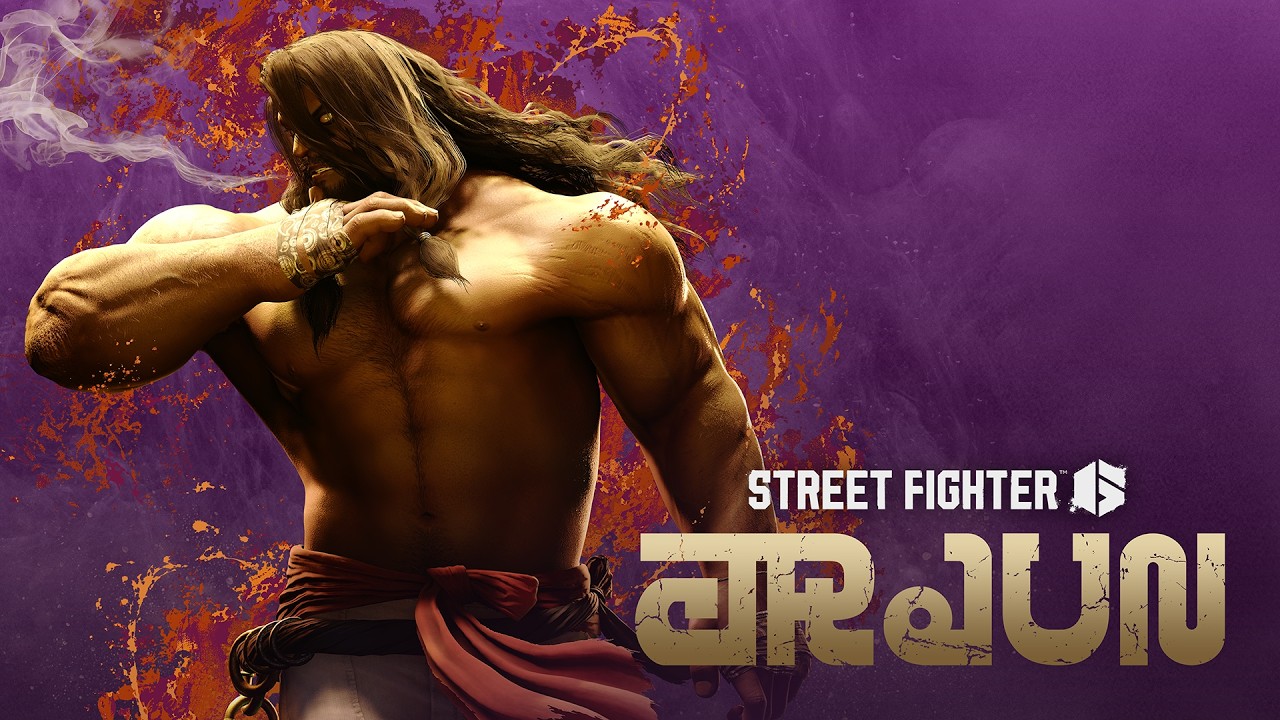
Street Fighter 6 is in Year 4. That year began on August 3, 2026, when Yasmine was released alongside battle adjustments for every character. The most recent update came during the September 8, 2026 maintenance. It added the Arjun Arrives! Fighting Pass and fixed two C. Viper bugs, one of which involved frame advantage from the August 3 changes. Capcom's announcements on the Steam store page confirm that Arjun, the second Year 4 character, arrives on October 13, 2026. None of these updates change the Drive System basics in the video. The only universal item on the August list is a Drive Reversal bug fix.
FAQ
Should I use Modern or Classic controls in Street Fighter 6?
Use Modern if you're new or returning and want special moves on a single button press; Capcom built it for players who don't want to memorize command inputs first. Use Classic if you want the traditional six-button layout, which Capcom describes as effective at high-level play where complete control matters. You can set a different control type for each character in Battle Settings.
Do Modern controls do less damage in Street Fighter 6?
Players widely report that specials and Super Arts done with the Special Move button shortcut deal about 20% less damage, while motion inputs on Modern deal full damage. Capcom's official site and manual don't state a figure, so treat the number as unconfirmed and test it against the Training Mode dummy.
How do you Drive Rush in Street Fighter 6?
Tap forward twice either out of a Drive Parry or out of a cancelable normal attack. The parry version costs 1 Drive stock and the normal-cancel version costs 3. The input is the same on Modern and Classic.
What happens when you Burn Out in Street Fighter 6?
When your Drive Gauge is empty you enter Burnout and can't use any Drive System technique until the gauge fully recovers. You can get there by spending too much, blocking too many attacks or getting hit by certain attacks, and it's most dangerous in the corner.
Can you use Dynamic controls online in Street Fighter 6?
No. Capcom's manual says the Dynamic auto-attack control type is limited to certain Fighting Ground modes and can't be used in online play, so online matches are Modern or Classic only.
Official resources
- Official site: Fighting Ground, Drive System and control typesstreetfighter.com
- Battle Change List: 08.03.2026 updatestreetfighter.com
- Update notice: September 8, 2026streetfighter.com
- Street Fighter 6 official web manualgame.capcom.com
- Street Fighter 6 on Steamstore.steampowered.com
- Street Fighter 6 on Wikipediaen.wikipedia.org

Ana writes the step-by-step tutorials: settings, controls, configs and the systems games never explain properly. Every tutorial is tested on the version named at the top of the page, with the official patch notes linked so you can check what changed.