Street Fighter 6: Best PC Settings and Controls for Arjun
Street Fighter 6's Modern, Classic and Dynamic control types, per-character binds and graphics settings worth checking for Arjun's Year 4 launch.
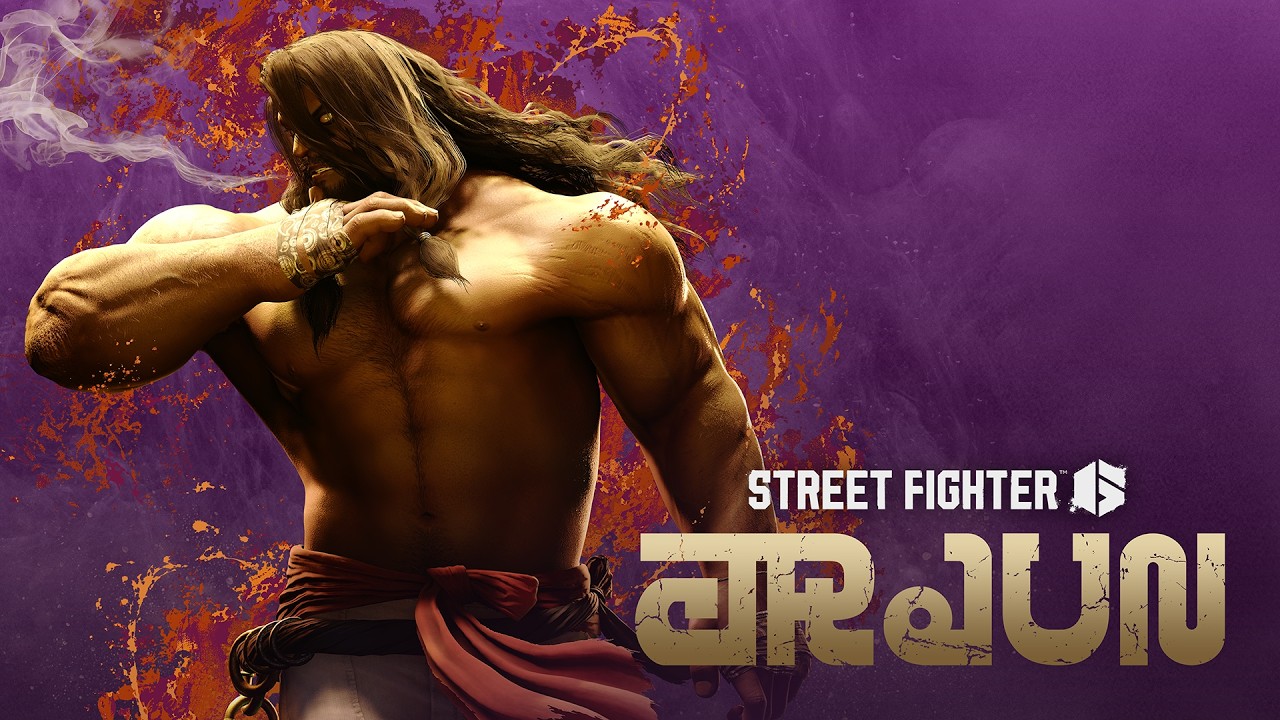
Arjun joined Street Fighter 6 on October 13, 2026 as the second of the game's four Year 4 fighters, and he plays nothing like the cast Capcom shipped at launch. His entire kit is built around what Capcom calls recoverable damage: specials that turn a chunk of your opponent's vitality gauge grey even when they block, followed by command grabs and follow-up attacks designed to convert that grey life into real damage before it regenerates. That's a very different rhythm from a rushdown character or a classic zoner, and it's a good excuse to stop coasting on whatever control scheme you set up back in 2023 and actually look at what Street Fighter 6's PC options menu can do for you.
Arjun is also the second of four fighters in the Year 4 pass, following Yasmine, with Tifa Lockhart and Bosch still to come. If you're planning to spend the rest of the year learning all four, now is a reasonable point to get your base settings right once rather than re-adjusting them every time a new character ships.
01Why Arjun Changes How You Should Set Up Street Fighter 6
Arjun is a 6'9", 320-pound former police officer who was framed for his partner's murder, and his moveset leans entirely on yogic breathing techniques rather than a weapon. Cruel Shoulder sets up Justice Beyond if it connects with an active Divine Pillar, Ghastly Interrogation is a command throw that only pays off once the opponent already has recoverable damage sitting on their health bar, and Indomitable Defense turns Arjun into a walking counter-stance. None of that is reaction-testing in the way a fast poke string is — it's about recognizing a window and committing to the right input, which makes your control scheme and your button layout more important than usual.
If Arjun's yoga-powered grapple game is new to you, the story behind his contentious debut is worth a read before you touch your settings, since knowing why his kit is built around command grabs and counter-stances explains why "comfortable" controls for Arjun don't necessarily look like your main's setup.
02Modern, Classic and Dynamic Controls Explained
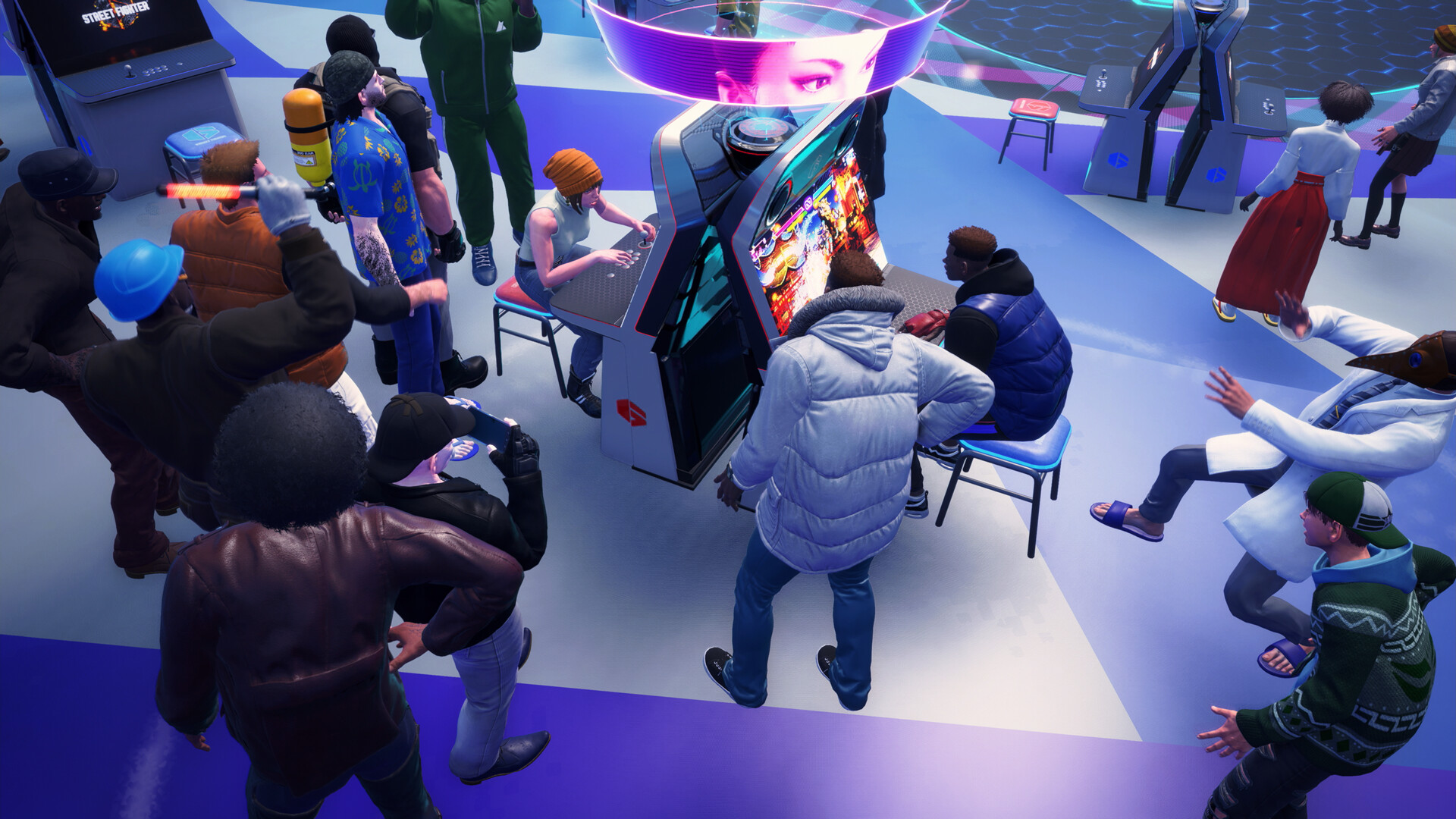
Street Fighter 6 ships with three control types, and Capcom's own PC manual lays out what each one actually changes:
- Classic — the traditional six-button layout every prior Street Fighter game used. Special moves are motion inputs (quarter-circles, dragon punches, charge inputs), and every attack strength is on its own button.
- Modern — a simplified four-button layout where special moves come from a single button plus a direction, at the cost of losing your light, medium and heavy normals as separate inputs (you get a universal "Special" button and an Auto Combo instead).
- Dynamic — an AI-assisted type that throws out normals, specials and even some supers automatically based on context. It's Fighting Ground only; Capcom's manual does not make it available for ranked or casual online matches.
For a grappler-leaning character like Arjun, that distinction matters more than usual. Modern's single-button specials make it far easier to land Divine Pillar or Ghastly Interrogation on reaction, but you give up some of his damage output and the ability to hold a special move's input to delay Divine Pillar's eruption, which is a real part of his kit on Classic. There's no objectively correct answer here — it's a genuine trade-off between consistency and ceiling, and it's one you can make differently for Arjun than for the rest of your roster.
| Control Type | Best for | Trade-off |
|---|---|---|
| Classic | Full motion inputs, max damage, holding Divine Pillar | Hardest execution, especially on keyboard |
| Modern | Reliable specials and command grabs on reaction | Lower damage ceiling, loses manual normal-strength control |
| Dynamic | Learning the cast in Fighting Ground | Unavailable in ranked or casual online matches |
03How to Set Up Your Ideal Control Scheme Step by Step
Capcom splits this across two separate menus, and it's easy to miss the second one if you've only ever touched Street Fighter 6's settings once, at launch.
Setting Up Street Fighter 6 for Arjun
- 1Open Multi Menu > Options > Battle and choose a base control type. Classic gives full motion inputs and max damage; Modern trades some damage for one-button specials; Dynamic is Fighting Ground only.2 min
- 2On the Battle Settings Character tab, pick a control type just for Arjun if you want something different from your main — useful if his command grabs and held inputs don't suit your usual scheme.1 min
- 3Go to Multi Menu > Options > Controls and use the remap key to rebind attacks, Drive Rush, Parry and your menu shortcuts so nothing overlaps with the special-move holds Arjun's kit asks for.3 min
- 4If Fighting Ground or Battle Hub matches dip below 60 FPS, lower the quality categories in the Graphics menu one at a time, starting with resolution scale, rather than assuming your hardware can't handle it.3 min
- 5Before queuing Ranked, revisit your region and connection-quality preferences, especially if you haven't adjusted them since an earlier patch — a stricter filter cuts down on laggy matches that make reading Arjun's slower pressure harder.2 min
- 6Confirm your layout persists after a restart, then spend a few minutes in Training Mode against Arjun specifically to feel out whether your new binds hold up under his command-grab pressure.2 min
04Remapping Keyboard and Controller Buttons
If you're playing on keyboard, Capcom's PC manual confirms you can open Multi Menu > Options > Controls and press the dedicated remap key to rebind every action, from attack buttons to menu navigation to the shortcuts for taunts and quick communication. Controller players get a similar remap screen, and both support saving your layout so it persists across sessions rather than resetting every time you boot the game.
A few binds are easy to overlook and worth checking specifically before you spend real time in Training Mode with Arjun. Confirm your Drive Rush and Parry inputs aren't sharing a finger with whatever you bind Divine Pillar or Breathing Ring to on Classic — Arjun asks you to hold specific special inputs (to delay Divine Pillar's eruption) more than most of the cast, and an awkward binding will cost you reps you didn't need to lose. If you use a fight stick or Hitbox-style all-buttons controller, remap screens list every physical input independently, so double-check nothing doubled up during a default profile import.
05Graphics Settings for a Steady 60 FPS
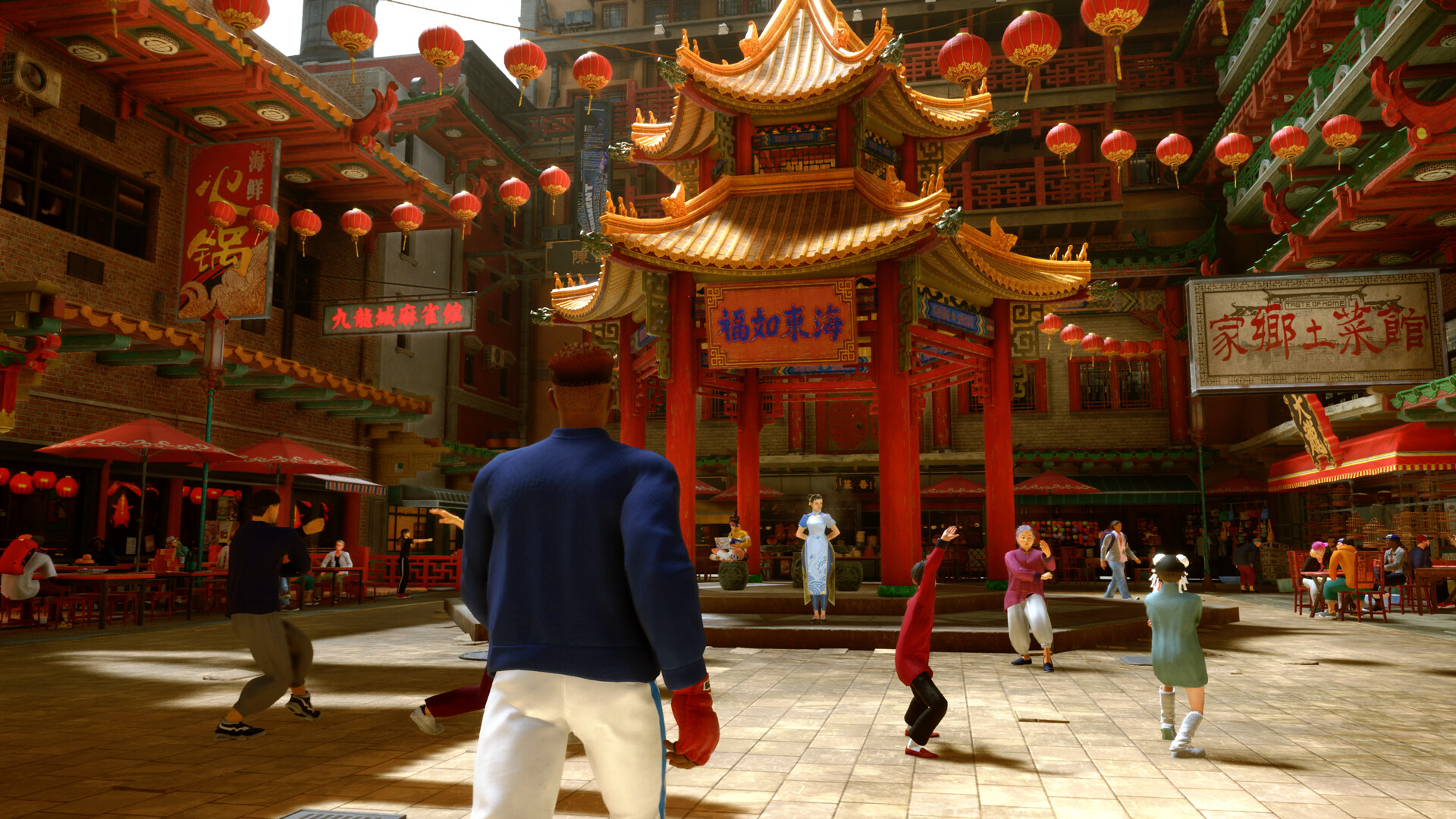
Capcom's own options page is blunt about this: if Fighting Ground or Battle Hub matches aren't holding 60 FPS, the fix is to open the graphics settings and adjust them, rather than assume your hardware is simply underpowered. That's a meaningful note for a fighting game specifically, since even small, inconsistent frame drops can throw off the timing windows Arjun's reads depend on — recognizing when an opponent's recoverable damage is about to time out, or reacting to a projectile angle on Breathing Shockwave, both get harder if your frame pacing isn't steady.
Capcom hasn't called out DLSS, FSR or frame generation support in the patch notes that shipped with the Arjun update, so don't assume either way going in — open your in-game Graphics menu and see what upscaling options your system actually exposes before you build a settings routine around a feature that may not be there. What is confirmed is that the graphics menu groups a handful of quality categories you can lower independently if you're chasing frames, so treat resolution scale as your first lever and work down from there if 60 FPS still isn't steady.
If you're on a laptop or a lower-end card, it's also worth confirming your display is actually running in fullscreen rather than borderless windowed, since the overhead of a windowed compositor is one of the more common, least-visible sources of a frame rate that looks fine on paper but feels inconsistent in a match against Arjun's slower, more deliberate pressure.
06Netcode and What Else to Check Before You Queue
Online matches in Street Fighter 6 run on rollback netcode, the system Capcom built the game around at launch rather than something patched in later. It's not something the Arjun update changes, but it's worth re-checking your connection settings if you haven't played ranked in a while — a stricter connection filter will mean fewer input-reading opponents online, which matters even more against a character whose entire win condition is baiting a wrong button.
It's also worth re-confirming your region and connection-quality preferences in the Custom Room and matchmaking menus specifically after a content update like this one, since Capcom's own patch notes for the Arjun release mention a small change to how the Custom Room queue behaves — the cancel button now drops you out of matchmaking entirely instead of just leaving the room, which is easy to trigger by habit if you're used to the old behavior.
Capcom's own channel put out two trailers around Arjun's release: an earlier gameplay trailer breaking down his specials, and a shorter launch trailer timed to October 13 itself.
Capcom's official Street Fighter account also used its Character Guide post to frame Arjun's whole identity around that recoverable-damage mechanic before he even launched, which is as good a one-line summary of what you're adjusting your settings for as any.
The life force within him must dance with fury. Witness Arjun's Character Guide to judge how he inflicts recoverable damage while using yoga breathing techniques to shape the battle. Seek vengeance with Arjun on October 13! 📺 Watch on YouTube
— Street Fighter 6 (@StreetFighter), October 1, 2026 on X
None of this requires you to relearn Street Fighter 6 from scratch. Arjun just asks more of the control scheme you already have than most new characters do, so it's worth the ten minutes to confirm your control type, your binds and your frame rate are actually set up the way you think they are before you jump into Training Mode with him.
FAQ
What's the best control type to use against or as Arjun?
There's no single best answer — Classic gives you full motion inputs and the ability to hold Divine Pillar's input to delay its eruption, while Modern makes his command grabs and specials easier to land consistently at the cost of some damage. Many players set Arjun to a different control type than their main via the Battle Settings Character tab.
Does Street Fighter 6 support DLSS or FSR on PC?
Capcom hasn't confirmed either in its official patch notes for the Arjun update, so check your in-game Graphics menu directly rather than assuming support either way.
Can I use a different control type for every character, not just Arjun?
Yes. Capcom's PC manual confirms the Battle Settings Character tab lets you set a control type per character, and pressing T on the Edit Character screen applies your currently selected type to the whole roster at once if you want to reset everyone.
Why is my frame rate inconsistent in Battle Hub but fine in Training Mode?
Battle Hub renders other players' avatars and the social space around you, which adds overhead Training Mode doesn't have. Capcom's own options page recommends lowering your graphics settings if you're not holding 60 FPS in either mode.
Official resources

Ana writes the step-by-step tutorials: settings, controls, configs and the systems games never explain properly. Every tutorial is tested on the version named at the top of the page, with the official patch notes linked so you can check what changed.