Call of Duty: Black Ops 7 Best PC Settings for Season 06
Get Call of Duty: Black Ops 7's official PC specs, DLSS 4 and FSR settings, and Benchmark Tool steps dialed in before Season 06's new maps drop.
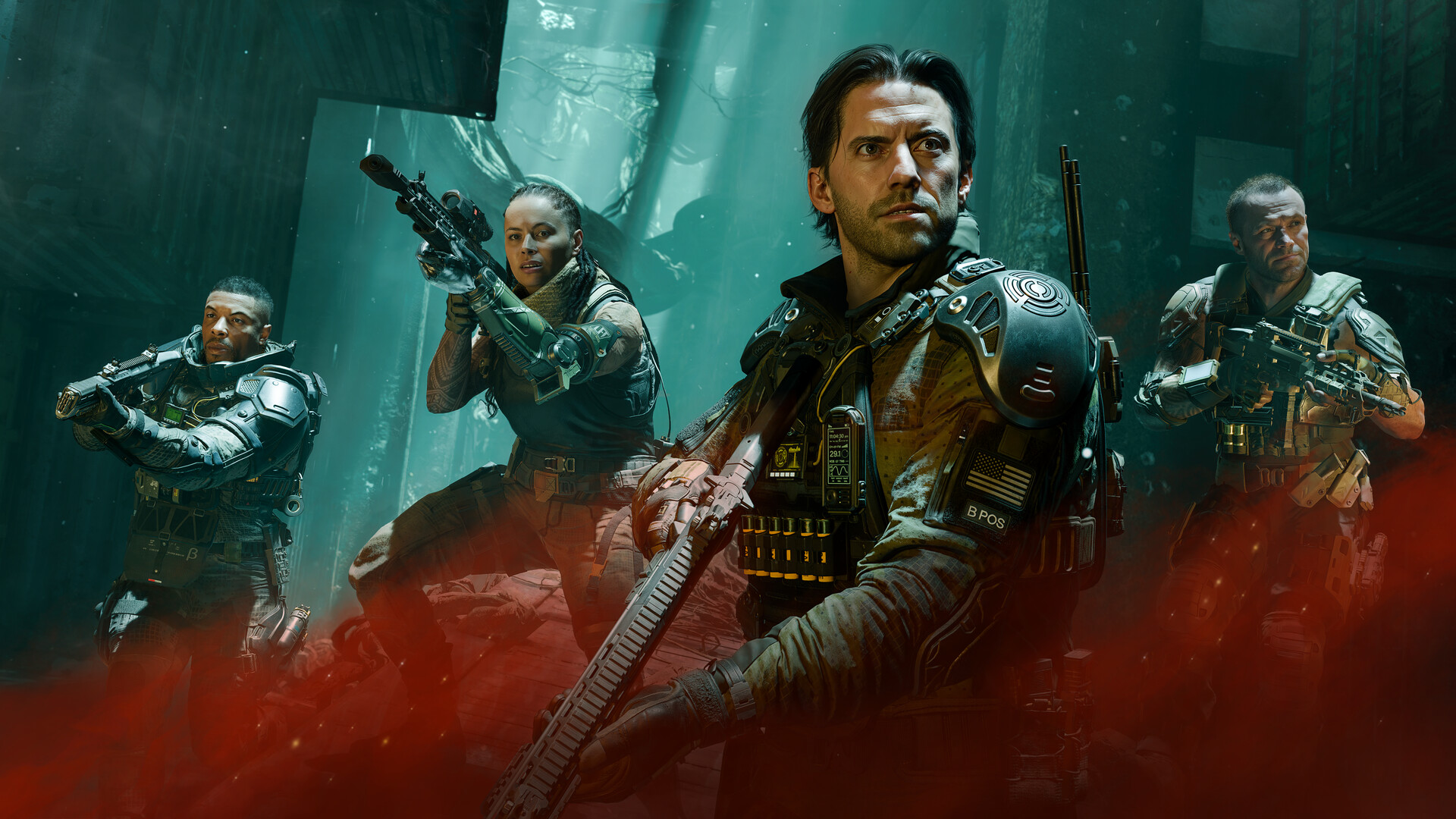
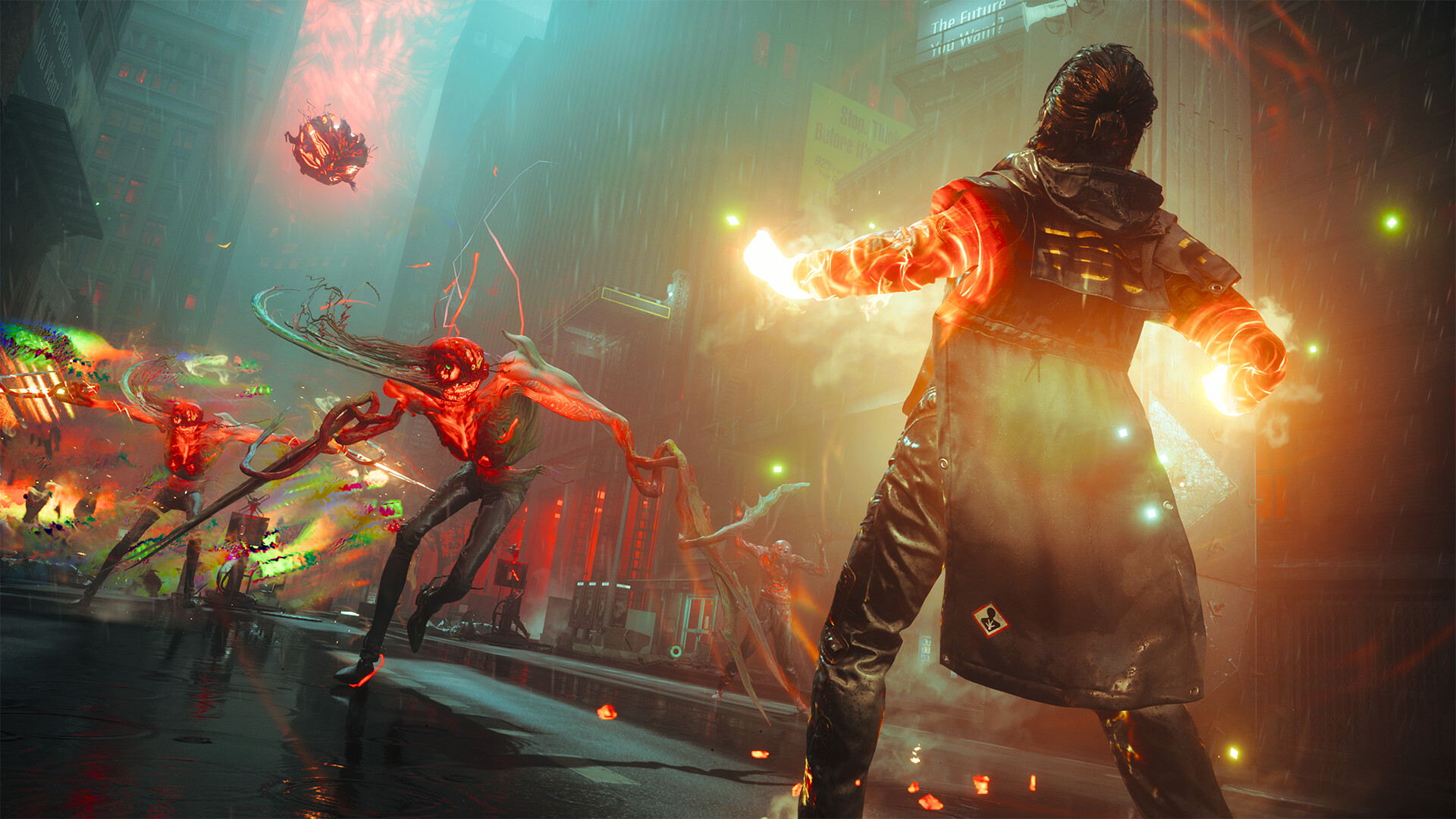
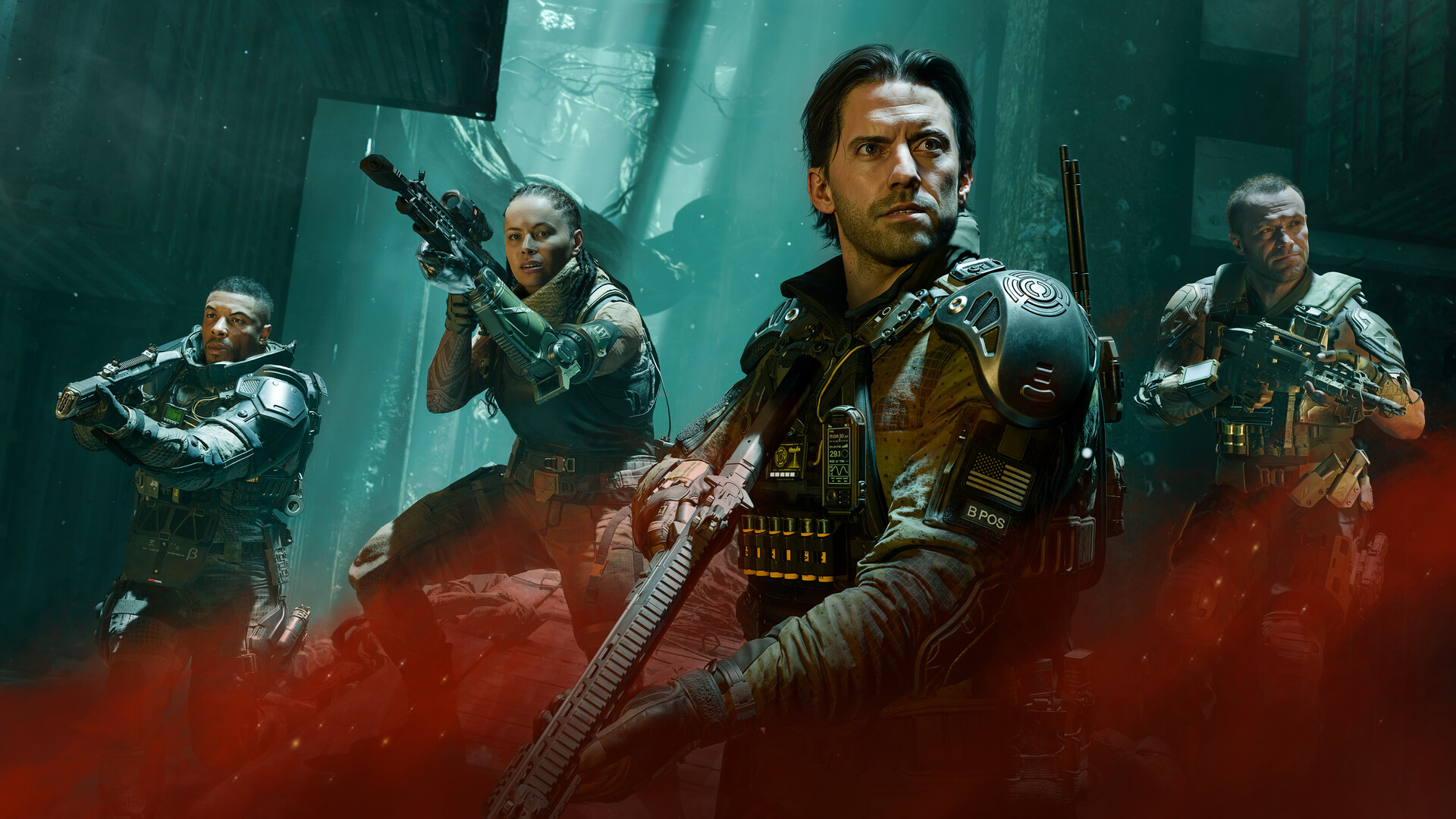
Season 06, "The Haunting," went live for Call of Duty: Black Ops 7 today, September 17, adding new and rethemed 6v6 maps, an expanded Rogue Run in Zombies, and the Forbidden Summoning event in Endgame. New maps mean new sightlines, new firefight distances, and a fresh reason to make sure your PC settings are actually helping you rather than just running because that's how you left them at launch. Beenox, the studio Treyarch partners with for the PC build, shipped Black Ops 7 with more than 800 individual options across graphics, gameplay, input devices and interface. That's a lot to wade through blind, so here's what's actually worth touching, sourced from Beenox and Activision's own PC documentation rather than guesswork.
01Match Your Rig to Activision's Own Spec Tiers
Before touching a single slider, confirm which bracket your hardware falls into. Activision publishes three official tiers for Black Ops 7 on PC:
- Minimum: Windows 10 64-bit, AMD Ryzen 5 1400 or Intel Core i5-6600, 8 GB RAM, AMD Radeon RX 470 / NVIDIA GeForce GTX 970 or 1060 / Intel Arc A580, 3 GB video memory.
- Recommended (60 FPS, high settings): Windows 11 64-bit, AMD Ryzen 5 1600X or Intel Core i7-6700K, 12 GB RAM, AMD Radeon RX 6600 XT / NVIDIA GeForce RTX 3060 / Intel Arc B580, 8 GB video memory.
- Competitive / Ultra 4K: Windows 11 64-bit, AMD Ryzen 5 5600X or Intel Core i7-10700K, 16 GB RAM, AMD Radeon RX 9070 XT / NVIDIA GeForce RTX 4080 or 5070, 12-16 GB video memory.
Storage is worth double-checking too. Activision's official PC system requirements page listed 116 GB of SSD space at launch in November; the live Steam store page for Black Ops 7 now lists 161 GB, which tracks with six seasons of maps, weapons and Zombies content stacking up since then. Leave headroom before Season 06 forces an update on you mid-queue, and remember TPM 2.0 and Secure Boot are mandatory in your BIOS regardless of which tier you're running — Ricochet Anti-Cheat won't let the game launch without both enabled.
02Update Drivers and Run the Built-In Benchmark Tool
Beenox published recommended driver versions alongside the PC launch: AMD 25.9.2, NVIDIA 581.42 and Intel 32.0.101.8132. Those are now nearly a year old, so grab whatever is current through AMD Software: Adrenalin Edition, the NVIDIA App, or Intel Arc Control before you touch anything else — Season updates routinely ship alongside fresh Game Ready and WHQL drivers.
Once you're updated, open Black Ops 7's Options menu and run the PC Benchmark Tool Beenox built into the game. It's a built-in hardware test specifically meant to analyze your CPU and GPU headroom on your own system rather than relying on someone else's screenshots, and it's the fastest way to see whether Season 06's new maps are actually taxing your setup differently than launch content did. Rerun it any time you change a driver, swap a GPU, or notice a season update landed — the point is a fresh read on your own hardware, not a one-time check you did back in November.

03Choose Your Upscaler: DLSS 4, FSR 4, or Native
Black Ops 7 supports NVIDIA DLSS 4 with Multi Frame Generation and NVIDIA Reflex, confirmed directly in NVIDIA's own Game Ready driver announcement for the title. AMD Radeon owners get AMD FSR technologies with frame generation and upscaling built in, and Intel Arc cards are officially supported down to the Arc A580 at minimum spec, though neither Beenox nor Intel has named XeSS specifically in their own Black Ops 7 materials as of this Season 06 update — treat XeSS availability as unconfirmed until you check your own Quality menu.
If you're on an RTX 40- or 50-series card, DLSS 4's transformer model is worth enabling over the older CNN-based DLSS on quality settings alone, and Multi Frame Generation is genuinely useful once your base frame rate is already healthy — turning it on when you're bottlenecked below 60 FPS just adds latency without the payoff. AMD and Intel owners should stick to FSR or native rendering and lean on frame generation the same way: as a multiplier on top of a stable base, not a fix for a struggling one. Whichever vendor you're on, upscaling from a lower internal resolution is what actually buys back the FPS Season 06's new maps might cost you — raw resolution is the single most expensive setting in any modern shooter, this one included.
04Display Settings: Frame Caps, V-Sync and Refresh Rate
Leave V-Sync off if you're playing on a high refresh monitor; it adds input latency for a smoothness benefit you don't need once your frame rate already exceeds your panel's refresh rate. NVIDIA Reflex, confirmed as a supported feature for this title, is the better tool for reducing latency without the tearing V-Sync is meant to fix. If your frame rate swings wildly between rounds — common right after a season drops new assets that haven't been fully cached yet — capping a few frames under your monitor's max refresh rate keeps frame times more consistent than leaving it uncapped and letting the GPU run flat out. This is general PC display guidance rather than a Black Ops 7-specific claim, but it applies cleanly here since Reflex and an uncapped frame rate option are both confirmed features of this release.
05The Graphics Options Actually Worth Touching
With 800-plus settings on offer, most players never need to leave the presets. A few are worth a manual look regardless of preset:
- Texture streaming and quality: set as high as your video memory tier allows — this is usually the setting with the biggest visual payoff per FPS cost.
- Motion blur, depth of field and film grain: standard toggles across recent Call of Duty PC releases (Beenox hasn't confirmed the exact menu labels for this build, so treat the naming as unconfirmed) — turning them off costs you nothing competitively and removes visual noise around gunfights on new Season 06 maps like Quantum and Bloodstead.
- Shadow and volumetric quality: among the more expensive sliders relative to how much they change what you can actually see mid-fight; dropping them a notch or two from Ultra is usually free performance.
06Input and Anti-Cheat Setup Before You Queue
Two PC-specific features are easy to miss because they're not in the graphics menu at all. Black Ops 7 ships with sub-frame mouse polling for more precise aim tracking, and RGB iCUE integration for supported Corsair peripherals — neither needs manual setup beyond having current peripheral drivers installed. On the security side, Ricochet Anti-Cheat requires TPM 2.0 and Secure Boot enabled in your BIOS to play at all; if you haven't launched since a fresh Windows install or a new motherboard, confirm both are on before Season 06 locks you out at the menu. Intel Arc owners specifically need Resizable BAR enabled as well.
If you're playing on a handheld — Black Ops 7 officially supports the ROG Xbox Ally and ROG Xbox Ally X, with Beenox scaling the UI for smaller screens and tuning performance specifically for those devices — the same driver and BIOS checks apply, just through your handheld's own control center rather than a desktop GPU app.
Dial In Your Black Ops 7 PC Settings
- 1Check your CPU, GPU and RAM against Activision's official Minimum, Recommended and Competitive/Ultra 4K tiers before changing anything else.3 min
- 2Install the latest driver through AMD Adrenalin, the NVIDIA App or Intel Arc Control — Beenox's launch-day recommendations (AMD 25.9.2, NVIDIA 581.42, Intel 32.0.101.8132) are a year old.5 min
- 3Open the Options menu and run Beenox's built-in Benchmark Tool to see your actual CPU/GPU headroom on your own hardware.5 min
- 4Enable DLSS 4 with Multi Frame Generation on RTX 40/50-series cards, or AMD FSR on Radeon hardware, once your base frame rate is already stable.3 min
- 5Push texture streaming as high as your video memory tier allows, then drop shadow and volumetric quality a notch or two for free FPS.5 min
- 6Disable motion blur, depth of field and film-grain style toggles if present — they add visual noise without helping you read Season 06's new maps.2 min
- 7Turn V-Sync off, lean on NVIDIA Reflex for latency, and cap your frame rate a few frames under your monitor's refresh rate for steadier frame times.3 min
- 8Confirm TPM 2.0 and Secure Boot are enabled in your BIOS for Ricochet Anti-Cheat, and turn on Resizable BAR if you're running an Intel Arc GPU.5 min
07Season 06's New Maps Change What "Optimized" Means
The Haunting adds Quantum, a 6v6 map built around a Guild quantum computing facility, alongside rethemed and limited-time maps like Bloodstead, Roadkill, Inferno and Lost. New geometry means new places for texture pop-in or shadow flicker to actually cost you a gunfight, which is the real reason to revisit settings this week even if your last configuration felt fine on the old map rotation. Re-run the Benchmark Tool after you've played a few rounds on the new maps specifically, not just the menu screen, since real combat scenes stress VRAM and CPU differently than a static test pass.
FAQ
What are Call of Duty: Black Ops 7's official minimum PC specs?
Activision lists Windows 10 64-bit, an AMD Ryzen 5 1400 or Intel Core i5-6600, 8 GB RAM, and a GPU at the level of an AMD Radeon RX 470, NVIDIA GeForce GTX 970/1060, or Intel Arc A580, with 3 GB of video memory.
Does Black Ops 7 support DLSS 4 and AMD FSR 4?
Yes. NVIDIA confirmed DLSS 4 with Multi Frame Generation and NVIDIA Reflex support, and Beenox's own PC blog confirms AMD FSR technologies with frame generation and upscaling. Neither studio has named Intel XeSS support specifically as of Season 06.
How much hard drive space does Black Ops 7 need for Season 06?
Activision's spec sheet listed 116 GB at launch; the live Steam store listing now shows 161 GB after six seasons of added content, so budget for the higher figure.
Why won't Black Ops 7 launch on my PC?
Ricochet Anti-Cheat requires TPM 2.0 and Secure Boot enabled in your BIOS — this is the most common reason the game refuses to start on an otherwise capable PC. Intel Arc owners also need Resizable BAR turned on.
Does Black Ops 7 work on handhelds like the ROG Xbox Ally?
Yes — Beenox has officially tuned Black Ops 7 for the ROG Xbox Ally and ROG Xbox Ally X, scaling the UI for smaller screens and optimizing performance specifically for those devices.
Official resources

Ana writes the step-by-step tutorials: settings, controls, configs and the systems games never explain properly. Every tutorial is tested on the version named at the top of the page, with the official patch notes linked so you can check what changed.