Castlevania: Belmont's Curse: Best PC Settings and Controls
Castlevania: Belmont's Curse Patch 1.1.3 fixes the PC black-screen bug. Here's every confirmed setting, control option, and fix to use today.
Castlevania: Belmont's Curse arrived on PC on October 14-15, and the launch window was rougher than it needed to be. A chunk of Steam and Xbox-on-PC players hit a black screen or an outright failure to launch, and Konami needed a full week to ship a proper fix. If you're installing the game today, the good news is simple: update first, and almost everything below is a non-issue. Here's what's actually confirmed about Rose Belmont's whip-swinging debut on PC, straight from Konami's own patch notes and the Steam store listing, not forum guesswork.
01Is Castlevania: Belmont's Curse Playable on PC?
Yes. Castlevania: Belmont's Curse is on Steam, alongside Xbox on PC through the Microsoft Store, with the same October launch window as PS5 and Xbox Series X|S. A Nintendo Switch version is still coming later in 2026. Konami's listed specs are light for a 2026 release, since this is a hand-painted 2D-action game set across gaslit Paris rooftops and Dracula's castle, not an open-world showpiece:
- Minimum: Windows 11, Intel Core i5 8400, 16 GB RAM, Nvidia GeForce GTX 1650, DirectX 11, 10 GB storage
- Recommended: Windows 11, Intel Core i5 10400, 16 GB RAM, Nvidia GeForce RTX 3060, DirectX 11, 10 GB storage
Both tiers list Windows 11 specifically rather than "Windows 10 or newer," so don't assume an older install will pass Steam's compatibility check without testing it yourself. The listed install size is a modest 10 GB, and Steam's page notes Steam Cloud saves and Family Sharing support, so a fresh install should pick up progress from another PC in your household automatically.
Steam's store listing covers two purchase options, a standard edition and a pricier Midnight Edition; both install the same base game and pull the same patches, so none of the settings or fixes in this guide differ between editions.
02Update to Patch 1.1.3 First
Before you touch a single slider, let Steam or the Xbox app finish updating. Konami's official update notice confirms Steam build 1.1.3 (Build ID 25975867), dated October 22, 2026, resolves the two PC-specific launch problems reported at release: a black screen that could prevent the game from starting at all, and a title-screen soft-lock tied to certain system languages, Arabic in particular. Xbox on PC received a matching 1.1.3 build the same day, while PS5 and Xbox Series X|S got their own 1.1.2 updates that only cover the language bug, since the black-screen issue was PC-specific to begin with.
If your library still shows an older version, force a manual update check rather than assuming Steam grabbed it automatically; right-click the game in your library, open Properties, and check the Updates tab to confirm you're on the current build before you report a bug that's already been patched.

03Fix a Black-Screen Launch on an Older Build
If you're still running a pre-1.1.3 build, installing from an offline copy, or troubleshooting the issue for someone else, Konami's known issues notice lays out the exact trigger and workaround. The bug hit players running V-Sync off with an uncapped frame rate on a high-refresh-rate monitor, and the fix is a short sequence rather than a settings toggle you can reach from inside a black screen:
Fix the PC Black-Screen Launch Bug
- 1In Windows Display settings, temporarily set your monitor's refresh rate below 60Hz before launching the game.1 min
- 2Start Castlevania: Belmont's Curse normally from Steam or the Xbox app with the lowered refresh rate active.1 min
- 3From the title screen, open Settings, go to Video Settings, and turn V-Sync ON.1 min
- 4Fully close Castlevania: Belmont's Curse after confirming V-Sync is enabled.1 min
- 5Set your monitor back to its normal refresh rate in Windows, then relaunch the game; it should start normally with V-Sync already on.1 min
Once V-Sync is confirmed on, you can safely push your monitor back to its native refresh rate. Players on the current 1.1.3 build shouldn't need any of this, since Konami's notice marks the underlying bug fixed, but it's worth bookmarking if you're reinstalling months from now from an older cached installer, or helping a friend who hit the exact same black screen you might remember from launch week.
04Keyboard, Mouse, and Controller Options
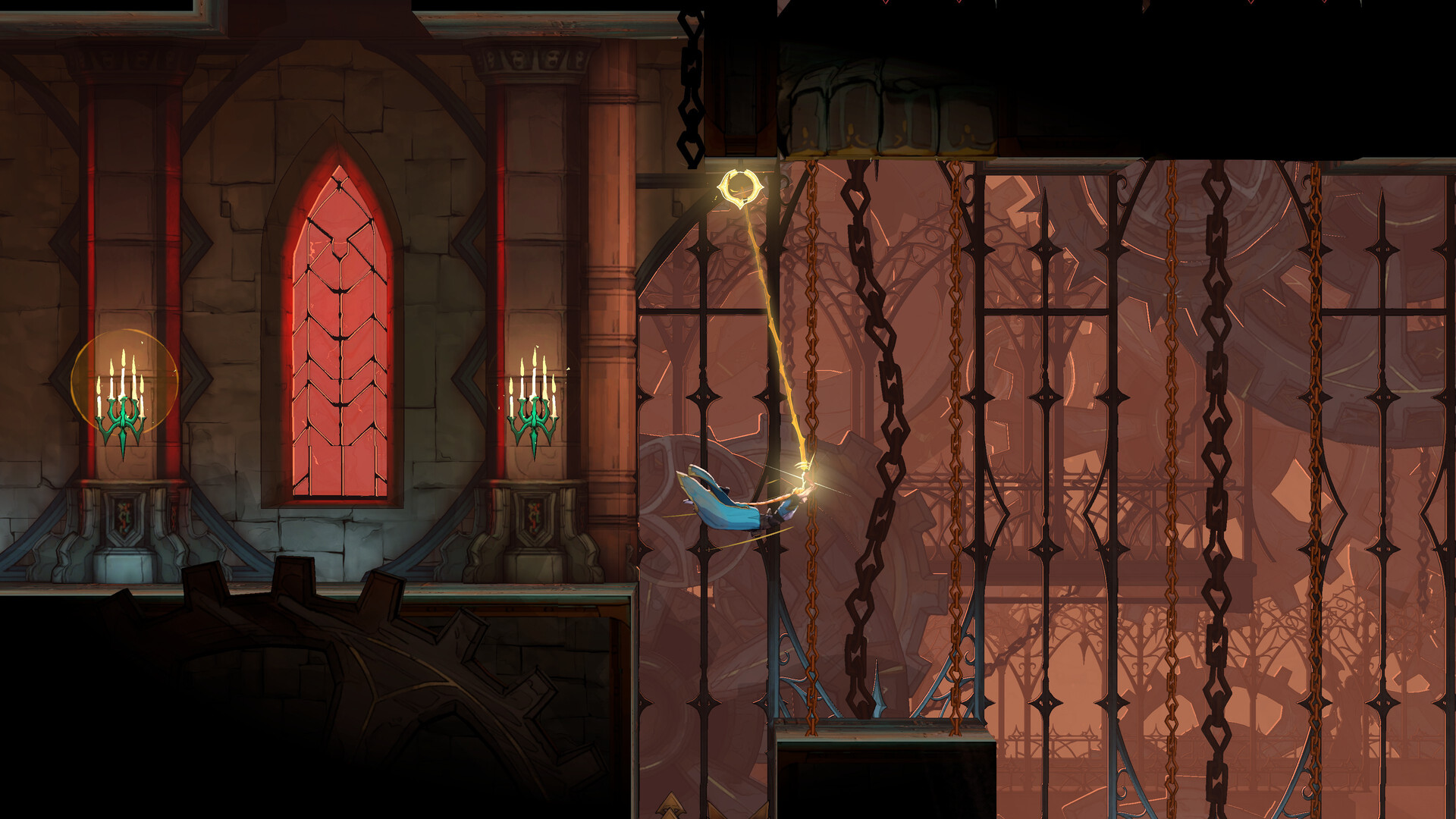
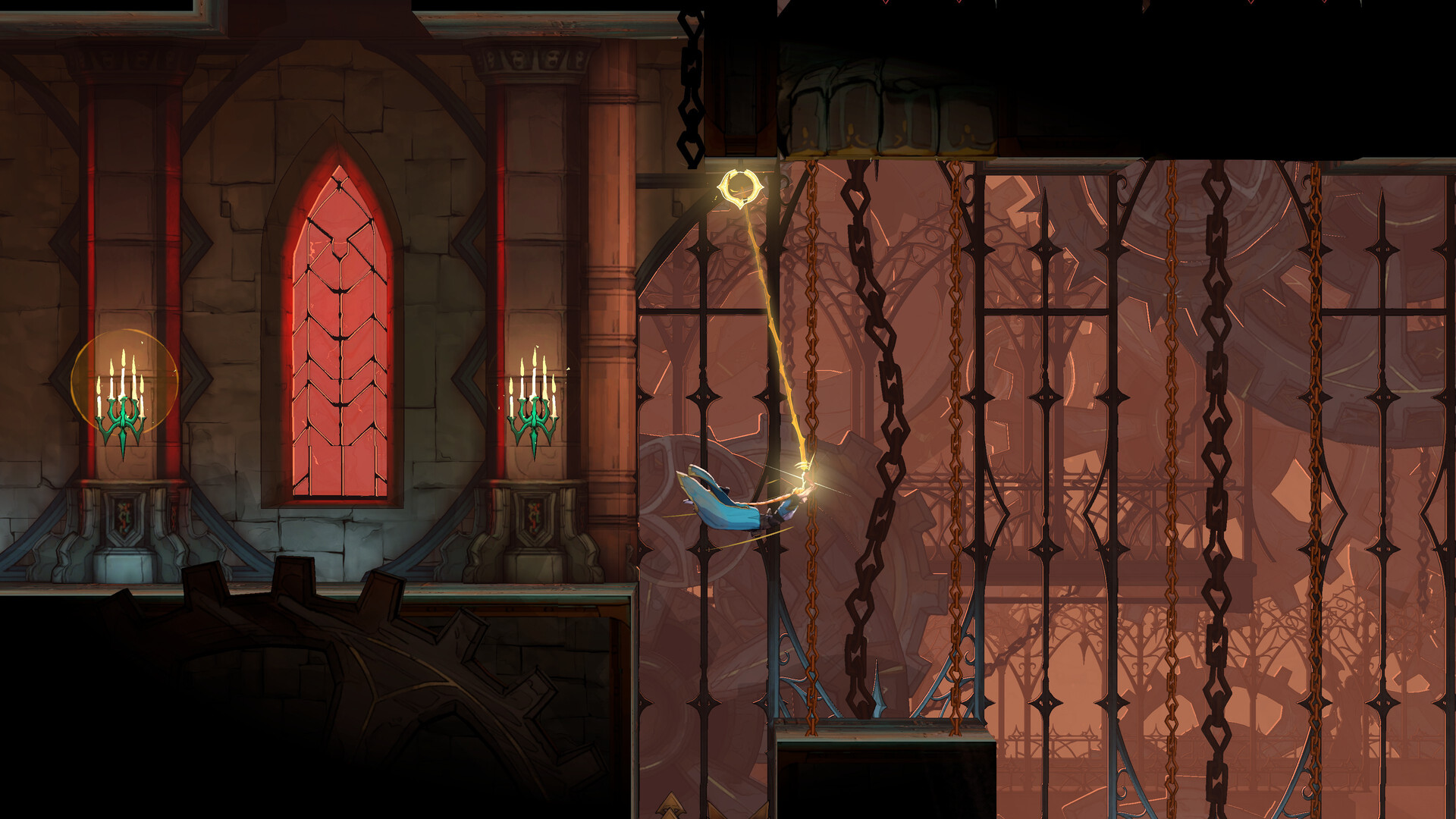
Belmont's Curse's Steam listing confirms full controller support, including DualSense-specific input, alongside a dedicated "Keyboard Only Option" for players who'd rather not plug in a pad. Konami also lists Steam's "Gamepad Recommended" tag on the store page, which tracks with how the whip-swing traversal reads on an analog stick rather than four-way digital input; Rose Belmont's signature move lets her fire the Vampire Killer into ceiling anchors and swing across gaps like a trapeze artist, and that arc is easier to judge with analog movement than with a keyboard's binary left-right.
If you've got a DualSense on hand, Steam's controller layer should pick it up automatically with the correct button prompts rather than generic Xbox glyphs; Xbox and generic XInput pads need no extra setup either. Keyboard-and-mouse players aren't an afterthought, though. Steam explicitly lists the "Keyboard Only Option" as a supported feature rather than a workaround, so if you prefer it, you're not fighting an unsupported input method.

05Rebinding Your Whip and Dodge Controls
The settings menu is reachable from the title screen before you load a save, which matters if you're working through the black-screen fix above and need to change V-Sync before a run ever starts. Keyboard and mouse players can remap core actions individually, row by row, rather than being locked to a fixed layout. The default scheme puts the whip attack on the right mouse button, jump on Space, and dodge on Shift, and each of those can be reassigned on its own without resetting the rest of your bindings. If you're coming from an older Castlevania or a Metroidvania like Hollow Knight, it's worth moving dodge to a key your off-hand can reach instantly, since Rose's air control leans on tight dodge timing during boss fights.
Konami producer Tsutomu Taniguchi spoke about how particular Evil Empire was about that input feel ahead of launch, which tracks with a settings menu built to let you adjust every whip and dodge binding individually rather than offering a single locked preset.
“It was essential that the controls, gameplay, and overall feel lived up to players' expectations.”Tsutomu Taniguchi, Producer at Konami
06Difficulty, Accessibility, and Audio Settings
Steam's store page lists "Adjustable Difficulty" and "Custom Volume Controls" among Belmont's Curse's confirmed features. Difficulty can be changed from the settings menu, and separate volume sliders for music, effects, and voice let you balance the orchestral score against the whip-crack sound design and monster cues without digging through a single master slider.
None of Konami's public materials name specific difficulty tiers yet, so treat labels like "Easy" or "Hardcore" you might see in forum posts as unconfirmed until Konami's own patch notes name them. Steam's "Adjustable Difficulty" tag only confirms that the option exists, not how many tiers it offers or whether it can be changed mid-run, so check the settings menu yourself rather than relying on a specific tier name from a guide.
07Steam Deck Performance Notes
Valve rates Belmont's Curse Playable on Steam Deck, but Konami's own known-issues notice flags a UI problem specific to that platform: certain menu elements can render partially off-screen. A fix is listed as under investigation rather than shipped, so if you're planning to play portable, expect to navigate around a slightly cramped settings screen for now rather than a broken one. The black-screen and title-screen fixes in patch 1.1.3 apply to Steam Deck the same as any other Steam install, since it runs the identical build rather than a separate console-style version.
If you're deciding between a handheld session and a desktop one, keep in mind the recommended-spec GPU target (an RTX 3060-class card) sits well above Steam Deck's integrated graphics, so expect to lean on lower in-game quality settings or Steam's own frame-rate limiter to keep things smooth on the go, even though Konami hasn't published a Deck-specific settings preset.
08What We're Still Confirming
Konami hasn't published a full PC graphics-options list covering resolution scaling, frame-rate caps beyond the V-Sync toggle, or texture-quality tiers, so treat any specific slider names you see outside Konami's own notices as unconfirmed. The exact wording and scope of a promised Steam Deck UI fix is also still pending; Konami's notice says only that the issue is "under investigation," with no committed patch version or date attached. We'll update this guide once Konami publishes either.
FAQ
Is Castlevania: Belmont's Curse on PC?
Yes. It launched on Steam and Xbox on PC on October 14-15, 2026, alongside PS5 and Xbox Series X|S. A Nintendo Switch version is coming later in 2026.
What caused the PC black-screen launch bug?
Konami's known issues notice says it affected players running V-Sync off with an uncapped frame rate on a high-refresh-rate monitor. Patch 1.1.3, released October 22, 2026, fixes it.
Does Castlevania: Belmont's Curse support a controller?
Yes. Steam lists full controller support, including DualSense-specific input, alongside a dedicated Keyboard Only Option for mouse-and-keyboard players.
Is the Steam Deck UI issue fixed?
Not yet. Konami's known issues notice says a fix for UI elements appearing partially off-screen on Steam Deck is still under investigation.
What are the PC system requirements?
Minimum is a Core i5 8400, GTX 1650, and 16GB RAM on Windows 11. Recommended is a Core i5 10400 and RTX 3060, also on Windows 11.
Official resources

Ana writes the step-by-step tutorials: settings, controls, configs and the systems games never explain properly. Every tutorial is tested on the version named at the top of the page, with the official patch notes linked so you can check what changed.