Castlevania: Belmont's Curse: Best PC Settings and Controls Guide
Get Castlevania: Belmont's Curse running right on PC: the patch 1.1.3 black screen fix, best settings, keyboard and controller setup, and Steam Deck tips.
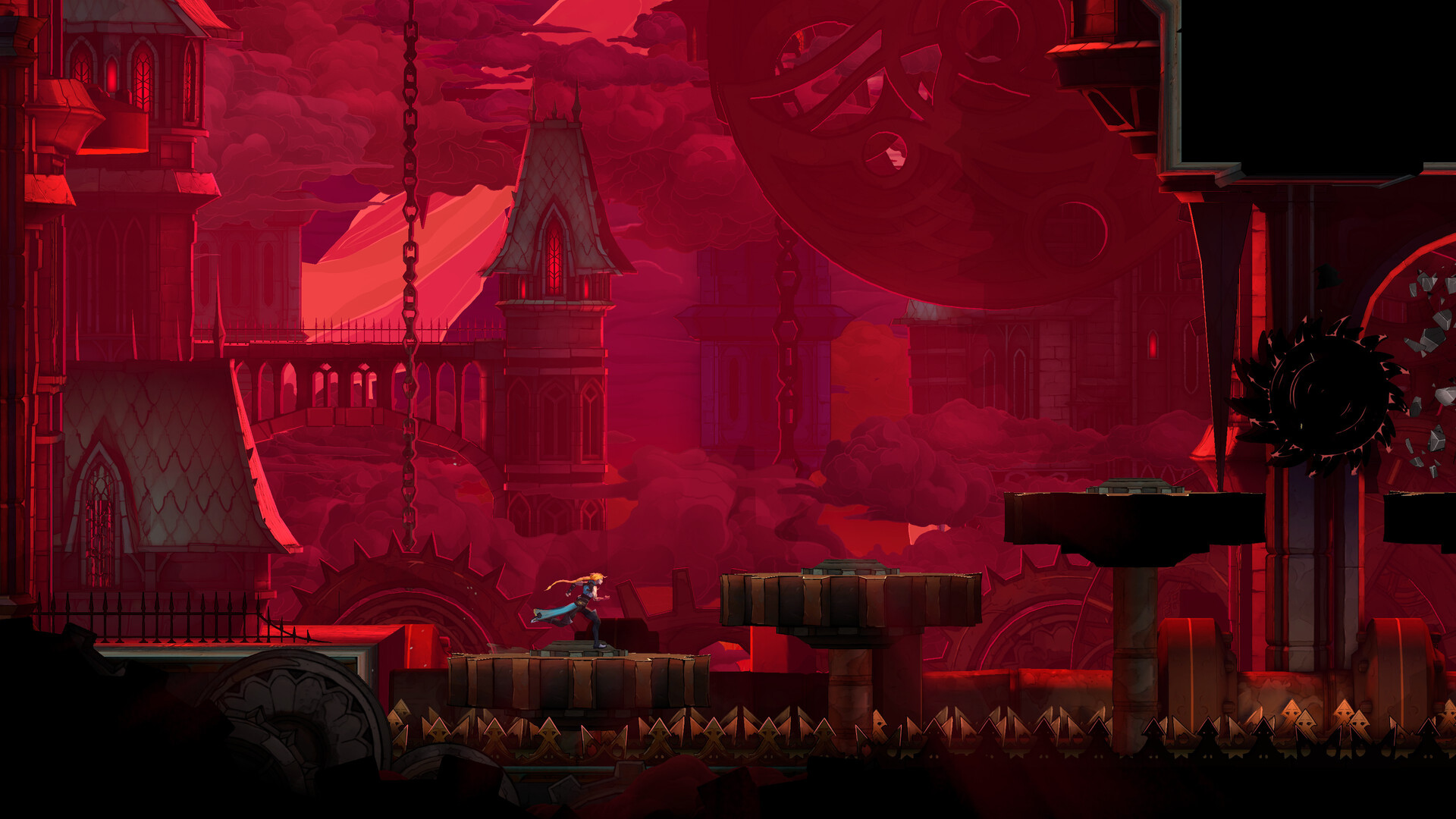
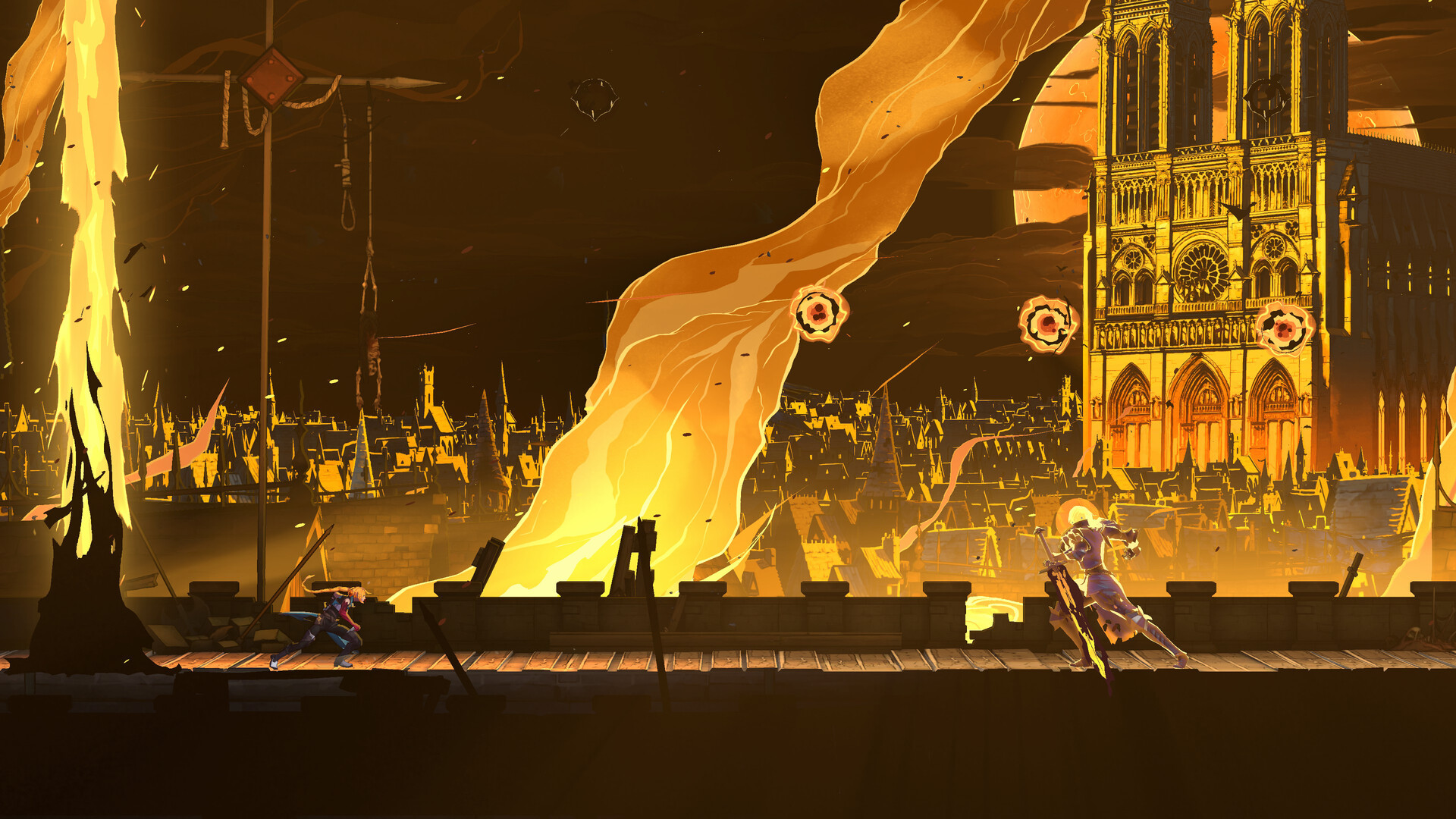
Castlevania: Belmont's Curse launched on PC, PS5, and Xbox Series X|S on October 15, 2026, dropping Trevor Belmont's daughter Rose into a burning 1499 Paris with the Vampire Killer whip in hand. If you're picking it up now, you're landing on a build that's already a patch or two past its rocky opening weekend, and a few settings and menus are worth sorting out before your first real session.
This guide covers what Konami's first major patch actually changes, the PC specs Konami itself lists on Steam, the display and audio settings worth adjusting first, how the game really holds up on Steam Deck according to Valve's own test, and one menu trick the game never explains anywhere in its tutorial.
01What Patch 1.1.3 Fixes (and What It Doesn't)
Konami's official Steam notice for Ver. 1.1.3 describes an update aimed at players who got a black screen on launch when using a high refresh rate monitor. The notice is blunt about its limits: the update is meant to improve the issue, not eliminate it everywhere. Konami says it's continuing to work toward a full fix and tells anyone still stuck after updating to contact support directly rather than assume the game itself is broken.
If you haven't launched the game yet and your monitor runs at a high refresh rate, update to the latest version through Steam or Xbox on PC before you do anything else. If the game still won't get past a black screen afterward, temporarily dropping your monitor's refresh rate and enabling V-Sync in Windows' display settings has worked around the issue for some players while Konami finishes a permanent fix. Treat that as a stopgap rather than an official solution, since Konami's own notice doesn't spell out a specific workaround.
02Minimum and Recommended PC Specs
These are Konami's own listed requirements on the Steam store page, not estimates:
| Minimum | Recommended | |
|---|---|---|
| OS | Windows 11 | Windows 11 |
| Processor | Intel Core i5-8400 | Intel Core i5-10400 |
| Memory | 16 GB RAM | 16 GB RAM |
| Graphics | NVIDIA GeForce GTX 1650 | NVIDIA GeForce RTX 3060 |
| DirectX | Version 11 | Version 11 |
| Storage | 10 GB available space | 10 GB available space |
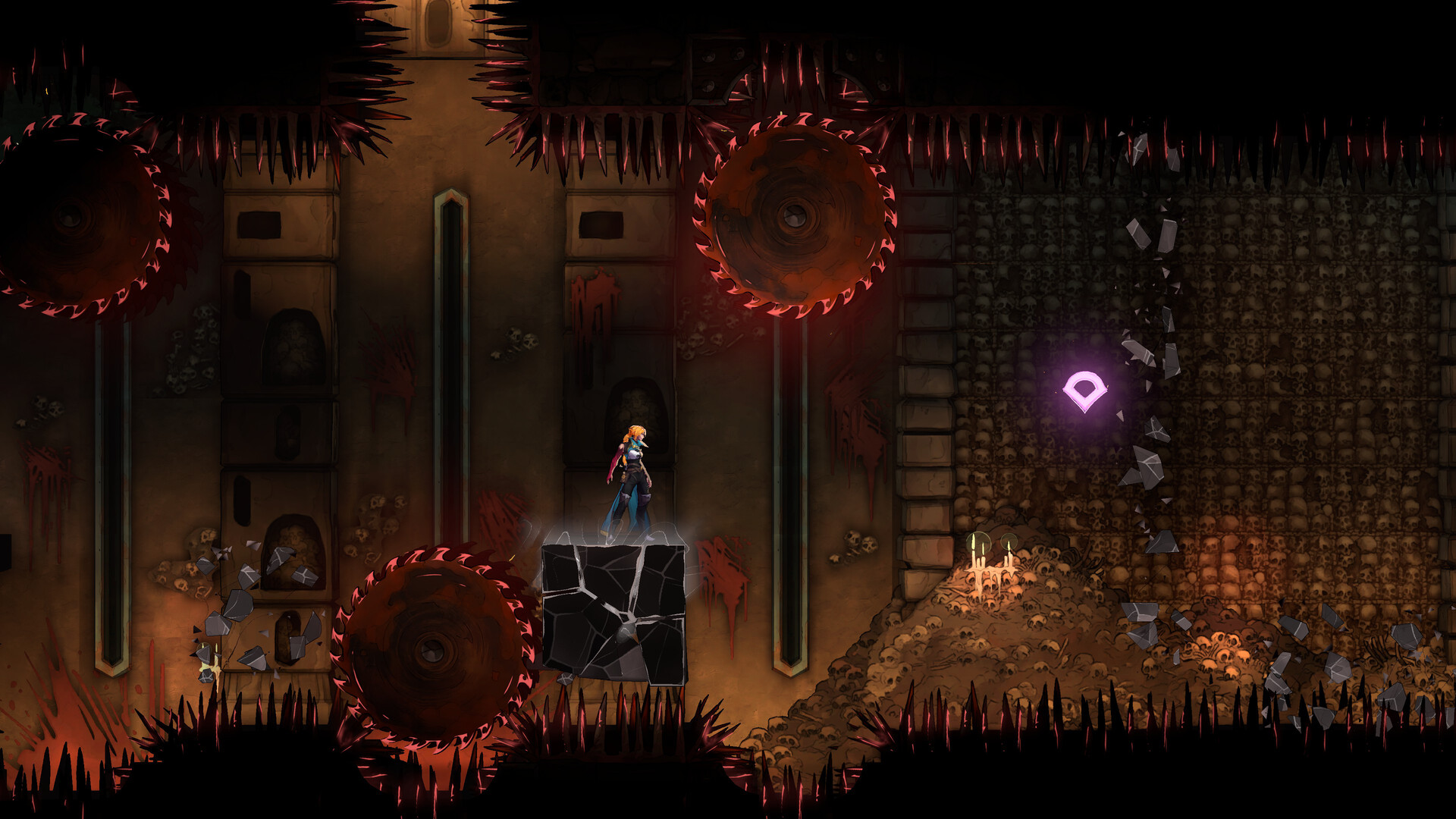
Two things stand out. First, 16 GB of RAM is listed as both the minimum and the recommended amount, which is unusually high for a 2D action game and suggests the hand-painted backgrounds and particle-heavy whip effects are heavier on memory than the pixel-art style suggests. Second, both tiers require a 64-bit processor and OS, so there's no 32-bit fallback if you're running an older Windows install. Konami also confirms Windows 11 specifically rather than listing Windows 10 as a fallback, which is worth knowing if you're planning to play on an older machine that hasn't been upgraded yet.
03Best Graphics and Display Settings
Konami has confirmed it's targeting 60 FPS on PC, PS5, and Xbox Series X|S, with the Switch version aiming lower whenever it arrives. On PC, that target is a floor rather than a ceiling, since the recommended build is clearly meant to push well past 60 FPS at native settings.
Start with these adjustments before touching anything else in the options menu:
- V-Sync: leave it on if you're on a high refresh rate display, at least until you've confirmed the game launches reliably every time. Experiment with turning it off once patch 1.1.3 is behaving on your setup.
- Resolution scaling: if you're near the minimum-spec GTX 1650, drop the internal resolution a notch before lowering shadow or particle quality. The whip's trail effects and the burning-city backdrops are where frame drops tend to show up first, not the character sprites themselves.
- Frame rate cap: match it to your monitor's native refresh rate rather than leaving it uncapped, which is the most common trigger for the launch black screen Konami addressed in 1.1.3.
04Audio, Voice Cast, and Subtitle Options
Belmont's Curse ships with full voice acting in both English and Japanese. Konami's own cast announcements confirm Abby Trott as Rose Belmont, JB Blanc as Trevor Belmont, Alejandra Reynoso as Sypha Belnades, and Graham McTavish returning as Dracula, alongside Ray Chase, Erica Lindbeck, Liam O'Brien, Dawn M. Bennett, and Aaron LaPlante in supporting roles. That's two separately recorded, separately announced dubs, which is a bigger localization investment than most 2D Castlevania games have gotten.
Several players and guide sites report that the options menu splits text language and voice language into separate dropdowns, so you can run Japanese voice audio over English subtitles or vice versa without digging through a single combined "language" setting. Konami's own pages don't spell out that exact menu layout, so treat the specific wording as unconfirmed until you've checked your own install, but the separate-dub recordings themselves are confirmed by Konami directly. Subtitle coverage is reportedly wider still, extending to French, Italian, German, Spanish, Russian, Brazilian Portuguese, Korean, and both Traditional and Simplified Chinese according to player-compiled option lists; Konami's own pages confirm the dual voice dubs but don't publish a full subtitle-language table themselves, so double-check your own install if you're relying on a specific language.
05Keyboard, Mouse, and Full Controller Support
Keyboard and mouse are the default input on PC, and the options menu lets you rebind every action from the default layout rather than forcing you into a fixed scheme. If you'd rather use a pad, Steam lists full controller support for Belmont's Curse, including both Xbox and DualSense controllers over USB, and Valve's own Steam Deck test confirms the default controller configuration works without any manual remapping needed.
If Rose's whip-and-dash flow still feels unfamiliar a few hours in, it's worth skimming the early missteps most newcomers make before you spend more time tweaking frame-rate numbers than actually fighting with the Vampire Killer.
06Playing Belmont's Curse on Steam Deck
Valve's official Steam Deck compatibility report rates Belmont's Curse Playable, not Verified, and the reasons are specific rather than vague. The default controller configuration is fully functional, the button glyphs correctly match the Deck's own layout, and Valve's test flags the default configuration as performant out of the box. The one confirmed issue is that some interface text isn't fully legible at the Deck's screen size, which Valve calls out directly in its own results.
That text-legibility note lines up with a separate, Konami-acknowledged issue: some UI elements can appear partially off-screen on Steam Deck, and Konami says it's still investigating a permanent fix as of this writing. There's no in-game font-size slider confirmed yet, so if menu text is hard to read, your best option for now is docking to a larger screen for menu-heavy moments like the inventory and relic screens, then undocking once you're back in a fight where the HUD itself is already large and clear.
07The Hidden Konami Code Skin Nobody Explains
Belmont's Curse never tells you about this in its own tutorial, but a community-reported Easter egg lets you unlock a full retro skin for Rose through the classic Konami Code. It's unconfirmed by Konami directly, but it's been verified and repeated widely enough by players since launch to be worth trying yourself: from the main menu, open the Credits screen and enter the sequence for your platform.
- PC (keyboard): W, W, S, S, A, D, A, D, Shift, Space
- Xbox / Nintendo controller: Up, Up, Down, Down, Left, Right, Left, Right, B, A
- PlayStation 5: Up, Up, Down, Down, Left, Right, Left, Right, Cross, Circle
A correct entry drops you back to the main menu with an unlock notification, and the reward is a skin that recreates Sonia Belmont's look from the original 1997 Castlevania Legends. It's purely cosmetic and doesn't touch difficulty or stats, so there's no reason not to punch it in the moment you've got five minutes to spare.
08Quick Settings Checklist
Run through these in order before your first real play session:
PC Settings Checklist
- 1Update through Steam or Xbox on PC before you launch for the first time, especially on a high refresh rate monitor — this is the fix for the black-screen launch bug.2 min
- 2Temporarily lower your monitor's refresh rate and enable V-Sync in Windows display settings, then relaunch. Contact Konami support if it persists.3 min
- 3Cap the frame rate to your monitor's native refresh rate and leave V-Sync on until you've confirmed a clean launch, then experiment from there.2 min
- 4Open the audio/language options and choose English or Japanese voice with your preferred subtitle language before starting a new save.1 min
- 5Plug in an Xbox or DualSense pad for full out-of-the-box support, or head into the keyboard/mouse rebind menu for a custom layout.2 min
- 6From the main menu's Credits screen, enter the platform-specific Konami Code to unlock Rose's Sonia Belmont retro skin — purely cosmetic, no downside.1 min
None of this changes how the whip handles once you're actually in a fight, but getting the display, audio, and input settings sorted first means your first boss attempt isn't also your first stutter or black screen.
FAQ
Is Castlevania: Belmont's Curse on Steam Deck?
Yes. Valve's official compatibility report rates it Playable, with a fully functional default controller configuration and a performant default setup, though some interface text isn't fully legible at the Deck's screen size.
What does patch 1.1.3 fix?
Konami's official Ver. 1.1.3 notice addresses a black screen some players hit at launch on high refresh rate monitors. Konami says the fix improves the issue but doesn't guarantee it's gone for every setup.
What are the PC system requirements?
Konami lists Windows 11, a 64-bit system, 16 GB of RAM, and a GTX 1650 as the minimum, moving up to an i5-10400 and RTX 3060 for the recommended tier.
Does Belmont's Curse support controllers on PC?
Yes, Steam lists full controller support for Xbox and DualSense pads over USB, and keyboard/mouse remains the default with full rebinding.
How do I unlock the retro Konami Code skin?
Open the Credits screen from the main menu and enter the platform-specific Konami Code — W, W, S, S, A, D, A, D, Shift, Space on a PC keyboard — to unlock a skin based on Sonia Belmont from the original Castlevania Legends. It's a community-verified trick rather than one Konami has detailed itself.
Official resources
- Castlevania: Belmont's Curse on Steamstore.steampowered.com
- Official Ver. 1.1.3 patch notice (Steam)steamstore-a.akamaihd.net
- Konami: English voice cast announcementkonami.com
- Konami: Castlevania: Belmont's Curse official pagekonami.com
- ESRB rating: Castlevania: Belmont's Curseesrb.org
- Wikipedia: Castlevania: Belmont's Curseen.wikipedia.org

Ana writes the step-by-step tutorials: settings, controls, configs and the systems games never explain properly. Every tutorial is tested on the version named at the top of the page, with the official patch notes linked so you can check what changed.