Control Resonant: Best PC Settings and Controls at Launch
Control Resonant's official minimum, recommended and ray tracing PC specs, plus the graphics, control and accessibility settings to change at launch.
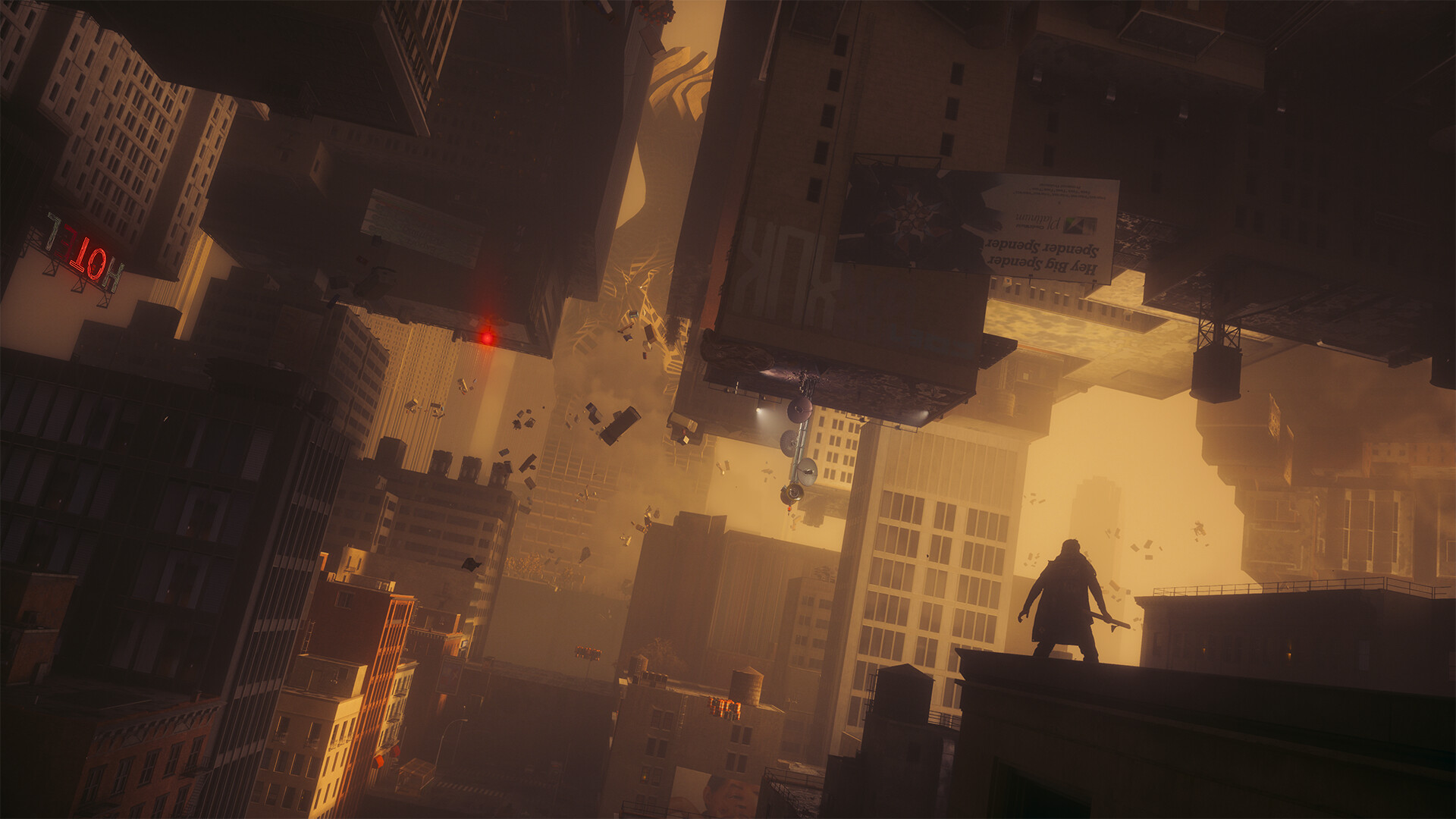
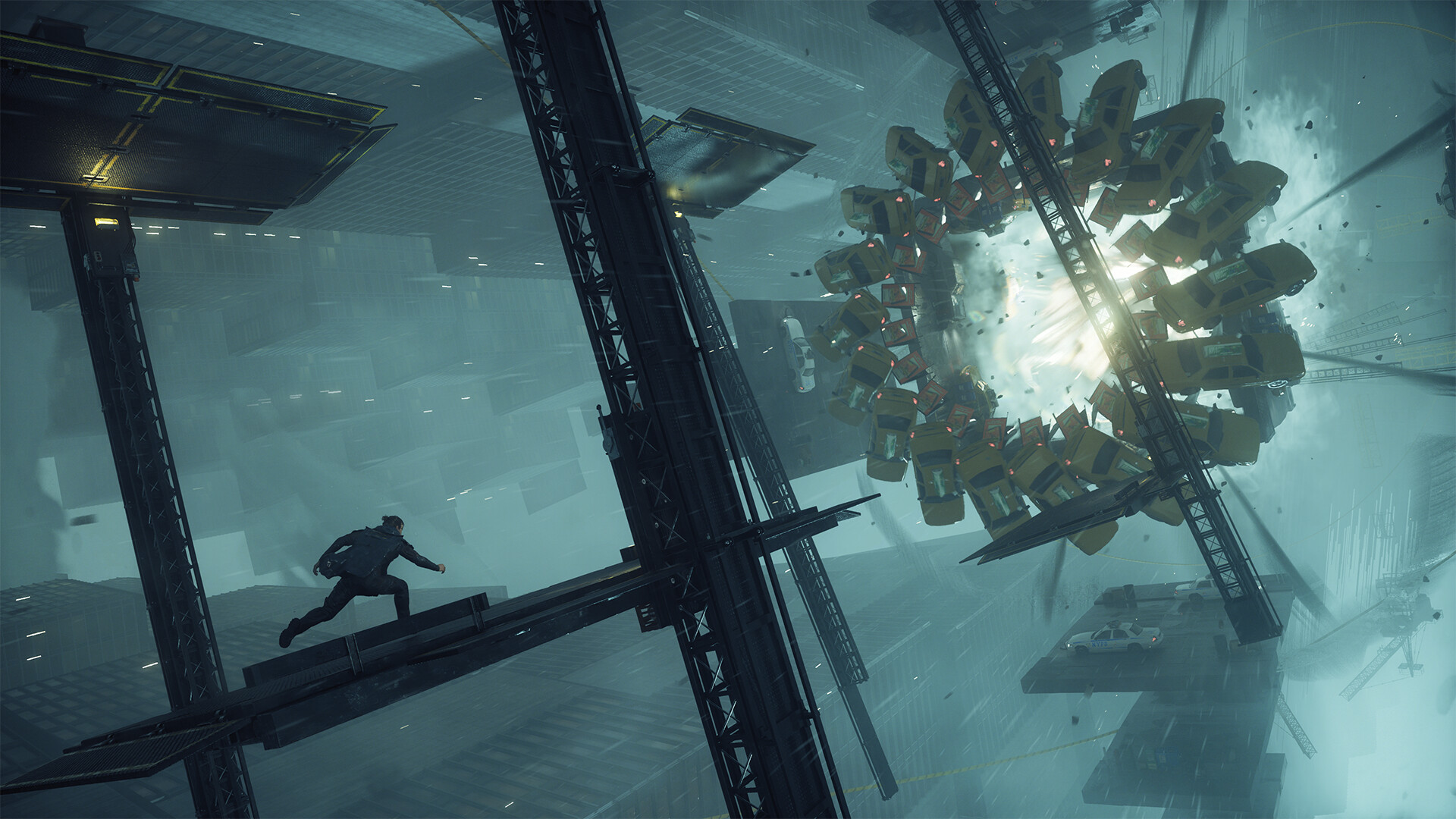
Control Resonant launched worldwide on September 24, putting you in the role of Dylan Faden as he tears through a warped, paranatural Manhattan with the shapeshifting Aberrant. Remedy built the PC version around a genuinely wide hardware range, from a seven-year-old GTX 1070 up to full path tracing on an RTX 5090, and the settings menu is dense enough that it is easy to leave real frames on the table. Here is every official spec tier, the graphics settings worth changing, and the control and accessibility options that actually matter at launch.
01Minimum and Recommended Specs
Remedy's baseline PC requirements, confirmed on the game's Steam store page, cover standard rasterized rendering without ray tracing:
- Minimum (1080p/30 class): Windows 10/11 64-bit, Intel Core i5-8500 or AMD Ryzen 5 3500, 16GB RAM, GeForce GTX 1070 / Radeon RX 5600 XT / Arc A580, 120GB SSD (required, not optional)
- Recommended (1440p/60 class): Intel Core i7-10700 or AMD Ryzen 7 3700X, 16GB RAM, GeForce RTX 3060 Ti / Radeon RX 6700 XT / Arc B580, 120GB SSD
Notice both tiers ask for an SSD specifically, not just 120GB of free space. Control Resonant streams world geometry aggressively enough that Remedy lists SSD storage as a hard requirement rather than a recommendation, and installing to a mechanical drive is likely to cause stutter regardless of your CPU or GPU.
02Ray Tracing and Path Tracing Tiers
Ray tracing and path tracing sit on top of the base requirements and need considerably more headroom:
- Ray Tracing minimum: Intel Core i7-8700K or AMD Ryzen 5 3600X, 16GB RAM, GeForce RTX 2060 Super / Radeon RX 6600 / Arc A580
- Ray Tracing recommended: Intel Core i7-10700 or AMD Ryzen 7 3700X, 16GB RAM, GeForce RTX 4070 Ti / Radeon RX 9070 — targets 1440p/60fps on the Medium preset with Medium ray tracing and DLSS/FSR set to Balanced
- Path Tracing: Intel Core i7-10700 or AMD Ryzen 7 3700X, 16GB RAM, GeForce RTX 5080 — targets 4K/60fps, and you'll need DLSS set to Performance mode to hold that frame rate
If your card sits below an RTX 4070 Ti, leave ray tracing off entirely rather than running it at Low; Remedy's own recommended tier treats a 4070 Ti as the floor for a playable ray-traced experience, not an ideal.
03DLSS 4.5, FSR 4.1 and Frame Generation
Control Resonant ships with NVIDIA's full current feature set: DLSS 4.5 Super Resolution and Ray Reconstruction are unified into a single upscaling model, and Dynamic Multi Frame Generation scales up to 6x on RTX 50-series cards. AMD players get FSR 4.1 upscaling and FSR 4.1 Frame Generation. On the Ultra preset with 6x Multi Frame Generation, NVIDIA's own published numbers show an RTX 5090 hitting roughly 320fps at 4K and 480fps at 1080p, while an RTX 5070 Ti lands around 240fps at 1440p and an RTX 5060 Ti around 215fps at 1080p.
Two practical notes worth acting on immediately: enabling path tracing automatically forces DLSS Ray Reconstruction on, so you cannot run path tracing with a different denoiser, and Multi Frame Generation numbers include generated frames — your base render rate before generation is meaningfully lower, so don't chase the headline FPS figure if your GPU sits near the minimum for a given tier.
04Best Settings for Steady Frame Rates
If you're below the recommended tier, prioritize changes in this order for the biggest frame rate gains with the smallest visual cost:
- Set the render resolution scale or upscaler to DLSS/FSR Quality before touching any other slider — Control Resonant's path-traced lighting model is GPU-bound enough that upscaling recovers more frame rate than lowering shadow or texture quality.
- Leave Post-Processing Resolution on Render rather than Display if you're upscaling; running post effects at the display resolution costs frames without a visible sharpness gain at anything below 4K.
- Turn off Motion Blur and Depth of Field first if you need headroom for a locked frame rate cap — both are pure post-process costs with no gameplay impact, unlike ray tracing or shadow resolution.
- Only raise the Ray Tracing Preset from Medium to Ultra once you've confirmed you're comfortably above your target frame rate at Medium; the jump from Medium to Ultra ray tracing costs far more than any other single slider in the menu.
Control Resonant also lists HDR support on Steam, and if your monitor is HDR-capable it's worth enabling before you tune anything else — the path-traced lighting in the Oldest House and the warped Manhattan skyline both rely on a wide brightness range that standard dynamic range compresses noticeably. Calibrate peak brightness using the in-game HDR test pattern rather than your Windows HDR defaults, since Remedy's calibration screen accounts for the game's specific tone-mapping curve.
05Controller and Keyboard Settings
Every input is remappable on both keyboard and mouse and controller, and Control Resonant ships with full native controller support rather than a keyboard-first port with controller support bolted on. Settings worth adjusting on the Controls tab:
- Invert Horizontal/Vertical — set separately for mouse and controller, so a controller invert won't carry over to mouse look
- Mouse Sensitivity and separate Controller Horizontal/Vertical Sensitivity sliders
- Swap Left and Right Sticks and Adaptive Triggers toggle for supported pads
- Hold-to-Toggle — any action that defaults to a hold (sprint, aim, crouch) can be switched to a toggle individually
- Haptics Volume for controllers with haptic feedback support
If you're switching between a controller and mouse and keyboard mid-session, Control Resonant auto-detects the input and swaps prompt icons between Xbox and PlayStation styling without needing a manual toggle.
How to Set Up Control Resonant on PC
- 1Compare your CPU, GPU and RAM against Remedy's minimum, recommended, ray tracing and path tracing tiers before installing, since Control Resonant requires an SSD with 120GB free regardless of tier.2 min
- 2Install the latest NVIDIA, AMD or Intel driver and run Windows Update to pull the newest DirectX runtime before first launch.5 min
- 3Set DLSS or FSR to Quality first, then set Post-Processing Resolution to Render if you're upscaling, before touching any other graphics slider.3 min
- 4Enable the Ray Tracing Preset at Medium if your GPU is RTX 2060 Super class or better, and only move to path tracing on an RTX 5080 or better.2 min
- 5Open the Controls tab to remap keyboard, mouse or controller bindings, set invert and sensitivity separately for each input, and switch any hold action you prefer to a toggle.5 min
- 6Turn on Assist Mode from the Gameplay tab and adjust individual sliders like Enemy Aggression or Incoming Damage — it can be toggled on or off at any point, not just at a difficulty select screen.2 min
- 7Verify game files, install both Visual C++ Redistributables, update .NET Framework, then reinstall through your storefront if the game still won't start.10 min
06Accessibility Options and Assist Mode
Assist Mode returns from the original Control and covers combat with individual sliders rather than one difficulty setting: Enemy Aggression, Perfect Dodge Window, Enemy Projectile Speed, Incoming Damage, Outgoing Damage, Outgoing Falter, Power Recovery Speed, Enhanced Melee Magnetizing, plus toggles for Immortality and one-hit kills or falters. You can turn Assist Mode on or off, and adjust any individual slider, at any point during a run — it isn't locked in at a difficulty select screen.
Outside combat, the Graphics, Audio, and Interface tabs carry a genuinely deep set of accessibility options: independent toggles for Motion Blur, Depth of Field, Lens Distortion, Film Grain, and Vignetting; colorblind compensation for red-green and blue-yellow with separate intensity sliders for UI and the game world, plus a monochrome mode; a Hyperacusis Filter with Low/High settings and Dynamic Range Night Mode for audio; and HUD customization that lets you hide individual elements — health bar, radar, enemy damage numbers, quest tracking, and more — rather than only offering an all-or-nothing HUD toggle. Steam's own accessibility tags for the game add a Keyboard Only Option, Save Anytime, and Camera Comfort settings on top of what's in the in-game menus, which is worth checking if motion or camera shake is a concern before you buy.
07Fixing Common PC Launch Issues
Remedy's own PC troubleshooting steps, if the game won't launch or crashes on startup, run in this order:
- Verify game files (Steam: right-click Control Resonant → Properties → Installed Files → Verify integrity of game files; Epic: Library → ⋯ → Manage → Verify)
- Update DirectX via Windows Update, or run the DirectX End-User Runtime Web Installer directly from Microsoft
- Update your GPU driver through the official NVIDIA, AMD, or Intel driver tool
- Install both the x86 and x64 Microsoft Visual C++ Redistributables
- Update to the latest .NET Framework
- Reinstall through Steam, Epic Games Store, or GOG Galaxy if the above doesn't resolve it
Remedy also shipped a launch-day hotfix that lowered enemy health pools and Falter requirements, raised Dylan's combat strength and maximum Ability Strength, cut the cost of respeccing, and added Assist Mode itself — if your build predates it, updating through your storefront should pull it automatically. If you were hunting for a way to get through Manhattan's early hours before this patch, Silent Hill: Townfall's launch settings breakdown covers a similarly dense day-one options menu if you're running both games this week.
Here are the initial PC specifications for CONTROL Resonant. We will be revealing further info on the PC specs ahead of launch, with a more detailed breakdown of performance targets. CONTROL Resonant releases September 24th. Pre-order now! #CONTROLResonant
— CONTROL Resonant (@ControlRemedy) - June 3, 2026 on X
08Frequently Asked Questions
Quick answers to the questions that come up most before and after launch.
FAQ
What are Control Resonant's minimum PC requirements?
An Intel Core i5-8500 or AMD Ryzen 5 3500, 16GB of RAM, a GeForce GTX 1070, Radeon RX 5600 XT or Arc A580, and 120GB of SSD space, per Remedy's official Steam listing.
Do I need an RTX card to use ray tracing?
No. Remedy's ray tracing minimum tier also lists an AMD Radeon RX 6600 and an Intel Arc A580 alongside the RTX 2060 Super, though an RTX 4070 Ti or Radeon RX 9070 is the recommended floor for a stable 1440p/60fps.
Does Control Resonant support DualSense and Xbox controllers on PC?
Yes. It ships with full native controller support, including DualSense-specific adaptive triggers and haptics, and automatically swaps button prompts between Xbox and PlayStation styling.
What does the Control Resonant launch hotfix change?
Remedy's day-one PC patch lowered enemy health and Falter requirements, raised Dylan's combat and Ability Strength caps, cut respec costs, and added Assist Mode.
Official resources

Ana writes the step-by-step tutorials: settings, controls, configs and the systems games never explain properly. Every tutorial is tested on the version named at the top of the page, with the official patch notes linked so you can check what changed.