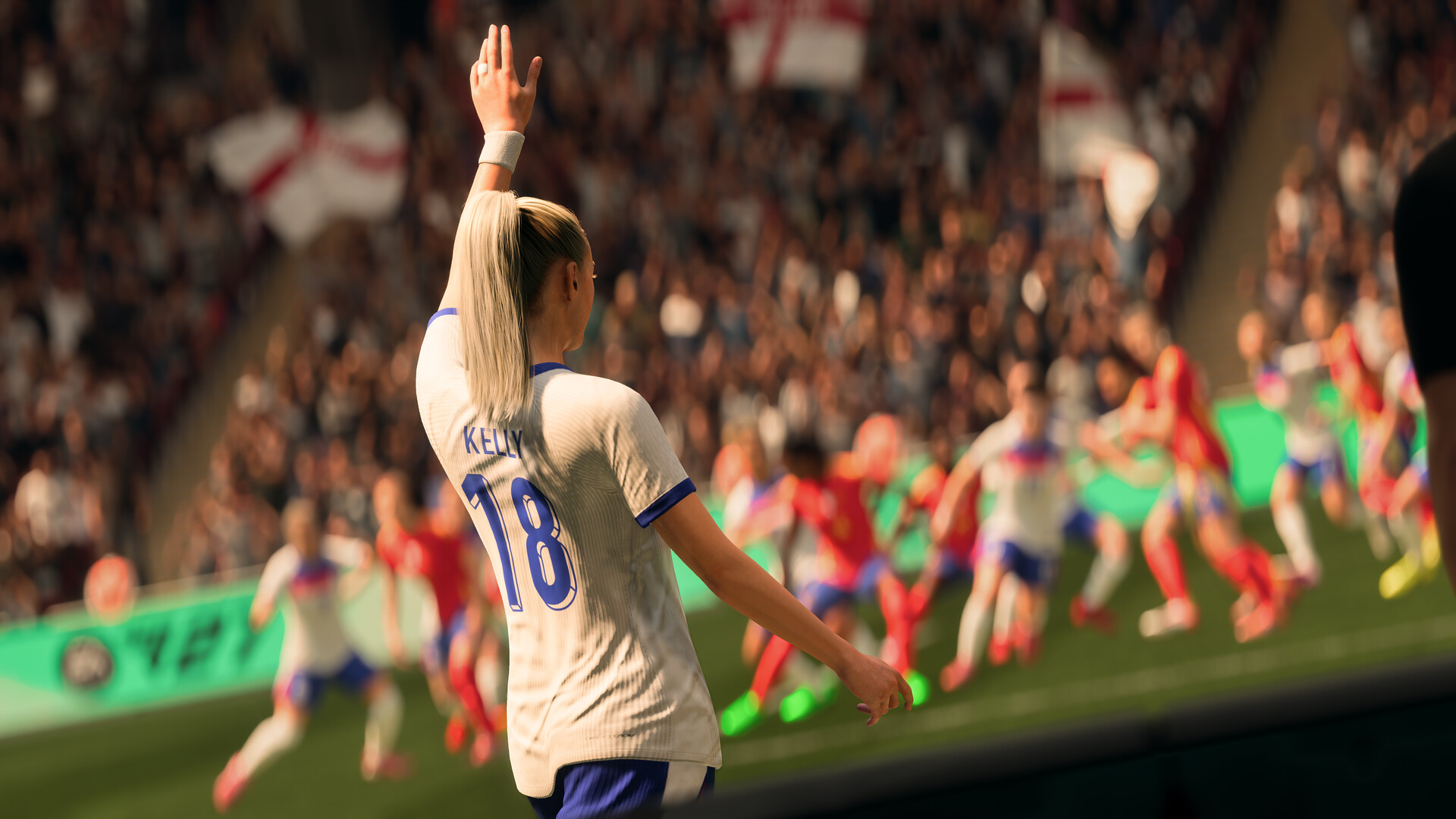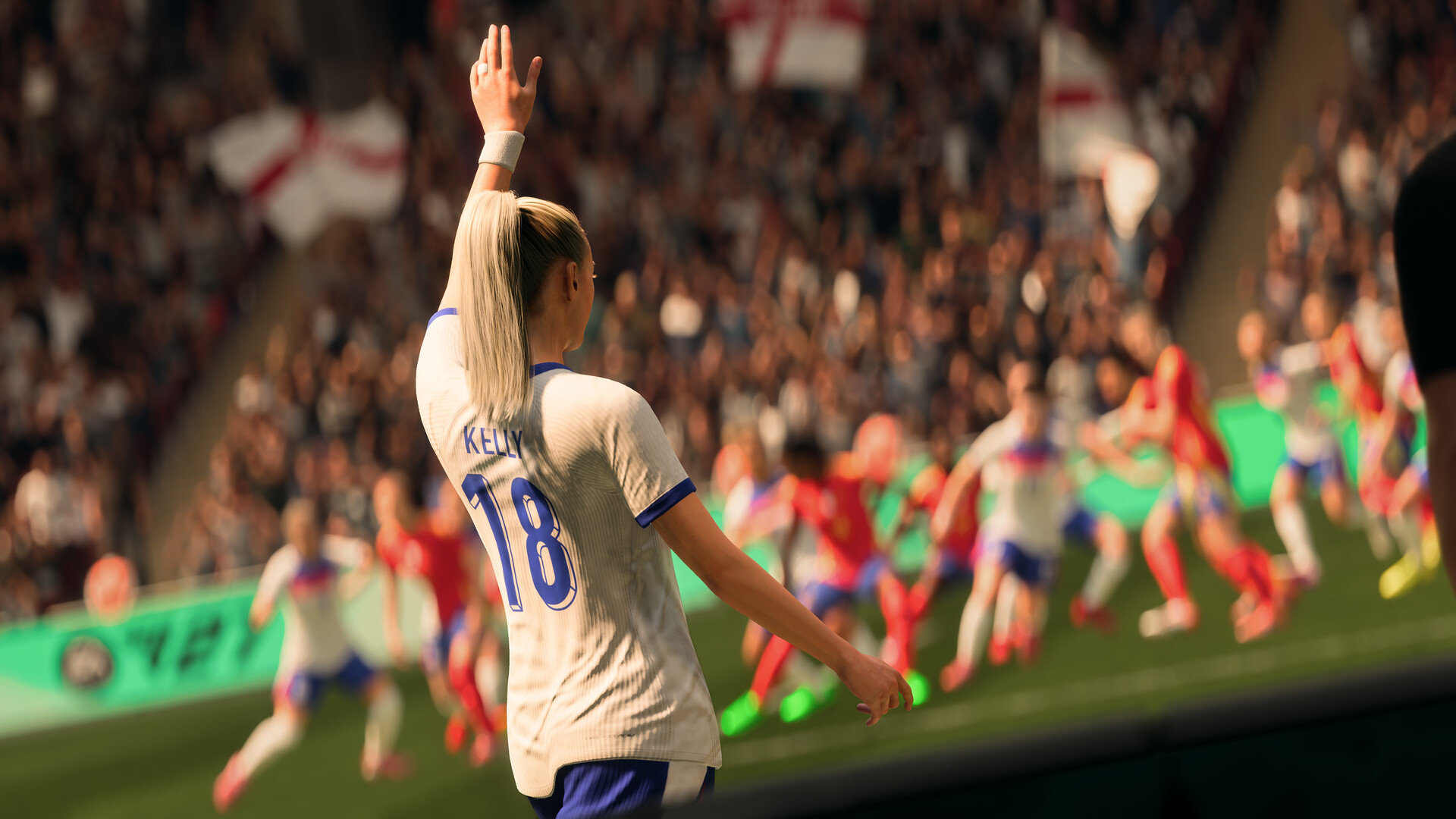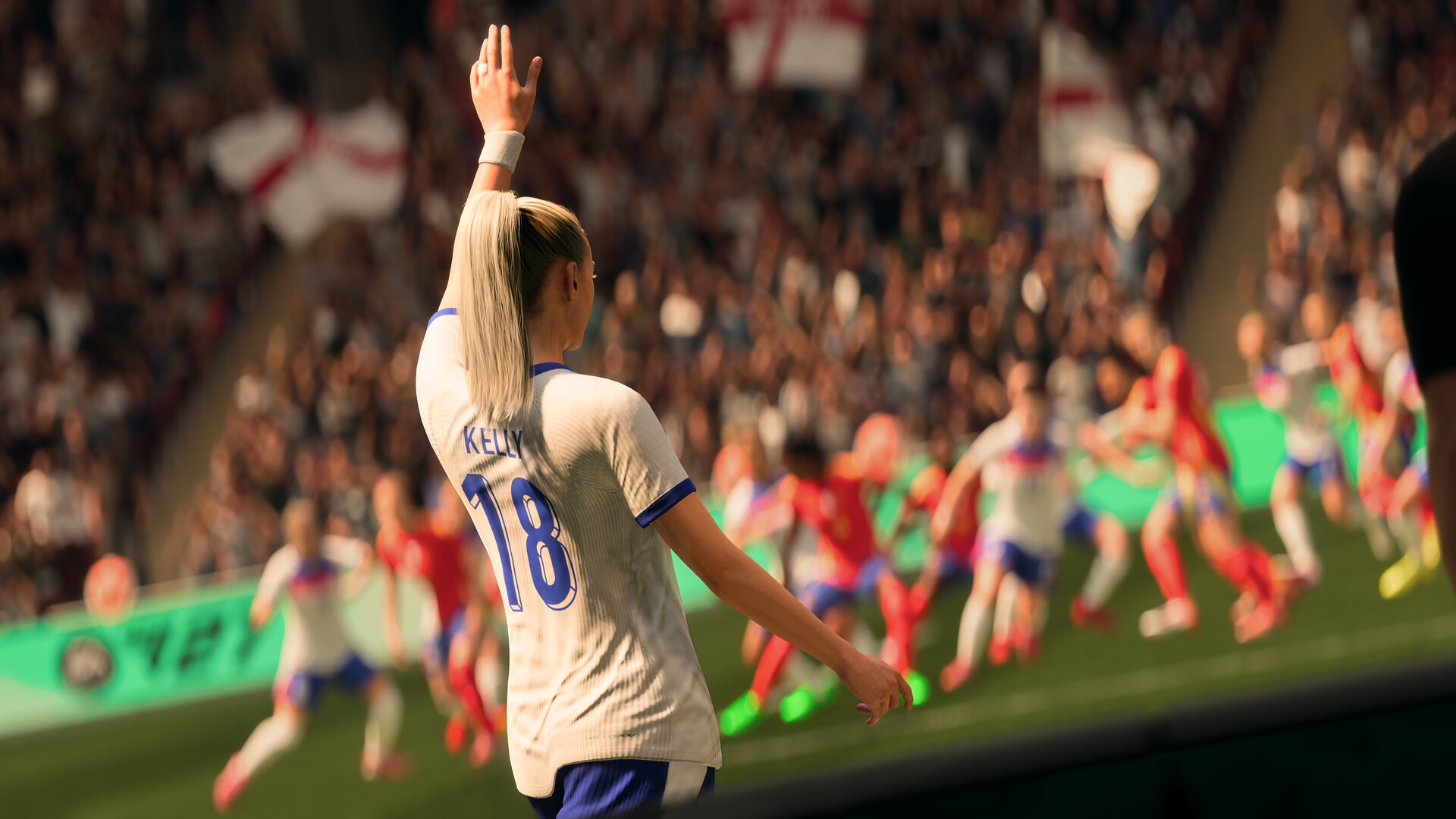
EA Sports FC 27: Best PC Settings, Controls and Performance Guide
EA Sports FC 27's new graphics presets, VRAM indicator and redesigned keyboard layouts can boost your FPS and feel. Here's how to configure every PC setting.
01What EA Changed for PC in FC 27
EA Sports FC 27 launched on September 25, 2026 with one of the biggest PC-specific updates the series has had in years. Rather than just porting the console build over, Electronic Arts published a dedicated PC Deep Dive on September 2, 2026 that laid out exactly what changed under the hood: faster launch times, a new VRAM indicator, redesigned keyboard layouts, expanded graphics presets, and a list of performance tweaks aimed squarely at players who found FC 26 sluggish on PC.
None of this is cosmetic. EA says the update specifically targets stutter on high-end rigs and unresponsive keyboard inputs — two of the most common PC complaints from last year's game. It's also a noticeably more detailed PC write-up than EA's previous Deep Dives, which tended to focus on resolution and frame-rate targets alone rather than explaining memory behavior or input handling. This guide walks through every new PC option, what EA's own notes say it actually does, and how to set it up for your hardware before your next match.
02Picking a Graphics Preset for Your Hardware
FC 27 expands its preset ladder well beyond the old Low/Medium/High/Ultra setup. According to the PC Deep Dive, the game now adds two new tiers — Performance and Balanced — alongside upgraded "High" and "Ultra" specification presets that EA says "target at least 80fps and 120fps, respectively," on the hardware it lists in the game's PC requirements.
- Performance — prioritizes frame rate above everything else. Start here if you're on integrated graphics or an older entry-level GPU.
- Balanced — a middle setting built for mid-range cards aiming for a steady 1080p60.
- High — EA's new "specification preset" aimed at roughly 80 fps on the hardware it names in its requirements.
- Ultra — the top specification preset, aimed at roughly 120 fps on EA's listed high-end hardware.
Every setting under a preset can still be adjusted individually, so treat the preset as a starting point, not a final answer. If one specific effect — crowd density or dynamic shadows, for example — is the thing dragging your frame rate down, drop just that slider instead of the whole preset.
It's also worth re-testing your preset choice after the first few post-launch patches. EA's notes make clear that the Performance and Balanced tiers are brand new for FC 27, which means the frame-rate targets attached to them are closer to EA's own internal benchmarks than to field data from millions of different PC configurations. If your "High" preset feels closer to Balanced in practice on your specific hardware, that's exactly the kind of gap a patch is likely to narrow over the following weeks.
03Reading the New VRAM Indicator
One of the more practical additions in this update is the VRAM indicator built into the graphics settings menu. As you change individual settings, it estimates the expected maximum video memory usage for your current configuration in real time, so you get instant feedback on whether a setting is realistic for your card instead of finding out mid-match when textures start thrashing.
Use it the way EA intends: start from a preset close to your GPU's VRAM pool, then nudge texture quality, shadow resolution, and crowd density up one at a time while watching the indicator. The moment it creeps past your card's actual VRAM total, back that last setting off. This is especially useful on 6GB and 8GB cards, where going even one notch too high on textures can introduce stutter that looks like a CPU problem but is actually a memory one.
04Setting Up the Redesigned Keyboard Controls
If you've avoided keyboard in past EA Sports FC games, this is the year to give it another look. The Deep Dive confirms a "significant update to keyboard controls," built around two redesigned default layouts you choose between: WASD and Arrow Keys. Both were rebuilt specifically to make movement and core gameplay actions feel more natural on keyboard, and EA has added extra shortcuts for tactical adjustments mid-match so you're not forced to release your movement keys to make a change.
To set it up, open the controls menu and pick whichever default layout matches your muscle memory — WASD if you play other PC games with that scheme, Arrow Keys if you're coming from console pad habits translated to a keyboard. From there, every control remains fully customizable, so remap individual actions once you know which default shortcuts you actually use.
How to Set Up EA Sports FC 27 for PC in About 15 Minutes
- 1Grab the latest driver from Nvidia, AMD or Intel before touching any in-game setting — EA's new presets and VRAM indicator assume a current driver.3 min
- 2Open Graphics Settings and choose Performance, Balanced, High or Ultra based on your GPU's age and VRAM pool rather than defaulting to the top option.1 min
- 3Raise texture quality, shadows and crowd density one at a time, watching the new VRAM indicator so you stop before it exceeds your card's memory.5 min
- 4In Controls, select WASD or Arrow Keys as your default layout, then test a few matches before remapping any individual action.2 min
- 5If you're already running Ultra smoothly and have GPU headroom to spare, enable Enhanced Ultra Visuals; otherwise leave it off, as EA does by default.1 min
- 6Open EA Connect and confirm your Steam friends list is showing automatically so you can invite squadmates without hunting for an EA ID.1 min
05Deciding on Enhanced Ultra Visuals
For players on genuinely high-end hardware, FC 27 adds a new option called Enhanced Ultra Visuals, which pushes visual fidelity beyond the existing Ultra preset. EA is explicit that these are optional and disabled by default — they exist purely for players who want to prioritize visual quality and already have the GPU headroom to support it. If frame rate matters more to you than the extra visual polish, you can safely ignore this section entirely and stick with the standard Ultra preset.
If you do want to try it, enable Enhanced Ultra Visuals only after you've confirmed your base Ultra preset is already running smoothly. Watch the VRAM indicator closely here — this is the setting most likely to push a high-end card near its memory ceiling. Because EA frames this as an enthusiast option rather than a recommended default, there's no official target frame rate attached to it the way there is for the High and Ultra specification presets — budget for a drop in fps and judge the trade-off against your own monitor's refresh rate rather than chasing a specific number.
06Fixing Responsiveness and Stutter Issues
EA's notes say the team specifically targeted "situations where high CPU load can negatively impact responsiveness" in FC 27, plus a set of general PC performance optimizations. If you were still getting input delay or hitching on FC 26 despite a capable GPU, that's the exact scenario this update is meant to address — though EA is upfront that results vary by hardware and configuration rather than guaranteeing a fix for every setup.
Two hardware notes from EA are worth following literally. First, FC 27's requirements now specify dual-channel memory — two sticks of RAM (2x4GB for Minimum, 2x16GB for Ultra) rather than a single stick of the same total capacity — because EA says dual-channel configurations perform noticeably better than single-channel ones at the same total memory size. Second, EA "highly recommends" an SSD for storage; an HDD is still technically supported at the Minimum tier, but loading stutter is far more likely on one. If your rig has a single memory stick or you're still running FC 27 off a hard drive, those are the two cheapest upgrades before you touch any in-game slider. Neither requires a new GPU, and both are the kind of fix EA is effectively telling you to make before assuming a graphics setting is the culprit behind a stutter.
07Linking Steam Friends Through EA Connect
A smaller but genuinely useful change: Steam Friends are now available automatically through EA Connect. Previously, playing with a Steam friend who wasn't already on your EA friends list meant manually searching for their EA ID before you could invite them. In FC 27, that step is gone — your Steam friends list surfaces directly inside EA Connect, so you can add and invite them as EA Friends without leaving the game to hunt down an ID. It's a small quality-of-life fix, but if you squad up with the same group every session, it removes a genuinely annoying bit of friction from every single launch.
08Minimum vs Recommended PC Specs at a Glance
EA's official requirements, confirmed on the game's Steam store page, are built around those new dual-channel memory and SSD recommendations above.
| Minimum | Recommended | |
|---|---|---|
| OS | Windows 10/11 64-bit | Windows 10/11 64-bit |
| CPU | AMD Ryzen 5 1600 / Intel Core i5 6600K | AMD Ryzen 7 2700X / Intel Core i7 6700 |
| Memory | 8GB dual-channel RAM | 12GB dual-channel RAM |
| GPU | AMD RX 570 / Nvidia GTX 1050 Ti | AMD RX 5600 XT / Nvidia GTX 1660 |
| Storage | 100GB (SSD recommended) | 100GB (SSD required) |
EA estimates the Minimum tier lands around 1280x720 at 60 fps on the Low preset, while the Recommended tier targets 1920x1080 at 60 fps on Medium. For the fuller breakdown of every setting, EA's own PC performance support article is the best place to check back as it gets updated post-launch.
FAQ
What's the single biggest PC change in EA Sports FC 27?
According to EA's own PC Deep Dive, it's the combination of the new VRAM indicator and the redesigned keyboard layouts — both target the two complaints EA says it heard most about FC 26 on PC: memory-related stutter and unresponsive keyboard controls.
Do I need an SSD to play EA Sports FC 27?
Not strictly — an HDD is still supported at the Minimum requirement tier, but EA 'highly recommends' an SSD, and its Recommended spec tier lists SSD as required rather than just suggested.
Should I turn on Enhanced Ultra Visuals?
Only if you're already running the standard Ultra preset smoothly and have GPU headroom to spare. EA ships the option disabled by default and frames it as an enthusiast add-on, not a recommended setting for most players.
Is WASD or Arrow Keys the better keyboard layout in FC 27?
EA doesn't recommend one over the other — both are new, purpose-built default layouts. Pick WASD if you're used to that scheme from other PC games, or Arrow Keys if you're translating console pad habits to a keyboard, then remap individual actions from there.
Why does EA care whether my RAM is single- or dual-channel?
EA's own requirements now specify dual-channel memory (2x4GB Minimum, 2x16GB Ultra) because it says two sticks of RAM perform noticeably better than one stick of the same total capacity — a detail that's easy to miss if you're only checking total GB.
Official resources

Ana writes the step-by-step tutorials: settings, controls, configs and the systems games never explain properly. Every tutorial is tested on the version named at the top of the page, with the official patch notes linked so you can check what changed.