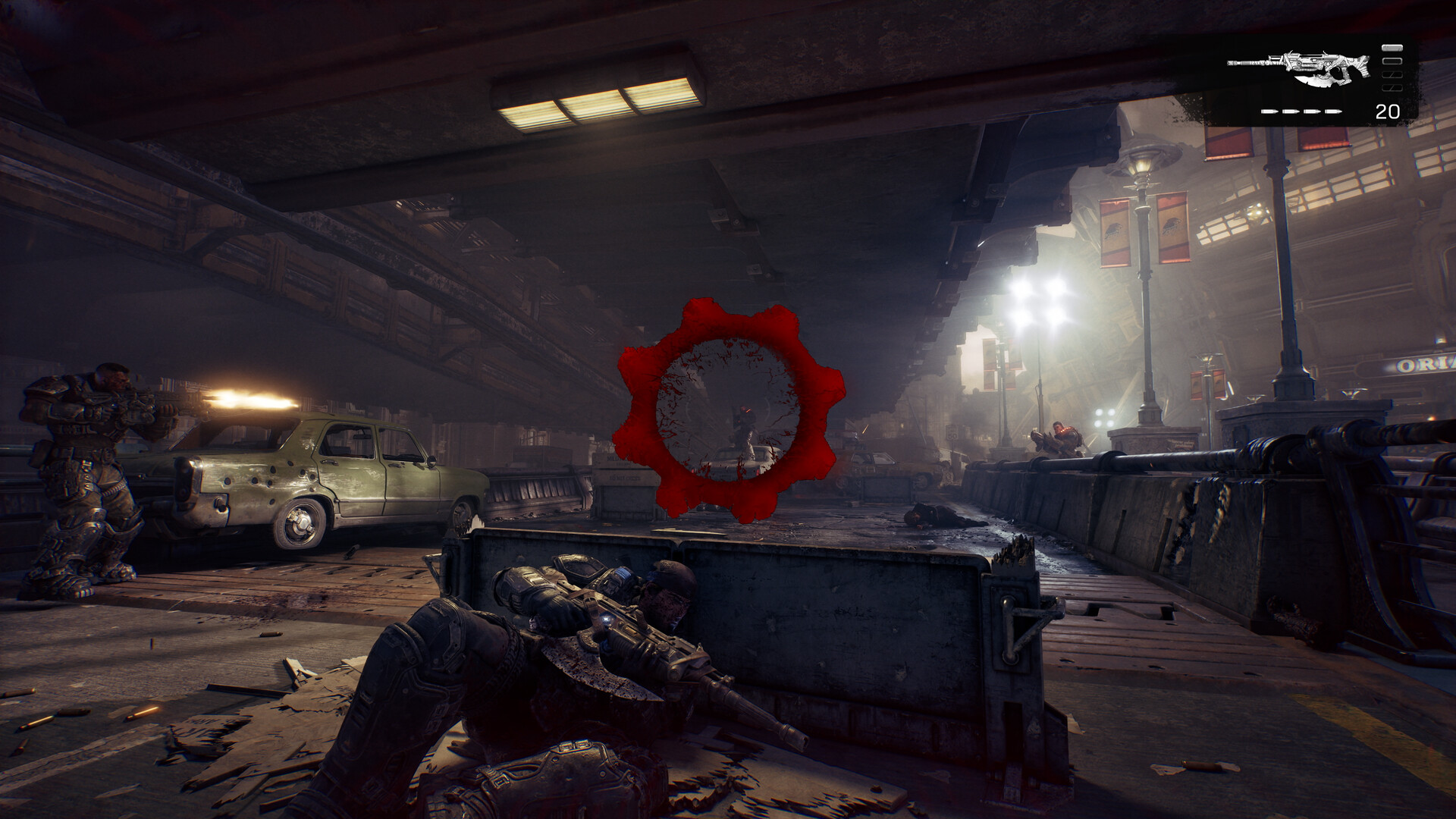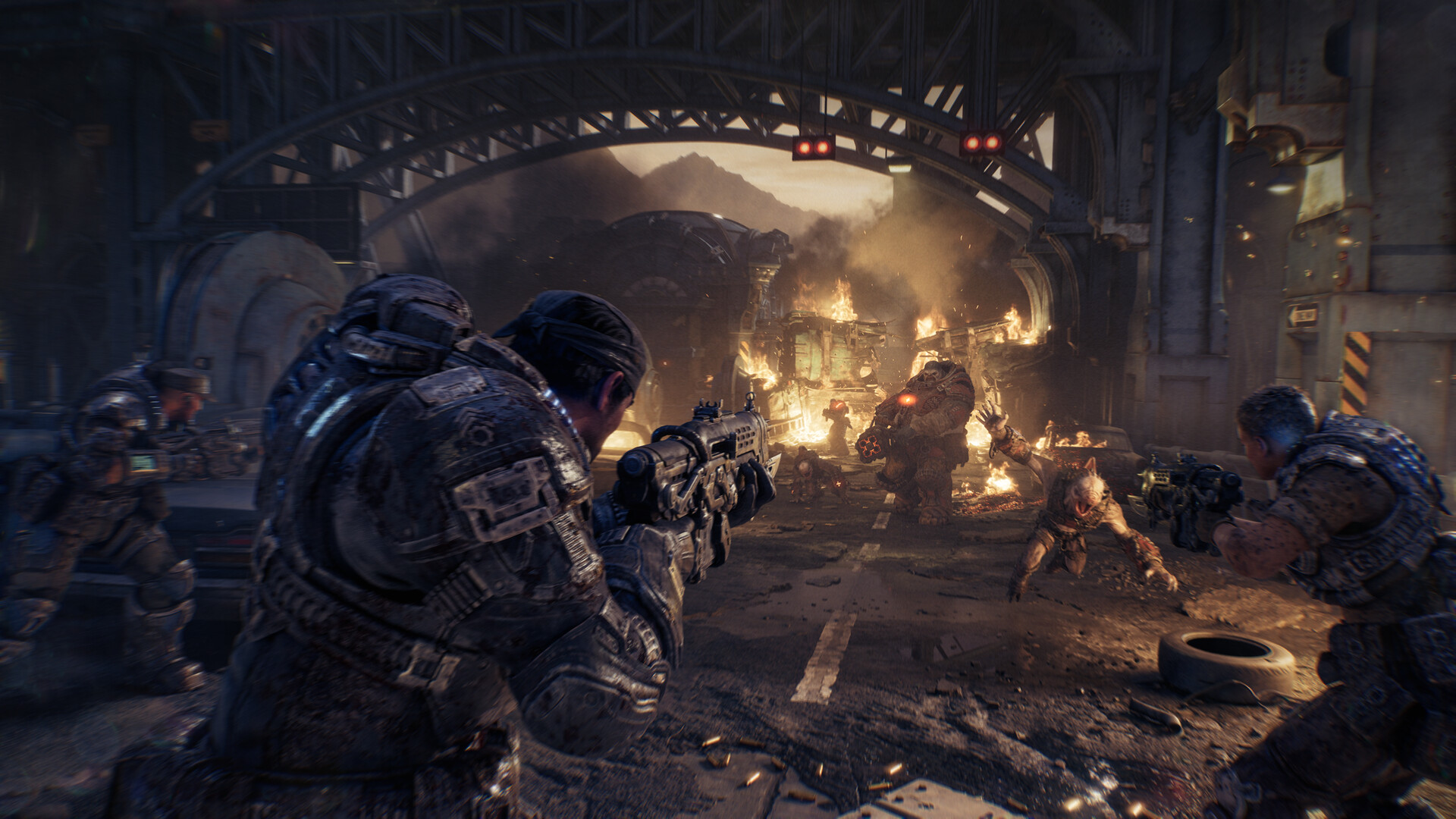
Gears of War: E-Day: Best PC Settings and Controls
Gears of War: E-Day is live in early access. Here's how to set display, upscaling, benchmark, and control options for the smoothest PC experience.
Gears of War: E-Day's early access opened on October 1 for Premium Edition owners and Game Pass Ultimate members, five days ahead of the October 6 global release. The PC version ships with a deeper options menu than any Gears game before it, built around a hard requirement most players won't expect: hardware ray tracing. Here's what to set, in what order, so you're not fighting the menu instead of the Locust.
01What Gears of War: E-Day Actually Needs From Your PC
The Coalition's own Steam listing is blunt about one thing: a hardware ray tracing-capable GPU is required to run E-Day at all, not just to unlock a setting. The published minimum is a GeForce RTX 5050, RTX 2060, Radeon RX 6600, or RX 9060, paired with a six-core CPU (Ryzen 5 2600X or Intel Core i5-10400/i7-6850K), 12GB of RAM, and a required SSD with 115GB free. That last point matters: the install explicitly won't run from a spinning hard drive, and Windows 10 64-bit build 22H2 19045.7291 or newer is the floor on the OS side.
The recommended tier steps up to an RTX 5060, RTX 3060 Ti, RX 6700 XT, or RX 9060 XT, 16GB of RAM, and Windows 11 25H2 or newer. If your GPU predates ray tracing hardware entirely (anything older than RTX 20-series or RX 6000-series), E-Day won't launch, regardless of how low you drop the sliders. There's no rasterized fallback mode to lean on here.
02Ray Tracing Is Mandatory — Confirm Your GPU First
Because ray-traced lighting, reflections, and shadows are baked into the engine rather than an optional toggle, check your exact GPU model against the list above before you queue the 115GB download. If you're right at the minimum, expect the game to lean on upscaling rather than native resolution to hit 60 FPS at 1080p — that's normal, and it's what the upscaling section below is for. Players sitting on the recommended RTX 5060/RTX 3060 Ti tier should be able to hold 1440p at 60fps on High without leaning on Frame Generation at all.
03Display Mode, Resolution, and Ultrawide Setup
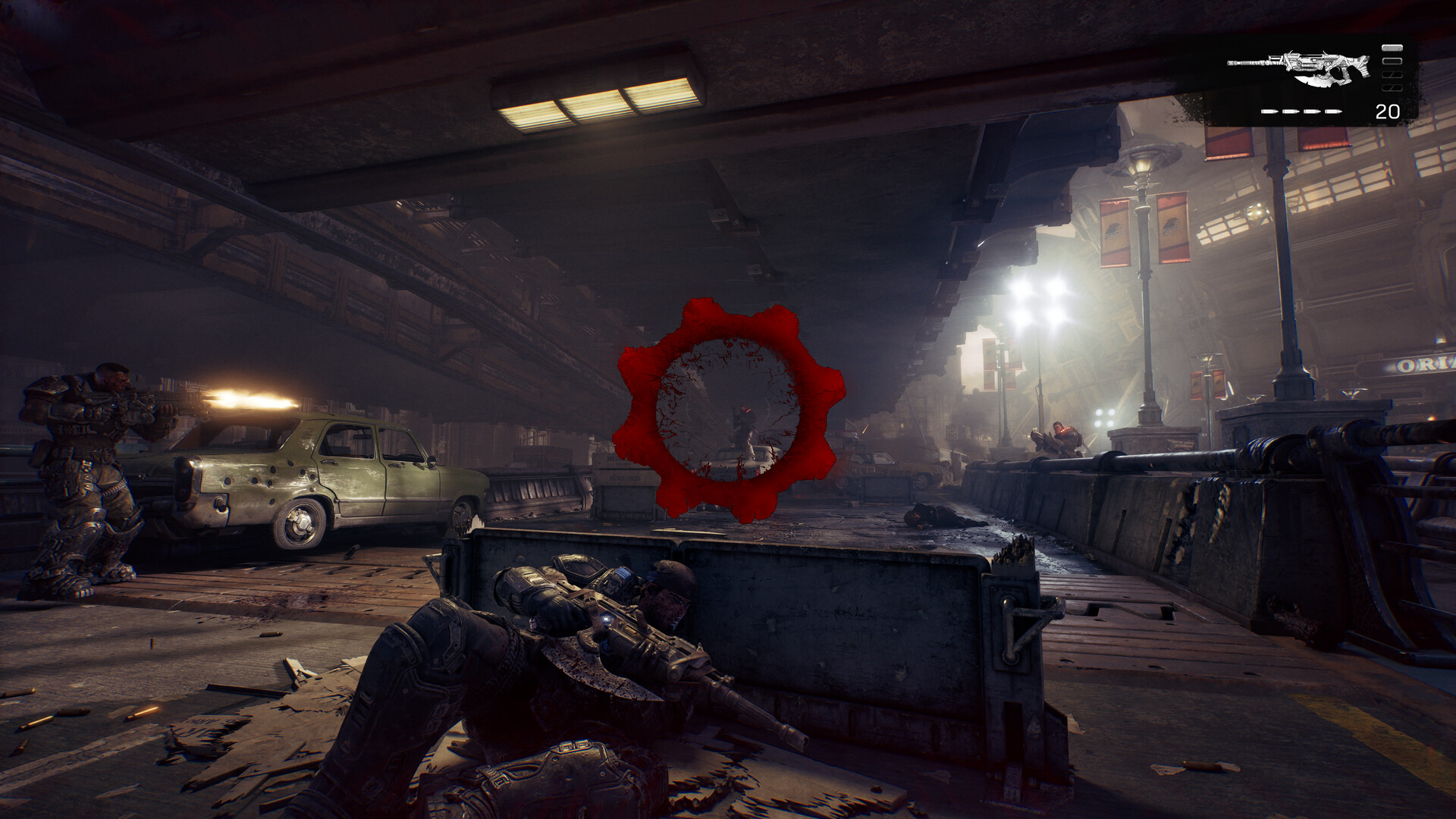
E-Day supports borderless, exclusive fullscreen, and windowed display modes, with uncapped frame rates on hardware that can sustain them. Borderless is the safer default on Windows 11 — it avoids the alt-tab stutter that exclusive fullscreen can cause on multi-monitor setups, at effectively no performance cost on modern drivers. Switch to exclusive fullscreen only if you're chasing the lowest possible input latency on a single-display competitive setup for ranked Versus.
If you're on a 21:9 or 32:9 panel, turn on ultrawide support in the display tab — The Coalition built it to extend both gameplay and menus, so you shouldn't see pillarboxing or a stretched HUD like older Gears ports suffered from. Pair it with HDR10 if your display supports it; the game targets 4K with HDR10 and ray-traced lighting as its ceiling on capable hardware, though both require a display that actually supports HDR10 input to show any difference over SDR.
04DLSS 4.5, FSR Redstone, and Frame Generation
The PC build supports NVIDIA DLSS 4.5 with Dynamic Multi Frame Generation and Reflex, alongside AMD's newer FSR "Redstone" revision, giving both GPU camps an upscaler plus optional single and multi-frame generation on supported hardware. The Coalition has also confirmed Intel XeSS and Unreal Engine's own TSR as fallback upscalers for hardware without dedicated DLSS or FSR support, so Arc and older GPUs aren't left running native resolution only.
Mike Perzel, Rendering Lead at The Coalition, has framed the DirectX 12 build's priority as cross-platform consistency rather than a PC-exclusive showcase — more on that below.
Start with Quality mode upscaling rather than Performance — E-Day's ray-traced lighting reveals upscaling artifacts more on the lowest presets than most shooters. Frame Generation is worth testing in Horde Siege and campaign, where latency matters less, but turn it off for ranked Versus matches if you're sensitive to the slight input delay it adds; competitive players consistently report tighter feel with Reflex on and Frame Generation off.
05Benchmark Mode, Variable Rate Shading, and Shader Stutter
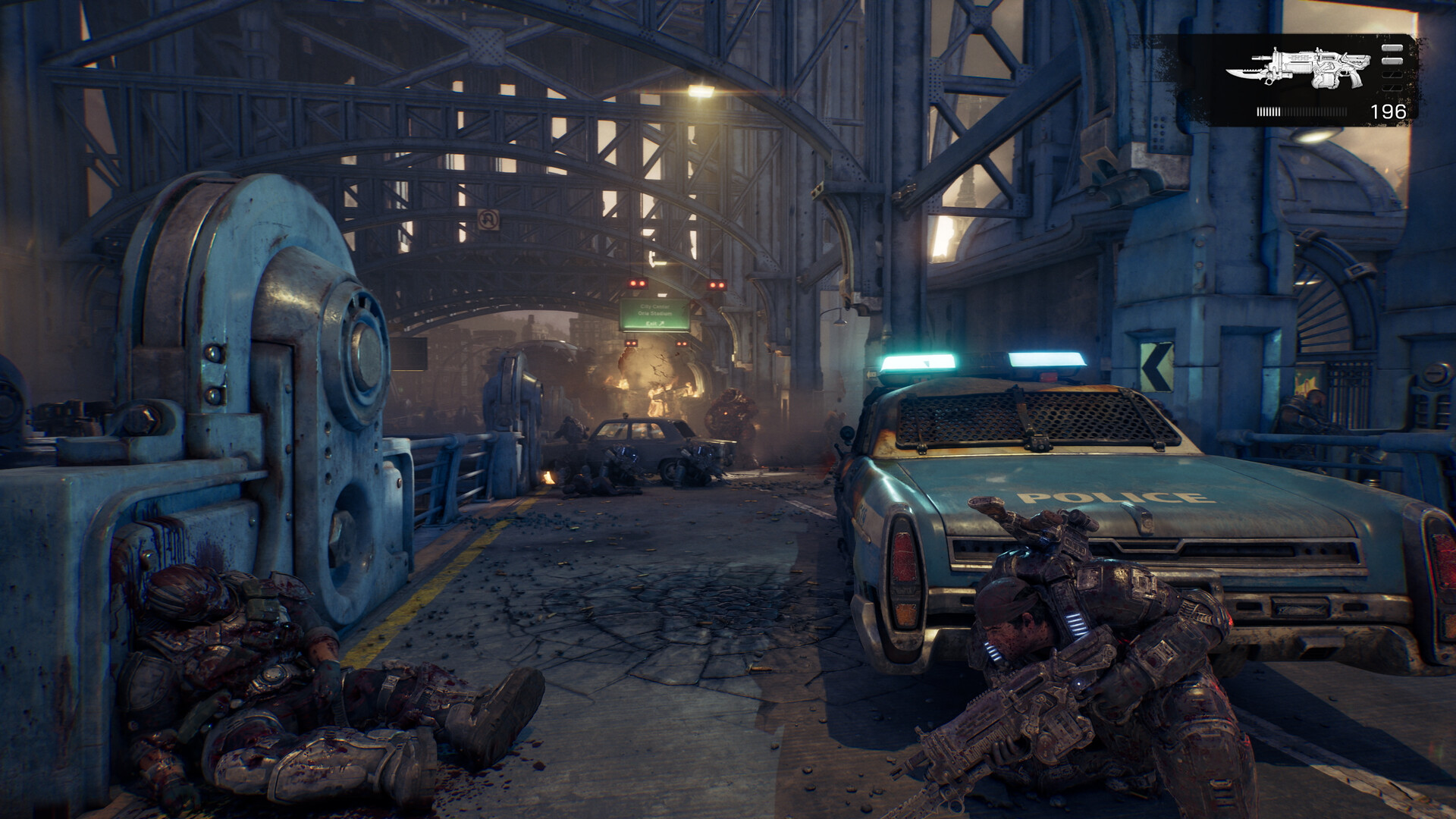
Run the built-in benchmark mode before you touch a single slider manually. It's the fastest way to see where your specific GPU lands across the preset tiers without guessing, and it's a better baseline than copying someone else's settings screenshot from a different card. If the benchmark shows you're GPU-bound rather than CPU-bound, turn on Variable Rate Shading — it trades a small amount of shading detail in low-contrast areas (sky, flat walls) for a meaningful frame rate gain, and it's far less noticeable in motion than in a paused screenshot.
E-Day also ships with Advanced Shader Delivery, a system Xbox has described as precompiling shaders alongside the game install to cut load times and eliminate the first-run shader stutter that's plagued past Unreal Engine 5 launches. Let the initial shader pass finish completely — it runs automatically on first boot — before you queue into a Horde Siege match; interrupting it is the most common cause of mid-wave stutter reports during early access.
Quick PC Setup Checklist
- 1Check your card against the RTX 5050/RTX 2060/RX 6600/RX 9060 minimum — E-Day won't launch below that line, and there's no rasterized fallback.2 min
- 2Borderless avoids alt-tab stutter on multi-monitor setups; switch to exclusive fullscreen only for the lowest input lag in ranked Versus.1 min
- 3Let the benchmark test your exact hardware before changing any sliders manually — it's a better baseline than copying someone else's settings.5 min
- 4Start on Quality mode upscaling; test Frame Generation in Horde Siege and campaign, but turn it off for ranked Versus if you're latency-sensitive.3 min
- 5If the benchmark shows you're GPU-limited, enable it for a frame rate gain that's barely visible in motion.1 min
- 6Rebind sprint, mantle, and melee to match your muscle memory, then test them in a private match before ranked Versus.5 min
06Horde Siege vs. Versus — Which Settings Actually Matter
Horde Siege puts three four-player squads (Assault, Marksman, Medic, or Breacher classes) on the same large map simultaneously, which means more enemies, more particle effects, and more simultaneous ability casts on screen than campaign or Versus ever throw at you. If you're borderline on frame rate, this is the mode where it shows first — drop Variable Rate Shading on and consider Frame Generation here specifically, since the latency cost matters less in cooperative PvE than it does against another player.
Versus is the opposite case: four-player squad-based PvP where every millisecond of input lag is noticeable. Keep Reflex enabled, lean on DLSS/FSR Quality mode over Frame Generation, and consider exclusive fullscreen if you're playing Ranked specifically. The new movement options — jump, vault, slide, and flank are all more central to E-Day's combat than in the original trilogy — reward a controller or mouse sensitivity you've actually tuned rather than left on default.
07Remapping Keyboard, Mouse, and Controller Binds
Both KBM and controller inputs are fully remappable, which matters more in E-Day than in past Gears games given the heavier movement emphasis above. If the default layout feels unfamiliar coming from Gears 5 or the Ultimate Edition, don't fight it for a full match — open the control tab and remap the moves you use most (sprint, mantle, melee) to where your muscle memory already expects them. The same remapping carries into Horde Siege, where you'll be swapping between your class ability, weapon switching, and reload under pressure.
Settle your binds in a private match, a Horde Siege bot lobby, or the campaign's early chapters before you take them into a ranked Versus lobby. Rebinding mid-match isn't possible, and the options menu is one of the few things E-Day doesn't let you touch while a Horde Siege wave is active.
“Built on DirectX 12, we're focused on delivering a great experience across console and PC.”Mike Perzel, Rendering Lead at The Coalition
08HDR10, Steam Deck, and Cross-Platform Progress
E-Day is also built to run on handhelds — Steam Deck, ROG Xbox Ally, and Xbox Ally X are officially supported, which is worth knowing if you want to carry a save between a desktop and a handheld session. Turn on account linking in the settings menu to enable roaming saves and cross-platform invites; it lets you queue into Versus or Horde Siege with friends regardless of which platform they're playing on, and keeps your unlocked customization in sync across devices.
If you picked up the Premium Edition for early access specifically, this checklist for getting your rig ready beforehand covers the download, driver, and storage prep from before early access opened, which pairs well with the in-game tuning above now that the game is actually installed and you're deciding what to change first.
FAQ
What are the minimum PC specs for Gears of War: E-Day?
A hardware ray tracing-capable GPU (GeForce RTX 5050/RTX 2060, Radeon RX 6600, or RX 9060), a six-core CPU such as a Ryzen 5 2600X or Core i5-10400, 12GB of RAM, and an SSD with 115GB free, per the official Steam system requirements.
Does Gears of War: E-Day support ultrawide monitors?
Yes — The Coalition built ultrawide support for both 21:9 and 32:9 aspect ratios, covering gameplay and menus rather than just cutscenes.
Can I play Gears of War: E-Day on Steam Deck?
Yes, the official Steam page lists Steam Deck, ROG Xbox Ally, and Xbox Ally X as supported handhelds.
Is cross-platform play available between PC and Xbox?
Yes. With account linking enabled you get roaming saves and cross-platform invites, so you can queue into Versus or Horde Siege with friends on either platform.
Should I turn on DLSS Frame Generation?
It's a good fit for Horde Siege and campaign, where the added latency is less noticeable, but competitive Versus players should prioritize Reflex and Quality-mode upscaling instead.
Official resources

Ana writes the step-by-step tutorials: settings, controls, configs and the systems games never explain properly. Every tutorial is tested on the version named at the top of the page, with the official patch notes linked so you can check what changed.