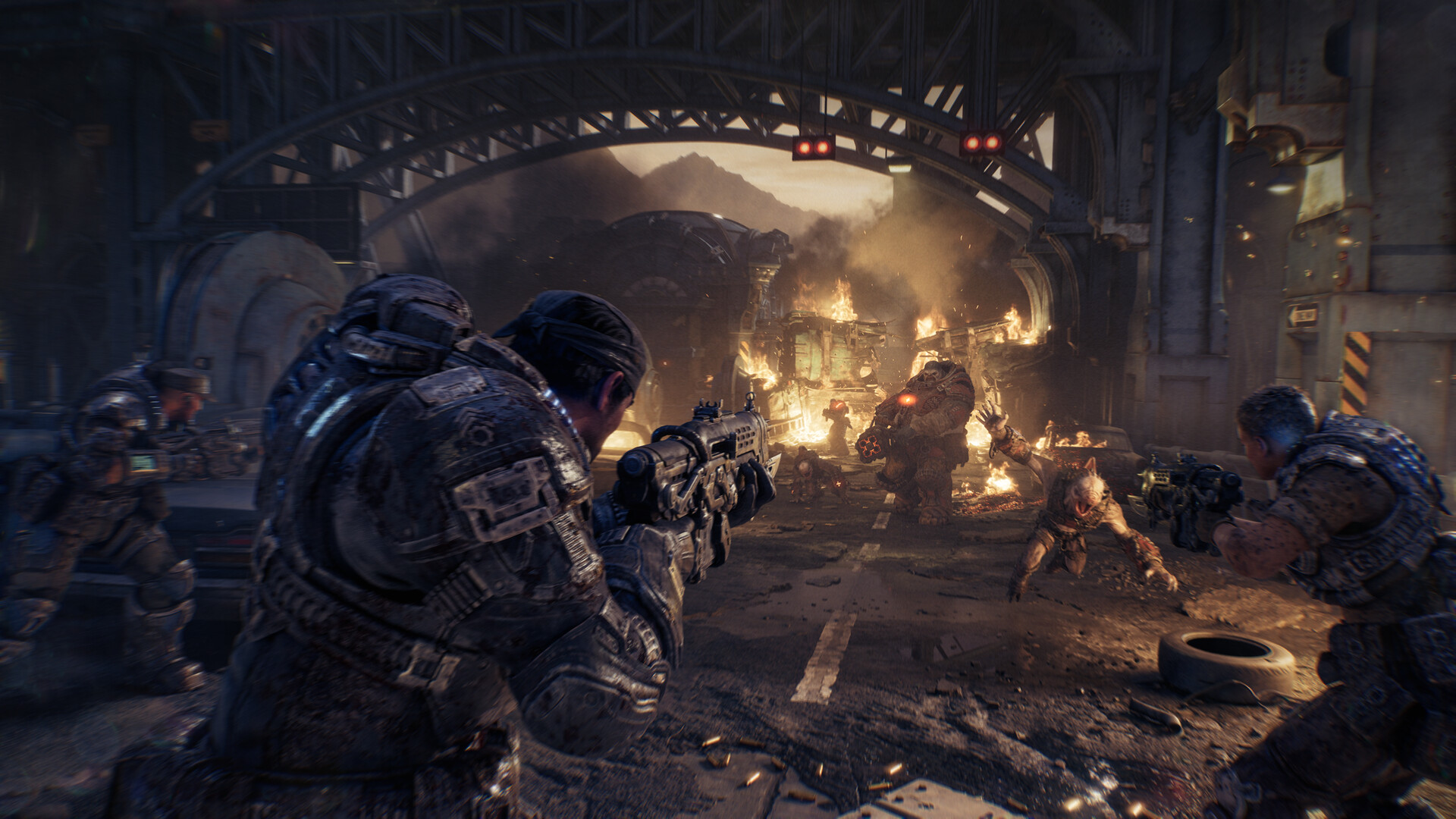
Gears of War: E-Day: Best PC Settings and Performance Guide
Gears of War: E-Day requires a ray-tracing capable GPU and an SSD. Here's what the three October patches actually fixed and how to set up performance now.
Gears of War: E-Day launched on PC and Xbox Series X|S on October 6, 2026, and The Coalition has already pushed three rounds of fixes since then, mostly aimed at stability and long-session crashes. If you installed the game at launch and haven't touched a setting since, or you're still deciding whether your rig can even run it, here's what the hardware actually demands and what each patch has changed so far.
01What Gears of War: E-Day Needs From Your PC
This one is stricter than most recent shooters: Gears of War: E-Day's Steam listing states plainly that a "Hardware Ray Tracing capable GPU is required," with an Nvidia GeForce RTX 2060 or AMD Radeon RX 6600 as the minimum card. There's no legacy fallback renderer to drop down to if your GPU can't do ray tracing in hardware — the game simply won't run well, if at all. The minimum tier also calls for a 64-bit AMD Ryzen 5 2600X or Intel Core i7-6850K/i5-10400, 12 GB of RAM, and a mandatory SSD with 115 GB free. Storage matters more than usual here: the listing explicitly notes the game needs a solid-state drive, not just free space, so running it off a mechanical hard drive isn't a supported path even if you have the room.
The recommended tier steps up to a Ryzen 5 5600 or Core i5-11600K, 16 GB of RAM, and an RTX 3060 Ti or Radeon RX 6700 XT, running Windows 11 (25H2) or newer, though Windows 10 64-bit still works on the minimum tier. If your card sits right at the RTX 2060/RX 6600 line, treat that as a floor for getting the campaign to launch at all, not a floor for a comfortable 60 FPS — you'll be leaning on upscaling and lower presets to get there.
The SSD requirement isn't just a suggestion buried in fine print, either — it's listed as its own line item alongside the minimum and recommended specs, separate from the 115 GB storage figure. That points to the campaign leaning on fast texture and asset streaming rather than loading everything up front, which is also why a half-full, heavily fragmented drive can cause stutter even on a GPU well above the minimum. If you're installing fresh, put it on your fastest SSD rather than a secondary drive you're using for overflow.
One more platform note: Gears of War: E-Day is a PC and Xbox Series X|S release with no PlayStation version, and cross-play runs between those two platforms. If you're coordinating a Horde Siege squad across PC and console, settings parity matters less than making sure everyone is actually on the October 22 build, since squad-based modes are where most of the patched matchmaking and session bugs showed up.
02Upscaling, Frame Generation and the Built-In Benchmark
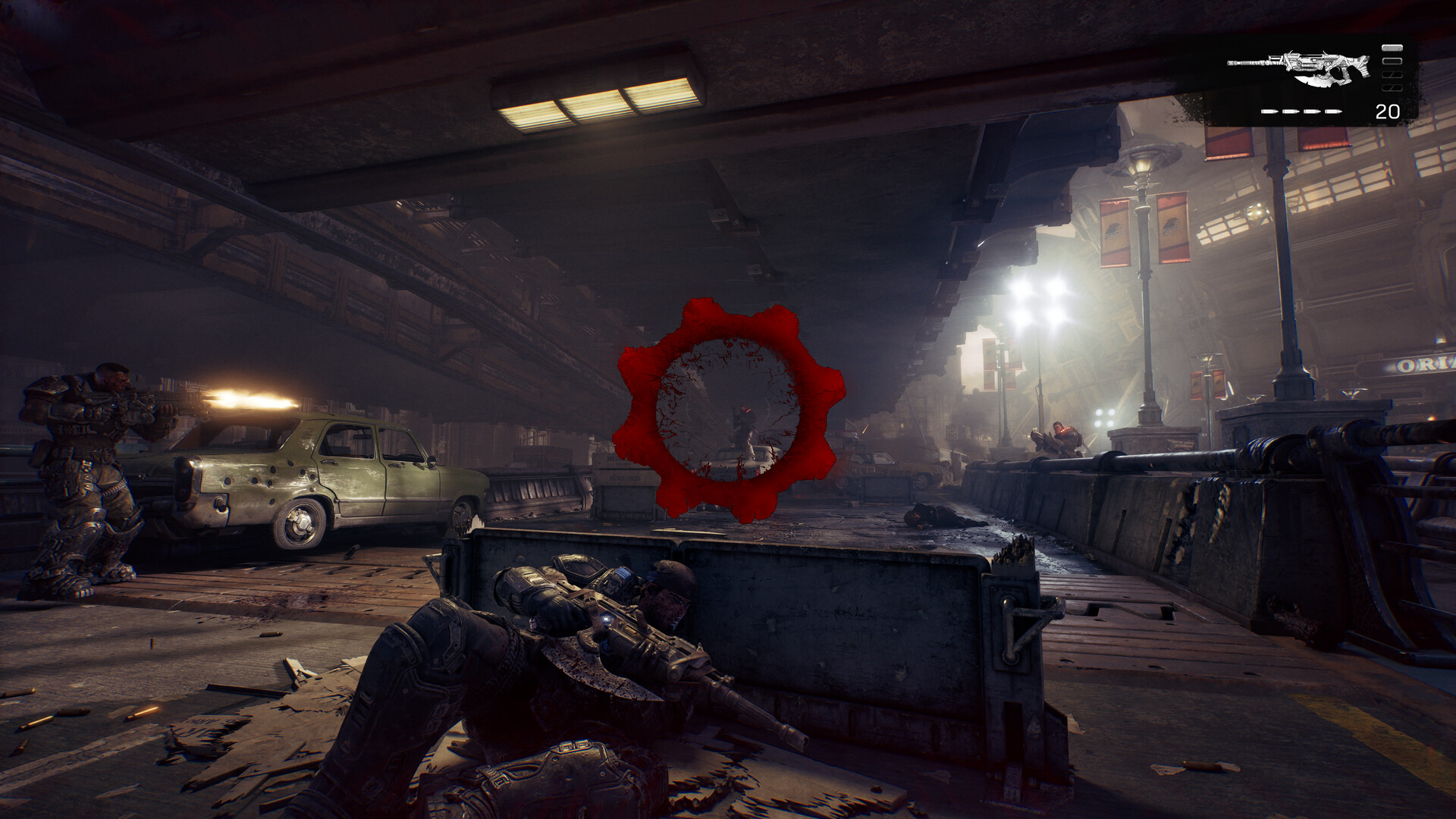
On the technology side, the PC version ships with Nvidia DLSS 4.5 and AMD's FSR "Redstone" upscaler, along with optional Frame Generation and Multi Frame Generation on hardware that supports it, plus Variable Rate Shading and HDR10 output. There's also a built-in benchmark tool, which is the right place to start before you touch a single slider by hand. Run it once on whatever preset the game picks for your hardware, note the average and minimum frame rate it reports, and only then start adjusting individual settings rather than guessing from a cold start.
If you're near the minimum spec, enable your GPU vendor's upscaler at Quality or Balanced before you start cutting other settings — on a ray-tracing-mandatory game like this, upscaling does more for your frame rate per visual-quality dollar than dropping texture resolution or shadow distance. Frame Generation is worth testing on top of that if your base frame rate is already close to 60, since generated frames tend to look worse the lower your starting rate is.
Variable Rate Shading is on by default on most presets and is one of the cheaper settings to leave enabled, since it reduces shading detail in parts of the frame your eye is less likely to focus on rather than cutting resolution outright. If you've got HDR10 capable display, turning that on is worth doing through Windows' own HDR settings first, then confirming it inside the game's display menu, rather than relying on the in-game toggle alone to calibrate brightness correctly.
03The Three Patches Since Launch: What Actually Changed
The Coalition has shipped patches on October 5, October 14, and October 22 — all three are publicly posted on the official Gears of War news page, and none of them touch graphics presets or add new PC-specific settings. What they do fix is worth knowing before you spend time troubleshooting on your own:
- October 5: General stability, performance, and hardware-compatibility work, plus a fix for Xbox sign-in accounts with significantly incorrect system clocks and several Versus and Horde Siege bugs around matches getting stuck.
- October 14: The patch notes state the team made "numerous improvements to stability and optimization across applicable hardware configurations" and "multiple memory improvements to address crashing and performance degradation during long play sessions" on PC, Xbox, and handhelds. It also fixed colorblind settings that weren't displaying as described, reduced the size of the on-screen diagnostic text in the bottom-left corner, and added a toggle to disable the audio chime for Campaign collectibles.
- October 22: A smaller hotfix repeating the same line about stability, performance, and crash reduction on PC, Xbox, and handhelds, plus a fix letting players with incorrect system date/time settings sign in, and several Campaign, Horde Siege, and Versus bug fixes.
If you were getting memory-related crashes or slowdowns during long Horde Siege runs before October 14, it's worth updating now if you haven't — that's specifically what the patch targeted. The team is also clear that the work isn't finished: the October 22 notes say directly that "we're aware and investigating reports that some players are still freezing or crashing during long play sessions," so if it's still happening to you, you're not missing a setting that would fix it.
04Known Issues to Watch For Right Now
Two things are worth knowing before you jump into Versus or start a fresh campaign run. First, the October 22 notes flag an active exploit that lets players see through Smoke Grenades, and the studio says a hotfix is in progress along with enforcement action against players caught using aimbots and other exploits in Versus — so don't be surprised if ranked matches feel a little tense until that's patched. Second, the ongoing long-session freezing mentioned above is a known, open issue rather than something tied to a specific setting, so there's no graphics option that will reliably work around it yet.
If you're about to start the campaign for the first time rather than troubleshooting an existing install, it's worth pairing these settings with its beginner tips on difficulty and early mistakes so your performance setup and your difficulty pick are both sorted before the first firefight.
05Step-by-Step: Dialing In Your Settings
Here's the order that actually matters, rather than opening every menu and tweaking at random:
Setting Up Gears of War: E-Day on PC
- 1Confirm your card supports ray tracing in hardware before installing — Gears of War: E-Day requires at least an RTX 2060 or RX 6600 and won't run well without one.2 min
- 2Install the latest GPU driver and make sure the game sits on an SSD with 115 GB free; the listing calls out solid-state storage specifically, not just free space.5 min
- 3Launch the benchmark tool on whatever preset the game auto-selects and note the average and minimum frame rate before changing anything else.3 min
- 4Enable DLSS 4.5 or FSR Redstone at Quality or Balanced before touching texture or shadow settings — it recovers more frame rate per visual cost than most other sliders.2 min
- 5Frame Generation and Multi Frame Generation help most when your base rate is already solid; turn it on and re-run the benchmark to compare.3 min
- 6Check for updates before troubleshooting further — the last three patches targeted the memory crashes and long-session freezing players were hitting most.2 min
06Accessibility and Quality-of-Life Options
Beyond raw performance, the October 14 patch is specifically worth revisiting if you use colorblind assistance — the studio confirmed those settings weren't displaying correctly before that update, so it's worth reopening the menu even if you checked it at launch and the options looked off. The reduced diagnostic text size and the Campaign collectible chime toggle added in the same patch are both easy to miss since neither is a headline feature, but they're sitting in the standard settings menus now if you want a cleaner HUD or a quieter Campaign run.
On Xbox Cloud Gaming specifically, the October 22 hotfix also fixed an issue that was defaulting new sessions to the Quality setting instead of Performance — if you stream the game rather than running it locally, check that your performance preference actually stuck after this latest update.
None of this is a substitute for watching your own frame counter, since the exact numbers you'll see depend heavily on which GPU you're running and how close it sits to that ray-tracing-capable minimum. But starting from the benchmark tool, confirming your upscaler and Frame Generation choice, and making sure you're actually on the October 22 build before you troubleshoot anything further will save you from chasing problems the last three patches already solved.
FAQ
Does Gears of War: E-Day require a ray-tracing GPU?
Yes. Steam's official listing states a hardware ray-tracing capable GPU is required, with an RTX 2060 or RX 6600 as the minimum.
What upscaling technology does the PC version support?
Nvidia DLSS 4.5 and AMD's FSR "Redstone," along with optional Frame Generation and Multi Frame Generation on supported hardware.
What did the October 14 and October 22 patches actually fix?
Both focused on stability and memory issues causing crashes during long sessions on PC, Xbox, and handhelds, plus assorted Campaign, Horde Siege, and Versus bug fixes; October 14 also fixed colorblind settings that weren't displaying correctly.
Is there a known bug or exploit right now?
The October 22 notes flag an active Versus exploit letting players see through Smoke Grenades, which the studio says it's hotfixing, plus an ongoing investigation into long-session freezing that isn't tied to a specific setting.
Official resources

Ana writes the step-by-step tutorials: settings, controls, configs and the systems games never explain properly. Every tutorial is tested on the version named at the top of the page, with the official patch notes linked so you can check what changed.
