Graveyard Keeper 2: Best PC Settings After Update 1.006
Update 1.006 fixes Graveyard Keeper 2's ultrawide crashes and grass-sway bug — here's how to set graphics, controller and audio options on PC.
Graveyard Keeper 2 launched on PC on September 22, 2026, and Lazy Bear Games and publisher tinyBuild have already shipped two follow-up patches, Update 1.005 and Update 1.006, to iron out the rough edges of that launch. If you picked up the sequel to run your own undead-powered medieval town, a handful of menu changes and one specific bug fix are worth sorting out before you sink real hours into it.
This guide walks through the graphics, controller, audio and accessibility settings worth touching on PC, plus exactly what the two post-launch patches changed so you know which fixes you already have and which quirks are still unconfirmed.
01What Update 1.006 Fixed for PC Players
The most useful fix in Update 1.006 targets a specific PC complaint from launch week: some players on ultrawide monitors or other non-standard resolutions were hitting intermittent crashes. That's now fixed, according to the official changelog, so if you held off switching to a 21:9 or 32:9 display because of crash reports, it's safe to try again.
The same patch also fixed a bug where changing your resolution mid-session would break grass sway and deformation effects, and it restored cinematic smoke and fog effects that had gone missing from cutscenes in the shipping build. Update 1.005, released a few days earlier, leaned more toward stability than visuals: it improved performance specifically at the top of the alchemy tower, a spot that had been dropping frames hard, and it cleared a batch of background errors that used to show up before your first sleep or save of a session.
Update 1.005 also fixed several morgue-specific soft locks — the Study Table could stop accepting items for research, the Crematorium could get stuck with a body still on the table, and zombies could fail to resurrect even when you'd met every quest and item requirement. None of those are PC-specific, but they're worth knowing about if a save from before September 25 feels stuck.
If you haven't started yet, a primer on restoring the Town from day one is worth keeping open while you work through the settings below, so you know what you're optimizing for before you start tweaking sliders.
02Best Graphics Settings for Graveyard Keeper 2
Graveyard Keeper 2's video menu, under Options, keeps things simple: resolution, window mode, V-Sync and a single Graphics Quality slider running from lowest to high. Steam's own listing doesn't break down what each quality step changes individually, so treat it as a broad low-to-high scale rather than a set of separate toggles for shadows, textures or effects.
On minimum spec, which Steam lists as a 13th-gen Intel Core i3, 6 GB of RAM and a GeForce GTX 1650-class card, stick to the lower half of that slider and leave V-Sync on if you notice screen tearing at an uncapped frame rate. On recommended spec — a 13th-gen Core i5, 8 GB of RAM and an RTX 3060-class card — you can push the slider toward the top and turn V-Sync off if your monitor supports a high refresh rate and you'd rather chase frames than lock to a cap.

If you're running an ultrawide display or another non-standard aspect ratio, install Update 1.006 before you touch this menu at all — that patch is specifically what stopped the intermittent crashes those resolutions were causing at launch, and it also fixed the grass-sway bug that could trigger when you changed resolution mid-session.
03Setting Up a Controller on PC
Graveyard Keeper 2 lists full controller support on its Steam store page, along with dedicated DualShock and DualSense compatibility over a wired USB connection. Plug in an Xbox pad, a PS4 DualShock 4 or a PS5 DualSense controller and the game should show the correct button prompts without any extra setup in Steam Input.
Update 1.006 also fixed a related annoyance: zombie work sounds used to play incorrectly when a work order started while you were off-screen managing another part of the graveyard, which was easy to mistake for input lag on a controller. That's sorted now, so if your zombies still seem unresponsive after updating, the problem is more likely a queued task or a blocked workstation than your input device — the same patch fixed zombies getting wedged between chests, workstations and extensions when pushed.
04Audio, Volume and Accessibility Options
The audio menu offers custom volume controls, confirmed on the store listing, so you can balance music, effects and ambience separately instead of relying on one master slider. Update 1.006 also fixed a specific audio bug where the flagpole plant and remove sounds could play incorrectly at the start or end of a fight, which was one of the more noticeable stray effects at launch.
Accessibility options are thinner than in some other management sims — there's no colorblind mode listed on the store page — but Graveyard Keeper 2 is tagged as playable without timed input, which is worth switching on if you find the combat or quick-time sequences too twitchy for comfort. Keybind remapping isn't mentioned in the store listing or in either patch's changelog as of Update 1.006, so treat full key rebinding as unconfirmed rather than assuming it's hidden somewhere in the menus.
05Getting Steady Performance at the Alchemy Tower and Beyond
If you hit a specific frame rate cliff at the top of the alchemy tower, that was a known issue Update 1.005 targeted directly, and the patch notes describe it as an improvement rather than a full rewrite. On lower-end hardware you may still want to drop the Graphics Quality slider a notch specifically in that area rather than for the whole game. The same patch also cleared a batch of background errors that used to appear before your first sleep or save each session; those weren't performance-related, but they're gone now regardless of your settings.
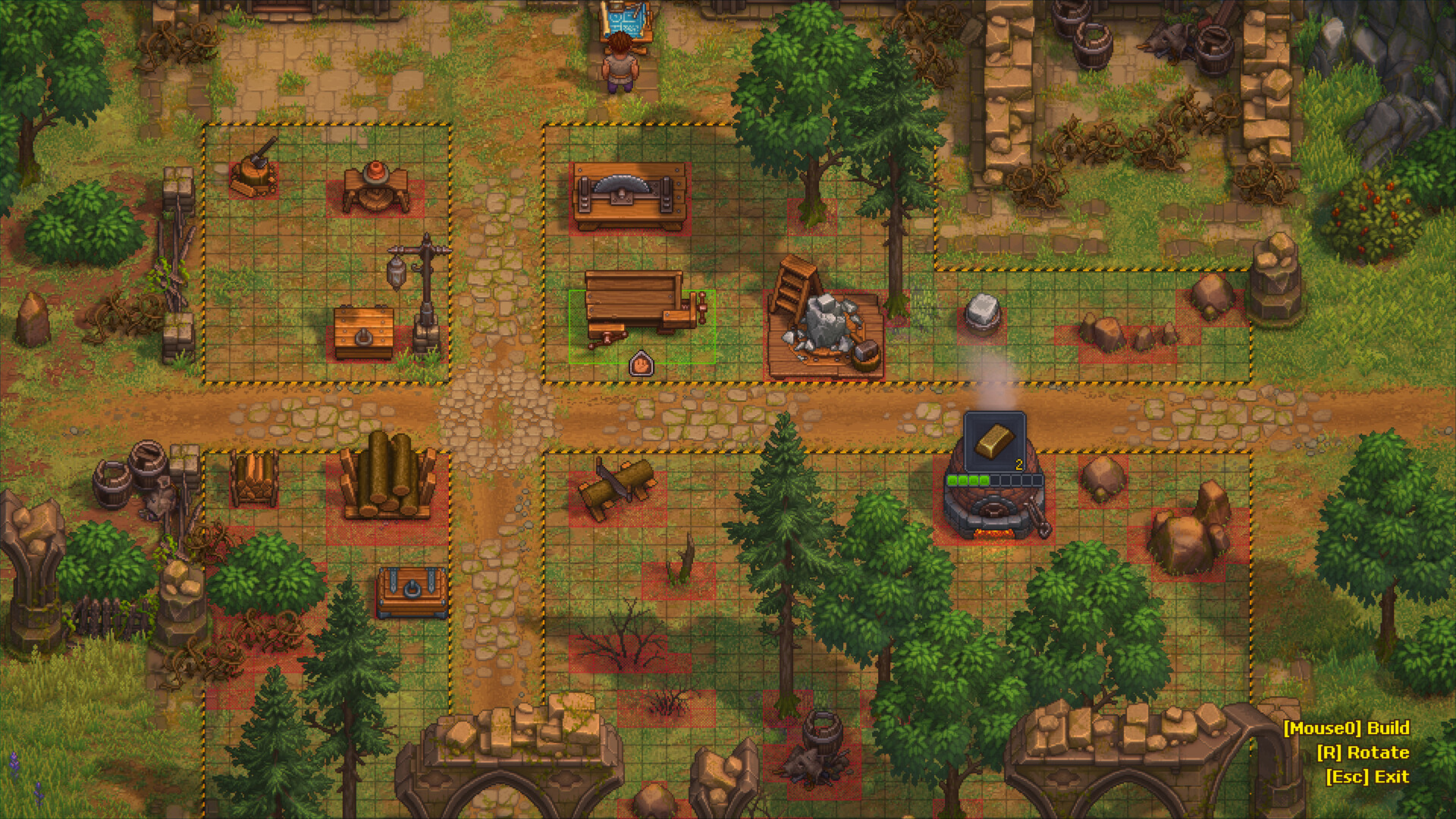
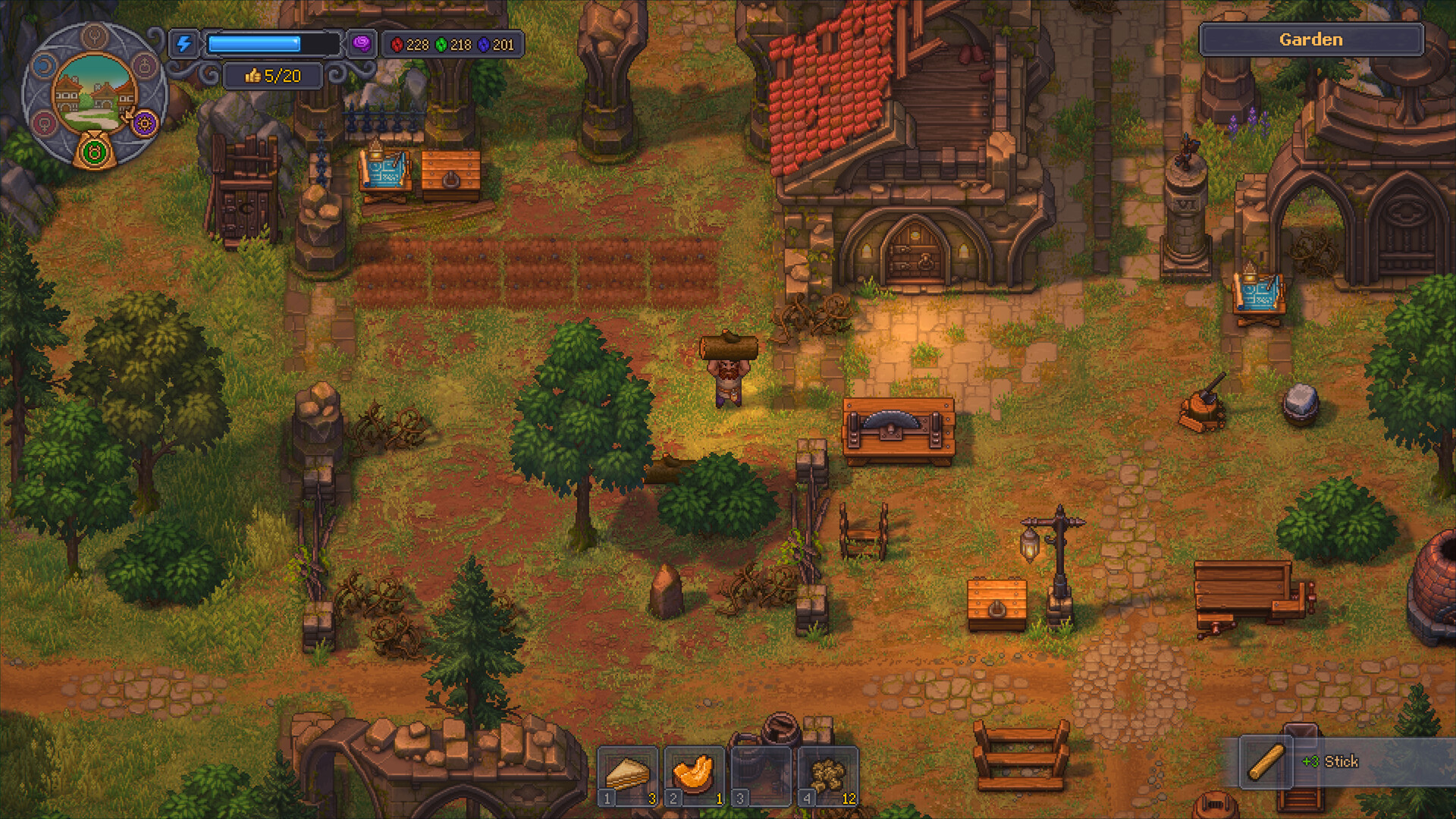
Beyond that one hotspot, Graveyard Keeper 2 runs closer to the original Graveyard Keeper's isometric pixel-art style than a demanding 3D sim, so most of the work Lazy Bear Games has done on the PC build so far has gone into fixing specific bugs — the ultrawide crashes, the resolution-triggered grass-sway glitch, the intermittent crashes on non-standard resolutions — rather than a broad optimization pass. Update 1.006 also quietly added in-game bug report functionality for the Steam build, so if you do hit a new issue, you can flag it from inside the game instead of digging through the Steam Community forums.
Graveyard Keeper 2 releases tomorrow, here's the Global Release Times map👇🏼 We expect it to be one of our biggest launches of the year. Consider supporting the devs by wishlisting or preordering the thing
— tinyBuild (@tinyBuild), September 21, 2026 on X
tinyBuild has been vocal about the launch's scale on its official X account, and the team kept shipping fixes within days of release rather than waiting to bundle them into a larger content update — Update 1.005 and Update 1.006 both landed inside the game's first week on sale.
06Steam Cloud, Achievements and Family Sharing
Graveyard Keeper 2's Steam listing confirms Steam Cloud support, so your saves should follow you between PCs without any manual backup step — worth checking under Steam's own Cloud settings for the game if you plan to switch machines mid-playthrough. Steam Achievements are also supported, and Update 1.005 specifically fixed a case where achievement milestones tied to demo-save progress weren't unlocking retroactively once you moved into the full game, so if you played the free demo before buying at launch, those achievements should now register correctly.
Family Sharing is listed as well, which matters if more than one person in your household wants to try the game off a single purchase — just remember that Family Sharing and an active playthrough on the same account can't run at the same time, since only one instance of a shared library can be active on Steam at once. None of this needs a setting changed on your end beyond making sure Steam Cloud sync is turned on for the app, but it's worth confirming before a reinstall or a new PC wipes progress you expected to carry over.
07Quick Setup Checklist
Quick Setup Checklist
- 1Launch the game through Steam and let it finish updating before you open any menus — 1.006 is what fixed the ultrawide crashes and the grass-sway bug tied to changing resolution mid-session.2 min
- 2Open Options > Video and set your native resolution or ultrawide aspect ratio; on 1.006 this no longer risks a crash.1 min
- 3Slide toward the low end on a GTX 1650-class card, or push toward high on an RTX 3060-class card or better.1 min
- 4Turn it on if you see screen tearing at an uncapped frame rate, or off if you'd rather chase higher frames on a high refresh monitor.1 min
- 5Connect an Xbox pad, DualShock 4 or DualSense over USB — Steam lists full native support for all three, so prompts should switch automatically.2 min
- 6Use the custom volume sliders under Options > Audio to set music, effects and ambience separately.1 min
- 7Switch this on in the accessibility settings to remove reflex-based timing requirements from combat and quick-time moments.1 min
- 8Use the in-game bug report tool Update 1.006 added if you hit anything new, instead of digging through the Steam Community forums.1 min
FAQ
Does Graveyard Keeper 2 support ultrawide monitors on PC?
Yes. Update 1.006 fixed the intermittent crashes on ultrawide and other non-standard resolutions that some players hit after launch, according to the official patch notes.
Can I remap keybindings in Graveyard Keeper 2?
That's unconfirmed. Neither the Steam store listing nor the Update 1.005 or 1.006 changelogs mention custom key rebinding, so don't assume it's available until Lazy Bear Games confirms it.
Which controllers work with Graveyard Keeper 2 on PC?
Steam lists full controller support plus dedicated compatibility with wired DualShock 4 and DualSense controllers alongside standard Xbox pads.
What did Update 1.005 and Update 1.006 change for performance?
Update 1.005 improved frame rate at the top of the alchemy tower and cleared a batch of startup errors; Update 1.006 fixed crashes on ultrawide and non-standard resolutions and restored cinematic smoke and fog effects that had gone missing.
Can I report bugs from inside the game?
Yes. Update 1.006 added in-game bug report functionality for the Steam PC build.
Official resources

Ana writes the step-by-step tutorials: settings, controls, configs and the systems games never explain properly. Every tutorial is tested on the version named at the top of the page, with the official patch notes linked so you can check what changed.