GRAVHOUNDS: Best PC Settings, Controls and Performance Guide
Dial in GRAVHOUNDS' graphics, fix the audio frame-hitch, and remap keys using Octopus Panic's verified November 6 Early Access patch notes guide.
GRAVHOUNDS launched into Early Access on November 2, and Octopus Panic followed it up just four days later with a chunky update focused almost entirely on stability and performance. If you picked up the co-op base builder on launch weekend and it felt rough around the edges, the November 6 patch changes enough that it's worth re-checking your settings, keybinds and audio setup before your next run. Here's what actually changed, and how to configure GRAVHOUNDS around it.
01What the November 6 Update Actually Fixed
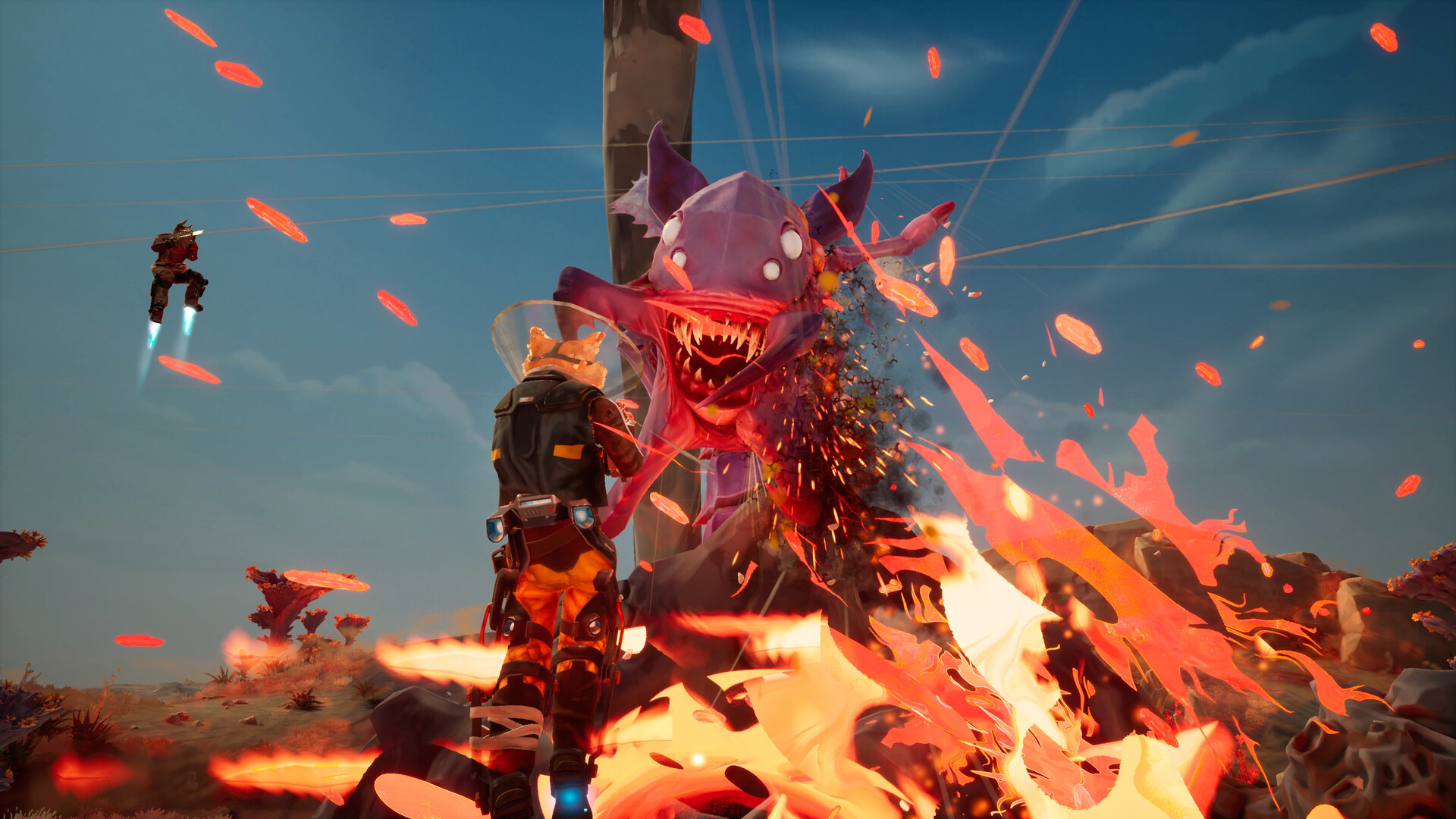
Octopus Panic's patch notes, posted to the game's Steam community hub, are unusually specific about what was broken. The headline fixes are all under the "Stability & Performance" section: a rare save-corruption bug is gone, a rare crash on loading into or out of a session is fixed, a rare GPU crash is fixed, and — most relevant if your game has been stuttering — a bug in how Windows detects your audio device could cause "severe frame-rate hitches during gameplay." The team also made unspecified VFX and material optimizations and fixed flickering materials "on some systems."
None of this comes with version numbers; Octopus Panic is shipping Early Access fixes as a rolling build rather than a numbered patch, so treat "the November 6 update" as the reference point rather than a specific build string.
02Best Graphics Settings for Stable Frame Rates
GRAVHOUNDS' official Steam system requirements are a modest bar on paper, but base-defense games lean hardest on your GPU during exactly the moment you can least afford a hitch: a wave finale with a dozen turrets, a handful of Gravhounds, and an alien swarm all throwing particle effects at once.
| Minimum | Recommended | |
|---|---|---|
| OS | Windows 10 (64-bit) | Windows 11 (64-bit) |
| Processor | Intel Core i5-7600K / AMD Ryzen 5 1600 | Intel Core i5-10600KF / AMD Ryzen 5 3600X |
| Memory | 8 GB RAM | 16 GB RAM |
| Graphics | Nvidia GTX 1660 / AMD Radeon RX 590 | Nvidia RTX 2060 / AMD Radeon RX 5600 XT |
| Storage | 10 GB available space | 10 GB available space |
If your card sits closer to the minimum column, lean on the quality presets rather than fighting individual sliders — Octopus Panic hasn't broken Early Access graphics settings out into a long list of advanced options yet, so the preset tier you pick does most of the work. Running at a Medium or Low preset is a legitimate way to keep frame times consistent during a four-player wave finale, and with the November 6 fixes, Low no longer comes with the acid-pool rendering bug as a side effect.
Two things from the patch notes are worth building your settings around. First, the acid pools bug — "excessively bright yellow acid pools when using Low graphics settings" — is specifically a Low-preset issue, which suggests the Low tier was cutting corners that caused visible artifacts, not just lower fidelity. If you dropped to Low for performance and the ground looked wrong, that particular bug is now fixed. Second, Octopus Panic pulled the Dynamic Vibrance option out of the settings menu entirely, flagging it as "unsupported." If you tuned your colors around it before November 6, it'll simply be gone — don't go hunting for a setting that no longer exists.
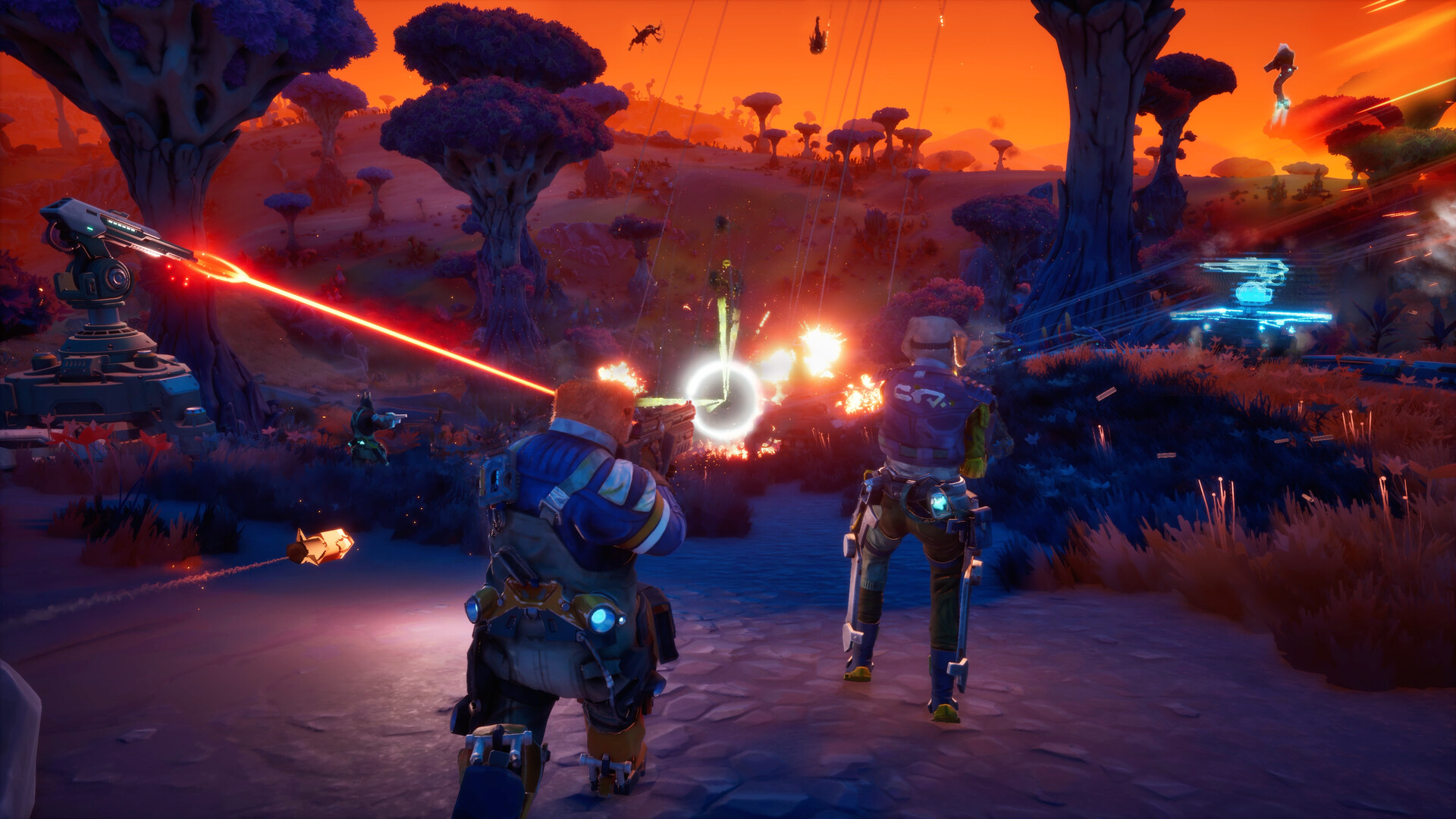
With the VFX and material optimizations in this patch, it's worth re-testing a tier you previously ruled out. If a wave finale on Medium settings was dropping frames before November 6, give it another run — the fixes specifically targeted the kind of GPU load those moments create.
03Fixing the Windows Audio Frame-Rate Hitch
The frame-hitch bug tied to "Windows audio device detection" is the one most likely to have affected you without an obvious cause — it's not a graphics setting, so no amount of lowering quality presets would have helped. Octopus Panic's fix should resolve it outright on the current build, but if you still see stutters that line up with audio cues (a wave horn, a Gravhound bark, an explosion), there are two habits worth adopting anyway:
- Set one output device — your headset, your speakers, whatever you actually use — as the Windows default before launching GRAVHOUNDS, rather than switching after the game is already running.
- Avoid unplugging or switching audio devices mid-session. Device re-detection is exactly the scenario the patch notes describe as the trigger for the hitch.
04Controls, Keybinds and Controller Support
GRAVHOUNDS ships with full controller support on Steam, including DualSense and DualShock input, and the November 6 patch specifically fixed "an issue that prevented the F key from being rebound correctly" — so if you tried to remap your interact or Grav Beam key earlier in Early Access and it didn't stick, it should now. The patch also fixed a controller navigation issue in the server browser, and closed a strange interaction where players could emote while using the holotable (or interact with the holotable mid-emote).
A few keys are worth deliberately rebinding rather than leaving on default, given how GRAVHOUNDS actually plays:
Keybinds Worth Changing Before Your Next Run
- 1The November 6 patch fixed a bug that stopped the F key from rebinding correctly — if you tried to move it off F earlier in Early Access and it silently failed, redo it now from the Controls menu.2 min
- 2Co-op base defense lives or dies on calling out which lane is about to break. Pick a key you can hit without looking away from a turret you're repairing.1 min
- 3Keep placing a turret and removing one on two different inputs rather than a shared toggle, so a panicked late-wave rebuild doesn't accidentally tear down a working defense.2 min
- 4GRAVHOUNDS has full controller support including DualSense and DualShock input on Steam; connect and let it detect before you launch a session rather than mid-match.1 min
- 5The November 6 patch fixed a controller-navigation bug in the server browser specifically — confirm you can scroll and join lobbies cleanly with your controller before relying on it in a hurry.2 min
05Accessibility and Comfort Options
GRAVHOUNDS' Steam page lists a genuinely long accessibility feature set for an Early Access title: Camera Comfort, Color Alternatives, Custom Volume Controls, "Playable without Timed Input," and Subtitle Options, on top of full controller support. If you're sensitive to camera shake or screen flash during the explosion-heavy later waves, Camera Comfort is the first option to check — base-defense finales are exactly where that kind of motion piles up. Color Alternatives is worth turning on if you've ever lost track of a specific mod rarity or enemy type against GRAVHOUNDS' saturated alien-planet palettes.
06Steam Deck and Controller-First Play
Valve's own Steam Deck compatibility checker currently returns an unrated result for GRAVHOUNDS — it hasn't been run through Valve's review process yet, which is normal for a title four days into Early Access. That doesn't mean it won't run; full controller support plus DualSense and DualShock input on Steam suggests a controller-first session should be playable today. Treat Deck performance as unconfirmed until Valve publishes a rating, and expect the Minimum-tier GPU requirement (a GTX 1660-class card) to be the limiting factor on handheld hardware weaker than that.
If you're playing with a controller on desktop, the November 6 patch's controller-navigation fix in the server browser is worth knowing about specifically: before this update, browsing for a co-op lobby with a pad could get stuck, which is exactly the kind of thing that looks like a dead client rather than a UI bug.
07Early Access Balance Changes That Affect How You Play
Two November 6 changes aren't settings-menu toggles, but they change how you should configure your runs. Wave pacing was adjusted to "give you a little more breathing room, particularly as missions progress," with longer gaps between later waves and standardized prep time before the first wave across all difficulties — previously, higher difficulties gave you less time to set up, which is no longer the case. Friendly fire was also dialed back: player-to-player friendly fire damage dropped from 10% to 5%, and friendly turret damage to players was cut by 80%. There's no in-menu slider for either of these; Octopus Panic changed the underlying values directly, so there's nothing for you to configure here beyond knowing the numbers changed.
Several of the stronger mods were also toned down — Live Wire/Chain Lightning, Rising Pressure, Kill Chain, Trigger Happy and Rocket Barrage all got adjustments at higher levels. None of this is a settings change, but it affects what to prioritize in the Mod Deck, and it's worth knowing before you build a loadout around a mod combo you remember being stronger before the patch.
08Save Reliability and What's Still Rough
If you lost a save before November 6, that specific bug — "a rare issue that could cause save-game progress to be overwritten or lost" — is fixed, and Octopus Panic also improved the save/load error messaging and recovery options so a failed load gives you clearer choices instead of a dead end. The patch also cleaned up several missing translations in localized languages. Octopus Panic's own patch notes close by saying there's "plenty more we want to improve," so treat this as the first of several settings-relevant updates rather than a final pass.
FAQ
Is GRAVHOUNDS Steam Deck Verified?
No. Valve's compatibility checker currently shows no rating at all for GRAVHOUNDS, which is normal this early in Early Access. Full controller support suggests it should run on a Deck, but treat actual performance as unconfirmed until Valve rates it.
Why can't I find the Dynamic Vibrance setting anymore?
Octopus Panic removed it in the November 6 update and labeled it unsupported. It is not hidden elsewhere in the menu — it is gone.
Does the November 6 patch add a friendly fire toggle?
No. There is no on/off slider for it. Octopus Panic instead lowered the default values directly, cutting player-to-player friendly fire damage from 10% to 5% and friendly turret damage to players by 80%.
I still get a frame-rate hitch during fights — is my hardware the problem?
Maybe, but check your audio setup first. The November 6 patch specifically targeted a Windows audio-device-detection bug that caused severe frame-rate hitches; set one output device as your default before launching rather than switching mid-session.
Can the F key be rebound yet?
Yes. That was specifically broken earlier in Early Access and was fixed in the November 6 update.
Official resources

Ana writes the step-by-step tutorials: settings, controls, configs and the systems games never explain properly. Every tutorial is tested on the version named at the top of the page, with the official patch notes linked so you can check what changed.