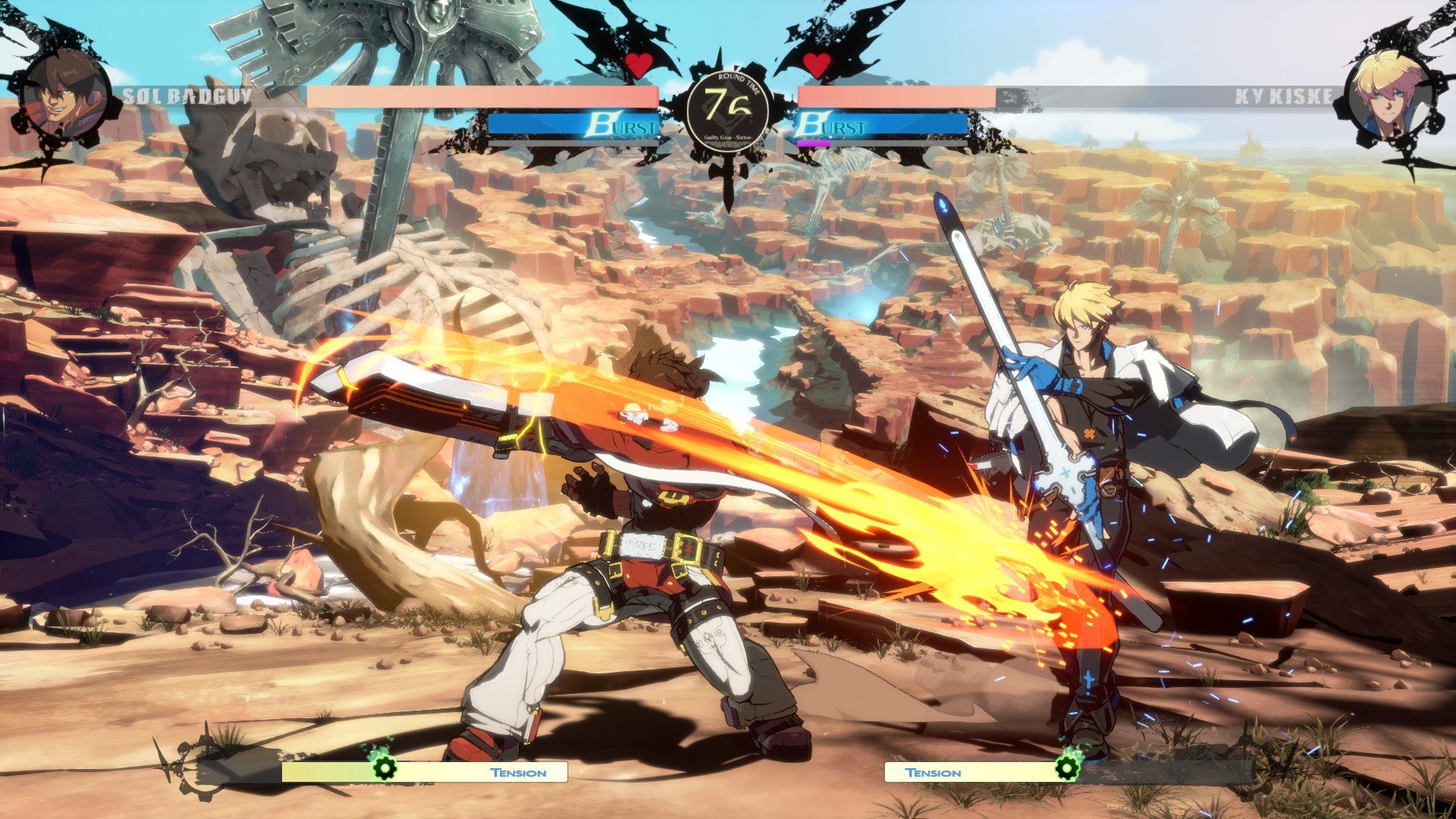
Guilty Gear -STRIVE- Ver. 2.03: Every Control and Setting Change
GUILTY GEAR -STRIVE- Ver. 2.03 rewrites Deflect Shield inputs, widens Counter Blitz timing, and reworks ranked matchmaking and win-streak rewards.
GUILTY GEAR -STRIVE-'s Ver. 2.03 update went live during maintenance on September 24, 2026, and while Arc System Works framed most of it as character balance work, three of the changes touch how you actually play the game rather than what your character can do. Deflect Shield now uses a different input entirely, Counter Blitz's timing window got noticeably more forgiving, and a Training Mode setting that quietly broke a training stat now works the way it was always supposed to. None of this is explained in the in-game patch notes beyond a line or two, so here's what changed, how to use it, and what to check in your settings before you queue up.
These are the kind of changes that don't show up as a number going up or down on a character's move, so they're easy to miss if you skim the patch notes for balance changes and stop reading. But an input method change and a defensive timing window are exactly the sort of thing that resets muscle memory built over multiple patches — and if you're coming back to the game after a break, or you main a character not on this patch's balance list, these system changes are the part of Ver. 2.03 that actually affects your matches from the first round.
01What Changed in Ver. 2.03
The full patch covers character-specific balance for Sol Badguy, May, Axl Low, Potemkin, Millia Rage, Zato-1, Leo, I-No, Testament, Bridget, Sin Kiske, A.B.A, Unika and Jam Kuradoberi, plus a batch of visual and audio bug fixes, including a fix for effects not displaying correctly when Player 2 recovers from the Afro state, a fix for a blocking bug after Wall Break transitions that happen mid-air, and a fix for Robo-Ky's Electric Gauge display in Team of 3 mode. Underneath that, two system mechanics changed for every character, and a third fix affects how you can reliably practice against them. Ranked Match also got two adjustments to its matchmaking and rank rewards. None of these require you to relearn combos, but all of them change habits you've built up over the last few patches.
| System | Before Ver. 2.03 | After Ver. 2.03 |
|---|---|---|
| Deflect Shield input | Directional command | Punch + Dust or Kick + Dust, pressed simultaneously |
| Counter Blitz window | Had to be activated in anticipation of the counter hit | Stays active until the end of the recovery for the move that caused the counter hit |
| Ranked win-streak bonus | Applied Iron through Gold only | Same values now apply through Platinum and Diamond |
| Repeat-opponent restriction | 25 seconds | 60 seconds |
02How to Throw Out the New Deflect Shield
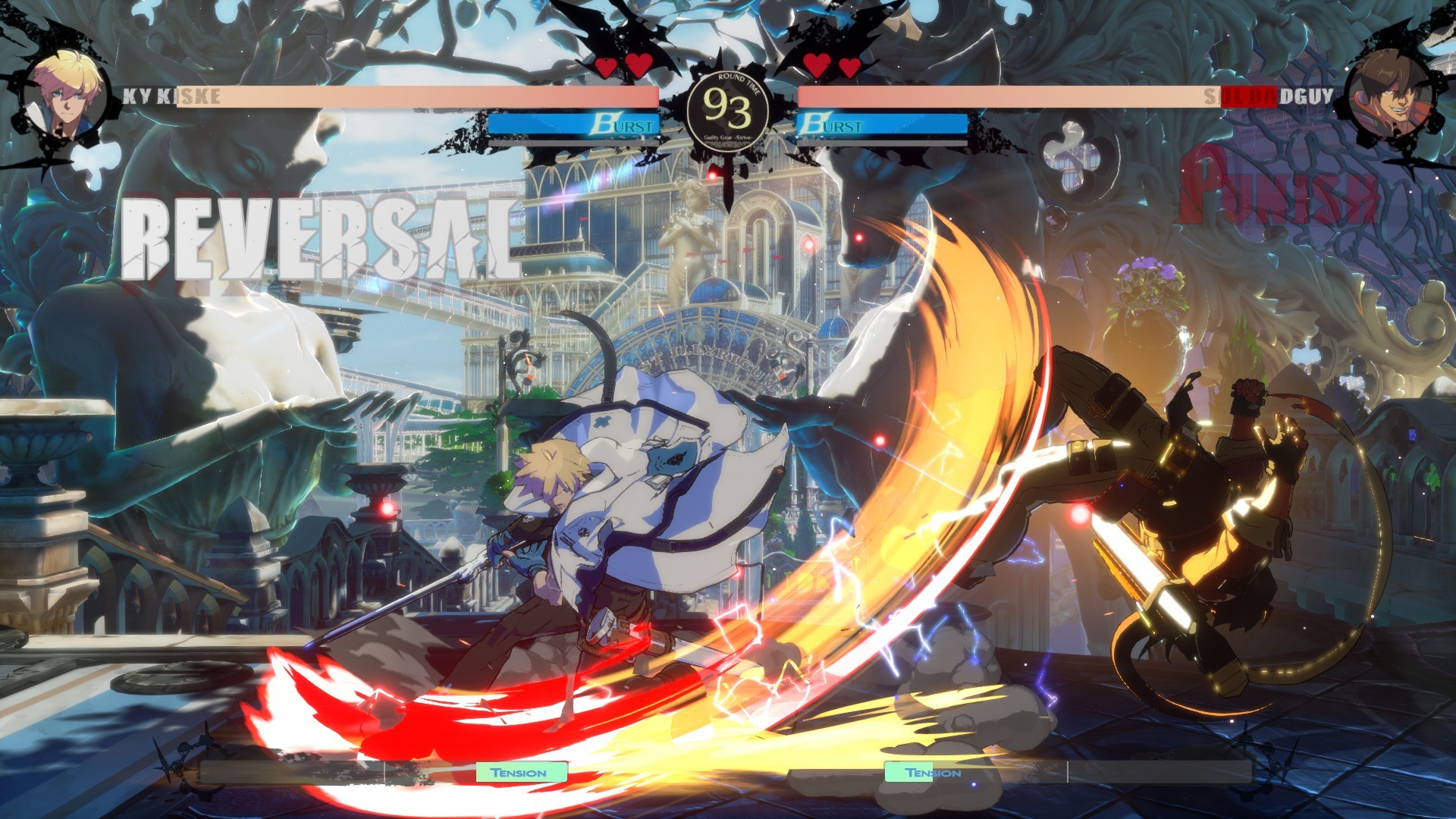
Deflect Shield no longer uses its old directional command. As of Ver. 2.03, you perform it by pressing Punch and Dust, or Kick and Dust, at the same time. That's a simultaneous two-button press rather than a motion input, and it changes the physical timing of the move: instead of rolling a direction into a button, you're hitting two inputs on the same frame (or close enough that the game reads them together).
If your muscle memory still reaches for the old command, expect a few whiffed attempts in your first sets back. The fix is dedicated repetition rather than reading about it: set an opponent's move to repeat in Practice Mode and answer it with P+D or K+D until the double press feels as natural as a single button. Players coming from other fighting games with dedicated "shield" or "guard cancel" buttons will find this version closer to what they're used to than the old input was.
The bigger adjustment is mental rather than physical. A directional command and a two-button press live in different parts of muscle memory, so don't be surprised if your first attempts under real pressure default back to the old motion for a while. Treat the first few sets after the patch as a re-calibration period rather than a test of whether you've "got it" — the input itself is simpler than before, it just needs new reps logged against a live opponent, not only a practice dummy.
03Reading the Expanded Counter Blitz Window
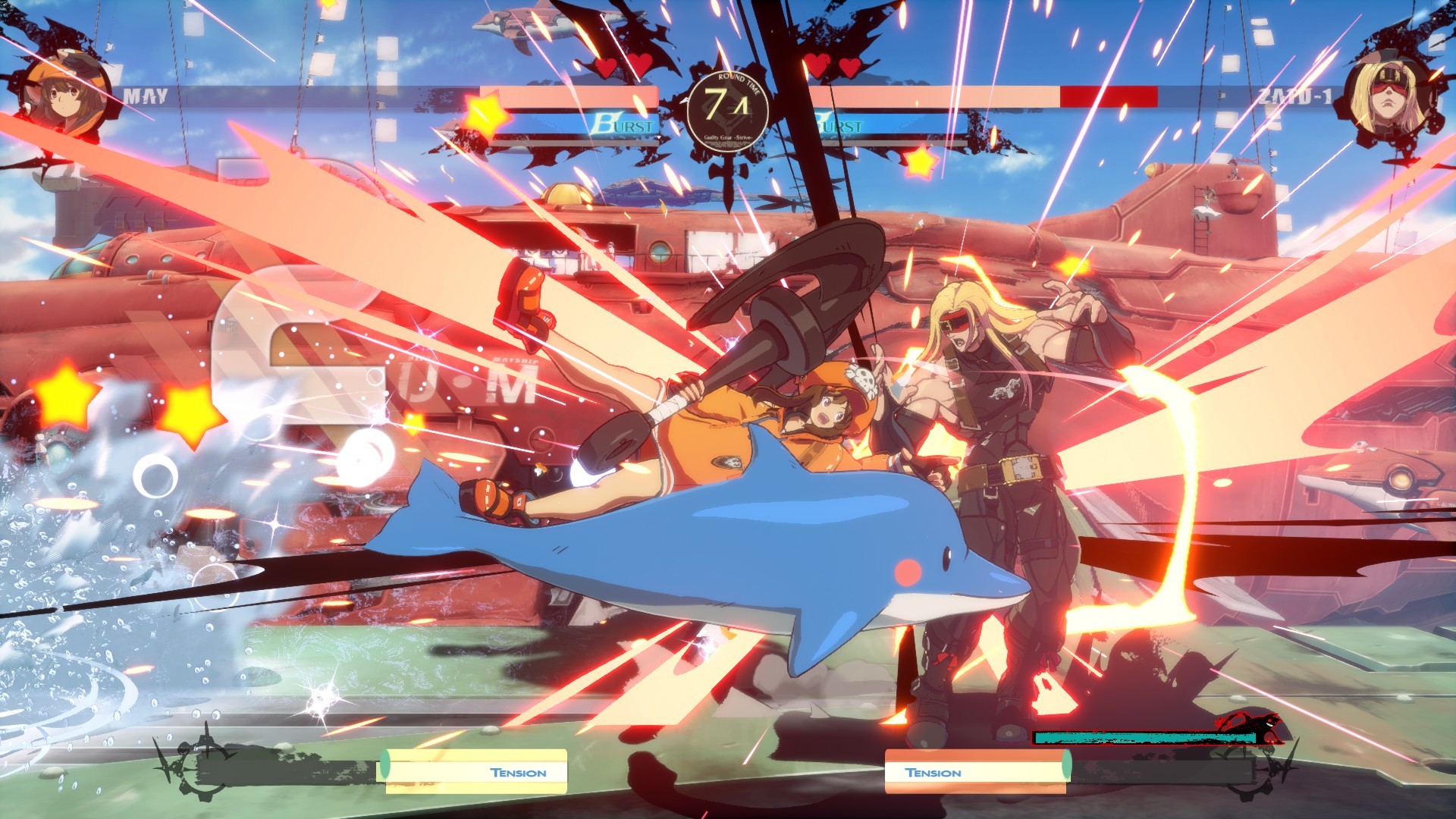
Counter Blitz changed too, and in the opposite direction — it got easier to use, not harder. Previously, you needed to anticipate the counter hit and activate Counter Blitz in advance. Ver. 2.03 extends the window so it stays active all the way until the end of the recovery frames on the move that caused the counter hit. In plain terms: you get to react to the counter hit actually happening instead of guessing that one is coming.
That's a meaningful shift for anyone who found the old window too tight to use in real matches. The practical habit to build now is patience — you have more time than you think to convert a counter hit into a Counter Blitz, so resist the urge to throw it out on reaction alone. Watch for the hit confirm, then activate it before your opponent's recovery ends.
This also changes how you should drill it in practice. Rather than memorizing a fixed frame count and buffering Counter Blitz on a timer, set the CPU to a move you know you can counter-hit, land the hit, and then deliberately wait a beat before you activate Counter Blitz. The goal of the rep isn't speed anymore — under the old system, being fast was the whole skill. Under Ver. 2.03, the skill is confirming the hit actually landed before you commit, since you now have the recovery window to do that safely.
04Fixing (and Using) the Training Mode Previous Battle Environment
Away from the battle system itself, Ver. 2.03 also fixes a Training Mode bug: when your training environment was set to Previous Battle Environment, the win count wouldn't reset correctly if the player sides were swapped after a match. If you use that setting to keep a specific matchup, position, or CPU behavior loaded between sessions, this is worth knowing about even though it sounds minor — a win counter that doesn't reset can throw off how you're reading your own practice reps, especially if you're logging attempts against a specific setup.
If you rely on Previous Battle Environment to avoid rebuilding your practice setup from scratch every time you open the game, this patch is the reason to go back in and confirm it's still selected the way you left it, then reset your counters manually once so you're not carrying over stale numbers from before the fix.
It's a small fix on paper, but it's the kind of bug that erodes trust in your own practice data without you noticing why. If you've ever looked at a win/loss count in training and thought the number didn't match what you remembered happening, side-swapping while on Previous Battle Environment is a plausible explanation — and as of Ver. 2.03, it shouldn't happen again.
Adjusting to Ver. 2.03 Step by Step
- 1Check the version number on the title screen or pause menu before you start adjusting anything — none of these changes apply until the September 24 maintenance patch has downloaded.1 min
- 2In Practice Mode, set an opponent's attack on repeat and answer it with Punch+Dust or Kick+Dust pressed together instead of the old directional motion. Repeat until the simultaneous press feels automatic before relying on it in a real set.10 min
- 3Bait a counter hit, then wait until the attacker's move has fully recovered before activating Counter Blitz. The window now covers that entire recovery, so you no longer have to guess the exact frame in advance.10 min
- 4Select Previous Battle Environment when you want Practice Mode to reload your last opponent, position and settings automatically. Ver. 2.03 fixes the bug where the win counter wouldn't reset correctly under this option after a side swap.2 min
- 5Note the 60-second gap before you can meet the same opponent again, and remember your win-streak bonus now scales the same way from Iron all the way through Diamond — a hot streak at high rank pays off the same as it does lower down.3 min
05What the Ranked Match Timer and Win-Streak Changes Mean for You
Two changes affect anyone who plays Ranked Match regularly. First, the win streak bonus that previously only applied from Iron through Gold now uses the same values at Platinum and Diamond. If you've been grinding a hot streak at higher ranks without seeing the bonus you remember from lower ranks, that gap is now closed — you should see the same reward structure regardless of where your rank sits.
Second, Arc System Works extended the restriction that limits how quickly you can be matched against the same opponent again, from 25 seconds to 60 seconds. The developers also mention revising server communication to reduce connection time during ranked searches. Neither change guarantees you'll never see a repeat opponent, but the longer window should cut down on the back-to-back rematches that were common before the patch, and queue times shouldn't feel meaningfully different despite the added restriction.
Neither change is something you configure yourself — there's no menu toggle for it — but both affect how you should read your own ranked session. If a set against the same player used to feel unavoidable within a few minutes of losing, that's specifically the behavior this patch targets. Give the new matchmaking a few sessions before you draw conclusions about whether it's working as intended, since server-side matchmaking changes like this one tend to matter more at odd hours or in less populated ranks than they do during peak play.
06Settings Worth Revisiting After the Patch
None of Ver. 2.03's system changes require you to touch your control scheme, display settings, or key bindings — this is a patch about inputs and matchmaking rules, not graphics or accessibility options. That said, if you've been away from Guilty Gear -STRIVE- since before September 24, it's worth a five-minute Practice Mode session before your first ranked match back: confirm the Deflect Shield input under your current control scheme, run a few Counter Blitz reps off a scripted counter hit, and check that Previous Battle Environment (if you use it) is still pointed at the setup you expect. If you're catching up on the wider picture, Blazing Pass Duel 3: Steal the Spotlight also launched alongside this patch and runs through December 3, 2026, adding a new track of in-game rewards — worth knowing about even though it doesn't touch anything covered here.
Arc System Works hasn't published a dedicated trailer for Ver. 2.03 specifically, but the Season 5 and 2.0 Update Trailer above covers the same update framework — new features, battle balance passes, and Blazing Pass — that this patch continues to build on.
【#GGST Patch Notes】 The patch notes for Ver. 2.03, scheduled to be released during maintenance on September 24, are now available. Details regarding battle balance adjustments will be shared separately. Please check the details below. ▼Ver. 2.03 Patch Notes https://t.co/LJYKaCRLgu
— GUILTY GEAR OFFICIAL (@GUILTYGEAR_PR), September 24, 2026 on X
FAQ
How do I perform the new Deflect Shield in Ver. 2.03?
Press Punch and Dust, or Kick and Dust, at the same time. It replaces the old directional command with a simultaneous two-button press.
How long does the Counter Blitz window last now?
It stays active until the end of the recovery frames on the move that scored the counter hit, instead of requiring you to activate it in anticipation beforehand.
What does the Ranked Match win-streak bonus change actually do?
It extends the same win-streak bonus values previously limited to Iron through Gold so they also apply at Platinum and Diamond.
Why did I keep matching the same ranked opponent before this patch?
The prior restriction only blocked repeat matchups for 25 seconds. Ver. 2.03 extends that window to 60 seconds to reduce back-to-back rematches.
What is Previous Battle Environment in Training Mode for?
It's a setting that reloads your last practice setup automatically. Ver. 2.03 fixes a bug where the win counter didn't reset correctly under this option after the player sides were swapped.
Official resources

Ana writes the step-by-step tutorials: settings, controls, configs and the systems games never explain properly. Every tutorial is tested on the version named at the top of the page, with the official patch notes linked so you can check what changed.