NBA 2K27: Best PC Settings, DLSS 5 and Controls at Launch
Set up NBA 2K27 on PC the right way: DLSS 5 and RTX 50 settings, key bindings, and the graphics options worth changing before your first game.
NBA 2K27 arrived on PC through Steam on September 4, 2026, and the options menu looks different from anything Visual Concepts has shipped before. It's the first game anywhere to run Nvidia's DLSS 5 neural rendering, the key bindings menu finally lets you remap core actions, and three patches since launch have already changed what a sensible default setup looks like. Here's what to check before you tip off, straight from the settings menu and the official patch notes.
01Check Your Hardware Before You Install
NBA 2K27's Steam page lists a minimum spec of Windows 10 64-bit, an Intel Core i5-9400 or AMD Ryzen 5 1400, 8 GB of RAM, and a GeForce GTX 1060 5 GB, Radeon RX 5500 XT 4 GB, or Intel Arc A580. The recommended tier steps up to Windows 11, a Core i5-10600 or Ryzen 5 3600X, 16 GB of RAM, and an RTX 2070 8 GB, RX 5700 8 GB, or Arc A770. Two details matter more than the GPU tier: the game needs a CPU that supports AVX2 and a graphics card capable of DirectX feature level 12.0, and it requires 110 GB of storage on an SSD — Visual Concepts doesn't support installing to a mechanical drive. Budget the download time accordingly, especially if you're also grabbing the September 3 DLSS 5 driver below.
02Where NBA 2K27 Hides Its PC Settings
The graphics options aren't on the front-end splash screen. From the Main Menu, go to Features, then Video Settings — that's the single screen that holds display mode, resolution, upscaling, ray tracing, and the DLSS 5 suite together. Controls live in a separate Key Bindings menu one level up, which is also where the August 31 patch added the ability to remap core actions on keyboard for the first time. Run through both menus once before your first game rather than mid-match, so you're not hunting for a setting while the shot clock is running.
PC Setup Checklist
- 1Install the latest driver before anything else — Nvidia's Game Ready Driver 616.64 (released September 3) is what actually unlocks DLSS 5 on RTX 50 Series cards.5 min
- 2Check you're on an AVX2-capable CPU with DirectX 12 support, and that the install lands on an SSD — NBA 2K27 needs 110 GB and doesn't support a mechanical drive.2 min
- 3From the Main Menu, go to Features, then Video Settings. This one screen holds resolution, window mode, ray tracing, and the whole DLSS 5 suite.1 min
- 4If you have a GeForce RTX 50 Series card, switch on DLSS Neural Rendering to unlock Super Resolution, Frame Generation, Ray Reconstruction and Reflex together. Everyone else should leave it off.1 min
- 5Find your real, un-generated frame rate before adding generated frames on top of it — otherwise an inconsistent base frame rate just gets harder to spot.1 min
- 6It's the heaviest single toggle in the menu. Get a baseline without it, then turn it on alone to judge the real cost.1 min
- 7Turn this on if your GPU supports it, regardless of whether you're using the rest of the DLSS suite — it costs nothing and tightens shot timing.1 min
- 8Open Key Bindings, pick keyboard or controller, and adjust dead zones if you're on a pad. Confirm everything in a practice game before your first real match.5 min
03DLSS 5 and the RTX 50 Catch
NBA 2K27 is the debut title for Nvidia's DLSS 5, built around what Nvidia calls 3D-guided neural rendering — an AI model that reworks lighting and material detail (skin, hair, contact shadows) in real time while keeping the artists' original geometry intact. In Video Settings, turning on DLSS Neural Rendering unlocks the rest of the suite: Super Resolution, Frame Generation, Ray Reconstruction, and Nvidia Reflex Low Latency. The catch is hardware: at launch, the full DLSS 5 pipeline is restricted to GeForce RTX 50 Series cards and laptops. Nvidia has said RTX 40 Series support is planned once RTX 50 performance is fully tuned, but as of this patch it isn't available — turning on DLSS Neural Rendering on an older card simply won't do anything.
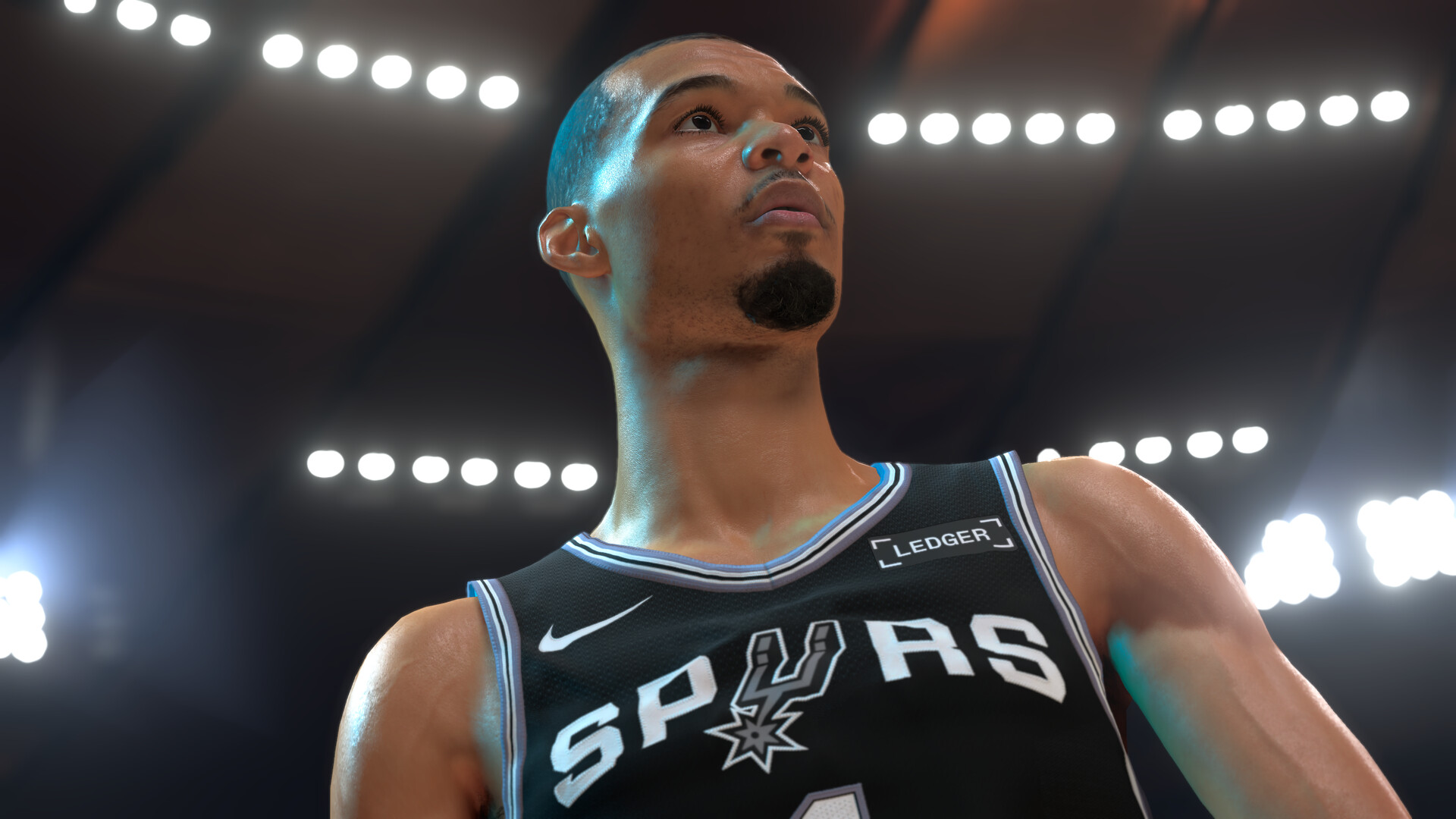
If you do have an RTX 50 Series card, running the full stack at 4K with the Ultra preset and ray tracing on is where the technology is meant to be seen — Nvidia's own benchmarks put a GeForce RTX 5090 at up to 370 frames per second in that configuration. Everyone else should leave DLSS Neural Rendering off and lean on standard Super Resolution and Reflex instead, which work across a much wider range of GeForce hardware. Ray Reconstruction is the one setting in the DLSS panel worth toggling independently of the rest — it replaces the game's regular denoiser with an AI-driven one, and it only really earns its performance cost once Ray-Traced Reflections is also on, so there's no reason to enable it if you've left reflections off in the section below.
“DLSS 3D-guided neural rendering helped boost the visual quality of our materials and lighting, bringing a real jump to photorealism across the game.”Peter Kavic, Senior Producer, Visual Concepts
04Graphics Options Worth Changing on Day One
Outside the DLSS panel, treat your first session as a tuning pass rather than a one-and-done setup. Start at your monitor's native resolution rather than a scaled one — NBA 2K27's UI and player models were built around it, and a non-native resolution introduces its own blur before any upscaler gets involved. Leave Ray-Traced Reflections off for your first few games; it's the single heaviest toggle on the court's floor and glass backboards, and it's easy to misjudge its cost against DLSS Super Resolution if you enable both on the same pass. Set Frame Generation Method to None while you find your real, un-generated frame rate — adding generated frames on top of an inconsistent base only hides a problem you'll notice later in fast breaks and crowd pans. If your GPU supports it, enable Nvidia Reflex Low Latency regardless of whether you're using the rest of the DLSS suite; it costs nothing on compatible hardware and tightens input response, which matters more in a sports game's shot-timing windows than in most genres.
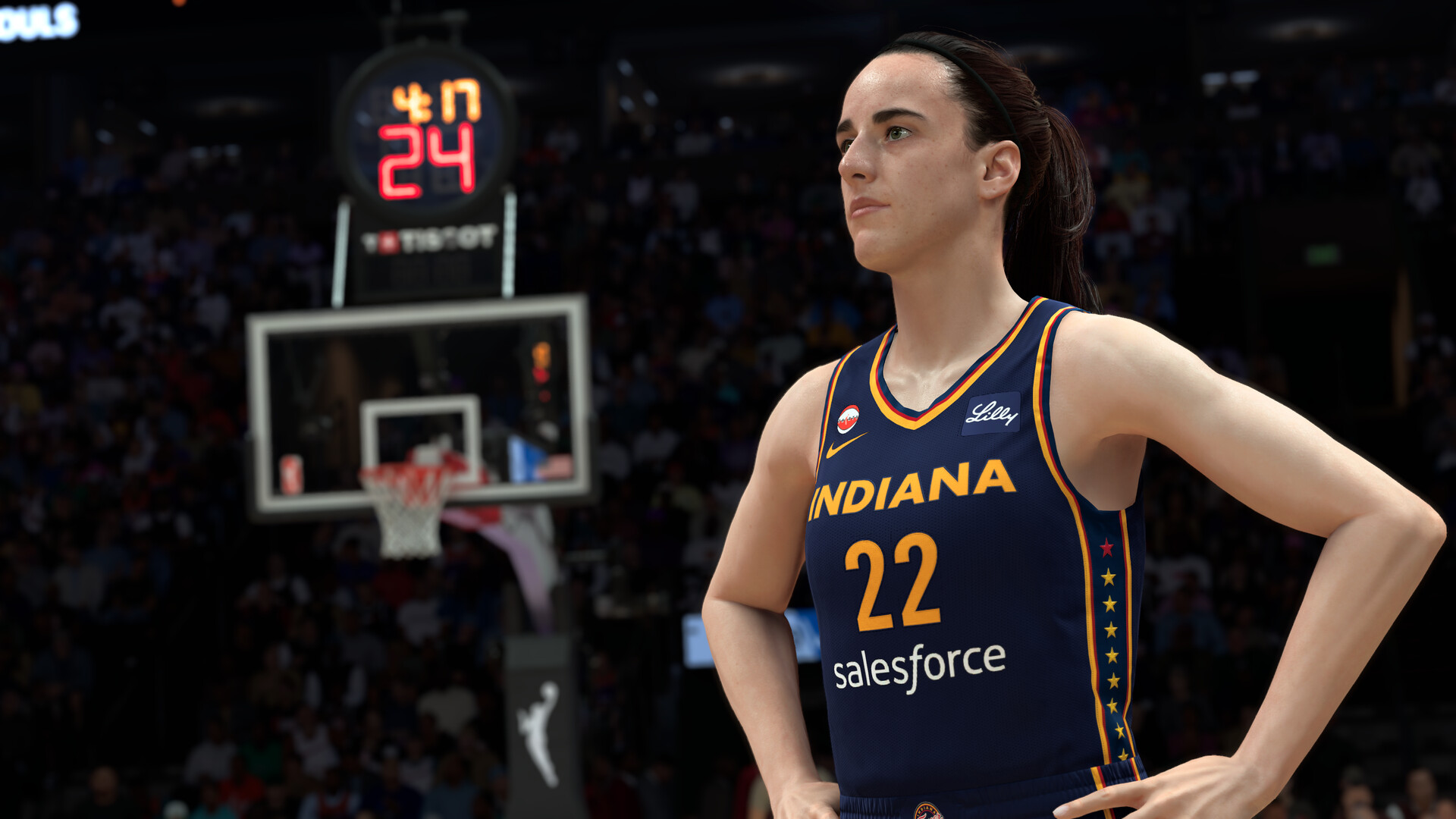
Vertical Sync is a personal call: leave it on if you see screen tearing on a fixed-refresh display, or off if you're running a variable-refresh-rate (G-Sync or FreeSync) monitor and want the lowest possible latency. There's no AMD FSR toggle in the Video Settings menu at launch — the upscaling options currently on offer are all Nvidia's, so Radeon and Arc owners are working with native resolution, standard anti-aliasing, and driver-level scaling rather than a built-in FSR pass.
Do this tuning pass with the input device you actually plan to use, not whatever's plugged in by default. NBA 2K27 lets you adjust analog stick dead zones per controller and supports multiple controllers connected at once, which matters if you're switching between a fight pad for dribble moves and a standard pad for everything else. Settle on one setup, confirm the dead zones feel right in a practice game, and only then move on to a full MyCAREER or Play Now session — chasing a frame-rate or input problem mid-match is a lot harder than catching it on the settings screen.
05Controls and Key Bindings on PC
NBA 2K27's default PC scheme leans on the numpad for shot mechanics rather than mapping everything to WASD — movement is on WASD, but the Pro Stick dribble, pass, and shot inputs default to the numpad cluster, with Spacebar for pass/skip pass and Left Shift for hard stop, post-up, and protect-the-ball. It works, but it's not an intuitive layout if you've never played a 2K game on keyboard before, and Visual Concepts' own patch notes confirm the ability to remap those core actions on PC only arrived with the August 31 update, partway through early access — it was in place by the September 4 global release, but early adopters spent their first several days without it. If you'd rather not relearn a numpad, a controller is still the more natural way to play 2K on PC, and the game now officially supports PS5 DualSense Edge controllers over Steam as of the September 3 patch, on top of the Xbox and generic XInput pads it already handled. Whichever input you pick, open Key Bindings once before your first game — remapped or not, confirming what each button does now will save you a scramble during your first possession.
06What's Still Broken After Three Patches
Three updates have shipped since launch, and it's worth knowing what they actually fixed so you're not chasing a problem that's already solved — or waiting on one that isn't. The August 31 patch tuned Crew XP and REP earn rates and reined in the Shot Artist and Calibrated Takeover badges after they dominated online play; if your shooting suddenly felt different around then, that's why. The September 3 update focused on stability in The City, moved the Friends List to the top of the Social Menu, cleared a MyCAREER blocker tied to the FIBA offseason, and added the DualSense Edge support mentioned above — it wasn't a graphics or performance patch. An automatic gameplay-tuning pass followed around September 17, strengthening defensive contests so heavily contested jumpers are less automatic and wide-open looks pay off more, adjusting standing dunks against average interior defenders, and evening out on-ball steal rates between elite and lower-rated defenders. None of those three updates touched the DLSS 5 implementation or the PC settings menu itself, so the setup above should still hold through Season 1.
FAQ
Do I need an RTX 50 Series GPU to use DLSS 5 in NBA 2K27?
Yes, at launch. The full DLSS 5 pipeline — Super Resolution, Frame Generation, Ray Reconstruction and DLSS Neural Rendering together — only runs on GeForce RTX 50 Series cards and laptops. Nvidia has said RTX 40 Series support is planned once RTX 50 performance is fully tuned, but it isn't available yet, so enabling DLSS Neural Rendering on older GeForce hardware currently does nothing.
Can I remap NBA 2K27's controls on PC?
Yes. The August 31 patch added the ability to remap core actions in the Key Bindings menu, and that capability was in place before the September 4 global release. Early access players who started on August 26 or 28 spent their first few days without it.
What are NBA 2K27's minimum and recommended PC specs?
Minimum is Windows 10 64-bit, an Intel Core i5-9400 or AMD Ryzen 5 1400, 8 GB RAM, and a GeForce GTX 1060 5 GB, Radeon RX 5500 XT 4 GB or Intel Arc A580. Recommended is Windows 11, a Core i5-10600 or Ryzen 5 3600X, 16 GB RAM, and an RTX 2070 8 GB, RX 5700 8 GB or Arc A770. Both tiers require DirectX 12, AVX2 support, and 110 GB of SSD storage.
Does NBA 2K27 support AMD FSR on PC?
Not at launch. The Video Settings menu's upscaling options are all part of Nvidia's DLSS suite; there's no FSR toggle, so AMD and Intel Arc owners are working with native resolution and standard anti-aliasing instead.
How much hard drive space does NBA 2K27 need?
110 GB, per the official Steam listing, and it has to go on a solid-state drive — the minimum and recommended specs both list an SSD as required, not just suggested.
Official resources

Ana writes the step-by-step tutorials: settings, controls, configs and the systems games never explain properly. Every tutorial is tested on the version named at the top of the page, with the official patch notes linked so you can check what changed.