Permafrost: Best PC Settings, Controls and Hotfixes
Permafrost's first two hotfixes disabled FSR on every RTX card and added rebindable movement keys — here is every PC setting to check first.
Permafrost entered Steam Early Access on October 9, 2026, and the opening days have been less about frozen wastelands and more about open graphics-driver tickets. SpaceRocket Games and publisher Toplitz Productions shipped two stability hotfixes inside the first 24 hours, both aimed squarely at Nvidia RTX owners, on top of a day-one patch that added the single most-requested control option from the earlier preview build. Steam's own review tally for the launch window sits at "Mostly Positive" (74% positive across its first roughly 490 user reviews as of this writing), and a good share of the negative reviews point at the same stability issues the hotfixes are chasing. None of this is cosmetic — if you're installing Permafrost this week, these are the settings and keybinds that actually matter right now, not the ones buried in a graphics menu the developers haven't documented yet.
01System Requirements and Platforms
Permafrost is Windows-only at launch — no Mac, Linux, PlayStation, or Xbox version has been announced. The Steam store page lists a minimum spec of an Intel Core i5 8600K or AMD Ryzen 5 3500, 16 GB of RAM, and a GTX 1060 6GB or RX 590 8GB on DirectX 11. The recommended tier jumps to a Core i5-12400 or Ryzen 5 5600X with an RTX 3070 Ti or RX 6750 XT on DirectX 12, so the game is scaled toward a genuinely modern GPU rather than listing one as a formality. Either way, set aside 30 GB of storage.
The game launched at $19.99 (20% off its $24.99 list price) and is also live on GOG. SpaceRocket has said in its own Early Access notes on Steam that the price is likely to rise before the eventual 1.0 release, so this is close to the cheapest Permafrost will ever be. Steam's own store tags classify it as Early Access, Open World Survival Craft, Survival, Online Co-Op, and Exploration — useful context if you're deciding whether to jump in now or wait for a more finished build.
02A Four-Year Build That Knows It's Not Finished Yet
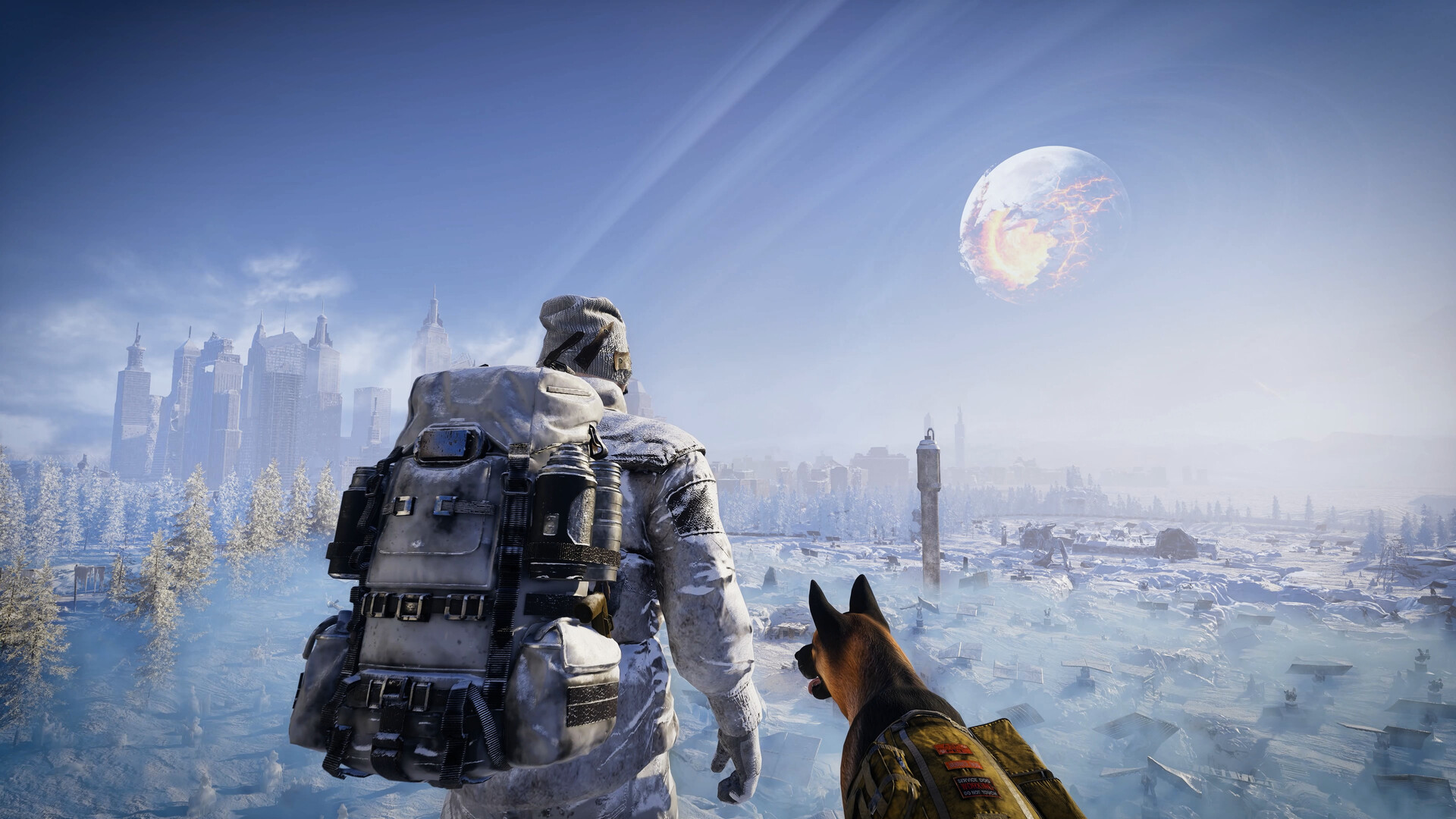
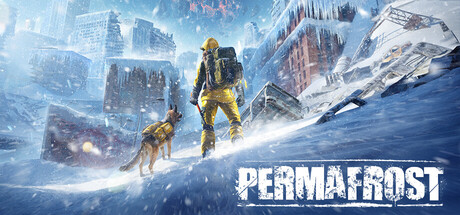
Permafrost casts you as "Rook," an engineer with rebuilding skills but little wilderness experience, pulled into a near-future Earth locked in endless winter after a series of catastrophes culminating in the moon shattering. The official pitch leans on exploration-gated progression — restoring abandoned shelters and repairing broken machines to push deeper into the world — plus a dog companion who scouts ahead and carries supplies, solo or with up to three friends in co-op.
That framing matters for how you should treat today's settings, because Toplitz has been unusually candid about where the build actually stands. In "A Letter from the Developers," posted as the preview wrapped up, SpaceRocket Games wrote: "We want to be completely honest with you: we know the game isn't perfect yet," adding that the studio started the project "almost four years ago" as a small team and is "here to stay, to listen, and to keep expanding this world" through Early Access. Three days before launch, the studio's "Three Days to Go" post was equally direct: "We know that some of you had some difficulties playing the game over the weekend. We have learned a lot about what might have caused this and we are doing our best to apply the fixes for the Early Access launch." The two hotfixes covered below are the first concrete results of that promise.
03The FSR Hotfixes: Why Upscaling Is Off on Every RTX Card
If you booted Permafrost on day one expecting to toggle on AMD FSR for a few extra frames, don't bother — Toplitz disabled it twice in barely 24 hours. The first hotfix, posted hours after launch, turned off FSR specifically for "NVIDIA RTX 20 and 30 series graphics cards, to reduce crashes on these GPUs." A second hotfix followed on October 10 and did the same for RTX 40 and 50 series cards, "to cut down crashes on these GPUs." Between the two, FSR is now disabled on every current Nvidia RTX generation, and Toplitz hasn't said whether AMD GPUs are affected either way.
The developers haven't published a settings-menu breakdown anywhere official — no resolution list, no quality presets, and no FOV or V-Sync toggle is documented on Steam, GOG, or Toplitz's own Permafrost page. Until that changes, treat any upscaling option you do see in the in-game menu as unstable on Nvidia hardware, and don't force it back on through an .ini edit or third-party tool just because the toggle is still visible.
04Rebindable Movement Keys Are Finally Here
The day-one patch notes, posted as "Launching in a Few Hours," confirm the team delayed the exact 14:00 CEST launch window by several hours specifically to ship "rebindable movement keys, one of your most requested changes," alongside general performance work, co-op improvements, and localization fixes. That phrasing matters: movement rebinding was reportedly missing or limited during the earlier preview test, which is why it shipped as a headline day-one fix rather than a quiet patch note.
Toplitz hasn't published a full keybind chart, and no official source confirms whether interact, inventory, or building inputs are rebindable beyond movement. If you need a non-standard layout for anything other than walking, test it in your own save before relying on it — don't assume the rest of the control scheme got the same treatment just because movement did.
05Controller Support Is Still Partial
Steam's own storefront tags Permafrost with "Partial Controller Support," though the game's dedicated controller-support field — the one Valve typically fills in for a fully mapped gamepad experience — is blank. Toplitz hasn't published anything describing what that partial support actually covers, so don't assume full button prompts or complete menu navigation on a pad. If you're playing with a controller plugged in, keep a mouse and keyboard within reach for anything the gamepad doesn't pick up — Toplitz has not confirmed which menus, if any, are fully navigable without a mouse.
06Settings to Prioritize Until the Next Hotfix
Toplitz said in its October 10 post that "the team keeps going through all your reports and working on better performance across as many PCs as possible," with more hotfixes promised "this weekend." Until one of those lands, a few choices are worth making deliberately rather than leaving on whatever the game defaulted to:
- Keep GPU drivers current — both hotfixes targeted driver-adjacent crash reports specifically on Nvidia hardware.
- Leave any upscaling toggle off on an RTX card; it's disabled server-side right now for a reason, not a bug on your end.
- If the game crashes, Toplitz is asking players to check its pinned Bug Reporting section on Steam and upload logs through its own file-hub rather than posting logs in a general forum thread.
- Don't read a crash as a sign your rig is under-spec — the hotfixes describe crashes happening on recent RTX hardware, not just older cards near the minimum spec.
07Co-op and Cross-Store Settings
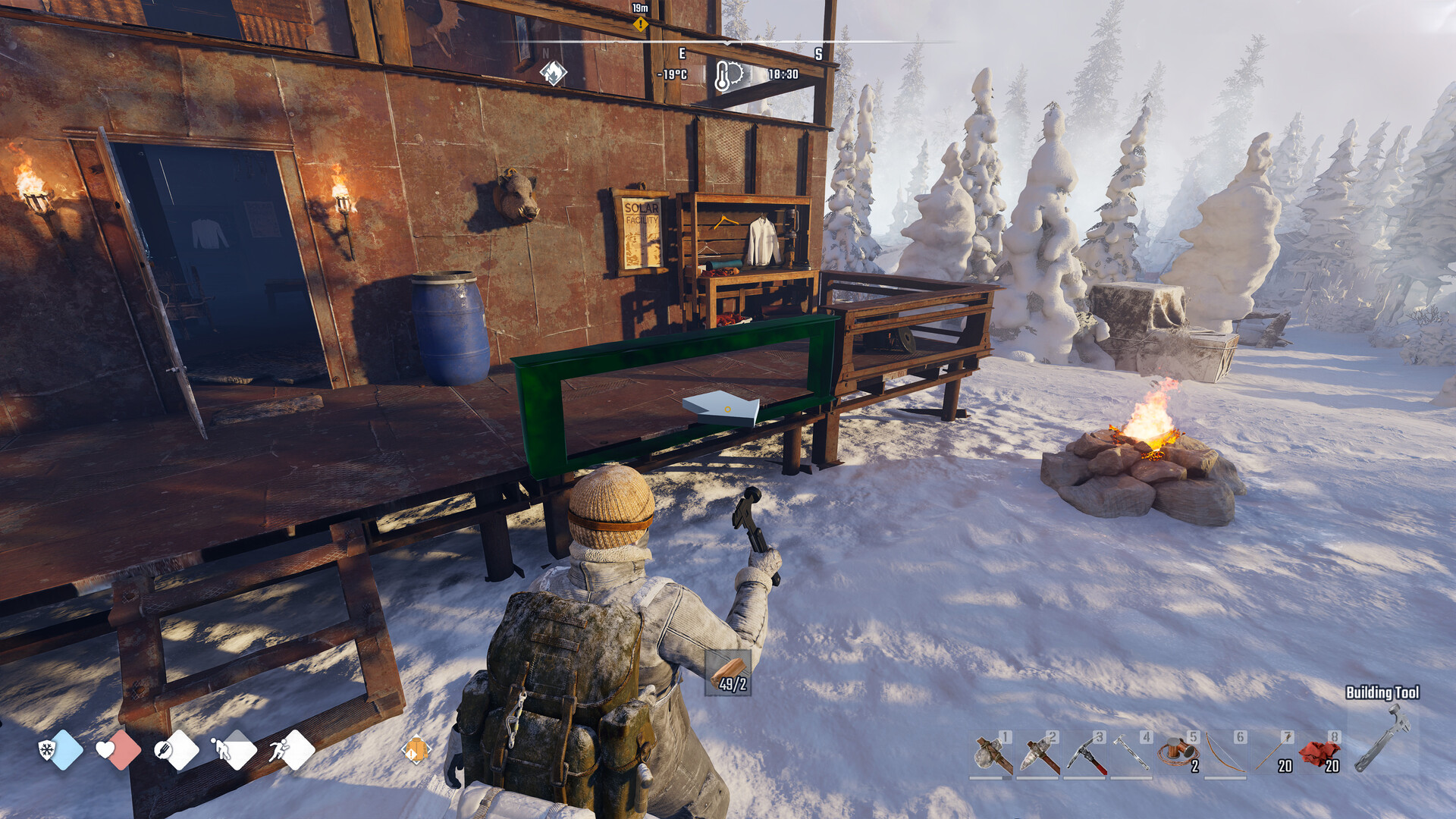
Permafrost supports solo play or online co-op for up to four players total, confirmed directly in the game's own store description and launch announcement. There's no cross-play statement either way between the Steam and GOG versions, so coordinate with your group on which storefront you're buying from before you commit to an edition — the Companion Edition adds an Official Companion digital book on top of the base game, and the Ultimate Edition stacks the Official Cookbook, the original soundtrack, and the Permafrost novel on top of that — all digital extras, not gameplay-affecting settings, so picking the base edition won't lock you out of anything covered here. If your settings are sorted and you want a first-hours plan on top of them, our beginner's guide to surviving the opening hours covers the cold-management and scavenging loop this settings pass doesn't touch.
Permafrost Settings Checklist
- 1Install the latest Nvidia or AMD driver before launching — both of Permafrost's day-one hotfixes targeted driver-adjacent crashes.2 min
- 2Restart Steam if the game hasn't auto-updated; the RTX 20/30 and RTX 40/50 stability hotfixes both ship as automatic downloads.1 min
- 3If a mod or .ini edit offers to re-enable upscaling on an RTX card, skip it — Toplitz turned FSR off there specifically to stop crashes.Instant
- 4Head into the settings menu and remap movement to your preference; it's the one keybind Toplitz has confirmed is rebindable at launch.2 min
- 5Plug in a gamepad if you like, but keep a mouse and keyboard nearby — Steam's 'Partial Controller Support' tag isn't backed by an official button-mapping guide yet.1 min
- 6Decide your squad size before buying editions — Permafrost supports solo play or co-op for up to four players total.1 min
FAQ
Does Permafrost support DLSS or ray tracing?
Neither is documented anywhere official. Toplitz has only confirmed AMD FSR, and as of October 10, 2026, FSR is disabled on every current Nvidia RTX card (20, 30, 40 and 50 series) to stop crashes.
Can I rebind my controls in Permafrost?
Movement keys are rebindable as of the Early Access launch build — Toplitz added it as a day-one fix after preview feedback. No official source confirms whether interact, inventory or building inputs can be rebound separately.
Does Permafrost work with a controller?
Steam tags it 'Partial Controller Support,' but Toplitz hasn't published what that covers. Keep a mouse and keyboard handy for anything a gamepad doesn't pick up.
How many players can play Permafrost in co-op?
Solo or online co-op for up to four players total, per the game's official store description and Early Access launch announcement.
What are Permafrost's PC system requirements?
Minimum: Core i5 8600K or Ryzen 5 3500, 16GB RAM, GTX 1060 6GB or RX 590 8GB, DirectX 11, 30GB storage. Recommended: Core i5-12400 or Ryzen 5 5600X, 16GB RAM, RTX 3070 Ti or RX 6750 XT, DirectX 12.
Official resources

Ana writes the step-by-step tutorials: settings, controls, configs and the systems games never explain properly. Every tutorial is tested on the version named at the top of the page, with the official patch notes linked so you can check what changed.