AION 2: Best PC Settings, System Requirements and Controls
AION 2 launched globally on PC October 5. Here's every confirmed system requirement, graphics setting and control option before you dive into Atreia.
AION 2 opened to every PC player on October 5, after a five-day Early Access window for Founder's Pack holders that began September 30. NC's free-to-play MMORPG rebuilds Atreia in Unreal Engine 5 at a scale the publisher describes as 36 times larger than the original Aion, and the Steam version shot to the number-one spot on the platform's global top-sellers chart in more than ten regions during that early window. None of that matters much if your first hour is spent fighting a stuttering menu instead of a boss, so here's everything confirmed about system requirements, graphics options and controls before you log in.
01Confirmed System Requirements
NC's Steam listing for AION 2 spells out two official hardware tiers. There's no mobile or console version of the PC release, and the storage footprint is identical at both tiers, so budget for a fast drive rather than a small one.
| Spec | Minimum | Recommended |
|---|---|---|
| OS | Windows 10/11 (64-bit) | Windows 10/11 (64-bit) |
| Processor | Ryzen 5 2600 / Core i5-10500 | Ryzen 7 3700X / Core i7-11700 |
| Memory | 8 GB RAM | 16 GB RAM |
| Graphics | GTX 1050 Ti (4GB) | RTX 2070 (8GB) |
| DirectX | Version 12 | Version 12 |
| Storage | 100 GB (SSD recommended) | 100 GB (SSD recommended) |
NC's own notes flag one detail worth planning around: at Full HD resolution, the minimum-spec tier should set the graphics preset to Very Low for compatibility, and the recommended tier to Low. In other words, even a card that clears the minimum bar isn't guaranteed to run the default preset cleanly at launch — you're expected to step the preset down yourself. The 100 GB storage figure is also the same at both tiers, so an SSD buys you faster zone loads rather than a smaller install — budget the space either way, especially if you're also running the PURPLE launcher alongside Steam for the same account.
02Best Display and Graphics Settings for Smooth Framerates
AION 2's options menu splits graphics into a long list of individual sliders rather than a single quality preset, which is good news if your GPU sits between the two official tiers. Start with the basics: Borderless Windowed as your display mode, your monitor's native resolution, and Vertical Sync off unless you're seeing screen tearing. From there, Resolution Scale set to Quality or Balanced, with an upscaler (DLSS or FSR, depending on your GPU) enabled, gives you the most headroom to raise everything else.
- Texture Quality: High if you have 8 GB of VRAM or more; Normal on 4–6 GB cards.
- Effect Quality: Normal is a safe middle ground for skill-effect clarity without tanking frame rate.
- Mass Combat Quality: Very Low. This is the single most expensive setting once a siege or world boss pulls a crowd.
- Model Quality: Normal.
- View Distance Quality: High — keep this one up so distant enemies and mounts don't pop in.
- Vegetation Quality: Low.
- Shadow Quality: Very Low or Low. Shadows are the second-biggest frame-rate cost after Mass Combat.
- Shading Quality: Normal.
- Global Illumination Quality: Low.
- Reflection Quality: Very Low.
- Cloud Quality: Normal.
- Post-Processing Quality: Normal or High — this affects color grading and bloom more than raw performance.
- Anti-Aliasing: High.
- Ambient Occlusion: NCAO, NC's own implementation.
- Water Reflection Method: Performance.
03Frame Generation, NVIDIA Reflex and Upscaling
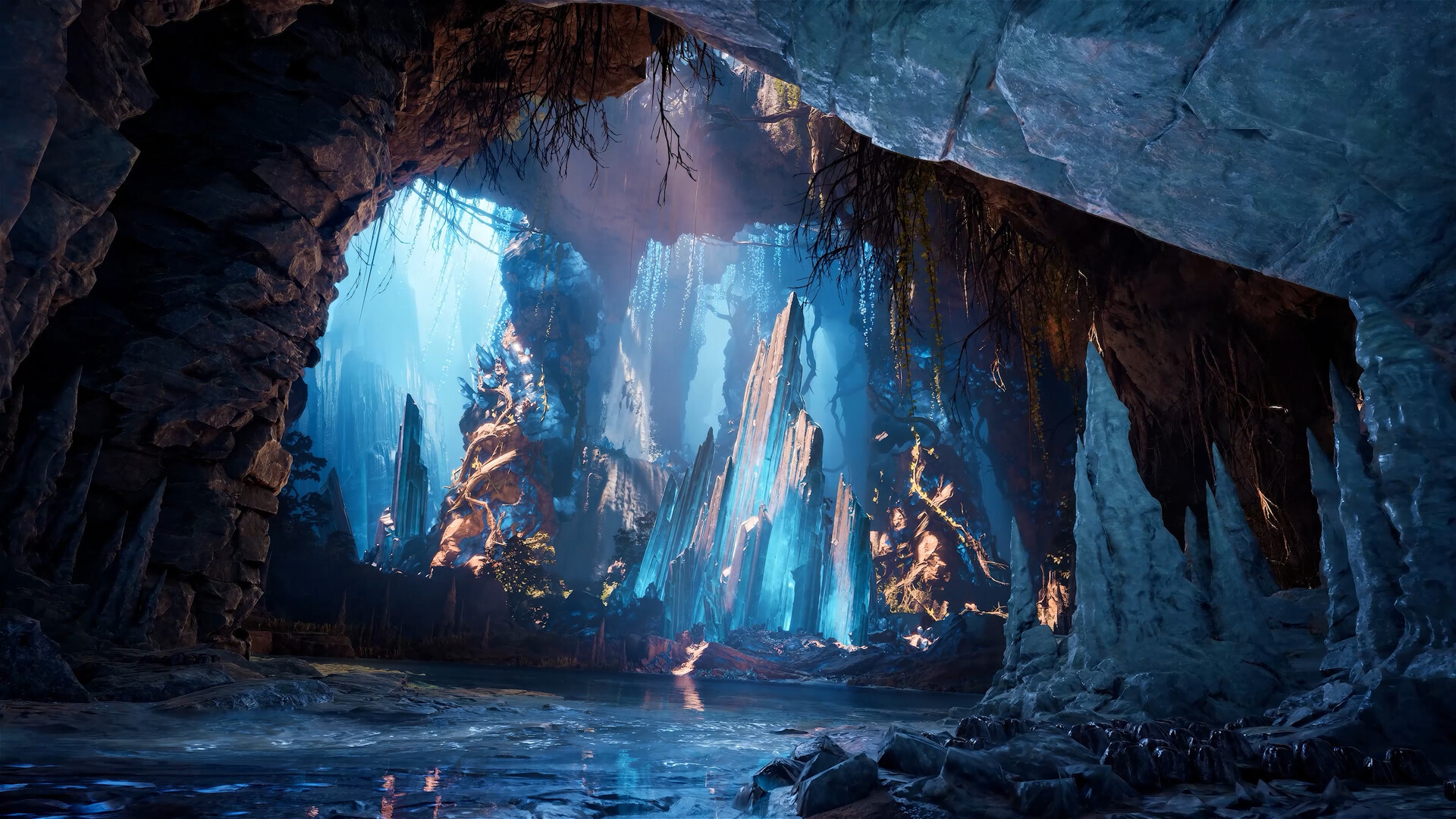
Frame Generation only becomes selectable once an upscaler is turned on, and it's gated to RTX 40-series GPUs or newer. It's a reasonable pickup for questing and general PvE if your underlying frame rate is already stable, since it smooths the number on screen without lowering your other settings. It won't reduce the actual CPU load behind the scenes, though, and it does add a small amount of input latency — something to weigh carefully before bringing it into Abyss PvP, where a half-second of extra lag between input and animation can cost you a fight. If you do run with Frame Generation, pair it with NVIDIA Reflex set to Boost to claw back some of that latency; Reflex works independently of which upscaler you've chosen.
04Control Scheme, Camera and Combat Settings
AION 2 ships with two full control schemes rather than one with minor tweaks. AION 2 Mode is the default, built around action-style aiming and movement-based skills. AION 1 Mode switches the game back to the tab-targeting flow longtime Aion players will recognize, where you lock a target first and let skills fire at it automatically. Neither is objectively faster — it's a genuine preference choice, and it's worth trying both for ten minutes before you commit, since remapping muscle memory later costs more time than testing up front.
Whichever mode you pick, a handful of secondary toggles are worth setting deliberately rather than leaving on default:
- Set Main Target upon Attack and Main Target Lock: both On, so you don't lose your target mid-combo when something else wanders into view.
- Pursue Target with Skill Activation: On for melee classes, since it closes gaps automatically; optional for ranged classes, where you may want to hold position instead.
- Tab Target Priority: Nearest or In Front, depending on whether you fight in open areas or narrow corridors.
- Life Potion Auto Use: trigger it around 60–70% HP rather than lower, so a burst combo doesn't outrace your reaction time.
- Buff Auto Use: In Combat or Motion, so buffs refresh without a manual press mid-fight.
- Camera Shake During Combat: Off if large skill effects are making you lose track of your character.
- Display Boss Orientation and Display Skill Range: both On while you're still learning boss attack patterns.
05Settings to Adjust for Abyss PvP and Mass Battles
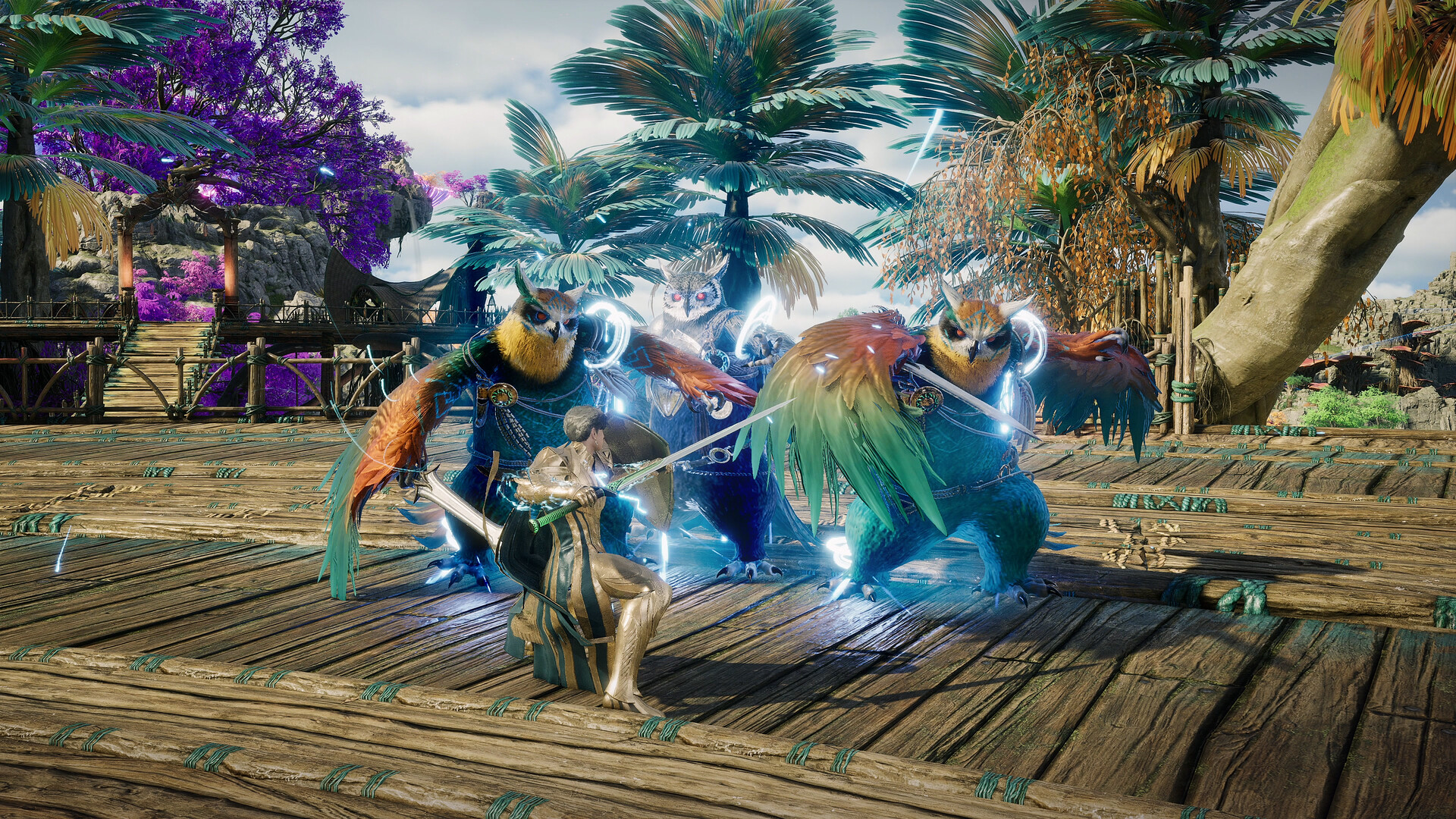
The Abyss, AION 2's large-scale faction warzone, is where every graphics setting above gets tested at once — dozens of players, mounts and skill effects on screen simultaneously. A few display options specifically help cut the clutter instead of just raising frame rate: set Player Particle Effect Display to Self and Party (or Self Only in the largest fights) so enemy skill effects don't bury the screen in light, switch Abyss display to Tier Icon so overlapping nameplates collapse into something readable, and turn off Display Other Players' Pets if mounts and companions are crowding your view of the actual fight. Keep View Distance at Normal or High even here — dropping it to save frames also hides approaching enemies, which costs more than it saves.
If you're still hunting frames after all of that, Identical Player Appearance (which simplifies how other players' gear renders at a distance) is worth switching On specifically inside the Abyss and other crowded zones, even if you'd rather leave it off in normal fields where individual silhouettes matter less.
How to Dial In AION 2 Before Your First Session
- 1Borderless Windowed, your monitor's native resolution, and Vertical Sync off unless you see tearing. Get the basics locked in before touching quality sliders.1 min
- 2High textures need 8 GB of VRAM or more; drop to Normal on 4–6 GB cards so you're not fighting stutter from texture streaming.2 min
- 3These two sliders cost the most frames in sieges and crowded fields. Set both to Very Low before adjusting anything else.1 min
- 4DLSS or FSR first, depending on your GPU. Frame Generation only unlocks once an upscaler is on, and needs an RTX 40-series card or newer.1 min
- 5Try AION 2 Mode's action controls and AION 1 Mode's tab-targeting for a few minutes each, then stick with one — switching later costs more time than testing now.2 min
- 6Life Potion Auto Use around 60–70% HP, Buff Auto Use set to In Combat or Motion, so neither needs a manual press mid-fight.1 min
06Why This Launch Is Still a Moving Target
NC has framed AION 2's live service, broadly, as something that keeps changing in response to player feedback rather than shipping once and sitting still.
“Aion 2 has continuously updated its content and services, listening closely to the community”Seunguk Baek, Chief Business Officer, NC
That philosophy matters for settings specifically: NC hasn't published its own optimization guide for AION 2, so the values above come from testing against the confirmed Steam specs rather than a developer-authored list, and some options' exact performance impact may shift as balance and performance patches land. Treat the recommendations here as a starting point you adjust from, not a final answer.
07Final Tips Before You Log In
Change one setting at a time rather than dropping everything to its lowest value on your first launch — Mass Combat and Shadow Quality alone recover most of the frame rate you're likely chasing, and leaving everything else higher keeps Atreia looking like the game NC actually built. Revisit your graphics settings again once you hit your first large-scale Abyss siege, since solo-field performance and fifty-player siege performance are genuinely different workloads on the same hardware. And if you're still deciding between control schemes, make that call before you've leveled too far — switching later means relearning timing you've already built into muscle memory.
It's also worth checking back on these settings after NC's first few post-launch patches land. A game built to support faction sieges at this scale tends to get its heaviest optimization passes in the weeks right after a global launch, once the live population shows the developers exactly where real frame-rate drops are happening rather than where a pre-launch test environment predicted they would.
FAQ
Has NC published an official AION 2 settings guide?
No. NC hasn't released its own optimization guide, so the recommendations above come from testing against the confirmed Steam system requirements rather than a developer-authored list.
Can I run AION 2 on a GTX 1050 Ti?
Yes — that's the minimum-spec GPU listed on AION 2's official Steam page, paired with a Ryzen 5 2600 or Core i5-10500 and 8 GB of RAM.
Does AION 2 support DLSS and FSR?
Yes, both upscalers are available in the options menu. Frame Generation is a separate toggle that only appears once an upscaler is enabled, and it requires an RTX 40-series GPU or newer.
What's the difference between AION 2 Mode and AION 1 Mode controls?
AION 2 Mode is the default action-style control scheme built around movement-based skills. AION 1 Mode switches to the tab-targeting flow from the original Aion, where you lock a target and skills fire at it automatically.
How much storage does AION 2 need?
100 GB at both the minimum and recommended spec tiers, with an SSD recommended for faster zone loading.
Official resources

Ana writes the step-by-step tutorials: settings, controls, configs and the systems games never explain properly. Every tutorial is tested on the version named at the top of the page, with the official patch notes linked so you can check what changed.