Rust: Best PC Settings After the October Livestock Update
Rust's October Livestock update adds a Render Pipeline toggle, an upgraded F8 overlay and major memory savings. Here's every setting worth checking.
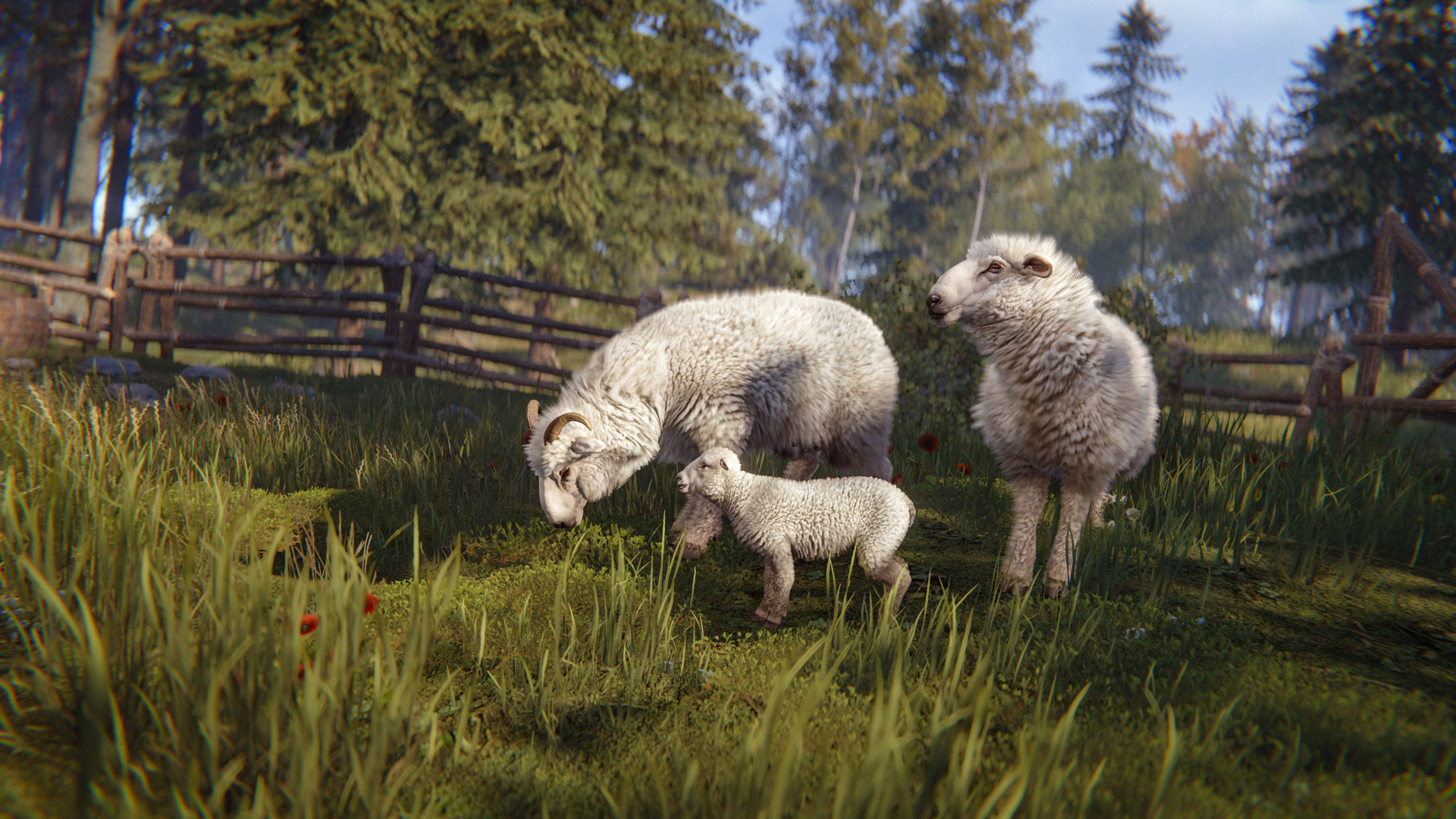
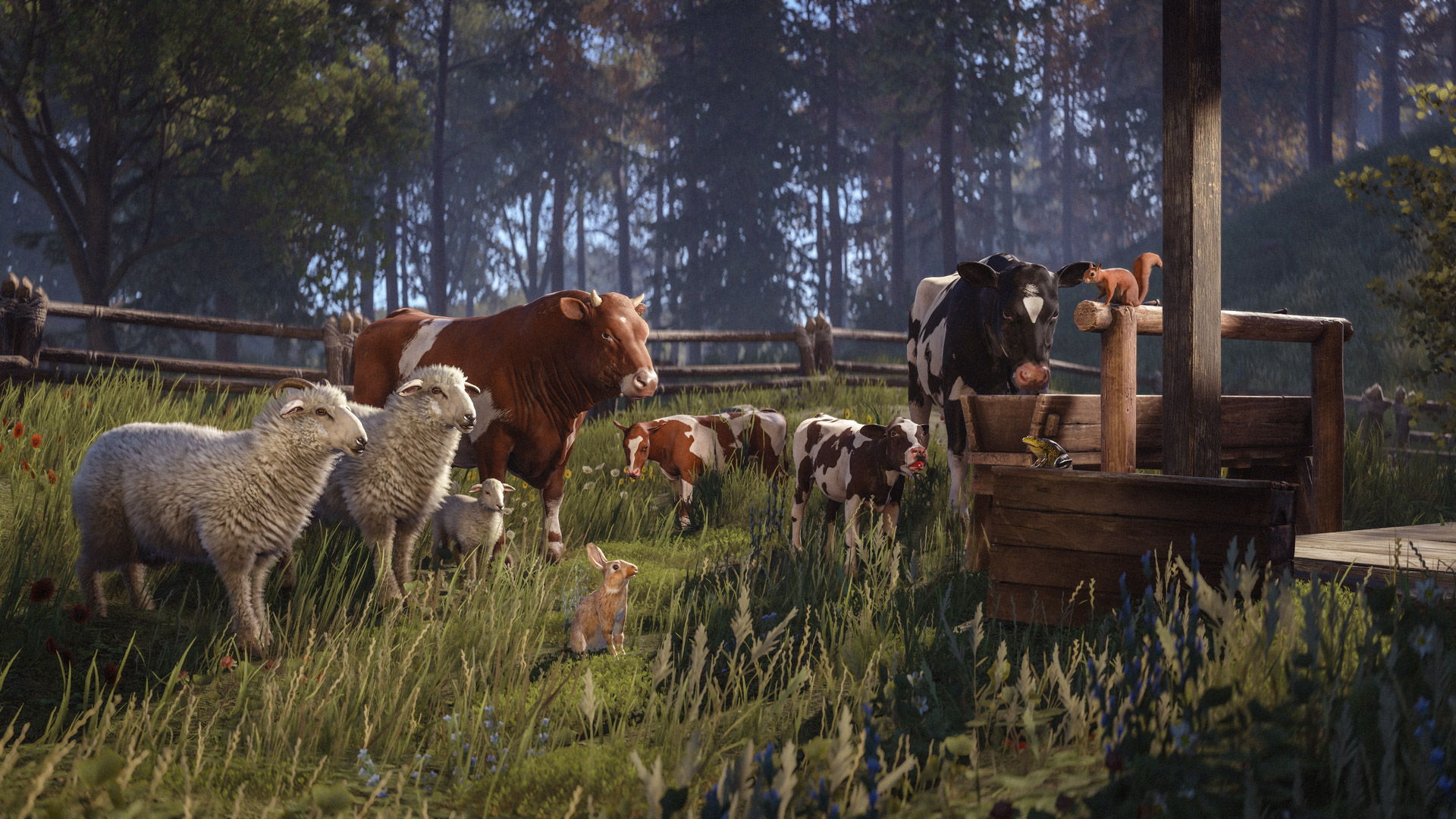
Rust's October update went out on Thursday, October 1, alongside the usual monthly forced wipe, and the headline feature is livestock: cows and sheep you can breed, milk, shear and sell. None of that touches your settings menu. But buried in the same Livestock devblog (changelist 4046) is a genuinely new graphics option, an upgraded performance overlay, and a long list of memory optimizations that change how the game actually runs on your PC. A mandatory Halloween client update is already scheduled for October 22, so whatever you set up now won't be the last change this month — just the first one worth getting right. Here's everything worth checking before you log back in.
01What Shipped On October 1
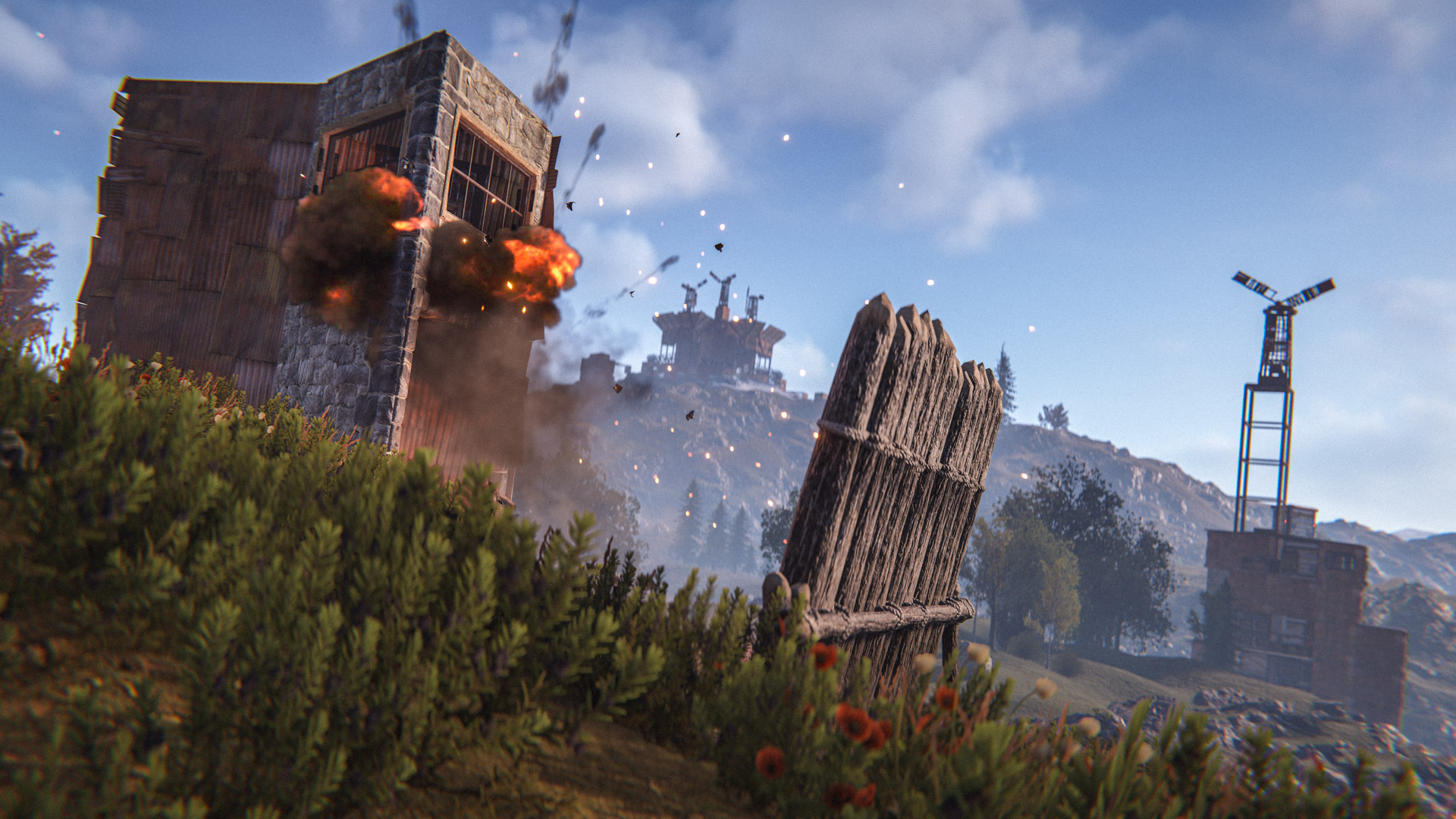
Alongside the farm animals, Facepunch packed this patch with the usual mix of monument changes, weapon tweaks and bug fixes: reworked Sandbag Barricades with a four-stage build, reduced crafting cost and a max stack size raised to 20, plus new Powergrid Loot Rooms gated behind Heavy Fuses at monuments including Airfield, Launch Site, Military Tunnels, Water Treatment Plant and the Nuclear Missile Silo. The Air Wolf helipad at Bandit Camp now starts every wipe broken and has to be repaired through the vendor before it'll sell vehicles again, and a Biofuel Generator turns spoiled or raw meat into Low Grade Fuel if you're willing to stir it by hand roughly every half hour. None of that requires you to touch a single slider, but three things in the same patch do, and they're the reason this is worth a settings pass instead of a quick skim.
02Turn On The New Rust Render Pipeline
The biggest change for your PC specifically is the Rust Render Pipeline, or RRP: a custom replacement for Unity's old built-in renderer that Facepunch has been building toward for a while. It isn't forced on anyone yet. Open Settings from the main menu or the in-game pause screen, go to the Experimental tab, and you'll find a toggle that switches between the old renderer and the new one. Facepunch's own devblog describes it as something you can flip "at runtime," so you don't need to relaunch Rust to compare the two — toggle it, keep playing, and toggle back if it doesn't agree with your setup.
Facepunch is upfront that the gains are modest for now: expect a slightly better frame rate out of the gate, with more performance work planned for the pipeline specifically in later patches. The more important detail is the deadline. The experimental toggle is only staying in the settings menu for the first month after release, and Facepunch has said it plans to remove the option in the patch after this one — meaning the choice between the two pipelines won't be yours much longer. If you want to see which one runs better on your rig, this wipe is the time to actually test it rather than ignore the new tab.
Facepunch hasn't published hardware-specific guidance on who benefits most from RRP, so treat it as exactly what the Experimental label says: untested on your specific combination of GPU, driver version and mods until you try it yourself. If you notice new stutter, visual glitches or a crash after switching, flip the toggle back in the same Experimental tab — nothing about it is a one-way change, and reverting takes the same few seconds as turning it on.

03Check The New F8 Frame-Timing Overlay
Rust's built-in performance overlay — opened with the F8 key, same as always — got a real upgrade this patch. It now surfaces detailed frame timing information instead of just a basic FPS counter, which is exactly what you need if you're trying to judge whether the Rust Render Pipeline toggle above actually helped. Pull up F8 before you switch pipelines, note where your frame time sits, flip the Experimental toggle, and check it again in the same spot on the map. Facepunch's own changelist lists several of the engine-level numbers behind this patch's performance work, including animation IK updates dropping from roughly 1.99ms to 1.47ms and navigation mesh performance at least doubling since the last patch — the kind of gains the new overlay is built to help you actually see for yourself instead of taking on faith.
Some of the heaviest work this patch happened under the hood rather than in anything the overlay labels by name. Vehicle physics are now ticked in parallel instead of on a single thread, and the new livestock and critter NPCs — frogs, rabbits, squirrels, sea turtles, crabs and jellyfish among them — only process a capped subset per frame rather than all at once, so a map full of decorative wildlife shouldn't quietly eat into your frame budget the way an unbounded system would.
Test The New Render Pipeline In Six Steps
- 1From the main menu or the in-game pause menu, open Settings, then click into the Experimental tab — that's where the new Rust Render Pipeline toggle lives.30 sec
- 2Switch the RRP option on. Facepunch says it applies at runtime, so you don't need to restart Rust to see the change take effect.10 sec
- 3Press F8 to bring up the performance overlay and check the detailed frame-timing numbers it now shows, in the same spot on the map you'll re-check after switching.1 min
- 4Toggle RRP off again and recheck F8 in the same location. Whichever version gives you steadier frame times is the one worth keeping for the rest of the wipe.2 min
- 5If the new inverted-grayscale paint brush outline is confusing, type paint.outlineinvert into the console (F1) to restore the old colour-based version.15 sec
- 6Server owners can use vehicle.padrepairsrequired and the powergrid.fusedecaylowpop/fusedecayhighpop convars to adjust or revert the helipad and fuse-decay changes for their own server.2 min
04Why Rust Should Feel Lighter This Wipe
Even if you never touch the Experimental tab, this patch should load faster and use less memory than the last one, for reasons that have nothing to do with any setting you can flip. Facepunch deduplicated 133 near-identical viewmodel hand meshes into a single shared mesh on equip, saving roughly 100MB on its own. Store preview assets are no longer loaded at boot and now unload entirely about a minute after you close the store menu, saving up to 450MB while you're actually playing instead of browsing skins. LOD texture sizes were optimized for another 100-300MB in some cases, and the procedural world generator now produces over 15,000 fewer renderers than before.
None of that needs a configuration change from you, but it explains why a wipe-day server full of 100 fresh players might still feel noticeably snappier than usual this time — and it's worth knowing before you start tweaking graphics settings to chase a performance problem that Facepunch has already partly solved on its end.
05Settings And Convars Worth Knowing
A few of this patch's changes live in the console rather than the Settings menu. If you paint signs or barricades, Facepunch also flipped the default direction of the paint brush's outline indicator; if the new look throws off muscle memory built over past wipes, you can revert it with a single console command.
| Command | What it does | Who needs it |
|---|---|---|
| paint.outlineinvert | Restores the previous colour-showing paint brush outline instead of the new inverted-grayscale one | Any player who paints often |
| vehicle.padrepairsrequired false | Reverts the Air Wolf helipad to its old always-repaired state instead of starting each wipe broken | Server owners/admins |
| powergrid.fusedecaylowpop / fusedecayhighpop | Adjusts how much faster Heavy Fuses decay as server population scales from low to high | Server owners/admins |
None of the server-side convars affect official Facepunch-hosted servers, where the new population-scaled fuse decay (four times slower at 10 or fewer players, back to normal by 100) is already active and not something you can change as a regular player.
06Other Changes Worth Knowing Before You Log In
A handful of smaller changes affect how the game looks and feels without living in a settings tab at all. Muzzle flashes now skip some of their lighting and particle effects at long render distances, which should mean fewer unnecessary visual effects dragging down your frame rate in big fights you're not actually part of. Throwables — grenades, C4 and satchel charges — are now predicted client-side with server corrections applied only when needed, so throws should feel more responsive even on a laggier connection. If you're the type to vandalize doors and barricades with the in-game spray can, the painting tool also picked up a proper colour wheel, a larger brush size option, and that inverted outline mentioned above.
If you run or rent your own server rather than playing on an official one, double check your host's control panel after this update: Facepunch is rolling TPM and Secure Boot requirements out to six more of its own servers this patch, part of a wider anti-cheat push that's been expanding steadily through 2026.
FAQ
What is the Rust Render Pipeline (RRP)?
It's a custom render pipeline Facepunch built to replace Unity's older built-in renderer. It's an optional, client-side toggle in the Settings menu's Experimental tab, and Facepunch says it currently offers a slightly better frame rate, with more performance work planned for it in future patches.
How long can I switch between the old and new renderer?
Facepunch has said the Experimental toggle will only be available for the first month after the Livestock update, with removal planned in the patch that follows. After that, whichever pipeline Facepunch keeps will likely become the only option.
Does the F8 overlay require turning anything on first?
No. F8 opens Rust's existing performance overlay the same way it always has — the new detailed frame-timing information is simply part of that overlay by default after this patch.
Did this patch change any keybinds?
No. Facepunch's October changelist doesn't list any default keybind changes; the settings-relevant additions are the Rust Render Pipeline toggle, the upgraded F8 overlay, and the paint.outlineinvert console command.
Will the Rust Render Pipeline affect my mods or server plugins?
It's described as a client-side graphics toggle, so it shouldn't affect server-side plugins or Oxide/uMod mods directly. Unconfirmed: Facepunch hasn't published a compatibility note for every client-side skin or UI mod, so test it yourself before relying on it in a competitive setting.
Official resources

Ana writes the step-by-step tutorials: settings, controls, configs and the systems games never explain properly. Every tutorial is tested on the version named at the top of the page, with the official patch notes linked so you can check what changed.