Star Wars: Galactic Racer: Best PC Settings and Controls
Star Wars: Galactic Racer launches with day-one DLSS 4.5 support. Here's every PC setting, requirement, and control option worth checking first.
Star Wars: Galactic Racer arrived on PC, PlayStation 5 and Xbox Series X|S on October 6, and the PC build ships with same-day support for Nvidia's DLSS 4.5 suite. If you're jumping into the Galactic League on a GeForce RTX card, a last-gen GPU, or a controller instead of a wheel, here's exactly what to check before your first run.
Fuse Games built the racer on Unreal Engine 5, which means the usual trade-offs between resolution, ray-traced lighting and frame rate apply. The settings below are drawn from Galactic Racer's Steam page and Nvidia's own DLSS 4.5 launch announcement, not guesswork, so you can match them to your rig with confidence.
Per the official storefront description, Galactic Racer is set after the Empire's fall, when the New Republic is still rebuilding and an unsanctioned circuit called the Galactic League rises up around it, with syndicates bankrolling pilots and sponsoring the chaos. It's a runs-based structure rather than a track-and-championship one: you take on a run, bank what you earn, and come back for another rather than grinding a season ladder. That structure matters for settings too, since a single bad frame-time spike during a run can cost you the whole attempt, which is exactly why getting your DLSS mode and resolution right before you start matters more here than in a typical arcade racer.
01System Requirements and What You'll Need
Galactic Racer's official minimum spec calls for an Intel Core i5-8400 or AMD Ryzen 5 2600, 12GB of RAM and an Nvidia RTX 2060, Intel Arc A580 or AMD Radeon RX 5600 XT with 6GB of VRAM, running Windows 10. The recommended spec steps up to an Intel Core i7-10700 or Ryzen 7 3700X, 16GB of RAM, an RTX 3060 Ti, Arc B580 or Radeon RX 6700 XT, and Windows 11.
The one requirement that trips people up is storage: the game needs 50GB of space, and Steam explicitly lists an SSD as required rather than recommended for both the minimum and recommended tiers. Install it on a mechanical drive and expect long load times between runs even if your CPU and GPU are otherwise fine.
- OS: Windows 10 (minimum) or Windows 11 (recommended)
- CPU: Core i5-8400 / Ryzen 5 2600 minimum, Core i7-10700 / Ryzen 7 3700X recommended
- RAM: 12GB minimum, 16GB recommended
- GPU: RTX 2060 / Arc A580 / RX 5600 XT 6GB minimum, RTX 3060 Ti / Arc B580 / RX 6700 XT recommended
- Storage: 50GB, SSD required at every tier
02DLSS 4.5, Ray Reconstruction and Lumen Lighting Explained
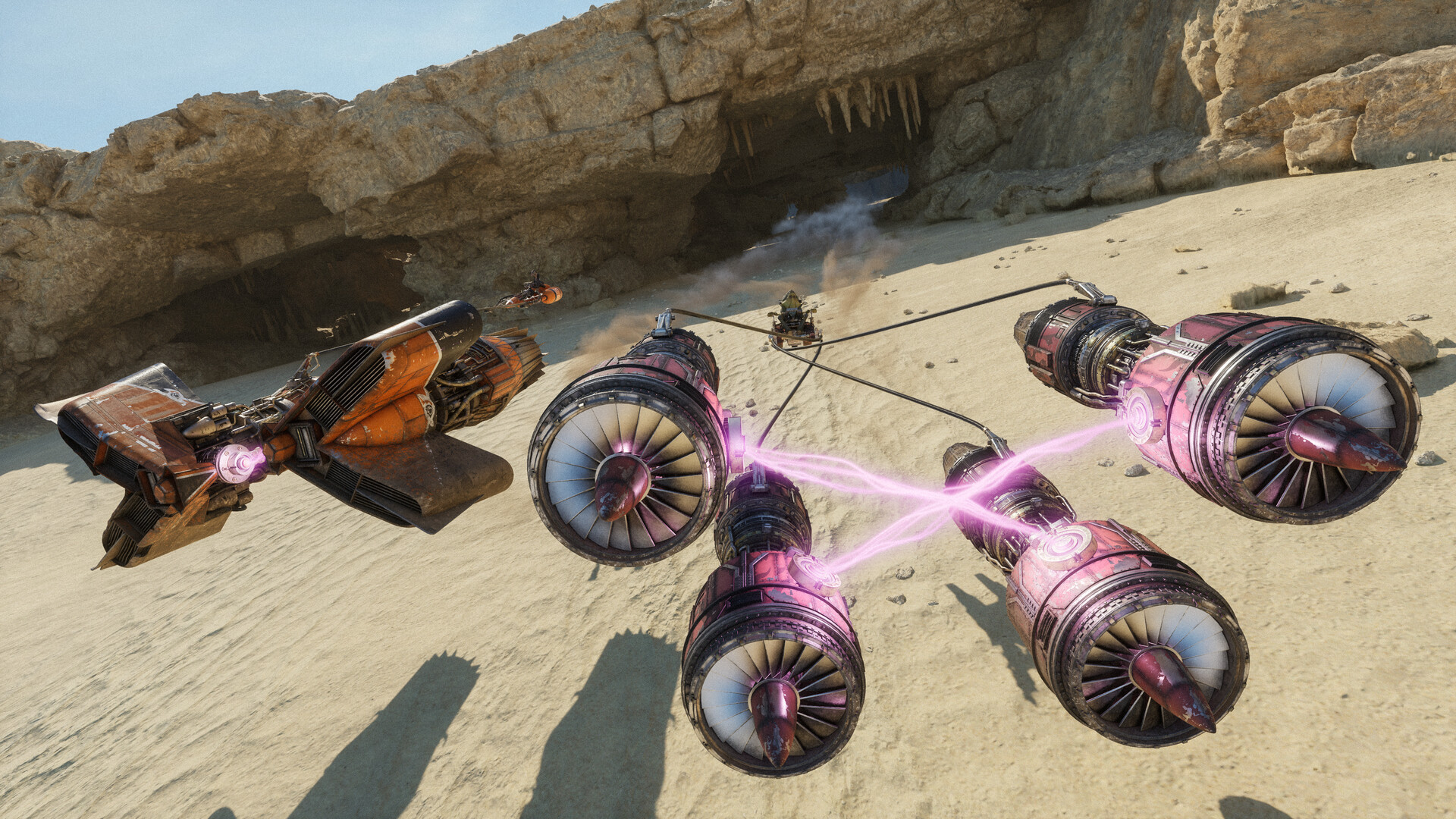
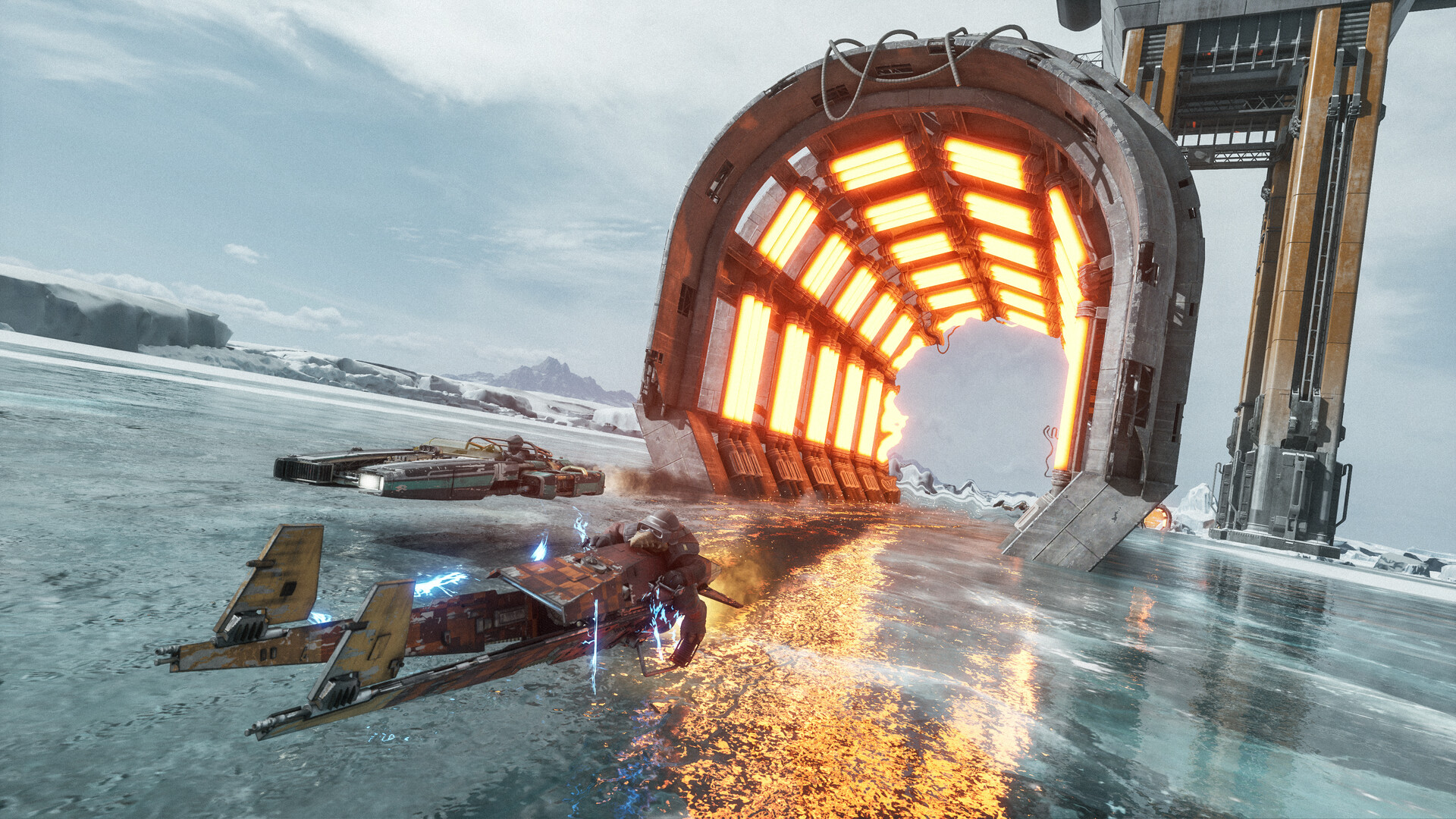
Galactic Racer is one of the first racers to launch with Nvidia's full DLSS 4.5 stack built in rather than patched in later. According to Nvidia, that includes DLSS Super Resolution running on the second-generation transformer model for every GeForce RTX card, Dynamic Multi Frame Generation for RTX 50 Series owners, and DLSS Ray Reconstruction to clean up the game's hardware-accelerated, ray-traced Lumen lighting.
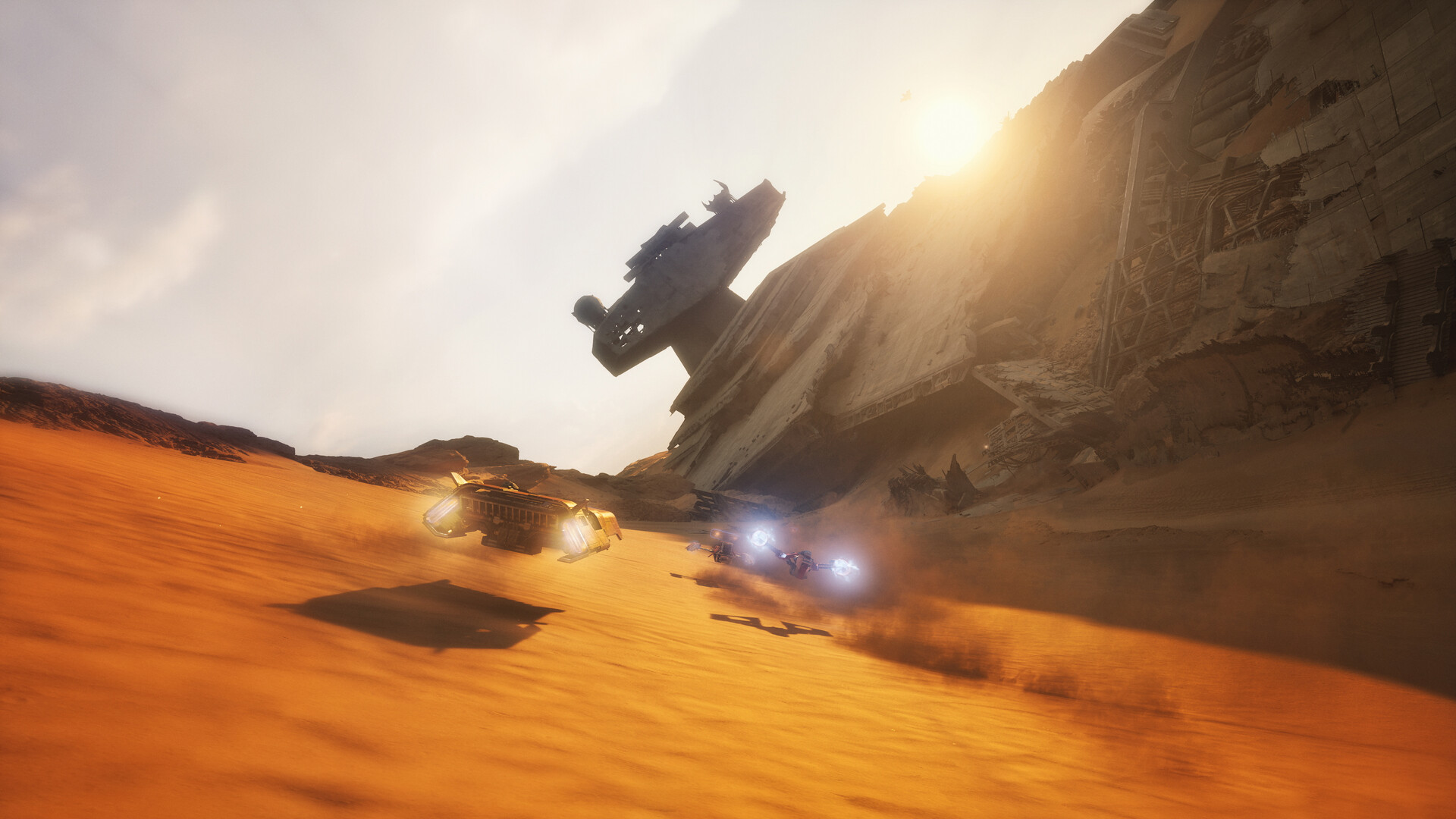
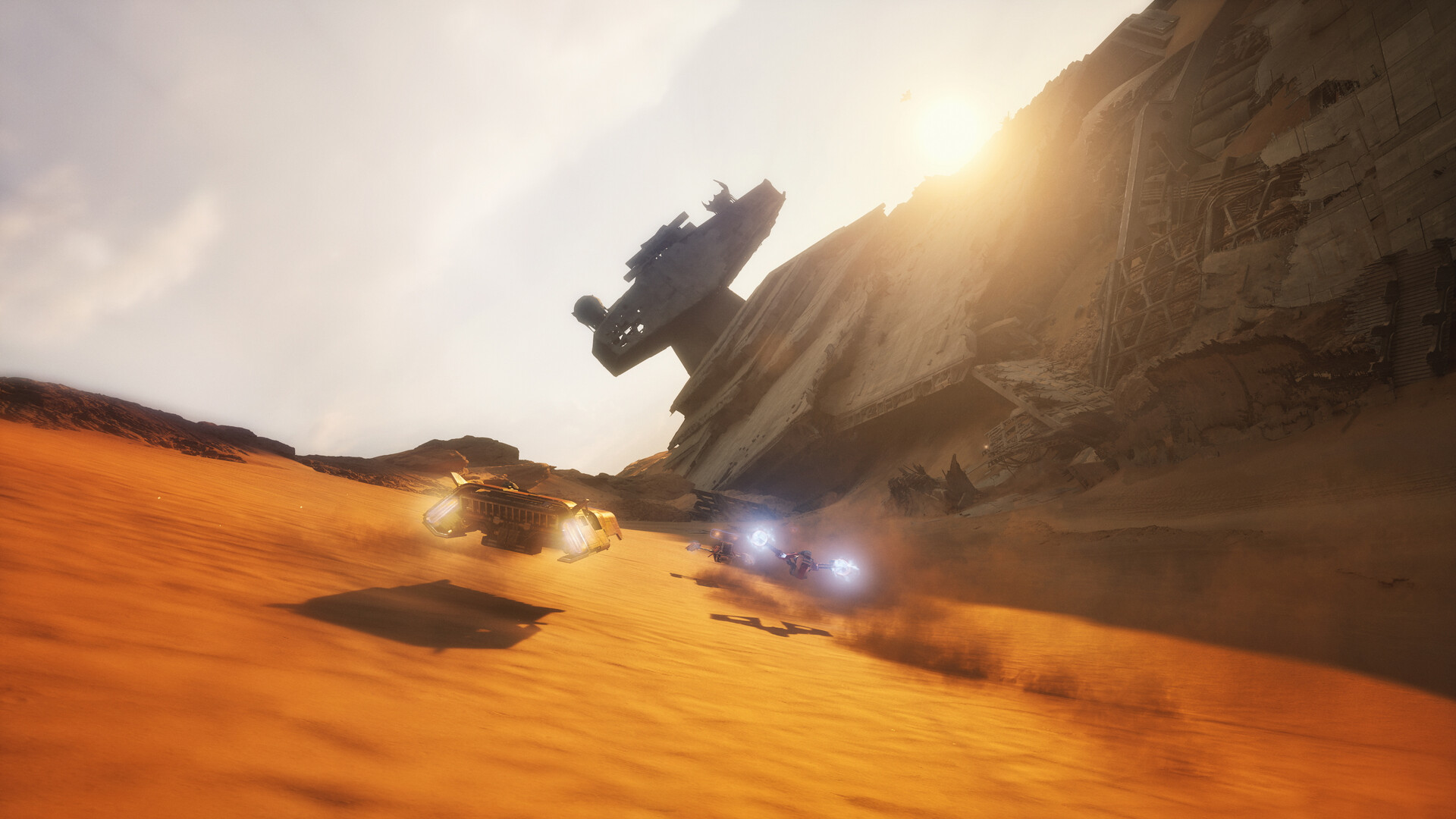
Lumen is Unreal Engine 5's global illumination system, and it's what's actually casting those long shadows down the Outer Rim canyons and bouncing light off chrome speeder hulls. Ray Reconstruction replaces the denoiser that normally cleans up ray-traced lighting with an AI model trained specifically for that job, which is why Nvidia pairs the two features together in its own materials rather than treating them separately.
If you're racing on anything older than an RTX 50 Series card, you'll still get Super Resolution and Ray Reconstruction; Dynamic Multi Frame Generation is the one feature Nvidia ties specifically to the newest hardware.
03Best Graphics Settings by Hardware Tier
With no official in-game settings list published yet, treat these as hardware-matched starting points rather than fixed presets, and adjust after watching your frame counter for a lap or two.
| Hardware | Resolution Target | DLSS Mode | Notes |
|---|---|---|---|
| RTX 2060 / Arc A580 / RX 5600 XT (minimum spec) | 1080p | Balanced or Performance | Stick near minimum requirements; leave Frame Generation off and let Super Resolution do the heavy lifting |
| RTX 3060 Ti / Arc B580 / RX 6700 XT (recommended spec) | 1440p | Quality | This is the tier Fuse Games and Nvidia built the recommended spec around |
| RTX 40 Series | 1440p or 4K | Quality, with Frame Generation on if your title screen offers it | Headroom to push Lumen reflections and higher-resolution textures |
| RTX 50 Series | 4K | Quality + Dynamic Multi Frame Generation | The only tier Nvidia confirms gets Dynamic Multi Frame Generation at launch |
A general rule for any DLSS 4.5 title: Quality mode is nearly indistinguishable from native resolution and worth the frame-rate cost whenever you have it to spare, while Performance mode exists for exactly the kind of fast-paced racing Galactic Racer is built around, where a sharper image matters less than a stable frame rate during a tight corner.
04Controller, Accessibility and Audio Options
Galactic Racer lists full controller support on Steam, including dedicated DualSense and DualShock support, and the store page marks the game as "Gamepad Recommended" over keyboard and mouse. If you're deciding how to play, that's a clear signal from the developer about which input method the handling model was tuned for.
The same store listing confirms a solid baseline of accessibility options worth checking in the settings menu on your first launch: adjustable text size, camera comfort settings, custom volume controls, adjustable difficulty, narrated game menus, and subtitle options alongside stereo and surround sound support. Steam Cloud is also enabled, so your settings and progress should follow you between PCs without extra setup.
If you're coming from a racing wheel background, there's no official word yet on dedicated wheel support, so test your hardware early rather than assuming it maps the way other racers do.
Settings Setup Checklist
- 1Install the latest Nvidia, AMD or Intel driver before you launch Galactic Racer for the first time. DLSS 4.5 features like Dynamic Multi Frame Generation and Ray Reconstruction are tied to driver-level support, and an outdated driver is the most common reason those options are missing or greyed out in the settings menu.5 min
- 2Check your Steam, Epic or EA App library settings and make sure the 50GB install landed on a solid-state drive, not a mechanical one. Steam lists an SSD as required rather than recommended at every hardware tier, and this is the single biggest factor in loading and run-to-run streaming.2 min
- 3Open the graphics settings and set DLSS Super Resolution to Balanced or Performance on minimum-spec hardware, Quality on recommended-spec cards and above. Only enable Dynamic Multi Frame Generation if you're on an RTX 50 Series card, since that's the tier Nvidia confirms gets it at launch.3 min
- 4Pick 1080p on minimum-spec hardware, 1440p on recommended-spec and RTX 40 Series cards, and 4K if you're running an RTX 50 Series GPU with Dynamic Multi Frame Generation enabled. Run a lap of the first race and watch your frame counter before committing.3 min
- 5Plug in a DualSense or DualShock pad if you have one; Galactic Racer lists dedicated support for both alongside full controller support in general, and the store page recommends a gamepad over keyboard and mouse for the handling model.2 min
- 6Open the options menu and set adjustable text size, camera comfort, subtitle language and audio language independently if you need them. English is the only fully-voiced language; everything else runs with subtitles and localized menus.2 min
- 7If you're racing friends on a different platform, jump into a PvP lobby to confirm Cross-Platform Multiplayer is matching you together. It's on by default, so you shouldn't need to toggle anything, but it's worth a quick check before a scheduled grudge match.3 min
05Multiplayer, Crossplay and Language Options
Galactic Racer's Steam listing confirms online PvP and Cross-Platform Multiplayer, so PC, PlayStation 5 and Xbox Series X|S racers can land in the same grudge matches without anyone needing to own a specific platform. If your friends are split across storefronts, there's no setting to hunt for here; crossplay runs by default rather than sitting behind a toggle you have to find.
On the language side, the game ships with full audio support in English only, while subtitles and menu text extend to French, Italian, German, Spanish (both European and Latin American), Arabic, Japanese, Korean, Polish, Portuguese (Brazil), Simplified and Traditional Chinese, and Turkish. If you play with subtitles on, it's worth confirming your preferred language landed correctly in the options menu before your first run, since audio and text language can be set independently.
Achievement hunters can also leave Steam Achievements tracking on by default; Galactic Racer supports them natively, and combined with Steam Cloud saves, that means your unlocks and settings travel with your account rather than being tied to one PC.
06Quick Fixes Before Your First Race
Most early launch-day issues in Unreal Engine 5 racers come down to drivers and background load, not the game itself. Update to the newest Nvidia, AMD or Intel driver before you install, since DLSS 4.5 features frequently need a current driver to even appear in the settings menu. Close overlay-heavy background apps while you benchmark your first few laps, since Galactic Racer's online PvP modes (the game runs cross-platform multiplayer per its Steam listing) are more sensitive to frame-time spikes than the single-player campaign.
If the game stutters on a fresh install despite meeting the recommended spec, double check it's actually running from an SSD. Fuse Games and Nvidia both frame this as a run-based, replay-heavy racer, and the 50GB footprint plus constant asset streaming between runs is exactly the kind of load that exposes a slow drive.
Finally, give the shader cache time to build on your very first session. Unreal Engine 5 titles commonly compile shaders in the background during your opening runs, and a slightly choppy first lap that smooths out by your second or third attempt is normal rather than a sign something's misconfigured. If stutter persists well past your first session, that's the point to revisit your DLSS mode and resolution target rather than assume it's still warming up.
FAQ
What are the minimum PC requirements for Star Wars: Galactic Racer?
Steam lists an Intel Core i5-8400 or AMD Ryzen 5 2600, 12GB of RAM, Windows 10, and an Nvidia RTX 2060, Intel Arc A580 or AMD Radeon RX 5600 XT with 6GB of VRAM, plus 50GB of SSD storage.
Does Star Wars: Galactic Racer support DLSS 4.5?
Yes. Nvidia confirms day-one native support for DLSS 4.5, including Super Resolution with the second-generation transformer model for all GeForce RTX cards, Dynamic Multi Frame Generation for RTX 50 Series owners, and DLSS Ray Reconstruction for the game's ray-traced Lumen lighting.
Is a controller or keyboard and mouse better for Galactic Racer?
The Steam listing marks the game "Gamepad Recommended" and includes dedicated DualSense and DualShock support alongside general full controller support, so a pad is the developer-endorsed way to play.
Can PC, PS5 and Xbox players race together?
Yes, Galactic Racer supports Cross-Platform Multiplayer and online PvP by default, so you don't need to enable crossplay separately to match with friends on a different platform.
What languages does Galactic Racer support?
Full voiced audio is in English only. Subtitles and menu text are available in French, Italian, German, both Spanish variants, Arabic, Japanese, Korean, Polish, Brazilian Portuguese, Simplified and Traditional Chinese, and Turkish.
Official resources

Ana writes the step-by-step tutorials: settings, controls, configs and the systems games never explain properly. Every tutorial is tested on the version named at the top of the page, with the official patch notes linked so you can check what changed.