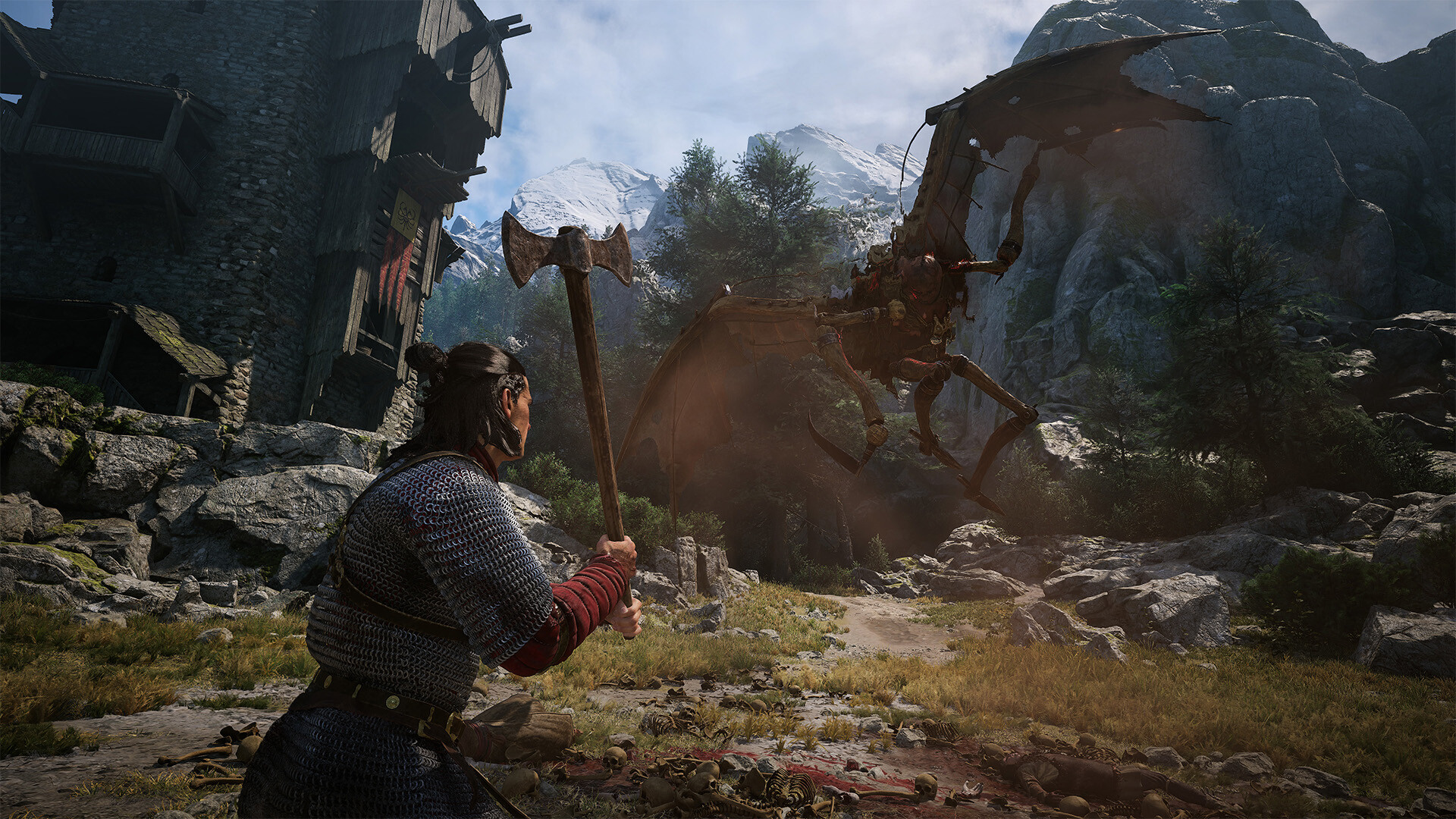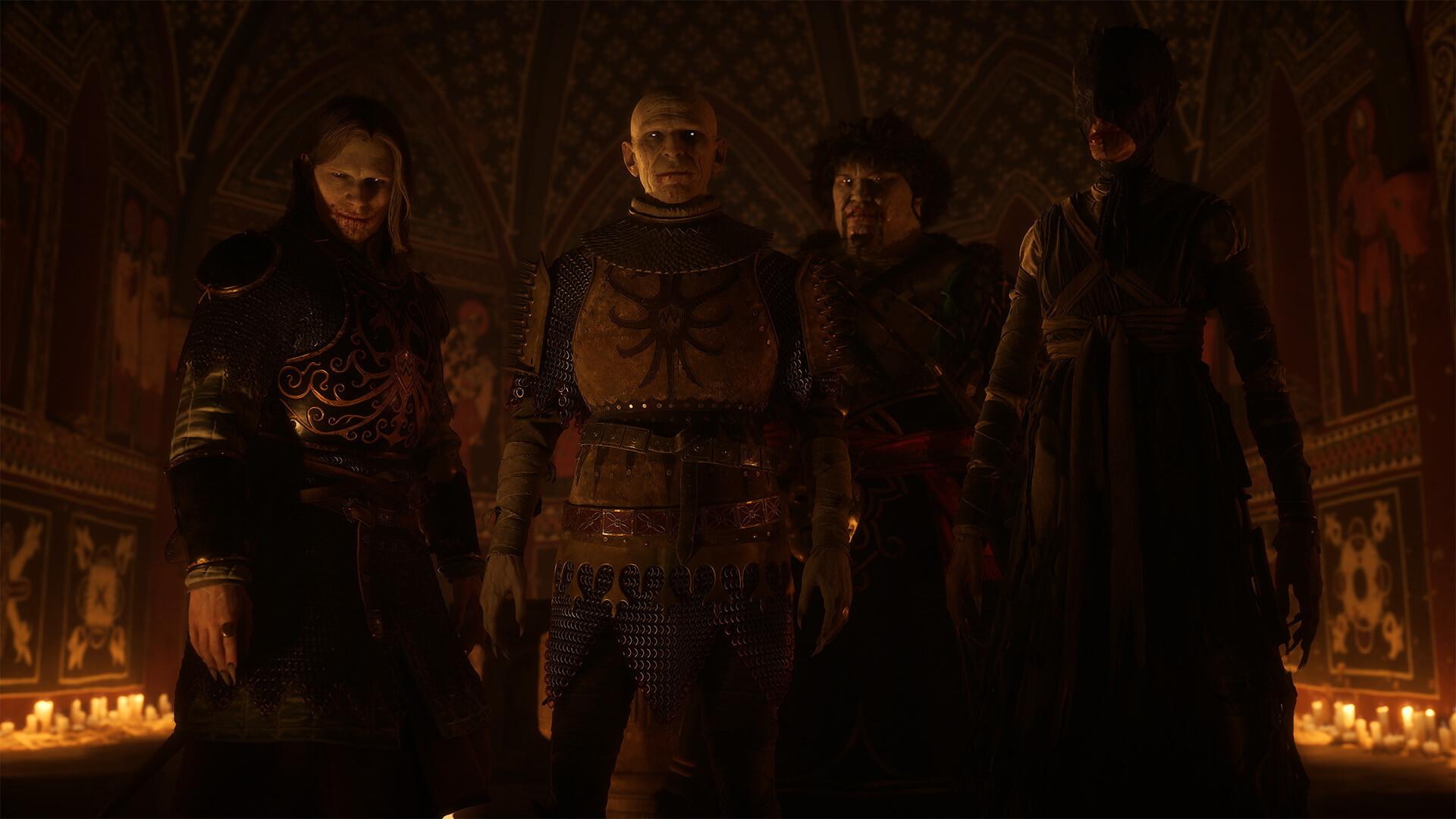
The Blood of Dawnwalker: Best PC Settings After Hotfix 1.0.5
Fix stutter, pick the right upscaler, and tune Lumen, Shadows and Volumetric Fog in The Blood of Dawnwalker after Rebel Wolves' Hotfix 1.0.5.
The Blood of Dawnwalker launched on September 3, 2026, sold a million copies in three days, and shipped with the kind of stutter and shader-compile issues that hit a lot of big Unreal Engine 5 open worlds at launch. Rebel Wolves has pushed four hotfixes since then, most recently Hotfix 1.0.5 on September 10, which reworked part of the shader compilation pipeline. None of this is solved by luck — it comes down to a handful of settings and a couple of things worth checking before you touch a single graphics slider.
This is a settings and troubleshooting pass for PC, built from Rebel Wolves' own patch notes and the game's official minimum and recommended specs. Anything the developer hasn't confirmed is called out as such, and none of the numbers below are ours — every version and requirement is pulled straight from Steam or Rebel Wolves' own announcements.
The short version: update first, force Fullscreen, pick the upscaler that matches your GPU vendor, and work down the graphics categories one at a time instead of dropping straight to a lower preset. The rest of this guide walks through why, and what each step is actually buying you.
01What Hotfix 1.0.5 Actually Fixes
Rebel Wolves posted the full change list on Steam's Hotfix 1.0.5 announcement: "Improvements to the shader compilation pipeline, which can fix stuttering issues for some users." That phrasing matters — the developer is explicit that this helps some users, not everyone, so if you're still seeing hitches after updating, you're not imagining it.
It's the latest in a run of fast patches. Hotfix 1.0.3 (September 4) added DualSense support on Steam. Hotfix 1.0.4 (September 9) fixed a save-blocking bug, several quest soft-locks, and an issue where connecting a controller running outdated GameInput software caused FPS drops — on top of stability work across the board. Hotfix 1.0.5 followed the very next day with the shader pipeline change. That's four PC-facing patches in the first eight days after launch, which is a fast cadence even by modern live-service standards, and it means a settings profile that felt broken at launch is worth re-testing now rather than writing off for good.
Each of the four hotfixes went after a different slice of the shader and stutter problems, so if you want to see exactly what every patch changed before you start tuning, keep this patch-by-patch look at Dawnwalker's stutter fixes open alongside the settings below.
Hotfix 1.0.5 is now live on Steam and GOG! We’ve made improvements to the shader compilation pipeline, which can fix stuttering issues for some users.
— Dawnwalker (@DawnwalkerGame), Sept 10, 2026 on X
02Turn on Fullscreen Before You Touch Anything Else
Before you go anywhere near the graphics tab, open Display settings and set the game to true Fullscreen rather than Borderless or Windowed. Dawnwalker's shader compilation and stutter issues, the ones Hotfix 1.0.5 targets, show up worse outside exclusive Fullscreen for a lot of players. It costs nothing to try and it's the first thing to rule out if you're getting hitches Rebel Wolves hasn't fully fixed yet.
Update the game first, always. Steam and GOG both push hotfixes automatically if you have auto-update on, but if you've had the client closed since launch weekend, force a manual check before you start tweaking settings — there's no point optimizing around a stutter that a patch already fixed.
03DLSS, FSR, or XeSS: Picking the Right Upscaler
The Blood of Dawnwalker supports all three major upscalers — NVIDIA DLSS, AMD FSR, and Intel XeSS — plus an optional frame generation mode. Match the upscaler to your GPU vendor rather than picking whichever one sounds newest:
- NVIDIA GPUs: use DLSS. It's the most mature implementation and the one Rebel Wolves' own engine (Unreal Engine 5) integrates most directly.
- AMD GPUs: use FSR.
- Intel Arc GPUs: use XeSS.
Start at Quality mode and only step down to Balanced if you're still short of your target frame rate after adjusting the settings below. Frame generation can smooth out the on-screen number, but it doesn't reduce input latency the way a genuine FPS increase does — treat it as a last step, not a first one, especially in combat-heavy sections where responsiveness matters.
04Lumen, Shadows, and the Settings That Actually Cost Frames
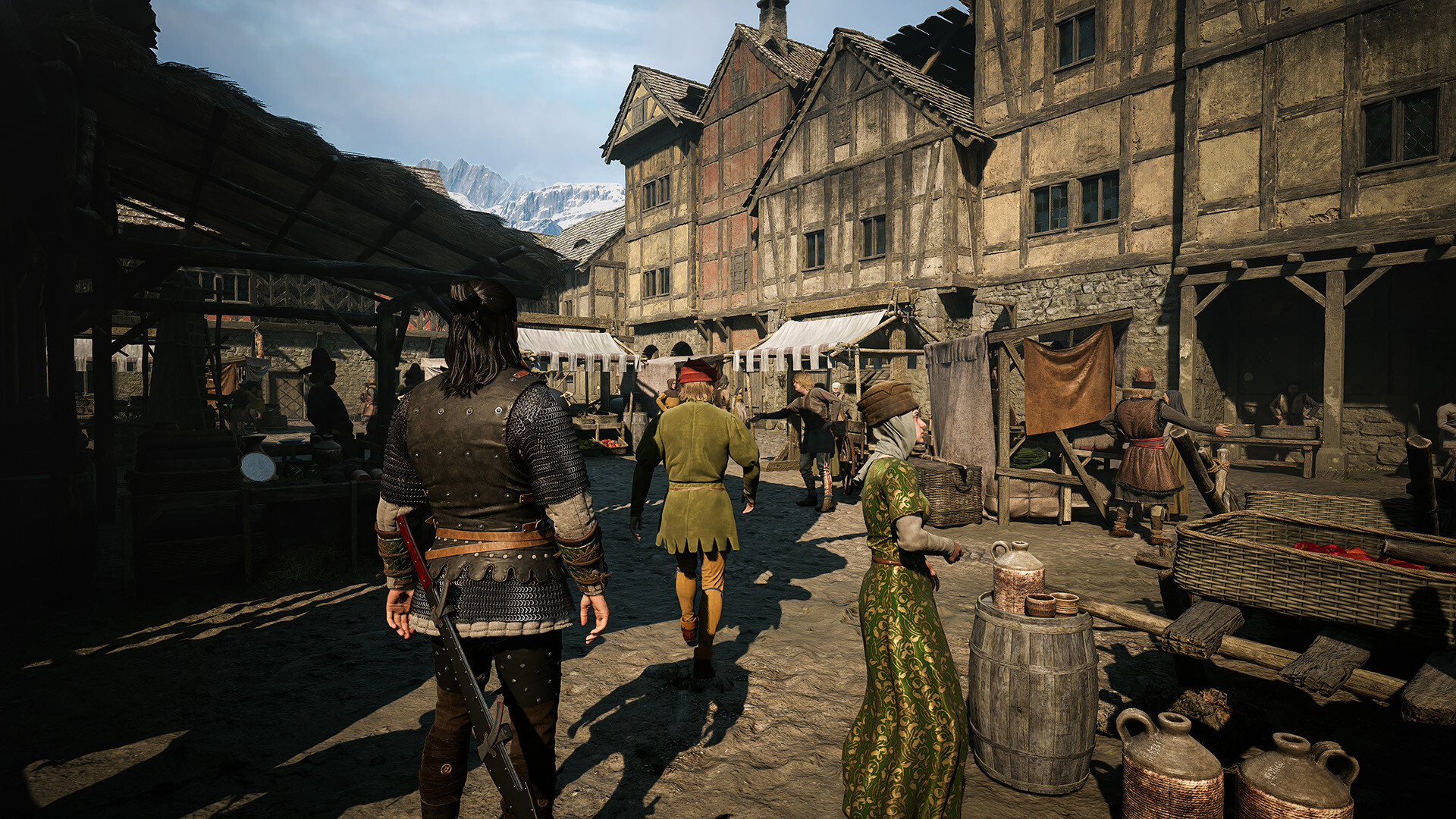
Dawnwalker runs on Unreal Engine 5 with Lumen handling real-time lighting and global illumination, which is why performance swings so much between a quiet forest path and a crowded, lantern-lit town square. The settings menu breaks quality down by category — Shadow Quality, Light Quality, Foliage Quality, Detail Quality, and Texture Quality — on top of the Low/Medium/High/Ultra presets.
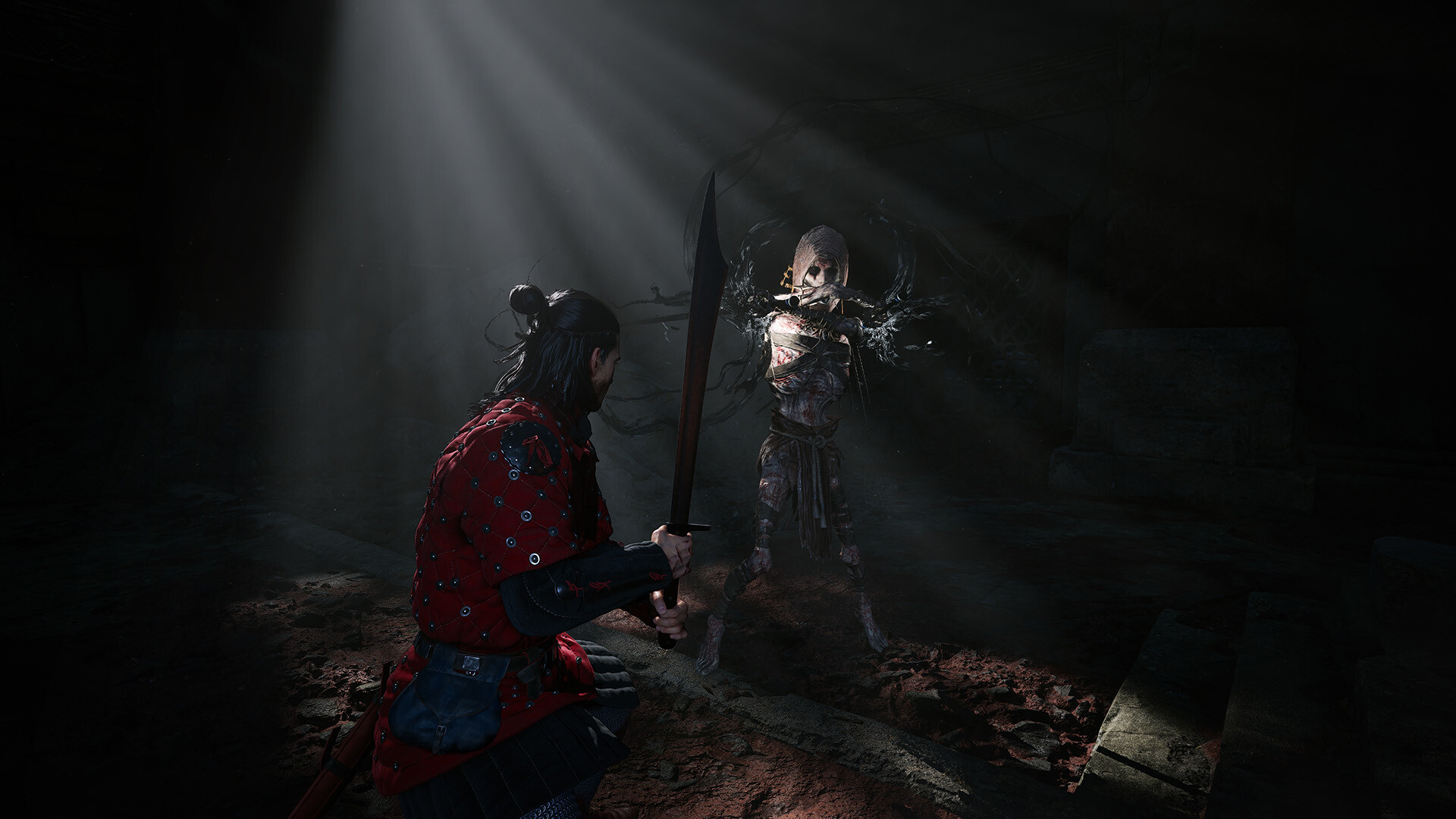
If you're hunting for frames rather than chasing max settings, work through these in order:
- Drop Shadow Quality one notch first. Dynamic shadows from Lumen are consistently one of the more expensive settings in crowded areas.
- Drop Light Quality next. This controls the density and quality of Lumen's global illumination bounces — going from High to Medium is usually far less noticeable than it sounds.
- Foliage Quality is worth lowering on mid-range hardware, since the open world leans on dense grass and tree cover in a lot of its regions.
- Leave Texture Quality as high as your VRAM allows — it's cheap on frame rate and expensive on visual quality when you cut it.
None of this is officially published by Rebel Wolves as a tuning guide — the developer hasn't shipped a settings breakdown of its own — so treat the specific ordering above as a practical starting point, not a guarantee, and adjust based on what you see in your own town-square stress test.
05Ray Tracing and Volumetric Fog: Worth the Cost?
Beyond Lumen's default software-based lighting, the settings menu also exposes hardware ray tracing options and a separate Volumetric Fog slider. Hardware ray tracing pushes reflections and shadow accuracy further than Lumen's software path, but it's the single heaviest toggle in the menu on any GPU without dedicated ray-tracing cores to spare — it's not a setting to enable just to see what it does on a mid-range card.
Volumetric Fog is cheaper to touch and easier to judge: it drives the shafts of light and haze you see in interiors and underground spaces. Dropping it one notch is a low-risk way to claw back frame time in those areas without the visual hit being obvious, since most of Dawnwalker's most demanding moments happen indoors or underground rather than in open fields.
As a rule of thumb: leave hardware ray tracing off unless you're already hitting your target frame rate comfortably with everything else tuned, and treat Volumetric Fog as one of the first sliders to touch, not the last.
06Quick Setup Checklist
Run through this once after any update, and again anytime you change GPU drivers.
PC Settings Checklist
- 1Force a manual update check on Steam or GOG so you're on Hotfix 1.0.5 or later before changing anything else.2 min
- 2Open Display settings and set the game to Fullscreen rather than Borderless or Windowed to avoid the worst of the remaining stutter.1 min
- 3Choose DLSS on NVIDIA, FSR on AMD, or XeSS on Intel Arc, starting at Quality mode.1 min
- 4Lumen's dynamic shadows are one of the more expensive settings in crowded towns; lowering this first usually buys the most headroom.1 min
- 5This scales Lumen's global illumination bounce quality; going from High to Medium is far less noticeable than the name suggests.1 min
- 6Dense grass and interior fog are both comparatively expensive; ease off these before touching Texture Quality.2 min
- 7Only enable it after everything else is tuned and you're already hitting your target frame rate.1 min
- 8Rebel Wolves is patching every few days; revisit your settings profile after each update rather than assuming it's locked in.2 min
07Fixing Controller and Input Problems
If you're playing with a controller and noticed FPS drops or input lag specifically after connecting it, that was a known bug tied to outdated Windows GameInput software — Rebel Wolves fixed it in Hotfix 1.0.4. Make sure your Windows GameInput drivers and your controller's own firmware are current, then reconnect. The same hotfix separately fixed Quality preset mods not applying properly and a VSync issue specific to FSR Frame Generation, so if you were relying on a preset mod or had VSync misbehaving with FSR before September 9, both are worth re-testing after updating.
Hotfix 1.0.3 also added native DualSense support on Steam, so PS5 controller users no longer need a third-party tool or Steam Input workaround to get proper button prompts and haptics. If your prompts still show generic Xbox-style buttons after updating, verify Steam Input is set to the game's native DualSense configuration rather than a generic gamepad template in the controller settings overlay.
08Matching Settings to Your PC
Rebel Wolves lists the following official requirements on the Steam store page:
| Minimum | Recommended | |
|---|---|---|
| CPU | Intel Core i5-11400F / AMD Ryzen 7 2700X | Intel Core i7-11700K / AMD Ryzen 7 5700X |
| GPU | NVIDIA GTX 1060 / Radeon RX 580 | NVIDIA RTX 4060 / Radeon RX 7600 XT / Intel Arc B580 |
| RAM | 16 GB | 16 GB |
| VRAM | 6 GB | 8 GB |
| Storage | 60 GB (SSD required) | 60 GB (SSD required) |
If your card sits near the minimum spec, expect to run at Low-to-Medium presets with your vendor's upscaler on Balanced rather than Quality. Rebel Wolves' 2026 official game page and the launch trailer below give a sense of what the game is aiming for visually at the higher presets — useful context for deciding how much you actually want to chase Ultra on hardware that isn't built for it.
Whatever you land on, revisit it after every hotfix. Rebel Wolves has shipped a patch every few days since launch, and Hotfix 1.0.5 explicitly targets the shader stutter that made a stable settings profile hard to lock down at launch — a config that felt rough in week one may run noticeably better now.
FAQ
What does Hotfix 1.0.5 fix in The Blood of Dawnwalker?
Rebel Wolves says it made improvements to the shader compilation pipeline that can fix stuttering for some users, following earlier hotfixes that addressed save bugs, quest blockers and a GameInput-related FPS drop.
Should I use DLSS, FSR, or XeSS?
Match the upscaler to your GPU vendor: DLSS on NVIDIA, FSR on AMD, and XeSS on Intel Arc. Start at Quality mode and only drop to Balanced if you still need more frame rate.
Is ray tracing worth turning on?
Only if you're already hitting your target frame rate with Lumen's default lighting and everything else tuned. Hardware ray tracing is the heaviest setting in the menu, and Rebel Wolves hasn't published tuning guidance of its own.
My controller causes FPS drops or wrong button prompts — is that fixed?
Yes. Hotfix 1.0.4 fixed FPS drops tied to outdated Windows GameInput software, and Hotfix 1.0.3 added native DualSense support on Steam, so make sure your controller drivers and Steam Input settings are current.
What are the official minimum and recommended PC specs?
Minimum is an Intel Core i5-11400F or AMD Ryzen 7 2700X with a GTX 1060 or RX 580 and 6GB VRAM. Recommended is an Intel Core i7-11700K or Ryzen 7 5700X with an RTX 4060, RX 7600 XT, or Arc B580 and 8GB VRAM, per Rebel Wolves' Steam listing.
Official resources

Ana writes the step-by-step tutorials: settings, controls, configs and the systems games never explain properly. Every tutorial is tested on the version named at the top of the page, with the official patch notes linked so you can check what changed.