Nintendo Switch Sports Resort: Controls, Modes and Setup Guide
Nintendo Switch Sports Resort mixes motion controls, mouse mode and Joy-Con 2 straps. Here's how to set up every sport, mode and multiplayer option.
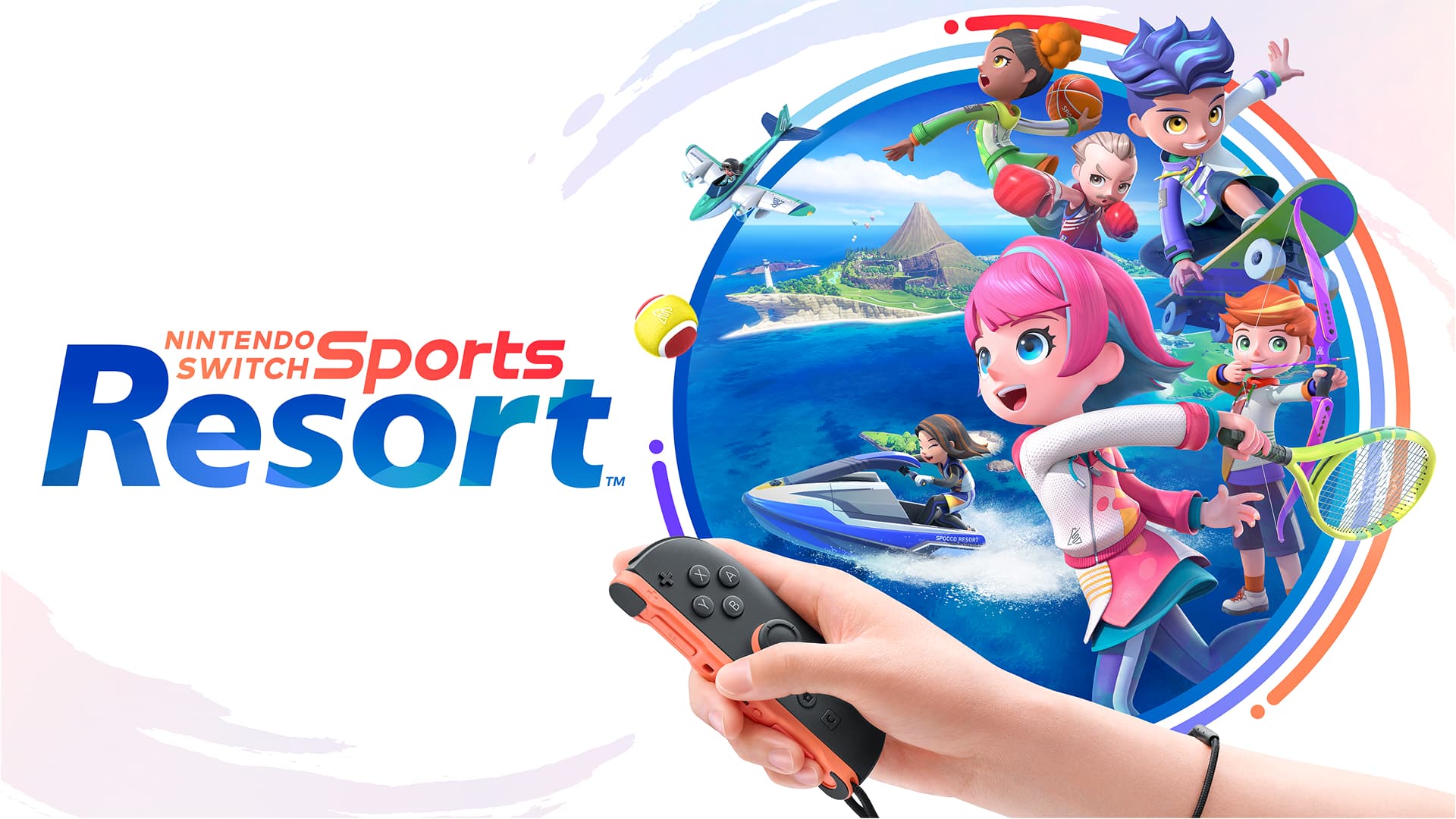
Nintendo Switch Sports Resort landed exclusively on Switch 2 on October 22, and it asks a lot more of its Joy-Con 2 controllers than the 2022 original ever did. Between motion controls, a new mouse mode for Skateboarding, tilt steering for Prop Plane, and online lobbies that cap differently sport by sport, it's easy to jump straight into Bowling and never notice half of what the game actually supports. Here's every control scheme, play mode, and multiplayer option explained, straight from Nintendo's own setup pages.
01Picking a Play Mode: TV, Tabletop or Handheld
Nintendo Switch Sports Resort officially supports all three Switch 2 play modes: TV mode, Tabletop mode, and Handheld mode. That matters because several of the resort's sports — Boxing, Tennis, Table Tennis, Volleyball, Basketball, and Golf — lean on full-arm motion, which plays far more naturally with the console docked and the Joy-Con 2 controllers detached. Tabletop and Handheld modes still work for every sport, but swings feel cramped when you're also gripping the console. If you're setting up for a party, dock the Switch 2 and hand out loose Joy-Con 2 controllers rather than trying to play attached to the console itself.
02Getting Your Joy-Con 2 Controllers Ready
Before anything else, detach both Joy-Con 2 controllers and put the wrist straps on. Nintendo's own support documentation for the Joy-Con 2 strap (model BEE-018) recommends attaching it "whenever you use Joy-Con 2 controllers detached as wireless controllers," and specifically notes the strap can improve stability during games that use mouse controls — which is exactly what Skateboarding needs, below. The strap only fits Joy-Con 2; it isn't compatible with the original Joy-Con from the first Switch.
Multiplayer requires one compatible controller per player, and extra Joy-Con 2 controllers are sold separately if you want a full foursome. Most sports support 1-4 local players, but Boxing and Thumb Wrestling are capped at 1-2, since they're built around a single opponent facing off directly.
Quick Setup Checklist
- 1Decide between TV, Tabletop or Handheld mode. Full-arm sports like Boxing, Tennis and Golf play best with the Switch 2 docked and both Joy-Con 2 controllers detached.1 min
- 2Clip the BEE-018 straps onto both Joy-Con 2 controllers before playing detached. Nintendo's own guidance says the strap also steadies mouse-mode tracking for Skateboarding.2 min
- 3Boxing, Tennis, Table Tennis, Volleyball, Archery, Basketball, Golf, Bowling and Thumb Wrestling all use standard motion controls mapped to real-world swings, punches or rolls.3 min
- 4Rest a Joy-Con 2 on its side on a flat, hard surface like a table. The sensor on its edge tracks movement the same way it does on the Switch 2 home menu.1 min
- 5Pair one Joy-Con 2 controller, or set, per player. Most sports support up to four local players; Boxing and Thumb Wrestling are capped at two.2 min
- 6Link a Nintendo Switch Online membership and Nintendo Account to unlock Pro League, Casual Online Play, Friend Lobby invites and Save Data Cloud backups.2 min
- 7Spend Spocco Points in the Item Center on new gear, then save up to five outfits as Favorite Looks so you can switch fits between sports instantly.2 min
03How Motion Controls Work, Sport by Sport
Nine of the resort's twelve sports use straightforward motion controls, each mapped to a different real-world movement. In Boxing you punch, guard, and counterpunch with a Joy-Con 2 in each hand. Tennis, Table Tennis, and Volleyball all read racket and arm swings: Tennis adds a slower, easier "Laid-Back Match" with a bigger ball for newer players, Table Tennis has a "Return Challenge" mode that has you aiming shots at targets instead of a human opponent, and Volleyball offers a rhythm-driven "Bump to the Beat" variant alongside standard rallies. Archery has you pulling back and releasing like you're drawing a real bow, adjusting your aim for wind, with both standard and special rule sets to choose from. Basketball tracks dribbling, passing, and shooting motions across modes like a Three-Point Contest, a Three-Point Challenge, and a Five-Streak Battle, while Golf reads your club swing across 3, 9, or 18 holes. Bowling supports straight or spun rolls, special lanes, and even a 100-Pin Game for chaos with a full lobby. Thumb Wrestling is the outlier — it only tracks a single thumb, making it the one sport you can genuinely play one-handed on the couch.
Because so many of these motions involve a full swing or punch, give yourself real clearance before you start. A cleared circle a few steps wide around each standing player is enough for Boxing, Tennis, and Golf; Bowling and Basketball are more forgiving since the motions stay closer to your body. If you're playing Tabletop or Handheld, scale your swings down — the sensors are sensitive enough that a smaller, controlled motion still registers.

04Switching to Mouse Mode for Skateboarding
Skateboarding doesn't use motion controls at all. Instead, it's built around the Joy-Con 2's mouse mode, the same optical-sensor feature Switch 2 uses for menu navigation: tip the controller onto its side and the sensor on its flat edge tracks movement across a hard, flat surface like a table or the arm of a couch. It's the resort's most unusual sport, and it's also where that wrist strap from the setup step actually earns its keep — Nintendo's guidance ties the strap directly to steadier mouse-mode tracking. Two other sports break from standard motion controls as well: Power Cruising has you physically grabbing the Joy-Con 2 like handlebars to ride waves, and Prop Plane is flown by tilting the controller to steer.

05Setting Up Local and Online Multiplayer
Local play tops out at four players for most sports (two for Boxing and Thumb Wrestling), and every player needs their own Joy-Con 2 pair or individual controller. Online is where things get more specific: Archery, Tennis, Volleyball, Basketball, and Prop Plane-style exploration modes support up to four players online, Golf stretches to eight, and Bowling's online lobbies go all the way up to sixteen players for its bigger lanes. Boxing and Thumb Wrestling stay locked at 1-2 online, matching their local caps. Skateboarding and Power Cruising are both listed as online-only through a Friend Lobby rather than open matchmaking, so you'll need to invite friends directly rather than finding strangers for those two.
Online features of any kind require a Nintendo Switch Online membership, sold separately, plus a linked Nintendo Account. Once that's active, you get access to Pro League — a ranked ladder that starts everyone at rank E and climbs with wins — alongside unranked Casual Online Play and the invite-only Friend Lobby used for the resort's exploration sports.
06Chasing Island Crown and Building Your Sportsmate
Island Crown is Resort's answer to a campaign mode: each sport has a resident guardian holding a crown, and beating them unlocks a tougher "seasoned master" rematch. The lineup spans Aya in Boxing, Yunsu in Table Tennis, Ximena in Archery, Chloé and Moritz in Tennis, Lingling and Youyou in Volleyball, Aaliyah in Bowling, Ada and Kanin in Basketball, Filippo in Golf, and Isamu in Thumb Wrestling. Once your controls feel natural, keep a full strategy rundown on toppling every Island Crown champion open for sport-specific tactics against each one.
Outside of competing, you're building a Sportsmate or classic Mii character the whole time. Wins and milestones unlock clothing and accessories through the Item Center, where you spend Spocco Points earned from any match, online or offline. The shop's stock rotates weekly and monthly, so it's worth checking in even on days you aren't actively grinding Island Crown. You can also save up to five full outfits as Favorite Looks, which makes switching between a Boxing fit and a Golf fit instant instead of digging through menus mid-session.
07Nintendo Switch Online Requirements and Save Data
Beyond unlocking online matches, a Nintendo Switch Online membership also enables Save Data Cloud backups for your profile, Sportsmate progress, and Island Crown records — worth turning on before you sink real hours into chasing champions. The game itself is a 10.3 GB download, supports HDR on compatible TVs, and runs surround sound audio if your setup supports it. None of these require extra configuration beyond having an active membership and a stable connection; Nintendo's servers handle the rest automatically once you sign in.
If you're still weighing whether the membership is worth it, it's worth knowing that Pro League rank and Friend Lobby invites both sit behind that same subscription — Nintendo doesn't offer a free tier that lets you preview ranked play first, so local Island Crown runs are the only way to test the game before committing to a plan.
For a visual walkthrough of how the controls and modes fit together before you buy a second pair of Joy-Con 2 controllers, Nintendo's own overview trailer runs through each sport in order.
Between the strap tip, the mouse-mode switch for Skateboarding, and knowing which sports actually support a full online lobby, that's everything Nintendo's own pages confirm about getting Switch Sports Resort running the way it's meant to be played.
FAQ
Do I need Nintendo Switch Online to play Nintendo Switch Sports Resort online?
Yes. Online features, including Pro League, Casual Online Play and Friend Lobby, all require an active Nintendo Switch Online membership and a linked Nintendo Account.
Can I play Nintendo Switch Sports Resort in handheld mode?
Yes, Nintendo's official listing confirms support for TV mode, Tabletop mode and Handheld mode, though full-arm sports like Boxing and Tennis are easier to play with the Joy-Con 2 controllers detached.
How many players can play locally and online?
Most sports support 1-4 local players, with Boxing and Thumb Wrestling capped at two. Online player counts vary by sport, from 1-2 in Boxing up to 1-16 in Bowling, and local multiplayer requires one compatible controller per player.
What is Island Crown mode?
It's Nintendo Switch Sports Resort's progression mode, where beating each sport's resident champion unlocks a tougher 'seasoned master' rematch. The champions include Aya in Boxing, Yunsu in Table Tennis and Ximena in Archery, among others.
Does Skateboarding use different controls than the other sports?
Yes. Skateboarding uses the Joy-Con 2's mouse mode on a flat surface rather than motion controls. Power Cruising and Prop Plane also stand apart, using a handlebar grip and tilt steering respectively.
Official resources

Ana writes the step-by-step tutorials: settings, controls, configs and the systems games never explain properly. Every tutorial is tested on the version named at the top of the page, with the official patch notes linked so you can check what changed.