Warframe Iceblade of Narin: Every Setting Worth Changing
Warframe's Update 44 Iceblade of Narin adds new Vitiligo sliders, reworked hair and metal shaders, and a bigger Invert Tap/Hold list. Here's what changed.
Warframe's Update 44, Iceblade of Narin, went live on September 23, and most of the attention has gone to the new Warframe's kit or the trip back to the Zariman to fight the Entropic Eximus. Buried in the same patch notes are several settings, customization options and performance changes that are easy to miss if you only skim the headline additions. Here's every one of them, and what each actually does.
01Quick Reference: What Actually Changed
| Area | Before Update 44 | After Update 44 |
|---|---|---|
| Operator/Drifter appearance | No vitiligo-specific sliders | Markings Coverage slider + Invert Markings toggle |
| Invert Tap/Hold Abilities list | Oraxia not listed | Oraxia added to the list |
| Black hair rendering | Reads closer to mid-grey | Renders as a truer black, with sharper white hair |
| Dark metal tint | Muted saturation | Richer saturation, closer to the color you picked |
| PS5 install footprint | Larger on-disk size | Reduced footprint despite a bigger download |
| "On Headshot" mods/arcanes | Labeled "On Headshot" | Relabeled "On Weakpoint" (same trigger, new name) |
Nothing in that list requires you to relearn a control scheme — Digital Extremes' own patch notes are explicit that Update 44 shipped with no major keybind overhauls. What follows is what each of these actually looks like in practice, plus the two things about Narin's kit that are genuinely worth knowing before you play her.
02What Iceblade of Narin Actually Changed
Update 44 adds Narin, the 66th Warframe, alongside Citrine Prime Access, a full ability rework for Banshee, and a return to the Zariman. The full breakdown is on the official Update 44 patch notes page, and Digital Extremes confirmed the update was live on all platforms through its own newsroom the same day.
One thing worth flagging before you go looking for it: the new 6-player Glacial Defiance game mode that Digital Extremes previewed alongside this update is not part of the September 23 build. The patch notes list it as arriving "sometime before or on October 15," so if you can't find it in your mode select screen right now, that's expected rather than a bug — treat the exact date as unconfirmed until Digital Extremes posts it.
03New Vitiligo Customization Sliders for Operator and Drifter
Update 44 adds two new appearance options aimed at better representation for Operators and Drifters with vitiligo. A Markings Coverage slider adjusts how much of the pattern spreads across the skin, and a new Invert Markings toggle swaps which regions carry the melanated tone versus the depigmented one. Both sit alongside your existing complexion options in the Operator or Drifter appearance screen, and they apply the same way Warframe's other cosmetic sliders do — changes preview live before you confirm them.
If you built an Operator or Drifter around a specific skin tone before this update, it's worth opening that screen again even if you don't plan to change anything, since the new sliders default to a fixed position that may not match what you'd pick on purpose.
The addition sits in the same family as other representation-focused options Warframe has added over the years, like skin tone ranges and hairstyle sets that work across more head shapes. It's not a headline feature, and Digital Extremes didn't put it in the trailer, but if you've been asking for it, this is the update where it shipped.
04The Invert Tap/Hold Abilities List Just Got Bigger
Warframe's Invert Tap/Hold Abilities settings list lets you flip which input, a tap or a hold, triggers a Warframe's alternate ability behavior. Update 44 adds Oraxia to that list, so if you play her and prefer your hold and tap inputs the opposite way around from default, that option now exists. It's a small addition, but it's the kind of setting that never shows up in a "new Warframe" trailer and only surfaces if you're specifically looking for it.
If you've never touched this list, it's worth knowing it exists at all. Several Warframes have abilities that behave differently depending on whether you tap or hold the ability key, and the invert option is there for players who find the default mapping backwards for their own muscle memory. Oraxia joining the list doesn't change her kit — it just means players who already prefer inverted inputs elsewhere in their control scheme can now make her consistent with the rest of their setup.
05Hair and Metal Shader Changes You'll Actually Notice
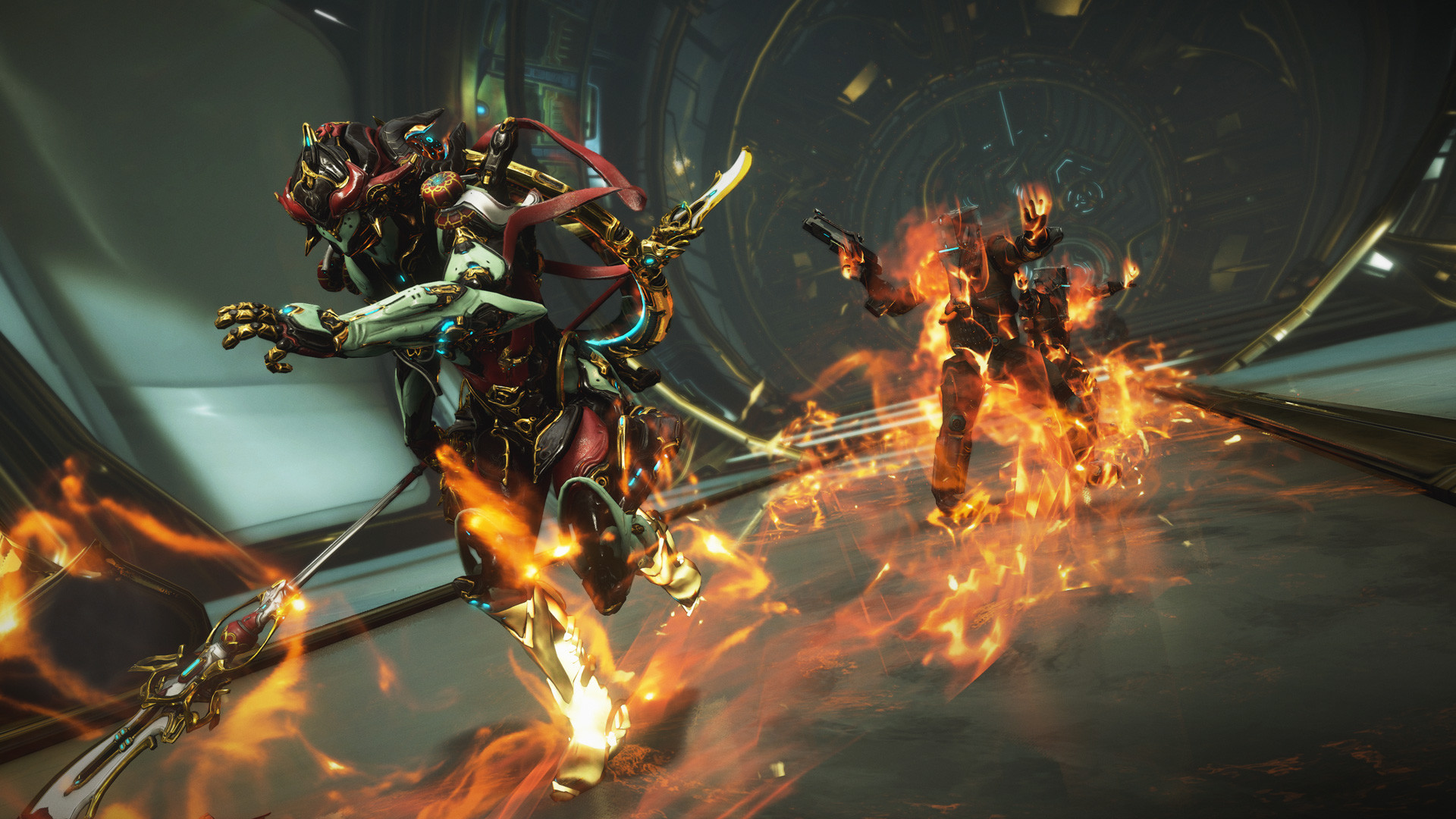
Two purely visual changes ship with Update 44, and neither requires you to touch a settings menu to see them. Black hair on Warframes and Operators now renders as a truer black instead of the slightly grey tone it had before, colored hair reads deeper and more saturated, and white hair gets a sharper, brighter look with an improved sheen and rimlight scattering effect. Separately, dark metal finishes on weapons and Warframe attachments now display richer saturation, and the game does a better job of actually honoring the metal tint color you picked in the first place rather than washing it out.
Neither change adds a new option to toggle, so if your favorite dark-metal color scheme suddenly looks different in the Arsenal after updating, that's the shader change, not something you accidentally adjusted.
06PS5 Install Size Dropped Despite a Bigger Download
Digital Extremes also optimized Warframe's PS5 files as part of this update. The patch notes describe a decreased overall install footprint on PS5 even though the Update 44 download itself is larger than a typical hotfix. If storage space is tight on your console, it's worth checking your install size after the update finishes rather than assuming a bigger download means a bigger footprint.
07Weak Point Standardization: Why Your Mods Look Renamed
If a mod or arcane in your loadout used to say "On Headshot" and now reads "On Weakpoint," you haven't misremembered your own build. Update 44 converted "On Headshot" triggers to "On Weakpoint" across multiple mods and arcanes for consistency, since several weapon types and enemy types have designated weak points that aren't a headshot in the literal sense. The trigger condition itself is unchanged — this is a naming fix, not a nerf or buff, so nothing about how your build performs should be different after the update.
It's still worth a quick check of any Riven or arcane you built specifically around a headshot-triggered effect, purely to confirm the rename didn't silently drop it from a loadout tracker or wiki page you're using as a reference. The in-game tooltip is the source of truth here, not any older screenshot or guide that predates Update 44.
Every New Setting in Update 44, Checked in Order
- 1Check your in-game version or launcher; Iceblade of Narin (Update 44) went live on PC, PlayStation, Xbox, Switch, iOS and Android on September 23.1 min
- 2Open your Operator or Drifter appearance customization and look for the new Markings Coverage slider and Invert Markings toggle to adjust vitiligo-style pattern dispersion.2 min
- 3If you use tap/hold ability inputs, open that settings list and confirm Oraxia now appears alongside your other Warframes.1 min
- 4Head into the Arsenal and rotate a Warframe with dark hair or dark metal attachments — Update 44 improved black hair rendering and metal tint saturation.2 min
- 5Compare your Warframe install size before and after updating; Digital Extremes optimized PS5 files, shrinking the overall footprint despite a larger download.1 min
- 6If a mod or arcane used to say 'On Headshot,' it likely now reads 'On Weakpoint' — the trigger condition is unchanged, only the wording was standardized.2 min
Worth asking while you're in there: should you check your existing keybinds too? Short answer, no, not because of this update specifically. Digital Extremes' patch notes for Iceblade of Narin don't list a single keybind change, control remap, or new default input, which is unusual for an update this size and worth taking at face value rather than assuming something was missed. If your control scheme worked on September 22, it works the same way on September 23 and after.
That said, major updates are still a reasonable prompt to open your full Options menu once, particularly the Interface and Gameplay tabs, since Warframe periodically adds new toggles there without calling them out in patch notes at all. Update 44's confirmed additions are limited to the settings covered above, but the habit of a post-update settings check is a good one regardless of which update triggers it.
08Narin's Kit, If You're Building Around or Helminthing Her
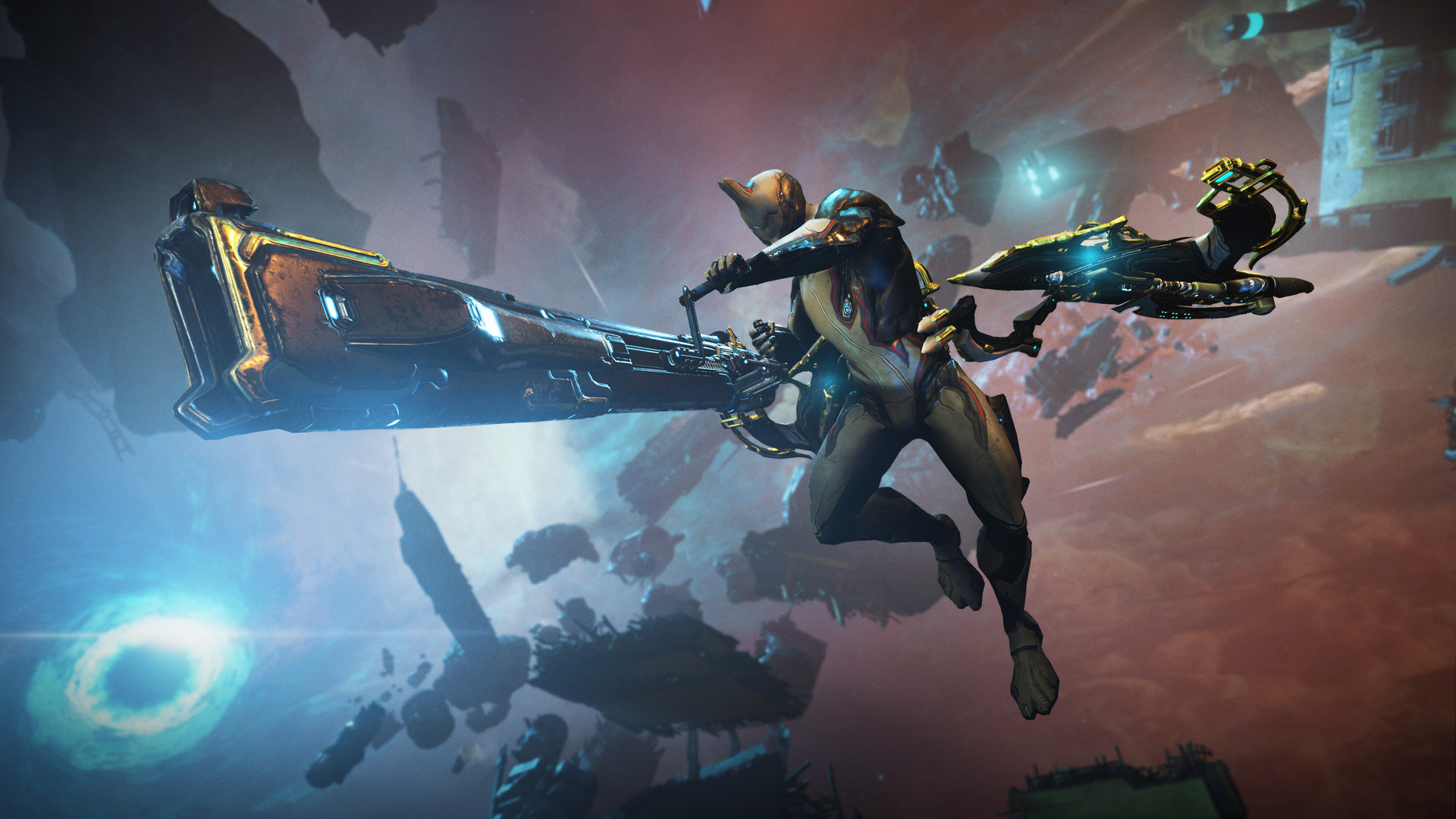
Narin is an ice-based Warframe built around a stacking Ice meter, and her inputs matter more than most frames if you want full value from her kit. Her passive, Sangodae, means Cold status effects you inflict on enemies increase the spawn chance of Sangodae pickups, and grabbing one grants your weapons Cold damage for 10 seconds. Her first ability, Neote, is a Helminth-transferable lunge attack with her ice rapier that inflicts Cold damage plus Cold and Puncture status. Naraemagi, her second ability, recovers shields by pulling in Cold status from nearby enemies and grants Overguard once your shields are full. Her third ability, Hakchum, is a double-tap leap that applies Cold vulnerability and status to anything nearby, and it also works in Railjack. Her fourth, Nurinarim, needs a full Ice meter to use, and turns her into an ancestral ice spirit for a sword-dance finisher.
The double-tap input on Hakchum is the one control detail worth remembering if you're picking her up for the first time — a single tap plays differently from a held or double input on several Warframes, and Narin's third ability specifically expects the double-tap.
“It feels very nostalgic to return to some of Warframe's most iconic locations.”Megan Everett, Community Director, Digital Extremes
Iceblade of Narin is available now on all platforms! Master the sword dancer #Warframe, Narin, and return to the Zariman to battle Entropic Eximus and much more:
— WARFRAME (@PlayWarframe) on X
None of this changes how you play Warframe day to day, but if you're the type who tunes color schemes, tap/hold inputs or Operator appearance down to the last slider, Update 44 gave you five or six small reasons to open menus you might not have touched in months. Check the Digital Extremes newsroom post for the full rundown of cosmetics and returning content alongside these changes.
FAQ
Is Glacial Defiance playable yet?
No. Digital Extremes' own patch notes list the new 6-player mode as arriving "sometime before or on October 15," so it wasn't part of the September 23 launch build.
Do I need to remap any keybinds after Update 44?
No. The patch notes explicitly state there were no major keybind overhauls in this update.
What does the Invert Tap/Hold Abilities list actually do?
It lets you swap which input, tap or hold, triggers a Warframe's alternate ability behavior. Oraxia was added to that list in Update 44.
Will the new hair and metal shaders change how my existing Warframes look?
Yes. Black hair renders truer black instead of grey, white hair is sharper, and dark metals show richer saturation, without you changing any colors yourself.
Did my Headshot-triggered mods stop working?
No. Digital Extremes renamed "On Headshot" triggers to "On Weakpoint" across several mods and arcanes for consistency; the underlying effects are unchanged.
Official resources

Ana writes the step-by-step tutorials: settings, controls, configs and the systems games never explain properly. Every tutorial is tested on the version named at the top of the page, with the official patch notes linked so you can check what changed.