Way of the Hunter 2: Best PC Settings and Controls at Launch
Way of the Hunter 2 just graduated from Early Access — here's how to set DLSS 4.5, FSR 4 and Frame Generation, plus which controls you can rebind.
Way of the Hunter 2 left Early Access and hit its full 1.0 release on September 29, 2026, on PC via Steam, PlayStation 5 and Xbox Series X|S. Developer Nine Rocks Games and publisher THQ Nordic spent roughly six months in Early Access since the March 26 launch, using that window to build out three hunting regions: New Laurentia in North America, the African Kilimaya Reserve, and the Rocky Mountains hub around the Hearth & Hunt Headquarters lodge. If you're jumping in at launch, the settings menu and control scheme are worth a few minutes of setup before your first hunt.
01Way of the Hunter 2 Leaves Early Access Today
The 1.0 update folds in systems that were tested throughout Early Access, including the trainable Hunting Dog companion, the bullet-camera Shot Review tool for breaking down trajectory and placement after a shot, and the High-Tech Equipment line that adds thermal night vision and reserve-monitoring gear. None of that changes how you should approach the settings menu, but it does mean the graphics and control options you see at launch are largely the same ones the Early Access community already stress-tested over the past six months, rather than a brand-new build with untested defaults.
If you also want what actually shipped in today's 1.0 update beyond the settings menu — pricing, edition breakdowns and the new co-op hunting mode — that's covered separately; the rest of this guide sticks to getting the game running well and your inputs mapped the way you want them.
It's worth knowing the shape of the map before you tune anything, since it affects which settings actually cost you frame rate. New Laurentia is the original North American wilderness region, built around dense forest and the moose-behavior storyline that opens the campaign. Kilimaya Reserve is the African savanna added later in Early Access, with more open sightlines but its own dangerous wildlife — lions, buffalo and Nile crocodiles among them. The Rocky Mountains hub around Hearth & Hunt Headquarters is smaller and mostly interior or near-lodge terrain, so it's the lightest of the three on your GPU. If you're benchmarking your own settings, do it in New Laurentia or Kilimaya rather than the lodge hub — the hub will always run better and won't tell you much about how the game performs where you'll spend most of your time.
02Minimum vs Recommended PC Specs
Nine Rocks Games' official requirements, confirmed on the game's Steam store page, split into two tiers. Both call for a 64-bit Windows 11 install and DirectX 12, and Steam lists 38 GB of free storage for either tier.
| Tier | CPU | RAM | GPU |
|---|---|---|---|
| Minimum | Ryzen 5 3600X / Core i5-9600K | 16 GB | GeForce RTX 2060 / Radeon RX 5600 XT |
| Recommended | Ryzen 5 7600X / Core i5-14600K | 16 GB | GeForce RTX 4060 Ti / Radeon RX 7600 XT |
Note that RAM doesn't scale between tiers here — 16 GB covers both the minimum and recommended targets, so your GPU and CPU are the parts actually worth checking against your rig before you touch a single slider.
03Best Graphics Settings to Start With
Nine Rocks Games hasn't published a full breakdown of every individual slider yet — its own FAQ says extra graphics toggles like motion blur and film grain will be added "during Early Access development" and prioritized by player feedback, so don't assume every option other hunting sims offer is present on day one. What is confirmed is that the game runs on Unreal Engine 5.7, using Nanite for foliage and tree geometry and Lumen for dynamic lighting — the kind of engine combination that tends to hit shadows, foliage density and lighting quality hardest on mid-range GPUs.
If your card sits closer to the RTX 2060 minimum than the RTX 4060 Ti recommended spec, start at whatever quality preset the game defaults to for your hardware, then work down foliage and shadow quality first rather than resolution — Lumen-lit foliage is usually the most expensive thing on screen in an Unreal Engine 5 title, and New Laurentia's forests and Kilimaya's savanna both lean heavily on dense vegetation.
Because Nine Rocks Games hasn't confirmed a full options list beyond what's in its FAQ, don't go looking for settings the game hasn't announced — there's no confirmed ray tracing toggle, for instance, separate from what DLSS and Lumen already handle. Treat the graphics menu as a work in progress rather than a finished, exhaustive settings screen, and expect it to gain more granular toggles as post-launch updates land, the same way it did throughout Early Access.
04DLSS 4.5, FSR 4 and Frame Generation
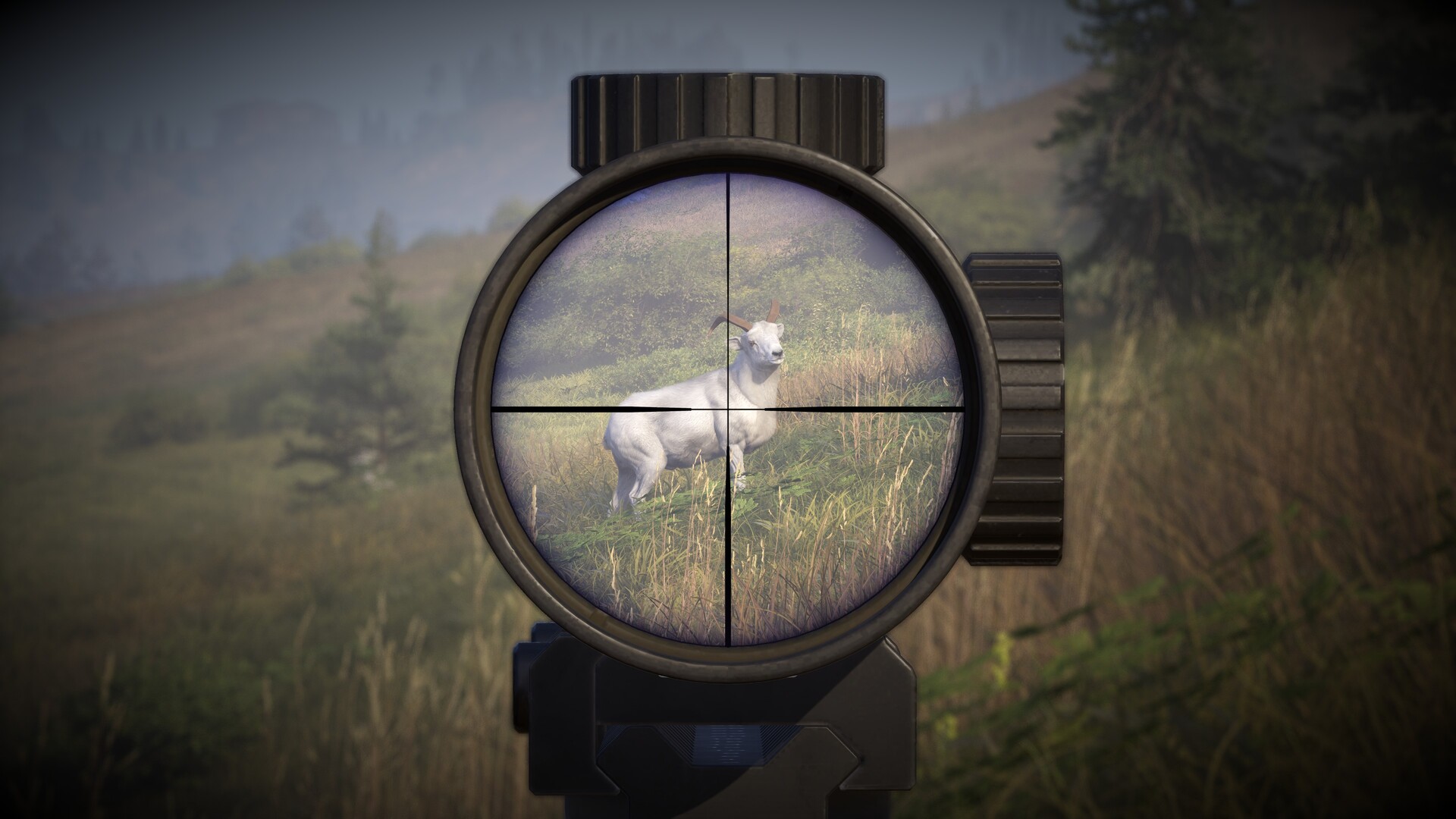
Nine Rocks Games confirmed in its official FAQ that Way of the Hunter 2 supports NVIDIA DLSS 4.5 and AMD FSR 4, alongside plain resolution scaling and multiple quality presets, with Frame Generation available as a separate option. That's a meaningfully newer upscaler stack than the original Way of the Hunter shipped with, and it's worth turning on if your GPU supports either.
- DLSS 4.5 / FSR 4 Quality: the safest starting point on RTX 4060 Ti-class or newer AMD cards — image quality holds up close to native at 1440p and above.
- Balanced or Performance modes: reach for these on minimum-spec hardware, or if you're pushing a 4K or ultrawide display and need the extra headroom.
- Frame Generation: only worth enabling once your base frame rate (before Frame Generation) is already stable — turning it on to mask a rough, inconsistent base framerate tends to make stutter and input latency more noticeable, not less.
05Controls: What You Can (and Can't) Rebind
Way of the Hunter 2 has full controller support on Steam, and Nine Rocks Games confirms in its FAQ that keyboard and mouse bindings are fully customizable. Controller button layouts, however, are explicitly not customizable at launch — if you're on a gamepad, plan to adapt to the default scheme rather than remap it, at least for now.
On keyboard and mouse, it's worth opening the controls menu before your first hunt and checking the bindings for the actions you'll use constantly: raising and lowering your weapon, calling your dog, switching between rifle and bow if you're carrying both, and cycling through your Shot Review camera after a kill. None of these are unusual bindings, but a hunting sim built around slow, deliberate stalking punishes a fumbled keybind more than a fast-paced shooter would.
The High-Tech Equipment layer adds another set of inputs worth mapping deliberately rather than leaving on defaults: cycling thermal night vision on and off, and pulling up reserve-monitoring information for the region you're hunting in. Both are the kind of situational tools you'll want on a key you can reach without looking down at your keyboard, especially once you're tracking a wounded animal at dusk and don't want to break your line of sight to find the right button.
06HUD, Crosshair and Hunter Assist Settings
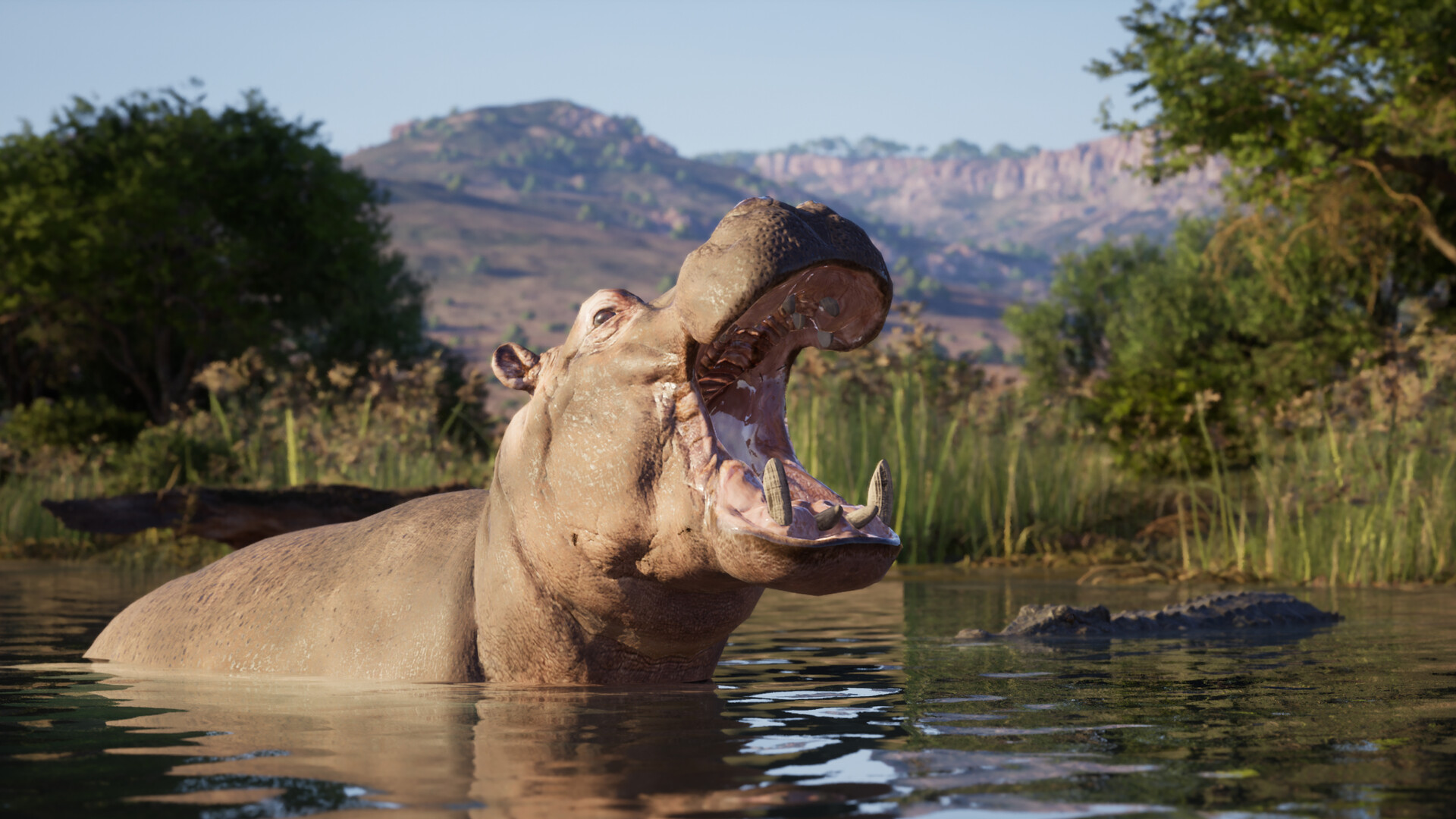
Full HUD customization isn't finished yet — Nine Rocks Games says in its FAQ that it's still expanding those options post-launch — but two settings are already adjustable: the crosshair and the Hunter Assist overlay, which you can toggle or turn off entirely from the settings menu. If you're chasing a more immersive, information-light hunt, turning down or disabling Hunter Assist is the single biggest change you can make to how the game feels, since it controls how much tracking and animal-behavior information gets surfaced on screen.
Ultrawide monitor support is also confirmed and working, though the developer flags that minor display issues are possible at launch and says it's actively monitoring reports. If your UI looks off on an ultrawide panel in the first few days, that's a known, acknowledged issue rather than something wrong with your setup.
07Quick Setup Steps
Here's the order worth working through before your first hunt, from driver update to final control check.
Quick Setup Steps
- 1Grab the latest Game Ready or Adrenalin driver before launch — the DLSS 4.5 and FSR 4 support the game ships with needs a current driver to work correctly.2 min
- 2Match your CPU and GPU against the minimum (RTX 2060 / RX 5600 XT) and recommended (RTX 4060 Ti / RX 7600 XT) lists — RAM is 16 GB either way, so it won't tell you which tier you're in.2 min
- 3Turn on the upscaler that matches your GPU vendor, start at Quality mode on recommended-spec hardware or Balanced/Performance on minimum-spec hardware, then adjust from there.3 min
- 4Leave Frame Generation off until you've confirmed your base frame rate is stable without it — enabling it on top of an unstable base framerate amplifies stutter and latency instead of hiding it.2 min
- 5Open the controls menu and set bindings for weapon raise/lower, calling your dog, switching between rifle and bow, and cycling the Shot Review camera.5 min
- 6Assign the High-Tech Equipment toggles — thermal night vision and reserve monitoring — to keys you can reach without looking away from the hunt.3 min
- 7Toggle or disable the Hunter Assist overlay if you want a more immersive, information-light hunt, and adjust the crosshair to match.2 min
- 8Turn on ultrawide display support in the video settings; Nine Rocks Games has flagged that minor display issues are possible at launch on these resolutions.1 min
None of these settings are locked in permanently — Nine Rocks Games has already said graphics options will keep expanding through post-launch updates, the same way they did during Early Access. Revisit this menu after the first couple of patches land, especially if THQ Nordic pushes a stability or performance update in the weeks after launch.
FAQ
Does Way of the Hunter 2 support DLSS 4.5 and FSR 4?
Yes. Nine Rocks Games confirms in its official FAQ that the game supports NVIDIA DLSS 4.5 and AMD FSR 4, along with resolution scaling, multiple quality presets, and a separate Frame Generation option.
Can I rebind controller buttons in Way of the Hunter 2?
No. Nine Rocks Games' FAQ states that keyboard and mouse controls can be customized, but controller button layouts are not customizable at launch.
What are the minimum and recommended PC specs for Way of the Hunter 2?
Minimum is a Ryzen 5 3600X or Core i5-9600K, 16 GB RAM, and a GeForce RTX 2060 or Radeon RX 5600 XT. Recommended is a Ryzen 5 7600X or Core i5-14600K, 16 GB RAM, and a GeForce RTX 4060 Ti or Radeon RX 7600 XT, per the game's Steam store page.
Does Way of the Hunter 2 support ultrawide monitors?
Yes, ultrawide monitors are supported, though Nine Rocks Games says minor display issues are possible at launch and it's monitoring reports closely.
Is Way of the Hunter 2 playable offline?
Yes, per Nine Rocks Games' official FAQ, the game is playable offline.
Official resources

Ana writes the step-by-step tutorials: settings, controls, configs and the systems games never explain properly. Every tutorial is tested on the version named at the top of the page, with the official patch notes linked so you can check what changed.