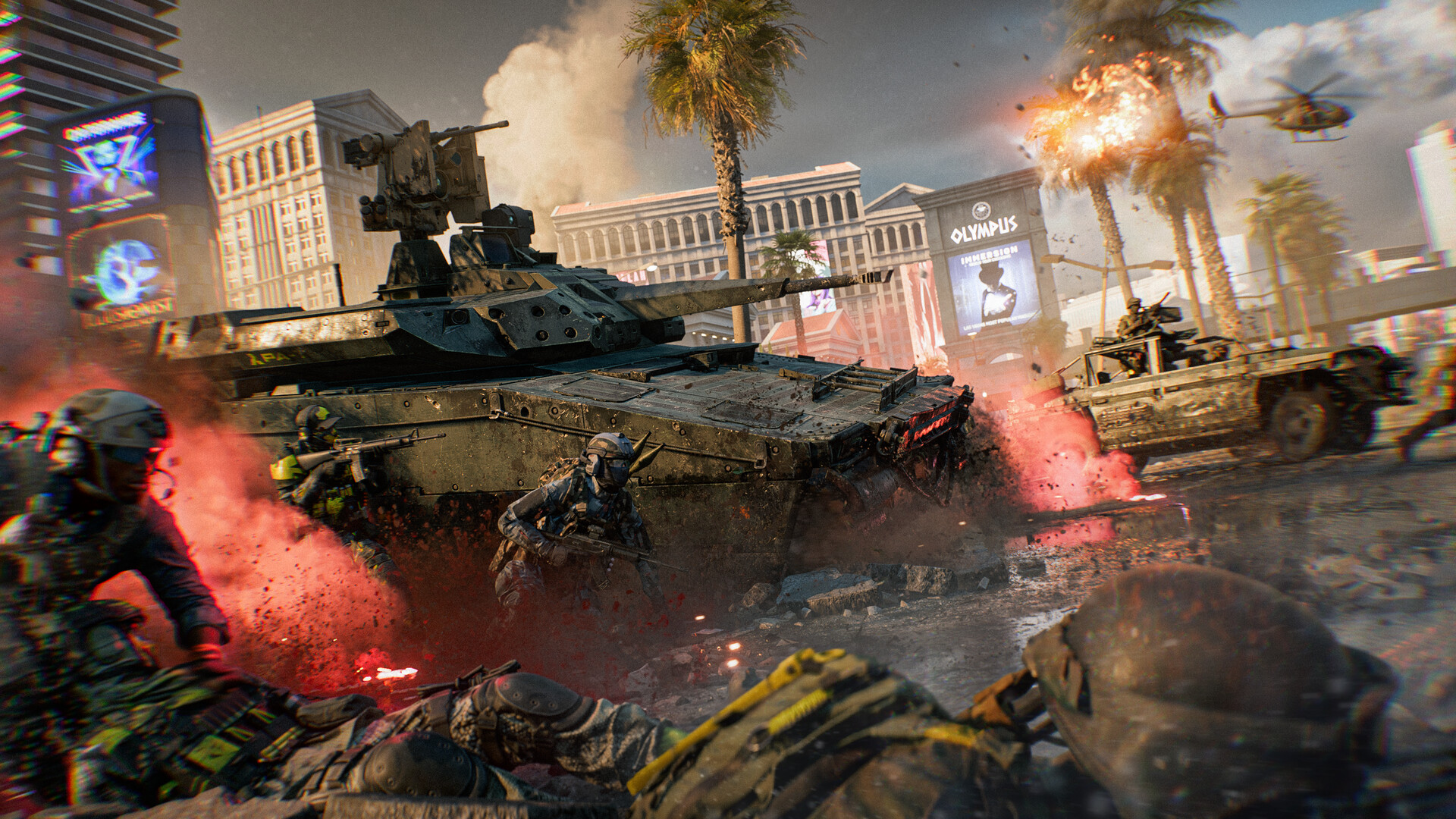
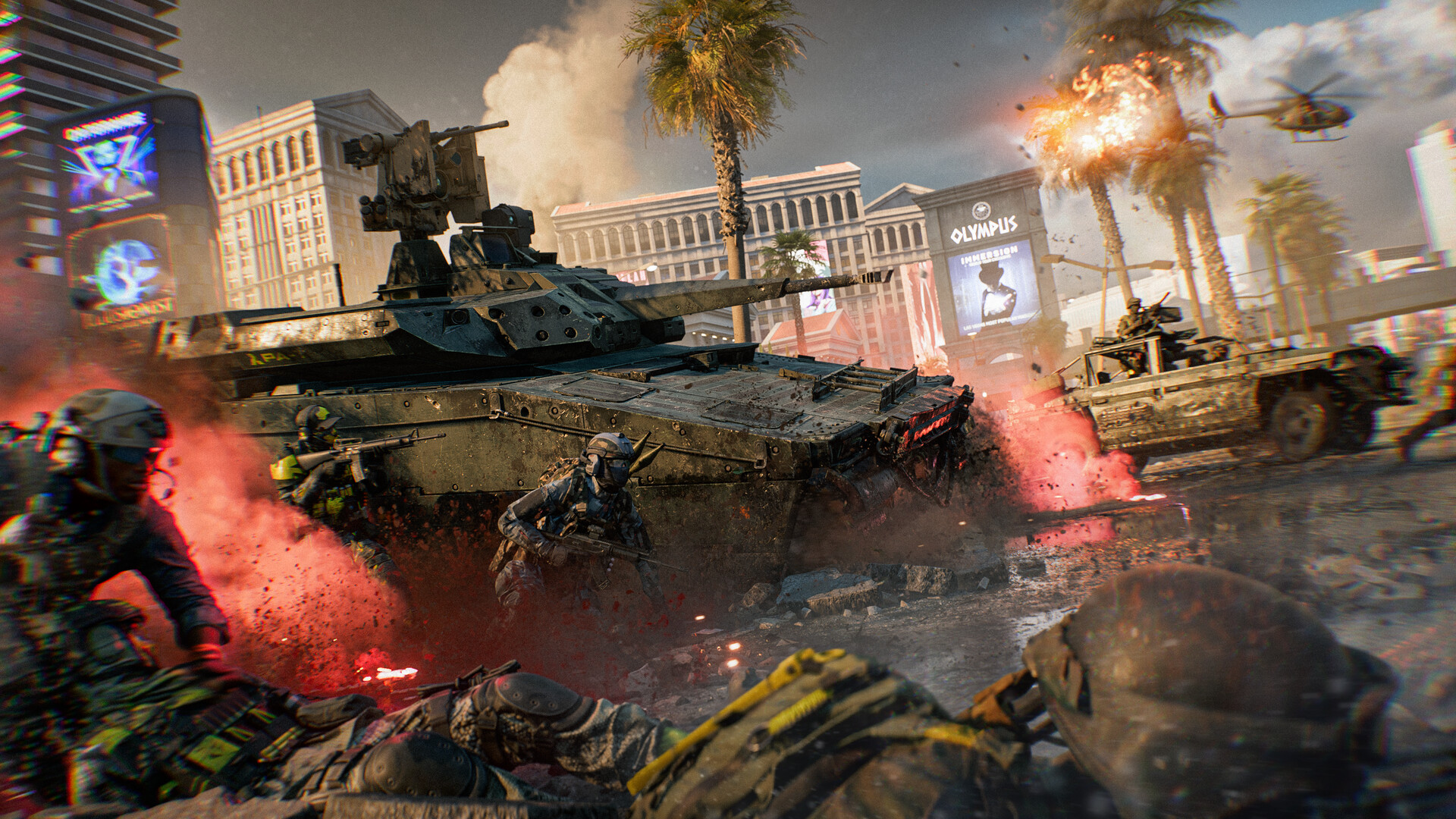
Battlefield 6 Server Browser Launch Moves Up to November
Battlefield 6's Server Browser now launches days after Season 5 Phase 2, not December, rolling out in two stages across Official, Verified and Custom tabs.
Battlefield Studios is pulling its most-requested feature forward. The Server Browser is arriving earlier than announced, the team confirmed on November 3, and it will begin rolling out shortly after Season 5 Phase 2 launches on November 10 instead of waiting for Phase 3 on December 8 as originally planned.
01Why the timeline moved up
The official post frames the earlier rollout around one priority: stability heading into the holidays. Rather than flipping the Server Browser on for everyone at once in December, Battlefield Studios wants live data from a smaller player pool first, so server loads, matchmaking queues, and backfill behavior get stress-tested before a full launch. The team says it is aiming to move through both stages "over the course of a couple weeks," though the exact pace still depends on what that live testing turns up.
02How the two-stage rollout works
The first stage is a Limited Public Scale Test. A limited group of players will get Server Browser access directly inside the live game, letting Battlefield Studios observe real queue performance and matchmaking backfill under actual match conditions rather than an internal test environment. Once those metrics check out and any required fixes ship, the feature moves to Stage 2: a Full Global Launch for every Battlefield 6 owner.
03Where to find it
Battlefield Studios wants the feature front and center from the moment you load in. The Server Browser sits in the Quickplay row, and selecting it drops you straight into a new Official tab showing active servers with no extra menu digging required. Additional Server Browser entry points are also being added elsewhere in the menus, including inside Portal.

04Four tabs, four sets of rules
The browser organizes servers into four categories, and each one behaves differently for matchmaking and progression:
- Official (Studios) — dedicated instances run by Battlefield Studios, with full matchmaking integration and full XP and weapon mastery progression.
- Official (Player-Hosted) — persistent servers players set up on official templates. They get full matchmaking backfill whenever an active rotation mode is running, plus full XP and mastery.
- Verified — community experiences built on verified Portal presets with custom rulesets, filled through a mix of players and bots with full XP progression.
- Custom — heavily modified community sandboxes and custom Portal scripts, joined directly through the browser or community invites, with partial XP progression.
Official Studios and Official Player-Hosted servers both live under the single Official tab, while Verified and Custom keep the Portal tools, rule modifiers, and admin controls that already exist today unchanged.

05How a player-hosted server actually fills
Player-hosted servers run on dedicated hardware, so the host doesn't need to stay logged in to keep a match alive, and an empty server still shows up in the browser for friends to find and join directly. What it won't get is automatic matchmaking backfill — that only kicks in once at least one player has joined to seed the session. A server with nobody on it for seven straight days gets delisted, though any player joining resets that clock. Whether automated backfill reaches a server at all also depends on the mode: Active Menu Modes like Conquest and Breakthrough, along with anything currently featured on the Quickplay or Multiplayer menus, get automatic backfill once populated. Off-Menu Modes can still be hosted any time, but they rely on players finding them through the browser directly — if that mode later rotates back onto the main menus, backfill resumes without the server needing to be relaunched.
How you join also shapes your session. Enter through the Server Browser and you stay on that specific persistent server through its map rotation for as long as it stays healthy. Join the same pool through Quickplay or Multiplayer instead, and on a 24/7 single-map server you'll get re-queued at the end of each round rather than locked to that lobby.
06What else is coming with Phase 2
The Server Browser isn't the only thing landing around November 10. Season 5 Phase 2 is also set to bring a close-quarters European Casino map alongside a Casino Heist event, new multiplayer leaderboards, and a round of weapon and attachment balance changes, including nerfs to extended magazines on the SCW-10 and KV9. The ongoing Battlefield x Dead Space: Convergence crossover event, which began October 20, is also scheduled to wrap up around the same date. Full details are in the official Battlefield 6 news hub, which the team is also updating with a dedicated Server Browser deep-dive blog "in the coming weeks."
FAQ
When does the Battlefield 6 Server Browser go live?
Battlefield Studios says the Limited Public Scale Test begins shortly after Season 5 Phase 2 launches on November 10, 2026, with a Full Global Launch to follow once live testing checks out.
Will every player get Server Browser access right away?
No. The first stage only opens it to a limited group of players so Battlefield Studios can stress-test server loads and matchmaking backfill before rolling it out to everyone.
What's the difference between the Official and Verified/Custom tabs?
Official Studios and Official Player-Hosted servers award full XP and weapon mastery with full matchmaking backfill. Verified servers run Portal presets with full XP but a mix of player and bot fill. Custom servers run heavily modified Portal scripts with partial XP and no automatic backfill.
Does a player-hosted server disappear if nobody's using it?
It stays listed and joinable, but it gets delisted after seven consecutive days with zero players. Any player joining resets that countdown.
Was the Server Browser originally planned for December?
Yes. Battlefield Studios had set it for Season 5 Phase 3 on December 8. The November rollout moves initial testing up by about a month ahead of the later full launch.
Official resources

Priya covers patches, updates and announcements for Tutorial.Games, working from developer patch notes, publisher newsrooms and official channels only. If a change affects one of our guides, she flags it to the guides desk the same day.