Core Keeper 1.3.0.1: Best Settings and Controls to Change Now
Core Keeper's 1.3.0.1 update adds new cursor, crosshair and vehicle keybinds — here's every setting worth changing after Riders of the Underground.
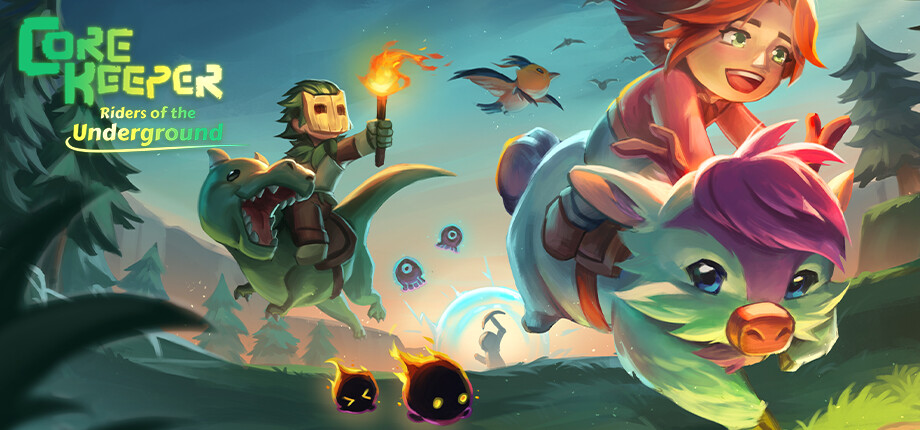
Core Keeper's 1.3.0.1 update, Riders of the Underground, went live on September 21, adding rideable mounts, the Hookshot, a new Moss sub-biome, and a long list of quality-of-life changes buried in the patch notes. Several of those changes touch the Options menu and your keybinds directly, and the game doesn't walk you through any of them. Here's what actually changed, and what to set before you head back underground.
01What Changed in Core Keeper 1.3.0.1
Riders of the Underground's headline features are the new Saddle and Racing Saddle, which turn any adult cattle into a mount, and the Hookshot, an off-hand item that pulls you toward a wall up to 700 tiles away (1,000 for the Gilded Hookshot). Both are crafting and traversal additions, not settings changes. But Pugstorm used the same update to rework how vehicles behave and how you interact with the options menu, and those changes are the ones worth adjusting before your next run.
The most relevant ones for this guide: cursor and crosshair customization is new to the Options menu, a keybind to cycle loadouts was added, vehicle turning and braking got their own dedicated keybinds, cattle and vehicles now require line of sight to use, and go-karts got a handbrake. None of this is explained in-game beyond a single patch-notes line, so if you only skim the changelog you'll miss most of it.
02Setting Up the New Cursor and Crosshair Options
1.3.0.1 added the ability to customize your cursor and crosshair indicators from the Options menu, with a variety of styles to pick from. This matters more than it sounds: Core Keeper's default cursor can get lost against busy backgrounds like the Sunken Sea or the new Moss sub-biome, and several bug fixes in this same patch specifically targeted cursor visibility, including the placement cursor sliding in from off-screen after teleporting and the cursor briefly flashing its default look when switching from an area-of-effect weapon to a ranged one.
Open Options, go to the display or interface tab, and look for the new cursor and crosshair section. If you play ranged or magic classes, switch to a higher-contrast crosshair before testing builds in the Moss sub-biome — it's the newest area in the game and the one where the default indicator is easiest to lose.
03New Keybinds: Loadouts, Vehicle Turning and Braking
Two keybind additions are easy to miss because neither shows up unless you open the Controls tab and scroll. The first is a dedicated key bind to cycle through loadouts, useful if you swap between a mining setup and a combat setup mid-run and were previously doing it manually through the inventory. The second is a new key binding option for vehicle turning and braking, which used to be tied to your general movement keys.
If you use a controller, check your honk button too — Pugstorm changed the default key binding for vehicle honking on controllers in this patch, so if you had muscle memory for the old button, it may now do nothing or trigger a different action. The patch notes also confirm a bug fix where vehicles didn't turn equally between keyboard and controller; if go-karts or minecarts always felt sluggish on your pad compared to a friend on keyboard, that's fixed now, and it's worth re-testing your turn sensitivity rather than assuming your old settings still feel the same.
04Riding Mounts, Minecarts and Boats: The New Line-of-Sight Rule
The change most likely to catch you off guard: cattle, minecarts, boats and chairs now require line of sight to use. Before 1.3.0.1 you could often interact with a vehicle or seat through a thin wall or from an awkward angle; now the game checks that you can actually see what you're trying to use. If a saddle stops working on a mount you could ride yesterday, or a boat refuses to launch from a dock you've used for hours, this is almost certainly why — reposition so nothing is blocking the object, rather than assuming something is bugged.
This pairs with the new mount-behavior interface added alongside the Saddle and Racing Saddle: each mount can be set to stay in place, roam freely, or follow you when you're not riding it. If you park a mount for later and can no longer interact with it, check what's between you and the animal before checking your keybinds.
05Dialing In Go-Kart Handling and the New Handbrake
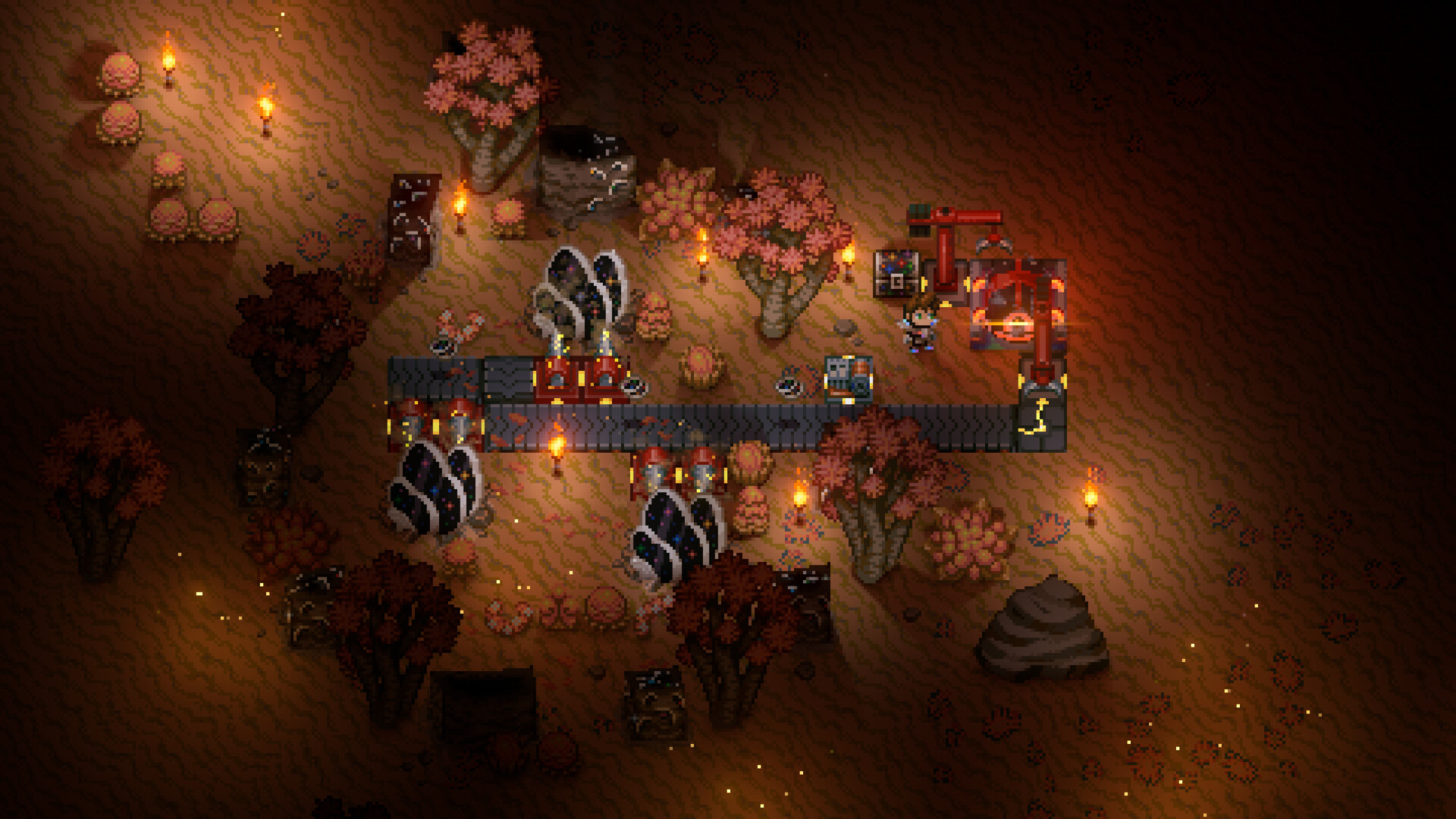
Go-karts got three changes worth adjusting your driving around: a new handbrake button that reduces speed and increases inertia (useful for tight turns in mine corridors), increased turning and reduced inertia across all go-karts generally, and the separate turn/brake keybinds mentioned above. Together these make go-karts noticeably easier to control at speed than they were before 1.3.0.1, but only if you've actually bound the handbrake — it isn't mapped to an existing key by default in every control scheme, so check Controls before assuming it's there.
If you build minecart rail networks, the same patch reduced the crafting costs for boats, go-karts, Portals and the Railway Forge, and doubled the Rails you get per craft, from 5 to 10. That doesn't change a setting, but it changes the math on whether it's worth rebuilding an older, cramped rail line now that laying track is cheaper.
Quick Setup Checklist for Patch 1.3.0.1
- 1Check the version number in the main menu or Steam's Downloads tab before troubleshooting anything else — the mount, vehicle and cursor changes in this guide only apply once Riders of the Underground has finished installing.1 min
- 2Open Options and look for the new cursor and crosshair section, then choose a style with enough contrast for the Sunken Sea and the new Moss sub-biome.2 min
- 3In Controls, bind the new key for cycling loadouts so you can swap a mining setup for a combat one without opening your inventory.1 min
- 4Give go-karts, minecarts and boats their own turn and brake keys instead of relying on your movement keys, then bind the go-kart handbrake if it isn't already mapped.2 min
- 5If you play with a controller, confirm the vehicle honk button and test turning speed — both changed in 1.3.0.1, and vehicles should now turn equally on keyboard and controller.2 min
- 6Move away from walls and obstacles before mounting cattle or boarding a minecart, boat or chair — all four now require a clear line of sight to interact with.1 min
06Performance and Graphics Settings Worth Checking After the Update
1.3.0.1 includes a handful of performance changes that are worth knowing about even though there's no new toggle to flip for them: tileset textures are now unloaded from memory when they're not being displayed on screen, worm-type enemies cause less network load and are less prone to jittering when the network can't keep up, and a lag spike when entering the S.A.H.A.B.A.R. boss arena was fixed. If you were running higher-population multiplayer worlds and noticed stutter around large tilesets or worm enemies before this patch, it's worth giving your existing graphics settings another look now rather than assuming you still need to run everything on low.
One graphics bug fix is also relevant if you play with Light Quality set to Low: shadows were not updating correctly at that setting, which has now been fixed. If you dropped Light Quality for performance and stopped noticing shadow behavior, that's expected before this patch — it's worth spot-checking now that it's been addressed, especially in the new Moss sub-biome where lighting is part of how you read the terrain.
07Other Menu Upgrades Worth Turning On
A few smaller additions in 1.3.0.1 live outside the Controls tab but are still easy to miss. The game now lets you compare gear directly, so hovering a new item against what you're wearing shows the difference instead of forcing you to alt-tab to a wiki or do the math yourself — useful with the ten new armor pieces, fifteen new rings and fifteen new necklaces this update adds. Map markers got four new icons, ten color variants each, and the option to set custom hover text, which is worth using if you're coordinating a base with seven mount types, a new Moss sub-biome, and a growing rail network to keep track of. If you run mods, there's also a new mods menu that shows load state and lets you reorder how mods load, replacing whatever manual file-ordering workaround you were using before.
None of these are hidden behind a special unlock — they're just new entries in menus you've probably stopped opening. It's worth a full pass through Options and your inventory's comparison tooltips once after updating, rather than only checking the Controls tab for the mount and vehicle changes.
08Reading the Rest of the Patch Notes
Riders of the Underground is the first update on Pugstorm's publicly announced "Road to the Maw" roadmap, confirmed in the developer's own launch announcement. The full patch notes cover far more than settings — new enemies, three new weapons, a new Scepter weapon type for the Warlock playstyle, reworked Magic and Summoning skill trees, and adjusted drop rates on more than a dozen boss fights. If a build suddenly plays differently after updating, or a boss drops gear it didn't before, check the official notes linked below before assuming something's broken; balance changes this size are the more likely explanation.
It's the moment you've been waiting for, Explorers ✨ #CoreKeeper's 1.3 update, Riders of the Underground, is out now! Travel across the underground on rideable mounts, uncover the new Moss sub-biome, jump over chasms with the new Hookshot...and more!
— Core Keeper (@CoreKeeperGame) on X
FAQ
What's new in Core Keeper's 1.3.0.1 update?
Riders of the Underground adds rideable mounts via the Saddle and Racing Saddle, the Hookshot off-hand item, a new Moss sub-biome, new enemies and weapons, plus the options-menu and vehicle-control changes covered in this guide.
Why did my mount or boat stop working after the update?
Cattle, minecarts, boats and chairs now require line of sight to use. If something is blocking your view of the object, reposition before assuming it's broken.
Is there a dedicated key for the Hookshot?
The official patch notes don't list a Hookshot-specific keybind separate from your general off-hand item key, so treat that as unconfirmed until Pugstorm documents it directly.
Do I need new settings to use go-karts better?
Bind the new handbrake and the separate turn and brake keys in Controls — go-karts also got more turning and less inertia across the board in 1.3.0.1.
Does this patch improve performance?
Yes. Pugstorm reduced network load from worm-type enemies, now unloads unused tileset textures from memory, and fixed a lag spike when entering the S.A.H.A.B.A.R. arena.
Official resources

Ana writes the step-by-step tutorials: settings, controls, configs and the systems games never explain properly. Every tutorial is tested on the version named at the top of the page, with the official patch notes linked so you can check what changed.