PUBG: Best PC Settings and Controls After Update 43.1
PUBG: BATTLEGROUNDS Update 43.1 adds NVIDIA DLSS 4.5 and AMD FSR 4.1, new kick attacks and water combat — here's every setting and control to change.
PUBG: BATTLEGROUNDS just got the graphics upgrade its PC player base has been asking for since the game launched in 2017. Update 43.1 adds NVIDIA DLSS 4.5 and AMD FSR 4.1 support, alongside a new kick attack, water-surface combat, and a faster way to use items off the ground. None of it is turned on by default, and one of the new options is hidden behind a setting you might not think to touch. Here's exactly where everything lives and how to set it up.
01PUBG Finally Gets DLSS and FSR Upscaling
Update 43.1's patch notes describe the addition simply: "NVIDIA DLSS and AMD FSR are now supported to deliver better graphics performance and higher visual quality on PC." Specifically, the update supports NVIDIA DLSS 4.5 and AMD FSR 4.1, PUBG's first native upscaling support in the game's history. Before this update, PC players were stuck with PUBG's older, lower-quality built-in upscaling or running the game at native resolution.
The new options sit under a menu called Resolution Upscaling, and which upscalers you see depends on your hardware — the patch notes note that "available options may vary depending on your graphics card and system setup," so AMD and Intel cards will see FSR while compatible NVIDIA RTX cards can pick DLSS.
02How to Turn On DLSS or FSR in Settings
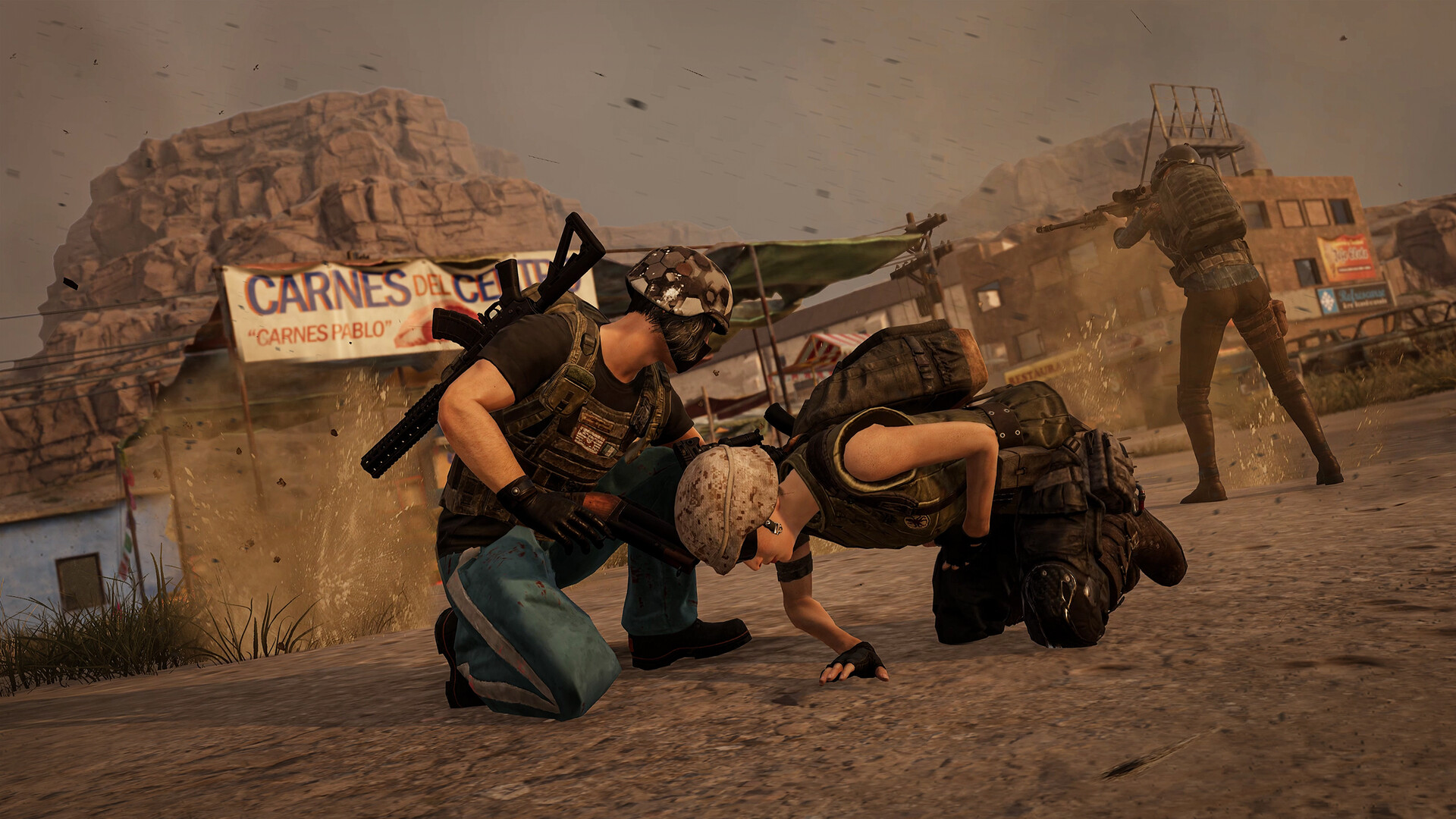
The menu path is Settings > Graphics > Advanced > Resolution Upscaling. From there you can choose NVIDIA DLSS, AMD FSR, or Disable. There's a catch worth knowing before you go looking for it: the DLSS/FSR options only appear when Anti-Aliasing is set to Medium, High, or Ultra. If your Anti-Aliasing is set to Low or Off — common on older "best FPS" configs from before this patch — the upscaling menu simply won't show up, and it can look like the feature hasn't installed at all.
Once the options are visible, you can set the upscaling quality manually (for example Performance, Balanced, or Quality, depending on which upscaler you pick) or let PUBG select the right quality automatically based on your current screen resolution. If you're not sure where to start, the automatic option is the safer first try — switch to manual only if you want to trade sharpness for extra frames.
If you've applied the update and still don't see a Resolution Upscaling entry at all, it's worth double-checking that the game has actually finished patching rather than just restarted — Steam sometimes shows a game as "ready to play" before background verification finishes downloading the latest configuration files. A quick relaunch after confirming Update 43.1 in the main menu version number usually clears that up.
03NVIDIA DLSS vs AMD FSR: Which to Pick
If you're on an NVIDIA RTX card, DLSS is generally the better pick for image quality at the same performance target, since it uses NVIDIA's dedicated Tensor cores rather than running purely on shader hardware. AMD FSR 4.1 is the option for AMD Radeon cards, and — as with most FSR implementations — it also tends to run acceptably on older or non-RTX NVIDIA hardware and Intel Arc GPUs, though PUBG's own settings menu is what will actually tell you which upscalers your specific system supports.
Because PUBG is a competitive shooter where clarity at range matters more than in a slower single-player game, it's worth testing Quality mode first rather than jumping straight to Performance. A few extra frames aren't worth it if enemy silhouettes get harder to pick out at 200 meters.
04New Kick Controls: Standing Kick and Jump Kick
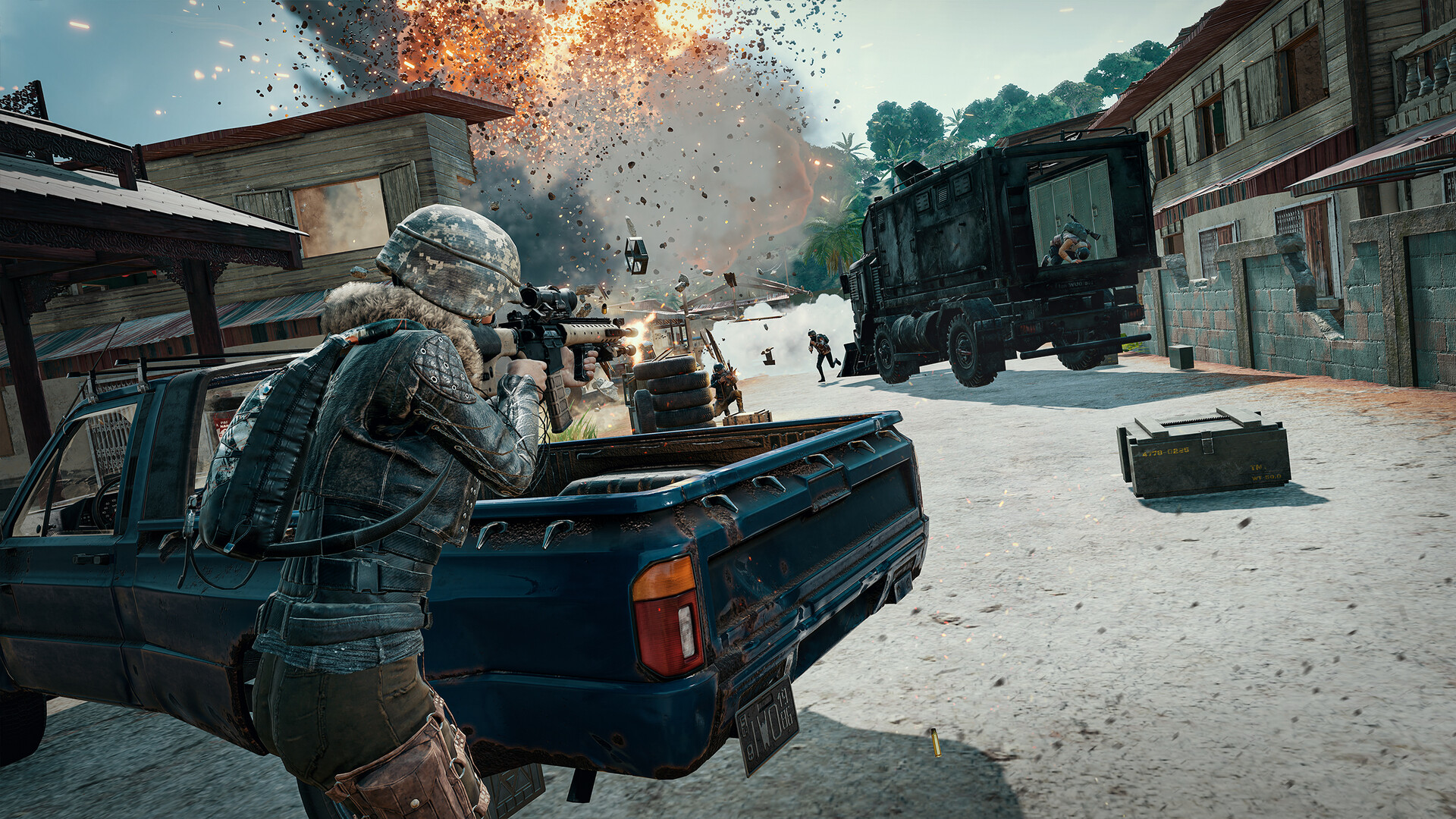
Update 43.1 also adds unarmed combat options for the first time: a Standing Kick and a Jump Kick. Both deal more damage and cause a stronger knockback effect than a regular punch, and according to the patch notes they let you "push back opponents, interrupt their actions, and interact with the surrounding environment in new ways."
By default, Standing Kick is bound to right-click while unarmed, and Jump Kick is right-click while airborne — on console, both use the left trigger. If you already use right-click for something else while unarmed, or you'd rather have a dedicated key, both kicks can be reassigned in Key Bindings.
Kicks aren't just for fighting players. The patch notes confirm they can destroy windows, wooden doors, wooden fences, jars, and tires, and that kicking an otherwise-indestructible door can force it open quickly. You can also kick vending machines to pull items out faster than a normal interaction, though doing so damages the machine and takes it out of use for a while.
05Water Combat: Fighting and Swimming Controls
Water in PUBG used to be a dead end — now it's closer to a real route. Swimming and diving movement speed is up 25% in this update, and for the first time you can fight from the surface: sidearms and any item in your third weapon slot can now be fired while treading water, using hip-fire or ADS (shoulder firing is unavailable, and bullet spread is higher than on land). Throwables can also be used on the water surface, but only with the overhand throw method, and you can swim slowly while aiming.
One control quirk to know: moving while holding a weapon or diving under will automatically holster it, and it's redrawn automatically once you surface. If you're planning to fight from the water, it's easier to hold position and let the auto-draw handle re-equipping than to try to manage it manually mid-swim. If you're chasing a related settings overhaul on a different launch, our 007 First Light PC settings and controls guide covers a similarly hidden menu toggle from that update.
06Faster Looting: The Instant Ground-Item Key
The other control worth learning immediately is the new instant-use key for ground items. Hold H on PC (or hold LB + X on console) over certain items and you can use or deploy them directly from where they're lying, without picking them up first. This works for healing and boost items, deployable items like the Folded Shield and Emergency Pickup, Mortars, and C4.
The game still checks whether you're able to use the item — if you can't (for example, you're already at full HP), the interaction prompt shows in red. Deployables placed this way go down based on your character's current position and the direction you're facing, and you can cancel the interaction mid-use by pressing F, which drops the item back at your feet instead of wasting it.
How to Set Up Update 43.1's New Settings and Controls
- 1Go to Settings > Graphics and set Anti-Aliasing to Medium, High, or Ultra. DLSS and FSR are invisible in the menu below this threshold, so this step has to come first.1 min
- 2Head to Settings > Graphics > Advanced > Resolution Upscaling and choose NVIDIA DLSS, AMD FSR, or Disable, depending on what your graphics card supports.1 min
- 3Set the upscaler's quality manually, or leave it on automatic so PUBG matches the quality to your current screen resolution. Start with automatic if you're unsure.1 min
- 4Standing Kick and Jump Kick default to right-click while unarmed or jumping. Open Key Bindings if you want either on a dedicated key instead.1 min
- 5Sidearms and third-slot items now fire on the water surface with hip-fire or ADS. Hold position while aiming, since swimming while aiming is slow, and know that diving under automatically holsters your weapon.2 min
- 6Hold H (console: LB + X) over healing, boost, deployable, Mortar, or C4 items to use them straight from the ground. Press F mid-use to cancel and drop the item back at your feet.1 min
07What Else Changed in Update 43.1
A few other adjustments are worth knowing if you're heading back into a match after this patch. LMG handling changed noticeably: ADS transition time went from 0.30 to 0.37 seconds, vehicle damage multipliers for the M249 and RPD dropped from 1.1x to 1.0x (MG3 from 1.25x to 1.1x), and recoil control while standing, crouching, or prone was reduced across the board, alongside a 30% cut to LMG world spawn rates. If an LMG was your go-to for vehicle fights or spray control, expect it to feel noticeably softer.
Emergency Parachute automatic deployment heights were also rebalanced — falling after an Emergency Pickup now triggers the chute at 250 m instead of 150 m, while falling after a respawn now triggers it at 250 m instead of 330 m, smoothing out what had been two very different fall experiences. Separately, a new Leaderboard menu has been added under Career, letting you check rankings across wins, weapon kills, and clan categories, not just Ranked. Preset outfit slots also grew from 5 to 10 under Customize, if you keep multiple loadouts ready to go.
The patch notes also flag a broader anti-cheat push: matches flagged for abnormal gameplay will no longer grant in-game rewards or count toward season progression, on top of existing penalties. It's not a setting you toggle, but it's a good reason to make sure any third-party overlay or recording software you run alongside PUBG isn't doing anything that could get flagged by that detection.
[PC] - #43.1 Update Maintenance Live server maintenance has started and is expected to last 8.5 hours.
— PUBG: BATTLEGROUNDS Support (@PUBG_Support) — Sep 10, 2026 on X
Update 43.1 rolled out to PC on September 10 following roughly 8.5 hours of maintenance, with console picking it up a week later on September 17. If DLSS or FSR still isn't showing up for you after updating, double-check Anti-Aliasing first — it's the one setting most players miss.
FAQ
Does PUBG support DLSS 4.5 and FSR 4.1 on PC?
Yes. Update 43.1 added native NVIDIA DLSS 4.5 and AMD FSR 4.1 support under Settings > Graphics > Advanced > Resolution Upscaling, PUBG's first built-in upscaling support since launch.
Why can't I find the DLSS or FSR option in my settings?
The Resolution Upscaling menu only appears when Anti-Aliasing is set to Medium, High, or Ultra. If it's set to Low or Off, switch it up first and the upscaling options will appear.
How do I use the new kick attack in PUBG?
Right-click while unarmed for a Standing Kick, or right-click while airborne for a Jump Kick (console: LT for both). Both can be reassigned in Key Bindings.
Can you fight while swimming in PUBG now?
Yes, as of Update 43.1. Sidearms and third-slot items can be fired from the water surface with hip-fire or ADS, and throwables can be used with an overhand throw, though shoulder firing is unavailable and bullet spread is higher than on land.
What changed for LMGs in Update 43.1?
ADS transition time increased from 0.30 to 0.37 seconds, vehicle damage multipliers dropped for the M249, RPD, and MG3, recoil control while standing, crouching, and prone was reduced, and world spawn rates for the RPD and M249 were cut by 30%.
Official resources

Ana writes the step-by-step tutorials: settings, controls, configs and the systems games never explain properly. Every tutorial is tested on the version named at the top of the page, with the official patch notes linked so you can check what changed.