WARDOGS Season 2: Best PC Settings, Controls and Options
WARDOGS Season 2 reworks Aim Assist, controller binds and rain weather. Here's every PC setting and option worth checking before you drop in.
WARDOGS Season 2 landed on October 15 with a full progression wipe, four new weapons, four new vehicles, and the kind of controller and feel changes that quietly reshape how the game plays before you even fire a shot. BULKHEAD's own Season 02 patch notes bury a long list of settings, binds, and systems changes under the weapon and vehicle headlines, and several of them are worth sorting out before you drop into your first match of the season. Here's what actually changed and how to set it up.
01What Changed in WARDOGS Season 2
Alongside the new TCX-SPR, PP-19 Bizon, Evo-3 Ultra, and M14, Season 2 reworks how controllers feel, adds a battery mechanic to the Infrared Range Finder, changes what the Level 4 helmet does to your field of view and hearing, and introduces a full rain weather preset that affects sound, visibility, and even your Molotovs. None of that shows up as a prompt the first time you load in, so it pays to go through the relevant menus and loadout choices yourself rather than finding out mid-firefight.
02Set Up the New Aim Assist Slider
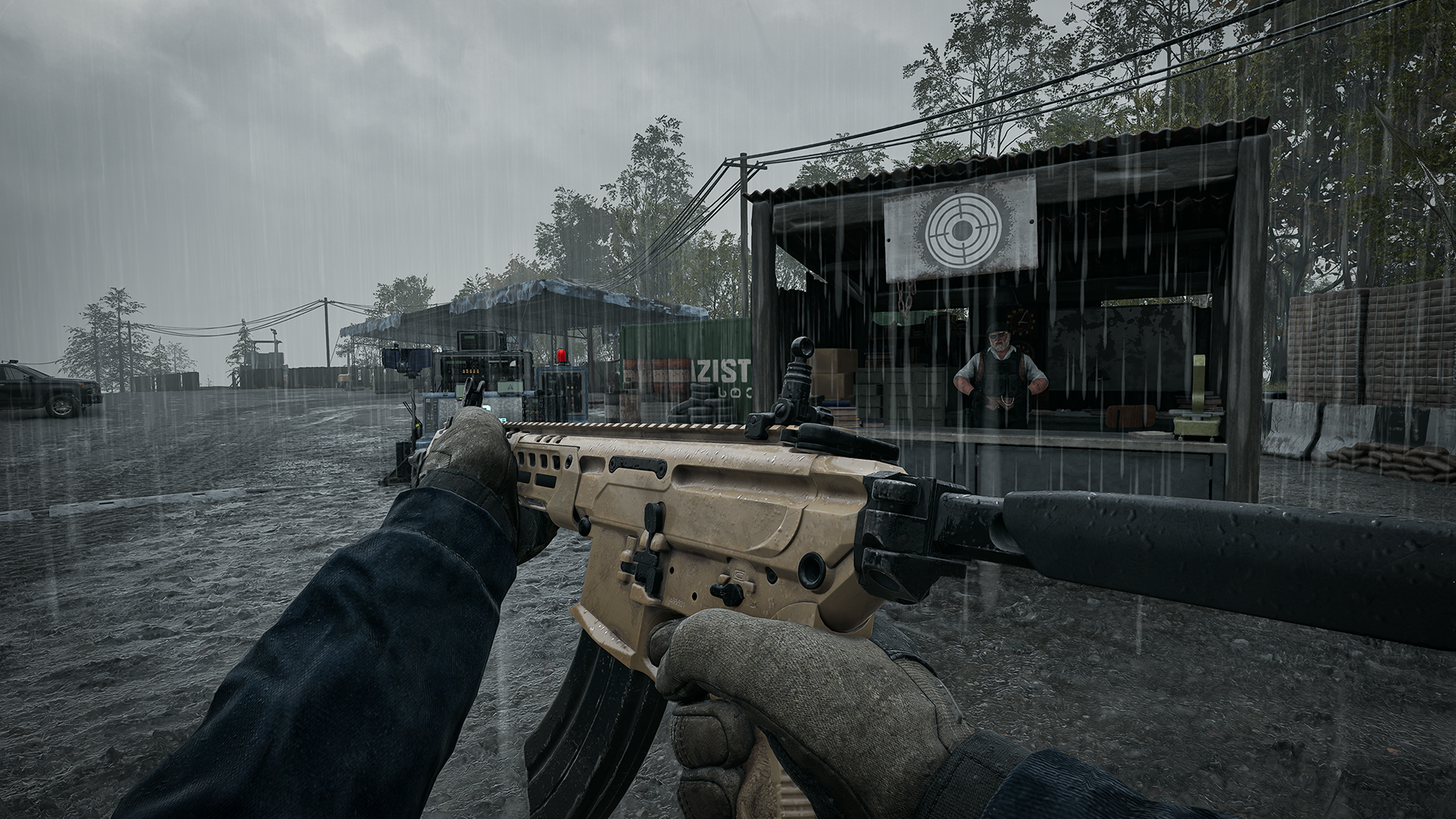
The headline controller change is a dedicated Aim Assist strength slider under Settings > Controller > Advanced. It defaults to 1, and dropping it to 0 turns Aim Assist off entirely. BULKHEAD also says it made general improvements to how Aim Assist behaves and extended it to work on the Target Dummies in the Firing Range, so that's now a legitimate place to feel out different slider values before you take them into a real match.
Because the slider now goes all the way down to 0, controller players have a genuine choice they didn't have in Season 1: tune Aim Assist down for a more mouse-and-keyboard-like feel, or leave it near the default of 1 for easier tracking in close-quarters fights. There's no universally correct answer. If you found Season 1's assist too sticky, especially in vehicle-mounted turret fights, this is a clean way to dial it back without giving up controller support entirely. Test it against the Target Dummies rather than guessing at a value and taking it straight into a match.
03Learn Season 2's Reshuffled Controller Binds
BULKHEAD moved several controller binds around this season, and old muscle memory will fight you until you relearn them. Open Inventory has moved from View to Menu, Bribe has moved from Menu to X, and Drop is now a hold on Y instead of a tap. LB and RB now switch primary tabs while LT and RT switch secondary tabs, and Scoreboard Sort has moved from LB/RB to LT/RT to match. A few actions were added outright: Cycle Minimap Zoom and Reject Tip both sit on View (Press), and Deploy Crate is now a hold on D-Pad Up. If you use a controller, it's worth opening the full bind list once before your first session just to see what moved.
| Action | Season 1 | Season 2 |
|---|---|---|
| Open Inventory | View | Menu |
| Toggle Weight | Y | View (Press) |
| Remove From Loadout | R3 | Y (Hold) |
| Bribe | Menu | X |
| Accept/Reject Squad Invite | LB/RB | View/Menu |
| Scoreboard Sort | LB/RB | LT/RT |
| Drop | Y (Press) | Y (Hold) |
04Retune Sensitivity After the Feel Pass
Season 2 also adjusts the underlying values for Horizontal and Vertical sensitivity and for Aim Acceleration, and BULKHEAD says Aim Acceleration now kicks in sooner than it did in Season 1. If you had your controller sensitivity dialed to a specific feel last season, don't assume it carries over unchanged; run a few minutes in the Firing Range after patching to see whether your old numbers still track the way you expect, especially if you lean on Aim Acceleration for faster target switches. Look direction also now snaps back faster after you close a radial wheel, which is a small change but noticeable if you spam the build or loadout wheel in a firefight.
05Adjust for the New Rain Weather
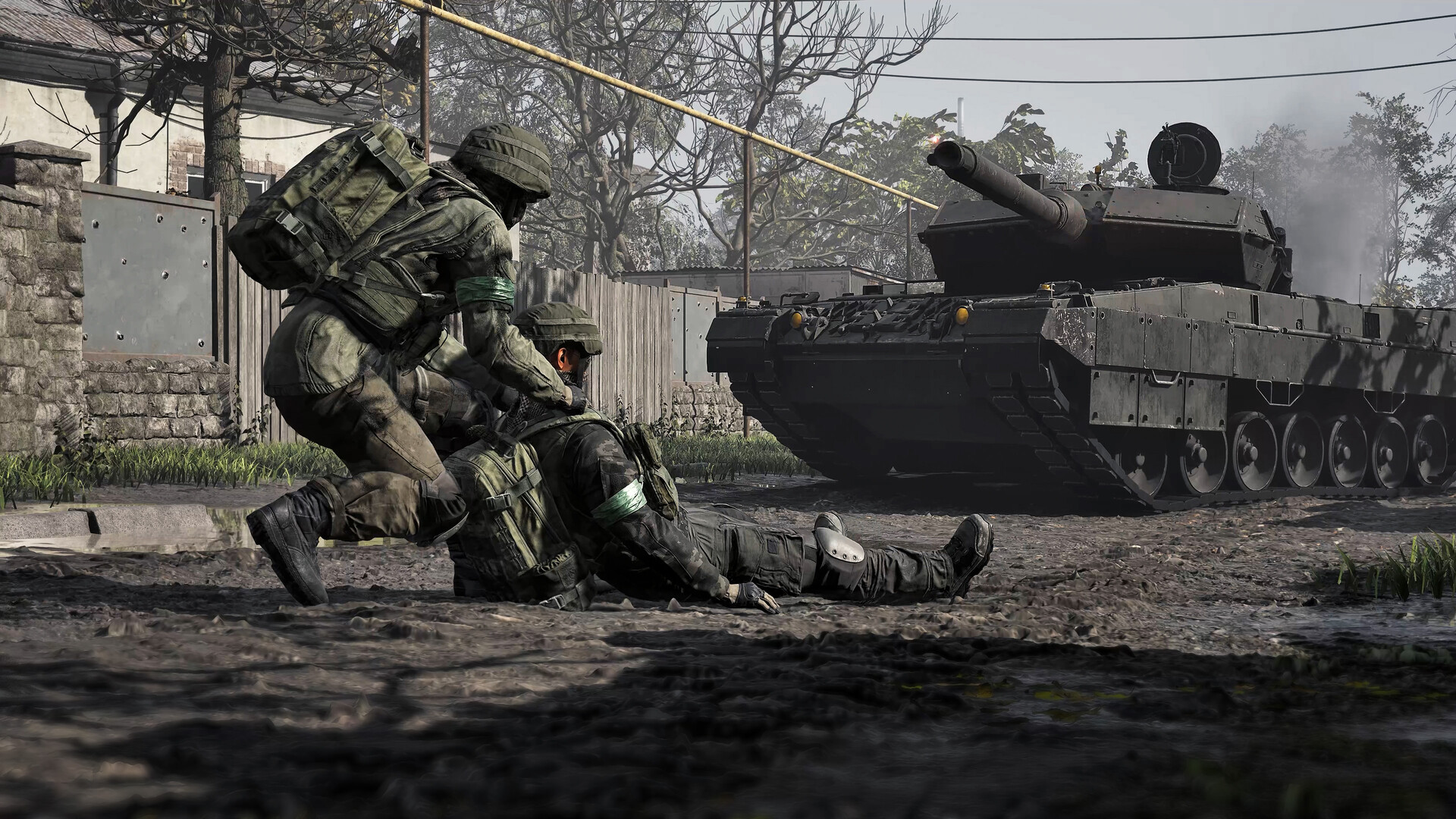
Season 2 introduces a full rain weather preset, and it changes more than the visuals. Surfaces, vehicles, and characters get visibly wet, and sound behaves differently depending on whether you're caught in the open, under cover, indoors, or inside a vehicle. Destroy a roof during a rainstorm and the rain starts coming through it. In heavier rain, thunder strikes hit every player on the server at the same moment from the same direction, and BULKHEAD notes it's loud enough to mask footsteps around you, so treat a thunderclap as cover for an enemy's approach rather than background noise. Spotting range is also reduced in the rain, which matters for anyone relying on long sightlines to hold a position. If you use a tactical or competitive audio setup, this is the point to actually test it against gunfire and footsteps in a storm rather than assuming it behaves like clear-weather audio.
06Manage the Range Finder, Molotovs and Vehicle Inventory
A handful of smaller systems changes affect how you'll want to play even though they're not strictly a menu setting. The Infrared Range Finder no longer works indefinitely: it now runs on a battery that lasts roughly 80 seconds of active use, and BULKHEAD specifically warns that quickly toggling it on and off burns through that battery faster than leaving it on for a continuous read. If you lean on the Range Finder for artillery or mortar spotting, take one longer read instead of several short taps, and keep track of how much active time you've burned through a session.
The new Molotov can be thrown overarm or underarm depending on how you want it to arc into cover, and it now burns destructible foliage while losing effectiveness in the rain, so factor the weather into whether it's worth equipping. On the vehicle side, inventories on vehicles you've personally purchased are now private to you and your squad by default, with a setting that lets you open that inventory up to everyone once the vehicle is fully unlocked; vehicles that spawn free for your whole team stay open to anyone regardless of that setting. Worth checking before you assume a truck you bought is locked down for your squad alone.
07Choose the Right Helmet for the FOV and Audio Trade-off
Helmet tiers now come with real downsides as well as upsides. The Level 4 Helmet gives the strongest suppression resistance in the game at 80%, but it also muffles audio and proximity chat, narrows your field of view, and fogs over while you're sprinting. The Level 3 Helmet sits a step below at 68% suppression resistance without those drawbacks. Suppression itself was rebuilt this season around shared falloff curves per weapon, with considerably stronger near-miss suppression from small and medium calibres, so a helmet's suppression resistance now matters more than it used to. Weigh that against the FOV and audio cost before you default to the Level 4 Helmet for every loadout, particularly on roles where hearing footsteps or spotting movement at the edge of your screen matters more than soaking up suppression.
08Confirm Your System Meets Season 2's Requirements
None of the settings changes above matter if the game isn't running smoothly in the first place. BULKHEAD's current Steam listing specifies a minimum of a Core i5 8600 or Ryzen 5 3500, 16 GB of RAM, and a GTX 1660 or RX 590 for 1080p Low at an upscaled 60fps. The recommended spec steps up to a Core i7 12700K or Ryzen 7 5700X with an RTX 3070 or RX 6700 XT, targeting native 1440p Medium at 70fps or upscaled 4K Medium at 60fps. Both tiers call for 16 GB of RAM and 50 GB of storage. If you're sitting right at the minimum spec, stick to 1080p with upscaling turned on rather than fighting for native resolution, and keep an eye on your storage headroom before the Season 2 download lands.
Set Up WARDOGS Season 2 in 7 Steps
- 1Find the new Aim Assist strength slider. It defaults to 1; drop it toward 0 to weaken or disable Aim Assist entirely.1 min
- 2Head to the Firing Range and try a few slider values against the Target Dummies, which now register Aim Assist, before committing to one in a live match.5 min
- 3Open the full controller bind list and check Open Inventory (now Menu), Bribe (now X), Drop (now a Y hold), and the LB/RB vs LT/RT tab split before your first match.3 min
- 4Both received new underlying values this season, with Aim Acceleration kicking in sooner. Run a few minutes of practice rather than assuming your Season 1 numbers still feel the same.5 min
- 5It now runs on an 80-second battery that drains faster with rapid toggling. Plan on one longer read instead of repeated short taps when spotting.1 min
- 6Level 4 gives 80% suppression resistance but muffles audio, narrows FOV, and fogs while sprinting; Level 3 gives 68% resistance with none of those costs.2 min
- 7Minimum spec targets 1080p Low at an upscaled 60fps; recommended spec targets native 1440p Medium or upscaled 4K Medium. Pick upscaling over native resolution if you're near the minimum.3 min
FAQ
What is the new Aim Assist slider in WARDOGS Season 2?
It's a strength slider under Settings > Controller > Advanced that defaults to 1. Setting it to 0 turns Aim Assist off completely, and BULKHEAD says it now also works against the Target Dummies in the Firing Range so you can test values there first.
Did WARDOGS Season 2 change controller binds?
Yes. Open Inventory moved from View to Menu, Bribe moved from Menu to X, Drop is now a hold on Y instead of a tap, and LB/RB now switch primary tabs while LT/RT switch secondary tabs and Scoreboard Sort.
How does the new rain weather affect visibility and sound?
Rain reduces spotting range, changes how sound behaves depending on whether you're in the open, under cover, indoors, or in a vehicle, and brings server-wide thunder strikes loud enough to mask nearby footsteps.
How long does the Infrared Range Finder's battery last?
Around 80 seconds of active use per BULKHEAD's patch notes, and it drains faster if you switch it on and off repeatedly rather than taking one continuous read.
What are WARDOGS' PC system requirements for Season 2?
Steam lists a minimum of a Core i5 8600 or Ryzen 5 3500, 16 GB RAM and a GTX 1660 or RX 590 for 1080p Low at an upscaled 60fps, and a recommended spec of a Core i7 12700K or Ryzen 7 5700X with an RTX 3070 or RX 6700 XT for 1440p Medium native or 4K Medium upscaled.
Official resources

Ana writes the step-by-step tutorials: settings, controls, configs and the systems games never explain properly. Every tutorial is tested on the version named at the top of the page, with the official patch notes linked so you can check what changed.