Nintendo Switch Sports Resort: Tips to Master Every Sport
Master all 12 motion-control sports in Nintendo Switch Sports Resort with technique tips, Island Crown strategy, and multiplayer setup advice.
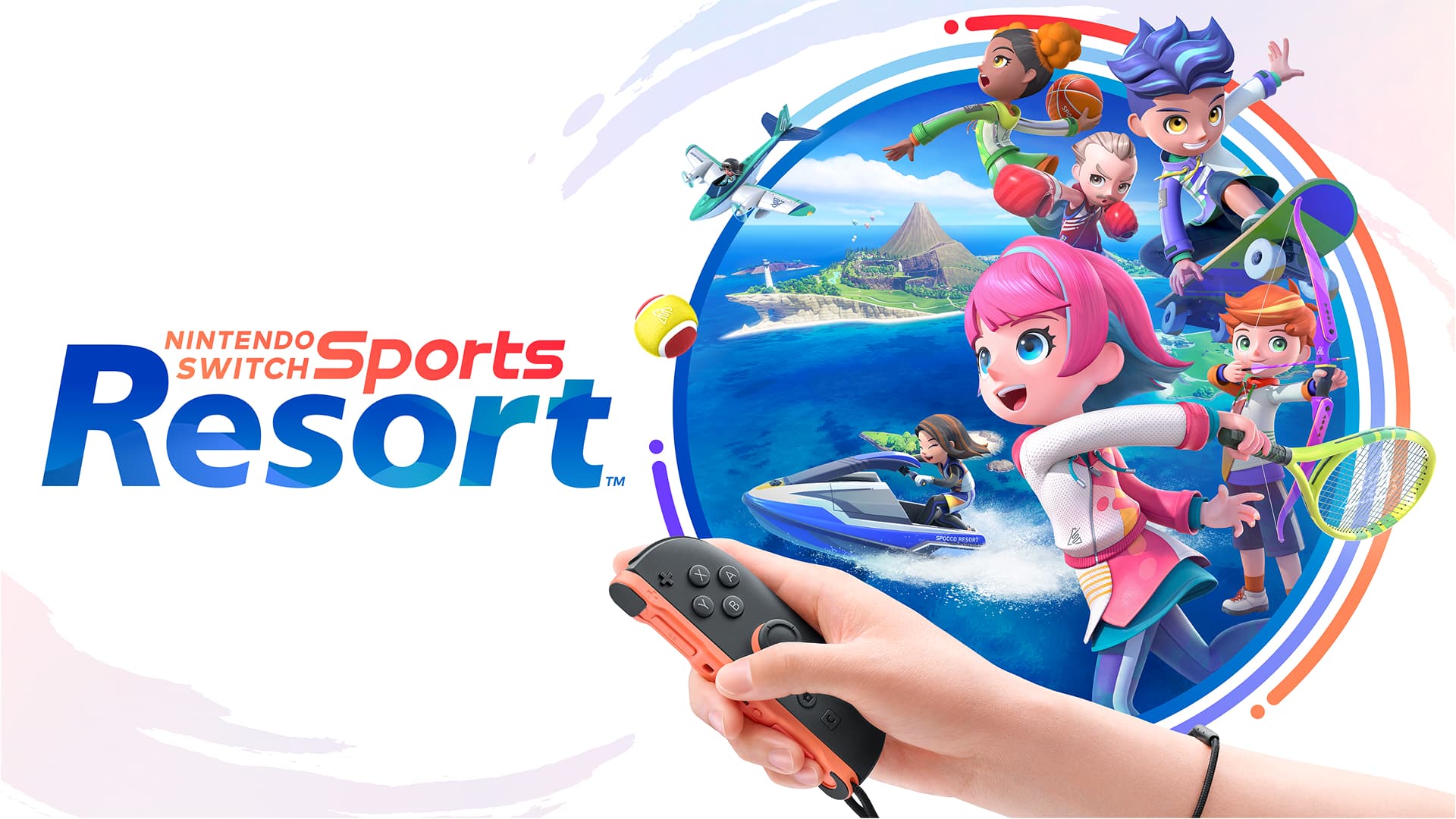
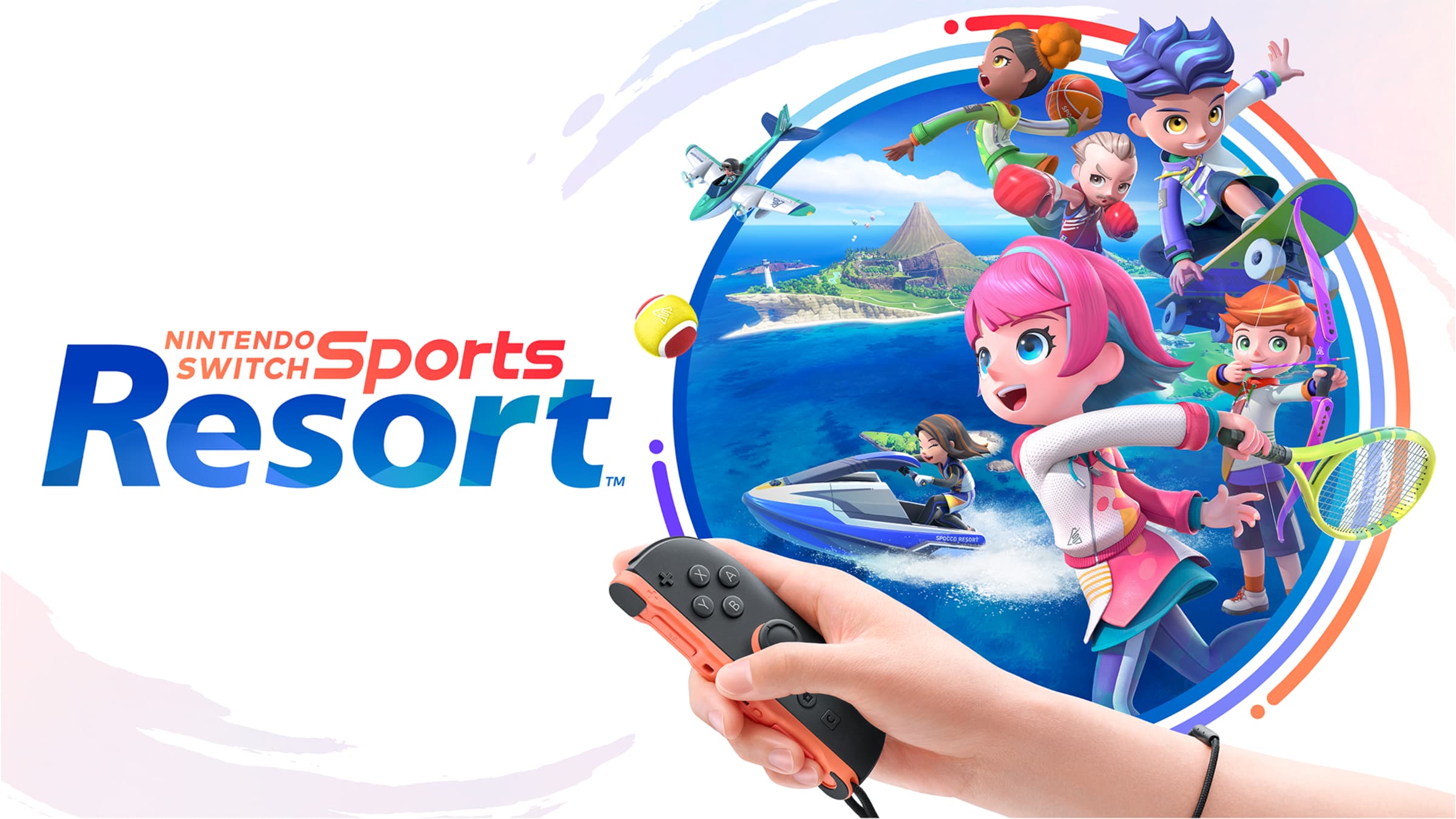
Nintendo Switch Sports Resort launched on October 22 as a Switch 2 exclusive, and it brings twelve motion-control sports back to a fully explorable Wuhu Island. If you only played the original Nintendo Switch Sports in short bursts, Resort asks more of you: Island Crown rankings to climb, a bigger roster of sports, a character creator worth digging into, and an open map to explore between matches. None of that is complicated once you know where to look, but the game doesn't spell much of it out up front. Here's how to get comfortable with the controls, where to focus your practice, and how to get into multiplayer without fumbling through menus first.
01Get Your Motion Controls Right Before You Compete
Resort plays with either Joy-Con 2 or original Joy-Con controllers, and most of the twelve sports use straightforward motion controls that track your actual swing or throw rather than a single button press. Two sports break that pattern: Skateboarding uses Joy-Con 2's mouse mode, where you glide a Joy-Con across a flat surface like a desk to steer, and Power Cruising has you hold one Joy-Con 2 in each hand to control a personal watercraft around the island. Nintendo's own setup advice is worth following before your first session: wear the wrist straps and clear enough room around you, since several sports expect a full swing rather than a flick of the wrist. It's easy to skip that step when you're excited to start, and it's the single most common reason new players mistime their first few shots.
02Technique Tips for Every Sport Category
Classic holdovers from the original Switch Sports — Tennis, Table Tennis, Volleyball, Basketball, Bowling, Golf, Archery, and Boxing — reward the same fundamentals that worked before, with a few adjustments now that the game runs on Switch 2 motion hardware:
- Racquet sports (Tennis, Table Tennis, Volleyball): Commit to the full swing instead of stopping short. The game reads your entire arm motion, so a half-hearted tap tends to undercut shots that need pace.
- Bowling and Golf: Both sports care about the line of your swing more than its speed. Practice a few dry swings in the menu before you start keeping score, so your aim lines up with where the ball or disc actually lands.
- Basketball and Archery: These reward a steady release point. Rushing the motion right after you raise your arm is the most common way to miss on both.
- Boxing: Keep your guard up between punches. Boxing is one of the few sports here with a defensive motion as well as an offensive one, and ignoring it costs you more than a missed punch would.
If you're introducing someone to Resort for the first time, start them on Bowling or Table Tennis rather than Boxing or Archery. The first two have a short feedback loop — you see immediately whether your swing worked — while the precision sports take longer to click and can turn a first session sour.
03Climb the Island Crown Ladder
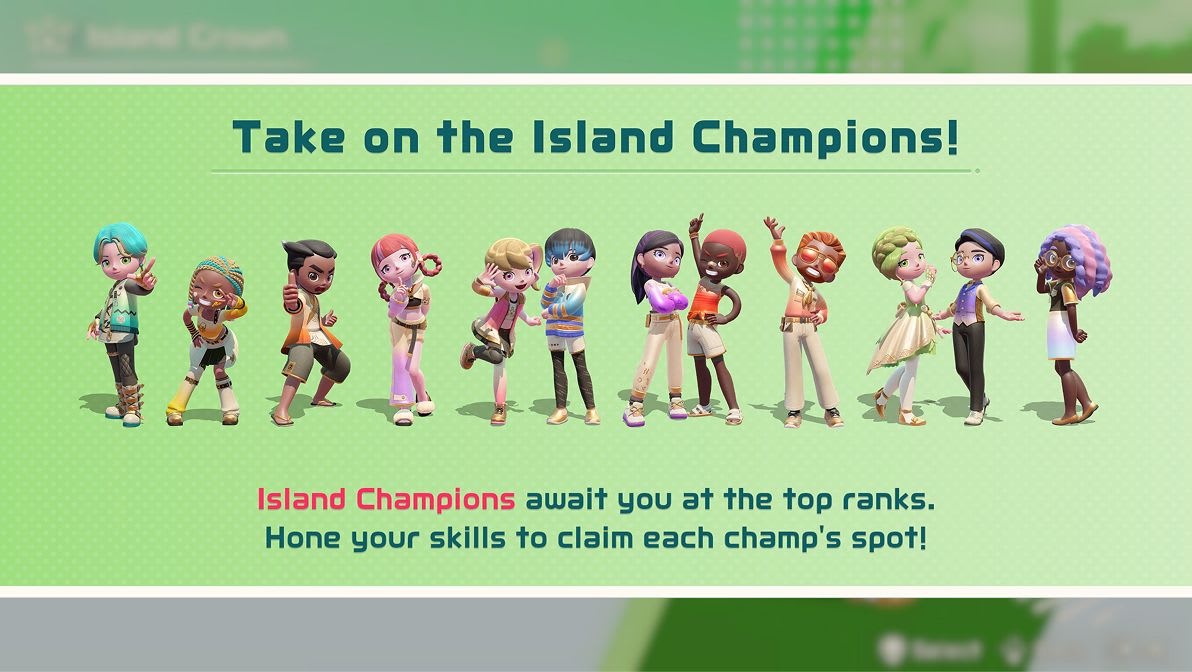
Island Crown is Resort's single-player ladder across nine of the competitive sports. Nintendo describes the mode simply: you challenge increasingly tough opponents as you try to climb from 20th place to 1st in the rankings, facing Island Champions on the way up and a Legend — including a Mii character named Matt — near the top. Treat your first run through Island Crown as practice rather than a race. Early opponents are forgiving enough to let you find a sport's timing without much risk, and climbing even one or two spots per attempt still earns Spocco Points you'll want for customization later. Losing a match in Island Crown doesn't reset your rank to the bottom, so there's little reason to avoid a sport just because you lost to its Champion once.
04Choose and Customize Your Character
Before you get deep into Island Crown or online play, spend a few minutes in the character creator. Resort lets you play as one of its original Sportmates or as a customizable Mii character, and Nintendo's own description of the system is straightforward: create and customize your character's look to capture your personal style with a variety of hairstyles, outfits, accessories, and body types, and save favorite looks to swap between later. It's a cosmetic choice rather than a gameplay one, but since you'll be staring at this character through dozens of matches, it's worth doing before your first Island Crown run rather than fixing it later.
05Explore Wuhu Island and Earn Spocco Points
Between matches, Resort lets you travel Wuhu Island by Power Cruiser, Skateboard, or Prop Plane instead of just jumping between menus. A Sightseeing Tour layers in specific challenges and Spocco Photos to find as you go, and both feed into the same Spocco Points economy that Island Crown does. If you're not sure where to spend your time early on, prioritize the Sightseeing Tour over free exploring — its challenges are built to point you at parts of the island you'd otherwise skip, and the points add up faster than casually gliding around.
06Spend Spocco Points Wisely in the Item Center
Spocco Points earned from Island Crown and island exploration go toward the Item Center, which rotates weekly and monthly cosmetic collections. Because the selection changes on a schedule rather than staying put, it's worth checking in regularly instead of saving every point for one big purchase — an outfit or accessory you want this week may not be available once the rotation turns over. Treat it less like a shop you visit once and more like a habit you build alongside your regular Island Crown runs, the same way you'd check a rotating shop in any other live-service game.
07Master the New Sports: Skateboarding and Thumb Wrestling
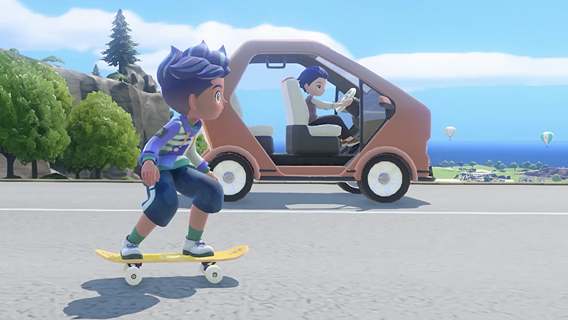
Skateboarding and Thumb Wrestling are Resort's two brand-new additions, and neither plays like anything in the original Switch Sports. Skateboarding's mouse-mode controls take the most adjustment: give yourself a clear, flat surface and expect your first few runs to be about learning how much Joy-Con 2 movement translates to how much steering, rather than scoring well. Thumb Wrestling is a quicker, more direct head-to-head duel, which makes it a good warm-up sport to play with a second person before committing to a longer Tennis or Volleyball match.
08Set Up Multiplayer, Friend Lobbies and Pro League
Resort's multiplayer is split across more options than the original game had, and it's worth knowing which one fits before you start inviting people over. Local play covers up to four players on one system and needs no online connection at all. Everything beyond that — Friend Lobby, Casual Online Play, and Pro League — runs through Nintendo's own multiplayer setup flow, and Nintendo's support site walks through each option step by step.
Setting Up Multiplayer in 5 Steps
- 1Gather up to four players on one Switch 2 and jump into Local Play first; it needs no online connection and is the fastest way to try a sport together.1 min
- 2For a bigger group or remote friends, start a Friend Lobby, which supports up to eight players with up to two per console.2 min
- 3Queue into Casual Online Play to test nine sports against strangers with no ranking attached, so a rough match costs you nothing.2 min
- 4Once you're comfortable with a few sports, queue for Pro League to face opponents ranked closer to your own skill.1 min
- 5Keep a couple of spare Joy-Con 2 controllers charged for game nights, since several local multiplayer sports need one pair per player.1 min
Casual Online Play is the better starting point if you're new to Resort's online side: it covers nine sports with no ranked results attached, so a rough first match doesn't cost you anything. Save Pro League, which ranks you against similarly skilled opponents, for once you've got a feel for at least two or three sports. And if you're setting up a Friend Lobby for a group, remember it supports up to eight players with up to two per system, so a single Switch 2 and a couple of spare Joy-Con 2 controllers can cover more of a game night than you'd expect.
None of this requires mastering all twelve sports at once. Pick two or three you enjoy, run them through Island Crown until you're comfortable with their timing, then branch out into Casual Online Play once you want real opponents. The island, the character creator, and the Item Center will still be there whenever you're ready to slow down and explore instead of compete.
FAQ
How many sports are in Nintendo Switch Sports Resort?
Twelve: Tennis, Bowling, Archery, Boxing, Volleyball, Table Tennis, Basketball, Golf, Thumb Wrestling, Prop Plane, Skateboarding, and Power Cruising, with Skateboarding and Thumb Wrestling as the two new additions.
What is Island Crown mode?
A single-player mode across nine competitive sports where you climb from 20th place to 1st, facing Island Champions and, near the top, a Legend-ranked opponent.
Do I need a Nintendo Switch Online membership to play online?
Yes. Casual Online Play and Pro League both require an active Nintendo Switch Online membership; Local Play and Island Crown do not.
How many players can join a Friend Lobby?
Up to eight players total, with a maximum of two players per Nintendo Switch 2 system.
What do Spocco Points do?
They're earned from Island Crown matches and island exploration, and they're spent in the Item Center on rotating weekly and monthly cosmetic items for your character.
Official resources

Jonas runs the guides desk at Tutorial.Games. He replays every route, build and boss strategy on the current patch before it goes up, and re-checks it when the developer ships a balance update. Soulslikes, co-op action games and anything with a build planner.