No Man's Sky Cosmos Guide: Our Journey Continues Expedition
Play No Man's Sky Cosmos: claim your own space station, build orbital bases, salvage space hulks, and clear every Our Journey Continues milestone.
No Man's Sky's Cosmos update (version 7.0) went live on September 9, 2026, and it is the biggest rework of deep space since launch. Hello Games rebuilt the empty gaps between planets into something worth exploring in its own right, and wrapped the whole thing in a 10th-anniversary expedition that walks you back through the game's history. Here is what actually changed, and how to get through the new content without wasting your first week.
01What Cosmos Actually Changes
Cosmos adds a reworked Star Map that lets you scan points of interest in open space to unlock missions, rather than only finding things by flying past them. Alongside it, Hello Games added Space Hulks (giant derelict wrecks you can physically strip for parts), Outposts for trading with alien lifeforms, Bio-Wrecks (hazardous facilities that need clearance before you can loot them), and resource-rich Asteroid Belts with landable asteroids. The headline features, though, are Orbital Bases, Space Station Ownership and Alliances, all of which change how you set up a long-term base of operations.
None of this replaces your planetside base or freighter. It sits on top of the existing loop: you can still ignore all of it and play exactly like you did before Cosmos, but the new systems are the fastest way to make money and gear in the current patch.
02How to Claim and Build a Space Station
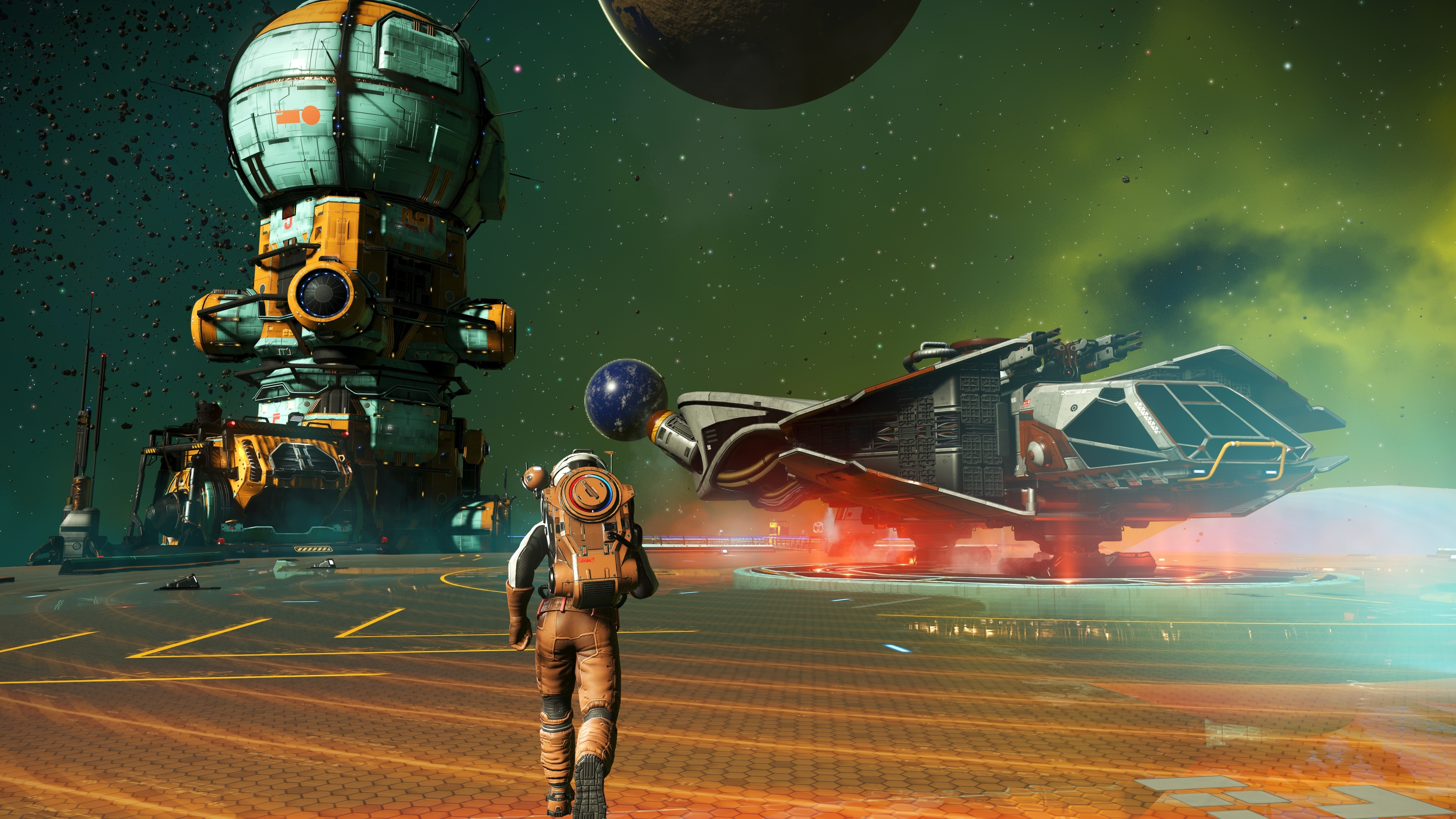
Space stations are no longer fixed, unownable hubs. Cosmos lets you purchase and customize a station of your own, decorating it both inside and externally. To start, look for the station ownership terminal the next time you dock at any system's main station — it is the fastest route in, since the game does not gate this behind a long mission chain. Once you own a station, you can place decorations and functional rooms the same way you would in a planetary base, just in zero gravity.
Budget your first session around getting the station's core rooms (docking, trade terminal, and a base computer) placed before you start decorating. Cosmetic pieces are cheap to swap later; the functional layout is what determines whether other players and NPCs can actually use your station.
03Building an Orbital Base in Deep Space
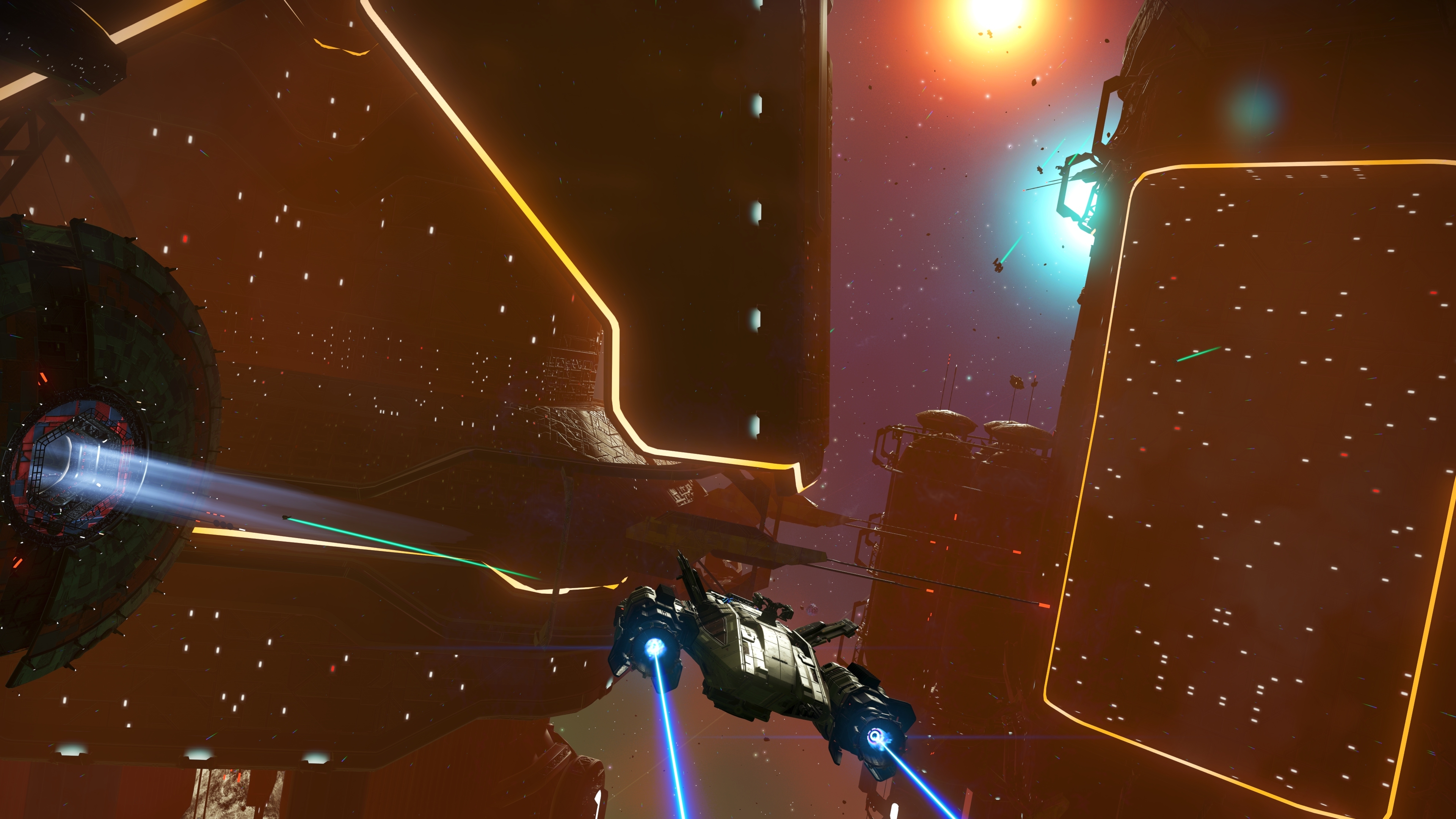
Orbital Bases are free-floating, modular bases you can deploy anywhere in space, not just around a planet. If you have a favorite asteroid belt or a system with easy access to Space Hulks, that is a strong spot to drop one, since it cuts your travel time down to almost nothing during a farming session. Placement works like normal base building: open the build menu while floating in open space and start with a base computer, then expand outward.
Keep in mind that an orbital base does not have the automatic gravity and atmosphere of a planetary base, so prioritize a life support part early if you plan to spend long stretches there.
04Salvaging Space Hulks and Clearing Bio-Wrecks
Space Hulks are the new highlight of Cosmos exploration. These are massive derelict ships you can dock with and physically dismantle, piece by piece, using new extraction tools rather than the old scan-and-loot method. It is a slower, more deliberate process than a normal derelict freighter run, so go in with full shields and expect a fight — Hulks tend to attract hostile scavengers while you are cutting into them. Patch 7.02 confirmed you can now return to the remains of a completed Space Hulk, which was broken at launch, so don't worry about a wreck becoming permanently inaccessible after you finish it.
Bio-Wrecks work differently: they're hazardous facilities that need to be cleared of whatever is infesting them before the loot inside becomes safe to take. Bring hazard protection upgrades on your exosuit before you dock with one.
05Joining or Starting an Alliance
Alliances are Cosmos's new player-run societies. You can network your stations together with other players, build toward shared leaderboards, and pool resources across a group rather than grinding solo. If you're playing with friends, this is the biggest structural change in the update — decide who owns which station early, since networked stations work best when the layout is planned rather than improvised.
Think of an alliance as a way to specialize instead of duplicating effort. One player's station can serve as a dedicated trade hub near a busy system, while another's sits next to an asteroid belt or Space Hulk cluster to service mining and salvage runs. Because stations in an alliance share visibility on the group's leaderboard progress, there's a built-in reason to keep pushing rather than logging off once your own base is finished.
06How to Play the Our Journey Continues Expedition
The anniversary content is delivered through Our Journey Continues, an expedition Hello Games built specifically to mark 10 years since the original 2016 launch. In their own words, "each milestone represents one of the 40 major updates since No Man's Sky launched in 2016," structured like a museum where each milestone unlocks the features of the update it represents, paired with a spacelog of developer commentary and behind-the-scenes facts.
Expeditions run as a separate, time-limited save: you start fresh with randomized starting gear on a shared starting planet, work through the milestone list in whatever order you prefer, and every reward you earn along the way can be sent to your main save. Do this through the Quicksilver Synthesis Companion on the Space Anomaly — it's the only way to move expedition-exclusive items into a Normal mode save before the expedition period ends. If you let the expedition run out without doing this, your expedition save itself just converts to a Normal mode save; you don't lose progress, but you do lose the ability to earn any milestones you skipped.
How to Start the Our Journey Continues Expedition
- 1Our Journey Continues only appears once your platform has installed the free Cosmos update; check for a pending update if you don't see it in the expedition menu.2 min
- 2Select Our Journey Continues from the Expeditions tab on the title screen. This starts a separate save with randomized starting gear on a shared starting planet.1 min
- 3Each milestone unlocks a spacelog entry tied to one of the game's 40 major updates; there's no required sequence, so tackle whichever objective matches gear you already have.Varies
- 4The Anomaly is where you'll find the Quicksilver Synthesis Companion, the only NPC who can move your earned rewards into your main save.5 min
- 5Talk to the Quicksilver Synthesis Companion and transfer every milestone reward you want to keep. Anything you don't redeem stays in the expedition save only.5 min
- 6Once the expedition period closes, your save automatically becomes a Normal mode save — you keep everything already in it, you just stop earning new milestones.Automatic
Our Journey Continues only makes sense if you know what it's actually walking you through. No Man's Sky's own Steam storefront page lists the full chain of major releases it's built from: Foundation, Pathfinder, Atlas Rises, NEXT, The Abyss, Visions, the 2.0 BEYOND update, Synthesis, Living Ship, Exo Mech, Desolation and the 3.0 ORIGINS update, Next Generation, Companions, Expeditions, Prisms, Frontiers, Sentinel, Outlaws, Endurance, 4.0 WAYPOINT, Fractal, Interceptor, Echoes, Omega, Orbital, 5.0 WORLDS PART I, Worlds Part II, Relics, Beacon, 6.0 VOYAGERS, Remnant, Xeno Arena, The Swarm, and now 7.0 COSMOS itself.
That's the arc each milestone's spacelog is drawing from — early milestones cover the base-building and survival systems from Foundation and Pathfinder, the middle stretch covers the multiplayer and freighter systems from NEXT through Beyond, and the later milestones line up with the big structural rewrites like Origins' planetary overhaul and Waypoint's accessibility pass. You don't need to have played any of those updates to finish the expedition, but recognizing the reference points makes the developer commentary land a lot better.
07Patch Notes You Should Know Before You Start
Cosmos shipped two stability patches in its first week that are worth knowing about if you hit anything odd. Patch 7.01 (September 10) and Patch 7.02 (September 15) both targeted launch-week bugs. The 7.02 notes specifically fixed a batch of station and corvette issues: exterior space station decorations that had invisible collision spheres, prop duplication inside claimed stations, and several corvette bugs including reset orientation after loading a save and a phase beam that could hit your own cockpit. If you were locked out of decorating a station or noticed doubled furniture, updating to 7.02 should resolve it.
The same patch also fixed mission text that could report triple the actual number of pirate starships present, and salvage missions that broke when you completed several at once — both worth knowing if a mission counter looked wrong during your first Hulk runs. Neither patch note mentions a wipe or reset to expedition progress, so anything you've already earned in Our Journey Continues carries over normally through both updates.
If you only have time for one session before diving into the expedition properly, spend it on the Star Map and a single Space Hulk. Both are self-contained enough to learn in an hour, and getting comfortable with the new extraction tools on a Hulk before your first expedition milestone asks you to use them will save you a lot of wasted shield cells later.
FAQ
Do I need Cosmos to start Our Journey Continues?
Yes. The expedition launched alongside update 7.0, so you need the free Cosmos update installed on your platform before it appears as an expedition option from the main menu.
Can I lose my expedition rewards?
Not if you redeem them. Use the Quicksilver Synthesis Companion on the Space Anomaly to transfer earned rewards to your main save before the expedition period ends. After it ends, your expedition save converts to a Normal mode save automatically.
Do I need to own a space station to play Cosmos content?
No. Space Hulks, Bio-Wrecks, Asteroid Belts and the reworked Star Map are all available without owning a station. Station ownership and Alliances are additional systems on top of the core update, not a gate in front of it.
Is the Cosmos update free?
Yes, it's a free update for all existing owners of No Man's Sky across every supported platform, the same way every major No Man's Sky update has been since launch.
Official resources

Jonas runs the guides desk at Tutorial.Games. He replays every route, build and boss strategy on the current patch before it goes up, and re-checks it when the developer ships a balance update. Soulslikes, co-op action games and anything with a build planner.