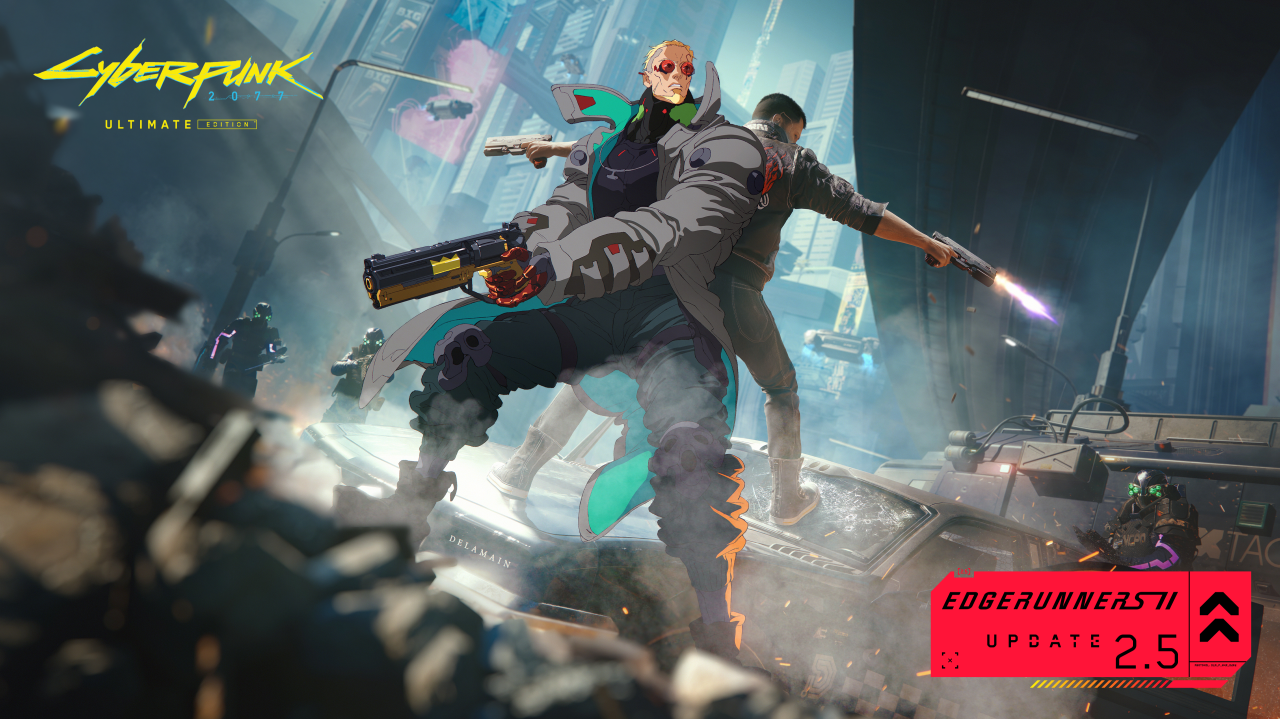
Cyberpunk 2077 Update 2.5: Best PC Settings and DLSS 4.5
Update 2.5 reworks DLSS, FSR and ray tracing on PC. Here's every Cyberpunk 2077 settings change worth making after the Edgerunners 2 Update.
Cyberpunk 2077's Edgerunners 2 Update rolled out on October 22, 2026, and it rewrites a surprising amount of the settings menu along the way. Dual-wielding and the new side quests are getting most of the attention, but the update also swaps out the upscaling stack, adds a frame generation mode that scales itself, and quietly removes an option a lot of players had been relying on. Here's what actually changed under Graphics and Gameplay, and which settings are worth touching the moment you load back into Night City.
01What Update 2.5 Changes About the Settings Menu
According to CD Projekt Red's own patch notes for the update, the headline graphics change is native DLSS 4.5 support, built on Nvidia's second-generation transformer model for upscaling, ray reconstruction and frame generation alike. Sitting next to it is a new Dynamic Multi Frame Generation mode, which adjusts how many interpolated frames it inserts based on how far your real frame rate sits from the target you've set, rather than locking you into a fixed multiplier the whole session.
The update also removes FSR 3 upscaling outright. If that's what you were using on an AMD card or a Steam Deck, you'll need to switch to FSR 4 or FSR 2.1 for upscaling, with FSR 3.1 Frame Generation still available separately. A few smaller but genuinely useful additions round things out: a Film Grain toggle that previously did nothing now actually works, the third-person camera's controller settings are fixed, and there's a new FSR Anti-Lag 2 option worth knowing about even if you're not on an AMD GPU, since it affects input latency independently of upscaling choice.
02Best Settings If You're on an RTX 40- or 50-Series Card
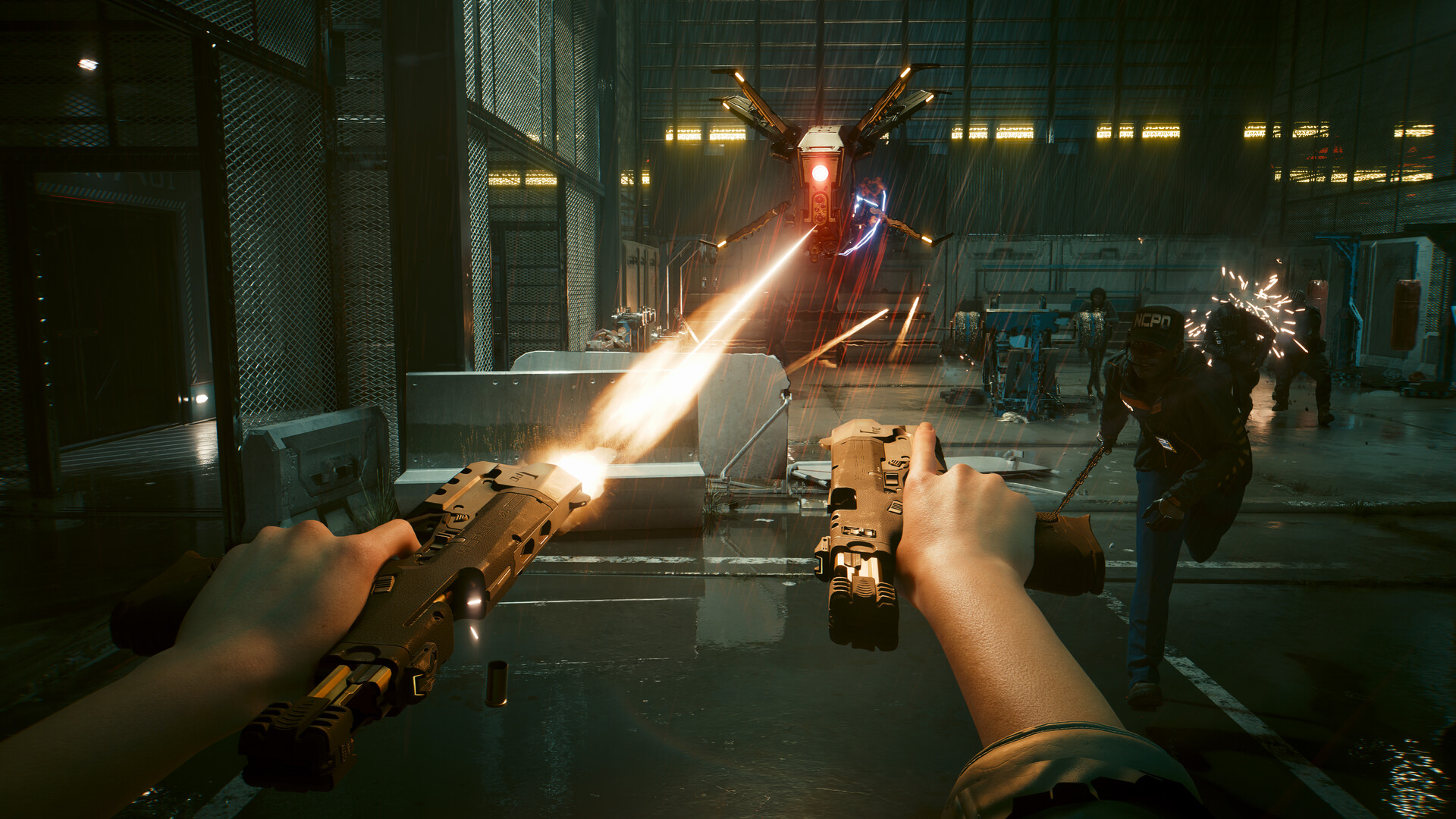
If you're running a recent Nvidia card, Update 2.5 is worth switching your upscaler for even if your current settings already run fine. Here's where to start:
- Super Resolution: Set DLSS to Quality at 1440p and above, or Balanced if you're pushing 4K with ray tracing on. The new transformer model holds up noticeably better in motion than the previous DLSS build, especially around fine detail like chain-link fences and neon signage.
- Frame Generation: Turn on Dynamic Multi Frame Generation instead of picking a fixed 2x/3x/4x multiplier. Let it target somewhere around 90-120 fps and it will scale the multiplier up or down on its own as you move between dense street scenes and open highway driving.
- Ray Reconstruction: Leave this on if you're using any ray tracing preset. It's part of the same model upgrade and reduces the shimmering that ray-traced reflections used to show on wet asphalt.
- Reflex: Keep Reflex enabled alongside frame generation. It's not new in this patch, but it matters more now that multi-frame generation is doing more interpolation work per real frame.
Here's a quick reference if you just want a starting point rather than reading through every option yourself:
| Hardware | Upscaler | Frame Generation | Ray Tracing |
|---|---|---|---|
| RTX 50-series | DLSS 4.5 Quality | Dynamic Multi Frame Gen | Path Tracing / Ultra |
| RTX 40-series | DLSS 4.5 Quality or Balanced | Dynamic Multi Frame Gen | Ultra or Psycho |
| RTX 30-series | DLSS 4.5 Balanced | Off (no hardware support) | Medium |
| RX 7000-series (AMD) | FSR 4 | FSR 3.1 Frame Gen | Low or Off |
| Older AMD / Steam Deck | FSR 2.1 | Off | Off |
Treat that table as a starting point rather than a final answer. Your own mileage depends on resolution and whatever else you're running alongside Cyberpunk 2077, but it's close enough to get you into a stable range before you start fine-tuning individual sliders.
03FSR, Frame Generation and What Changed for AMD and Older GPUs
AMD users have the biggest adjustment to make this patch. FSR 3 upscaling is gone, full stop, so if your settings menu is still pointed at it, the game has already switched you to something else. Move to FSR 4 if your GPU supports it for the sharpest image, or fall back to FSR 2.1 on older Radeon hardware. For frame generation specifically, FSR 3.1 Frame Generation remains and can be paired with either upscaler. Flip on the new FSR Anti-Lag 2 toggle at the same time; it trims the latency that frame generation tends to add back, and CD Projekt Red ships it as a dedicated option rather than folding it into the upscaler setting this time.
This same update also opened modding to living-room platforms for the first time, letting PlayStation 5 and Xbox Series X|S players load community creations in game. If you split your time between a gaming PC and a console, what mod support looks like on console is worth a read before you assume PC-only features carry over.
Steam Deck and other handhelds are a special case worth calling out on their own. FSR 2.1 is the safer upscaler choice there now that FSR 3 is gone, since FSR 4 is tuned around desktop-class RDNA 3 and newer hardware rather than the Deck's APU. Leave frame generation off on handhelds entirely — it adds latency that's much more noticeable on a controller held a few inches from your face than on a desk-mounted monitor, and the Deck's battery life takes a bigger hit from it than the smoother frame counter is usually worth.
04Ray Tracing, HDR and the New Odyssey 3D Toggle
Ray tracing gets a general performance pass in this update, with CD Projekt Red specifically calling out additional tuning for PlayStation 5 Pro — PC players should still notice smoother frame pacing on Ultra and Path Tracing presets even without changing anything else. HDR rendering has also been adjusted for more accurate color and contrast, which is worth revisiting if you tuned your HDR calibration months ago and haven't touched it since; the baseline has shifted slightly.
One genuinely niche addition: support for Samsung's Odyssey 3D glasses-free displays, with a dedicated Motion Comfort slider to balance depth against comfort. Unless you own one of those monitors, you can ignore it entirely, but it's a reminder that this patch touched far more of the rendering pipeline than the dual-wielding headline suggests.
05Quality-of-Life Settings Worth Flipping On Today
A few changes aren't graphics settings at all, but they're worth knowing about regardless of platform. Save files in the Load Game menu are now grouped by individual playthrough instead of one long chronological list, which makes it much easier to tell your main save apart from a side-quest-focused replay. Stash filters have also been added for both apartment and vehicle storage, so sorting through cosmetics and crafting components no longer means scrolling past everything you own. On console, a new FOV slider and a fix for missing third-person camera controller options round out the list — both long-requested, neither flashy.
06How to Apply These Settings Step by Step
If you'd rather work through this in order instead of jumping between sections, here's the quick version:
Dial In Your Settings After Updating
- 1Grab the latest Nvidia or AMD driver before touching in-game settings — the DLSS 4.5 and FSR 4 changes depend on current driver support.3 min
- 2Nvidia: set Super Resolution to DLSS 4.5 Quality or Balanced. AMD: switch from the now-removed FSR 3 to FSR 4 (newer cards) or FSR 2.1 (older cards and Steam Deck).2 min
- 3On supported Nvidia cards, enable Dynamic Multi Frame Generation and set a target frame rate around 90-120 fps instead of locking a fixed multiplier.2 min
- 4Use the GPU table above as a starting point, then nudge Path Tracing or Ultra up or down a notch depending on how your frame rate holds in dense street scenes.3 min
- 5Enable FSR Anti-Lag 2 regardless of GPU brand to offset the extra latency frame generation adds back in.1 min
- 6Revisit your HDR calibration since the baseline shifted this update, and reconsider Film Grain now that the setting actually does something.2 min
- 7Open Load Game to see your saves grouped by playthrough, and use the new stash filters in your apartment or vehicle to clean up inventory.2 min
07Setting Up Cross-Platform Mods via mod.io
The update's other major addition is cross-platform mod support, built on mod.io and accessed from the in-game menu on PC, Mac, PS5, PS5 Pro, Xbox Series X|S and Nintendo Switch 2. CD Projekt Red is explicit that this is "a first step," with more mod categories expected later rather than everything unlocking at once. A few practical notes: modded saves are marked with a dedicated icon in the Load Game menu, and on console specifically, achievements and trophies are disabled once you've loaded a modded save, so keep a clean save around if you care about Platinum trophies or Gamerscore. PC players have always been able to install mods manually, so the real shift here is about reach rather than permissions — mod.io support just means console owners no longer need a PC in the loop at all to try community content, and the catalog accessible in-game should grow well beyond whatever's available on day one.
Watch the official launch trailer below for a quick look at everything the Edgerunners 2 Update adds in one cut.
08Is It Worth Changing Your Settings Right Now?
Yes, even if you're happy with how the game already runs. The DLSS 4.5 and Dynamic Multi Frame Generation changes are a meaningful step up in image quality for Nvidia owners, and AMD users don't really have a choice since FSR 3 is simply gone. Budget ten minutes to walk through the Graphics tab after you boot in, confirm your upscaler and frame generation picks carried over the way you expect, and check the new FSR Anti-Lag 2 and HDR options even if you don't normally touch settings between updates. The side quests and dual-wielding are the reason most players are coming back this week, but the settings menu is where Update 2.5 will actually change how the game looks and feels while you play it.
FAQ
What's the best DLSS setting for Cyberpunk 2077 after Update 2.5?
DLSS 4.5 Quality is the safest starting point on RTX 40- and 50-series cards at 1440p or higher. Drop to Balanced if you're at 4K with ray tracing or path tracing enabled.
Does FSR 3 still work in Cyberpunk 2077?
No. Update 2.5 removes FSR 3 upscaling entirely. Switch to FSR 4 on supported AMD GPUs or FSR 2.1 on older cards and Steam Deck; FSR 3.1 Frame Generation is still available separately.
Do I need a new GPU driver for DLSS 4.5 or FSR 4?
Yes, update to the latest Nvidia or AMD driver before changing settings. Both DLSS 4.5 and FSR 4 rely on current driver support to show up correctly in the options menu.
Can I use mods on PS5 and Xbox now?
Yes. Update 2.5 adds cross-platform mod support through mod.io, accessible from the in-game menu on PC, Mac, PS5, PS5 Pro, Xbox Series X|S and Nintendo Switch 2. CD Projekt Red calls it a first step, with more mod categories expected later.
Will using mods disable achievements or trophies?
On console, yes — achievements and trophies are disabled once you load a save marked as modded. PC has never tied mod use to achievements the same way.
Official resources

Ana writes the step-by-step tutorials: settings, controls, configs and the systems games never explain properly. Every tutorial is tested on the version named at the top of the page, with the official patch notes linked so you can check what changed.
