Enshrouded: Best PC Settings and Controls After the 1.0 Launch
Enshrouded's 1.0 launch reworks graphics, aim assist and HUD options on PC. Here's how to configure the best settings, controls and known fixes.
Enshrouded left Early Access on October 15, 2026, and update 1.0.0.0 does a lot more than finish Embervale's story. Keen Games reworked lighting, voxel detail at a distance, controller aim assist, HUD customization, and the save-data system underneath everything, on top of raising the level cap to 50 and opening the new Cinder's Cradle biome. If you're jumping back into an existing world, or starting fresh on PC or Steam Deck, these are the settings worth checking before you head north.
01Why Enshrouded's 1.0 Launch Changes Your Settings
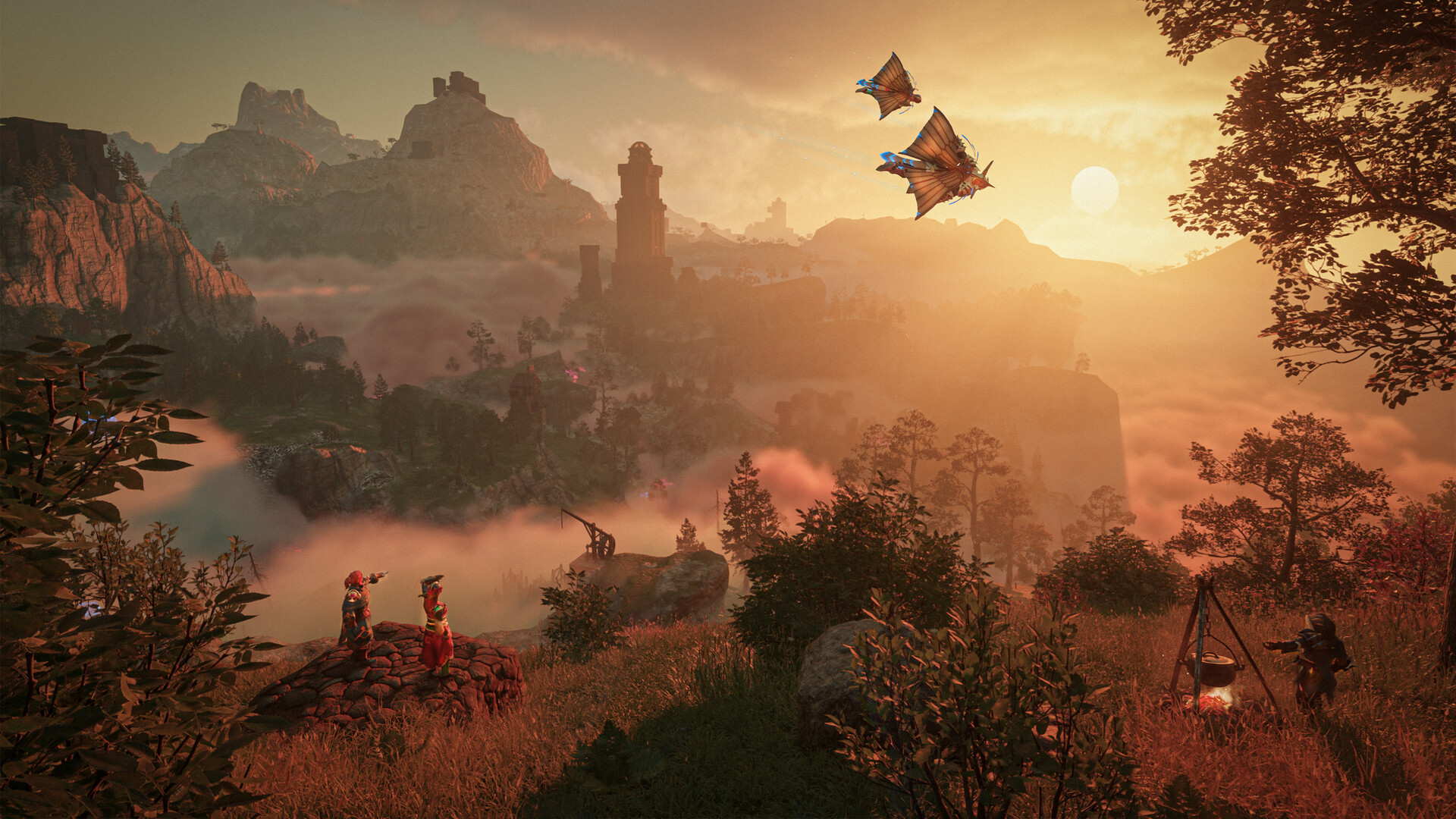
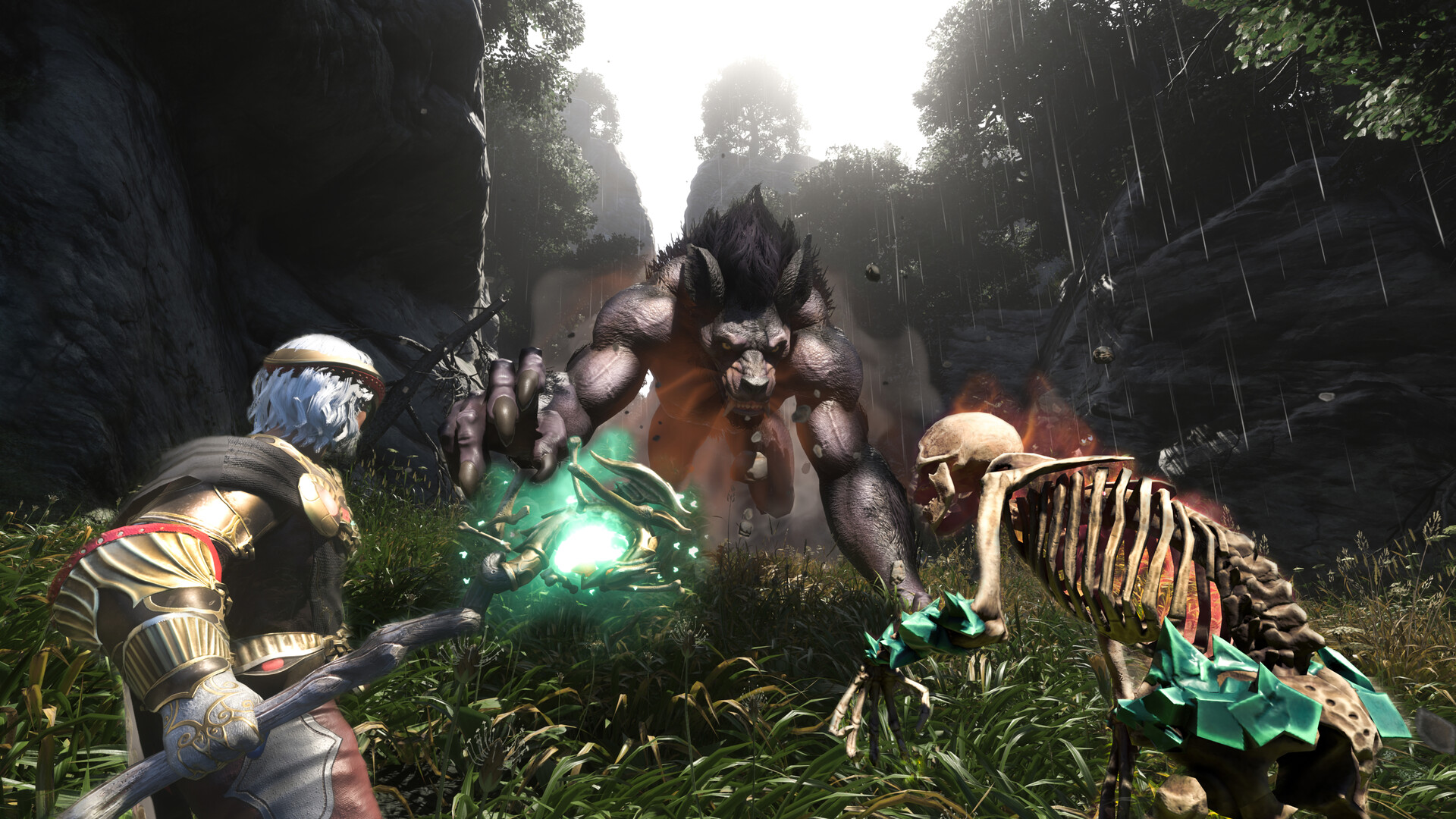
The full release opens the entire map of Embervale, including Cinder's Cradle in the north, and Keen Games used the update to rework several systems that affect how the game looks and runs. According to the developer's official 1.0 changelog, terrain and voxel buildings now keep their detail at a distance instead of turning into abstract blocks, each biome has its own lighting, air moisture, and sky atmosphere settings, and the game renders more point lights at once thanks to improved point light shadow performance, which is most noticeable in large player bases. Dynamic global illumination was also improved, which Keen Games says leads to more vibrant colors inside the Shroud and better lighting under large trees, in dense forests, and inside buildings.
If you're returning with an existing save, note the one change Keen Games flagged as a "public safety announcement" in its own patch notes: loading a pre-1.0 save resets your skill tree, so you'll need to spend your skill points again. The game also moved to a new, smaller save format, and will back up and automatically migrate old save data the first time you load it.
02Official PC Requirements and Steam Deck Performance
Keen Games' own Steam listing gives these minimum and recommended specs for the 1.0 release:
| Minimum | Recommended | |
|---|---|---|
| OS | Windows 10 (64-bit) | Windows 10 (64-bit) |
| Processor | Intel Core i5-6400 / AMD Ryzen 5 1500X | Intel i7-8700 / AMD Ryzen 7 2700X |
| Memory | 16 GB RAM | 16 GB RAM |
| Graphics | GTX 1060 6GB / RX 580 6GB / Intel ARC A380 | RTX 2070 Super / RX 6700 XT / Intel ARC A770 |
| Storage | 60 GB (SSD recommended at the high end) | 60 GB SSD |
That 16 GB RAM minimum applies at both tiers, so don't expect to get away with 8 GB even on the lowest settings. On the handheld side, Keen Games' changelog specifically calls out "improved performance on handheld devices, low-end graphics cards and the Steam Deck" as part of 1.0, and the game is now Steam Deck Verified following the release, after running unverified for most of Early Access.
03Best Graphics Settings After Update 1.0
Most of the heavy lifting in 1.0 happens automatically through the engine changes above, but there are two things worth checking manually. First, 1.0 adds HDR support for the first time, so if you're on a monitor or TV that handles it properly, it's worth turning on and comparing against SDR in a dark area like the Hollow Halls, where the extra contrast range is most noticeable. Second, there's a caveat worth knowing before you lock in a preset: Keen Games' own notes confirm a flickering issue with the Shroud when viewed at a distance specifically on the "Performance" graphical setting. The developer says this is being investigated and isn't fully fixed yet, so if you see shadow or fog flicker on the horizon, it's a known, unconfirmed-timeline issue rather than something wrong with your setup.
Make sure you're actually on the latest build before judging performance, too. Keen Games has already shipped three post-launch hotfixes: 1.0.0.1 fixed several crash causes and an indoor dynamic lighting bug, 1.0.0.2 fixed a bug that made the game render in dense grey fog specifically on Nvidia cards (most noticeable in the Hollow Halls), and 1.0.0.3 fixed a stuttering issue tied to V-Sync on AMD graphics cards. If you were running with V-Sync disabled on an AMD card to avoid stutter, it's worth testing with V-Sync back on now that 1.0.0.3 is live.
04Controller and Aim Assist Settings
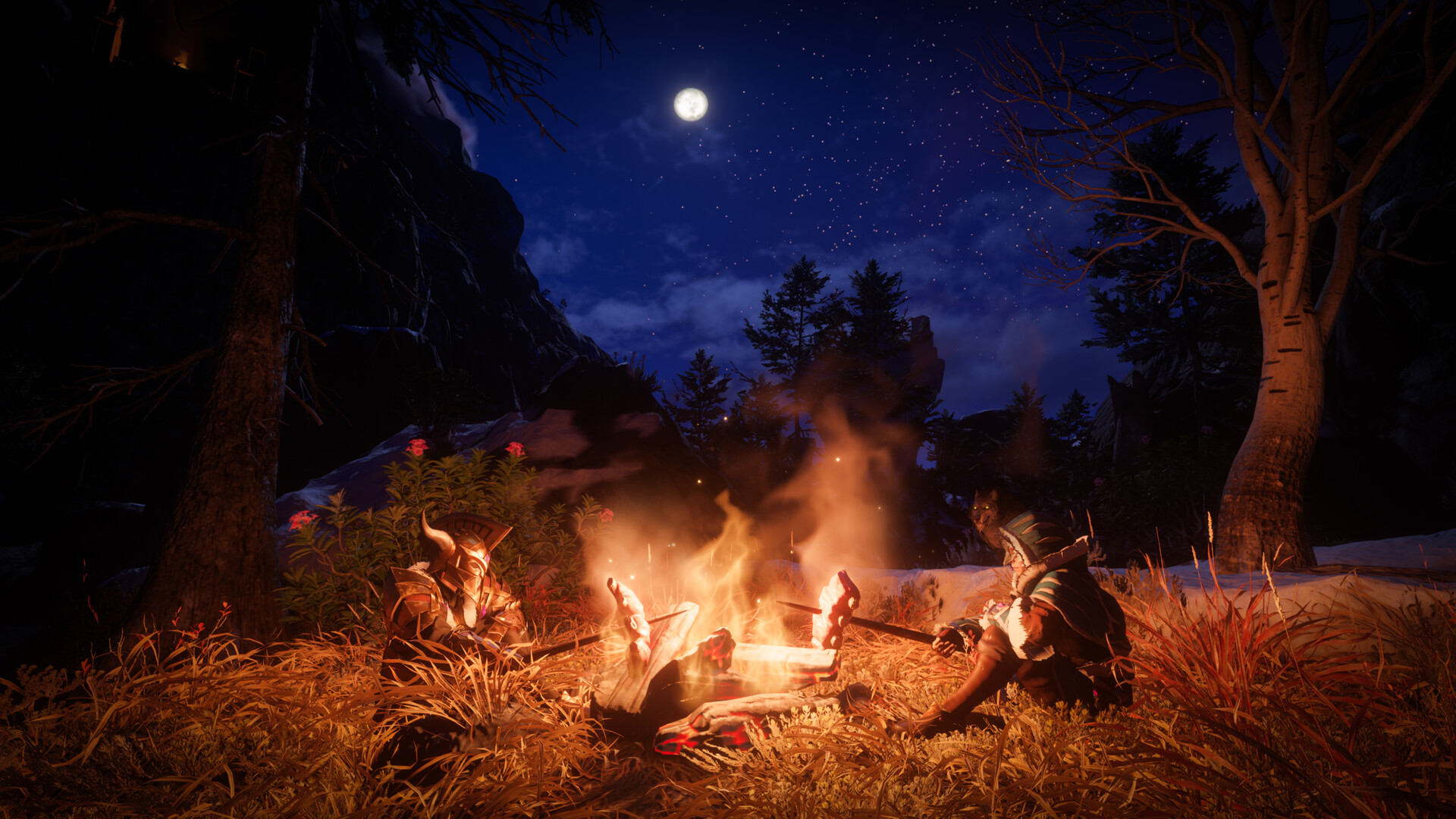
1.0 adds real configuration options for controller users for the first time. In the game's settings menu, you can now independently tune aim snap assist and stick aim assist for ranged weapons, rather than relying on a single fixed behavior. Keen Games also separated the automatic target-selection logic for melee and ranged weapons: melee now leans harder toward whatever enemy is closest to you, while ranged weapons still favor whatever's closest to the center of your screen. If ranged combat has felt like it's locking onto the wrong target since 1.0, that split logic is the reason, and it's worth testing both aim assist sliders rather than just a single master toggle.
The on-screen target icons changed too: Keen Games added distinct soft-lock and hard-lock HUD icons per weapon type, and removed the soft-lock icon from melee weapons entirely, so the HUD only shows information relevant to whatever you're currently swinging or aiming. Separately, keybinding conflict detection is more reliable post-1.0, with fewer false positives and more accurate jumps to whatever binding is actually in conflict, so it's a good time to revisit your custom bindings if you gave up on them during Early Access.
None of these controller changes require a fresh save or a settings reset to take effect — they're just buried a layer deeper than the old single aim-assist toggle, which is why most players haven't found them yet. Run through the checklist below once after updating to 1.0.0.3, and you shouldn't need to touch it again until the next major content patch.
Enshrouded 1.0 Settings Checklist
- 1Confirm Steam has installed version 1273043 (hotfix 1.0.0.3) before changing anything else — it fixes the AMD V-Sync stutter and several crash causes from launch week.1 min
- 2Match your CPU, GPU and the 16 GB RAM requirement against Keen Games' Steam listing. The 16 GB memory minimum applies even at the lowest settings.2 min
- 3Turn on HDR in the graphics menu and compare it against SDR in a dark interior like the Hollow Halls, where the extra contrast is easiest to see.2 min
- 4If you're on a controller, open the aim assist options and tune snap assist and stick aim assist individually instead of relying on one combined toggle.2 min
- 5Use the new HUD visibility settings to hide or show individual elements rather than toggling the whole HUD on or off.2 min
- 6Leave the in-game master volume slider at 100% and adjust actual volume through Windows sound settings until Keen Games patches the reverb and voice-over audio bug from hotfix 1.0.0.1.1 min
- 7If a character or world seems missing after updating, check both the local save folder tab and the Steam Cloud tab in the character and world selection menus before assuming it's gone.1 min
05HUD, Audio and Accessibility Settings
1.0 also added dedicated visibility settings for individual HUD elements, so you can dial in how much information is on screen versus how much you want the game's atmosphere to carry the moment, piece by piece rather than with one blanket toggle. Keen Games also fixed several menu and UI layout breaks that happened specifically at the 140% font size option, so accessibility-focused text scaling should behave correctly post-1.0 where it didn't before. On the audio side, every lore note, letter, and major survivor is now fully voiced in English, German, and Mandarin Chinese, and you can queue multiple lore notes into a playback list and keep exploring while they read out, like a podcast — worth turning on in audio settings if you've been skipping dialogue to save time.
One setting to leave alone for now: hotfix 1.0.0.1's patch notes flag an unresolved audio issue where reverb in large rooms, and the way gameplay sound dips during lore voice-over, both behave oddly whenever the in-game master volume slider is set below 100%. Until Keen Games ships a fix, the developer's own advice is to keep the master volume slider at 100% in-game and do your actual volume adjustment through Windows' own sound settings instead.
06Save Data, World Options and Known Issues
Alongside the skill tree reset warning above, the character and world selection menus now have separate tabs for a local save folder versus the Steam Cloud folder, so if you can't find a character or world you expect to see after updating, check you're looking at the right tab before you assume it's gone. On the quality-of-life side, 1.0 also adds a setting that lets you automatically collect nearby scattered loot without holding the interact button each time, which is worth turning on if you're building anything near Cinder's Cradle's ruins. If you host a multiplayer world, it's also worth re-checking your world settings after updating: Keen Games' notes mention that a hotfix shortly before 1.0.0.2 broke the ability to configure world settings entirely, and while that specific regression is fixed, it's a reminder that server-side options can get reset or temporarily locked out around a launch this size, so don't assume a missing option is intentional before checking the patch notes.
For anything not covered here, Keen Games' own Steam news hub is the most current source of hotfix changelogs, and it's updated faster than any third-party wiki after a launch this size.
Enshrouded's 1.0 release is still shipping hotfixes on a near-daily basis, so if something in this guide looks off by the time you read it, check Keen Games' own Steam news page before assuming your settings are the problem.
FAQ
What are Enshrouded's official PC system requirements for 1.0?
Minimum is an Intel Core i5-6400 or AMD Ryzen 5 1500X, 16 GB RAM, and a GTX 1060 6GB, RX 580 6GB or Intel ARC A380. Recommended is an i7-8700 or Ryzen 7 2700X, 16 GB RAM, and an RTX 2070 Super, RX 6700 XT or ARC A770, per Keen Games' Steam listing.
Is Enshrouded Steam Deck Verified?
Yes. Keen Games confirmed Enshrouded received Steam Deck Verified status alongside the 1.0 launch, after running unverified through most of Early Access, and the update specifically improves performance on handhelds and low-end GPUs.
Will updating to 1.0 reset my character?
Not your character, but your skill tree. Keen Games' own patch notes warn that loading an existing save in 1.0.0.0 for the first time resets your skill tree, so you'll need to spend your skill points again.
Why does lowering the master volume slider cause audio glitches?
Hotfix 1.0.0.1's patch notes confirm an unresolved bug where reverb and voice-over-lowered gameplay sound behave oddly whenever the master volume slider is below 100%. Keen Games recommends keeping it at 100% and adjusting volume in Windows instead until a fix ships.
Does V-Sync still cause stuttering on AMD graphics cards?
That specific issue was fixed in hotfix 1.0.0.3, released after the 1.0 launch. If you disabled V-Sync on an AMD card to avoid stutter, it's worth re-enabling it now that you're on 1.0.0.3 or later.
Official resources

Ana writes the step-by-step tutorials: settings, controls, configs and the systems games never explain properly. Every tutorial is tested on the version named at the top of the page, with the official patch notes linked so you can check what changed.