Neon Abyss 2: Best PC Settings and Controls at 1.0
Neon Abyss 2 left Steam Early Access on October 7. Here's how to set graphics quality, frame rate, ultrawide resolutions and controls after 1.0.
Neon Abyss 2 left Steam Early Access and hit version 1.0 on October 7, 2026, with PlayStation 5, Xbox Series X|S and Nintendo Switch following a day later. Veewo Games used the 1.0 launch to decouple two PC settings players had been asking about since Early Access, add proper ultrawide support, and open online co-op to four Agents at once. Whether you're diving into the Abyss for the first time or picking the full release back up, here's every PC setting, requirement and control worth checking before your next run.
01What Changed When Neon Abyss 2 Left Early Access
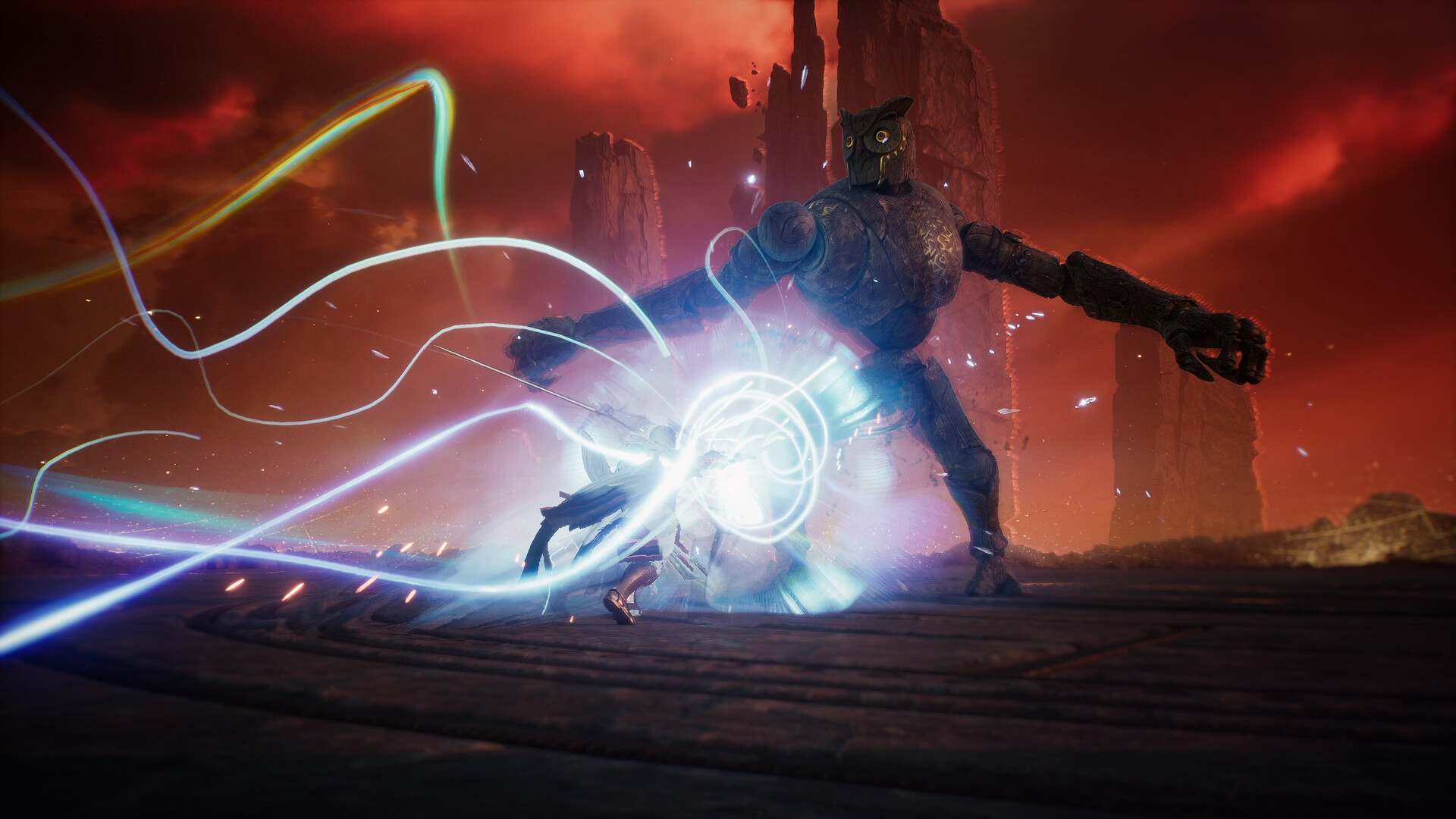
Neon Abyss 2 spent over a year in Steam Early Access after launching there on July 17, 2025, and 1.0 is framed as the version that finally delivers on the sequel's original co-op pitch. The headline additions are a new Titan boss, Theia, Goddess of Vanity; a full set of Steam achievements that weren't available during Early Access; the Storm Breach game mode graduating out of beta; and online co-op for up to four Agents instead of the smaller Early Access cap. But Veewo Games' official 1.0 patch notes also bury a "Key Experience Improvements" section that's almost entirely PC settings work — the kind of change that never makes a trailer but decides how the game actually runs and feels on your machine. That list, not the marketing highlights, is where the rest of this guide comes from.
02Neon Abyss 2 PC System Requirements
Neon Abyss 2 is a 2D pixel-art roguelike, so its requirements are deliberately light. Veewo Games' Steam page lists the minimum specification as a 64-bit dual-core processor at 2.4 GHz, 8 GB of RAM, a GeForce GTX 950, Radeon R7 360 or Intel HD Graphics 630, DirectX 12 support, and only 2 GB of free storage. There's no separate recommended spec published beyond confirming DirectX 12 and a 64-bit OS, which tells you most of what you need to know: this isn't a game that will stress a modern GPU, and almost any PC built in the last several years should comfortably hit the frame rate options covered below. The one hard requirement to double-check is DirectX 12 — if you're still running an old GPU driver that hasn't been updated in a while, update it before launching 1.0 for the first time.
03Graphics Quality and Frame Rate, Finally Independent
Before 1.0, Neon Abyss 2 tied your visible frame rate to whichever graphics quality tier you'd picked — a bug the patch notes explicitly call out, describing changes to graphics quality as "overriding the selected frame rate." That's fixed now. Quality and frame rate are set independently from the Display options: pick Medium or High for quality, then separately choose 60, 120, or uncapped for your frame rate. VSync isn't a manual toggle anymore either; Veewo Games says it's now handled automatically according to your display, so you shouldn't need to fight tearing or stutter by hand.
Given how light the system requirements are, there's very little reason to leave frame rate capped at 60 on a high-refresh monitor. Set quality to High first and confirm your frame counter is behaving during a busy combat room; only drop to Medium if you're on integrated graphics, a Steam Deck, or an older laptop GPU that can't sustain 120 fps with High quality active.
04Turn On Ultrawide Support for 21:9 Monitors
1.0 also adds proper 21:9 ultrawide resolutions to the Display menu: 2560×1080, 3440×1440, and 3840×1600 are all now selectable, instead of running letterboxed or stretched like in earlier Early Access builds. If you've been avoiding Neon Abyss 2 on an ultrawide monitor for exactly that reason, this is the patch that fixes it — open Display settings after updating and pick the resolution matching your panel. Standard 16:9 resolutions remain the default and don't need any changes.
05Controller Vibration, Screen Shake and Rebinding
Controller vibration and screen shake now live on separate sliders instead of one shared setting, so you can keep rumble feedback while toning down the screen shake that Neon Abyss 2's busier bullet-hell rooms can produce, or do the reverse if you want the shake but not the buzz. Veewo Games also quietly reduced how often the controller vibrates during ordinary attacks, so regular combat should feel noticeably calmer on a pad even before you touch either slider yourself.
Full controller support covers DualSense and DualShock pads alongside Xbox-style controllers, and key or button rebinding is available from the Controls menu for both keyboard and controller inputs. One welcome side effect of the 1.0 rework: quick-time-event prompts now follow whatever movement bindings you've set, rather than defaulting back to the original layout mid-run. If you've rebound WASD to something else, your dodge and interact prompts move with it, so QTEs during boss fights no longer ask for a key you've reassigned elsewhere.
06Difficulty, Co-op and Audio Options
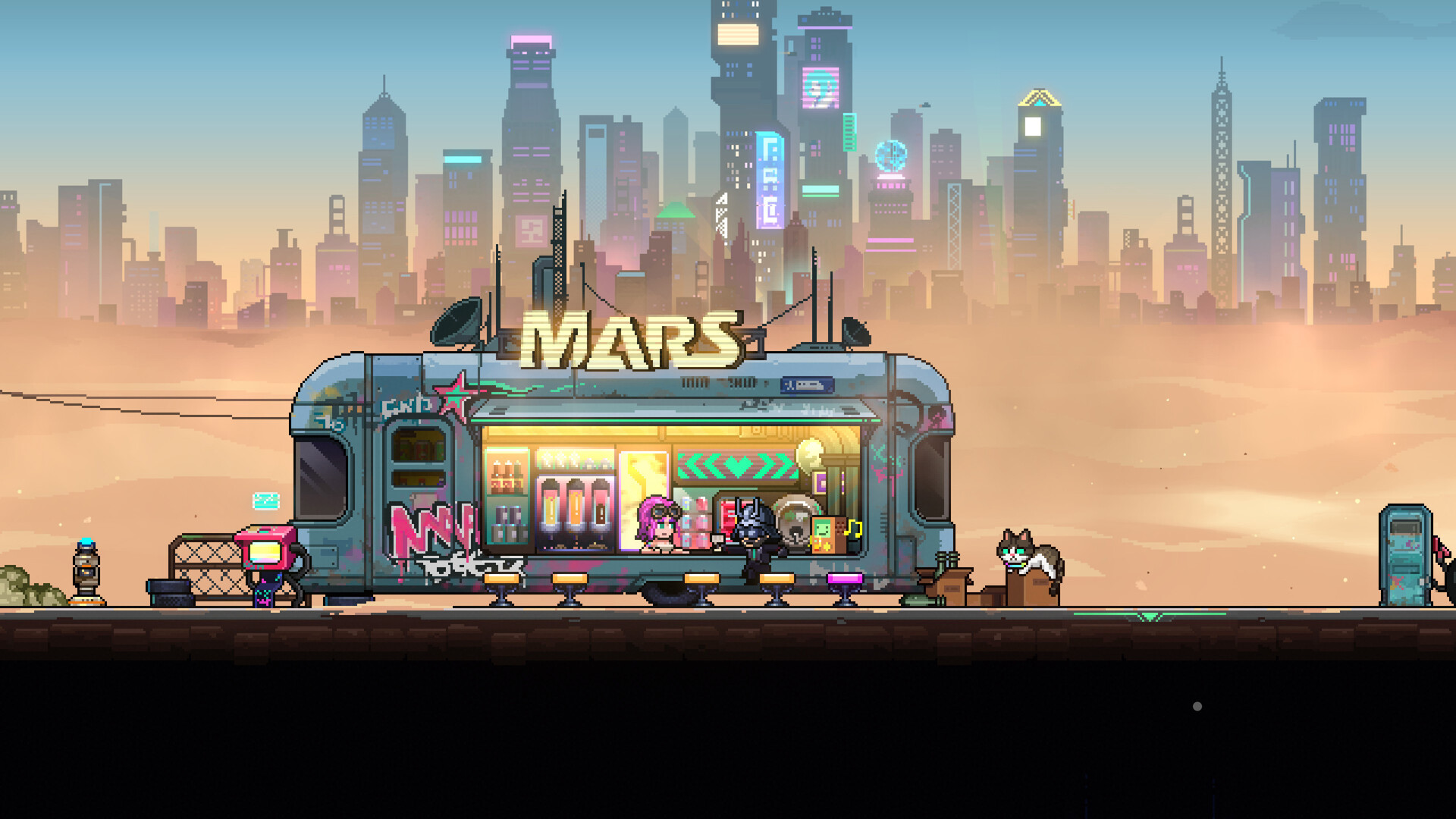
Neon Abyss 2 ships with an adjustable difficulty option alongside Custom Volume Controls for mixing music and effects independently of each other — worth checking if you're streaming, recording footage, or simply want combat audio louder than the bar's background music. If you own the Supporter Pack DLC or the standalone soundtrack, 1.0 also adds an in-game music player at the bar, so you can queue any track from the OST directly instead of relying on whatever's playing in the current room. The character-select bar also has its random Agent pick back after being reworked for 1.0, and every Agent now carries a persistent profile tracking their abilities, boss kill record, and highest Fate reached, which is a genuinely useful reference if you're planning a specific boss route rather than just taking whichever Agent is offered.
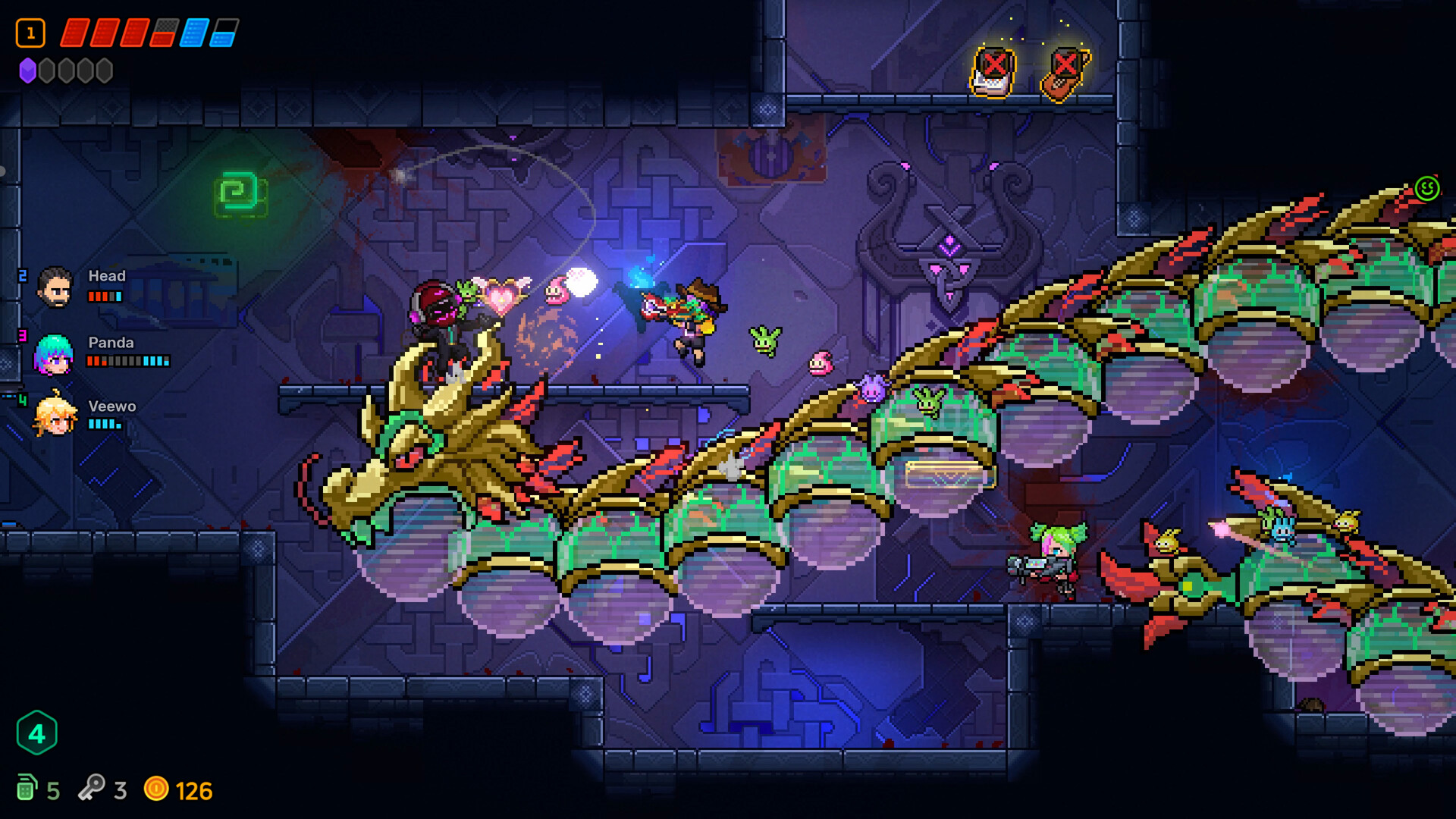
On the co-op side, up to four players can now explore the Abyss together online, including in the new Storm Breach mode, Veewo Games' faster, more streamlined format built specifically around 1-4 player runs. Co-op progress and personal saves were also reworked in 1.0 so solo and shared progress no longer bleed into each other, which was a recurring complaint during Early Access sessions where a client disconnecting could scramble a host's save. Steam Cloud support and Family Sharing both carry over from Early Access, so your save and settings should follow you between machines without any extra setup. If you're hosting, it's worth running a quick test lobby with whoever you're playing with before committing to a full run, since exiting normally on PC now notifies teammates and gives clearer feedback if a join attempt through an invite link fails.
07Is It Worth Switching From Solo to Co-op After 1.0?
If you spent Early Access playing solo, the 1.0 co-op rework is worth a second look even if you don't normally play with others. Storm Breach in particular was built around 1-4 player runs rather than being a solo mode with co-op bolted on, so it tends to feel better balanced in a group than Neon Abyss 2's standard run does. The ability to split up and explore different rooms on the same map with teammates, while still sharing synergies and combos, also changes how you'll want to approach build planning; it's less about finding one perfect loadout and more about picking Agents who cover each other's weaknesses. None of this requires any extra setup beyond the Display and Controls changes above, since co-op uses the same graphics, control and audio settings as solo play.
08Step-by-Step: Setting Up Neon Abyss 2 on PC
Run through this checklist once after updating to 1.0, before you queue up a run solo or with friends.
Setting Up Neon Abyss 2 on PC in 6 Steps
- 1Open Display options and pick Medium or High for graphics quality, then separately choose 60, 120, or uncapped for frame rate. VSync is handled automatically based on your display.1 min
- 2If you're on a 21:9 monitor, select 2560x1080, 3440x1440, or 3840x1600 from the resolution list in Display settings.1 min
- 3Open the Controls menu and click each binding to rebind keyboard or controller inputs. QTE prompts now follow your custom movement bindings.2 min
- 4In Controls, adjust the vibration slider and the screen shake slider independently to cut down on busier bullet-hell rooms without losing rumble feedback.1 min
- 5Choose your difficulty option, then use the random Agent pick in the bar if you want variety, or check an Agent's profile for their boss kill record before committing.1 min
- 6Mix music and effects independently in Audio settings, then invite up to three friends for 4-player online co-op or the new Storm Breach mode.2 min
None of these menus take more than a minute to work through, and most of them — the graphics quality and frame rate split especially — are exactly the kind of change that's easy to miss if you haven't opened Display options since Early Access. Veewo Games says it's still watching player feedback after 1.0, so expect further tuning passes to these same menus in the months ahead.
FAQ
When did Neon Abyss 2 leave Early Access?
Neon Abyss 2 launched into 1.0 on PC via Steam on October 7, 2026, with PlayStation 5, Xbox Series X|S and Nintendo Switch following on October 8, according to Veewo Games' official 1.0 patch notes.
What graphics options does Neon Abyss 2 support on PC?
The 1.0 update lets you set graphics quality (Medium or High) and frame rate (60, 120, or uncapped) independently, with VSync handled automatically based on your display, per Veewo Games' official patch notes.
Does Neon Abyss 2 support ultrawide monitors?
Yes. The 1.0 update adds 21:9 resolution support, including 2560x1080, 3440x1440 and 3840x1600, confirmed in Veewo Games' official patch notes.
Can I remap controls in Neon Abyss 2?
Yes, key and button rebinding is available from the Controls menu for keyboard and controller, and QTE prompts now follow your custom movement bindings after the 1.0 update.
How many players can join Neon Abyss 2's co-op?
Up to four players can explore the Abyss together in online co-op, including the new Storm Breach mode, which came out of beta in the 1.0 release.
Official resources

Ana writes the step-by-step tutorials: settings, controls, configs and the systems games never explain properly. Every tutorial is tested on the version named at the top of the page, with the official patch notes linked so you can check what changed.