
Phantom Blade Zero: Best PC Settings, Specs and Controls
Phantom Blade Zero's verified PC system requirements, DLSS 4.5 options and controller settings, checked ahead of its October 28 Steam launch.
Phantom Blade Zero launches on Steam on October 28, with the PlayStation 5 version following in the same release window. S-GAME's wuxia action RPG has been in development since 2020, built in Unreal Engine 5 with martial arts choreography and motion capture, and with actor Donnie Yen attached as a creative consultant who also plays a role in the story. The studio used its most recent delay — pushed back from September 9 — specifically to polish performance rather than bolt on extra content, which means the PC version arrives with a real, published spec sheet instead of a vague "we'll patch it" promise. It's worth getting your system set up correctly before you sit down with Soul and his sixty-six remaining days.
01Official PC System Requirements
S-GAME's Steam listing splits requirements into two tiers, and both assume an SSD installation rather than merely recommending one — this is a hard requirement in the official notes, not a suggestion you can skip with a patient hard drive.
Minimum (targeting 1080p / 30fps with upscaling enabled): Intel Core i7-8700K or AMD Ryzen 5 3600, 16GB RAM, NVIDIA GeForce GTX 1660 6GB or AMD Radeon RX 5500 XT 8GB, DirectX 12, SSD required.
Recommended (targeting 1440p / 60fps with upscaling enabled): Intel Core i5-10600K or AMD Ryzen 5 5600X, 16GB RAM, NVIDIA GeForce RTX 3060 Ti 8GB or AMD Radeon RX 6700 XT 12GB, DirectX 12, SSD required.
Two things stand out here. First, both tiers lean on upscaling to hit their target frame rate — this isn't a game where you turn DLSS off and expect the same numbers at native resolution, so budget for DLSS being on by default rather than a fallback. Second, the CPU requirement barely moves between the minimum and recommended tiers, which suggests Phantom Blade Zero's performance ceiling on PC is GPU-bound rather than CPU-bound, in line with most Unreal Engine 5 action titles that lean on the GPU for lighting and particle-heavy combat. The listing also carries Denuvo anti-tamper protection, which is worth knowing going in: Denuvo titles occasionally add a small amount of load-time overhead and require periodic online checks, so don't plan on fully offline play for extended stretches.
02Recommended Settings by Hardware Tier
There's no public demo or open beta for Phantom Blade Zero, so independent benchmark numbers don't exist yet. Treat the tiers below as a starting point built from S-GAME's own spec sheet and categories rather than tested frame-rate data, and expect to spend your first ten minutes in the graphics menu regardless of your hardware.
- GTX 1660 / RX 5500 XT tier: Match S-GAME's own target — 1080p, DLSS 4.5 Super Resolution set to Performance or Balanced, path tracing off, and standard ray-traced reflections and shadows off if frame pacing feels uneven during fast weapon-switching.
- RTX 3060 Ti / RX 6700 XT tier: 1440p, DLSS 4.5 Quality, standard ray tracing on, path tracing off. This is the exact tier S-GAME itself recommends for a steady 60fps.
- RTX 4080 and above: 4K or 1440p, DLSS 4.5 Quality, path tracing on, and Multi Frame Generation on if you're already comfortable with the added input latency frame generation introduces in other titles.
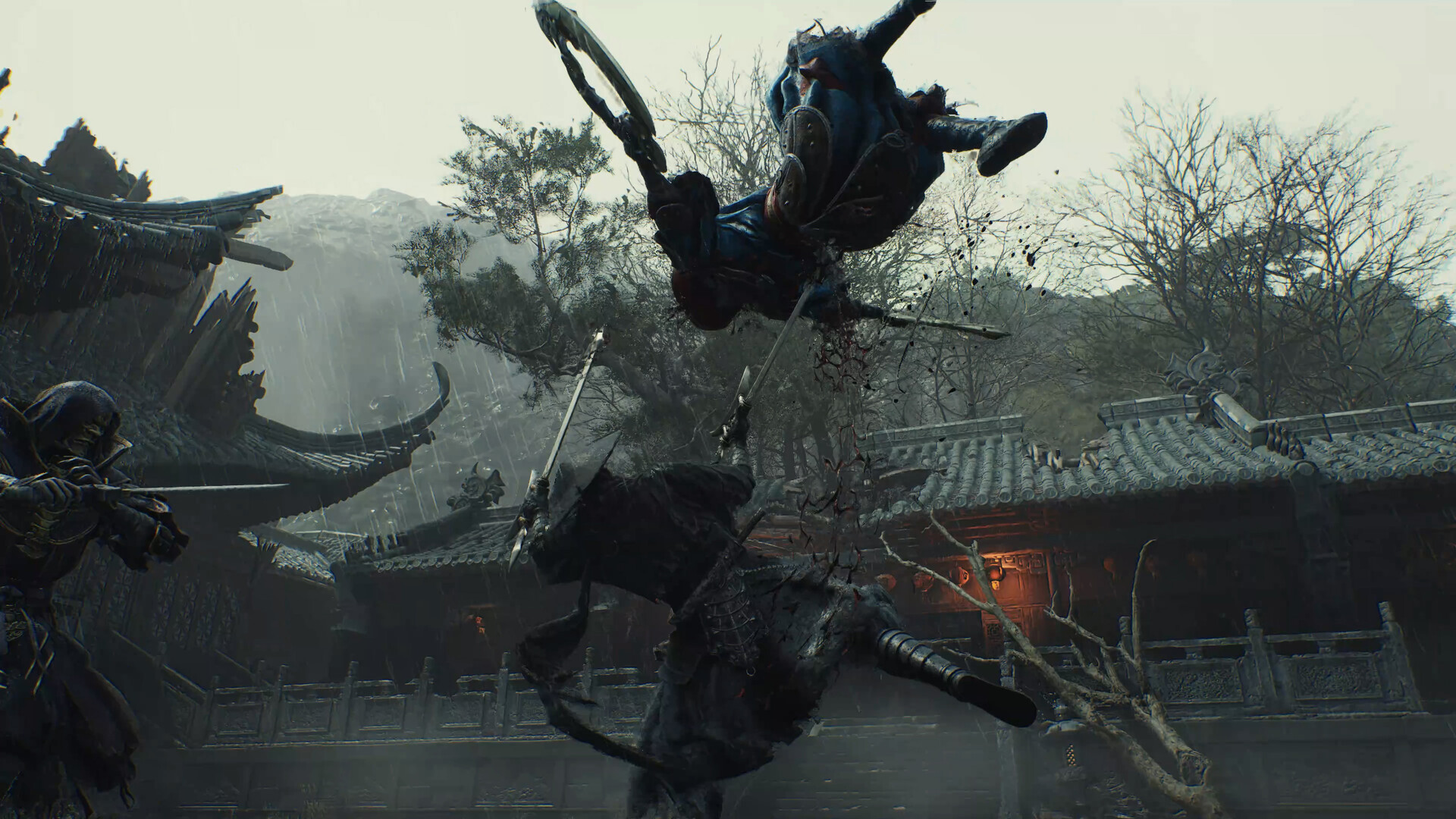
If your card sits between tiers, prioritize dropping path tracing before dropping your DLSS 4.5 preset. Path tracing is by a wide margin the single most expensive toggle in the menu, since it recalculates how light bounces through an entire scene in real time, while stepping down one DLSS preset costs you comparatively little visible fidelity. Combat in this game is fast and camera-heavy, so a stable, slightly lower-resolution 60fps will generally feel better under your hands than a prettier scene that dips into the 40s during a boss's killer-move windup.
03DLSS 4.5, Ray Tracing and Path Tracing on PC
NVIDIA shipped a dedicated GeForce Game Ready driver, 621.01 WHQL, timed to Phantom Blade Zero's launch window alongside Call of Duty: Modern Warfare 4. According to NVIDIA's own announcement, the PC version launches with a full suite of DLSS 4.5 technologies, including Dynamic Multi Frame Generation, plus PC-exclusive path-traced lighting and effects that are further refined by DLSS Ray Reconstruction.
Practically, that gives PC players three lighting tiers the PS5 version doesn't have: standard baked-and-dynamic lighting, standard ray tracing (reflections, shadows and caustics), and full path tracing. Path tracing is reserved for high-end RTX hardware for a reason — unlike standard ray tracing, which calculates a handful of specific effects, path tracing simulates how every light source in a scene bounces and scatters, which is exactly the kind of workload that chokes anything below an RTX 4070-class GPU. DLSS Ray Reconstruction exists to offset some of that cost by replacing hand-tuned denoising filters with an AI model trained specifically on ray-traced and path-traced data, which should mean cleaner reflections and fewer of the smeary artifacts older ray tracing implementations are known for.
Dynamic Multi Frame Generation differs from the Multi Frame Generation most RTX 40- and 50-series owners already know in that it adjusts how many generated frames it inserts based on your current performance headroom, rather than always inserting a fixed ratio. In practice, turn it on after you've locked in your DLSS preset and resolution, not before — frame generation amplifies whatever base frame rate you're already getting, so a shaky 35fps base will still feel inconsistent with frame generation layered on top.
AMD FSR and Intel XeSS support have not been confirmed by S-GAME as of launch week. If you're on a Radeon or Arc card, plan around native resolution, driver-level upscaling, or whatever generic upscaler your GPU vendor supports at the driver level, rather than expecting day-one FSR parity with the DLSS implementation. Whatever hardware you're on, grab your GPU vendor's current driver before you install the game, not after — a Game Ready driver released specifically for a launch window usually exists to pre-compile shaders and fix the stutter that otherwise shows up in your first hour.
04Controller, Input and Accessibility Settings
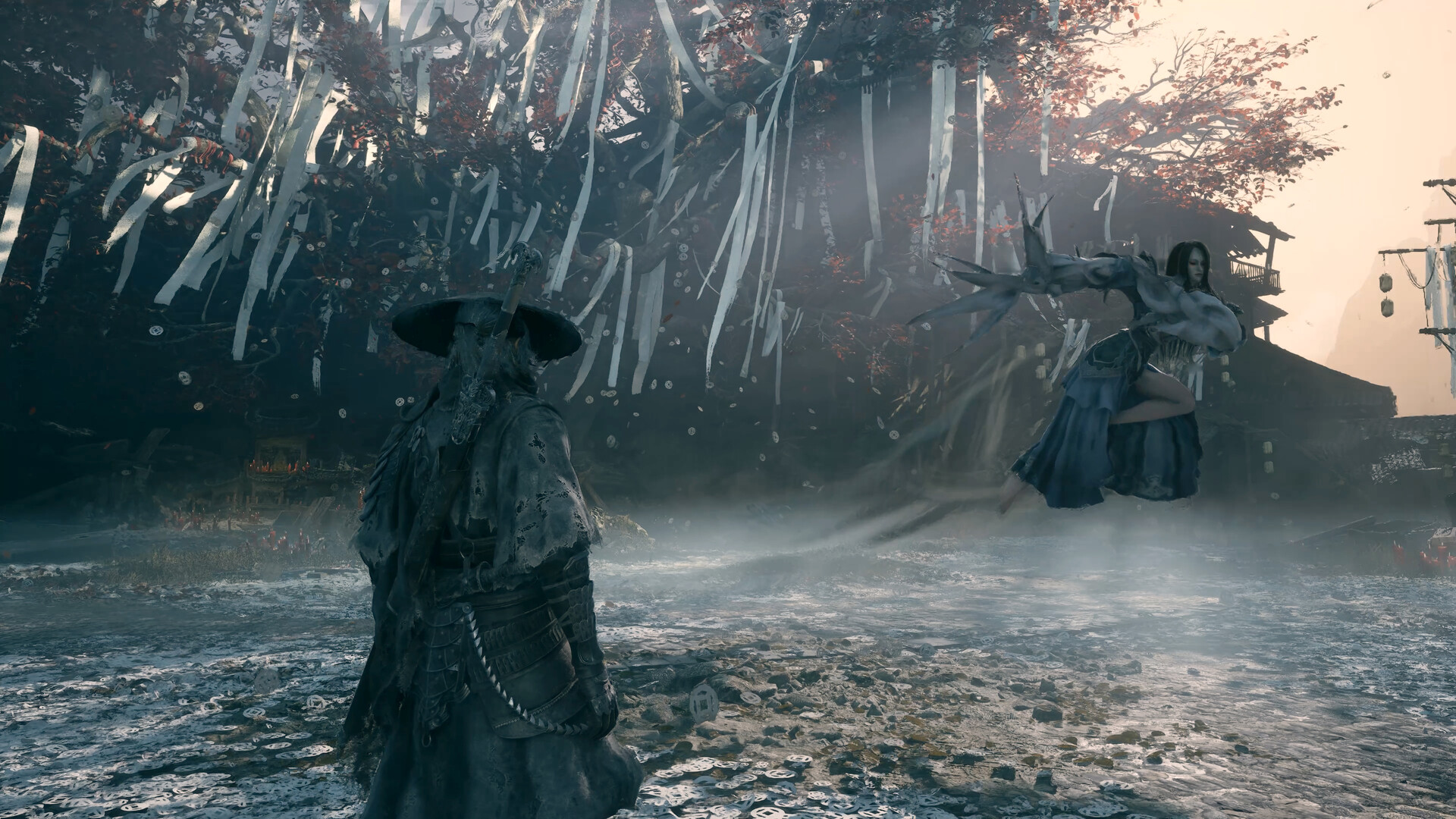
Phantom Blade Zero's Steam page lists full controller support, Steam Input API support, and dedicated DualShock and DualSense controller profiles, which matters for a combo-driven combat system built around parries, dodges and rapid weapon switching between your two Blades and two Phantom Edges. If you're playing on a DualSense, you should get proper button prompts and an adaptive-trigger-aware profile without extra configuration; third-party pads should still work through Steam Input, but it's worth checking that the on-screen glyph set matches your controller before your first real boss encounter rather than mid-fight.
On the accessibility side, the Steam listing confirms adjustable difficulty, adjustable text size, custom volume controls and subtitle options. The adjustable difficulty is worth calling out specifically, since it's doing more than just scaling enemy damage up or down. The game ships four named modes: Wayfarer, Pathbreaker, Hellwalker — which adds more adaptive enemy AI rather than simply hitting harder — and a punishing 66 Days mode that layers on a death counter starting at 66 and triggers permadeath when it hits zero. New Game Plus unlocks after a full playthrough, so your difficulty choice on a first run isn't necessarily a permanent one. Set your mode deliberately after reading what each one actually changes, rather than defaulting to whatever the game pre-selects for you.
Keyboard-and-mouse rebinding hasn't been detailed in any official materials we could verify as of this week. If you're coming from a controller-first action game and want full keybind remapping confirmed before you buy, check the in-game settings menu during Steam's two-hour refund window rather than assuming parity with the pad experience, especially if you're planning to play with a mouse for camera control.
Your Pre-Launch PC Checklist
- 1Confirm you have at least an Intel Core i7-8700K or AMD Ryzen 5 3600, 16GB of RAM and a GTX 1660 6GB or RX 5500 XT 8GB, per the official Steam page. That baseline targets 1080p at 30fps with upscaling enabled.5 min
- 2S-GAME lists SSD installation as required, not optional, in the official system requirements. A mechanical drive risks texture pop-in during Soul's faster combos.varies
- 3NVIDIA shipped a Game Ready driver specifically for Phantom Blade Zero's launch window, covering DLSS 4.5 and the game's path-traced lighting. AMD and Intel Arc owners should check their vendor's driver hub for an equivalent day-one update.10 min
- 4On RTX hardware, start with DLSS 4.5 Super Resolution set to Balanced or Quality before touching Multi Frame Generation. Frame generation smooths motion but adds latency, so test it with your own monitor before committing.5 min
- 5Path-traced lighting is PC-exclusive and enhanced by DLSS Ray Reconstruction, but it is the heaviest setting in the game by a wide margin. S-GAME's recommended spec (RTX 3060 Ti or RX 6700 XT) targets standard lighting at 1440p/60fps, not path tracing, so treat path tracing as a bonus for RTX 4080-class cards and above.5 min
- 6Phantom Blade Zero ships with full controller support, Steam Input API support, and dedicated DualSense and DualShock profiles. If you're on a non-Sony pad, verify Steam Input is picking up the right template before your first boss fight.5 min
- 7The Steam listing confirms adjustable difficulty, adjustable text size, custom volume controls and subtitle options. Set these before you start a save, since some combat-heavy wuxia games bury them behind unrelated menus.5 min
- 8Preloading opened October 27 for pre-order customers on Steam. Start the download a day early so launch night is spent fighting, not watching a progress bar.varies
05Steam Deck Outlook
S-GAME hasn't published a Steam Deck Verified rating or Deck-specific settings for Phantom Blade Zero, and the official minimum spec still assumes a dedicated 6-8GB GPU well above the Deck's integrated graphics. That doesn't rule out a playable experience at reduced settings and a lower internal resolution, but until Valve lists a compatibility rating or S-GAME confirms Deck support directly, treat Deck performance as unconfirmed rather than assuming it'll run like a typical indie or last-generation port. If portable play matters to you, check Steam's Deck Verified page for this title again once reviews and early player reports land after October 28, and don't preload onto a Deck's internal storage until you've confirmed the download size fits your card.
FAQ
When does Phantom Blade Zero release on PC?
Steam's own store page and NVIDIA's Game Ready driver announcement both list October 28, 2026 for the PC version. Some regional coverage lists October 29 for the PS5 version, so treat October 28 as the PC date and check your local Steam countdown for your exact time zone.
What are the minimum and recommended PC specs?
Minimum, per S-GAME's official Steam listing: Intel Core i7-8700K or AMD Ryzen 5 3600, 16GB RAM, GTX 1660 6GB or RX 5500 XT 8GB, DirectX 12, SSD required, targeting 1080p/30fps with upscaling. Recommended: Intel Core i5-10600K or AMD Ryzen 5 5600X, 16GB RAM, RTX 3060 Ti 8GB or RX 6700 XT 12GB, targeting 1440p/60fps with upscaling.
Does Phantom Blade Zero support ray tracing and DLSS 4.5?
Yes. NVIDIA confirms the PC version launches with a full suite of DLSS 4.5 technologies, including Dynamic Multi Frame Generation, plus PC-exclusive path-traced lighting and effects refined by DLSS Ray Reconstruction. AMD FSR and Intel XeSS support have not been confirmed by S-GAME as of launch week.
Will Phantom Blade Zero run well on Steam Deck?
S-GAME hasn't published Steam Deck-specific settings or a Deck Verified rating yet. The minimum PC spec still assumes a dedicated 6-8GB GPU, so treat Deck performance as unconfirmed until official benchmarks or a Deck Verified badge appear.
Does the PC version support controllers?
Yes. The Steam listing confirms full controller support with Steam Input API support, plus dedicated DualSense and DualShock controller profiles, so pad play is a first-class option rather than an afterthought.
Official resources

Ana writes the step-by-step tutorials: settings, controls, configs and the systems games never explain properly. Every tutorial is tested on the version named at the top of the page, with the official patch notes linked so you can check what changed.


