Silent Hill Townfall: Best PC Settings After Patch 1.3.1
Silent Hill Townfall's PC performance after patch 1.3.1: the graphics settings, DLSS/FSR/XeSS picks, CRTV controls, and specs that stop the stutter.
Patch 1.3.1 is the first real fix for Silent Hill: Townfall's PC version, and it targets the exact thing early reviews complained about: constant shader stutter. If you bounced off the game at launch because the frame pacing felt wrong, or you're installing it for the first time now that a patch exists, this is what changed, how to confirm it actually installed, and which graphics settings, upscalers and control bindings get you the smoothest run through St. Amelia.
01What Patch 1.3.1 Changed
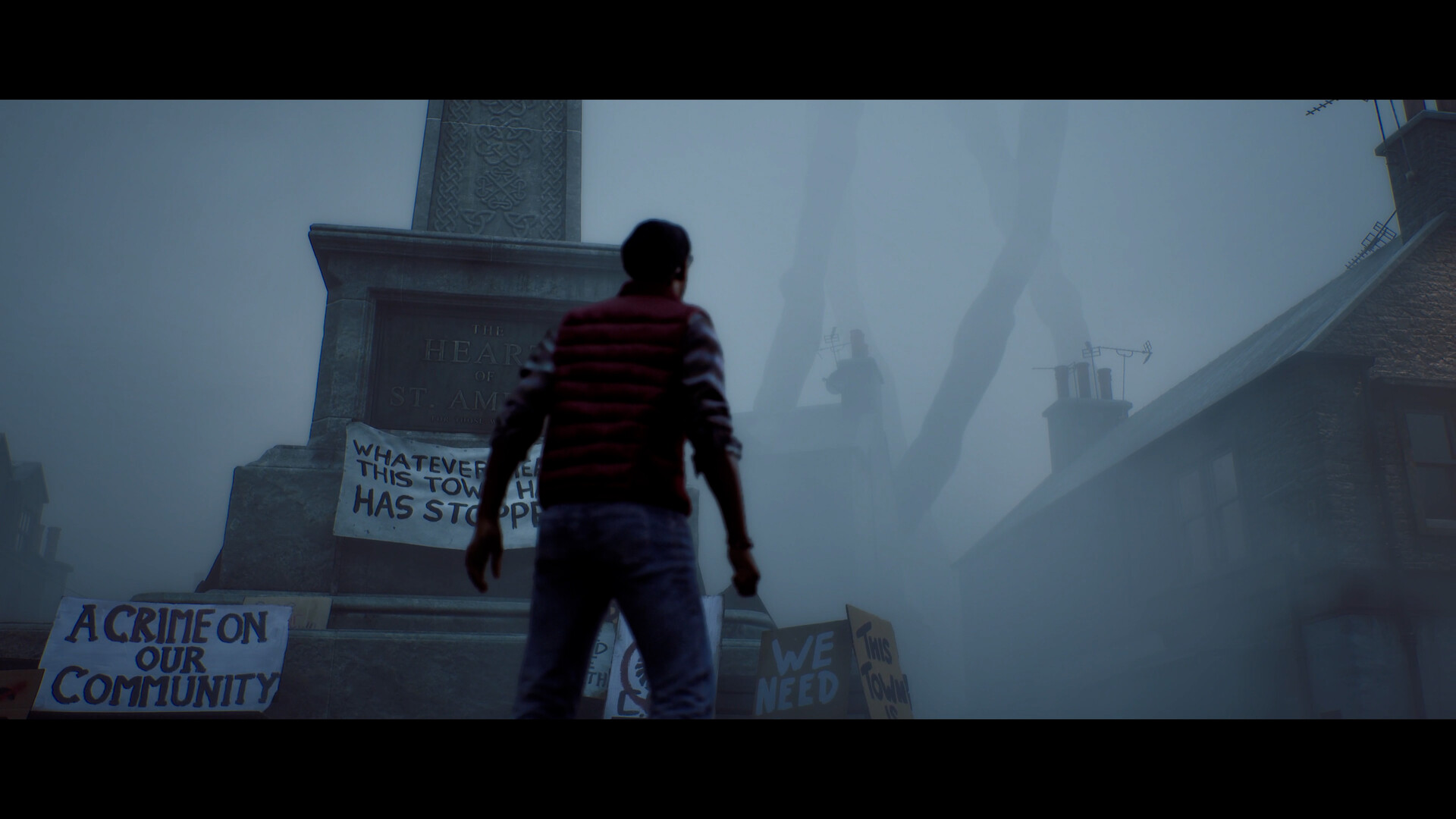
Silent Hill: Townfall shipped on September 24 with a shader pre-compilation step that didn't cover every shader the game actually uses, which is why stutter showed up most in the early fog-covered streets and any area with new particle or lighting effects. Patch 1.3.1, released September 30 on Steam and the Epic Games Store, expands that pre-compilation pass to cover more of the game's shaders, so those first-time hitches should fire during the loading and compilation stage instead of mid-gameplay, where they were showing up before. That's also why the first launch after installing the patch takes noticeably longer than usual — the extra shaders are compiling up front instead of on demand.
We have released a patch on PC (Steam + Epic - v1.3.1) that significantly improves stuttering caused by PSO Compilation issues. More improvements coming soon. Also, we've heard you on struggles with The Weight - gameplay balancing on it's way asap.
— Screen Burn (@_ScreenBurn), Sept. 30, 2026 on X
It's worth being honest about the limits of this patch: it targets PSO compilation stutter specifically, and nothing else. Players have still reported inconsistent frame rates in a few areas, occasional crashes, and short freezes even on capable hardware, and Radeon users in particular have flagged more frequent crashes with ray tracing enabled since the update. Treat 1.3.1 as a real improvement rather than a full fix, and keep an eye on Steam's news page for the next one — Screen Burn has already said more performance work is coming.
02Confirm You're Actually on 1.3.1
Steam and the Epic Games Store should update automatically, but shader caches and partial downloads mean it's worth double-checking before you start troubleshooting settings on what might still be the old build. Look at the lower-right corner of the main menu: after the patch installs correctly, it should read v1.4.153829. If you're still seeing an older build number, force a verify through your launcher — in Steam, that's right-click the game, Properties, Installed Files, then Verify integrity of game files — before changing anything else below. Running the old shader cache against new settings is a common cause of the "patch didn't fix anything" reports you'll see online.
03Best Graphics Settings for Smooth Performance

Townfall's first-person, fog-heavy presentation leans hard on volumetric lighting and ray-traced reflections, and both are the biggest frame rate costs on mid-range hardware, patch or no patch. A few settings changes matter more than the rest:
- Ray-traced reflections and shadows: the single heaviest toggle in the menu. On anything under an RTX 4070 or RX 7800 XT, turn these off and let screen-space reflections handle puddles and windows instead — Townfall's lighting still reads fine without them, and it's one less system fighting for frame time alongside the shader compilation the patch already improved.
- Volumetric fog quality: drop this one step from your target preset first if you're chasing frame rate. The fog is core to the atmosphere, but the difference between High and Medium is subtle next to the performance it buys back.
- Shadow resolution: Medium is enough for a first-person game where you're rarely stopping to inspect distant shadow edges. Spend the saved headroom on resolution scale instead.
- Texture pool size: set this to match your VRAM, not your target preset. On 8GB cards, keep it at High rather than Ultra to avoid texture streaming stutter stacking on top of whatever shader stutter the patch hasn't caught yet.
If you're working through the back half of the campaign and want context for a specific area instead of just settings, it helps to keep a breakdown of the CRTV's static cues open in another tab, since several of the heaviest particle effects in the game trigger around that device specifically.
04DLSS, FSR and XeSS: Which Upscaler to Pick
Townfall supports DLSS 4.5, AMD FSR 4 and Intel XeSS 3.0 at launch, and which one you pick matters more than almost any other setting on this list:
- RTX 20-series and newer: use DLSS, set to Balanced at 1440p or Performance at 4K. DLSS 4.5's frame generation is usable here once you're already above 60fps at base, but turn it off if your base frame rate is under 45 — the added latency isn't worth it in a game built around tense first-person encounters where a half-second of input lag matters.
- Radeon cards: FSR 4 at Quality is the best balance of image clarity and performance right now. Given the Radeon-specific crash reports with ray tracing since 1.3.1, also consider leaving RT reflections off even if your card can technically hold the frame rate with them on.
- Arc and Intel integrated graphics: XeSS at Balanced is the safest starting point; push to Performance only if you're still under 50fps after the graphics setting changes above.
Native resolution with no upscaler is only realistic on an RTX 4080-class card or better at 1440p. Below that, an upscaler isn't a compromise here — it's the difference between a stable 60fps and the stutter this patch was meant to fix in the first place.
05Audio Settings and the CRTV
Townfall's signature mechanic is reading static through the CRTV, and that device is built around sound rather than visual feedback — a setting most players never touch costs you more here than in most games. Open the audio mixer and push the Effects channel up relative to Music, since the static cues you're listening for sit in roughly the same frequency range as the score and get buried if the mix defaults to music-forward. If you're playing with a soundbar or TV speakers instead of headphones, also enable the Mono Audio accessibility toggle; several of the directional static cues are mixed hard left or right, and mono playback collapses that information in a way that can make the CRTV feel broken when it isn't. Subtitles default to on for cutscenes only — switch Subtitles to "All Dialogue" if you want on-screen text for ambient voice lines too, since some of the clearest hints toward what the static is reacting to come from background dialogue rather than the main story beats.
06Controls and CRTV Key Bindings
Townfall's first-person perspective and the CRTV device are both new to the series, and the default bindings are functional but worth adjusting if you're on mouse and keyboard:
- Peek lean: bound to Q/E by default. Consider moving this to your mouse's side buttons if it has them — you'll use peeking constantly around corners and doorways, and reaching for Q/E mid-encounter is slower than it should be.
- CRTV tune dial: mapped to the scroll wheel, which works well and is worth leaving alone. Static feedback is audio-driven more than visual, so the mixer changes above matter more than any graphics setting for actually using this mechanic well.
- Sprint toggle vs. hold: switch this to Toggle in the options menu. Townfall's sprint drains stamina quickly, and holding Shift through long corridor sections adds unnecessary hand fatigue for no gameplay benefit.
- Interact/Investigate: shares a single key with "equip CRTV" in some keyboard layouts, which can cause misfires near investigable objects. Rebind one of the two if you keep accidentally pulling out the device when you meant to interact with something else.
How to Set Up Silent Hill: Townfall for Smooth PC Performance
- 1Launch the game and check the lower-right corner of the main menu reads v1.4.153829. If it doesn't, force a file verification through your launcher before changing any settings.1 min
- 2On anything under an RTX 4070 or RX 7800 XT, disable both and let screen-space reflections handle puddles and windows. This is the single biggest frame rate toggle in the menu.1 min
- 3Nvidia: DLSS, Balanced at 1440p or Performance at 4K. Radeon: FSR 4 at Quality. Arc or integrated graphics: XeSS at Balanced.2 min
- 4Move both down one preset level from your target quality. The visual difference is subtle; the frame rate gain isn't.1 min
- 5On 8GB cards, cap this at High rather than Ultra to avoid texture streaming stutter stacking on top of the shader stutter 1.3.1 already reduced.1 min
- 6Move peek lean off Q/E to a mouse side button if you have one, and switch Sprint from Hold to Toggle in the control options.2 min
- 7Open the audio mixer and raise Effects relative to Music so the CRTV's static cues aren't buried, then enable Mono Audio if you're on speakers rather than headphones.1 min
07Recommended PC Specs for 1.3.1
Konami's official requirements haven't changed with this patch, but they're worth revisiting now that the stutter fix is live, since the recommended tier is the realistic target for a clean 1080p/60 experience rather than a best-case number:
| Minimum | Recommended | |
|---|---|---|
| CPU | Ryzen 5 3600 / Core i7-8700K | Ryzen 7 5700X / Core i7-9700K |
| GPU | RTX 2060 Super / RX 6600 | RTX 3080 / RX 7800 XT |
| RAM | 16GB | 32GB |
| Target | 1080p / 30fps with upscaling | 4K / 30fps or 1080p / 60fps with upscaling |
If you're sitting right at the minimum spec, pair the graphics settings above with an upscaler set one tier more aggressive than your GPU class would normally need. The margin matters more here than in most games, simply because of the frame-time inconsistency that's still being reported outside of the specific stutter this patch fixed.
08What's Still Being Fixed
Screen Burn has been upfront that 1.3.1 doesn't close every ticket. The Weight's two stealth-heavy encounters — one around the midpoint of the campaign, one near the end — are getting a separate gameplay balance pass with no confirmed date yet, since the studio has acknowledged those sections are frustrating independent of performance. Some Radeon-specific crashes with ray tracing enabled are also still unconfirmed as fixed by this update. If you hit a crash after installing 1.3.1, disable ray-traced reflections first before assuming your whole setup needs a reinstall — it's the most common culprit reported so far, and it costs you almost nothing visually given the screen-space fallback covers most of the same surfaces.
None of this should stop you from playing now rather than waiting. The shader stutter was the main thing making Townfall feel technically unfinished on PC, and this patch addresses that specific problem directly and verifiably — the remaining issues are edge cases rather than the default experience most players will have going in with the settings above already applied.
FAQ
What does Silent Hill: Townfall's patch 1.3.1 actually fix?
It expands the game's shader pre-compilation step to cover more shaders, which cuts down the stutter that was happening the first time new effects or lighting appeared on screen. It does not address other reported issues like The Weight's stealth sections or all Radeon ray-tracing crashes.
How do I check I'm running patch 1.3.1?
Look at the lower-right corner of the main menu. After a successful update it should display v1.4.153829. If it still shows an older number, verify your game files through Steam or the Epic Games Store.
Should I use DLSS, FSR, or XeSS in Silent Hill: Townfall?
Use whichever matches your GPU vendor: DLSS 4.5 on Nvidia RTX cards, FSR 4 on Radeon, and XeSS 3.0 on Arc or Intel integrated graphics. Matching the upscaler to your hardware gives noticeably better image quality than forcing a different one.
Is the PC stutter completely gone after patch 1.3.1?
No. The patch fixes stutter caused specifically by incomplete shader pre-compilation. Some players, particularly on Radeon GPUs with ray tracing enabled, are still reporting crashes and inconsistent frame rates that the patch doesn't claim to address.
When is the fix for The Weight's stealth sections coming?
Screen Burn has confirmed a gameplay balance update is in development but has not given a release date as of this patch.
Official resources

Ana writes the step-by-step tutorials: settings, controls, configs and the systems games never explain properly. Every tutorial is tested on the version named at the top of the page, with the official patch notes linked so you can check what changed.