Silent Hill: Townfall Patch 1.6.0: Best PC Settings and Controls
Patch 1.6.0 adds Hard mode, DLSS Ray Reconstruction and a reorganized Options Menu — here's how to configure every new Silent Hill: Townfall setting.
Silent Hill: Townfall's Patch 1.6.0 landed on PlayStation 5, Steam and the Epic Games Store on October 28, 2026, with the GOG build following a few days later on November 2. It's the first update since launch to touch the Options Menu itself, and between a new difficulty tier, a reshuffled menu layout and one new PC-only graphics option, there's enough here that your existing settings are worth a second look even if you finished the campaign back in September. Here's exactly what changed in 1.6.0 and how to configure it.
01What Patch 1.6.0 Actually Changes
According to Konami's official patch notes, version 1.6.0 adds a new Hard difficulty that sits between Normal and Nightmare, and rebalances gameplay elements across every existing difficulty to smooth the jump between tiers. Resource availability was also adjusted in some sections of the game as part of that balancing pass, so don't be surprised if item pickups feel slightly different on a replay even on a difficulty you've already finished.
Two of the changes affect how you read the game on screen rather than how hard it hits. The player's position is now shown on the map in every difficulty mode, not only the easier ones, and enemy hearing sensitivity now scales with difficulty, increasing the higher you go. Konami's notes also specify that The Weight's reduced attack severity is limited to Story Mode only going forward, so if you were leaning on that cushion in Normal or above, expect the fight to hit at its intended strength now.
On the UX side, the difficulty-selection screen shows a clearer written summary of what separates each tier, and a warning screen now interrupts you if you try to start your very first playthrough on Nightmare. Konami also says it cleaned up the wording on some existing puzzle hints and item descriptions, and added more player hints and tutorial prompts throughout, none of which require you to change anything yourself.
02Confirm You're Running Patch 1.6.0
Because the update rolled out across four storefronts over several days, it's worth checking your version number before you assume any of the above is active. Konami's patch notes give the exact string to look for in the lower-right corner of the main menu: PC, Steam and Epic builds should read v1.6.155963, while the PS5 build reads v1.6.156035. If Steam or Epic haven't finished downloading the update, that number will still show the pre-patch build, and none of the new difficulty, map or graphics behavior described here will be present yet.
GOG owners specifically should check this more carefully, since Konami's notes confirm that version landed on November 2, several days after the Steam, Epic and PS5 release on October 28. If you bought the GOG build and haven't force-checked for updates through GOG Galaxy recently, do that first.
03Best Graphics Settings for Your PC Build
Patch 1.6.0 doesn't change Townfall's core rendering settings, but it's a sensible checkpoint to confirm your PC still matches Konami's official specification tiers on Steam. The minimum spec calls for a Ryzen 5 3600 or Intel Core i7-8700K, 16 GB of RAM and an RTX 2060 Super or RX 6600, which Konami states should hold Low settings at 1080p and 30 fps. The recommended spec steps up to a Ryzen 7 5700X or i7-9700K, 32 GB of RAM and an RTX 3080 or RX 7800 XT, targeting High settings at 4K and 30 fps — specifically, Konami's own listing says this is achieved "using DLSS, FSR or TSR Balanced mode."
That last detail matters more than it looks. Konami is telling you directly that the 4K/High tier is not meant to run at native resolution, even on a 3080-class card. If you're sitting at or near the recommended spec and running native 4K, you're fighting the game's own intended configuration; switching your upscaler to Balanced mode first, before you touch any individual slider, is the single change most likely to fix a rough frame rate. If your display is 1440p rather than 4K, you have more headroom than Konami's recommended-spec note implies, and can usually afford to step your upscaler up from Balanced to Quality mode instead.
If your hardware sits closer to the minimum tier than the recommended one, start from the Low preset rather than hand-tuning individual sliders from a higher preset downward — Konami built that preset specifically around the 1080p/30fps target for that hardware class, and piecing together your own mix of settings from a higher preset is more likely to land you below it than above it.
04Turning On DLSS Ray Reconstruction
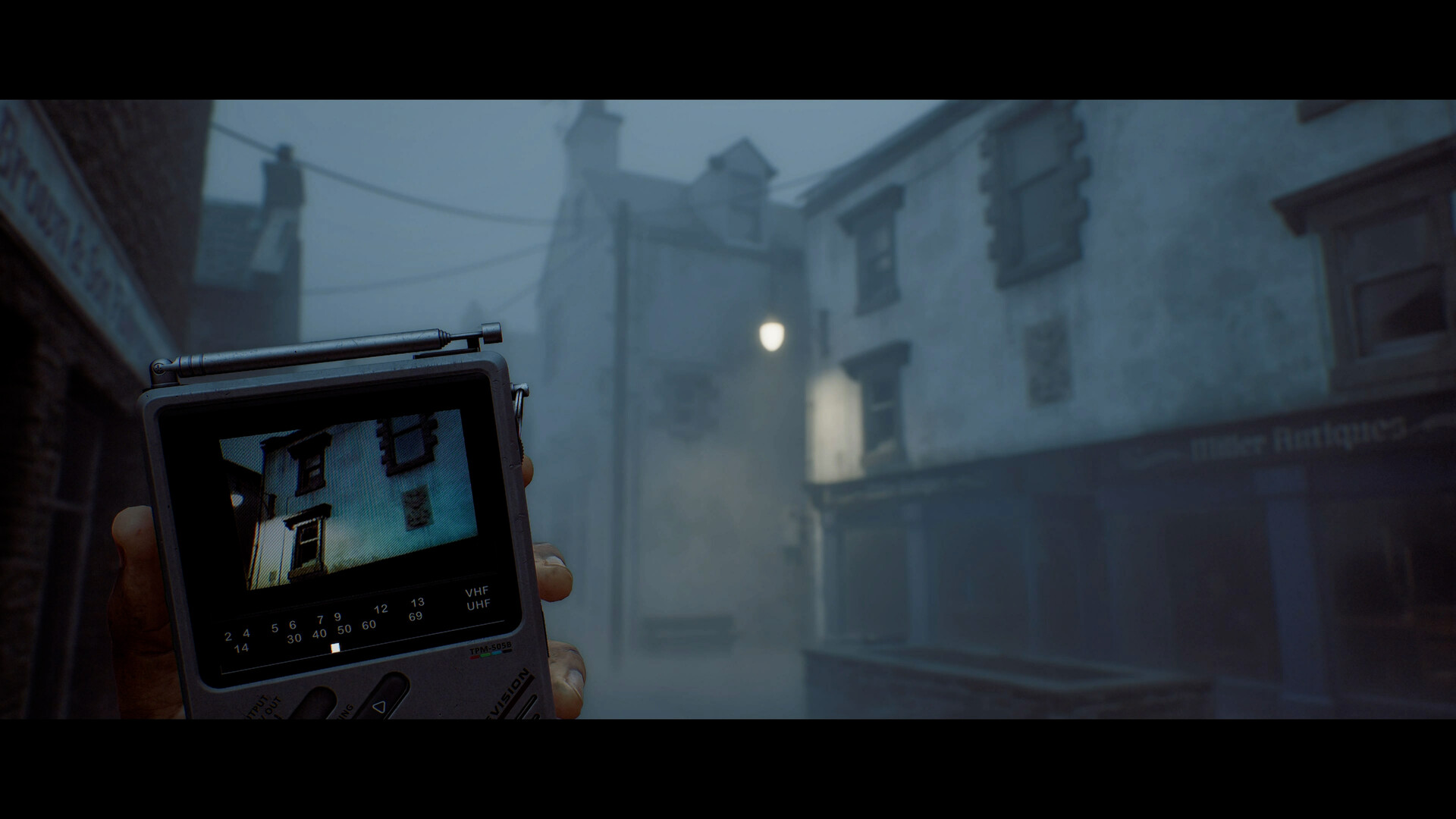
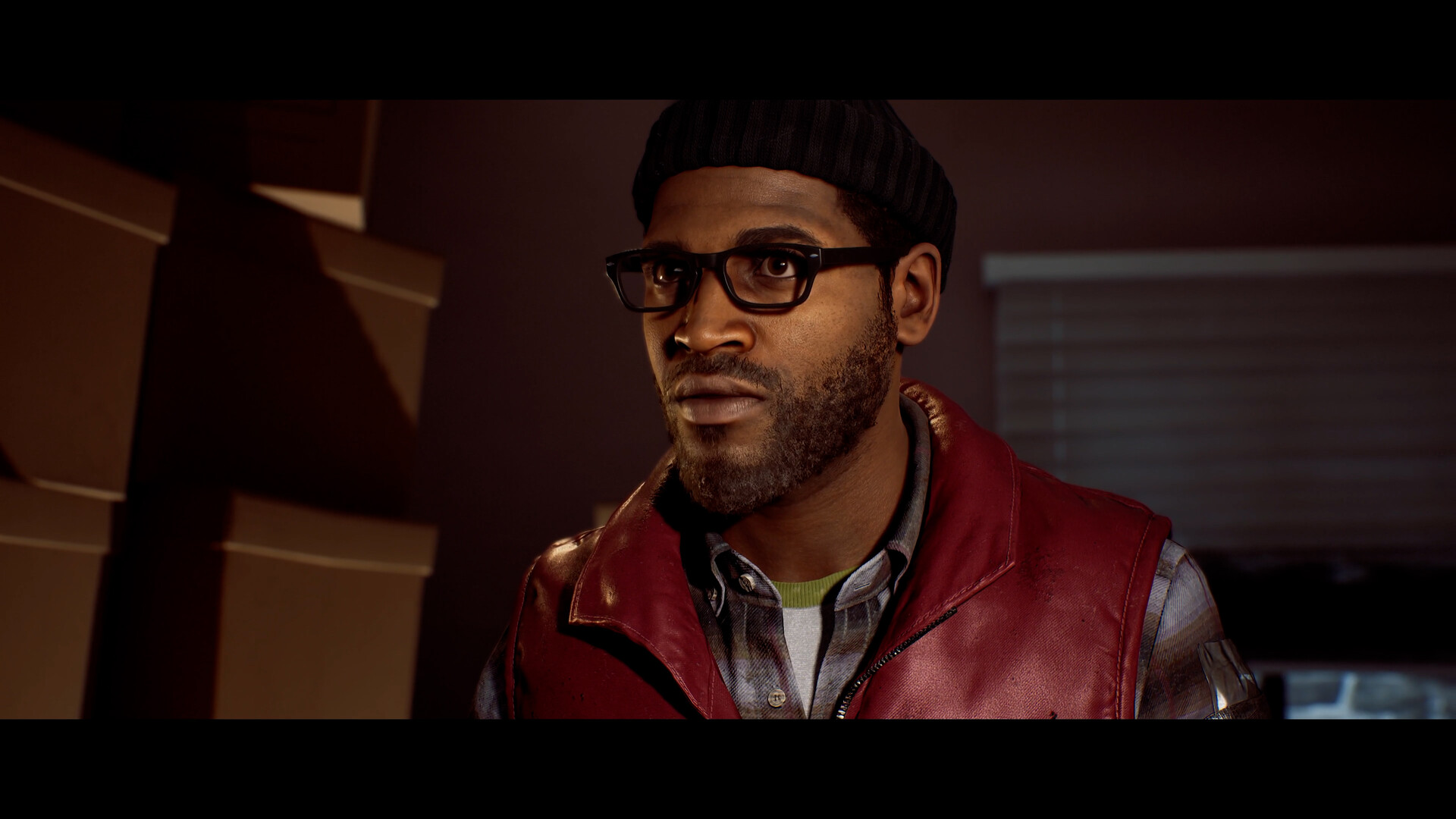
The one new graphics option in 1.6.0 is DLSS Ray Reconstruction, listed in Konami's patch notes as a PC-only addition. Ray Reconstruction is Nvidia's newer denoising model for ray-traced lighting; in most DLSS titles that support it, it reduces the smearing and ghosting that shows up around moving light sources, which is relevant in a game built around flashlights, lanterns and reflective surfaces in near-total darkness. It only applies if you're already running DLSS on an RTX card — it doesn't do anything for FSR or TSR users, since it replaces a specific piece of Nvidia's own upscaling pipeline rather than a general post-processing pass. If you're on an RTX 30-series card or newer and already have DLSS enabled, turn it on and judge it against your own lighting-heavy areas, like the CEG Tower sections, rather than a well-lit room where the difference will be harder to see.
05Picking a Difficulty: Story, Normal, Hard or Nightmare
Hard now sits between Normal and Nightmare, and Konami's UX changes make the gap between tiers easier to judge before you commit — the difficulty-selection screen's clearer written summary and the first-playthrough Nightmare warning both exist specifically so you don't pick blind. Because enemy hearing sensitivity rises with difficulty, Hard is the first tier where sound discipline (crouching near enemies, avoiding glass and standing water when you're being hunted) starts to matter roughly as much as resource conservation does on Normal.
If part of your plan was leaning on The Weight's reduced attack severity to get through that specific fight more comfortably, know that cushion is Story Mode only as of 1.6.0 — Hard and Normal both now face that boss at its full intended severity, so budget healing items accordingly rather than assuming the old behavior carried over.
Update and Reconfigure in 6 Steps
- 1Open the main menu and confirm it reads v1.6.155963 on PC/Steam/Epic or v1.6.156035 on PS5 before assuming any 1.6.0 change is active.1 min
- 2Start from Low if you're near minimum spec (RTX 2060 Super/RX 6600) or High if you're near recommended (RTX 3080/RX 7800 XT), per Konami's official Steam listing.2 min
- 3Konami's recommended-spec note is explicit that 4K/High targets 30fps using DLSS, FSR or TSR Balanced mode, not native resolution.1 min
- 4If you're on an RTX 30-series card or newer with DLSS already enabled, switch on Ray Reconstruction and compare it in a dark, light-heavy area.2 min
- 5Read the new difficulty-summary text before picking Hard if you want something between Normal and Nightmare; remember The Weight now hits full severity outside Story Mode.3 min
- 6Open the renamed controls menu and rebind your interact and CRTV-adjustment keys now that keyboard/mouse remapping lives in the same menu used for controllers.3 min
06Remapping Keyboard and Mouse Controls, Plus Accessibility Fixes
The controls-remapping menu was renamed in 1.6.0 specifically so it no longer implies it only covers a controller; Konami's notes confirm keyboard and mouse bindings can now be remapped from that same menu. If you installed Townfall before this patch and never checked, it's worth opening Options now — the whole menu was also restructured to separate categories more clearly, so settings that used to sit under one generic tab should be easier to actually find. Combined with the CRTV investigation device's reliance on quick, repeated inputs, remapping your interact and adjustment keys to something you can hit without looking down is one of the more practical five-minute changes available after updating. If you haven't worked out exactly how that device is supposed to be used, this breakdown of the CRTV's tuning and monster-spotting steps is worth reading before you start remapping around it.
Konami's notes also list one specific colorblind-accessibility fix in this patch: the valve status lighting, the indicator you use to judge whether a mechanism is active, now reads more clearly for colorblind players. That change and the puzzle-hint wording cleanups both apply automatically the moment you're on 1.6.0 — there's no separate toggle to find for either one. If a puzzle hint still looks like the old wording after you've updated, that's a sign to double-check your version number against the string in the first section above rather than a sign the fix didn't ship.
FAQ
What does Silent Hill: Townfall Patch 1.6.0 actually add?
Per Konami's official patch notes, it adds a new Hard difficulty between Normal and Nightmare, rebalances all difficulty tiers, always shows your position on the map, adds DLSS Ray Reconstruction on PC, restructures the Options Menu, and lets you remap keyboard and mouse controls from the same menu used for controllers.
Do I need an RTX graphics card to benefit from this patch?
Only for DLSS Ray Reconstruction, which Konami's notes list as a PC-only option that works on top of DLSS. Everything else in 1.6.0 — the new Hard difficulty, the map change, the remapping menu and the accessibility fix — applies regardless of your GPU.
Is Hard mode harder than Nightmare?
No. Konami's patch notes place Hard between the existing Normal and Nightmare tiers, not above Nightmare.
Why does my game still show the old difficulty text after updating?
Check the version number in the main menu's lower-right corner first. If it doesn't read v1.6.155963 on PC or v1.6.156035 on PS5, your storefront hasn't finished applying the patch yet.
When did GOG players get Patch 1.6.0?
Konami's notes confirm the GOG build received 1.6.0 on November 2, 2026, several days after the October 28 release on PlayStation 5, Steam and the Epic Games Store.
Official resources

Ana writes the step-by-step tutorials: settings, controls, configs and the systems games never explain properly. Every tutorial is tested on the version named at the top of the page, with the official patch notes linked so you can check what changed.