The Witcher 3 Remastered: Best PC Settings and Ray Tracing Guide
The Witcher 3: Wild Hunt Remastered adds path tracing, DLSS 4.5 and FSR 4 on PC today — here's how to set up every graphics option at launch.
The Witcher 3: Wild Hunt — Remastered arrives today as a free upgrade for anyone who already owns the game on PC, and it rewrites almost every graphics option you're used to. Native DirectX 12, path tracing, and three separate upscalers all land at once, and CD Projekt Red has also raised the minimum specification for the first time since 2015. Before you load back into Velen, here's what actually changed and how to set it up.
01What Changed for PC in the Remastered Build
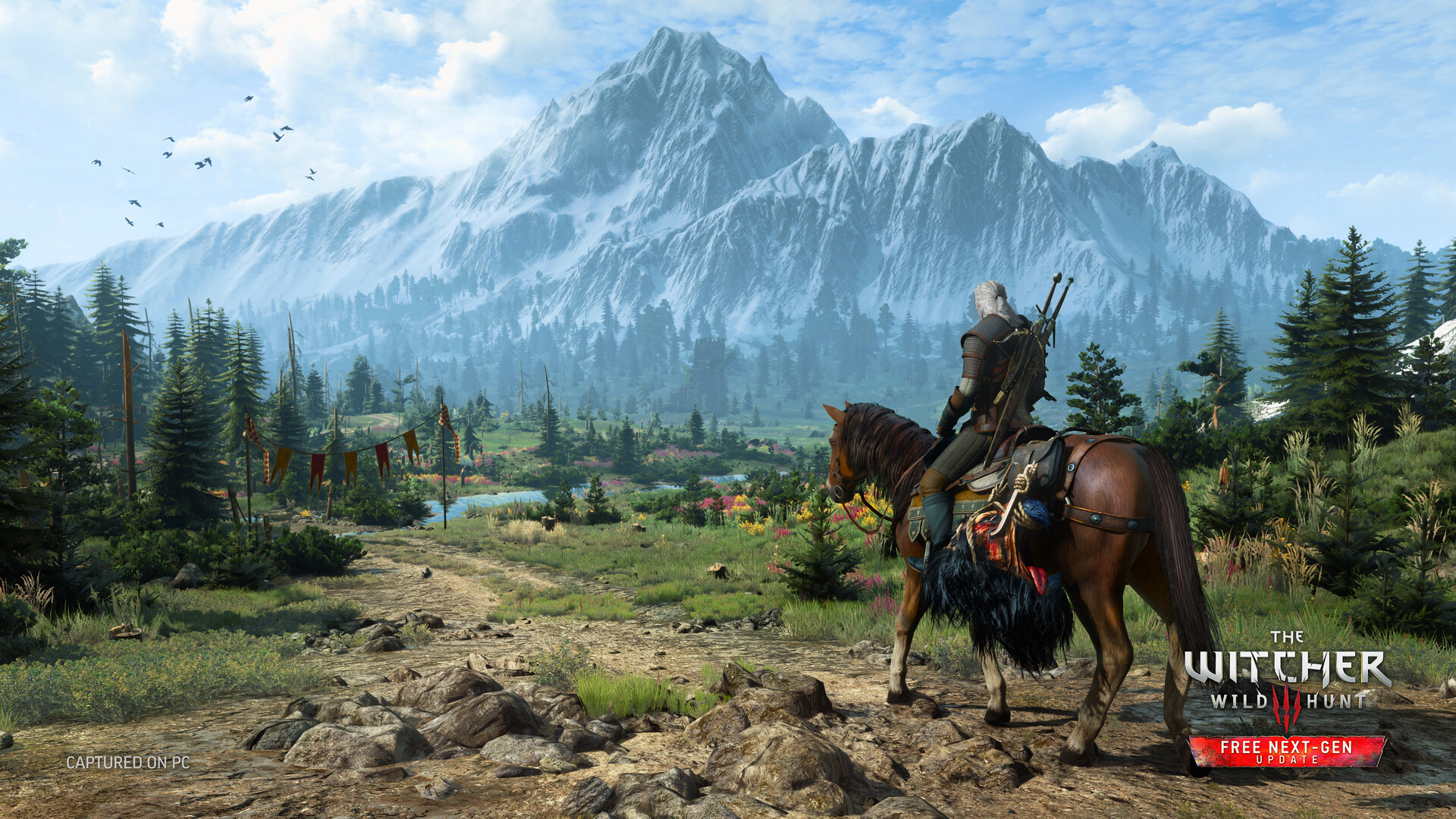
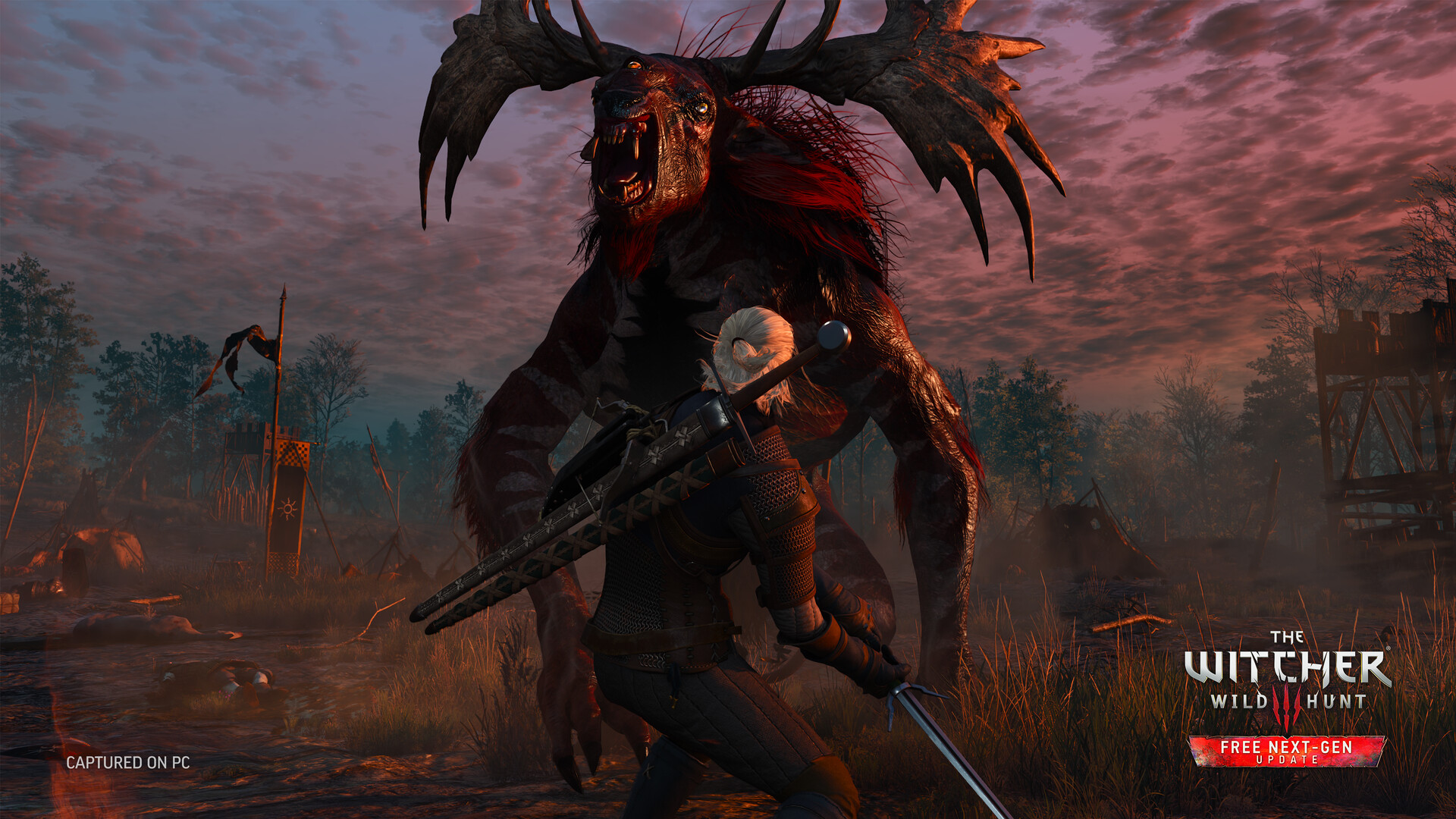
The remaster moves The Witcher 3 to native DirectX 12 with multithreaded rendering, replacing the DX11 path the game has used since launch. CD Projekt Red's own rundown of the update lists an improved shading model, updated textures and models pulled from the community HD Reworked Project, reworked lighting for grass and foliage, GTAO as a new ambient occlusion option, updated screen-space reflections and shadows, a redone HDR calibration panel, and Ray-Traced Local Shadows and Ray-Traced HairWorks for anyone with the hardware to run them.
None of this is optional to install — it replaces the existing game on the same storefront, so Steam, GOG, Epic Games Store and Battle.net owners all get pushed to the new build automatically. If your library still shows the old system-requirements warning, that's expected; Windows 11 is now the minimum supported OS and hard drives are no longer supported, so the install has to land on an SSD.
02Minimum, Recommended and Ultra Requirements
CD Projekt Red's technical support page confirms the new baseline: a Ryzen 5 2600 or Core i5-8400, 12 GB of RAM, 6 GB of VRAM, a GeForce GTX 1660 or Radeon RX 5500 XT 8GB, and 70 GB of free SSD space on 64-bit Windows 11. That's for 1080p at roughly 30 fps on Low. Above that, CD Projekt Red publishes tiers for Recommended, Ultra, RT and Path Tracing rather than a single "recommended" line, so match your setting to the closest tier rather than assuming Ultra will run acceptably on a Recommended-spec card.
- Recommended (1080p / High / ~60 fps): Core i7-8700K or Ryzen 5 3600X, 16 GB RAM, RTX 2060 Super or RX 6600 XT.
- Ultra (1440p / Ultra / ~60 fps): Core i7-13700K or Ryzen 7 7700X, 24 GB RAM, RTX 3070 Ti or RX 6800 XT.
- Ray Tracing (1080p with upscaling / ~30 fps): Core i7-11700K or Ryzen 7 5800X, 16 GB RAM, RTX 2060 Super or RX 6600 XT.
- RT Recommended (1440p with upscaling / ~60 fps): Core i7-13700K or Ryzen 7 7700X, 24 GB RAM, RTX 4080 or RX 9070 XT.
- Path Tracing (4K with DLSS and Frame Generation / ~60 fps): Core i9-13900K or Ryzen 7 9800X3D, 24 GB RAM, RTX 5080.
That last tier is worth reading twice: CD Projekt Red's path tracing target is specifically built around the RTX 5080, so treat path tracing as a showcase mode for high-end Blackwell cards rather than something a 40-series GPU should chase.
03Ray Tracing and Path Tracing Settings
Ray tracing in the remaster isn't a single toggle anymore. You get separate options for ray-traced local shadows, ray-traced reflections, and full path tracing, layered on top of the new GTAO ambient occlusion mode. If your GPU sits at the RT Minimum tier, turn on ray-traced shadows first — it's the cheapest of the ray-traced options and the one most likely to hold a stable frame rate at 1080p with upscaling. Reflections cost more, and path tracing replaces the entire lighting model, so only attempt it if your card is at or above the RT Recommended tier and you're prepared to lean hard on an upscaler and frame generation to hit 60 fps.
Ray-Traced HairWorks is a separate line from the shadow and reflection settings. It uses a new Line Swept Sphere technique that CD Projekt Red says evolves the original HairWorks tech and is built to work alongside path tracing, so it's worth testing even if you're leaving other ray-traced options off, since it's comparatively cheap and the most visible change on close-up character shots.
04DLSS 4.5, FSR 4 and XeSS 2.0: Picking an Upscaler
The remaster is the first Witcher 3 build to support NVIDIA DLSS 4.5 with Ray Reconstruction, AMD FSR 4 with Frame Generation and Anti-Lag 2, and Intel XeSS 2.0 with Frame Generation and Low Latency. Match the upscaler to your hardware rather than defaulting to whichever one is listed first in the menu:
- NVIDIA RTX cards: DLSS 4.5 with Ray Reconstruction is the obvious default, particularly with ray tracing or path tracing on, since Ray Reconstruction is built to clean up the noise those modes introduce.
- AMD Radeon RX 7000-series and newer: FSR 4 with Frame Generation and Anti-Lag 2 is supported natively. Older Radeon cards fall back to FSR 2, which doesn't get the same frame-generation support.
- Intel Arc cards: XeSS 2.0 adds Frame Generation and a Low Latency mode, and it's also a solid fallback option for RTX and Radeon owners who want to compare output before committing to DLSS or FSR.
Frame generation on any of the three only helps once your base frame rate (before generation) is already reasonably stable, generally north of 45–50 fps. Turning it on to rescue a 20 fps base rate will add input latency without the smoothness paying for it.
How to Set Up the Remaster on PC
- 1Install the latest driver from NVIDIA, AMD or Intel before launching the remaster — DLSS 4.5, FSR 4 and XeSS 2.0 all depend on current drivers to appear as options.5 min
- 2Check the version or build number in the main menu. Steam, GOG, Epic and Battle.net all replace the old installation automatically, so a fresh download or update should already be waiting.2 min
- 3Match Low, High or Ultra to the CPU, GPU and RAM tier closest to your own from the requirements list, rather than starting on Ultra and troubleshooting stutter afterward.2 min
- 4Enable ray-traced shadows first if your GPU meets the RT Minimum tier. Only add reflections or full path tracing if you are at RT Recommended or Path Tracing tier.3 min
- 5Set DLSS 4.5 on RTX cards, FSR 4 on RX 7000-series and newer Radeon cards, or XeSS 2.0 on Arc cards, and only enable frame generation once your base frame rate is already stable.3 min
- 6Run the new HDR calibration panel from scratch on an HDR display — pre-remaster calibration values do not carry over cleanly to the new tone-mapping pipeline.3 min
- 7Use the in-game FPS counter in a demanding outdoor area like Novigrad or the Skellige coast, then change one setting at a time so you know exactly what each toggle costs.10 min
05Best Settings by Resolution and Hardware Tier
If you're not chasing ray tracing at all, the remaster's rasterized Ultra preset at 1440p is a legitimate target for anything from an RTX 3070 Ti or RX 6800 XT upward, and it captures most of the visible improvement — the reworked foliage lighting, GTAO, and updated textures — without the frame-rate cost of ray tracing. For 4K without ray tracing, drop shadows and volumetric fog one notch from Ultra before touching anything else; those two settings scale the hardest with resolution and give back the most performance for the least visible loss.
On the ray-traced side, treat 1080p with upscaling as the realistic target for RT Minimum-tier cards, and 1440p with upscaling for RT Recommended-tier cards. If you compared the Witcher 3 Wild Hunt Remastered against a similarly patched game like The Blood of Dawnwalker's post-hotfix PC settings, the pattern holds across current releases: path tracing and native 4K are two different goals, and trying to hit both at once is what pushes people onto frame generation and lower internal render resolutions.
06Controls, HDR and Carried-Over Options
Control remapping, gamepad support and the core accessibility menu carry over from the previous version of the game unchanged, so if you had a working control scheme before the update, it should still apply after you relaunch. The one panel worth revisiting even if you skip every graphics change is HDR calibration — CD Projekt Red rebuilt it for the remaster, and the old calibration values from the pre-remaster build don't necessarily map onto the new tone-mapping pipeline. Run through it again on an HDR display rather than assuming your old settings still look correct.
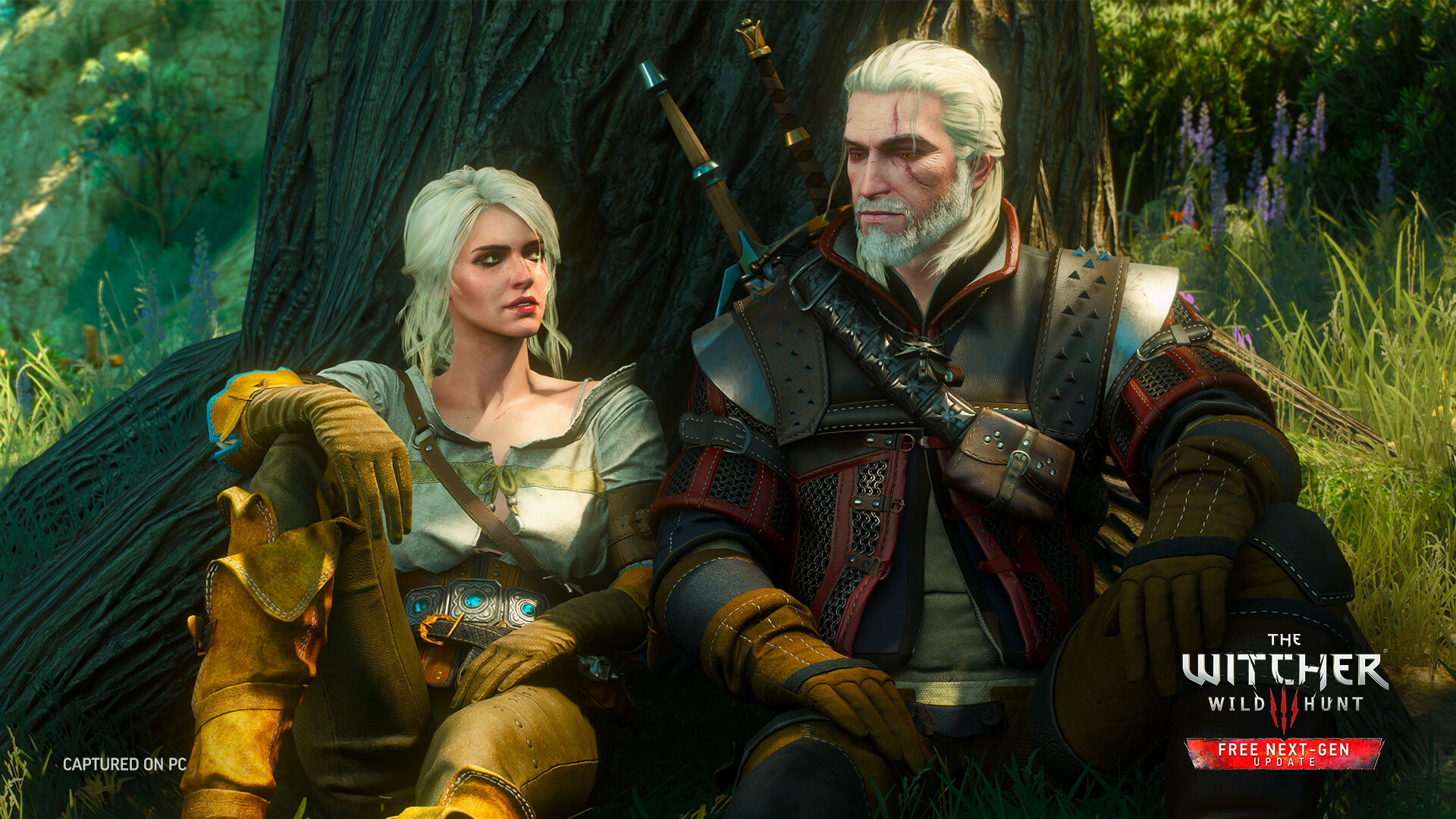
Existing save files carry over into the remastered build, though CD Projekt Red has said skill allocations reset because of changes to the skill tree, so budget a few minutes to respec after your first load. Mod compatibility is a separate, per-mod question: given the scope of the rendering and gameplay changes, treat any mod you were running before the update as unconfirmed until its author has tested it against the remaster specifically.
The system requirements above come directly from CD Projekt Red's support pages and its own rundown of the update, both published this week ahead of launch. If you run into a setting that behaves differently from what's described here, it's worth checking CD Projekt Red's technical support site before assuming it's a bug, since the studio is actively tracking early launch-day issues on the new build.
FAQ
Is The Witcher 3: Wild Hunt Remastered a free upgrade?
Yes. Anyone who already owns any version of The Witcher 3: Wild Hunt on PC gets the remastered build for free through the same storefront — Steam, GOG, Epic Games Store or Battle.net.
Do I need an RTX 40- or 50-series card to use ray tracing?
No. CD Projekt Red's RT Minimum tier only calls for an RTX 2060 Super, RX 6600 XT or Arc B580. Full path tracing at 4K with Frame Generation is the mode built specifically around the RTX 5080.
Which upscaler should I use on an AMD graphics card?
FSR 4 with Frame Generation and Anti-Lag 2 runs natively on Radeon RX 7000-series and newer. Older Radeon cards automatically fall back to FSR 2, which does not include the same frame-generation support.
Will my old save file and mods still work?
Save files carry over, though CD Projekt Red has said skill allocations reset so you will need to respec. Individual mod compatibility is unconfirmed on a per-mod basis given the scope of the rendering and gameplay changes.
What are the new minimum PC requirements?
A Ryzen 5 2600 or Core i5-8400, 12 GB of RAM, 6 GB of VRAM, a GTX 1660 or RX 5500 XT 8GB, 70 GB of SSD space, and 64-bit Windows 11 — hard drives are no longer supported.
Official resources
- CD Projekt Red: see what's new in the remasterthewitcher.com
- CD Projekt Red Press Center: remaster announcementpress.cdprojektred.com
- CD Projekt Red support: updated minimum requirementssupport.cdprojektred.com
- The Witcher 3: Wild Hunt on Steamstore.steampowered.com
- The Witcher 3: Wild Hunt on Wikipediaen.wikipedia.org

Ana writes the step-by-step tutorials: settings, controls, configs and the systems games never explain properly. Every tutorial is tested on the version named at the top of the page, with the official patch notes linked so you can check what changed.