Valheim 1.0 Best Settings: Keybinds, Performance and Crossplay
Valheim 1.0 adds keybind remapping, accessibility toggles and full PC, Xbox, PS5 and Switch 2 crossplay — here is every setting worth changing today.
Valheim left Early Access on September 9, 2026, and Iron Gate has spent the two weeks since shipping the settings, keybind and performance changes that a lot of players spent five years asking for. None of it is obvious from the main menu. Patch 1.0.14 quietly rewrote how keyboard and gamepad rebinding works, Patch 1.0.15 fixed a terrain bug that was costing people frame rate without any warning, and the new PlayStation 5 and Nintendo Switch 2 versions brought full crossplay that isn't explained anywhere in the tutorial.
This guide walks through every setting worth touching after the 1.0 update: which patch to install first, how to rebind controls with the new options, the accessibility and gameplay toggles Iron Gate just added, how crossplay and dedicated servers actually work, and what changed under the hood for performance.
Valheim 1.0 setup checklist
- 1Grab the September 18 hotfix first — it resolves the terrain duplication bug that quietly reduced performance after the 1.0 save conversion.2 min
- 2Open Settings > Controls and use Patch 1.0.14's new options to set an alternate dodge key, extra hotbar slots, and custom radial wheel binds.5 min
- 3In the Accessibility settings, switch Block to a toggle instead of a hold if you don't want to keep a button pressed through long fights.1 min
- 4Gameplay settings now include a toggle to skip the startup cinematic, which saves time if you restart the game often while tuning settings.1 min
- 5Host a world, open the pause menu, and copy the Join Code to invite friends on Xbox, PlayStation 5 or Switch 2 into the same server.3 min
- 6Patch 1.0.14 lowered the cost of heightmap shadows and disabled-tessellation rendering, so it's worth testing a higher preset than before.3 min
01What Changed When Valheim Left Early Access
Valheim's official 1.0 FAQ confirms the game shipped simultaneously on Steam for Windows, Linux and Mac, in the Mac App Store, in the Humble store, and in the Microsoft Store for Windows, alongside new console releases on Xbox One, Xbox Series X|S, PlayStation 5 and Nintendo Switch 2. If you already owned Valheim during Early Access, Iron Gate says your copy "will simply update to a new version, same as always" — no repurchase, and your existing saves stay exactly where you left them.
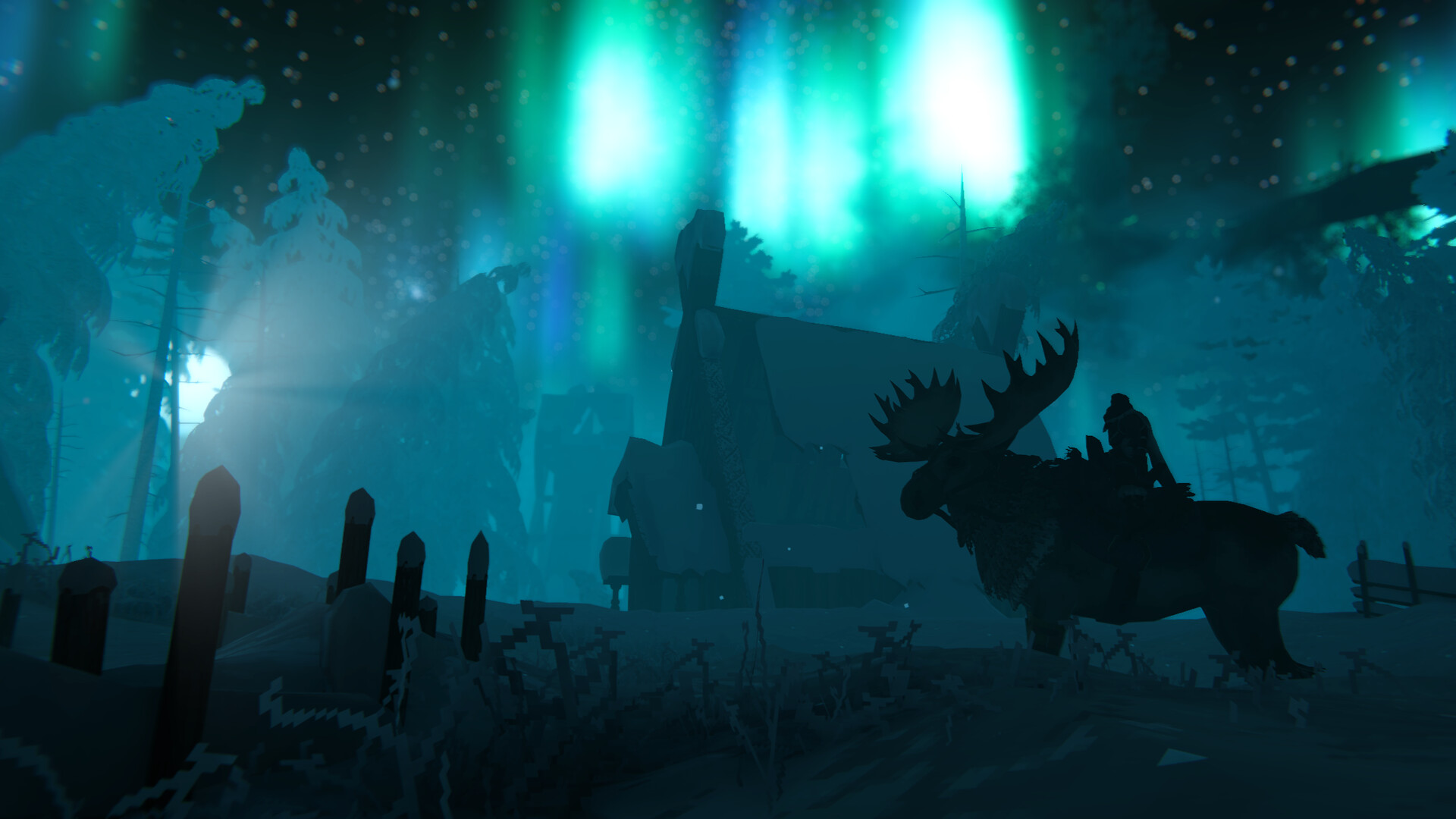
The headline addition is the Deep North, the icy biome that anchors the 1.0 release, complete with a rideable moose mount and new dungeons to explore. Iron Gate's FAQ is upfront that 1.0 isn't a finished optimization pass either: it calls out "decreasing the microstutters that occur when loading new zones in and out of memory" as one of the concrete wins, while noting large, long-running bases won't see dramatic frame rate gains from the update alone. That's exactly what the two patches below are chipping away at.
02Update to Patch 1.0.15 Before Anything Else
Before touching a single settings menu, make sure you're actually on Patch 1.0.15, released September 18. Iron Gate's patch notes describe it as a small patch that fixes "an issue that could cause terrain duplications which resulted in a loss of performance." If your world has felt heavier since the 1.0 save conversion, this is the most likely reason, and it can happen without any obvious visual bug beyond the occasional seam in the terrain.
If you're already running into visible seams, Iron Gate's notes say deforming the terrain at the seam or simply walking through affected snow now makes the fix stick after a reload — it previously reverted. The same patch bumped Writhan spawn rates and improved Deep North armor mould drop chances from Jotun Warriors, and it stops the game from flagging items as cheated when players use developer bypass commands, which had been breaking item stacking for some players.
03Rebind Controls With Patch 1.0.14's New Keybind Options
Patch 1.0.14, released September 17, is the bigger settings update. Iron Gate's patch notes confirm it "touches upon a little bit of everything, from keybindings to music," and the keyboard changes are the headline: an alternate dodge key, hotbar rebinding beyond the default 1-8 slots, support for rebinding the radial wheel, and — for the first time — the ability to remove a keybind entirely instead of leaving it stuck on a key you don't want.
Gamepad players get a smaller but overdue fix: Iron Gate swapped the Motion Sensor and Sheath keybinds back so Sheath returns to its original button, with Motion Sensor now reachable through an alt-key plus the Sheath button. The patch also fixed inaccurate stick input pre-processing that the notes say was "heavily weighted towards axis-aligned movement and 30% too slow diagonally," which should make diagonal movement on a controller feel noticeably more consistent. If you play with "attack towards look direction" enabled, your character's rotation now snaps to the intended attack direction mid-swing rather than lagging behind it.
All of these live in the same control-remapping menus you already know — there's no new settings tab, just more options inside the existing keyboard and gamepad rebind lists. Open Settings, head into Controls, and you'll see the radial wheel and hotbar entries sitting alongside the binds that were already there; the practical difference is that keys which used to be permanently stuck to one action, or duplicated across two actions you didn't want tied together, can now be cleared and reassigned individually.
04Turn On the New Accessibility and Gameplay Toggles
Two smaller additions from Patch 1.0.14 are easy to miss because they don't sit in the Controls tab. The first is an accessibility setting that lets you toggle blocking instead of holding the button down, which matters for long fights against Deep North enemies where holding a trigger for extended stretches isn't comfortable for everyone. The second is a Gameplay settings toggle to skip the intro cinematic on startup — a small thing, but a real time saver if you're restarting the game repeatedly while working through the rest of this list.
Neither toggle is on by default, so it's worth a trip through the settings menu even if you don't touch anything else in this guide.
05Set Up Crossplay Across PC, Xbox, PlayStation 5 and Switch 2
Full crossplay was one of the headline features of the 1.0 launch, and Iron Gate's own crossplay FAQ keeps the actual setup simple: host a world, open the pause menu, and copy the Join Code shown there. Send that code to a friend, and they add it under "Join Game" > "Add server" on any supported platform. There's no separate crossplay toggle to hunt for — if you can't find the join option at all, Iron Gate's FAQ points to parental control settings as the likely culprit, since those can hide it.
We’re proud to announce that #Valheim 1.0 is out now! Gather your friends, sharpen your axes and check out the patch notes below. We’ll see you in the tenth realm! https://t.co/Bgm7uIGFWX https://t.co/RSG26ozFmM
— Valheim (@Valheimgame), September 9, 2026 on X
Running your own dedicated server instead of hosting from within the game works the same way with one extra step. Adding the -crossplay launch argument switches the server over to the PlayFab backend that crossplay runs on, letting players from any platform connect. If you're on the Microsoft Store version specifically, the dedicated server files sit under C:\XboxGames\Valheim\Content\Server, and you start it by running StartHeadlessServer.bat. One limitation worth knowing before you plan a server: you can join a dedicated server from an Xbox console, but you can't host one on Xbox itself.
Crossplay does not mean cross-progression. Iron Gate's FAQ is explicit that save data only moves between platforms in one specific case: Xbox to PC, and only when the PC copy is launched through the Microsoft Store. There's no other save sync between Steam, PlayStation, Switch 2 or the other storefronts, so plan on starting a fresh character if you're switching platforms outside that path.
06Tune Graphics and Performance for the Deep North
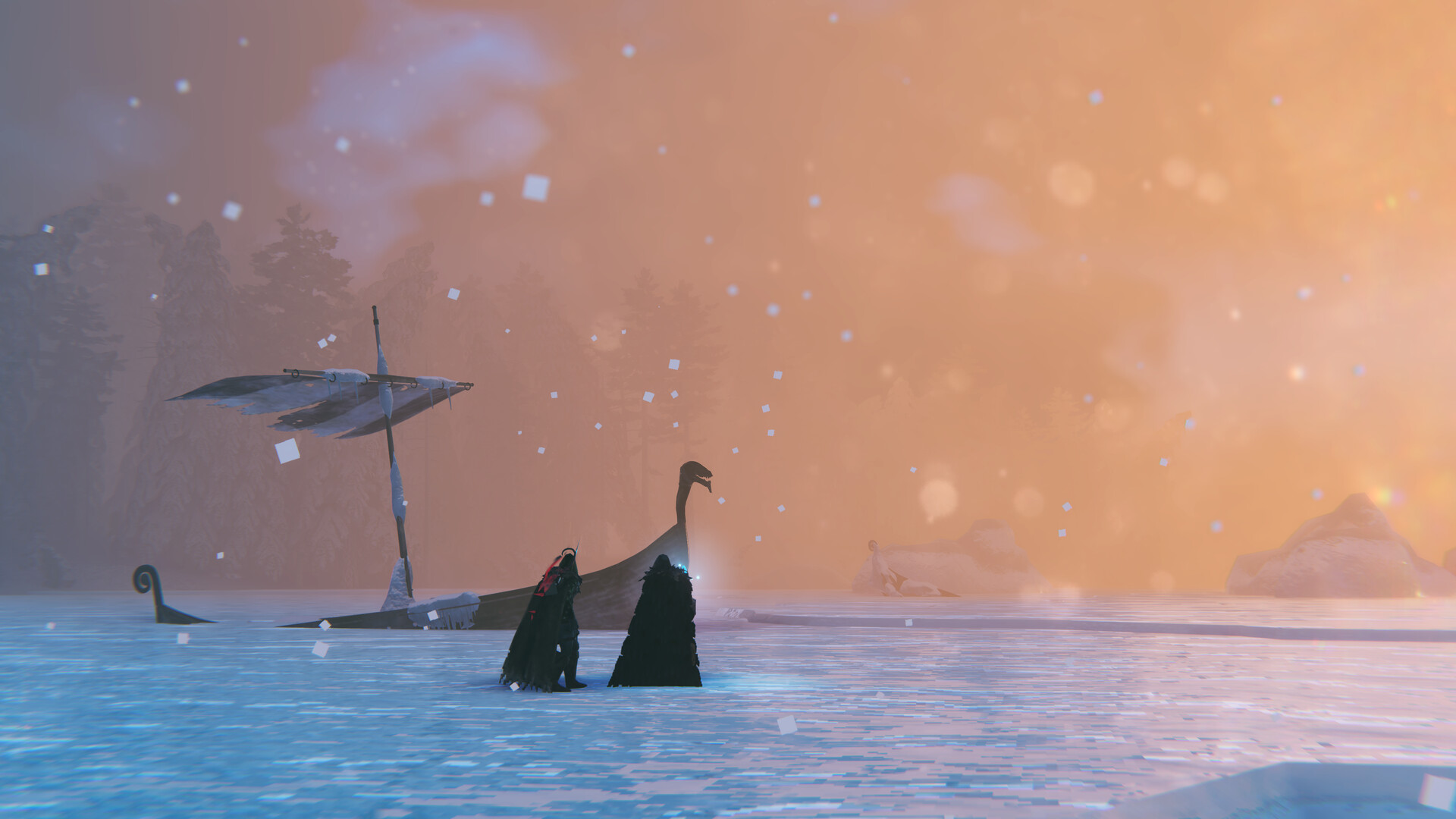
Beyond the terrain fix in Patch 1.0.15, the performance side of Patch 1.0.14 is worth a look even if nothing feels broken. Iron Gate's notes list "improved GPU performance when tessellation is disabled by eliminating unnecessary GPU overhead" and say heightmap shadows are "now calculated more accurately and at a lower performance cost" — both changes that apply automatically, but they're a good reason to revisit whatever graphics preset you settled on during Early Access, especially with a new snow-heavy biome to explore. The patch also optimized the particle system in the main menu and shipped several GPU performance improvements specifically for the Nintendo Switch 2 version.
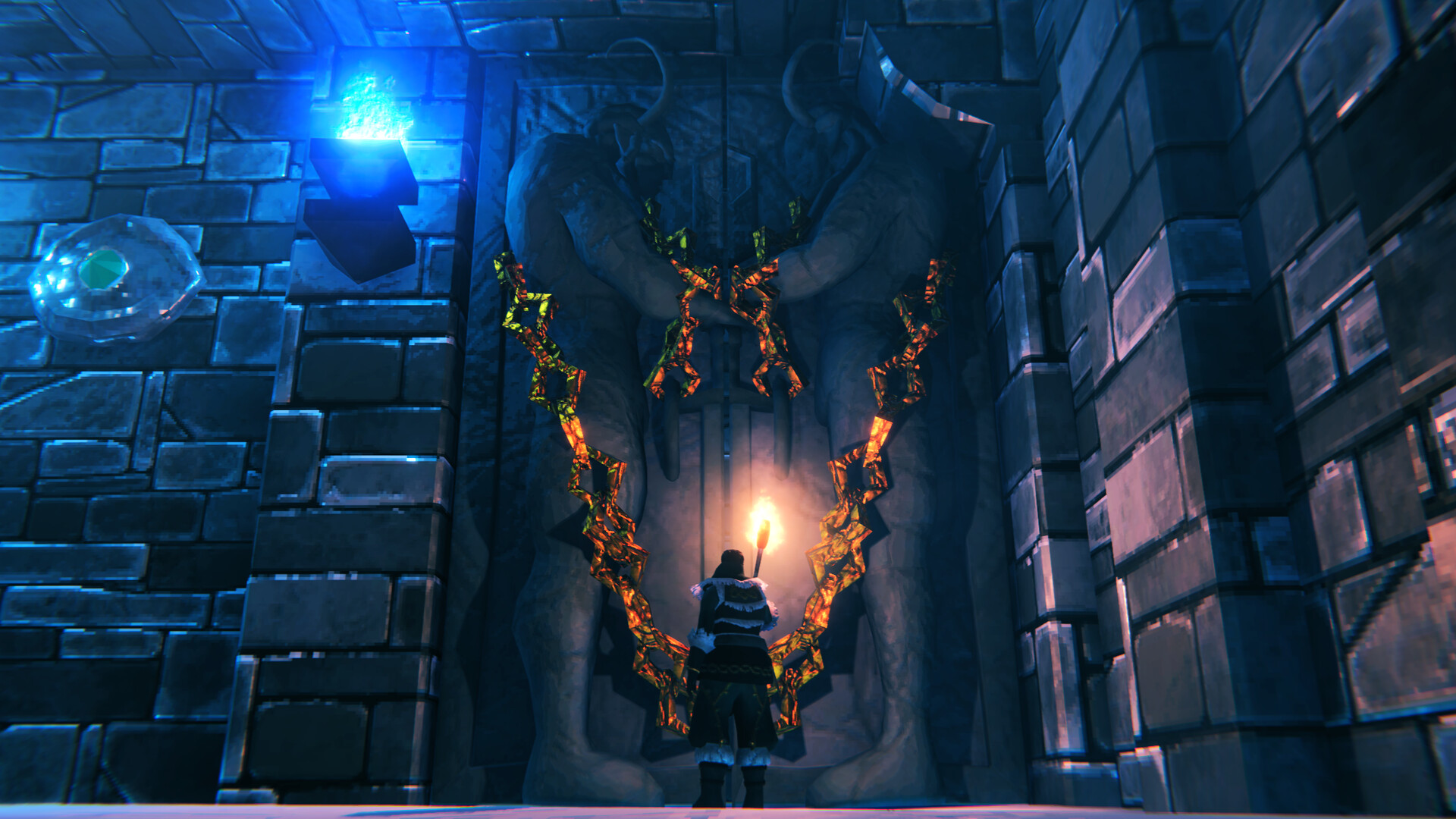
None of these changes require you to lower your settings to get the benefit — they lower the baseline cost of effects that were already running, so the honest move is to try bumping shadow quality or draw distance back up a notch and see whether the frame rate holds where it didn't before Patch 1.0.14. Deep North in particular leans on heightmap-driven snow and ice terrain, so a setting that used to cost more in the older biomes may behave differently once you're standing in it — worth a second pass with the in-game frame counter open rather than trusting whatever preset you locked in months ago.
For the full patch history and platform details, see Iron Gate's official Valheim site, the game's Steam store page, and the Valheim Wikipedia entry for background on the game's Early Access history.
FAQ
Do I need to start a new world for Valheim 1.0?
No. Iron Gate's official 1.0 FAQ says existing saves stay exactly where you left them and continue to work after the update, so you can keep playing your Early Access world.
Can I play crossplay between PC, Xbox, PlayStation 5 and Switch 2?
Yes. Valheim 1.0 shipped with full crossplay across all supported platforms, using in-game join codes rather than a separate account or toggle.
Do my Xbox and PC saves sync with each other?
Only in one direction. Iron Gate's crossplay FAQ states Xbox saves carry over to PC, but only when the PC copy is launched through the Microsoft Store; there is no other cross-platform save sync.
What does Patch 1.0.14 actually change for controls?
It adds an alternate dodge key, hotbar rebinding beyond slots 1-8, radial wheel rebinding and the option to remove a keybind entirely, plus a gamepad fix that restores Sheath to its original button.
Is the 1.0 update free for Early Access owners?
Yes. Iron Gate's FAQ confirms existing copies simply update to the new version at no extra cost — there's no repurchase required.
Official resources

Ana writes the step-by-step tutorials: settings, controls, configs and the systems games never explain properly. Every tutorial is tested on the version named at the top of the page, with the official patch notes linked so you can check what changed.