Battlefield 6: Best PC Settings and Controls for Season 5
Battlefield 6's Update 2.1.1.0 reworks deadzone, crosshair opacity and HUD settings for Season 5 — here's how to retune your PC for Siege of Vegas.
Battlefield 6's Season 5 update, Siege of Vegas, went live on October 13 as Game Update 2.1.1.0, and it touches more than just maps and weapons. The patch also quietly reworks several PC-specific options you rely on every match: controller deadzone, crosshair opacity, HUD text, and how Spectator Mode behaves. If you haven't opened your settings menu since the update landed, a few things you remember from launch no longer work the way you expect. Here's what changed and how to get your setup back to where you want it.
01What Update 2.1.1.0 Actually Changed
Siege of Vegas adds two new maps, Vegas Strip and Area 51, four new weapons (the Mk 24 assault rifle, RSPR personal defense weapon, Z84M light machine gun, and ELR-40 bolt-action sniper rifle), and Rapid Royale, a faster, lower-player-count Battle Royale mode for REDSEC. Ranked Battle Royale also officially launches this season. Alongside that content, the update ships a handful of settings-menu fixes worth knowing about: a hidden controller deadzone buffer is gone (meaning a true 0% deadzone is now possible), a typo in the "ADS Dispersion Crosshair Opacity" option is fixed, the "Infantry Sprint" option's text was updated, and pressing Esc now actually closes the "Quit Game" prompt on PC instead of doing nothing.
None of that sounds dramatic on its own, but if you had already dialed in a deadzone or crosshair setup before the patch, it's worth reopening the menu and confirming the values still read the way you left them. Settings tied to renamed or rebuilt options occasionally reset to default after a patch like this.
02The Deadzone Fix: What a True 0% Means for Aiming
Before this patch, Battlefield 6 applied a hidden analogue stick deadzone buffer underneath whatever value you set in the menu, so a "0%" deadzone wasn't really zero. That buffer is removed in 2.1.1.0, so controller players can now get genuinely dead-zone-free stick input for the first time. If you play on a controller, this is the single most relevant change in this update for your aiming feel.
In practice, a completely flat 0% deadzone exposes stick drift on any controller with worn or slightly miscalibrated sticks, so don't just slam the slider to zero and assume it's correct for you. Start from a small value (most players land somewhere in the 2-5% range) and lower it a notch at a time while strafing and tracking a target, stopping as soon as you notice unintended drift instead of clean centering. Pair that with the response curve setting rather than touching sensitivity alone — the curve governs how quickly input ramps up near the center of the stick, which matters more for fine aim correction than raw sensitivity does.
03Graphics Settings for Vegas Strip and Area 51
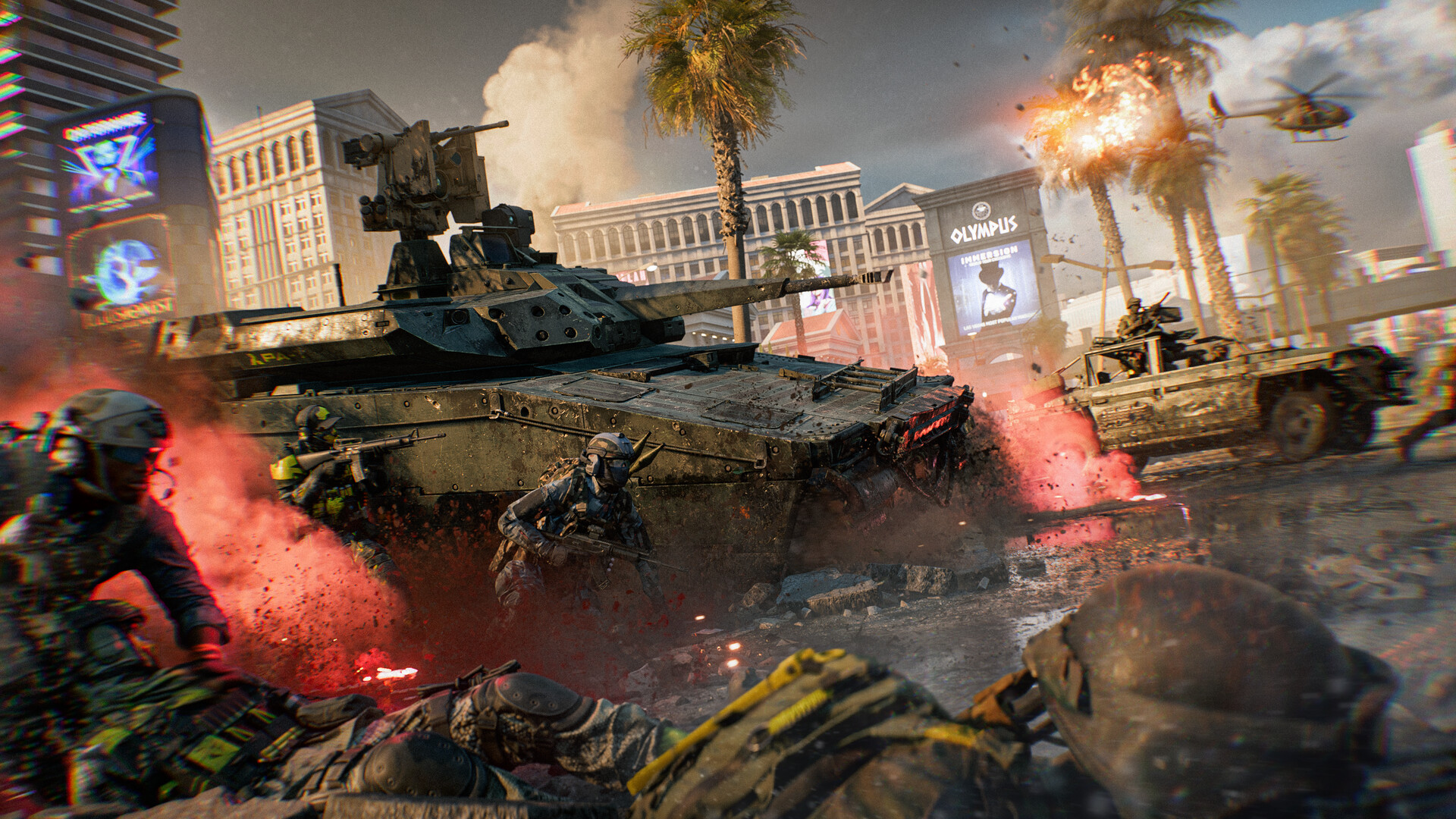
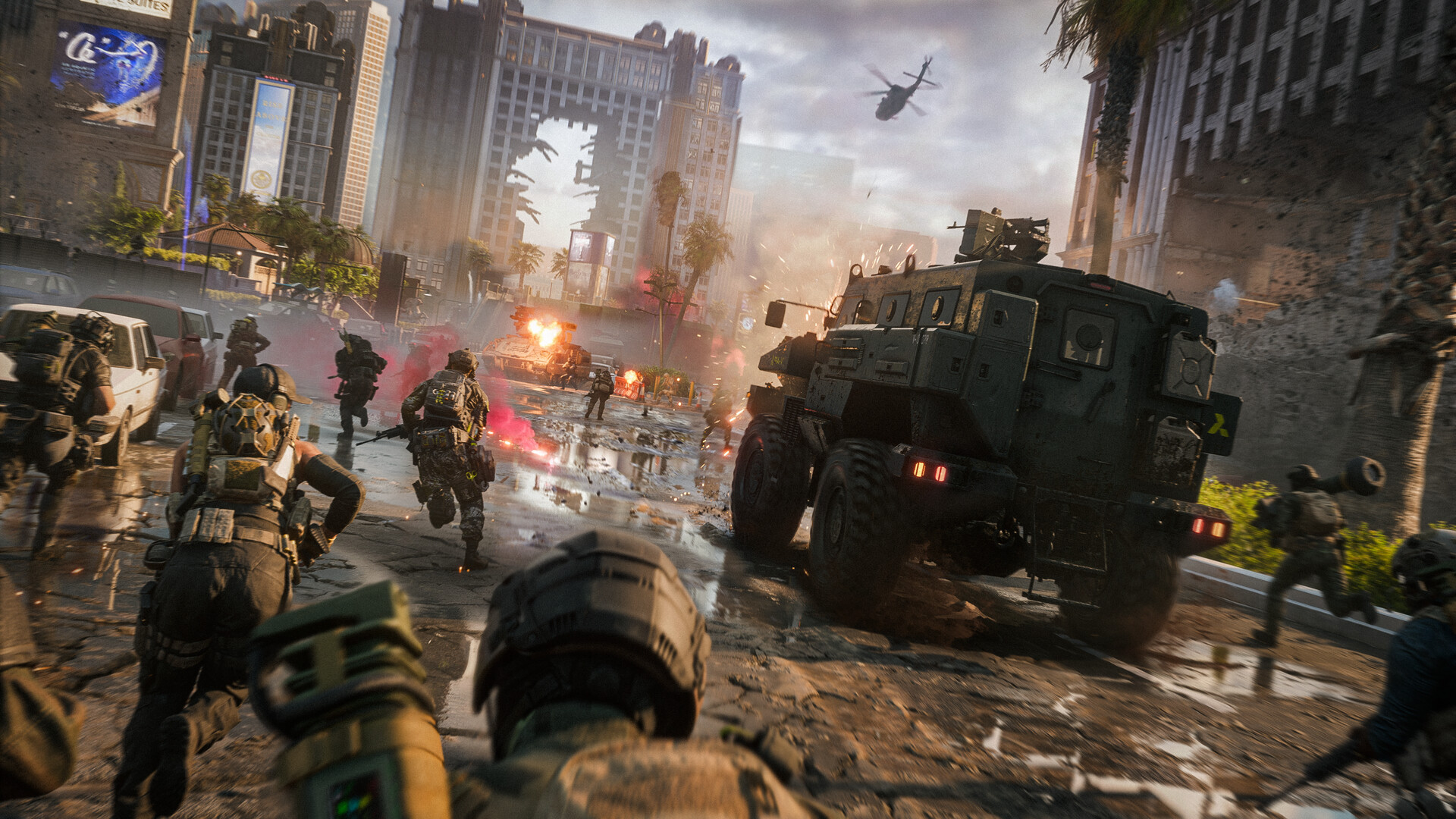
The new maps lean in opposite directions visually: Vegas Strip is a dense casino corridor with reflective floors, neon signage, and a collapsing tower Levolution event, while Area 51 pushes into open desert and underground tunnels. That mix means the settings that made your old maps run well aren't automatically the right ones here. Vegas Strip's reflective surfaces and particle-heavy Levolution moment are the most likely spots to cause frame drops, so if you're chasing a stable frame rate rather than maximum fidelity, start by lowering reflection quality and effects/particle quality before you touch texture resolution — those two categories carry most of the GPU cost on this map without doing much for your ability to actually see and hit targets.
Battlefield 6's official PC system requirements, confirmed on its Steam store page, call for a 64-bit OS, an Intel Core i5-8400 or AMD Ryzen 5 2600, 16 GB of RAM, and an Nvidia RTX 2060, AMD RX 5600 XT, or Intel Arc A380 as a minimum, with TPM 2.0 and Secure Boot both required to launch the game at all. The recommended spec steps up to a Core i7-10700 or Ryzen 7 3700X and an RTX 3060 Ti, RX 6700 XT, or Arc B580. If you're near the minimum spec, Vegas Strip's indoor casino sections are a reasonable benchmark for your settings: if you're holding your target frame rate there, Area 51's more open spaces should run at least as well.
04Rebinding for the New Weapons and the Reworked Anti-Air Vehicles
None of the four new Season 5 weapons — the Mk 24, RSPR, Z84M, or ELR-40 — need a new control scheme, but it's worth checking your fire-mode and gadget binds now that your loadout rotation is about to change, especially if you're switching between an SMG-class RSPR for close-range Vegas Strip fights and a slower ELR-40 for Area 51's longer sightlines. The two weapon types ask for different ADS sensitivity curves, so this is a good moment to set up per-weapon-class sensitivity if you haven't already, rather than relying on one global aim setting for both playstyles.
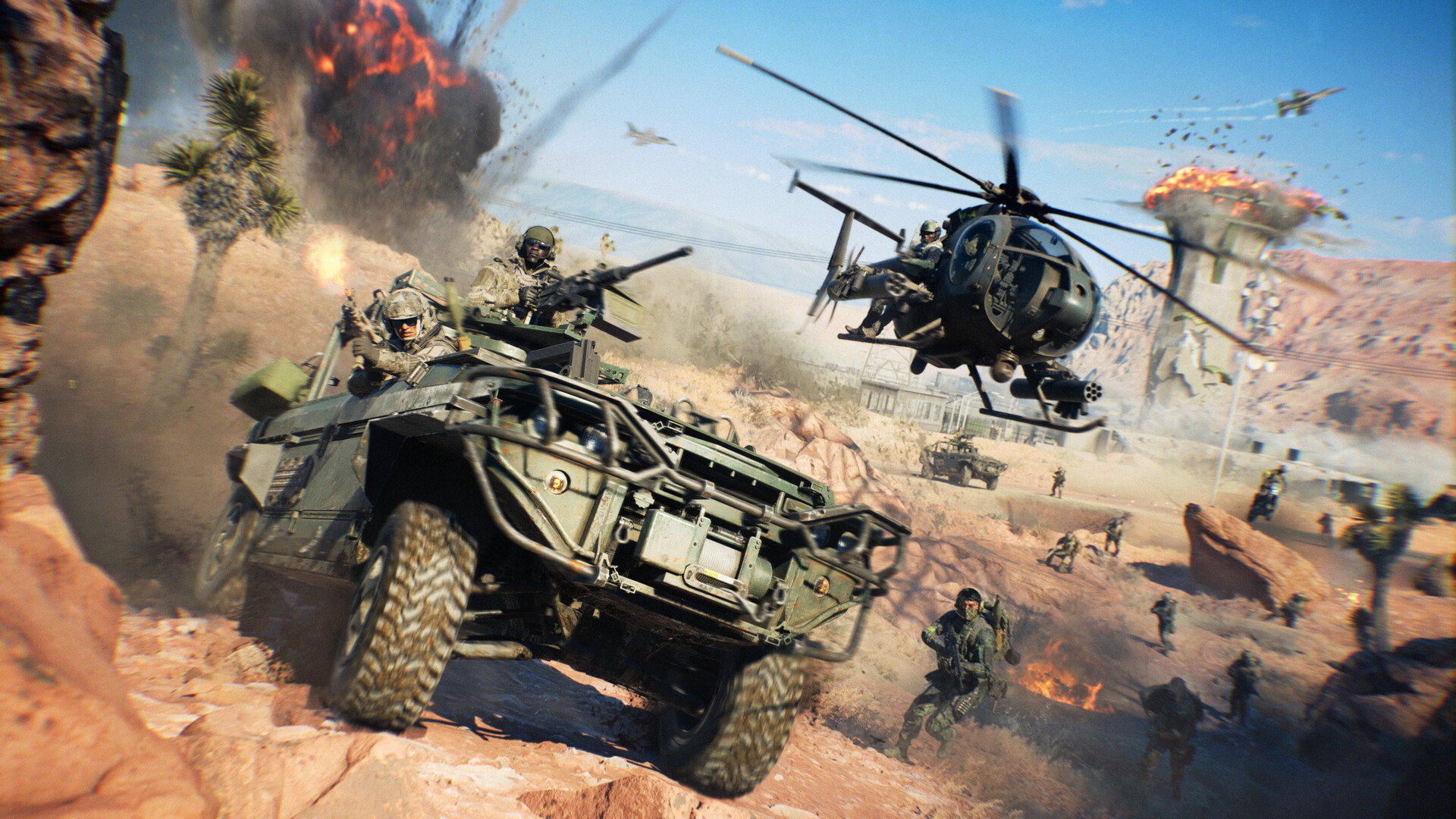
The update's vehicle changes matter more for your settings than the new guns do. Mobile Anti-Air turrets got a 50% faster rotation speed and increased first-person zoom magnification, while the dedicated 35mm High Velocity AA shell lost its overheat penalty entirely. If you jump into an AA seat regularly, raise your vehicle turret sensitivity specifically — the old value that felt right for the slower pre-patch rotation speed will now feel sluggish and cost you shots against jets and helicopters. It's also worth remapping a quick key to cycle AA shell types if you haven't already, since the Anti-Armor AA Shell's reload and magazine size both changed this patch and you'll want to swap loadouts faster mid-fight.
05HUD and Spectator Settings Worth Revisiting
A few quality-of-life fixes landed in the HUD and spectator systems that change how the game behaves even if you never open the settings menu. Spectator Mode now remembers the last camera view you used when switching between players, so you no longer need to re-set your preferred angle every time you tab to a new teammate. The minimap no longer turns black when switching between first- and third-person view, a bug that previously made quick map checks unreliable during vehicle transitions. The objective camera positioning in Multiplayer Spectator Mode was also adjusted, and the Deploy Screen HUD no longer incorrectly appears while spectating from the Big Map.
If you stream, cast, or just spectate squadmates often, it's worth re-checking your "Show Spectator Interface" toggle specifically — this patch fixed it so the spectator UI stays responsive instead of occasionally locking up, which means a setting you may have left disabled as a workaround is now safe to turn back on.
Settings to Check After Update 2.1.1.0
- 1The old hidden deadzone buffer is gone, so your stored 0% setting may now behave differently than before. Nudge it up from zero until stick drift disappears, then stop.2 min
- 2The "ADS Dispersion Crosshair Opacity" option had a typo fixed this patch. Reopen it and set your preferred value in case it reset.1 min
- 3Drop Reflection Quality and Particle/Effects Quality first if you're chasing frame rate — the casino's reflective floors and Levolution event are the heaviest parts of the map.3 min
- 4Mobile Anti-Air turret rotation is 50% faster this patch. If your old sensitivity felt right before, it will feel slow now — raise it to match.2 min
- 5Create separate ADS sensitivity values for close-range weapons like the new RSPR and long-range options like the ELR-40 instead of relying on one global setting.3 min
- 6This toggle's responsiveness bug is fixed this patch. Turn it back on if you had disabled it as a workaround.1 min
06Should You Play During the Free Trial Window?
Battlefield 6 is free to play on PlayStation and Steam from October 15 through October 19, which overlaps directly with the first week of Siege of Vegas. If you've been meaning to check whether your PC can actually run the new maps comfortably before buying, this window is the cheapest way to find out — install it, run the settings checklist above on Vegas Strip specifically, and you'll have a realistic read on your real-world performance before the trial ends. For a deeper walkthrough of everything new this season beyond settings, keep EA's official Season 5 roadmap open alongside this guide.
07Quick Reference: What to Check After This Update
If you only do one thing after reading this, reopen Settings > Controls and confirm your deadzone still matches what you expect — it's the change most likely to have shifted without you noticing. Everything else here is about matching your setup to Siege of Vegas specifically: dial graphics around Vegas Strip's reflections, raise AA turret sensitivity if you fly anti-air, and double check your spectator settings if you ever watch a squadmate's feed. None of these take more than a few minutes, and they're the difference between fighting the settings menu and fighting the other team.
FAQ
Do I need to change my controller deadzone after Update 2.1.1.0?
Not necessarily, but you should check it. The update removed a hidden deadzone buffer, so a 0% setting now behaves differently than it did before. If you notice new stick drift, raise the value slightly instead of leaving it at zero.
What are the best graphics settings for the new Vegas Strip map?
Start by lowering Reflection Quality and Effects/Particle Quality — Vegas Strip's casino floors and its Levolution tower collapse are the most demanding parts of the map, and both settings affect frame rate far more than texture resolution does.
Will my PC run Battlefield 6 Season 5?
If you meet the official minimum spec — a Core i5-8400 or Ryzen 5 2600, 16 GB RAM, and an RTX 2060, RX 5600 XT, or Arc A380, with TPM 2.0 and Secure Boot enabled — the game will run. The free trial running October 15-19 is a good way to confirm performance on your own setup before buying.
Did Update 2.1.1.0 change any default controls?
No keybinds changed by default, but it's worth revisiting your vehicle turret sensitivity if you play Anti-Air — turret rotation speed increased by 50% this patch, so your old sensitivity will feel noticeably slower than before.
What is Rapid Royale?
Rapid Royale is a new, faster REDSEC Battle Royale mode added in Season 5, built around a lower player count, airdrops, and a quicker-closing ring of fire than standard Battle Royale matches.
Official resources

Ana writes the step-by-step tutorials: settings, controls, configs and the systems games never explain properly. Every tutorial is tested on the version named at the top of the page, with the official patch notes linked so you can check what changed.